ToolMage
Sign in

Best 1 Virtual Scribe AI tools for Ai Assistant

Popular Virtual Scribe AI tools in Ai Assistant include Scribeberry, helping you work more efficiently.

Scribeberry
Freemium

Scribeberry

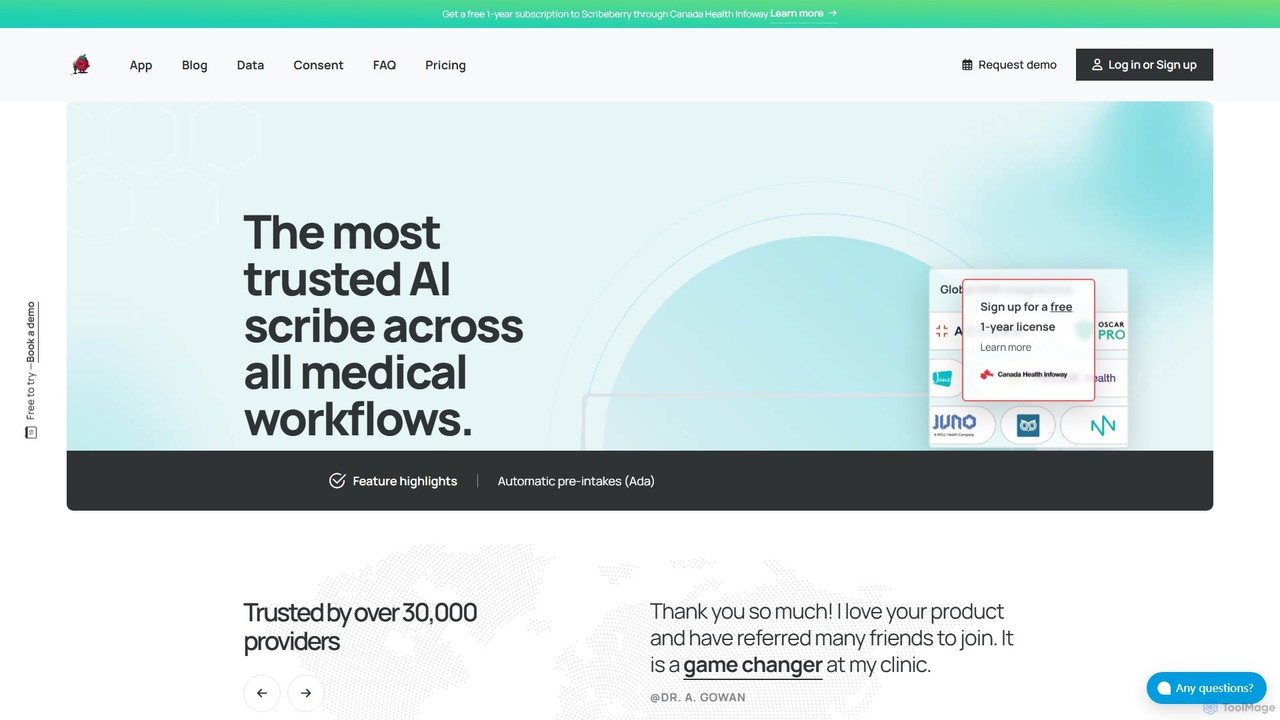
Scribeberry is an advanced AI-powered medical scribe designed for clinicians. It automates clinical documentation by listening to patient encounters, generating structured notes, and integrating seamlessly with EMRs. This saves healthcare providers hours daily, reduces burnout, and allows for greater focus on patient care.

Virtual Scribe
Visits 71.8KFavorites 118Likes 113

About Virtual Scribe

Virtual Scribe tools are AI-powered assistants designed to automatically convert spoken language into written text, providing intelligent transcription and summarization services. These sophisticated tools leverage advanced speech-to-text (STT) technology and natural language processing (NLP) to accurately capture conversations, identify speakers, and extract critical information. They serve as invaluable digital note-takers, significantly enhancing productivity by transforming raw audio into structured, searchable, and shareable documentation across various professional and personal contexts.

Core Features

  • Accurate Transcription: Converts spoken words from audio/video into highly accurate, time-stamped text, supporting multiple languages and accents.
  • Speaker Identification: Automatically distinguishes and labels different speakers in a conversation, making transcripts easier to follow.
  • Intelligent Summarization: Generates concise summaries of lengthy discussions, highlighting key decisions, action items, and main topics.
  • Keyword Extraction: Identifies and extracts important keywords and phrases, enabling quick content search and analysis.
  • Real-time Processing: Offers live transcription and summarization during ongoing meetings or events, providing immediate insights.

Use Cases

Professionals across various sectors utilize Virtual Scribes to streamline information management. For instance, business teams use them to document meeting minutes, ensuring all decisions and action items are accurately recorded and easily accessible. Journalists and researchers employ these tools to transcribe interviews, saving hours of manual work and facilitating content analysis. Educators can leverage them to create accessible lecture notes for students, enhancing learning and retention.

How to Choose

When selecting a Virtual Scribe, prioritize transcription accuracy, especially for specific accents or technical jargon. Evaluate its summarization capabilities and the clarity of generated insights. Consider integration options with existing calendar or communication platforms, and assess its real-time processing speed. Finally, review data privacy policies and security measures, as sensitive information may be handled.

Featured tool rankings

Virtual Scribe use cases

1

Automate Meeting Minutes and Action Item Tracking

Business professionals, project managers, and team leads use Virtual Scribes to automatically transcribe and summarize team meetings, client calls, and brainstorming sessions. The tool identifies speakers, extracts key decisions, and lists action items, eliminating the need for manual note-taking. This ensures accurate records, saves significant time, and allows participants to focus entirely on the discussion, leading to faster follow-ups and improved project execution.

2

Efficiently Transcribe Interviews for Research and Journalism

Researchers, journalists, and content creators leverage Virtual Scribes to convert audio recordings of interviews, focus groups, and field notes into searchable text. This drastically reduces the time spent on manual transcription, allowing them to quickly analyze qualitative data, identify themes, and extract direct quotes. The accuracy and speed of these tools accelerate the research process and enhance content production.

3

Create Accessible Lecture Notes and Educational Summaries

Educators and students utilize Virtual Scribes to transcribe lectures, seminars, and online courses. The tool provides a written record of spoken content, which can then be summarized or searched for specific topics. This supports students with diverse learning needs, aids in revision, and helps educators create comprehensive study materials, making educational content more accessible and engaging.

4

Document Legal Consultations and Proceedings Accurately

Legal professionals, including lawyers and paralegals, employ Virtual Scribes to transcribe client consultations, depositions, and court hearings. The high accuracy of these tools ensures that every word is captured, providing a reliable and verifiable record. This streamlines documentation, reduces the risk of errors, and supports legal compliance, allowing legal teams to focus on case strategy rather to manual transcription.

5

Analyze Customer Service Calls for Insights and Training

Customer service managers and quality assurance teams use Virtual Scribes to transcribe and analyze customer support calls. By converting calls into text, the tool enables automated sentiment analysis, keyword tracking, and identification of common customer issues. This provides valuable insights for improving service quality, training agents, and optimizing customer experience strategies, leading to higher customer satisfaction.

6

Boost Personal Productivity with Voice-to-Text Note-Taking

Individuals and busy professionals use Virtual Scribes for personal productivity, such as dictating thoughts, capturing ideas during commutes, or transcribing personal memos. The ability to quickly convert spoken words into organized text helps in brainstorming, drafting content, and managing daily tasks without the need for typing. This frees up mental bandwidth and ensures no valuable idea is lost.

Virtual Scribe FAQ

What are Virtual Scribe tools and how do they work?

Virtual Scribe tools are AI-powered applications that automatically convert spoken audio into written text, acting as intelligent digital note-takers. They work by employing advanced speech-to-text (STT) technology to recognize speech patterns and natural language processing (NLP) to understand context, identify speakers, and extract key information. Their primary function is to provide accurate transcriptions, summaries, and organized documentation from various audio sources like meetings, interviews, and lectures.

How do I choose the best Virtual Scribe tool for my needs?

To choose the best Virtual Scribe, consider several factors. First, evaluate its transcription accuracy, especially for diverse accents or technical jargon relevant to your field. Second, assess its summarization capabilities and how effectively it extracts key insights and action items. Third, check for integration with your existing workflow tools like calendars or communication platforms. Fourth, consider real-time processing features if live transcription is crucial. Finally, review pricing models, data security, and privacy policies to ensure they align with your requirements.

What's the difference between a Virtual Scribe and traditional human transcription services?

The main difference lies in automation, speed, and cost. Virtual Scribes are AI-driven, offering instant or near real-time transcription and summarization at a significantly lower cost. They excel in speed and scalability, handling large volumes of audio efficiently. Traditional human transcription services, while often offering higher accuracy for very complex or poor-quality audio, are slower and more expensive. Virtual Scribes are ideal for quick, searchable documentation and initial drafts, whereas human services might be preferred for highly sensitive legal documents requiring absolute perfection.

What are the key benefits of using a Virtual Scribe?

Using a Virtual Scribe offers numerous benefits. It dramatically saves time by automating transcription and summarization, freeing users from manual note-taking. It enhances accuracy by capturing every word spoken, reducing the risk of missing critical details. These tools improve accessibility by providing written records for those with hearing impairments or for reviewing content in silent environments. Furthermore, they boost productivity by allowing participants to fully engage in discussions, and they make information easily searchable and shareable, streamlining knowledge management.

Can Virtual Scribes handle multiple languages and accents?

Yes, many advanced Virtual Scribe tools are designed to handle multiple languages and a wide range of accents. They often incorporate sophisticated AI models trained on vast datasets of speech in various linguistic contexts. While accuracy can vary depending on the specific tool, the clarity of the audio, and the complexity of the accent or language, leading platforms continuously improve their capabilities. Users should check the tool's specifications for supported languages and test its performance with their specific audio types to ensure optimal results.