ToolMage
Sign in

Best 2 Ar & Vr AI tools

Popular Ar & Vr AI tools include Unity and Hexagram, helping you work more efficiently.

Hexagram

Hexagram

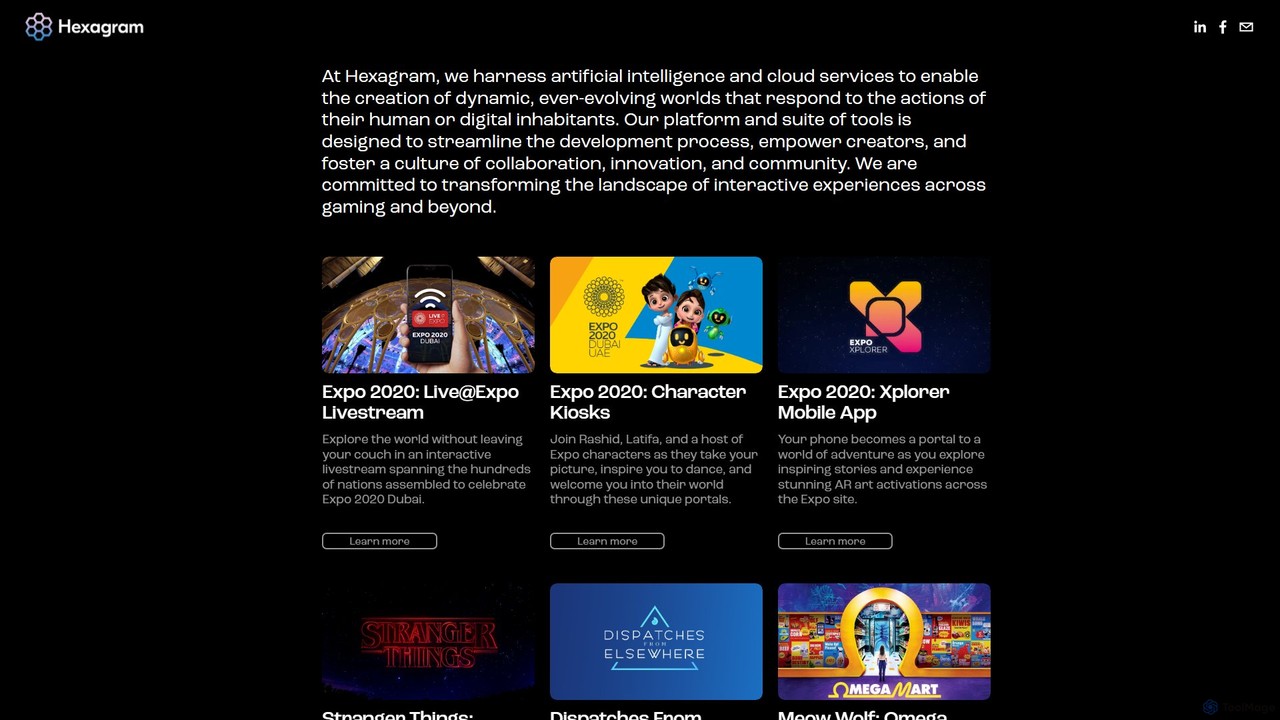
Hexagram is a creative technology platform that uses AI and cloud services to build dynamic, interactive worlds and transmedia experiences. It specializes in creating immersive narratives for gaming, experiential marketing, and large-scale events, blending digital and physical realities.

Ar Development
Visits 5KFavorites 92Likes 112
Unity
Freemium

Unity

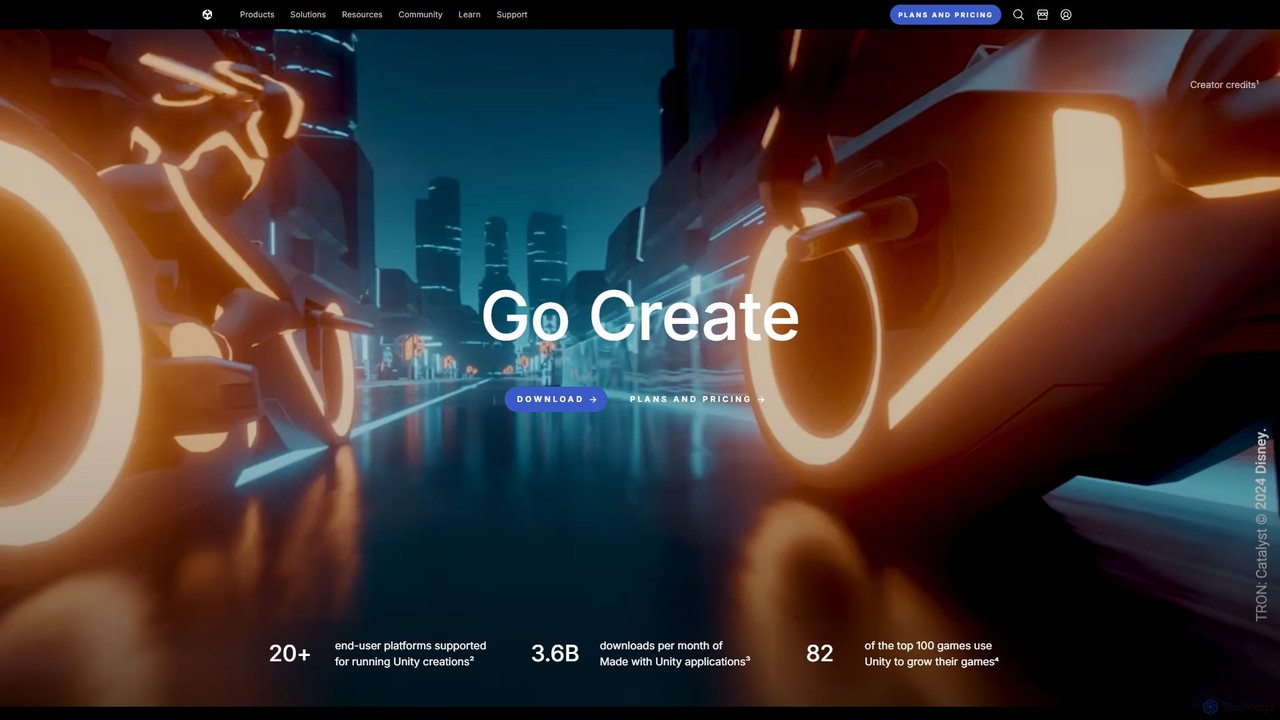
Unity is the world's leading real-time 3D development platform for creating and operating interactive content. It empowers creators across industries, from gaming and film to automotive and architecture, to build immersive experiences for over 20 platforms, including PC, mobile, console, VR, and AR.

3D Modeling
Visits 8.7MFavorites 112Likes 115

About Ar & Vr

AI-powered AR & VR tools are applications that create, manipulate, and enhance immersive digital experiences. They leverage artificial intelligence for crucial functions like real-time object recognition, spatial mapping, and intelligent content generation, enabling the overlay of digital information onto the real world (AR) or the construction of entirely virtual environments (VR). This technology facilitates powerful applications in interactive training, product visualization, and remote collaboration. The integration of AI makes these experiences more responsive, realistic, and seamlessly interactive with user actions and their physical surroundings.

Core Features

  • Spatial Mapping & Recognition: AI analyzes the physical environment to place digital objects realistically and identify real-world items.
  • AI-Powered 3D Asset Generation: Automatically creates 3D models, textures, and environments from text prompts or 2D images.
  • Intelligent Avatar & NPC Interaction: Generates realistic avatars and non-player characters (NPCs) with natural movements and conversational abilities.
  • Gesture & Voice Control: Uses machine learning to interpret user movements and voice commands for intuitive control within immersive spaces.
  • Real-time Rendering Optimization: Employs AI to optimize graphics performance, ensuring smooth and high-fidelity AR/VR experiences.

Use Cases

These tools are widely used across various sectors. In manufacturing and healthcare, they are used for complex training simulations and surgical planning. In retail and real estate, they enable virtual product try-ons and immersive property tours. Designers and architects use them for collaborative design reviews in a shared virtual space, accelerating decision-making.

How to Choose

When selecting an AR & VR tool, first consider platform compatibility with your target hardware (e.g., Meta Quest, mobile devices). Evaluate the development environment—whether you need a no-code platform or a full SDK for engines like Unity or Unreal. Assess the specific AI features offered, such as object recognition accuracy or 3D generation quality. Finally, consider its integration capabilities with other software and its scalability for multi-user experiences.

Featured tool rankings

Ar & Vr use cases

1

Interactive Retail Product Visualization

An e-commerce manager aims to reduce customer hesitation when buying large items like furniture online. Using an AI-powered AR tool, they implement a 'View in Your Room' feature on their product pages. When a customer uses this feature, the tool's AI leverages their smartphone camera to perform spatial mapping, accurately recognizing floor and wall planes. It then overlays a true-to-scale 3D model of the product in the customer's physical space. This allows shoppers to realistically visualize how furniture will fit and look in their home, significantly increasing purchase confidence and reducing return rates.

2

Immersive Employee Training Simulations

A corporate safety officer needs to train employees on operating complex machinery without risking injury or equipment damage. They use a VR development platform to create a realistic training simulation. In this virtual environment, trainees can interact with a digital twin of the machinery. The AI module within the simulation introduces random, realistic fault scenarios, such as an engine overheat or a pressure leak. It then tracks the trainee's response, provides real-time corrective feedback, and generates a performance report, ensuring a safe, repeatable, and highly effective learning experience.

3

Collaborative Architectural Design Review

An architectural firm needs to present a new building design to international clients. Instead of relying on 2D blueprints, they use a multi-user VR platform. The architect uploads their 3D CAD model into the platform, creating a 1:1 scale virtual building. Clients and engineers join the session from their respective locations using VR headsets. They can walk through the space together, assess sightlines, and discuss material choices. An integrated AI tool allows them to instantly change lighting conditions or swap furniture models with voice commands, facilitating rapid iteration and leading to faster client approval.

4

AI-Assisted Medical Procedure Planning

A surgeon is preparing for a complex tumor removal surgery. To enhance precision, they use an AI-powered VR tool that converts the patient's 2D MRI and CT scans into a detailed, interactive 3D model. In the VR environment, the surgeon can manipulate this 3D organ, view it from any angle, and precisely map the tumor's location relative to critical blood vessels. The AI highlights high-risk areas and can simulate different surgical approaches, allowing the surgeon to rehearse the procedure and plan the safest incision path, ultimately improving patient outcomes.

5

Creating Interactive Educational Content

A history teacher wants to create a more engaging lesson on ancient Rome. Using a no-code AR creation platform, they design an interactive experience for their students' tablets. They link specific triggers in a textbook to 3D models. When a student points their tablet's camera at a picture of the Colosseum, a detailed 3D model appears on their screen. An AI-powered virtual guide, integrated into the app, provides a narrated tour and can answer student questions about the structure in natural language. This transforms a static textbook into a dynamic, interactive learning tool that improves student engagement and knowledge retention.

6

Rapid Prototyping for Game Development

An indie game developer needs to quickly create and test assets for a new VR game concept. Instead of spending weeks manually modeling, they use an AI-powered VR creation tool. Inside the VR environment, they use text prompts and simple gestures to generate 3D models of characters, props, and terrain. The AI interprets their commands to produce stylized assets that match the game's aesthetic. This allows the developer to rapidly build and inhabit a prototype world, test game mechanics in an immersive context, and iterate on design ideas in hours instead of weeks, significantly accelerating the creative process.

Ar & Vr FAQ

What are AI-powered AR & VR tools?

AI-powered AR & VR tools are software applications that use artificial intelligence to create, enhance, and interact with immersive digital environments. AR (Augmented Reality) tools overlay digital information onto the real world, while VR (Virtual Reality) tools create entirely simulated worlds. AI is the core technology that enables features like understanding physical spaces, recognizing objects and gestures, and generating realistic 3D content and intelligent virtual characters, making the experiences more seamless and interactive.

How to choose the right AR/VR tool?

Choosing the right tool depends on your project's needs. Consider these factors:

  • Objective & Platform: Define your goal (e.g., marketing app, training simulation) and target platform (mobile AR, VR headset like Quest). This narrows down your options significantly.
  • Technical Skill Level: If you're a non-developer, look for no-code or low-code platforms with user-friendly interfaces. If you're a developer, consider SDKs that integrate with engines like Unity or Unreal.
  • Core AI Features: Assess if you need advanced object recognition, high-fidelity 3D asset generation, natural language processing for virtual agents, or precise hand tracking.
  • Scalability and Integration: Check if the tool supports multi-user experiences and can integrate with other software you use, such as CAD programs or e-commerce platforms.
What's the main difference between AR and VR tools?

The primary difference lies in their relationship with the real world. AR (Augmented Reality) tools enhance or add to the real world by overlaying digital content (like 3D models or data) onto your view, typically through a smartphone or smart glasses. You remain aware of your physical surroundings. VR (Virtual Reality) tools, on the other hand, replace your reality entirely. They use a headset to immerse you in a completely computer-generated environment, blocking out the real world to create a sense of presence in a new, digital space.

Who can benefit from using AR & VR tools?

A wide range of professionals and industries can benefit from AR & VR tools. Key users include:

  • Educators and Trainers: For creating immersive and safe learning simulations for students or employees.
  • Retailers and Marketers: To offer virtual try-on experiences and in-home product visualizations.
  • Architects and Engineers: For collaborative design reviews and 1:1 scale virtual walkthroughs of buildings.
  • Healthcare Professionals: For surgical planning, medical training, and therapeutic applications.
  • Game Developers and Creators: To build next-generation interactive entertainment and artistic experiences.
How does AI enhance AR and VR experiences?

AI acts as the 'brain' that makes AR and VR experiences intelligent and realistic. It enhances them in several key ways:

  • World Understanding: AI algorithms like SLAM (Simultaneous Localization and Mapping) allow devices to understand the geometry of a physical space, enabling realistic placement of virtual objects.
  • Realistic Interaction: AI powers natural user interfaces, including gesture recognition, voice commands, and eye tracking, making interactions more intuitive.
  • Content Creation: Generative AI can create 3D models, textures, and even entire virtual worlds from simple text prompts, dramatically speeding up development.
  • Intelligent Characters: AI gives virtual avatars and non-player characters (NPCs) the ability to move, behave, and converse in a believable and responsive manner.