Art Best in category 2 results Cinematography AI Tool

Popular AI tools in the Cinematography field of Art include Veo 3 AI、Moonvalley, etc., helping you quickly improve efficiency.

Moonvalley

Moonvalley

Moonvalley is a professional AI video generation platform designed for filmmakers and creators. Powered by its foundational model, …

2.9K
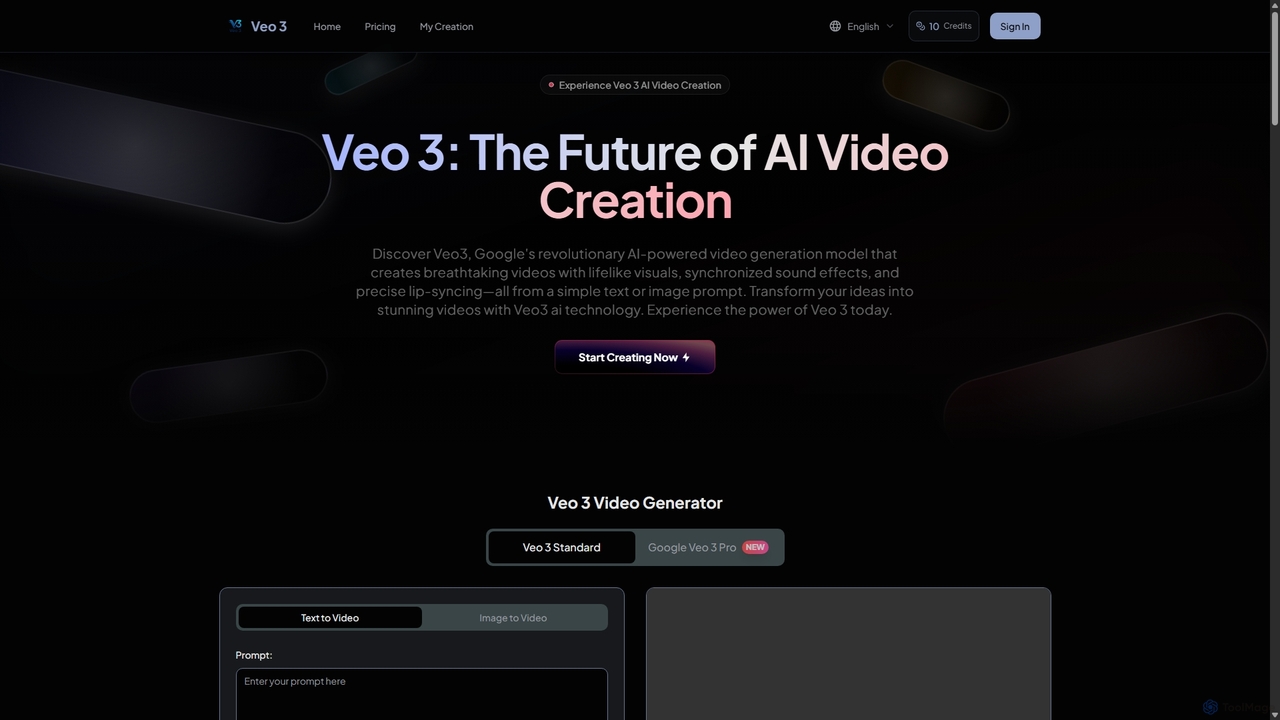
Veo 3 AI

Veo 3 AI

Veo 3 AI is a revolutionary AI video generation model based on Google's technology. It creates breathtaking, high-fidelity …

4.1K

About Cinematography

AI Cinematography tools are a specialized class of software that uses artificial intelligence to automate and enhance the art of visual storytelling in video. They leverage algorithms for deep learning and computer vision to analyze footage and intelligently apply cinematic techniques for camera movement, lighting, and color grading. These tools empower filmmakers, video creators, and animators to achieve professional-grade visual aesthetics, simulate complex camera work without physical equipment, and maintain visual consistency across projects. This technology makes high-end cinematic production more accessible and efficient.

Core Features

  • Automated Shot Composition: Suggests or applies framing rules like the rule of thirds and leading lines to improve visual balance.
  • AI Color Grading: Analyzes scenes to apply color palettes that match a specific mood, genre, or reference style.
  • Virtual Camera Simulation: Creates dynamic camera movements such as dolly, crane, or tracking shots from static video footage.
  • Intelligent Lighting Effects: Adds or adjusts virtual light sources to enhance depth, mood, and character focus.
  • Scene Continuity Analysis: Detects and flags inconsistencies in lighting, color, and object placement between shots.

Use Cases

These tools are invaluable for independent filmmakers seeking to elevate production value on a budget, content creators aiming for a more cinematic look on social media, and animation studios creating realistic camera work in digital environments. They are also used in post-production houses to speed up color grading and shot correction workflows.

How to Choose

When selecting an AI Cinematography tool, consider its integration with your existing non-linear editing (NLE) software like Premiere Pro or DaVinci Resolve. Evaluate the level of creative control it offers versus full automation. Also, assess its processing speed, output resolution support (e.g., 4K, 8K), and whether it specializes in a single area like color or offers a comprehensive suite of features.

CinematographyUse Cases

1

Pre-visualization for Film Directors

A film director preparing for a complex action sequence uses an AI cinematography tool to create a dynamic pre-visualization. Instead of static storyboards, they input the script and basic 3D models of the environment. The AI generates multiple camera coverage options, suggesting crane shots, tracking shots, and rapid cuts that align with the scene's pacing. This allows the director and DP to experiment with visual ideas, refine the shot list, and communicate a clear vision to the crew before stepping on set, saving significant time and resources during production.

2

Cinematic Enhancement for Content Creators

A YouTuber shooting a product review on a static tripod wants to make the video more engaging. Using an AI cinematography tool in post-production, they apply a subtle virtual dolly zoom to emphasize key product features and a slow virtual pan across the product setup. The tool's AI color grading feature analyzes the footage and suggests a clean, modern color palette that makes the product pop. The result is a video that looks professionally shot with multiple camera movements, elevating the production value and viewer engagement without requiring expensive camera gear or complex manual editing.

3

Automated Color Grading in Post-Production

A post-production editor is tasked with color grading a short film shot by multiple camera operators under varying lighting conditions. To ensure consistency, they use an AI cinematography tool. They select a key reference shot and the AI automatically analyzes its color profile—contrast, saturation, and hue. It then applies a matching grade to all other clips in the timeline, intelligently adjusting for differences in exposure and white balance. This process reduces the manual grading time by hours and creates a cohesive, professional look across the entire film.

4

Dynamic Camera Work for 3D Animation

An animator working on a 3D animated series needs to create complex, realistic camera movements for a chase scene. Instead of manually keyframing the camera's path, which is time-consuming and can look robotic, they use an AI cinematography plugin. The animator sets start and end points, and the AI generates a natural-looking camera path that includes subtle shakes, organic easing, and focus pulls that mimic a real camera operator. This allows the animation team to produce high-quality, cinematic sequences much faster, focusing their efforts on character performance rather than technical camera mechanics.

5

Creating High-Impact Marketing Videos

A marketing team needs to create several variations of a product ad for social media A/B testing. They have one piece of well-shot footage. Using an AI cinematography tool, they can quickly generate multiple versions. One version might have a dramatic, slow-motion virtual zoom. Another might feature energetic, fast-paced virtual camera shakes and quick cuts suggested by the AI. A third could have a warm, inviting color grade, while a fourth has a sleek, high-tech look. This allows the team to test which cinematic style resonates most with their audience without reshooting any content, optimizing their ad spend and campaign effectiveness.

6

Improving Visuals for Indie Game Trailers

An indie game developer wants to create a compelling trailer but lacks filmmaking experience. They capture gameplay footage directly from the game engine. In post-production, they use an AI cinematography tool to analyze the action. The AI automatically identifies key moments—like an explosion or a character's special move—and applies cinematic effects. It adds a virtual camera shake during the explosion, a slow-motion effect for the special move, and applies a consistent, moody color grade across all clips. This transforms raw gameplay footage into a polished, exciting trailer that looks professionally directed, helping the game stand out to potential players.

CinematographyFrequently Asked Questions