ToolMage
Sign in

Best 2 Game Asset Generation AI tools for Art

Popular Game Asset Generation AI tools in Art include Scenario and Mirage, helping you work more efficiently.

Scenario
Paid

Scenario

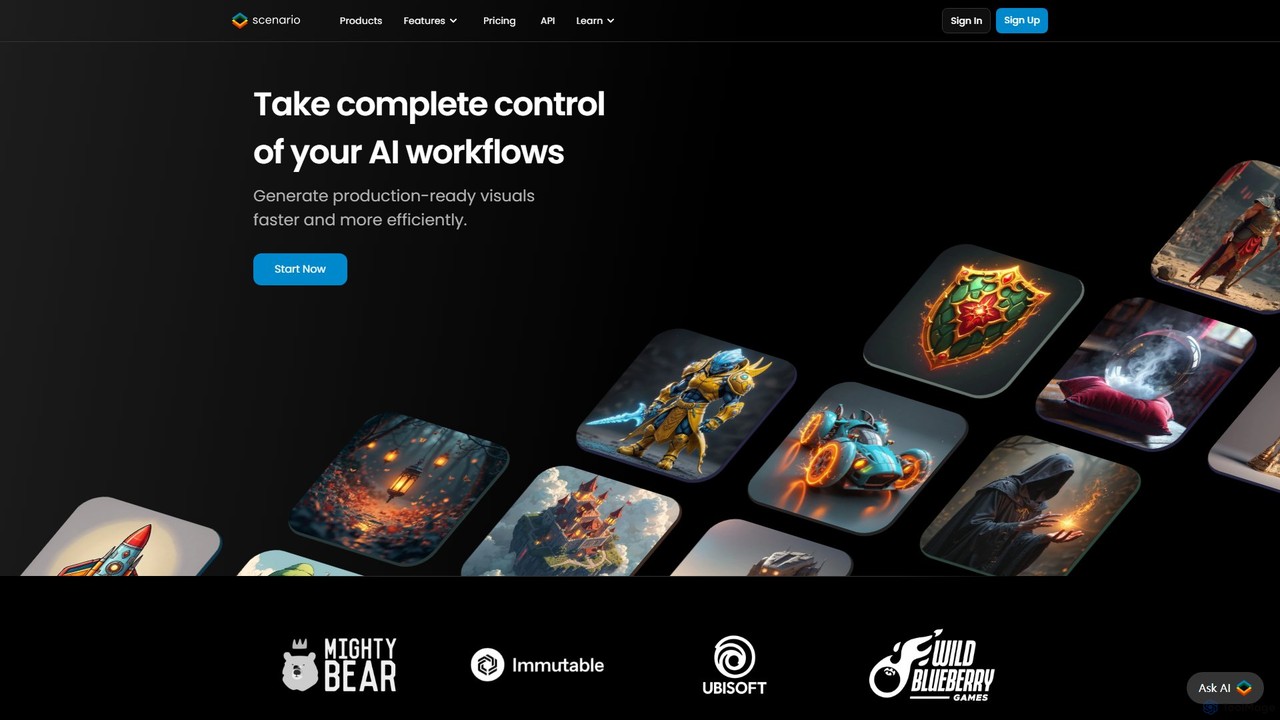
Scenario is an AI-powered platform for artists and game developers to create consistent, high-quality game assets. It enables users to train custom AI models on their unique art styles, generate images, textures, and videos, and offers a full suite of editing tools for complete creative control and workflow acceleration.

Game Asset Generation
Visits 311.8KFavorites 154Likes 152
Mirage
Freemium

Mirage

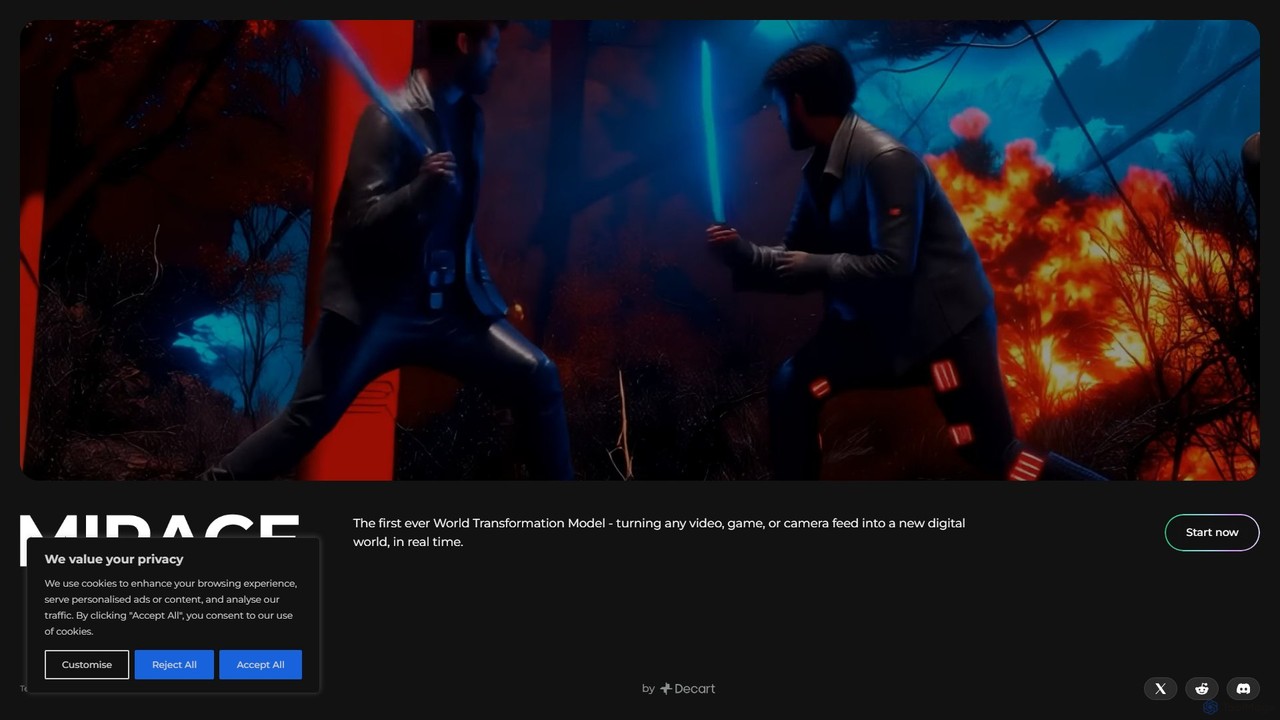
Mirage by Decart.ai is an advanced AI-powered 3D content creation platform. It enables users to generate high-quality 3D models, textures, and entire scenes from simple text prompts or 2D images. Designed for game developers, 3D artists, and designers, Mirage streamlines the creative workflow, dramatically reducing the time and effort required to produce stunning 3D assets.

Generative Modeling
Visits 8KFavorites 155Likes 148

About Game Asset Generation

Game Asset Generation tools are a specialized class of AI that automates the creation of visual elements for video games. These tools leverage advanced generative models to produce game-ready assets such as 2D sprites, seamless textures, concept art, and even basic 3D models directly from text prompts or image inputs. Their primary value lies in dramatically accelerating the development pipeline, enabling rapid prototyping and empowering developers to create rich visual worlds with greater efficiency. This technology is particularly beneficial for indie developers and large studios during the pre-production and content creation phases.

Core Features

  • Text-to-Texture Generation: Creates seamless, physically-based rendering (PBR) compliant textures (albedo, normal, roughness maps) from simple text descriptions.
  • 2D Sprite Sheet Creation: Generates animated character or object sprite sheets from a single static image or descriptive prompt.
  • Concept Art & Ideation: Quickly visualizes characters, environments, props, and items to establish a game's art style.
  • 3D Model Generation: Produces basic 3D meshes or voxel models that can be used as placeholders or starting points for detailed modeling.
  • Style Consistency Control: Employs techniques like style references or consistent seeds to maintain a coherent artistic vision across multiple assets.

Applicable Scenarios

These tools are invaluable for game development studios of all sizes. Indie developers use them to create entire sets of assets without a large art team, while major studios employ them for rapid prototyping and concept exploration in the early stages of a project. They are also used by programmers to generate placeholder art, allowing them to build and test game mechanics without waiting for final assets.

Selection Criteria

When choosing a Game Asset Generation tool, consider its specialization—whether it excels at 2D sprites, 3D models, or textures. Evaluate its integration capabilities, such as plugins for game engines like Unity or Unreal Engine. Assess the level of customization and control it offers over the final output. Crucially, review the licensing terms to ensure the generated assets can be legally used in your commercial projects.

Game Asset Generation use cases

1

Rapid Prototyping for Indie Developers

An indie game developer is testing a new 2D platformer concept but lacks artistic resources. Instead of spending days creating placeholder art, they use a game asset generator. By inputting prompts like '8-bit hero character, running animation' and 'pixel art forest background, parallax layers', they generate a full set of functional sprites and environments within hours. This allows them to build a playable prototype quickly, test core mechanics, and present a visually coherent concept to potential publishers or collaborators, significantly reducing pre-production time.

2

Creating Seamless PBR Textures

A 3D artist working on a fantasy RPG needs a unique, high-quality texture for a dungeon wall. Manually creating a seamless PBR texture set can be time-consuming. Using an AI texture generator, the artist inputs 'ancient mossy stone wall, damp, cobblestone, 4K, seamless'. The tool generates a complete set of PBR maps: albedo (color), normal, roughness, and ambient occlusion. The artist can then fine-tune the results and directly apply them to their 3D model in a game engine, achieving a realistic and unique surface material in minutes instead of hours.

3

Generating Diverse Item and Prop Icons

A UI designer for a mobile RPG needs to create hundreds of unique icons for inventory items like potions, scrolls, swords, and armor. Drawing each one manually is a repetitive and lengthy task. By using an AI asset generator with a consistent style reference, the designer can generate batches of icons. They input prompts like 'small health potion, red liquid, glass vial, isometric icon' and 'epic steel sword icon, glowing blue rune'. The AI produces numerous variations in the desired art style, allowing the designer to quickly populate the game's UI with a wide variety of high-quality, stylistically consistent icons.

4

Concept Art Exploration for Art Directors

An art director at a major studio is in the pre-production phase for a new sci-fi game. To define the game's visual identity, they need to explore a wide range of artistic styles for characters and environments. Using an AI generator, the director and their team can rapidly produce hundreds of concept images. They experiment with prompts like 'cyberpunk city street, neon signs, rain, cinematic lighting, style of Syd Mead' or 'alien warrior, biomechanical armor, desert planet'. This process allows for fast iteration and exploration of diverse visual directions, helping the team converge on a final art style much more quickly than with traditional concept art methods.

5

Automated 2D Sprite Sheet Animation

A solo developer creating a side-scrolling shooter has designed a static image of an enemy spaceship. To bring it to life, they need an animation sprite sheet for its idle hovering and explosion sequences. Using an AI tool specializing in sprite animation, they upload the base image. The tool analyzes the design and automatically generates a multi-frame sprite sheet for a smooth hovering animation. For the explosion, they use a prompt like 'pixel art explosion, fiery, 8 frames'. This automates a traditionally tedious frame-by-frame animation process, allowing the developer to quickly implement dynamic visual effects in their game.

6

Generating Placeholder 3D Models

A game programmer is developing a new crafting system for an open-world survival game. While the 3D modeling team is busy with character models, the programmer needs various objects like hammers, axes, and anvils to test the system's logic. Instead of waiting, they use an AI 3D model generator. With prompts like 'low-poly blacksmith hammer' and 'stylized wooden axe', the tool generates basic 3D models in formats like .obj or .fbx. These placeholder models are functionally sufficient for programming and testing, unblocking the development workflow and allowing parallel progress between art and engineering teams.

Game Asset Generation FAQ

What is AI Game Asset Generation?

AI Game Asset Generation refers to using artificial intelligence tools to create visual components specifically for video games. Unlike general image generators, these tools are tailored for game development workflows. They produce assets in game-ready formats, such as seamless PBR textures, animated 2D sprite sheets, isometric icons, and basic 3D models. The primary goal is to accelerate production, enable rapid prototyping, and empower smaller teams to create high-quality visuals efficiently.

How do AI Game Asset Generators differ from general AI Image Generators?

The key difference lies in their specialization and output format. General AI image generators (like Midjourney or DALL-E) excel at creating artistic, high-fidelity images but are not optimized for game development. AI Game Asset Generators focus on producing assets with specific technical requirements:

  • Seamless Textures: They create textures that can be tiled without visible seams.
  • Sprite Sheets: They output images in a grid format for 2D animation.
  • PBR Maps: They generate multiple texture maps (albedo, normal, etc.) needed for realistic lighting in 3D engines.
  • Specific Styles: They are often better at creating assets in specific game-centric styles like pixel art or isometric views.
Can I use AI-generated assets in a commercial game?

This depends entirely on the terms of service and licensing agreement of the specific AI tool you use. Many tools offer commercial licenses, but the terms can vary significantly. Some may grant you full ownership and unrestricted rights, while others might require a specific subscription tier for commercial use or have limitations on redistribution. It is crucial to read and understand the license for any tool before incorporating its assets into a product you intend to sell. Always verify that you have the legal right to use the generated content in a commercial project.

How to choose the right AI Game Asset Generation tool?

Selecting the best tool depends on your specific needs. Consider these factors:

  • Asset Type: Identify your primary need. Do you require 2D sprites, PBR textures, 3D models, or concept art? Choose a tool that specializes in that area.
  • Engine Integration: Check for plugins or integrations with your game engine (e.g., Unity, Unreal Engine) to streamline your workflow.
  • Customization and Control: Evaluate how much control the tool gives you over the output. Look for features like style referencing, negative prompts, and parameter adjustments.
  • Licensing: As mentioned, carefully review the commercial use policy to ensure it aligns with your project's goals.
  • Ease of Use: Consider the learning curve. Some tools are very intuitive, while others may require more technical knowledge to master.
What are the main benefits of using AI for game asset creation?

Using AI for game asset generation offers several significant advantages for developers. The most prominent benefit is speed; AI can generate concepts, textures, and sprites in minutes, drastically reducing time spent on manual creation and enabling rapid prototyping. This leads to significant cost savings, especially for indie studios with limited budgets. It also enhances creativity by providing a vast number of variations and ideas that an artist might not have considered. Finally, it empowers non-artists, like programmers and designers, to create functional placeholder assets, improving workflow efficiency across the entire team.