ToolMage
Sign in

Best 4 Graphic Design AI tools for Art

Popular Graphic Design AI tools in Art include LogoGen, Logorax, movieaiposter, and ChatGPT LOGO, helping you work more efficiently.

ChatGPT LOGO
Freemium

ChatGPT LOGO

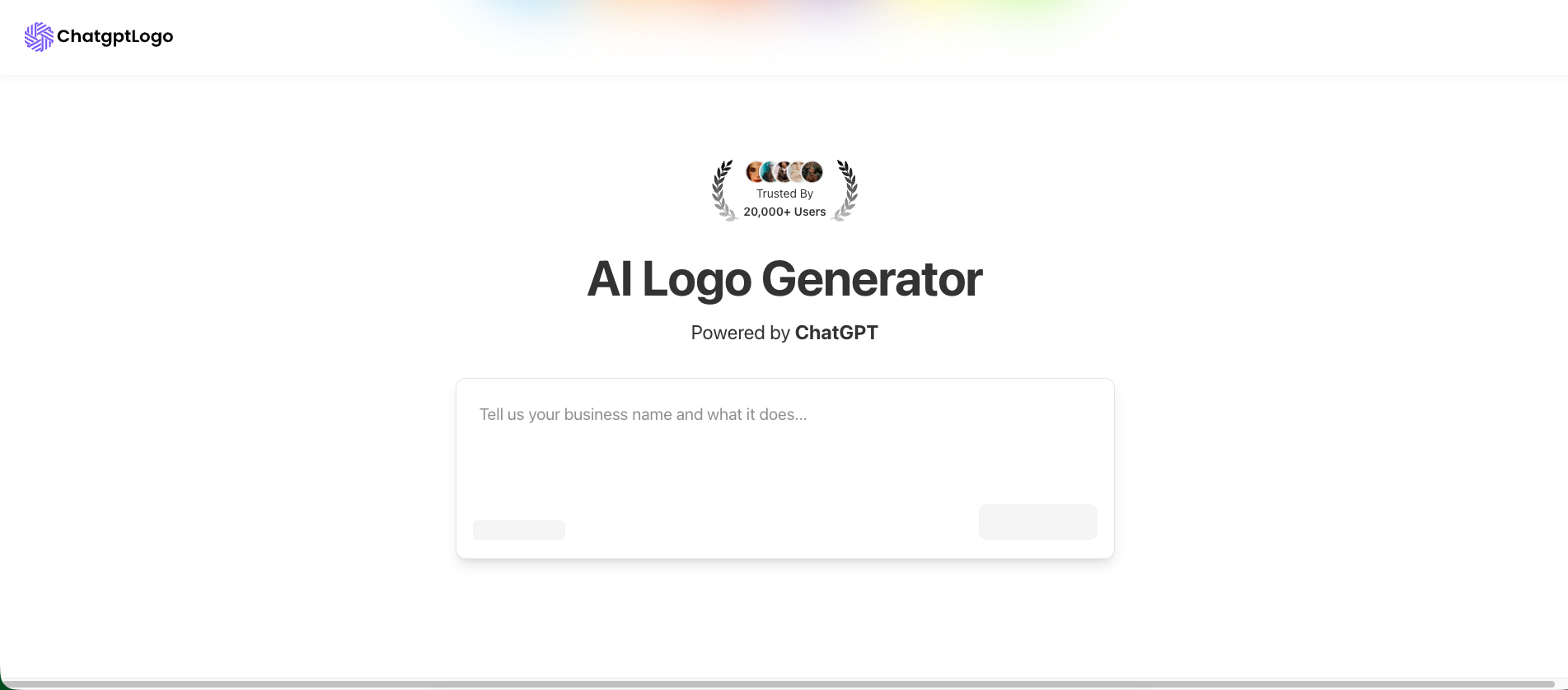
ChatGPT LOGO is an AI-powered logo generator that creates unique, custom logos and full brand identity kits in seconds. Simply describe your brand, and the ChatGPT-driven AI will generate a variety of design concepts. It's perfect for startups, small businesses, and creators who need professional branding without design skills.

Graphic Design
Visits 5.5KFavorites 120Likes 116
Logorax

Logorax

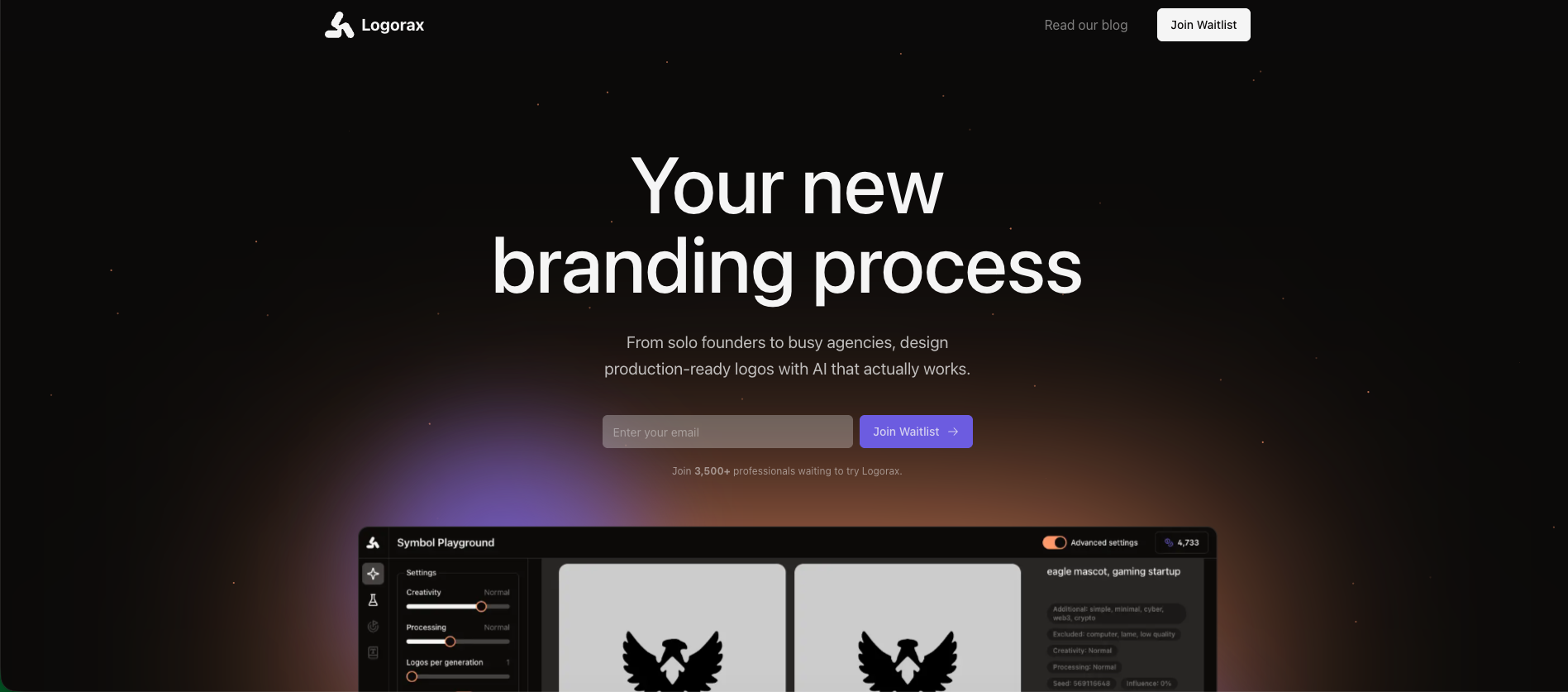
Logorax is an AI-powered logo and branding platform designed for solo founders, designers, and agencies. It transforms simple concepts into production-ready brand identities in minutes, generating not just a logo but a complete kit with over 120 assets. With features like a Symbol Playground and Style Mixer, it combines AI-driven speed with professional-grade creative control, significantly reducing design costs and timelines.

Graphic Design
Visits 5.6KFavorites 124Likes 124
LogoGen
Paid

LogoGen

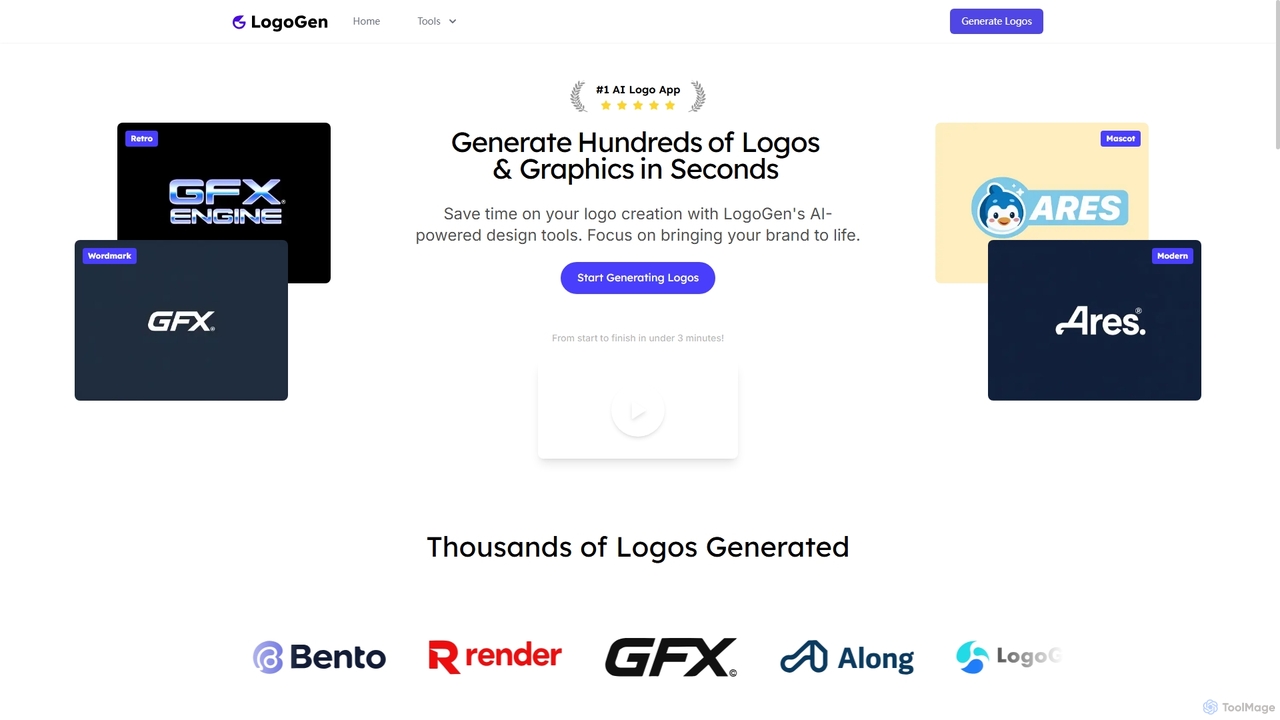
LogoGen is an AI-powered logo generator that enables users to create professional logos and graphics in seconds. By simply providing a brand name and description, you can generate hundreds of unique design options across various styles like modern, retro, and mascot. It's a fast, affordable, and intuitive solution for startups, small businesses, and designers.

Graphic Design
Visits 5.6KFavorites 122Likes 120
movieaiposter
Freemium

movieaiposter

An AI-powered platform that enables users to effortlessly generate professional-quality movie posters. By simply inputting text descriptions, including genre, plot, and character details, users can create stunning, unique visual art for their film projects. It's designed for independent filmmakers, marketers, and creative enthusiasts who need high-impact visuals quickly and affordably.

Graphic Design
Visits 5.5KFavorites 131Likes 140

About Graphic Design

AI Graphic Design tools are a specialized category within AI Art, leveraging artificial intelligence to automate and enhance various aspects of visual creation. These tools utilize advanced algorithms, including generative adversarial networks (GANs) and deep learning, to assist designers in generating, editing, and optimizing visual content. They empower creators to produce high-quality graphics, illustrations, and layouts more efficiently, transforming ideas into visual realities with unprecedented speed and flexibility.

Core Features

  • Automated Asset Generation: Instantly create design elements like icons, patterns, textures, and backgrounds based on text prompts or style references.
  • Intelligent Image Editing: Perform complex edits such as background removal, object manipulation, style transfer, and image upscaling with AI precision.
  • Layout and Composition Assistance: Suggest optimal design layouts, typography pairings, and color palettes to achieve visually appealing compositions.
  • Personalized Design Recommendations: Analyze user preferences and project requirements to offer tailored design suggestions and variations.
  • Vector Graphic Creation: Convert raster images to vector formats or generate scalable vector illustrations from sketches or descriptions.

Use Cases

AI Graphic Design tools are indispensable for marketing professionals, content creators, and independent designers. They streamline the creation of marketing collateral, social media visuals, and website assets. For instance, a small business owner can quickly generate a series of branded social media posts, or a web designer can rapidly prototype multiple layout options for a new landing page, significantly reducing design cycles and costs.

How to Choose

When selecting an AI Graphic Design tool, consider its core functionalities, such as generative capabilities versus editing prowess, and the range of supported file formats. Evaluate its integration with existing design workflows and platforms, as well as the learning curve and user interface intuitiveness. Assess the pricing model, including subscription costs and credit systems, and review the quality and consistency of its AI-generated outputs to ensure they meet your aesthetic and professional standards.

Graphic Design use cases

1

Generating Marketing Campaign Visuals

Marketing teams can utilize AI graphic design tools to rapidly produce a diverse range of visuals for advertising campaigns. By inputting brand guidelines and campaign themes, the AI can generate multiple versions of banners, social media graphics, and email headers, allowing marketers to quickly A/B test different designs and optimize for engagement without extensive manual design work.

2

Automating Social Media Content Creation

Social media managers often need a constant stream of fresh content. AI graphic design tools enable them to automate the creation of daily posts, stories, and reels. Users can input text prompts or upload existing assets, and the AI generates visually appealing graphics with appropriate layouts, fonts, and color schemes, ensuring brand consistency across all platforms.

3

Rapid Prototyping for UI/UX Design

UI/UX designers can leverage AI tools for quick wireframing and high-fidelity prototyping. By describing desired interface elements or user flows, the AI can generate initial screen layouts, icon sets, and component designs. This significantly accelerates the early stages of design, allowing for faster iteration and stakeholder feedback before committing to detailed development.

4

Personalizing E-commerce Product Imagery

E-commerce businesses can use AI graphic design to create personalized product images and lifestyle shots. Instead of costly photoshoots, AI can place products into various virtual environments, change backgrounds, or even generate models wearing apparel. This allows for tailored visuals for different customer segments or seasonal promotions, enhancing product appeal and conversion rates.

5

Enhancing Illustrations and Digital Art

Digital artists and illustrators can use AI graphic design tools as creative assistants. The AI can generate unique textures, brush styles, or background elements to complement their artwork. It can also help with upscaling low-resolution sketches, refining line art, or exploring different color palettes, expanding creative possibilities and speeding up the artistic process.

6

Creating Branded Presentation Decks

Business professionals and consultants can use AI graphic design to quickly create professional and branded presentation slides. By uploading company logos and brand colors, the AI can suggest layouts, generate relevant icons, and ensure visual consistency across all slides. This saves time on formatting and allows presenters to focus on content delivery.

Graphic Design FAQ

What are AI Graphic Design tools?

AI Graphic Design tools are software applications that use artificial intelligence to assist in the creation, editing, and optimization of visual content. They leverage machine learning algorithms to automate tasks like image generation, background removal, style transfer, and layout suggestions, making design processes faster and more accessible for both professionals and novices.

How do AI Graphic Design tools differ from traditional design software?

Traditional design software (like Photoshop or Illustrator) requires manual input and skill for every action. AI Graphic Design tools, however, automate many complex tasks, often generating content or performing edits based on simple text prompts or selections. While traditional tools offer granular control, AI tools excel in speed, automation, and generating variations, acting as powerful assistants rather than full replacements.

What are the main benefits of using AI in graphic design?

The primary benefits include significant time savings through automation of repetitive tasks, enhanced creativity by generating new ideas and variations, and increased accessibility for non-designers to create professional-looking visuals. AI tools also help maintain brand consistency, optimize images for different platforms, and reduce the overall cost of design production.

Can AI Graphic Design tools replace human designers?

No, AI Graphic Design tools are designed to augment, not replace, human designers. They serve as powerful assistants, handling repetitive or time-consuming tasks and generating creative starting points. Human designers retain the critical role of conceptualization, strategic thinking, emotional intelligence, and final artistic direction, ensuring the AI-generated output aligns with specific project goals and human sensibilities.

How do AI Graphic Design tools relate to AI Art tools?

AI Graphic Design tools are a specialized subset of AI Art tools. While AI Art tools broadly focus on generating artistic images for creative expression, AI Graphic Design tools are specifically tailored for commercial and functional design purposes, such as marketing, branding, UI/UX, and print media. They prioritize aspects like brand consistency, layout optimization, and practical application over purely artistic exploration.