
ToolMage
Sign in

Best 1 Image Colorization AI tools for Art

Popular Image Colorization AI tools in Art include Petalica Paint, helping you work more efficiently.

Petalica Paint
Free

Petalica Paint

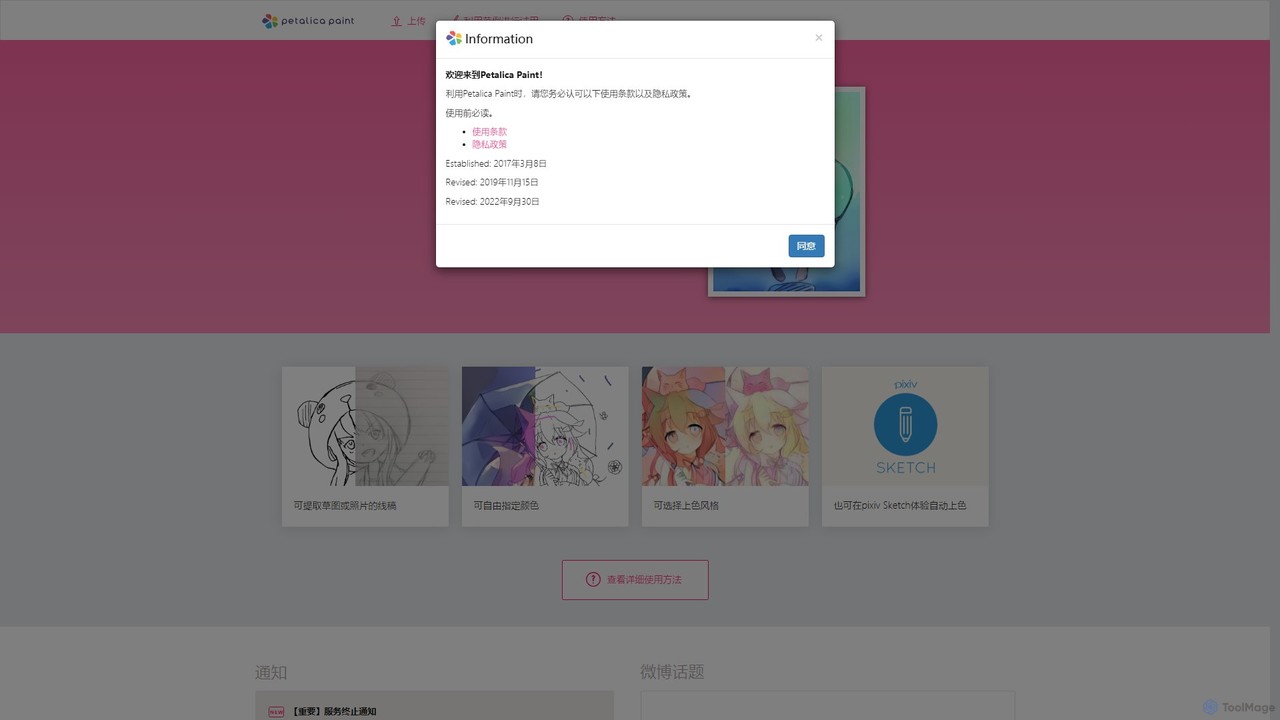
Petalica Paint is an AI-powered web tool that automatically colors line art and sketches. It offers multiple coloring styles and allows users to add color hints for customized results. The tool can also extract clean line art from photos, making it a versatile assistant for artists, illustrators, and hobbyists.

Drawing
Visits 18.5KFavorites 139Likes 129

About Image Colorization

Image Colorization tools are AI applications that automatically add realistic and context-aware color to black-and-white, sepia, or grayscale photographs. These tools leverage deep learning models, particularly Generative Adversarial Networks (GANs), trained on millions of color images to predict and apply plausible colors. The primary value lies in bringing historical archives, family memories, and vintage media to life, making them more engaging and relatable for modern audiences. This technology transforms monochromatic images into vibrant, full-color visuals with remarkable speed and accuracy.

Core Features

  • Automated Color Application: The AI analyzes the content and context of an image to apply natural-looking colors without manual input.
  • Color Hint Guidance: Allows users to place color markers on specific areas to guide the AI for more accurate or creative results.
  • Batch Processing: Enables the simultaneous colorization of multiple images, significantly speeding up workflows for large archives.
  • High-Resolution Output: Supports the processing and exporting of colorized images in high quality suitable for printing and digital display.
  • Artifact and Scratch Removal: Many tools include features to repair minor damage, such as scratches and noise, often found in old photographs.

Use Cases

This technology is invaluable for historians, archivists, and museums aiming to restore and present historical photographs in a more accessible format. Genealogists and families use it to revitalize old family portraits. Content creators and marketers also leverage these tools to give vintage imagery a modern, colorful twist for social media and advertising campaigns.

How to Choose

When selecting an Image Colorization tool, evaluate the realism and accuracy of the colors it produces. Consider the processing speed and whether it supports batch operations for efficiency. Check the maximum output resolution to ensure it meets your needs for print or digital use. Finally, assess the user interface for ease of use and the availability of manual controls for fine-tuning results.

Image Colorization use cases

1

Restoring Historical Archives

Museum curators and historical archivists use AI Image Colorization to breathe new life into black-and-white photographic collections. By processing entire archives through batch colorization, they can create more engaging exhibits and digital content. For example, colorizing photos from a specific historical event allows modern audiences to connect more deeply with the past, making history more accessible and impactful. This process, which once required weeks of manual work by a specialist, can now be largely automated, saving significant time and resources.

2

Bringing Family Memories to Life

Individuals and genealogists use colorization tools to revitalize old family photos. A faded black-and-white wedding portrait or a childhood picture can be transformed into a vibrant, colorful memory. Users can upload scanned photos, and the AI automatically applies realistic skin tones, clothing colors, and background details. This helps younger generations feel a stronger connection to their ancestors and family history. Some tools also offer minor restoration features, fixing small cracks or spots, further enhancing the sentimental value of these cherished images.

3

Creating Vintage-Style Social Media Content

Content creators and social media managers use AI colorization to repurpose historical or public domain black-and-white images for their campaigns. By adding color, they can make vintage content feel fresh and more eye-catching for modern audiences on platforms like Instagram or Pinterest. This allows them to create a unique aesthetic, tell compelling visual stories, or run 'throwback' campaigns that stand out. The speed of AI colorization enables a rapid content creation workflow, allowing them to test different colorized versions of an image to see which performs best.

4

Colorizing Classic Film Footage

Film restoration studios and documentary filmmakers apply image colorization technology to entire sequences of black-and-white film. By processing each frame as an individual image, they can produce a fully colorized version of a classic movie or historical newsreel. This process makes older films more appealing to contemporary audiences who may be unaccustomed to monochrome media. While high-end projects still require significant manual oversight for historical accuracy (e.g., uniform colors), AI provides a powerful baseline that dramatically reduces production time and costs compared to traditional colorization methods.

5

Enhancing Educational Materials

Educators and textbook publishers use AI colorization to make historical content more engaging for students. A black-and-white photo of a significant scientific discovery or a world leader from the past becomes more vivid and memorable when presented in color. This helps students visualize history more clearly and can improve information retention. For online courses and digital textbooks, colorized images can be used to create interactive timelines and more dynamic learning modules, transforming static historical records into compelling educational assets.

6

Visualizing Historical Properties for Real Estate

Real estate agents and architectural historians can use AI colorization to showcase historical properties. By colorizing old black-and-white photos of a building or neighborhood, they can provide potential buyers or researchers with a more vivid impression of the property's past. This can be a powerful marketing tool for heritage properties, helping clients visualize the building's original aesthetic. It's also useful for urban planning and restoration projects, offering a glimpse into the historical color schemes of a city's architecture.

Image Colorization FAQ

What is AI Image Colorization?

AI Image Colorization is a process that uses artificial intelligence, specifically deep learning algorithms, to automatically add color to black-and-white or grayscale images. The AI is trained on a massive dataset of color photographs to learn the relationships between objects, textures, and their typical colors. When given a monochrome image, it predicts and applies the most plausible colors, aiming to create a result that looks natural and realistic. It's primarily used for restoring old photos, historical archives, and classic films.

How accurate is AI image colorization?

The accuracy of AI colorization is about plausibility, not historical certainty. The AI makes an educated guess based on its training data. It excels at common elements like blue skies, green grass, and natural skin tones. However, it may not know the specific, historically accurate color of a uniform, a vintage car, or a brand logo. The results are often impressively realistic, but for projects requiring strict historical accuracy, the AI-generated image should be seen as a starting point that may require manual correction by an expert.

What is the difference between AI colorization and manual colorization?

The main differences are speed, skill, and control.

  • Speed: AI colorization is incredibly fast, processing an image in seconds or minutes. Manual colorization (e.g., in Photoshop) is a meticulous artistic process that can take hours or days per image.
  • Skill: AI tools require no artistic skill to use. Manual colorization demands a high level of skill in digital painting, color theory, and historical research.
  • Control: Manual methods offer complete creative control over every pixel. AI provides limited control, though some tools allow users to add 'color hints' to guide the algorithm.
In essence, AI offers a fast, accessible solution for good-quality results, while manual work is for high-end, artistic, or historically precise projects.

How to choose the right AI Image Colorization tool?

To choose the right tool, consider these factors:

  • Quality and Realism: Look at sample images. Does the tool produce natural-looking colors, especially for skin tones and common textures?
  • Resolution Support: Check the maximum image size the tool can process and export. This is crucial for high-quality prints.
  • Speed and Batch Processing: If you have many photos, a tool that can process them in a batch will save you a significant amount of time.
  • Control and Customization: Does the tool offer options to guide the AI with color hints or adjust the final colors? This can be important for achieving specific results.
  • Pricing Model: Compare costs, whether it's a subscription, a one-time purchase, or a pay-per-image model, and choose what best fits your usage.

Who can benefit from using Image Colorization tools?

A wide range of users can benefit from these tools. Historians, museum curators, and archivists use them to make historical records more engaging. Genealogists and families use them to bring old family photos back to life. Content creators, marketers, and designers leverage them to create unique, vintage-style visuals for social media and campaigns. Additionally, filmmakers and documentary producers use this technology to colorize classic footage, making it more accessible to modern audiences.