Art Best in category 7 results Drawing AI Tool

Popular AI tools in the Drawing field of Art include Animated Drawings、Sketchar、Petalica Paint、Color Pop、Pen Island、Draw3D, etc., helping you quickly improve efficiency.

Free
Pen Island

Pen Island

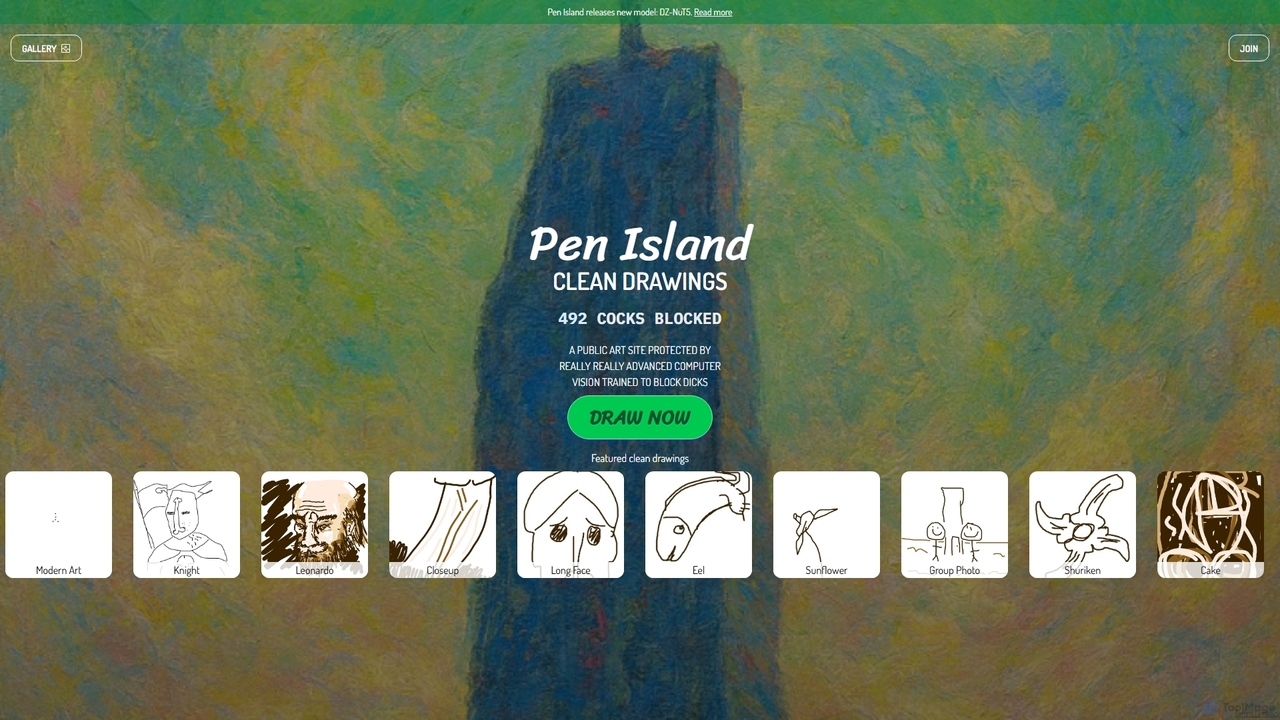
Pen Island is a public online drawing platform that utilizes advanced AI-powered computer vision to maintain a clean …

5.6K
Color Pop

Color Pop

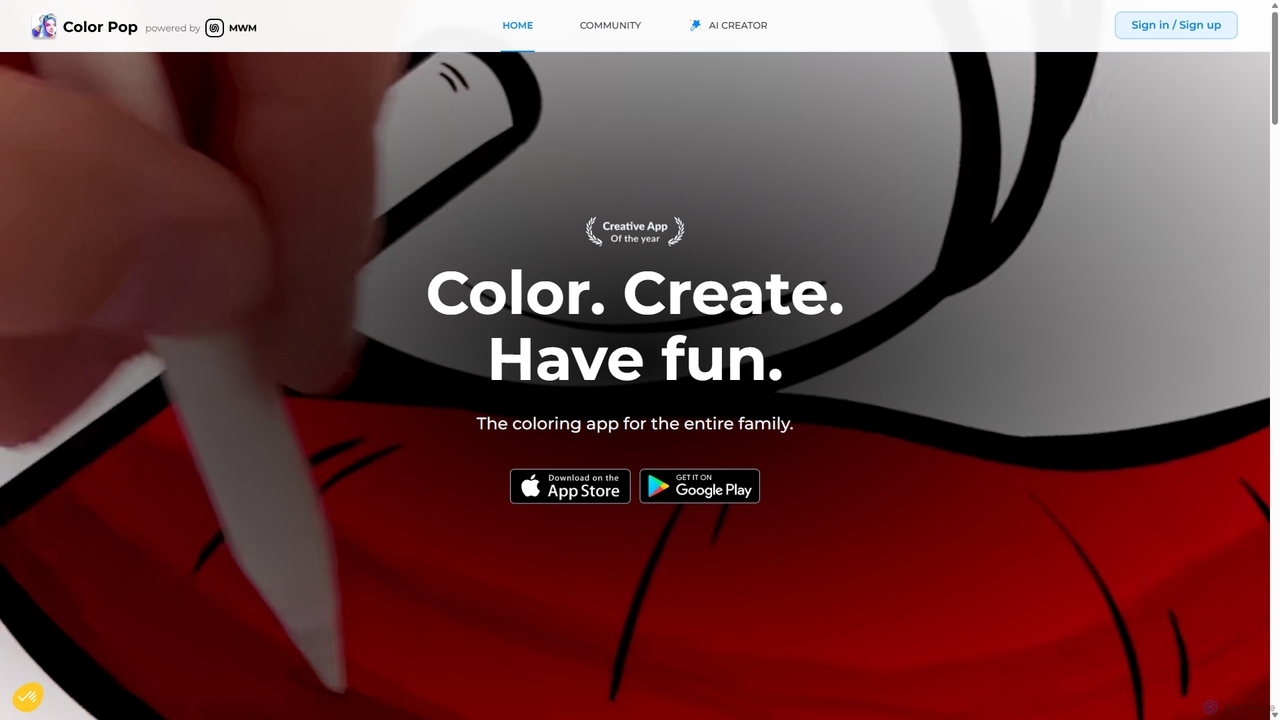
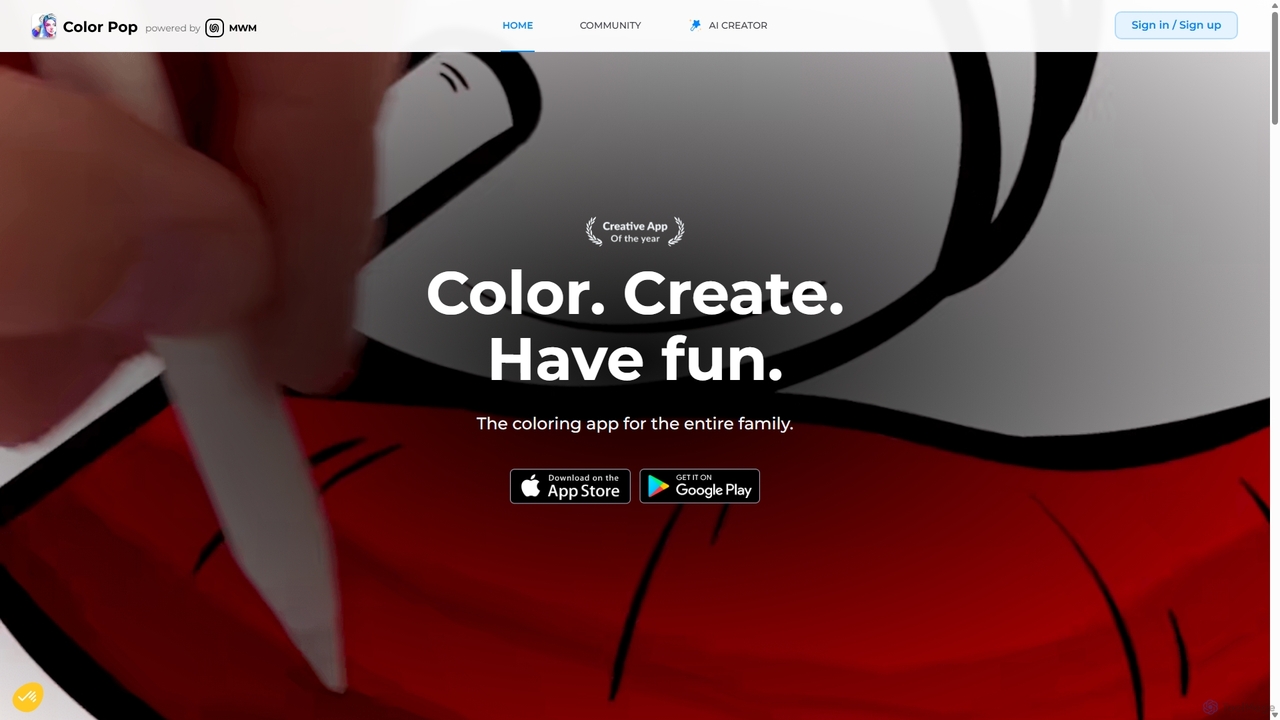
Color Pop is an AI-powered platform that generates unique coloring pages from text prompts. Explore a vast library …

2.4K
Color Pop

Color Pop

Color Pop is an AI-powered platform that generates unique coloring pages from text prompts. Explore a vast library …

10.0K
Sketchar

Sketchar

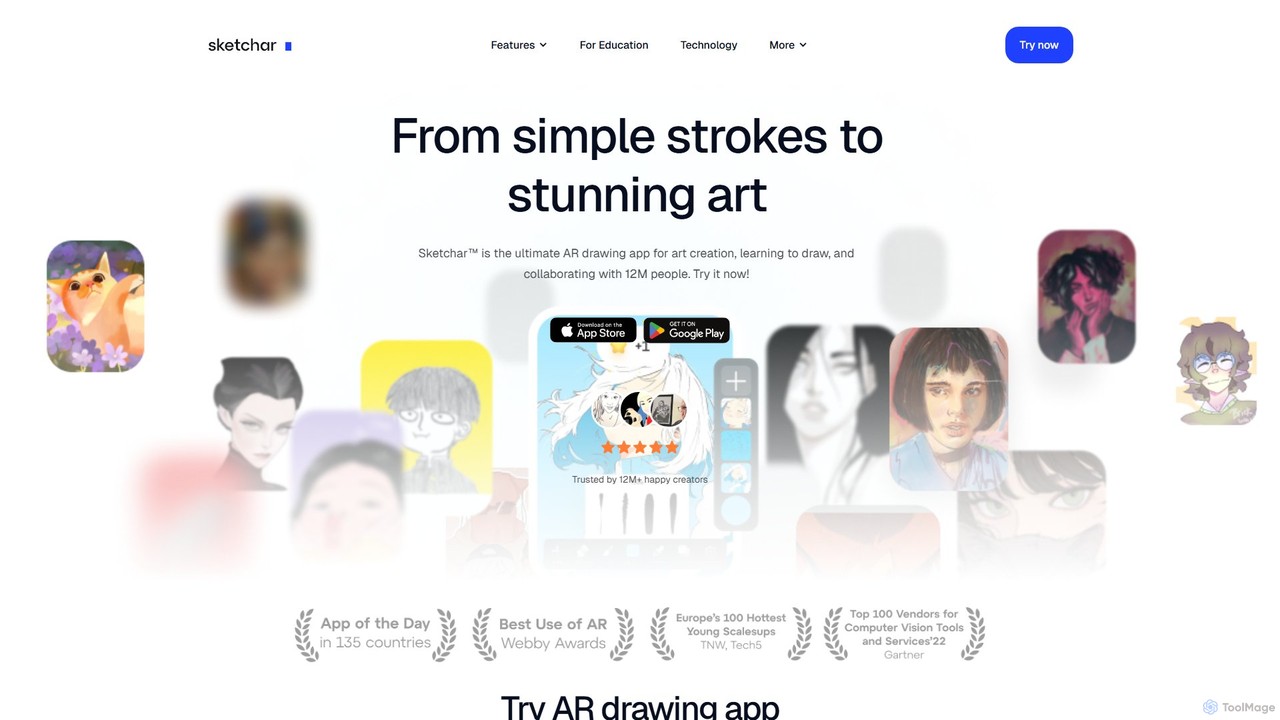
Sketchar is an AI-powered AR drawing app that helps you learn to draw. It projects virtual images onto …

40.1K
Draw3D

Draw3D

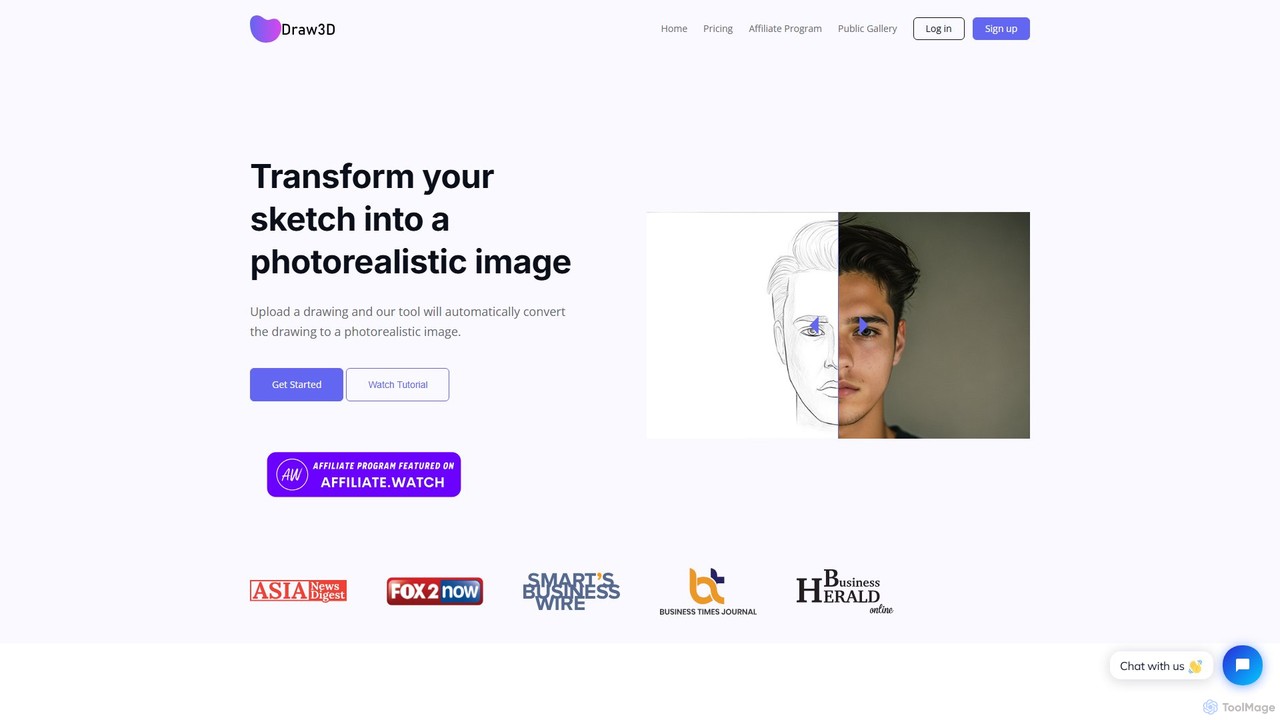
Draw3D is a powerful AI tool that transforms your sketches into photorealistic images. It can handle detailed drawings …

2.4K
Free
Petalica Paint

Petalica Paint

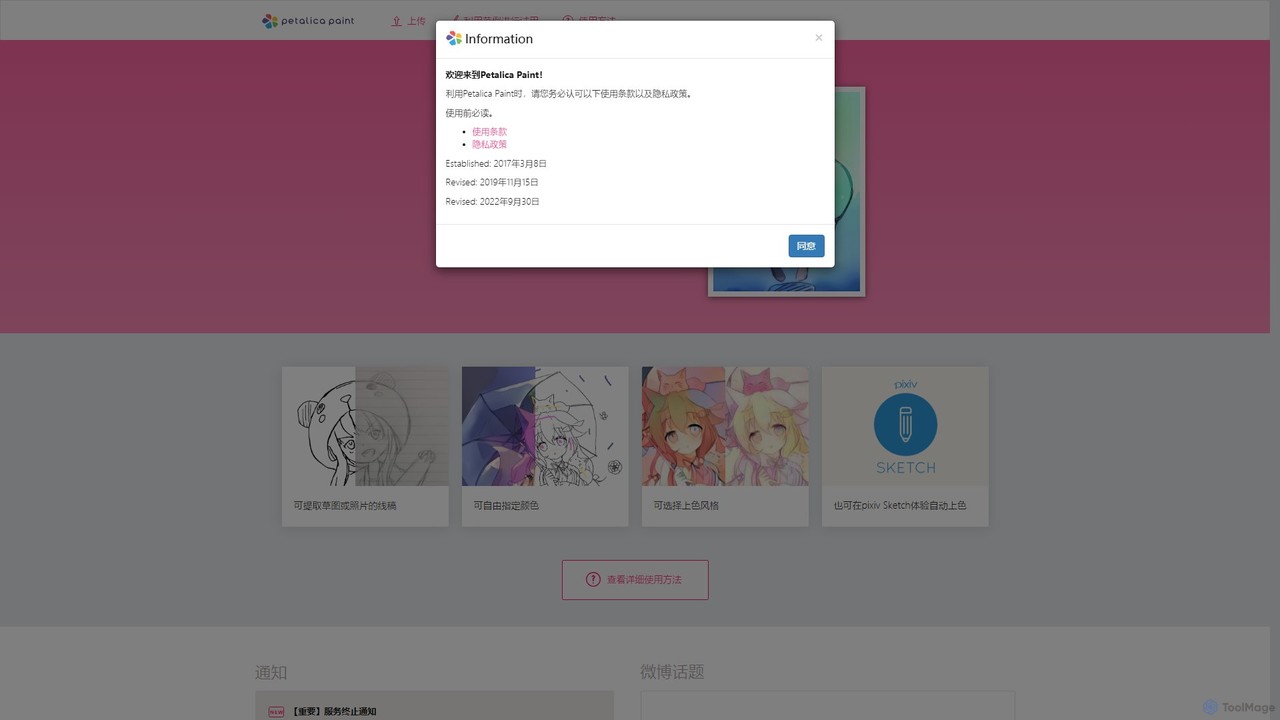
Petalica Paint is an AI-powered web tool that automatically colors line art and sketches. It offers multiple coloring …

14.4K
Free
Animated Drawings

Animated Drawings

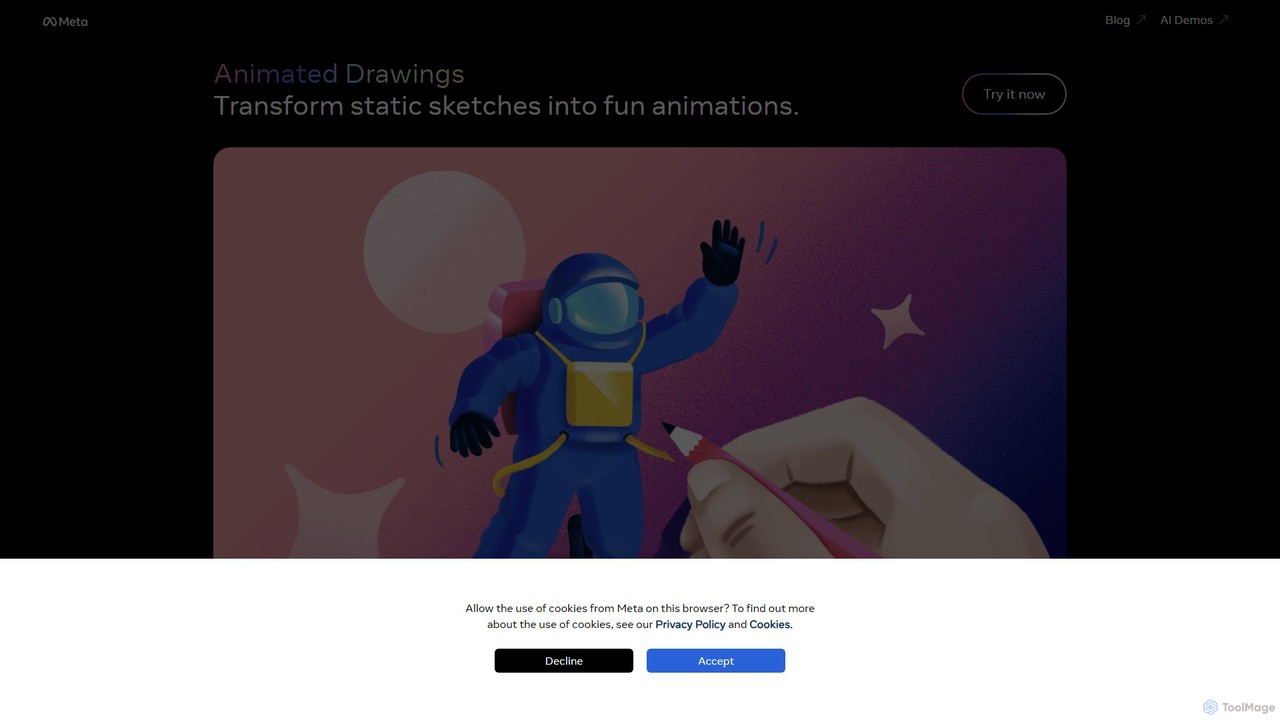
A free AI tool by Meta AI Research that automatically brings children's hand-drawn characters to life. Upload a …

229.7K

About Drawing

AI Drawing tools are a class of software that uses artificial intelligence to assist, enhance, and automate the digital drawing and sketching process. These tools analyze user input in real-time, offering features like predictive stroke smoothing, automatic coloring, and style application to augment the artist's work. They empower artists, designers, and hobbyists to accelerate their workflow, explore new creative styles, and refine rough ideas into polished illustrations with greater efficiency. Unlike pure image generators, AI Drawing tools emphasize a collaborative process where AI acts as an intelligent assistant to the artist's direct input.

Core Features

  • Predictive Stroke Assistance: The AI anticipates the user's intended path to create smoother, cleaner, and more confident lines.
  • AI-Powered Coloring & Shading: Automatically fills line art with context-aware colors, gradients, and plausible shading based on a defined light source.
  • Sketch-to-Art Refinement: Transforms basic doodles or rough sketches into detailed, fully-rendered illustrations in a chosen style.
  • Style Transfer: Applies the aesthetic of a reference image or a pre-defined artistic style to the user's own drawing.
  • Intelligent Shape Correction: Recognizes and perfects hand-drawn shapes, turning wobbly circles or uneven lines into precise geometric forms.

Use Cases

These tools are widely used by concept artists for rapid character and environment ideation, comic artists to speed up coloring and inking, and graphic designers for creating illustrations and icons. They are also valuable for hobbyists who want to improve their digital art skills with intelligent guidance, and for architects or product designers to quickly clean up and present concept sketches.

How to Choose

When selecting an AI Drawing tool, consider the level of AI intervention you desire—from subtle line correction to full sketch-to-image generation. Evaluate its compatibility with your hardware, such as drawing tablets and styluses. Also, assess the variety of art styles offered, the tool's ability to export layered files for further editing in other software, and whether its pricing model aligns with your professional or personal use.

DrawingUse Cases

1

Rapid Concept Art Ideation for Games & Film

A concept artist working on a new video game needs to generate dozens of character variations under a tight deadline. Instead of manually drawing each version, they create a single detailed sketch. They then use an AI drawing tool's sketch-to-art feature to render this sketch in various styles—sci-fi, fantasy, cyberpunk—and with different color palettes. The AI also suggests variations in armor and accessories. This process allows the artist to produce over 50 distinct concepts in the time it would normally take to create five, enabling the art director to review a much wider range of ideas early in development.

2

Accelerating Digital Comic and Webtoon Production

A webtoon artist needs to publish a new chapter weekly, a process that involves extensive coloring and background work. To meet deadlines, the artist uses an AI drawing tool. After completing the line art for each panel, they use the AI's automatic coloring feature, which intelligently fills flats based on character reference sheets. For backgrounds, they sketch a simple perspective grid and some basic shapes, and the AI generates a detailed cityscape or forest scene in the comic's style. This automation cuts the production time per chapter by nearly 40%, preventing burnout and ensuring consistent updates for readers.

3

Enhancing Architectural & Product Sketches

An industrial designer needs to present a new product concept to a client. Their initial hand-drawn sketch is rough and lacks professional polish. They import a photo of the sketch into an AI drawing application. Using the intelligent shape correction feature, the tool automatically refines the wobbly lines into clean, precise curves and straight edges. Then, they use the AI shading tool to add realistic lighting and material textures like brushed metal and matte plastic. The result is a professional-grade rendering created in under an hour, effectively communicating the design intent without requiring complex 3D modeling software.

4

AI-Assisted Digital Painting for Hobbyists

An art enthusiast wants to create a fantasy landscape but struggles with color theory and blending techniques. They start by drawing a basic composition in an AI drawing app. They then use the AI's color palette suggestion feature, which provides a harmonious set of colors based on a mood like 'serene forest' or 'dramatic sunset'. As they apply colors, the AI assists with blending and shading, automatically creating smooth transitions and adding depth. This guidance helps the hobbyist learn while creating, allowing them to produce a visually appealing painting that would have been difficult to achieve on their own, boosting their confidence and enjoyment of the craft.

5

Creating Vector Illustrations from Sketches

A graphic designer is tasked with creating a series of scalable icons for a new website. They prefer to start with hand-drawn sketches to get a more organic feel. After finalizing the sketches, they take a picture and import it into an AI drawing tool with vectorization capabilities. The tool's AI algorithm traces the raster sketch and converts it into clean, editable vector paths. The designer can then easily adjust anchor points, change colors, and scale the icons to any size without loss of quality. This AI-assisted workflow bridges the gap between analog sketching and digital vector production, saving significant time compared to manual tracing in traditional software.

6

Storyboard Creation for Animation & Video

A storyboard artist for an animated series needs to visualize a complex action sequence quickly. Using an AI drawing tool, they can draw rough character poses and environments. The AI helps by maintaining character model consistency across different panels, automatically adjusting proportions and costumes. Furthermore, they can use a feature to generate simple camera movements like 'pan left' or 'zoom in' on a static drawing, creating a basic animatic directly within the tool. This allows the director to get a better feel for the scene's timing and flow much earlier in the production pipeline, reducing the need for costly revisions during the animation phase.

DrawingFrequently Asked Questions