

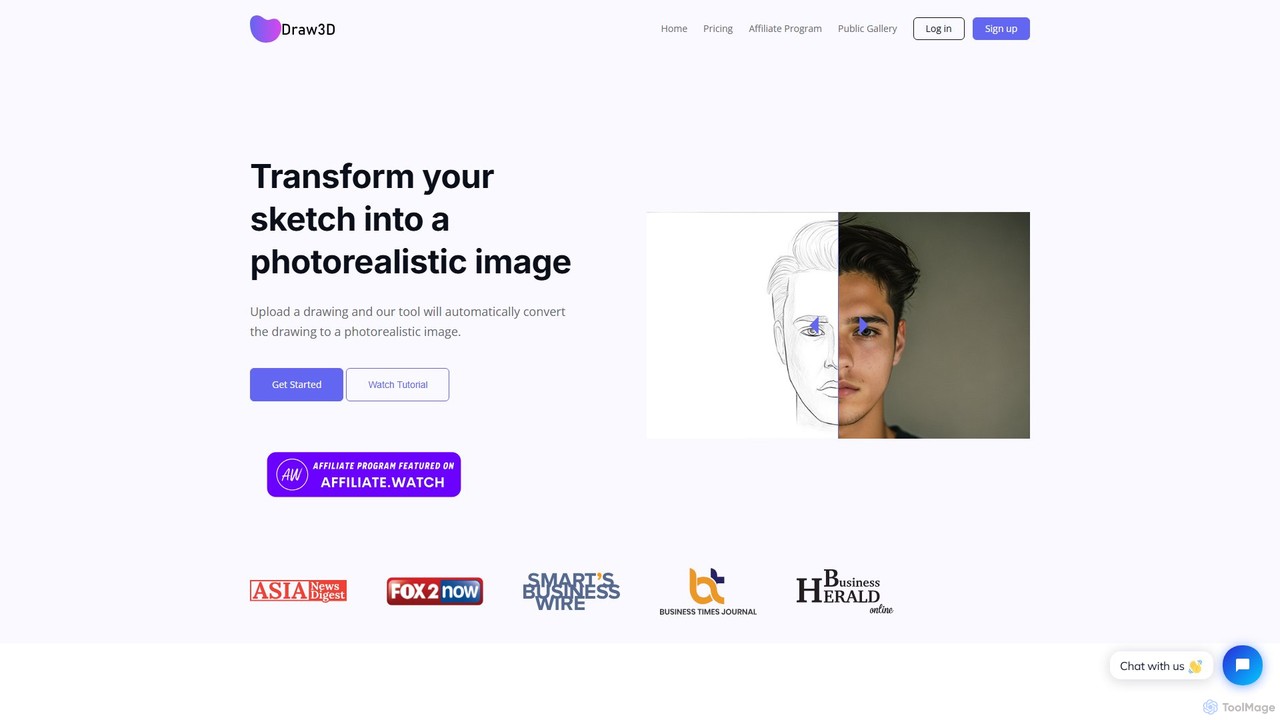
Draw3D Overview
Draw3D is an innovative AI-powered platform designed to bridge the gap between simple sketches and high-quality, photorealistic visuals. Whether you are a professional artist, a designer, or a creative hobbyist, Draw3D provides the tools to instantly transform your drawings into stunningly detailed images. The AI is capable of interpreting a wide range of inputs, from intricate landscapes and detailed animal portraits to abstract concepts, maintaining the core structure and essence of your original sketch while enhancing it with realistic textures, lighting, and depth.
One of the standout capabilities of Draw3D is its unique transformation feature, which allows users to convert images of sculptures into photorealistic photos, and vice-versa. This opens up new avenues for digital artists and sculptors to visualize their work in different mediums. The platform is designed to be an all-in-one solution, integrating generation, enhancement, and editing into a seamless workflow.
How to use Draw3D
Using Draw3D is a straightforward three-step process designed for efficiency and ease of use:
- Generate: Start by drawing or sketching your idea directly on the platform or uploading an existing sketch. Describe what you want to create, and the AI will interpret your drawing to generate a high-quality image. The 'Auto Prompt Generation' feature can assist in refining your ideas for better results.
- Upscale: Once you have an image you're happy with, you can enhance its resolution. Draw3D allows you to upscale your generated images up to 4x without any loss in quality, making them suitable for high-resolution displays and printing. An 8x upscale feature is also in development.
- Edit Image: For final touches, use the simple yet powerful built-in image editor. You can apply filters, adjust colors, resize your image, or use the background removal tool to perfect your creation without needing external software.
Core Features of Draw3D
- Sketch-to-Image Conversion: The core function that turns any drawing or sketch into a detailed, photorealistic image.
- Sculpture-to-Photo Transformation: A unique feature to convert 3D sculpture images into 2D photos and vice versa.
- 4x AI Upscaler: Enhance the resolution of your creations for professional use, with an 8x option coming soon.
- Integrated Image Editor: A convenient built-in editor for applying filters, resizing, and making other adjustments.
- Background Removal: Easily isolate subjects by removing the background from any generated image.
- Auto Prompt Generation: AI assistance to help you articulate your vision and generate more accurate results.
- Commercial License: All paid plans include a commercial license, allowing you to use your creations for professional projects.
- Private Gallery: Paid users get a private gallery to store their generations securely.
Use Cases for Draw3D
Draw3D is a versatile tool suitable for various professionals and creatives:
- Concept Artists: Quickly iterate on character, environment, and prop designs from rough sketches.
- Illustrators: Bring 2D drawings to life with realistic textures and lighting.
- Product Designers: Visualize product concepts in a photorealistic style from initial doodles.
- Architects and Interior Designers: Transform floor plan sketches or building facades into realistic renderings.
- Marketing and Social Media: Create unique and engaging visual content from simple ideas.
- Hobbyists: Explore creativity by turning personal drawings and doodles into beautiful works of art.
Advantages of Draw3D
Draw3D offers a competitive edge through its combination of simplicity and power. Its intuitive interface makes it accessible to users of all skill levels, while its advanced features provide the quality and control needed for professional work. The all-in-one workflow—from generation to upscaling and editing—saves significant time and eliminates the need for multiple software subscriptions. The unique sculpture transformation feature sets it apart from other image generators.
Pricing and Plans
Draw3D offers a freemium model with several paid plans to suit different needs. A yearly subscription provides a 20% discount.
- Starter Plan: $9 per month for 120 generations.
- Basic Plan: $15 per month for 200 generations.
- Professional Plan: $39 per month for 1000 generations.
All paid plans include unlimited downloads, a private gallery, a commercial license, watermark removal, full editor access, 4x upscaling, background removal, and auto prompt generation.
Traffic
Latest traffic
Status
Monthly traffic trend
- 2025-9: 1.4K
- 2026-1: 315
- 2026-2: 469
- 2026-3: 183
- 2026-4: 0
- 2026-5: 682
Geography
Top 5 countries / regions
- 🇻🇳Vietnam67.8%
- 🇺🇸United States32.2%
Top keywords
| Keyword | Cost per click |
|---|---|
| 3d web drawing | $0.00 |
| draw 3d | $0.00 |
Draw3D Alternatives
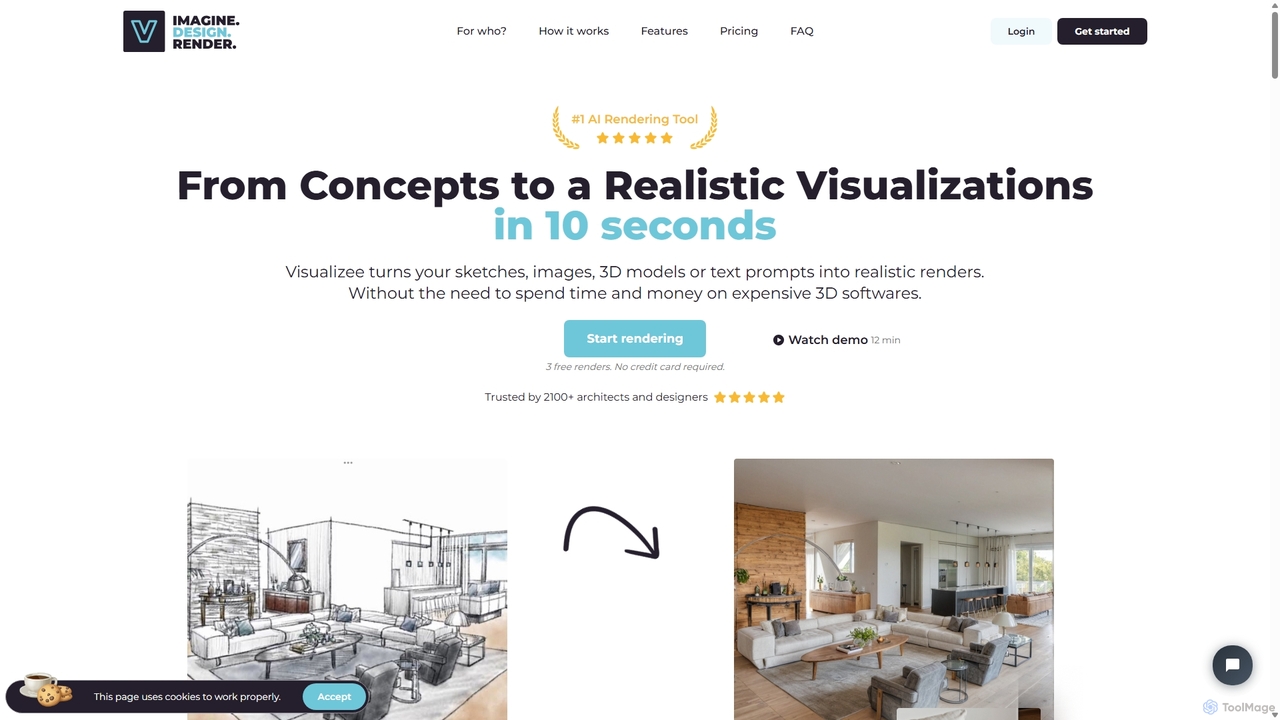
Visualizee.ai
Visualizee.ai is a leading AI rendering tool that transforms sketches, 3D models, and text prompts into high-resolution (up to 8K) photorealistic visuals in seconds. Ideal for architects, designers, and creators, it features advanced tools like inpainting and upscaling to bring creative ideas to life with precision and speed.
Visualization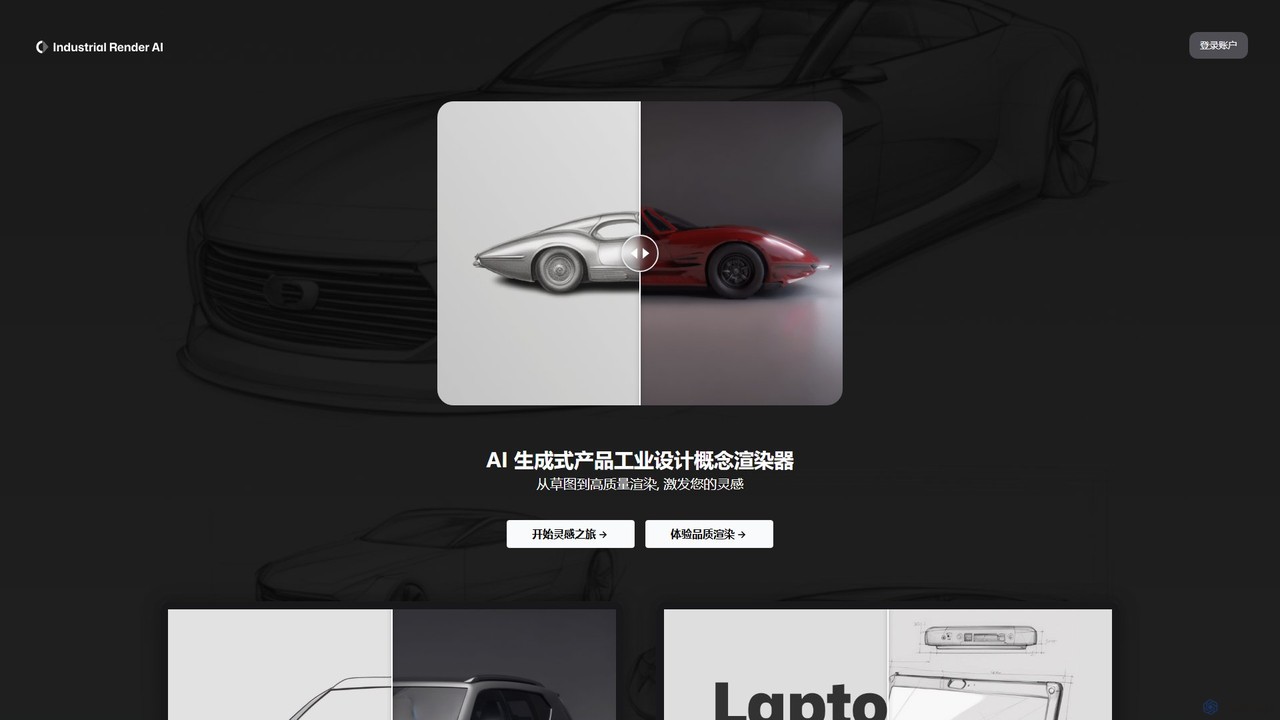
Industrial Render AI
An AI-powered tool for industrial designers that transforms sketches and ideas into photorealistic product renderings. It also functions as a GPT-based assistant to provide design inspiration, analyze trends, and accelerate the creative process from concept to visualization.
3D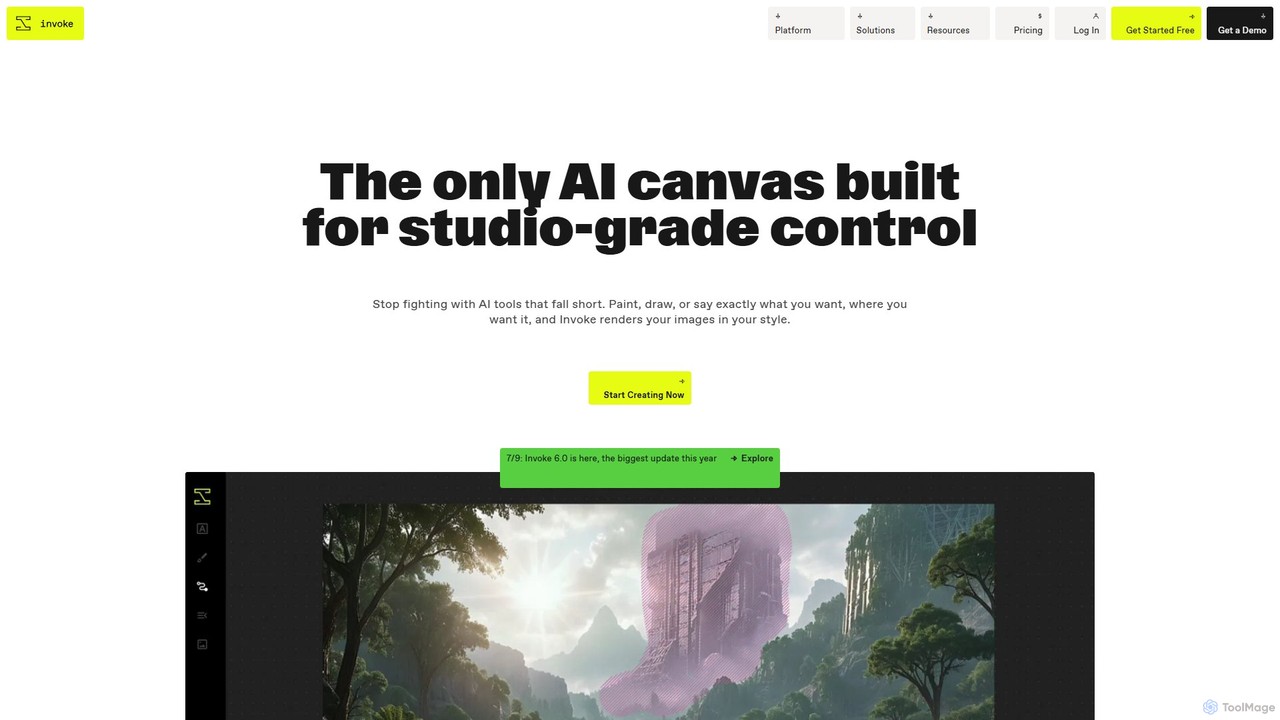
Invoke
Invoke is a professional generative AI platform for creative production, offering fine-grained control, multi-modal inputs, and custom model training. Designed for artists, designers, and teams, it prioritizes data ownership and collaboration, allowing users to transform sketches, 3D models, and images into high-quality concept art, key art, and visualizations while maintaining brand consistency and IP integrity.
Concept Art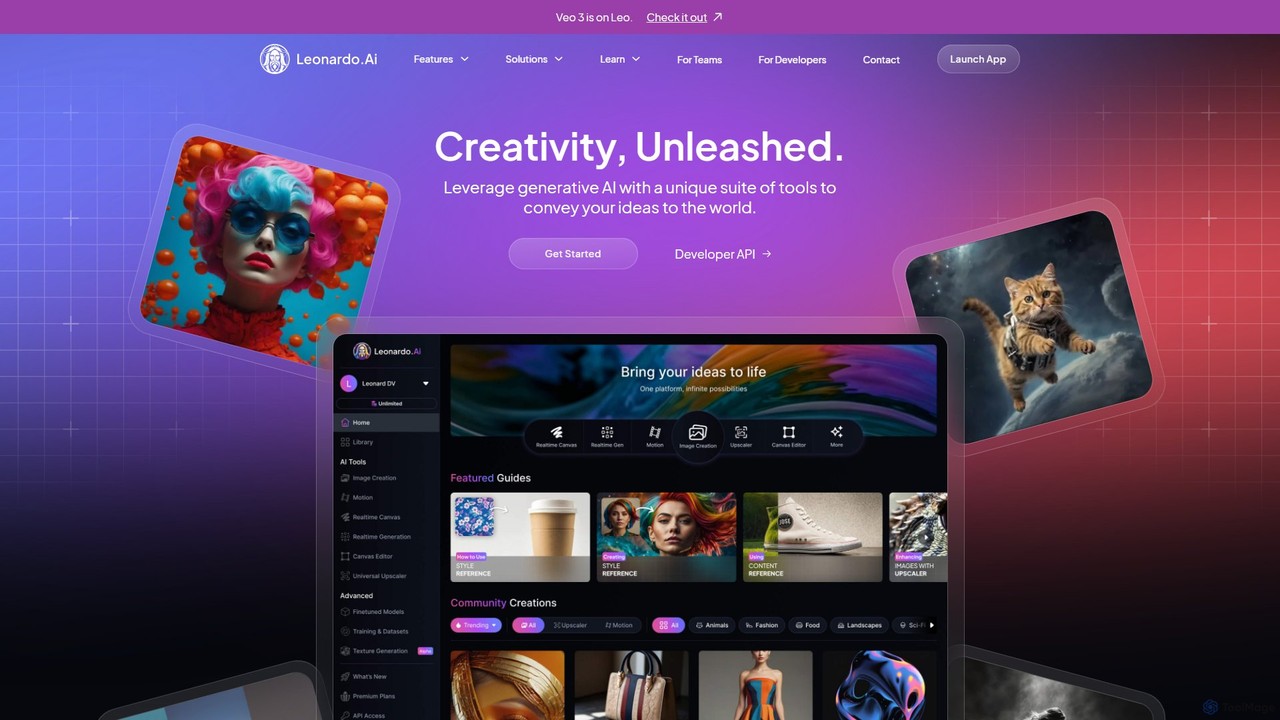
Leonardo.ai
Leonardo.ai is a comprehensive generative AI suite for creating high-quality visual assets. It offers a wide range of tools, including image and video generation, AI Canvas, 3D texturing, and numerous fine-tuned models. Ideal for individual creators, collaborative teams, and developers, it emphasizes quality, speed, and style consistency.
Generative Art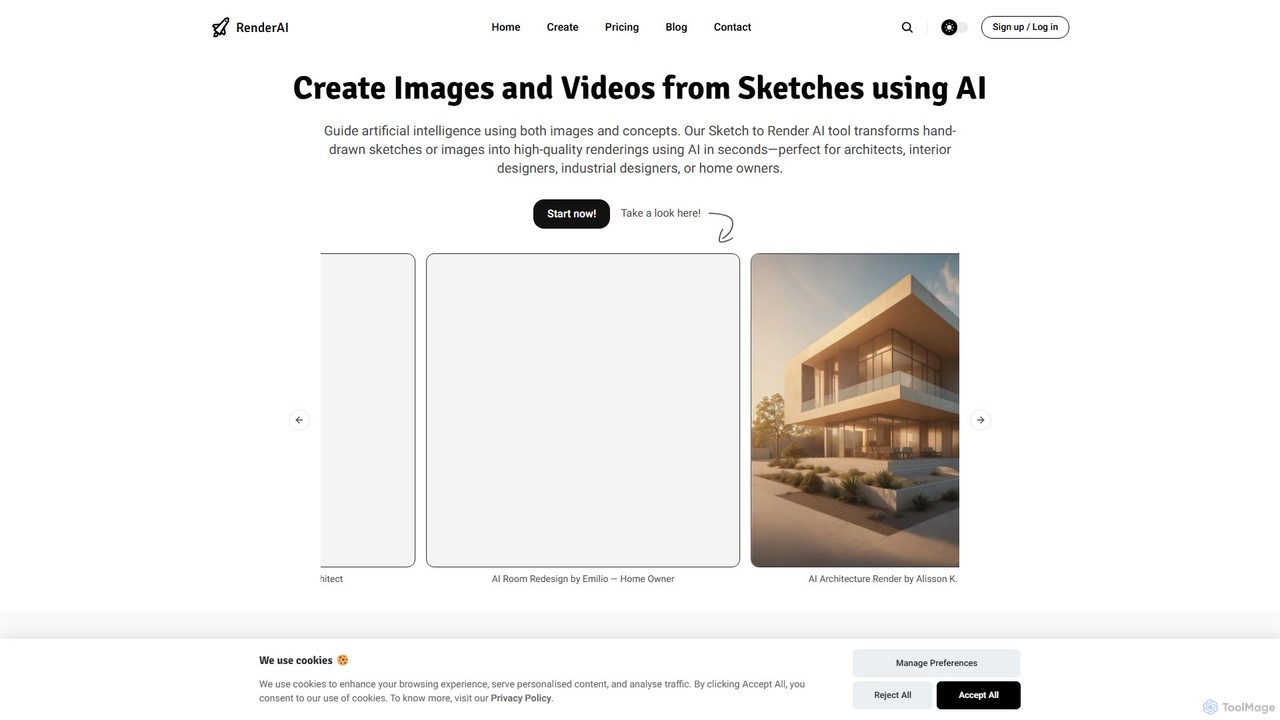
RenderAI
RenderAI is an AI-powered platform that transforms sketches, drawings, and screenshots into photorealistic renders and videos in seconds. Designed for architects, designers, marketers, and homeowners, it eliminates the need for complex 3D software, enabling rapid visualization of concepts for presentations, marketing, and project approvals.
3DDraw3D Categories
Draw3D Embed Widget
Copy this embed code to place the badge on your blog, article, or product site and send readers directly to this ToolMage detail page.

Related AI tools
RenderAI
RenderAI is an AI-powered platform that transforms sketches, drawings, and screenshots into photorealistic renders and videos in seconds. Designed for architects, designers, marketers, and homeowners, it eliminates the need for complex 3D software, enabling rapid visualization of concepts for presentations, marketing, and project approvals.
3D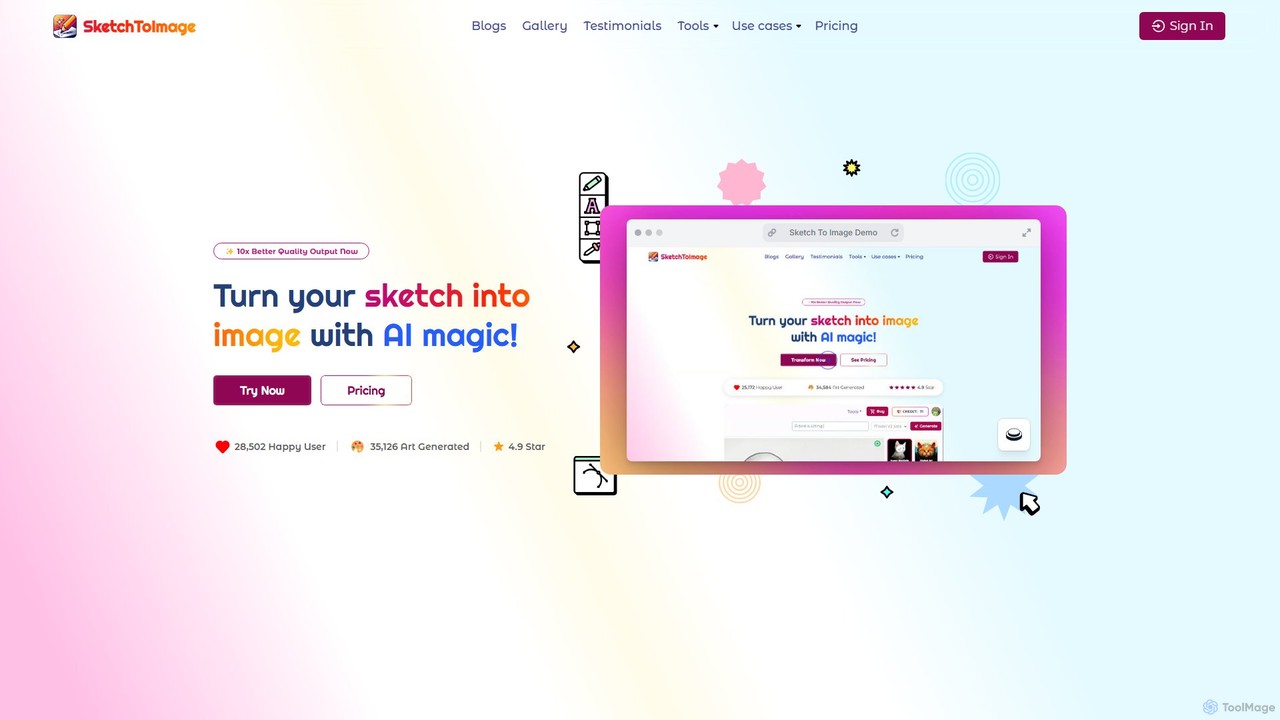
Sketch To Image
An AI-powered tool that transforms your sketches and doodles into high-quality art in various styles. It features image upscaling up to 8x, video generation from images, and provides copyright-free artwork for commercial use.
Generative Art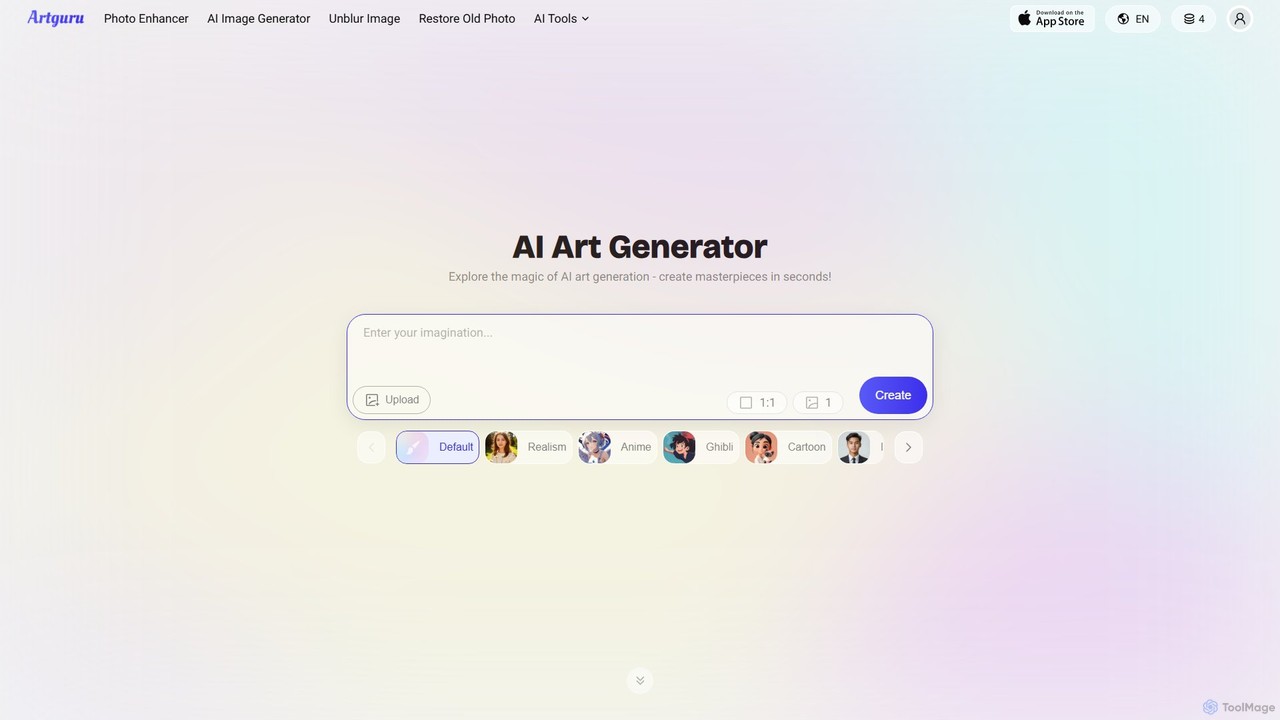
Artguru
Artguru is a versatile AI creative suite for generating unique art from text or photos and enhancing images. It offers tools like a text-to-image generator, photo-to-art converter, 4K image upscaler, photo unblur, and old photo restoration. It's designed for artists, marketers, and casual users with a user-friendly interface and a free-to-start plan.
Ai Art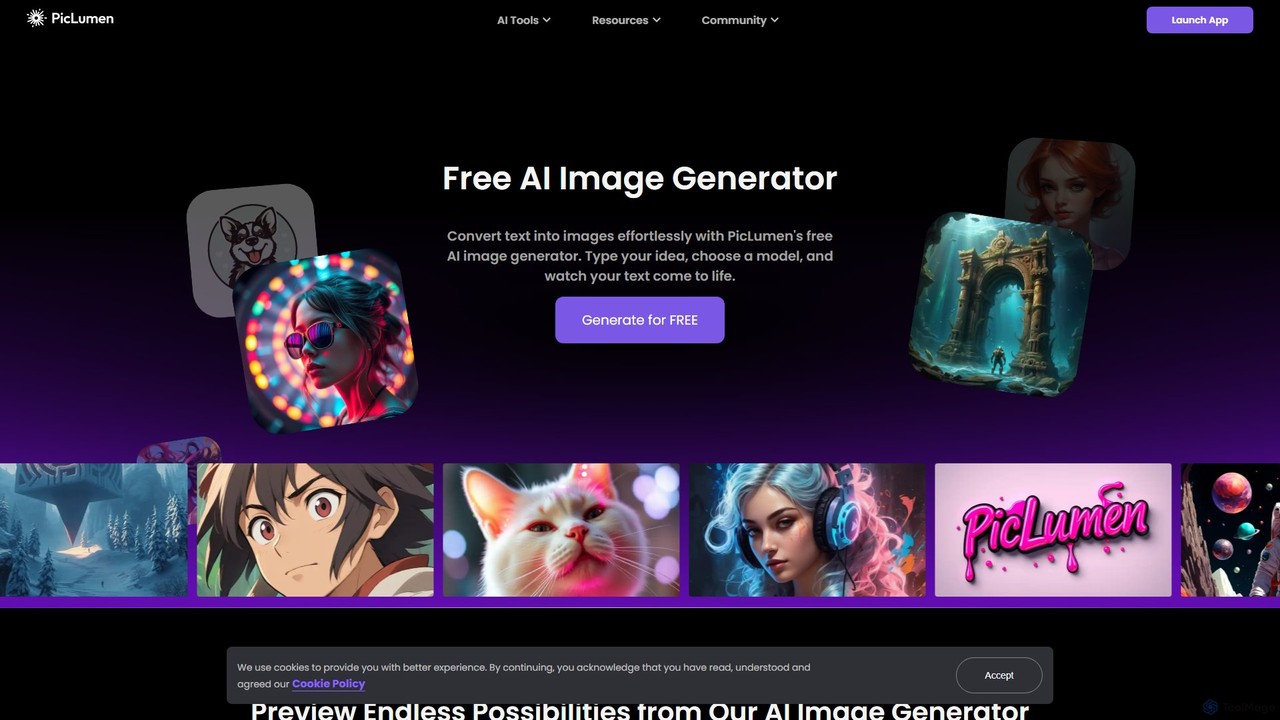
piclumen
PicLumen is a free, versatile AI image generator and editor that transforms text into stunning visuals. It offers a suite of tools including a background remover, image upscaler, colorizer, and an advanced image-to-image generator with multiple fine-tuned models for realistic photos, anime, and line art.
Generative Art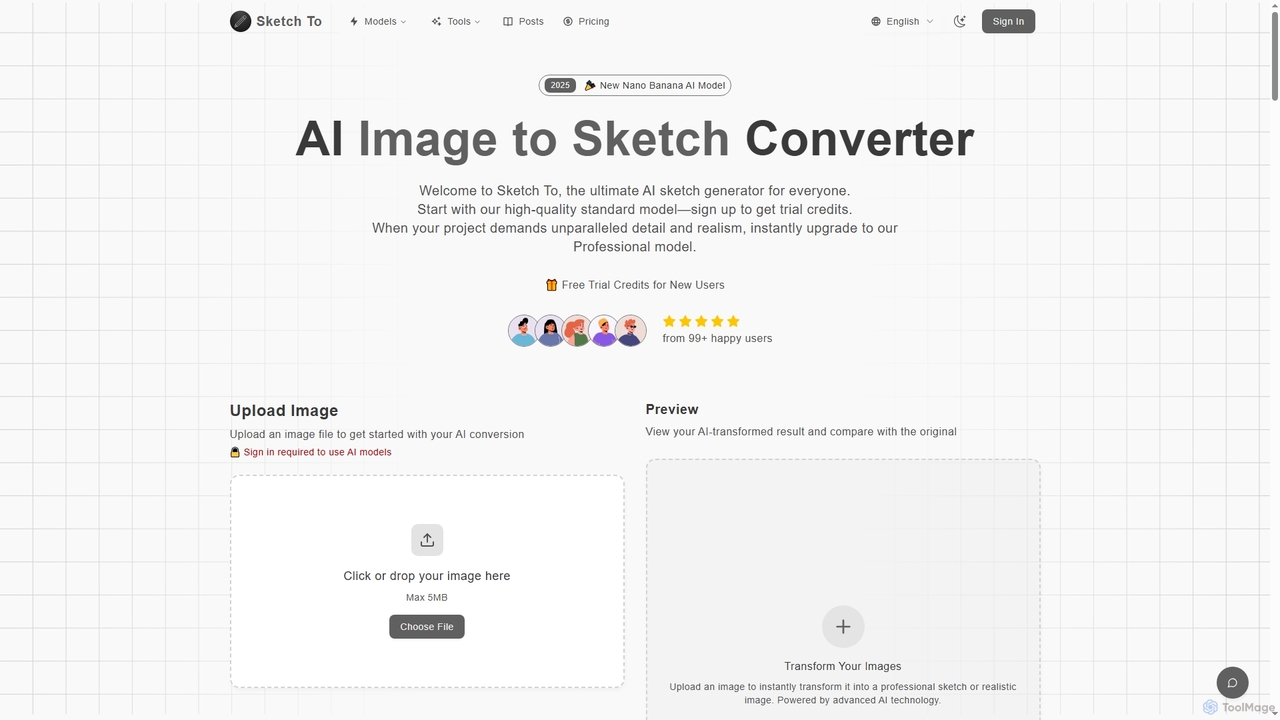
Sketch To
Sketch To is a versatile AI platform that transforms images into sketches and sketches into realistic photos. It also serves as a powerful hub for multiple advanced text-to-image models like Nano Banana, Seedream 4.0, and HunYuan 3.0, enabling users to generate high-quality, detailed visuals from simple text prompts. It offers both free trial and professional plans for various creative needs.
Digital Art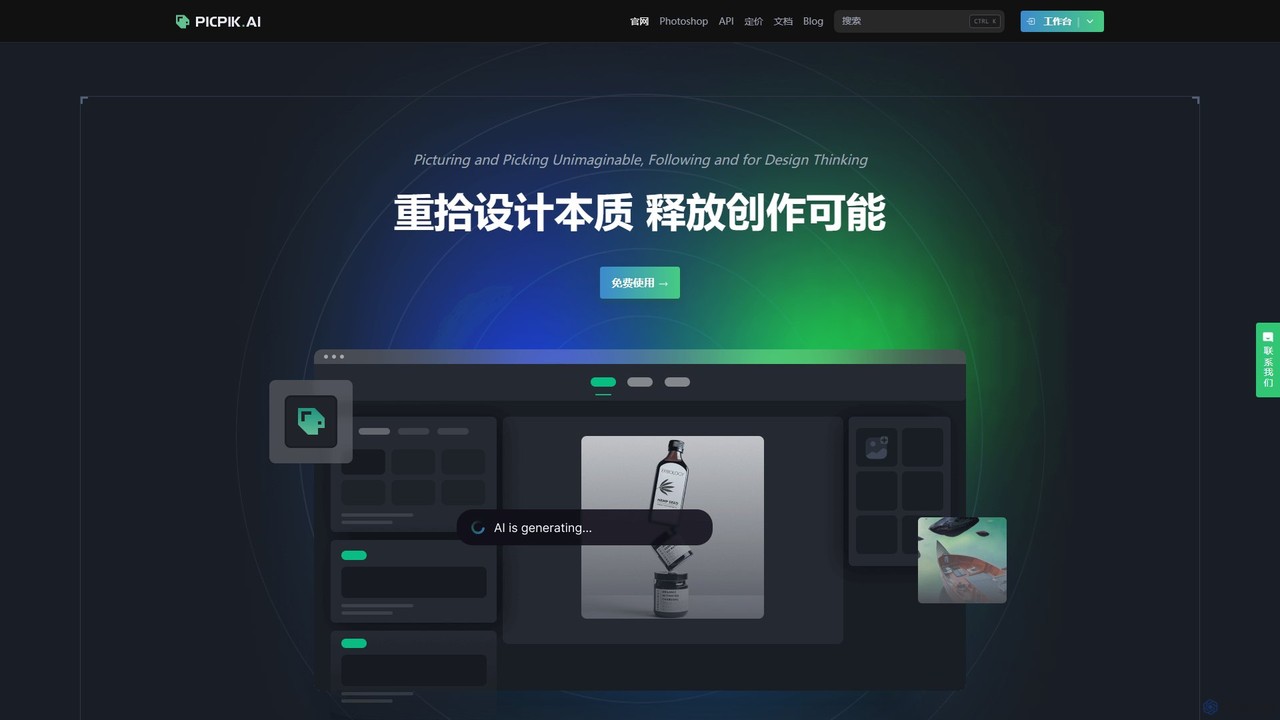
PicPik.ai
PicPik.ai is a professional-grade AI art generator and Photoshop plugin designed for designers and creative teams. It offers high-quality image generation with pre-optimized models, custom LoRA model training, seamless workflow integration, and a suite of powerful AI tools like face swapping, HD upscaling, and background removal.
Graphic Design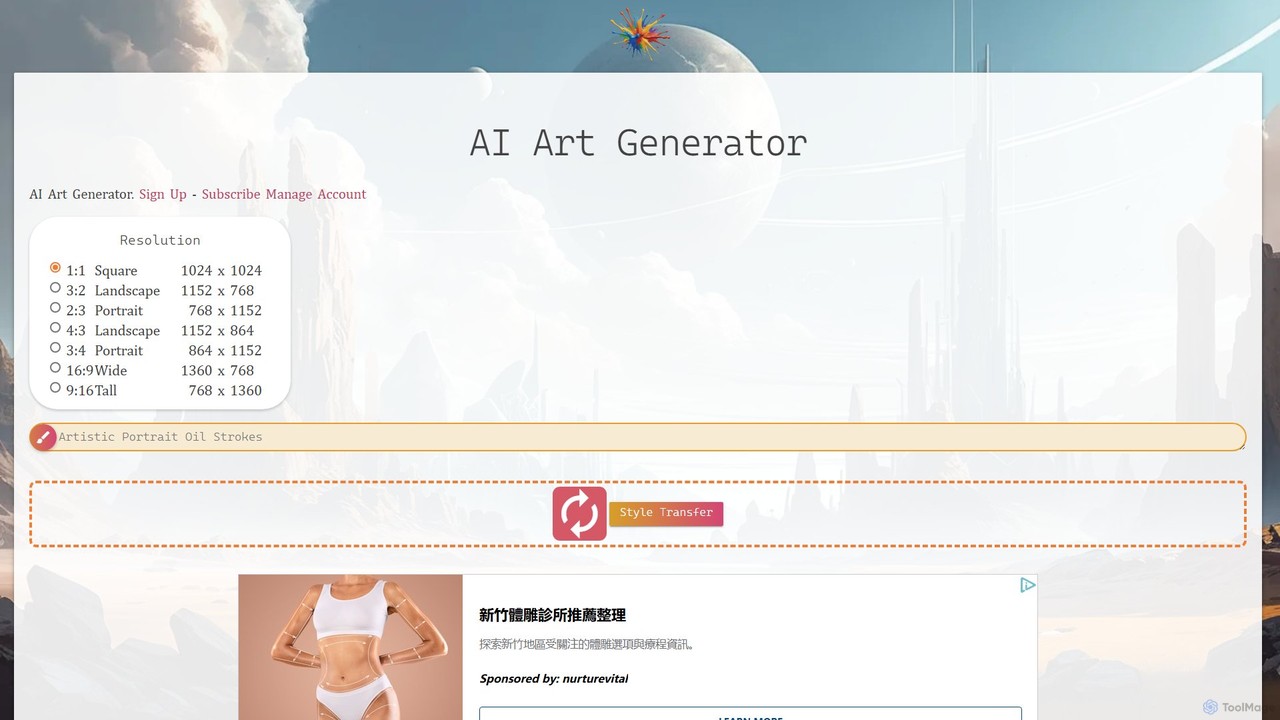
AI Art Generator + Image Search
A comprehensive AI art platform that allows users to generate stunning images from text prompts across a vast library of styles. It features advanced tools like style transfer, 2K upscaling with eye correction, an integrated editor, and the unique ability to animate static images into short videos. Ideal for artists, designers, and creators seeking a versatile and powerful visual creation tool.
Digital Art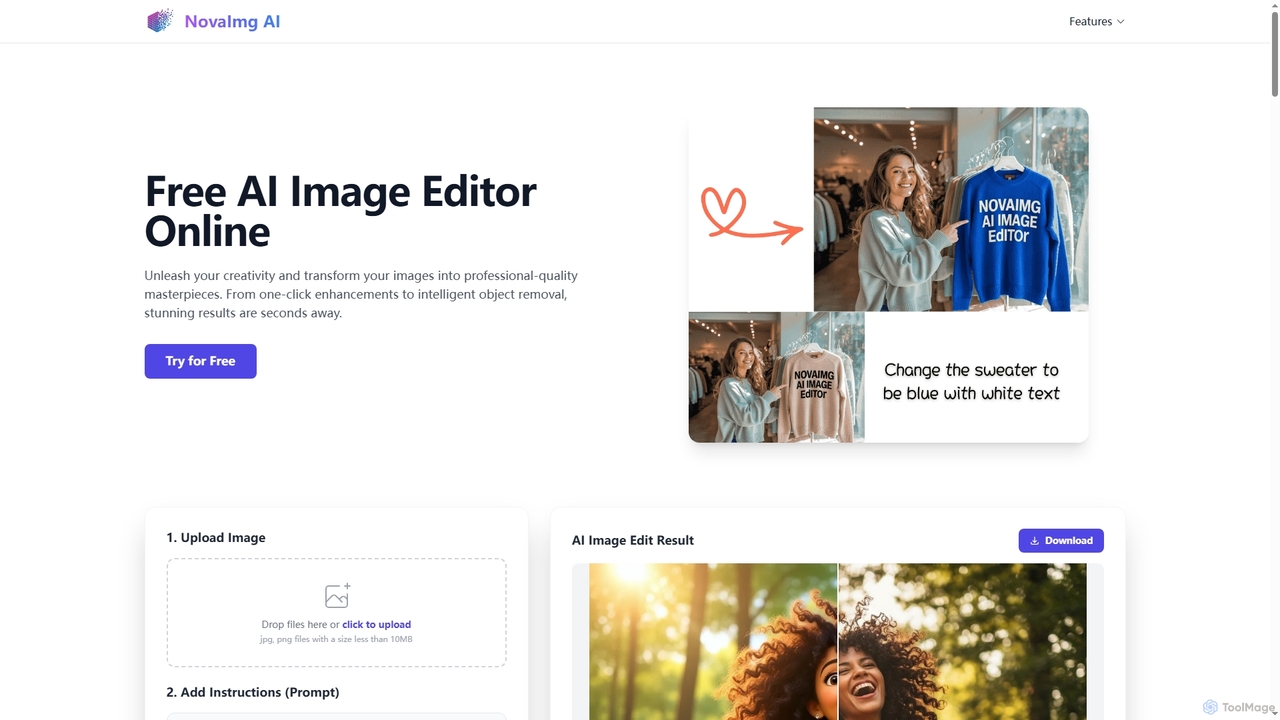
Novaimg
Novaimg is a versatile online AI tool suite for transforming and enhancing visual content. It offers a range of features including AI image editing with text prompts, 4K image upscaling, realistic face swapping for photos, videos, and GIFs, and an intelligent watermark remover. Designed for ease of use, Novaimg helps users create professional-quality images and videos for social media, e-commerce, and creative projects, often for free or with generous daily limits.
Graphic Design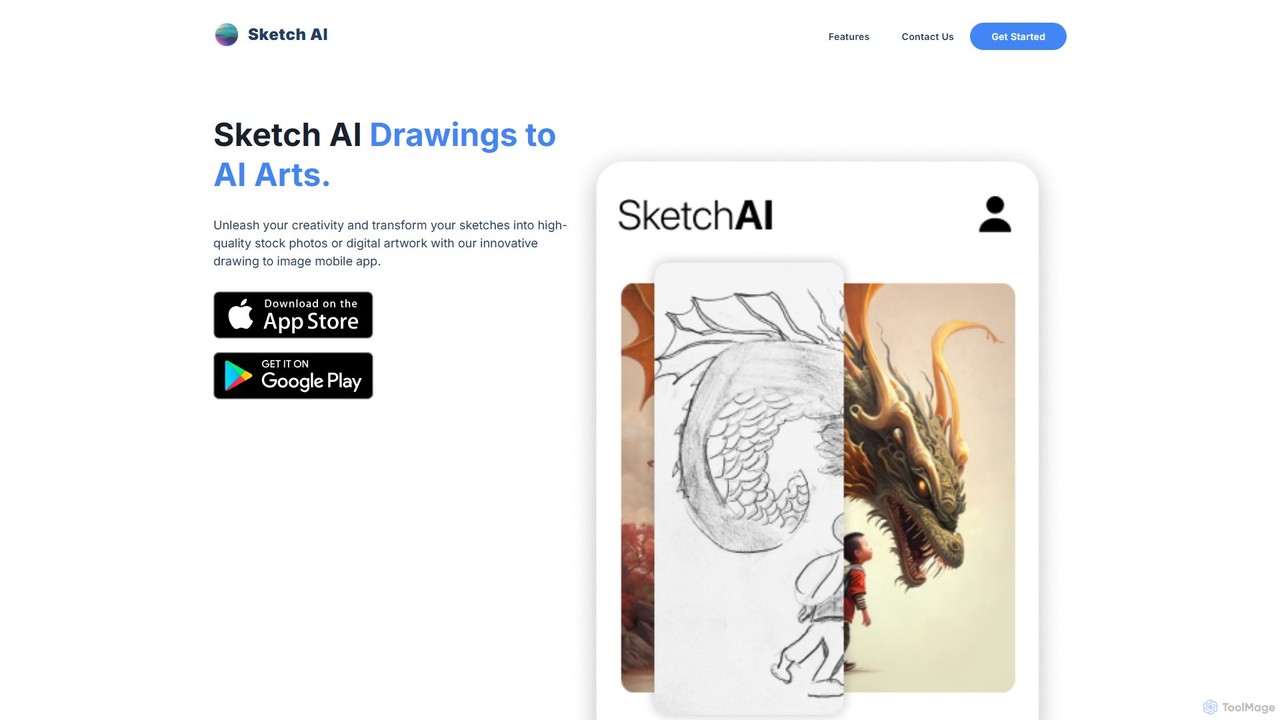
Sketch AI
Sketch AI is an innovative mobile app that transforms your simple sketches and doodles into high-quality, detailed artwork and photorealistic images using AI. Just draw a basic outline, add a text prompt to describe your vision, and watch as the app generates stunning digital art in various styles. It's perfect for artists, designers, and anyone looking to unleash their creativity.
Image Generation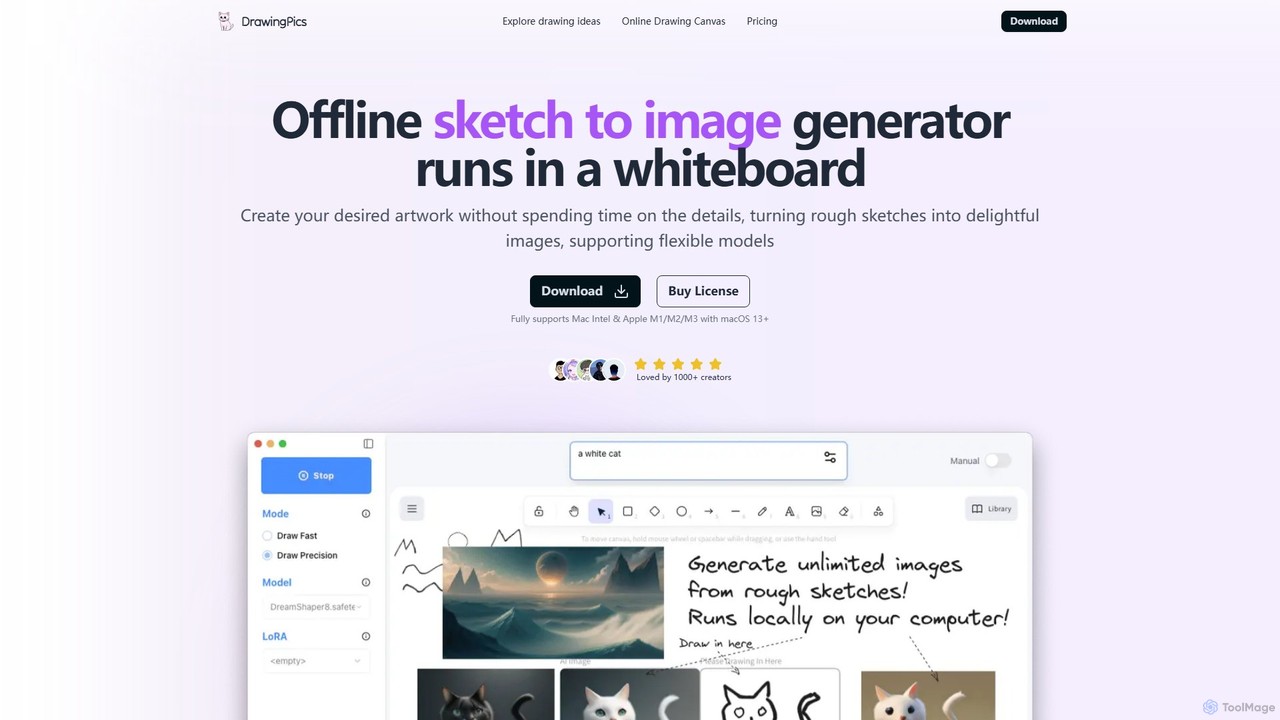
DrawingPics
DrawingPics is an offline AI art generator for macOS that transforms rough sketches into high-quality images on a digital whiteboard. It operates locally, ensuring privacy and unlimited use with a one-time purchase. It supports custom Stable Diffusion models and LoRAs, offering precise control and an iterative creative process for artists and designers.
Image Generation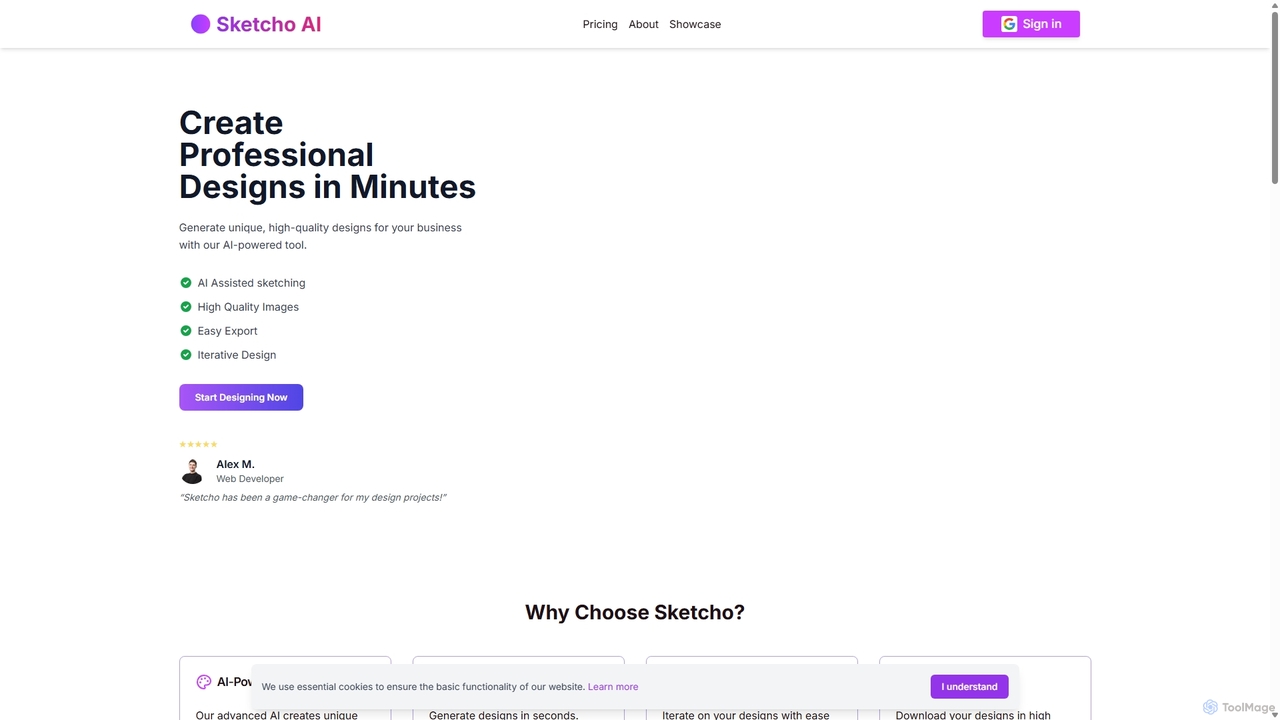
Sketcho
Sketcho is an AI-powered design tool that transforms your simple sketches and text prompts into professional, high-quality designs in minutes. It's built for rapid iteration, allowing users to easily generate and refine logos, illustrations, marketing materials, and concept art. By combining intuitive drawing tools with advanced AI, Sketcho makes professional design accessible to everyone, from developers and artists to business owners, streamlining the creative process and enhancing visual quality.
Ai Art Generator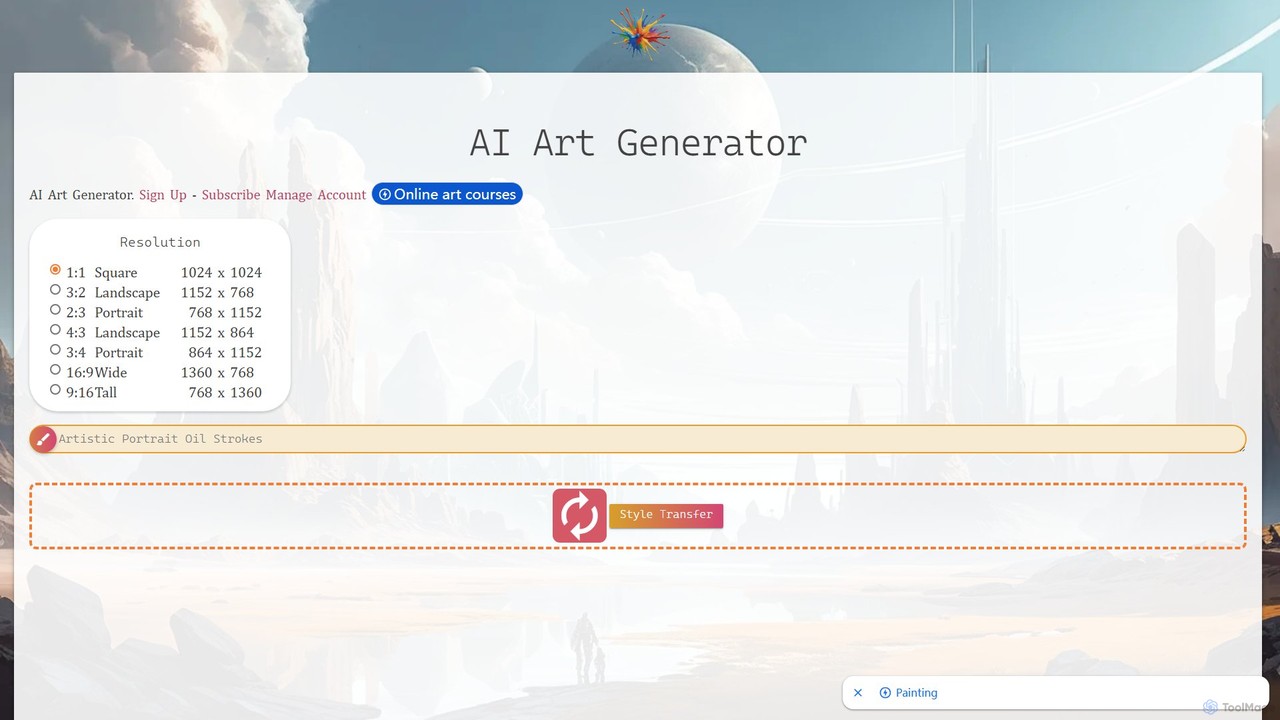
ebank AI Art Generator
A powerful and versatile AI art generator that combines text-to-image creation, style transfer, and an extensive image search. It features a vast library of artistic styles, 2K upscaling with eye-fix technology, an integrated editor, and video creation capabilities, making it an all-in-one solution for artists, designers, and content creators.
IllustrationVisualizee.ai
Visualizee.ai is a leading AI rendering tool that transforms sketches, 3D models, and text prompts into high-resolution (up to 8K) photorealistic visuals in seconds. Ideal for architects, designers, and creators, it features advanced tools like inpainting and upscaling to bring creative ideas to life with precision and speed.
VisualizationIndustrial Render AI
An AI-powered tool for industrial designers that transforms sketches and ideas into photorealistic product renderings. It also functions as a GPT-based assistant to provide design inspiration, analyze trends, and accelerate the creative process from concept to visualization.
3DInvoke
Invoke is a professional generative AI platform for creative production, offering fine-grained control, multi-modal inputs, and custom model training. Designed for artists, designers, and teams, it prioritizes data ownership and collaboration, allowing users to transform sketches, 3D models, and images into high-quality concept art, key art, and visualizations while maintaining brand consistency and IP integrity.
Concept Art
Draw3D Comments (0)
Sign in to comment.
Sign inNo comments yet.