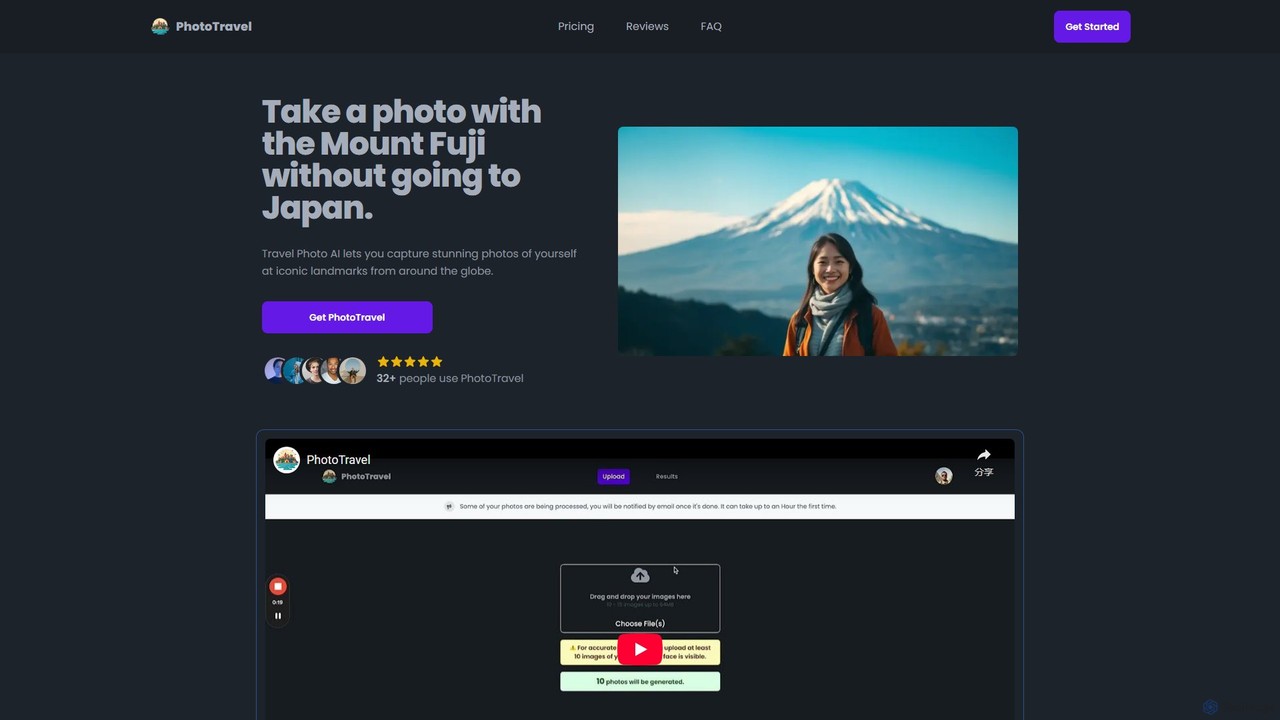
AI Photo Editing tools are a category of advanced software that leverage artificial intelligence and machine learning to enhance, modify, and transform digital images. These tools utilize sophisticated algorithms to automate complex tasks, from basic adjustments to intricate manipulations, significantly streamlining the photo editing workflow. They empower users to achieve professional-grade results with greater speed and efficiency, opening up new creative possibilities for visual content. Within the broader "Art" category, AI Photo Editing specifically focuses on refining existing visual assets rather than generating new ones from scratch.
Core Features
- Background Removal & Replacement: Automatically detects and precisely removes image backgrounds, allowing for seamless replacement with new scenes or transparent layers.
- Object Removal & Manipulation: Intelligently identifies and removes unwanted objects or elements from photos, or allows for their repositioning and resizing.
- Image Enhancement & Upscaling: Improves image quality by adjusting lighting, color, sharpness, and detail, and can enlarge low-resolution photos without significant loss of clarity.
- Style Transfer & Filters: Applies artistic styles from one image to another, or offers a wide range of AI-generated filters for creative effects.
- Portrait Retouching: Automates skin smoothing, blemish removal, teeth whitening, and other common portrait enhancements while maintaining natural looks.
Use Cases
AI Photo Editing tools are indispensable for professionals and enthusiasts alike. E-commerce businesses use them for batch processing product images, ensuring consistent backgrounds and optimal presentation. Social media managers and content creators leverage AI for quick enhancements, filter application, and creating eye-catching visuals. Professional photographers utilize these tools for efficient retouching, noise reduction, and complex image manipulations that would otherwise be time-consuming.
How to Choose
When selecting an AI Photo Editing tool, consider its core feature set and how well it aligns with your specific needs, such as background removal accuracy or advanced retouching capabilities. Evaluate the ease of use and user interface, especially for beginners or those needing quick workflows. Check for integration options with existing creative suites or platforms. Finally, compare output quality, processing speed, and pricing models to find a solution that offers the best balance of performance and value for your projects.