ToolMage
Sign in

Best 2 Pixel Art AI tools for Art

Popular Pixel Art AI tools in Art include deep_pixels and Perlerbeadpattern, helping you work more efficiently.

Perlerbeadpattern
Freemium

Perlerbeadpattern

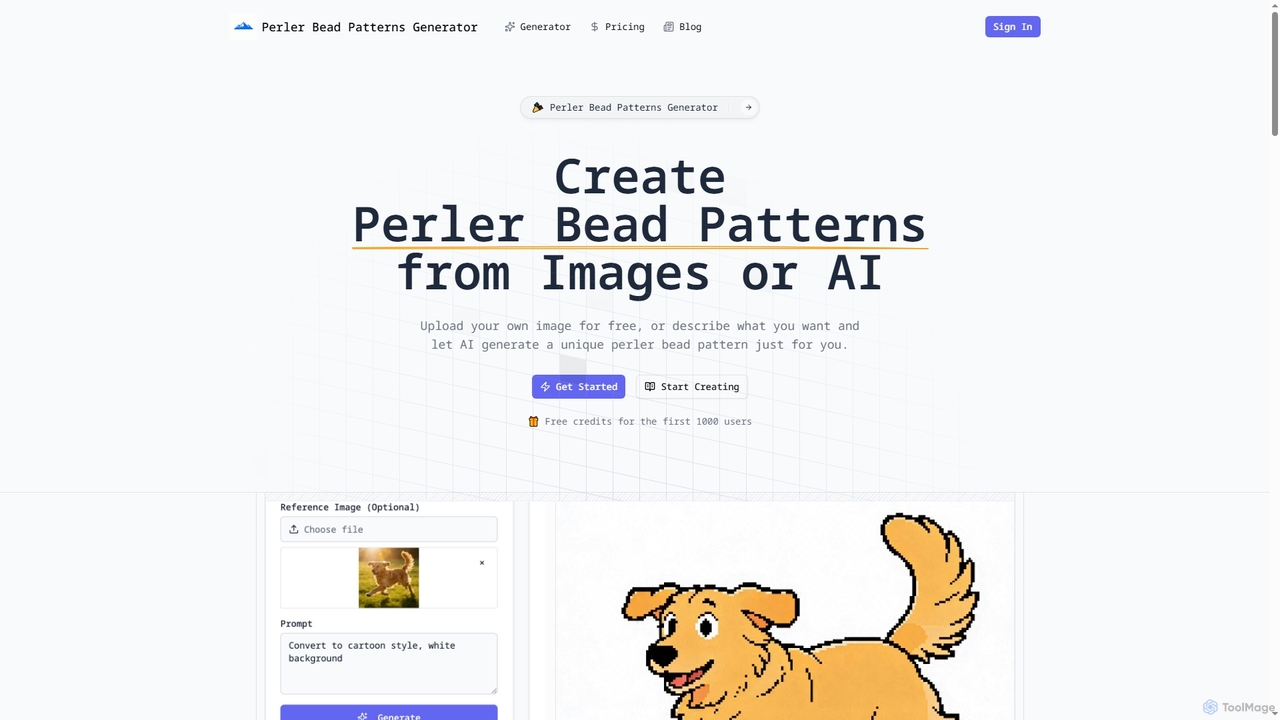
Perlerbeadpattern is an AI-powered tool that transforms images and text descriptions into custom Perler bead patterns. It offers free image-to-pattern conversion and advanced AI generation with precise color mapping, enabling crafters and artists to create unique, printable designs for their projects.

Pixel Art
Visits 6.2KFavorites 41Likes 52
deep_pixels
Freemium

deep_pixels

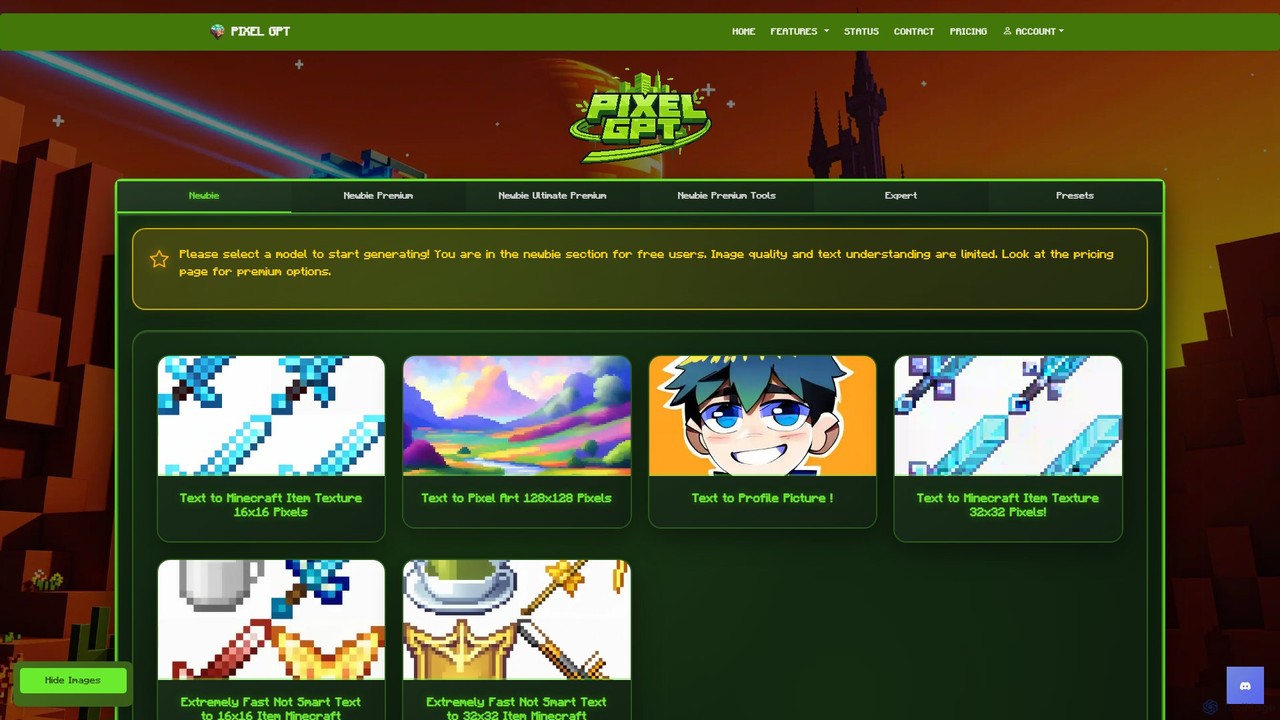
A specialized AI-powered platform for generating Minecraft textures and pixel art from text prompts. With over 350 unique models, it enables gamers, texture pack creators, and developers to instantly create high-quality assets in various resolutions (16x16, 32x32, 128x128). The tool offers a streamlined workflow with features like batch generation and different quality tiers to suit both beginners and professionals.

Pixel Art
Visits 14.7KFavorites 121Likes 123

About Pixel Art

AI Pixel Art generators are specialized tools that use artificial intelligence to create images in the distinct, blocky aesthetic of pixel art. These tools often leverage generative models trained on vast datasets of pixel art to interpret text prompts or transform existing photos into retro-style graphics. Their primary value lies in rapidly prototyping game assets, creating nostalgic digital art, and producing unique visuals for social media. This allows creators to generate high-quality pixel art without the meticulous, pixel-by-pixel manual effort traditionally required.

Core Features

  • Text-to-Pixel Generation: Creates unique pixel art scenes, characters, or objects directly from descriptive text prompts.
  • Image-to-Pixel Conversion: Transforms photographs or other images into pixel art, often with controls for resolution and color palette.
  • Style and Palette Control: Allows users to specify styles (e.g., 8-bit, 16-bit) and limit the color palette to achieve a specific retro feel.
  • Asset-Specific Generation: Tailored modes for creating game assets like character sprites, tilesets, and backgrounds.
  • Resolution Management: Provides options to define the output canvas size (e.g., 32x32, 64x64) to fit project requirements.

Use Cases

AI Pixel Art tools are widely used by indie game developers for rapid asset creation, digital artists exploring retro aesthetics, and content creators designing unique avatars or social media graphics. They are also popular in the NFT space for generating large collections of pixelated characters. These tools streamline the workflow for anyone needing to produce classic, pixel-perfect visuals efficiently.

How to Choose

When selecting an AI Pixel Art generator, consider the quality and coherence of its text-to-pixel output. Evaluate the level of control over parameters like resolution, color palettes, and art style. Check if it supports specific asset types you need, such as animated sprites. Finally, compare pricing models, such as per-generation credits versus monthly subscriptions, to find one that aligns with your usage frequency and budget.

Pixel Art use cases

1

Prototyping Indie Game Character Sprites

A solo indie game developer needs to quickly visualize character concepts for a new 16-bit platformer. Instead of spending days drawing each sprite manually, they use an AI Pixel Art generator. By inputting prompts like 'brave knight with a blue shield, side-view, walking animation,' the tool generates multiple character variations in seconds. This allows the developer to test different visual styles, iterate on designs rapidly, and create placeholder assets for the game engine, accelerating the prototyping phase significantly.

2

Creating Retro-Style Social Media Avatars

A content creator wants a unique, 8-bit style profile picture to match their brand's nostalgic theme. They upload a headshot photo to an AI Image-to-Pixel tool. The tool converts the photo into a pixelated version. The creator can then fine-tune the result by selecting a specific color palette, such as one resembling a classic gaming console, and adjusting the pixel density for a chunkier or more detailed look. The final image is a distinctive, personalized avatar that stands out on social media platforms.

3

Generating Backgrounds for Pixel Art Scenes

A digital artist is creating a complex pixel art illustration and needs a detailed background. To save time, they use a text-to-pixel generator with a prompt like 'pixel art, enchanted forest at night, glowing mushrooms, 16-bit style, deep blue and purple palette.' The AI produces several background options that serve as a strong foundation. The artist then imports their favorite option into a manual pixel art editor to add specific details, adjust lighting, and integrate it seamlessly with their foreground characters, combining AI's speed with their personal artistic touch.

4

Creating an NFT Pixel Art Collection

An NFT artist plans to launch a collection of 1,000 unique pixelated monster characters. Using an AI Pixel Art generator, they first create a base monster design with a prompt. Then, they use the tool to generate hundreds of variations for different traits like 'spiky horns,' 'glowing red eyes,' 'cybernetic arm,' and various backgrounds. This process automates the creation of a diverse set of assets. The artist can then programmatically combine these AI-generated layers to assemble the final 1,000 unique NFTs, drastically reducing the manual labor required for a large-scale collection.

5

Designing Marketing Materials with a Nostalgic Vibe

A marketing team for a tech startup wants a campaign with a retro gaming feel to appeal to a specific demographic. They use an AI pixel art tool to convert their company logo into an 8-bit version. They also generate a set of pixelated icons representing their product's features, using prompts like 'pixel art icon of a cloud server, 32x32, simple'. These assets are then used across their website, social media ads, and email newsletters to create a cohesive and memorable brand identity that evokes a sense of nostalgia and fun.

6

Exploring Art Styles for Hobbyists

A student learning digital art is curious about the constraints and aesthetics of pixel art. They use an AI generator as an educational tool. By generating the same scene, such as 'a cozy cabin in the snow,' with different parameters (e.g., 8-bit vs 16-bit, limited 4-color palette vs full-color), they can quickly compare and understand how these choices impact the final artwork's mood and readability. This allows for rapid experimentation and learning without the steep initial curve of mastering a manual pixel art program.

Pixel Art FAQ

What are AI Pixel Art generators?

AI Pixel Art generators are specialized artificial intelligence tools designed to create or convert images into the classic, blocky style of pixel art. Unlike general AI art generators, they are specifically trained on pixel art datasets to understand its unique constraints, such as limited color palettes and low resolutions. They can generate new art from text prompts or transform existing photos into a pixelated format, automating a process that traditionally requires meticulous manual work.

How do AI Pixel Art tools differ from traditional pixel art software?

The main difference lies in creation versus editing. AI Pixel Art tools generate art from prompts or existing images, automating the initial creation process. Traditional software like Aseprite or Photoshop are manual editors where the artist places each pixel by hand, offering precise control. AI tools are best for rapid idea generation, prototyping, and creating assets quickly. Traditional software is superior for fine-tuning, creating complex animations, and achieving a specific, hand-crafted artistic vision.

How to choose the right AI Pixel Art tool?

To choose the right tool, consider these factors:

  • Output Quality: Does the tool consistently generate coherent and aesthetically pleasing pixel art that matches your prompts?
  • Control and Customization: Can you specify resolution, color palettes, and negative prompts to refine the output?
  • Feature Set: Does it offer both text-to-pixel and image-to-pixel capabilities? Does it support specific needs like sprite sheet generation?
  • Speed and Cost: Evaluate the generation speed and compare pricing models (e.g., subscription vs. credit packs) to find what best suits your budget and workflow.
What are the main features of AI Pixel Art generators?

Most AI Pixel Art generators share a core set of features. The most common are:

  • Text-to-Pixel: Generating pixel art from a written description.
  • Image-to-Pixel: Converting an uploaded image into a pixelated style.
  • Style Controls: Options to select specific aesthetics like 8-bit, 16-bit, or other retro styles.
  • Palette Limitation: The ability to restrict the number of colors used, which is a key characteristic of classic pixel art.
  • Resolution Settings: Defining the output size in pixels (e.g., 16x16, 32x32, 64x64) to control the level of detail.
Can AI-generated pixel art be used for commercial projects?

Generally, yes, but it depends entirely on the terms of service of the specific AI tool you use. Most platforms grant users commercial rights to the images they create, allowing them to be used in games, marketing, or products for sale. However, some may have restrictions or require a specific subscription tier for commercial use. It is crucial to always read and understand the licensing agreement of your chosen tool before using its output in a commercial project to ensure you are in compliance.