ToolMage
Sign in

Best 3 Storyboarding AI tools for Art

Popular Storyboarding AI tools in Art include LTX Studio, StoryboarderAI, and Shai Creative, helping you work more efficiently.

Shai Creative
Freemium

Shai Creative

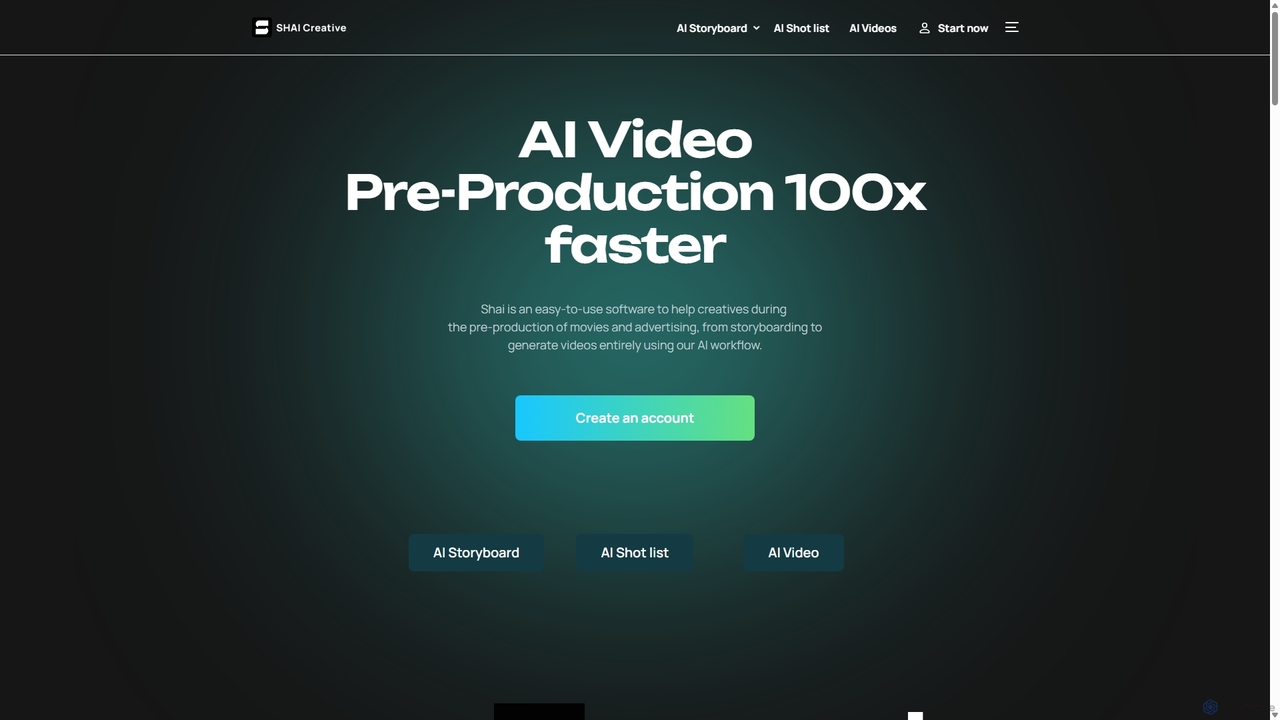
Shai Creative is an AI-powered pre-production platform designed for filmmakers and advertisers. It transforms scripts into detailed storyboards, shot lists, and video animatics in seconds, streamlining the creative process and accelerating production workflows by up to 100x. No prompting skills required.

Storyboarding
Visits 45.8KFavorites 149Likes 173
StoryboarderAI
Paid

StoryboarderAI

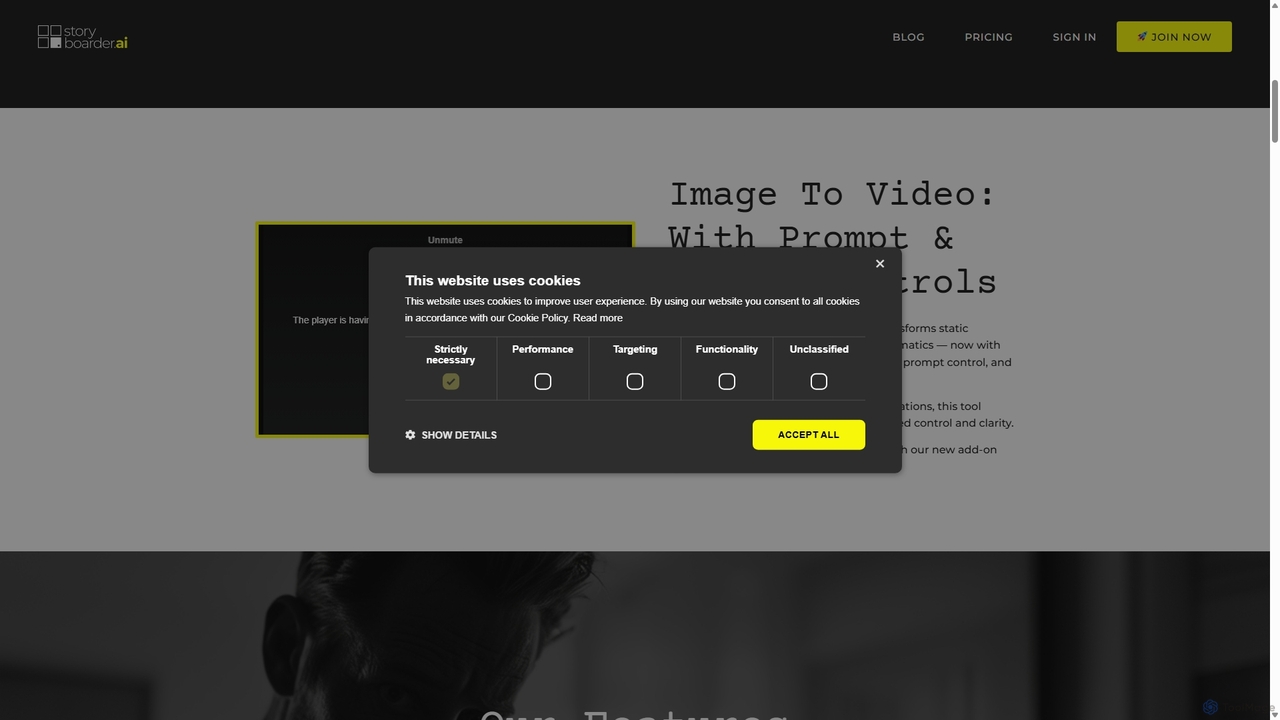
StoryboarderAI is an AI-powered platform that revolutionizes the pre-production process for filmmakers and creators. It transforms ideas, scripts, or prompts into complete storyboards, animatics, screenplays, and shot lists in minutes, featuring character consistency, custom art styles, and advanced editing tools.

Storyboarding
Visits 145.7KFavorites 174Likes 149
LTX Studio
Freemium

LTX Studio

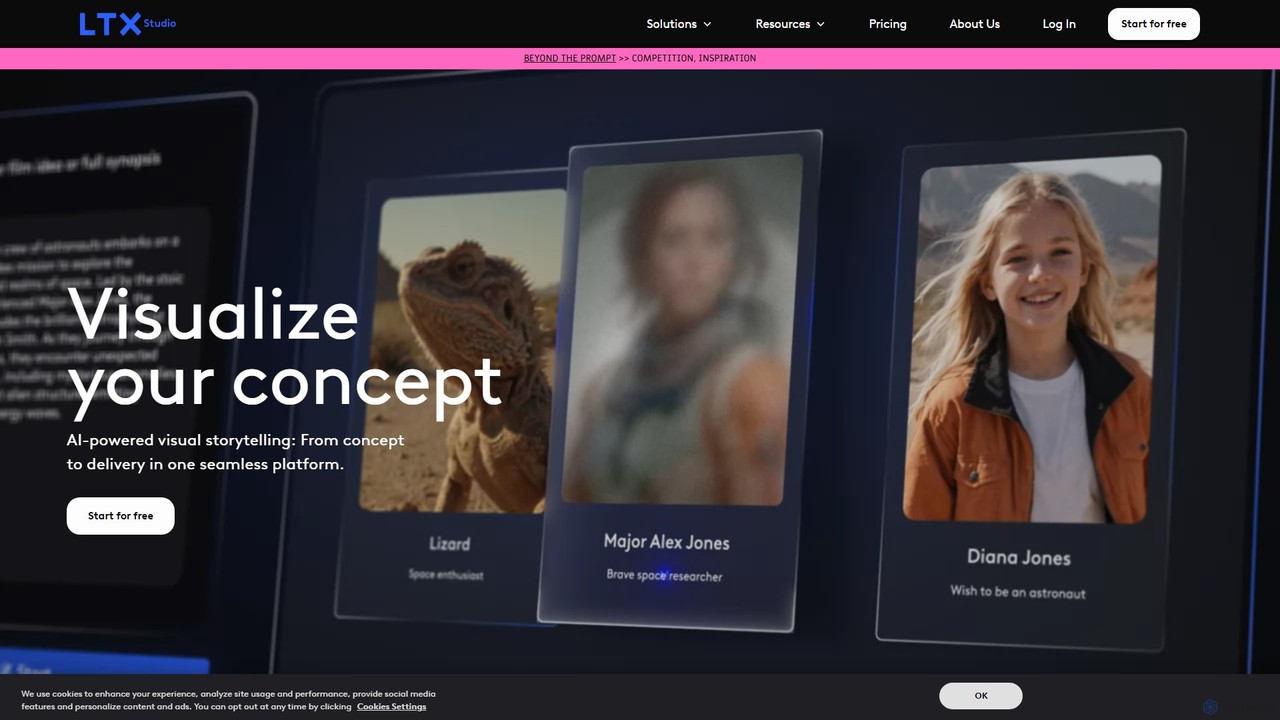
LTX Studio is an AI-powered visual storytelling platform that transforms ideas and scripts into complete videos. It streamlines the entire production process, from generating detailed storyboards and consistent characters to advanced shot editing and automatic pitch deck creation, making it accessible for creators of all levels.

Storyboarding
Visits 751.9KFavorites 137Likes 107

About Storyboarding

Storyboarding tools are AI-powered applications designed to visualize narratives and sequences for various creative projects. These tools leverage artificial intelligence to transform textual descriptions or basic sketches into detailed visual panels, streamlining the pre-production process. They enable creators to rapidly conceptualize scenes, plan camera angles, and define character actions, significantly accelerating the development of films, animations, games, and marketing content.

Core Features

  • Automated Panel Generation: Converts text descriptions or script segments into visual storyboard panels.
  • Character & Environment Synthesis: Generates diverse character poses, expressions, and background environments based on prompts.
  • Visual Style Consistency: Applies a unified artistic style across all panels, maintaining visual coherence.
  • Dynamic Layout & Timing: Suggests optimal panel layouts and helps synchronize visuals with dialogue or audio cues.
  • Iterative Design & Feedback: Facilitates quick modifications and allows for collaborative feedback on visual sequences.

Applicable Scenarios

These tools are invaluable for filmmakers, animators, game designers, and marketing professionals. They are used to quickly draft visual narratives for film pitches, plan complex animation sequences, visualize game cutscenes, or create compelling ad campaigns. Their ability to rapidly prototype visual ideas makes them essential for accelerating creative workflows in the art and media industries.

Selection Criteria

When selecting an AI storyboarding tool, consider its integration capabilities with existing creative software, the breadth of its visual generation styles, and its ease of use for rapid prototyping. Evaluate the flexibility in customizing generated elements, the collaboration features for team projects, and the pricing model based on your project scale and frequency of use. Prioritize tools that offer a balance of creative control and AI-driven efficiency.

Storyboarding use cases

1

Rapidly Visualize Film Scenes for Pitches

Filmmakers and directors can input script segments or scene descriptions into AI storyboarding tools to generate preliminary visual sequences. This allows for quick exploration of camera angles, character blocking, and mood, providing a tangible visual aid for pitching concepts to producers and investors, significantly reducing the time spent on manual drawing and revision cycles.

2

Streamline Animation Sequence Development

Animation studios utilize these tools to break down complex animated scenes into manageable panels. Artists can describe character actions, expressions, and environmental changes, letting the AI generate initial storyboards. This helps in planning keyframes, timing and transitions, ensuring a smooth workflow from concept to final animation, and allows for early identification of potential visual challenges.

3

Design Immersive Game Cutscenes

Game designers employ AI storyboarding to conceptualize and iterate on in-game cinematic sequences. By providing narrative prompts and character models, they can quickly generate visual flows for cutscenes, exploring different camera movements and emotional beats. This accelerates the pre-production phase, allowing teams to visualize the player's experience and refine storytelling elements before committing to full 3D rendering.

4

Create Engaging Visuals for Marketing Campaigns

Marketing teams leverage AI storyboarding to develop compelling visual narratives for advertisements, social media campaigns, and promotional videos. They can input campaign messages and target audience profiles to generate diverse visual concepts, testing different scenarios and emotional impacts. This helps in crafting impactful stories that resonate with consumers, ensuring brand consistency and message clarity across various platforms.

5

Accelerate Comic Book Panel Layout

Comic book artists and writers use AI storyboarding to quickly lay out pages and panel sequences. By inputting script dialogue and action descriptions, the tools can suggest panel arrangements, character placements, and speech bubble integration. This speeds up the initial drafting phase, allowing creators to focus on narrative flow and character development, while ensuring dynamic and engaging visual storytelling.

6

Visualize Complex Concepts for Educational Content

Educators and instructional designers can use AI storyboarding to create clear and engaging visual explanations for complex topics. By describing concepts, processes, or historical events, the tools generate sequential visuals that aid comprehension. This is particularly useful for e-learning modules, explainer videos, and interactive presentations, making abstract ideas more accessible and memorable for learners.

Storyboarding FAQ

What are AI Storyboarding tools?

AI Storyboarding tools are applications that use artificial intelligence to assist in the creation of visual storyboards. They leverage AI algorithms to generate visual panels from text descriptions, script segments, or basic sketches. These tools aim to automate and accelerate the pre-visualization process for various media, including film, animation, games, and marketing, by providing quick visual iterations and maintaining stylistic consistency.

How do I choose the best AI Storyboarding tool for my project?

To choose the best AI Storyboarding tool, consider several factors. First, evaluate its generation capabilities: can it produce diverse styles, characters, and environments? Second, check its integration with your existing workflow software. Third, assess its customization options for fine-tuning generated visuals. Finally, look at collaboration features if you work in a team, and compare pricing models based on your project's scope and budget.

What are the main advantages of AI Storyboarding over traditional methods?

AI Storyboarding offers significant advantages over traditional manual methods, primarily in speed and iteration. AI tools can generate multiple visual concepts from a single prompt in minutes, drastically reducing the time spent on drawing and redrawing. They also help maintain visual consistency across panels and facilitate easier modifications. While traditional methods offer complete artistic control, AI tools excel in rapid prototyping, exploration, and efficiency, allowing creators to focus more on narrative refinement.

What core functionalities do AI Storyboarding tools offer?

AI Storyboarding tools typically offer several core functionalities. These include automated panel generation from text, character and environment synthesis based on prompts, and the ability to apply consistent visual styles. Many also provide dynamic layout suggestions, tools for synchronizing visuals with audio or dialogue, and features for iterative design and collaborative feedback. Some advanced tools might even offer basic camera movement pre-visualization.

Who can benefit most from using AI Storyboarding tools?

A wide range of creative professionals can benefit from AI Storyboarding tools. This includes filmmakers and directors for pre-visualization, animators for planning complex sequences, and game designers for crafting immersive cutscenes. Marketing teams can use them for campaign visuals, while comic book artists and writers can accelerate panel layout. Educators also find them useful for visualizing complex concepts, making these tools valuable across various visual storytelling disciplines.