ToolMage
Sign in

Best 25 Planning AI tools for Business

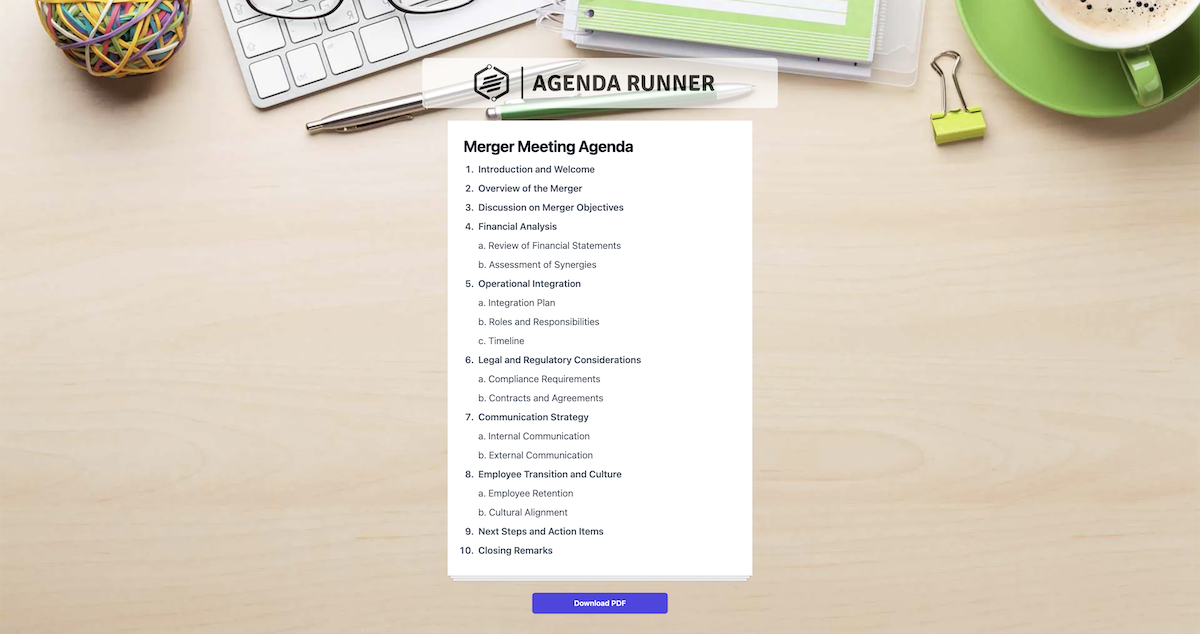
Popular Planning AI tools in Business include Xmind, MyMap, Vizologi, Venturekit, 15minuteplan, bizplanr, ChatUML, Agenda Runner, simbly.ai, and BizPlanner.ai, helping you work more efficiently.

startuptools.ai
Freemium

startuptools.ai

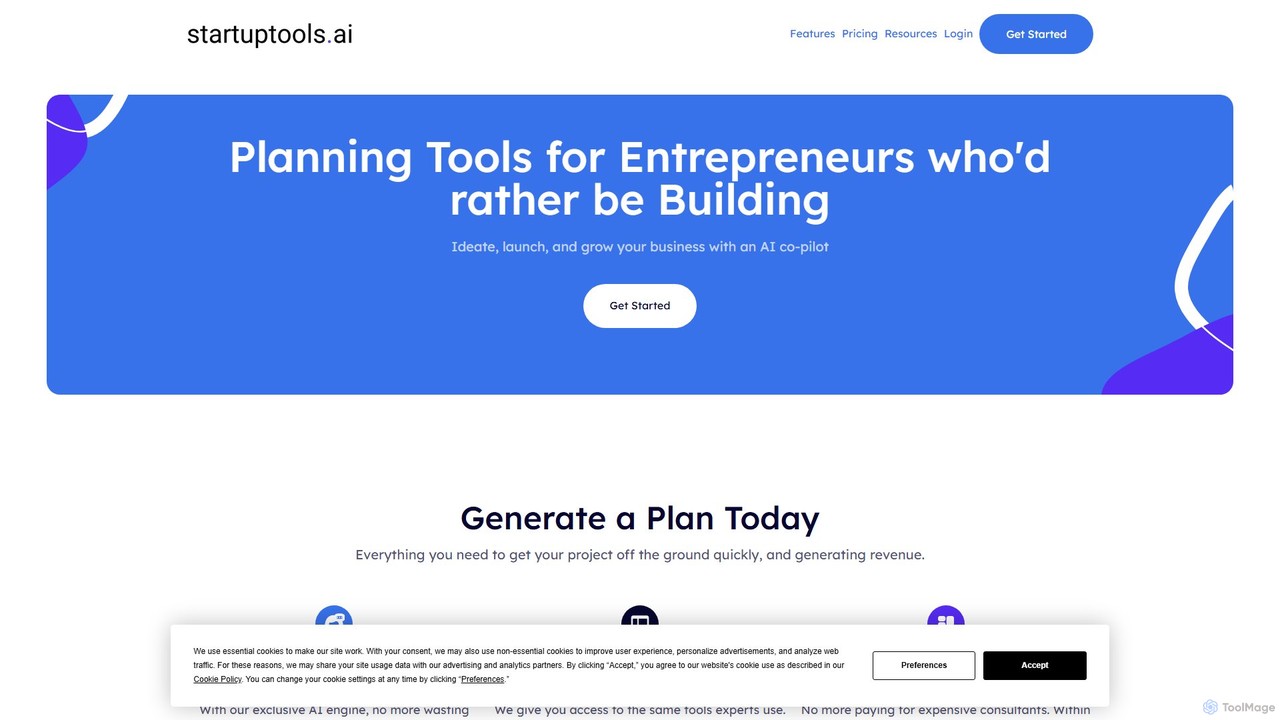
startuptools.ai is an AI-powered platform designed for entrepreneurs and innovators to generate comprehensive business plans in minutes. It streamlines the idea-to-execution journey by automating the creation of crucial documents like executive summaries, SWOT analyses, marketing plans, and pitch decks. This allows founders to save time and resources, focusing on building their business rather than on paperwork.

Planning
Visits 7.4KFavorites 125Likes 149

About Planning

AI Planning tools are a specialized category of business software that uses artificial intelligence to optimize strategic and operational plans. These tools analyze data to forecast timelines, allocate resources, and identify potential risks, moving beyond simple task management. They empower organizations to create data-driven, adaptable, and realistic roadmaps for projects and business objectives. The core value lies in transforming planning from a static, manual process into a dynamic, intelligent, and automated one.

Core Features

  • Predictive Forecasting: Utilizes historical data and machine learning to accurately predict project completion dates, budget requirements, and resource needs.
  • Automated Scheduling: Intelligently assigns tasks and sets deadlines based on dependencies, team capacity, and strategic priorities, resolving conflicts automatically.
  • Resource Optimization: Recommends the most efficient allocation of personnel, equipment, and budget across multiple projects to maximize output.
  • Risk Analysis: Proactively identifies potential bottlenecks, delays, and conflicts within a plan, suggesting mitigation strategies.
  • Goal & OKR Alignment: Connects daily tasks and projects to overarching company objectives (OKRs), ensuring all work contributes to strategic goals.

Use Cases

AI Planning tools are widely used by project managers, operations leads, and executives in sectors like technology, marketing, and manufacturing. For instance, a software team can use them for automated sprint planning, while a marketing department can orchestrate complex multi-channel campaigns. Executives leverage these tools for developing long-term strategic business roadmaps.

How to Choose

When selecting an AI Planning tool, consider its integration capabilities with your existing software stack (e.g., CRM, Slack, Jira). Evaluate the complexity of its AI models—whether it suits simple task automation or complex strategic forecasting. Also, assess its scalability to ensure it can grow with your team and the complexity of your projects. Finally, consider the user interface and the learning curve for your team.

Featured tool rankings

Planning use cases

1

Strategic Business Roadmap Development

An executive team uses an AI Planning tool to build a three-year strategic roadmap. They input key business objectives, market analysis data, projected revenue targets, and available departmental resources. The AI processes this information to generate a visual roadmap with prioritized initiatives, key milestones, and predicted timelines for each quarter. It also flags potential resource conflicts between the marketing and product development departments, allowing leadership to address the issue proactively before the plan is finalized, ensuring a more coherent and achievable long-term strategy.

2

Automating Agile Sprint Planning

A project manager for a software development team uses an AI Planning tool to automate sprint planning. Instead of manually dragging tasks from the backlog, the manager defines the sprint goal and team capacity. The AI analyzes task dependencies, historical velocity (completion rate), and individual developer skills to suggest an optimal sprint backlog. It automatically arranges tasks in a logical sequence and predicts if the sprint goal is achievable with the current resources, saving the manager several hours of manual coordination and reducing the risk of an overloaded or poorly planned sprint.

3

Orchestrating a Multi-Channel Marketing Campaign

A marketing manager plans a product launch campaign involving social media, email marketing, and paid ads. Using an AI Planning tool, they input the campaign budget, key dates, and target audience segments. The AI generates an integrated timeline, scheduling content creation, approval workflows, and ad placements across all channels. It optimizes the schedule based on historical data of best engagement times for each platform and ensures that dependencies, like having the final ad creative before launching a paid campaign, are respected. This prevents delays and maximizes the campaign's reach and impact.

4

Optimizing Construction Project Schedules

A construction project manager oversees a large-scale building project with numerous subcontractors and complex supply chains. They use an AI Planning tool to create a dynamic project schedule. By inputting blueprints, material delivery dates, subcontractor availability, and permit timelines, the AI generates an optimal work sequence. When an unexpected delay occurs, such as a late material shipment, the manager inputs the new information, and the AI instantly recalculates the entire project timeline, suggesting adjustments to other tasks to minimize the overall impact. This provides a level of agility impossible with static Gantt charts.

5

Coordinating Large-Scale Event Logistics

An event planner is organizing a multi-day tech conference with hundreds of sessions, speakers, and exhibitors. They use an AI Planning tool to manage the complex logistics. The planner inputs all variables: session topics, speaker availability, room capacities, and exhibitor setup times. The AI algorithm then generates a master schedule that avoids conflicts, optimizes attendee flow between sessions, and ensures technical support is allocated to the right rooms at the right times. If a speaker cancels last minute, the tool can quickly suggest the best replacement session to fill the slot with minimal disruption to the overall agenda.

6

Aligning Team Tasks with Company OKRs

A team lead wants to ensure their team's daily work directly contributes to the company's quarterly Objectives and Key Results (OKRs). They use an AI Planning tool that integrates OKR tracking. The lead inputs the high-level company OKRs, and the AI helps break them down into smaller, measurable team objectives. As team members work on tasks, the tool automatically updates the progress towards these key results. The AI provides a dashboard view showing exactly how individual tasks are rolling up to meet strategic goals, improving team focus and making performance reviews more data-driven.

Planning FAQ

What are AI Planning tools?

AI Planning tools are advanced software applications that use artificial intelligence to automate and optimize the process of creating strategic and operational plans. Unlike traditional planners, they analyze data to predict outcomes, suggest optimal schedules, allocate resources efficiently, and identify potential risks before they occur. Their main purpose is to help businesses create more accurate, adaptable, and data-driven plans, moving beyond simple manual task lists.

How do AI Planning tools differ from traditional project management software?

The key difference lies in intelligence and proactivity. Traditional project management software (like basic Kanban boards or Gantt charts) acts as a passive system for you to manually organize and track tasks. In contrast, AI Planning tools are active participants. They proactively analyze your project data to:

  • Suggest optimal task sequences and deadlines.
  • Forecast potential delays and budget overruns.
  • Recommend resource allocations to prevent bottlenecks.
  • Automate scheduling based on real-time changes.
In short, traditional tools help you document a plan, while AI tools help you create, optimize, and adapt it intelligently.

What are the key features to look for in an AI Planning tool?

When evaluating AI Planning tools, focus on features that provide genuine intelligence and automation. Key features include:

  • Predictive Analytics: The ability to forecast project timelines, costs, and potential risks based on historical and current data.
  • Automated Scheduling: The capacity to automatically generate and adjust schedules based on dependencies, priorities, and resource availability.
  • Resource Optimization: Tools that can recommend the best way to allocate team members, budget, and equipment to maximize efficiency.
  • Integration Capabilities: Seamless connection with other business tools you use, such as CRMs, communication platforms (Slack, Teams), and code repositories (GitHub).
  • Scenario Planning: The functionality to model different 'what-if' scenarios to see how changes might impact the overall plan.

Who can benefit from using AI Planning tools?

A wide range of professionals and businesses can benefit from AI Planning tools. Key users include:

  • Project Managers: To automate scheduling, manage resources across multiple projects, and proactively mitigate risks.
  • C-Level Executives & Strategists: To develop data-driven strategic roadmaps and ensure alignment between company goals and execution.
  • Operations Managers: To optimize complex workflows, supply chains, and logistical processes.
  • Team Leads: To plan sprints, allocate tasks effectively, and track progress against team objectives.
Essentially, any team or organization that deals with complex projects, tight deadlines, and limited resources can gain significant efficiency and foresight from these tools.

Can AI Planning tools integrate with other business software?

Yes, integration is a critical feature of modern AI Planning tools. Effective planning doesn't happen in a vacuum, so these tools are designed to connect with the broader software ecosystem. Common integrations include:

  • Communication Platforms: Such as Slack and Microsoft Teams for notifications and updates.
  • CRM Systems: Like Salesforce to align sales goals with project execution.
  • Development Tools: Including Jira and GitHub to sync development tasks with the overall project plan.
  • Calendars: Google Calendar and Outlook for scheduling meetings and deadlines.
Strong integration capabilities ensure that the plan remains a single source of truth and reduces manual data entry between different systems.