ToolMage
Sign in

Best 6 Productivity AI tools for Business

Popular Productivity AI tools in Business include Geekflare AI, Powerusers AI, JusRecruit, Nonverbia, MethodsAgent, and Krizmi, helping you work more efficiently.

JusRecruit
Freemium

JusRecruit

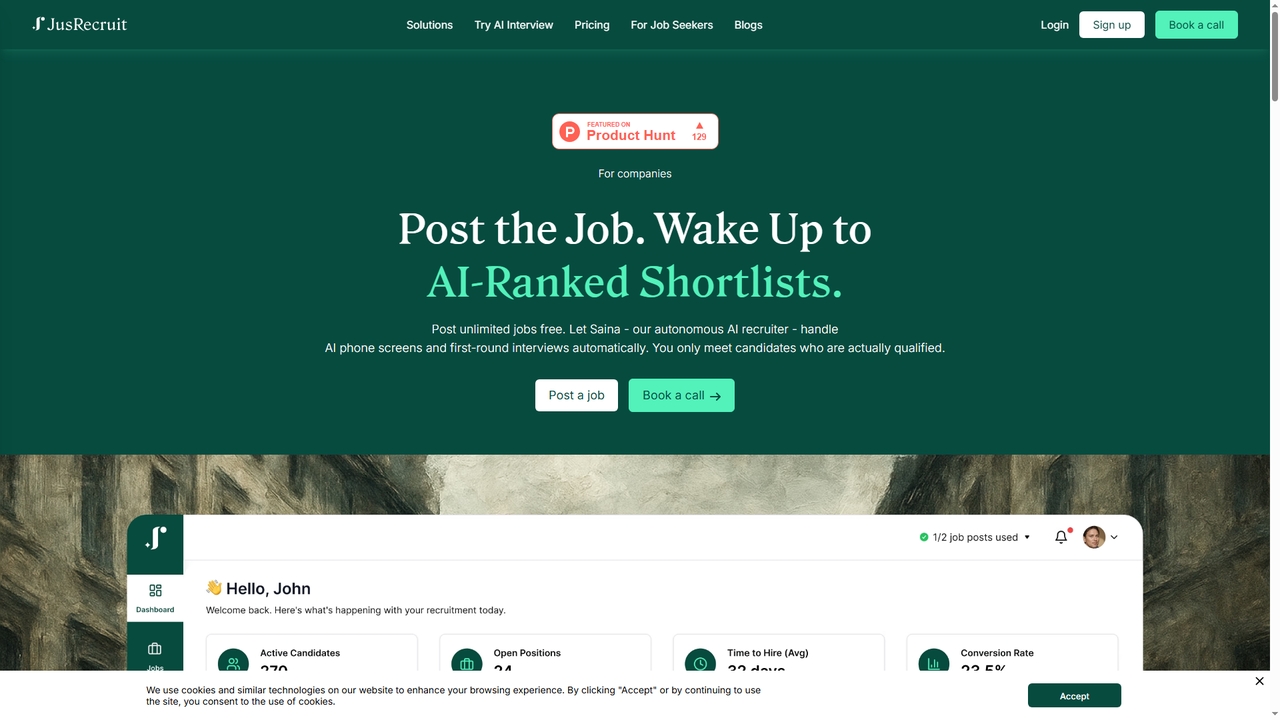
JusRecruit is an AI-powered recruiting platform that automates the early stages of hiring. Its autonomous AI interviewer, Saina, conducts phone screens and first-round interviews, providing companies with ranked shortlists of qualified candidates. It includes a lightweight ATS to manage the entire pipeline in one place, aiming to save recruiters time and improve hiring efficiency.

Productivity
Visits 8.8KFavorites 25Likes 30
MethodsAgent
Freemium

MethodsAgent

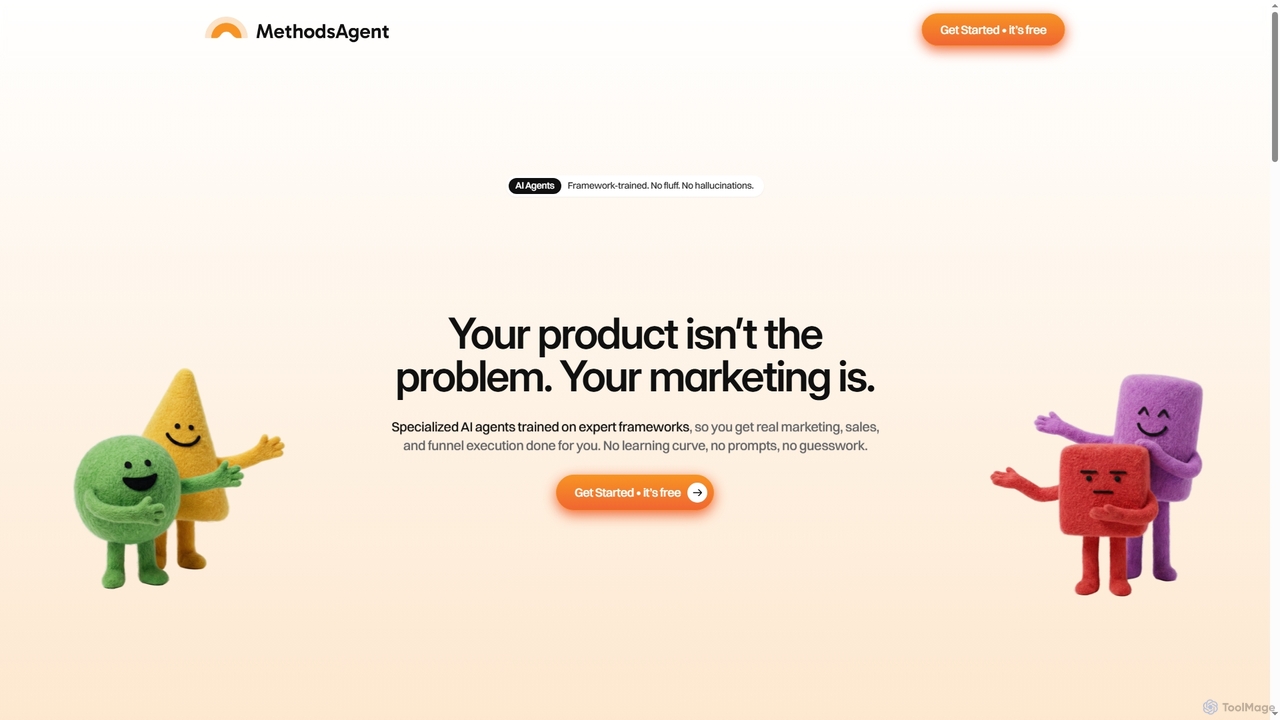
MethodsAgent provides specialized, framework-trained AI agents for marketing and sales execution. It eliminates guesswork and generic AI responses by applying expert methodologies to your specific situation, offering step-by-step guidance for real results without a steep learning curve or high consultant costs.

Productivity
Visits 5.6KFavorites 70Likes 66
Geekflare AI
Freemium

Geekflare AI

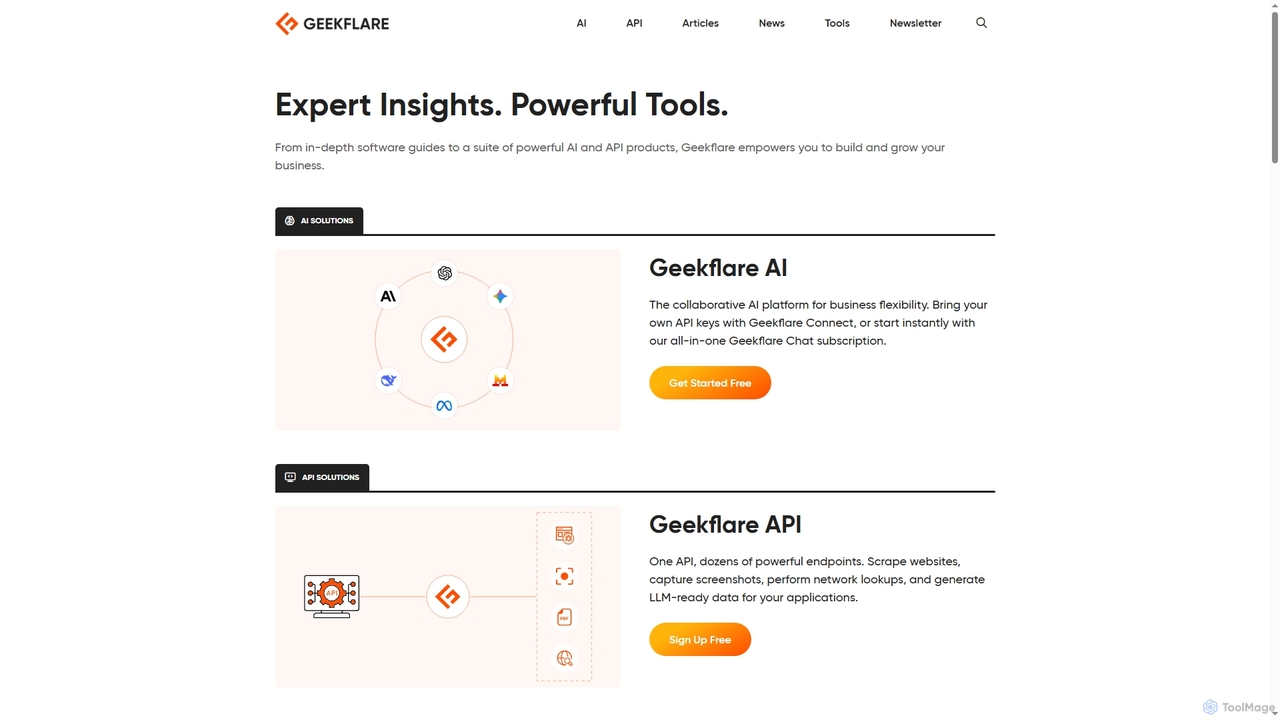
Geekflare AI is a collaborative artificial intelligence platform designed to enhance business flexibility. It allows users to integrate their own API keys via Geekflare Connect or access an all-in-one AI chat experience through a Geekflare Chat subscription, empowering businesses to automate tasks and accelerate growth.

Collaboration
Visits 380.6KFavorites 165Likes 144
Nonverbia
Freemium

Nonverbia

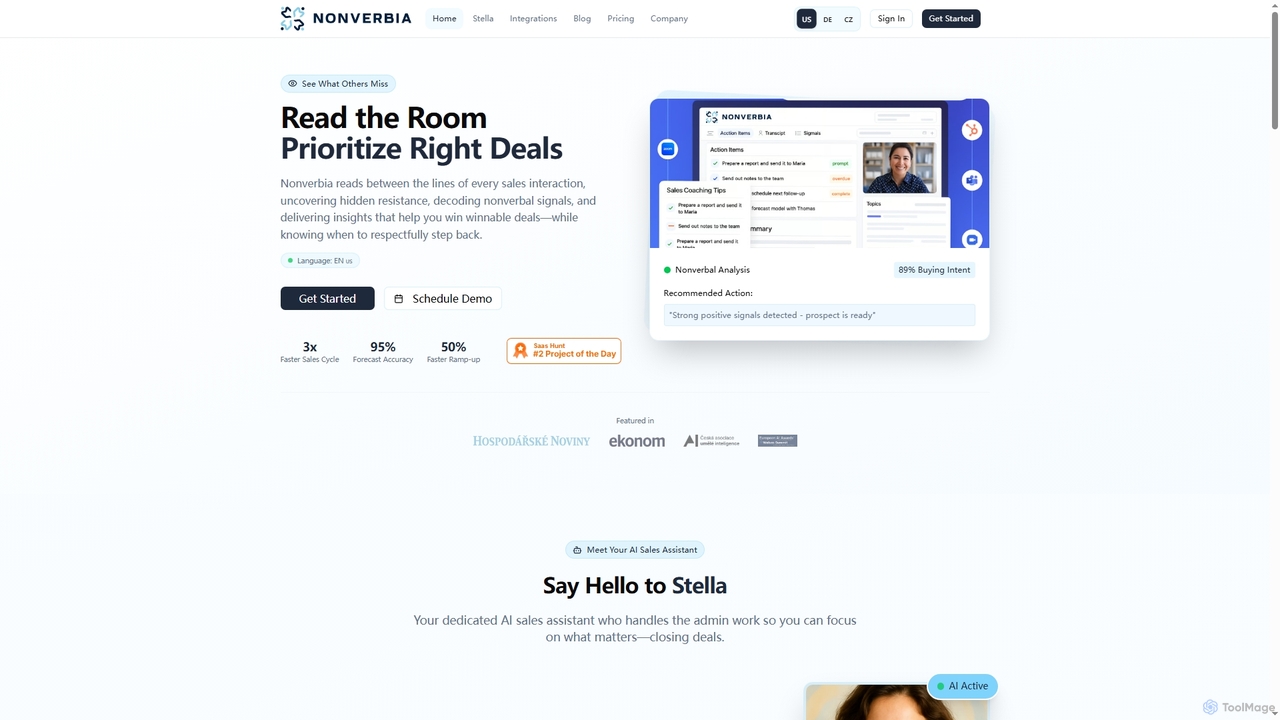
Nonverbia is an AI sales assistant that decodes nonverbal cues and hidden resistance in sales interactions. It automates administrative tasks, provides personalized coaching, and delivers actionable insights to help sales teams close more deals faster and improve forecast accuracy.

Productivity
Visits 8.7KFavorites 150Likes 146
Powerusers AI
Free

Powerusers AI

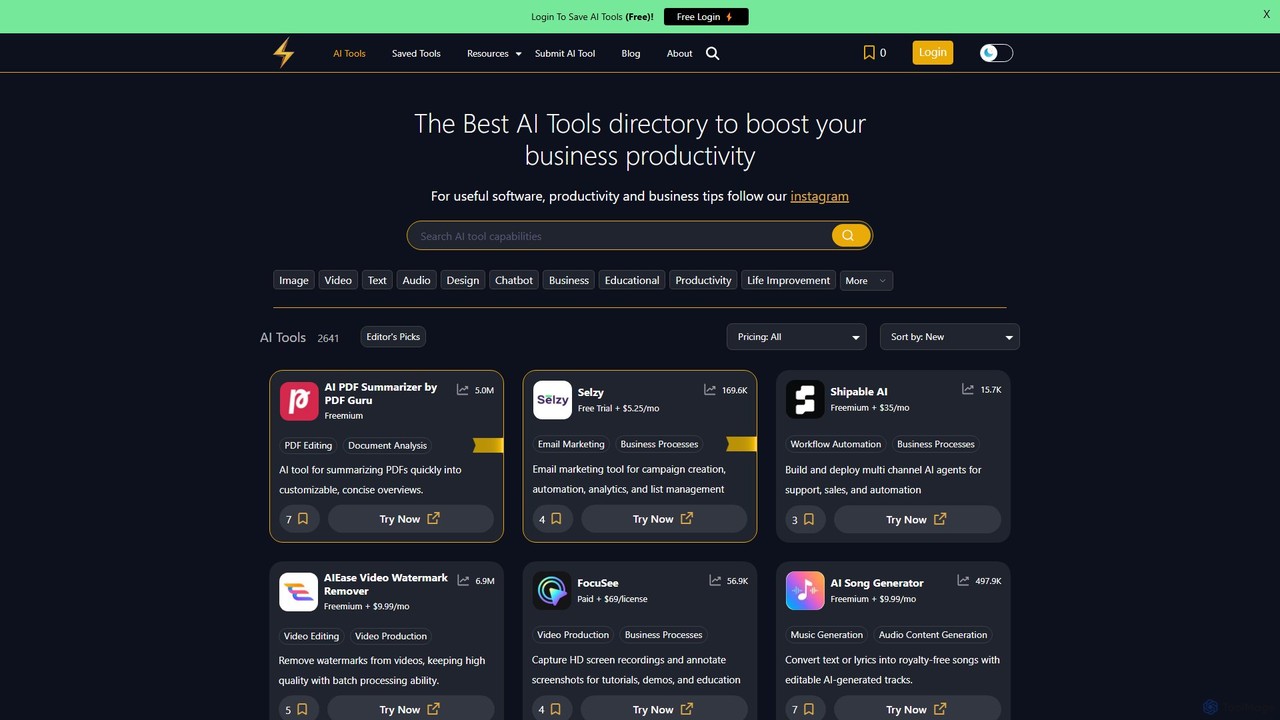
Powerusers AI is a comprehensive directory featuring over 2,600 AI tools designed to enhance productivity for businesses and individuals. It offers curated lists, detailed filters, and user-saved collections to help you discover the best software for tasks like content creation, marketing, data analysis, and workflow automation. The platform also provides insightful blog posts and guides to keep users updated on the latest AI trends, making it a one-stop resource for leveraging artificial intelligence.

Productivity
Visits 94.7KFavorites 134Likes 125
Krizmi
Freemium

Krizmi

Krizmi is an AI-powered business solutions platform designed to enhance productivity and drive growth. It offers a suite of tools for content creation, marketing automation, data analysis, and workflow optimization. By leveraging advanced AI, Krizmi helps businesses streamline operations, make smarter decisions, and stay competitive in a rapidly evolving market.

Analytics
Visits 5.5KFavorites 140Likes 152

About Productivity

AI Productivity tools are applications designed to automate repetitive tasks, manage workflows, and optimize personal or team efficiency. These tools leverage machine learning and natural language processing to understand context, prioritize activities, and execute actions with minimal human intervention. They help users reclaim time from administrative work, reduce cognitive load, and focus on strategic, high-impact tasks. Unlike standard business software, AI productivity tools offer predictive assistance and intelligent automation, adapting to individual work patterns.

Core Features

  • Intelligent Task Automation: Automatically handles routine tasks like email sorting, data entry, and report generation based on user behavior.
  • AI-Powered Scheduling: Analyzes calendars, priorities, and team availability to suggest optimal meeting times and manage appointments.
  • Smart Note-taking & Summarization: Transcribes audio from meetings, identifies key points, and generates concise summaries with action items.
  • Predictive Workflow Management: Anticipates next steps in a project or process and suggests relevant actions or documents.
  • Personalized Focus Assistance: Helps manage distractions by blocking notifications and organizing tasks based on urgency and importance.

Use Cases

These tools are widely used by professionals across various roles, including project managers for automating status updates, executives for managing complex schedules, sales teams for streamlining email outreach, and content creators for organizing research and ideas. They are particularly effective in fast-paced environments where managing information and time is critical for success.

How to Choose

When selecting an AI Productivity tool, consider its integration capabilities with your existing software stack (e.g., email, calendar, project management tools). Evaluate the level of customization available for automation rules and workflows. Assess the user interface for ease of use and the platform's security protocols for data protection. Finally, compare pricing models based on your team size and feature requirements.

Productivity use cases

1

Automate Meeting Summaries and Action Items

A project manager overseeing multiple teams often spends hours after meetings transcribing notes and assigning tasks. By using an AI productivity tool, they can record the meeting, and the AI automatically generates a full transcript, a concise summary highlighting key decisions, and a list of action items. The tool can even identify speakers and directly assign tasks in integrated project management software like Asana or Jira, saving the manager over 80% of their post-meeting administrative time and ensuring accountability.

2

Intelligently Triage and Manage Email Inbox

An executive assistant receives hundreds of emails daily for their manager. An AI productivity tool can automatically sort this inbox by priority, flagging urgent messages, archiving newsletters, and drafting replies to common inquiries. It learns from the assistant's behavior to improve its sorting accuracy over time. This allows the assistant to focus on high-priority communications and complex scheduling tasks, effectively acting as a filter that reduces the manager's email overload by more than 50%.

3

Optimize Daily Schedules with AI Time Blocking

A freelance consultant juggles tasks from multiple clients, making it difficult to allocate focus time effectively. An AI scheduling assistant can analyze their to-do list, project deadlines, and personal energy patterns (e.g., peak focus in the morning). It then automatically blocks out time in their calendar for deep work, client calls, and administrative tasks. The tool can also dynamically reschedule blocks if an urgent meeting arises, ensuring all priorities are met without manual calendar shuffling. This leads to a more structured and productive workday.

4

Streamline Knowledge Discovery within a Company

A new employee needs to find information about a specific internal process, which is scattered across Confluence pages, Slack channels, and Google Drive. Instead of asking colleagues and waiting for replies, they use an AI-powered enterprise search tool. They can ask a natural language question like, 'What is our protocol for client onboarding?' The tool instantly searches all connected data sources, synthesizes the information, and provides a direct, concise answer with links to the source documents. This drastically reduces onboarding time and empowers employees to find information autonomously.

5

Automate Repetitive Data Entry and Processing

An operations team member manually copies customer information from online forms into a CRM system, a tedious and error-prone task. By implementing an AI productivity tool, they can create a workflow that automatically extracts data from new form submissions. The AI intelligently recognizes fields like 'Name', 'Email', and 'Company' and populates the corresponding records in the CRM. This eliminates hours of manual data entry per week, improves data accuracy, and allows the team member to focus on more complex operational challenges.

6

Draft and Refine Business Communications

A marketing manager needs to write a project proposal, a follow-up email to a client, and an internal announcement, all in one day. Using an AI productivity assistant, they can provide brief prompts for each document. The AI generates a well-structured first draft for each, adhering to the appropriate tone (formal for the proposal, friendly for the email). The manager can then quickly edit and personalize the drafts, reducing the total writing time by up to 70%. This allows them to produce high-quality communications faster and focus on the strategic aspects of their role.

Productivity FAQ

What are AI Productivity tools?

AI Productivity tools are software applications that use artificial intelligence to automate tasks, manage information, and optimize workflows for individuals and teams. Their primary goal is to reduce time spent on repetitive, low-value activities. Key features often include intelligent scheduling, automated note-taking and summarization, email management, and task prioritization. Unlike traditional productivity apps that require manual input, these tools learn from user behavior to provide proactive and personalized assistance.

How to choose the right AI Productivity tool?

To choose the right tool, first identify your primary pain point. Are you drowning in emails, struggling with scheduling, or spending too much time in meetings? Then, consider these factors:

  • Integration: Does it connect seamlessly with your existing tools like Google Calendar, Slack, or your CRM?
  • Functionality: Does it offer the specific automation features you need? Some are general-purpose, while others specialize in areas like meeting management.
  • Ease of Use: Is the interface intuitive? A complex tool can defeat the purpose of saving time.
  • Security and Privacy: How does the tool handle your data? Ensure it meets your company's security standards.
  • Pricing: Compare free and paid plans to find one that fits your budget and usage needs.
What's the difference between AI productivity and project management tools?

Project management (PM) tools like Asana or Trello are primarily for organizing, tracking, and collaborating on specific projects with defined tasks and deadlines. They are structured systems that require manual input. AI productivity tools, on the other hand, are more focused on automating individual or small-group workflows. They act as intelligent assistants that can manage your calendar, summarize notes, or sort your email without being tied to a specific project structure. While some PM tools are incorporating AI features, dedicated AI productivity tools excel at personal and dynamic task automation.

Are AI Productivity tools secure for business use?

Security is a critical consideration for any business tool. Reputable AI productivity tools use enterprise-grade security measures, including data encryption both in transit and at rest, and comply with standards like GDPR and SOC 2. However, the level of security can vary between providers. Before adopting a tool, it's essential to review its privacy policy and security documentation. For sensitive business data, look for tools that offer on-premise deployment options or have clear data processing agreements that specify how your information is used and protected.

Who can benefit most from AI Productivity tools?

While anyone can benefit, certain roles see a particularly high return on investment. These include:

  • Executives and Managers: For automating scheduling, managing communications, and summarizing meeting outcomes to focus on strategy.
  • Sales Professionals: For streamlining email outreach, logging activities in a CRM, and scheduling follow-ups.
  • Project Managers: For automating status updates, tracking action items, and facilitating team communication.
  • Consultants and Freelancers: For managing multiple clients, tracking time, and optimizing their daily schedules for deep work.
  • Administrative Professionals: For handling high volumes of emails, scheduling complex meetings, and automating data entry.