ToolMage
Sign in

Best 3 Resource Planning AI tools for Business

Popular Resource Planning AI tools in Business include Timely, TeamifAI, and Oberon, helping you work more efficiently.

Oberon
Paid

Oberon

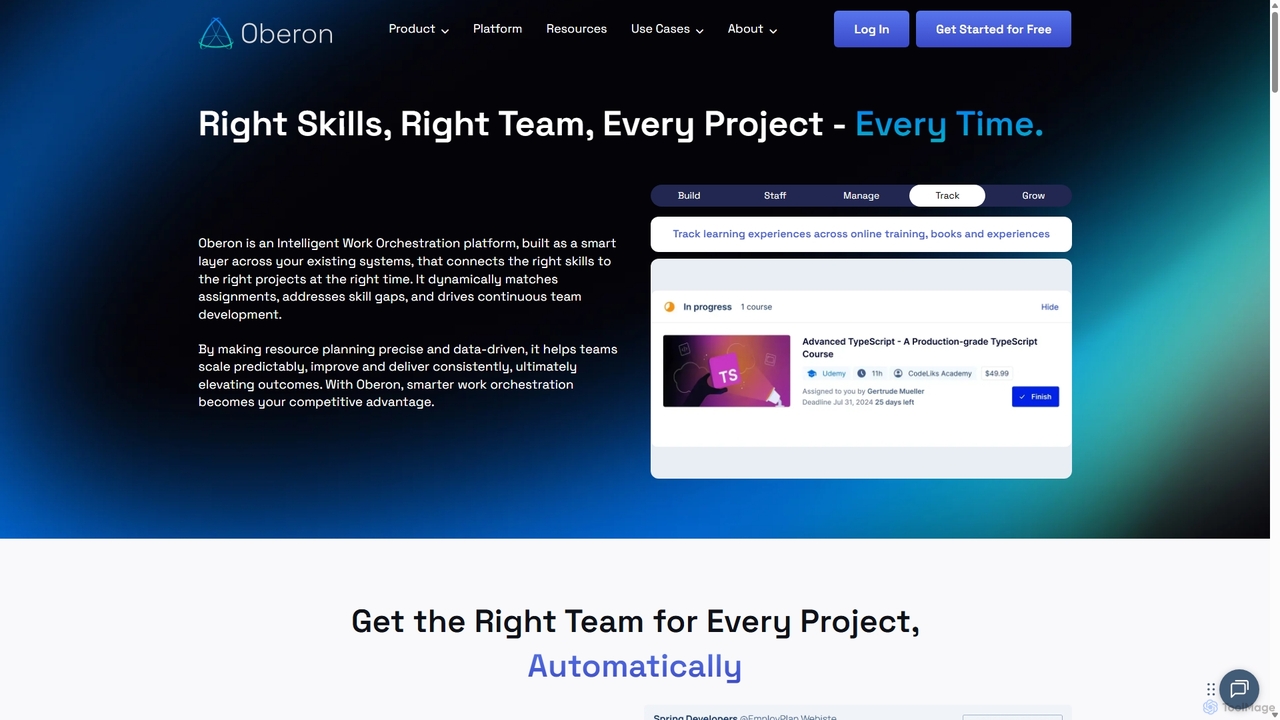
Oberon is an AI-powered Intelligent Work Orchestration platform designed to connect the right skills to the right projects at the right time. It automates resource planning, identifies skill gaps, and facilitates continuous team development, ensuring optimal project staffing and delivery.

Resource Planning
Visits 5.5KFavorites 149Likes 159
TeamifAI

TeamifAI

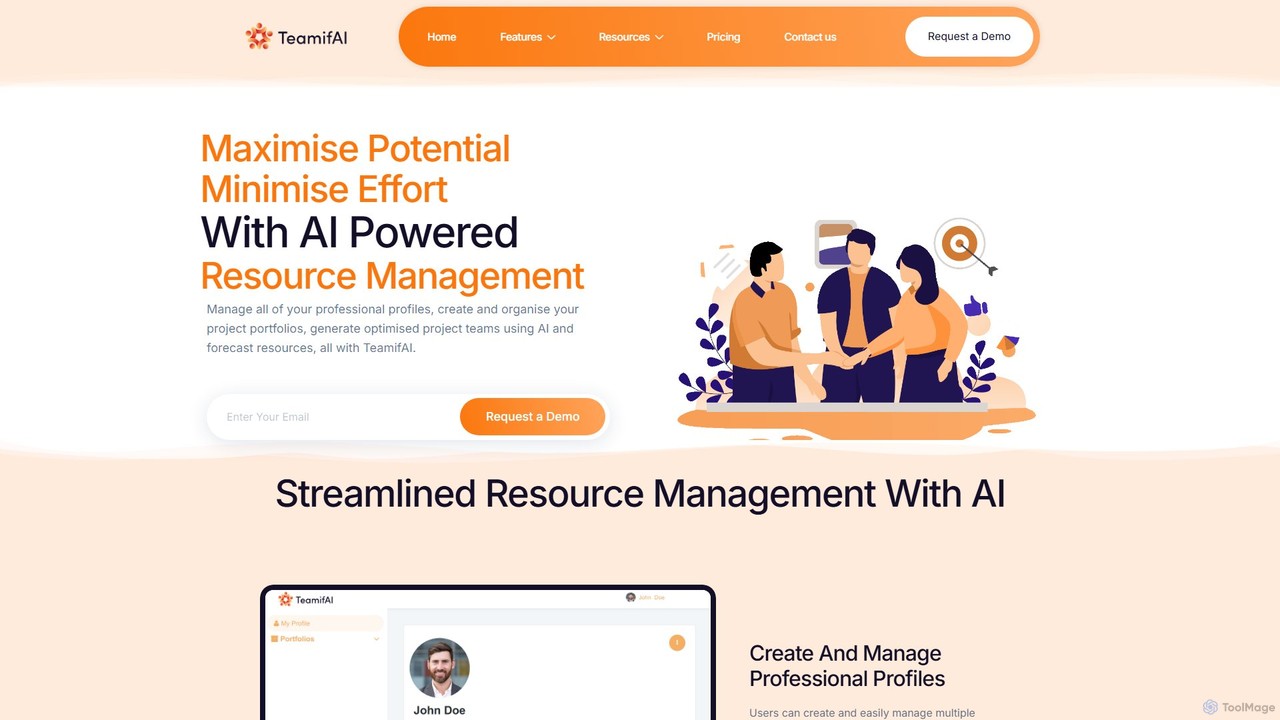
TeamifAI is an AI-powered resource management platform designed to optimize team creation and project staffing. It enables businesses to create and manage professional profiles, generate ideal project teams using AI, forecast resource allocation, and track utilization in real-time, maximizing potential while minimizing effort.

Resource Planning
Visits 5.6KFavorites 107Likes 108
Timely
Paid

Timely

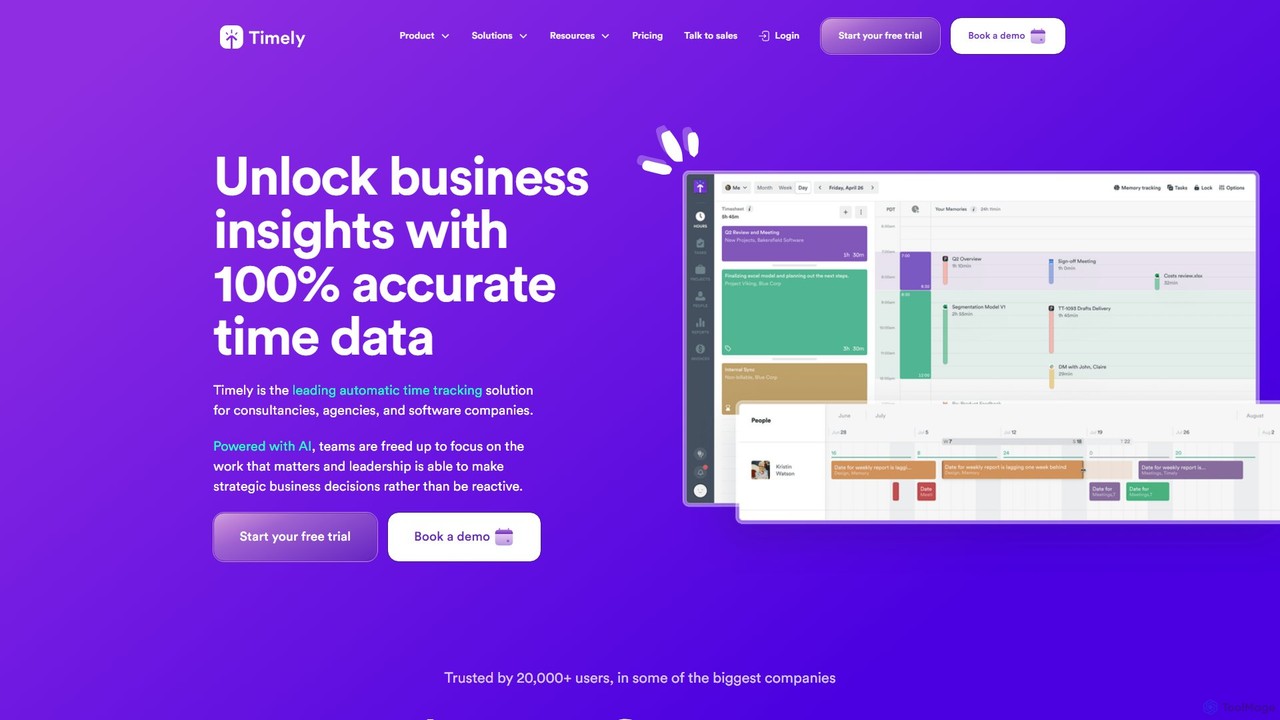
Timely is an AI-powered automatic time tracking tool that captures all your work activity in the background. It eliminates manual timers and guesswork, generating accurate timesheets with a single click. Designed for agencies, consultancies, and remote teams, it helps improve profitability, project management, and team efficiency while respecting user privacy.

Project Management
Visits 122.2KFavorites 128Likes 144

About Resource Planning

AI Resource Planning tools are a specialized category of business software that uses machine learning to optimize the allocation of company assets. They analyze project requirements, team availability, and historical data to forecast needs and suggest the most efficient distribution of personnel, equipment, and budgets. This enables organizations to maximize resource utilization, prevent bottlenecks, and improve project profitability without manual guesswork. These platforms transform static spreadsheets into dynamic, intelligent systems for strategic workforce and asset management.

Core Features

  • Predictive Forecasting: Uses AI to predict future resource demands based on sales pipelines, project backlogs, and historical trends.
  • Automated Scheduling: Intelligently assigns tasks to the best-suited individuals based on skills, availability, and current workload.
  • Capacity Planning: Analyzes the gap between available resource capacity and project demand to identify potential shortages or surpluses.
  • Scenario Modeling: Allows managers to simulate the impact of different resource allocation strategies on project timelines and budgets.
  • Skills Matching: Maintains a database of employee skills to map the right talent to specific project requirements automatically.

Applicable Scenarios

These tools are essential for project-based organizations such as IT consulting firms, creative agencies, engineering companies, and software development houses. They are used by project managers, operations managers, and department heads to manage complex project portfolios, balance team workloads, and ensure that high-priority initiatives are adequately staffed. For example, a consulting firm can use it to staff multiple projects simultaneously, ensuring the right consultants are assigned without overbooking.

Selection Criteria

When choosing an AI Resource Planning tool, consider its integration capabilities with your existing project management (e.g., Jira, Asana) and HR systems. Evaluate the sophistication of its AI-powered forecasting and recommendation engine. Assess the tool's flexibility in defining custom roles, skills, and work schedules. Finally, examine the quality of its real-time dashboards and reporting features for monitoring utilization rates and project health.

Resource Planning use cases

1

Optimize Staffing for an IT Consulting Firm

A project manager at an IT consulting firm needs to staff a new six-month cybersecurity project. Instead of manually checking spreadsheets and calendars, they use an AI Resource Planning tool. The manager inputs the project's required skills (e.g., 'CISSP certification', 'penetration testing', 'AWS security'). The AI scans all consultants' profiles, availability, and current workloads. It instantly recommends an optimal team, highlighting a senior consultant who will become available in two weeks, and flags a potential skill gap in cloud security, suggesting a specific contractor or internal training. This reduces staffing time from days to minutes and ensures the project starts with the most qualified team.

2

Balance Workloads in a Creative Agency

An operations manager at a busy creative agency uses an AI planning tool to prevent employee burnout and ensure fair project distribution. The tool provides a real-time dashboard of each employee's capacity, factoring in meetings, holidays, and active project hours. When a new high-priority project arrives, the system automatically suggests which designers and copywriters have the bandwidth to take it on. It can also simulate the impact of shifting deadlines, showing the manager how moving one project back a week would free up a key designer for the new request. This proactive approach improves morale and ensures consistent delivery quality.

3

Forecast Hiring Needs for a Software Company

A growing software company's HR department uses an AI Resource Planning tool integrated with their sales CRM. The tool analyzes the sales pipeline, including deal size and probability, to forecast future project needs. Based on this data, it predicts that the company will need to hire two additional backend developers and one QA engineer within the next quarter to handle the anticipated workload. This gives HR a significant head start on recruitment, allowing them to find and onboard qualified candidates proactively rather than scrambling to hire after contracts are signed. This strategic workforce planning helps the company scale smoothly without compromising project timelines.

4

Manage Equipment Allocation on Construction Sites

A large construction company manages dozens of active sites and a fleet of heavy machinery like cranes and excavators. An AI Resource Planning tool, configured for physical assets, optimizes equipment allocation. A site manager requests a crane for a specific week. The system checks the availability of all cranes, considers travel time and costs between sites, and analyzes project priorities. It might suggest using a slightly smaller, available crane from a nearby site to save on transportation costs, or it could flag a scheduling conflict, allowing managers to adjust project timelines proactively to avoid costly delays and equipment rental fees.

5

Optimize Nurse Scheduling in a Hospital

A hospital administrator is tasked with creating monthly schedules for the nursing staff across multiple departments, a complex process involving shift preferences, certifications, and patient-to-nurse ratios. They use an AI Resource Planning tool designed for healthcare. The administrator inputs constraints like 'at least two nurses with pediatric certification per shift' and 'no more than three consecutive night shifts'. The AI generates an optimized, compliant schedule in minutes. It also allows for easy adjustments; if a nurse calls in sick, the system instantly identifies and suggests the best available replacement based on qualifications and overtime rules, ensuring patient care quality is maintained.

6

Plan Budgets and Resources for a Marketing Campaign

A marketing director is planning a major product launch campaign. Using an AI Resource Planning tool, they can model different scenarios for budget and personnel allocation. They can compare a high-budget scenario with a large external agency team against a lower-budget scenario relying more on the internal team and freelancers. The tool forecasts the required hours from graphic designers, content writers, and social media managers for each scenario. It then maps these requirements against the internal team's availability and provides a projected cost for freelancers or agency fees. This allows the director to make a data-driven decision on the best approach to maximize ROI within budget constraints.

Resource Planning FAQ

What are AI Resource Planning tools?

AI Resource Planning tools are advanced software solutions that use artificial intelligence and machine learning to optimize the allocation of an organization's resources, including personnel, equipment, and finances. Unlike traditional manual methods like spreadsheets, these tools provide predictive forecasts of resource needs, automate scheduling based on skills and availability, and help managers plan for future capacity. Their primary goal is to maximize efficiency, reduce costs, and ensure that projects are staffed and equipped for success.

How do AI Resource Planning tools differ from standard Project Management software?

While they are related, they serve different primary functions. Project Management (PM) software (like Asana or Trello) focuses on managing tasks, timelines, and deliverables within a specific project. It answers 'What needs to be done and when?'. AI Resource Planning tools focus on managing the supply and demand of resources (primarily people) across all projects. They answer 'Who is available and best suited to do the work?'. AI adds a predictive layer, forecasting future resource needs and optimizing allocation proactively, whereas most PM tools are reactive in managing resources for tasks already defined.

Who benefits most from using AI Resource Planning tools?

Organizations that are project-based or have complex operational scheduling needs see the most significant benefits. This includes:

  • Professional Services: Consulting firms, marketing agencies, and law firms that need to staff client projects with the right experts.
  • Software & IT Companies: Teams that need to allocate developers, engineers, and project managers across multiple sprints and product roadmaps.
  • Manufacturing & Construction: Companies that must manage expensive equipment and skilled labor across different job sites or production lines.
  • Healthcare: Hospitals and clinics that need to manage complex staff schedules while adhering to strict regulations and ensuring patient care standards.

Essentially, any business where the efficient allocation of skilled people or critical assets is key to profitability can benefit.

How do I choose the right AI Resource Planning tool?

Choosing the right tool depends on your specific needs. Consider these key factors:

  • Integration: Does it integrate smoothly with your existing software stack, such as project management tools (Jira, Asana), CRM (Salesforce), and HRIS systems?
  • Scalability: Can the tool grow with your company? Consider its ability to handle an increasing number of users, projects, and resources.
  • Industry Specialization: Some tools are generic, while others are tailored for specific industries like creative agencies or construction. Choose one that understands your unique resource types and workflows.
  • Customization and Flexibility: Can you define custom skills, roles, and working hours? How easily can you model different 'what-if' scenarios?
  • Reporting and Analytics: Evaluate the quality of its dashboards and reports. Does it provide clear insights into utilization rates, project profitability, and forecasting accuracy?
Can these tools manage non-human resources like equipment or meeting rooms?

Yes, many advanced AI Resource Planning tools are capable of managing more than just human resources. They can be configured to track and schedule a wide variety of assets. For example, a construction company can manage its fleet of heavy machinery, a creative agency can book its recording studios, and a corporate office can manage its pool of shared meeting rooms. The core principle remains the same: optimizing the allocation of a finite resource to meet demand. When evaluating a tool, check if it supports custom resource types beyond standard employee roles.