Business Best in category 1 results User Behavior AI Tool

Popular AI tools in the User Behavior field of Business include UserWatch, etc., helping you quickly improve efficiency.

UserWatch

UserWatch

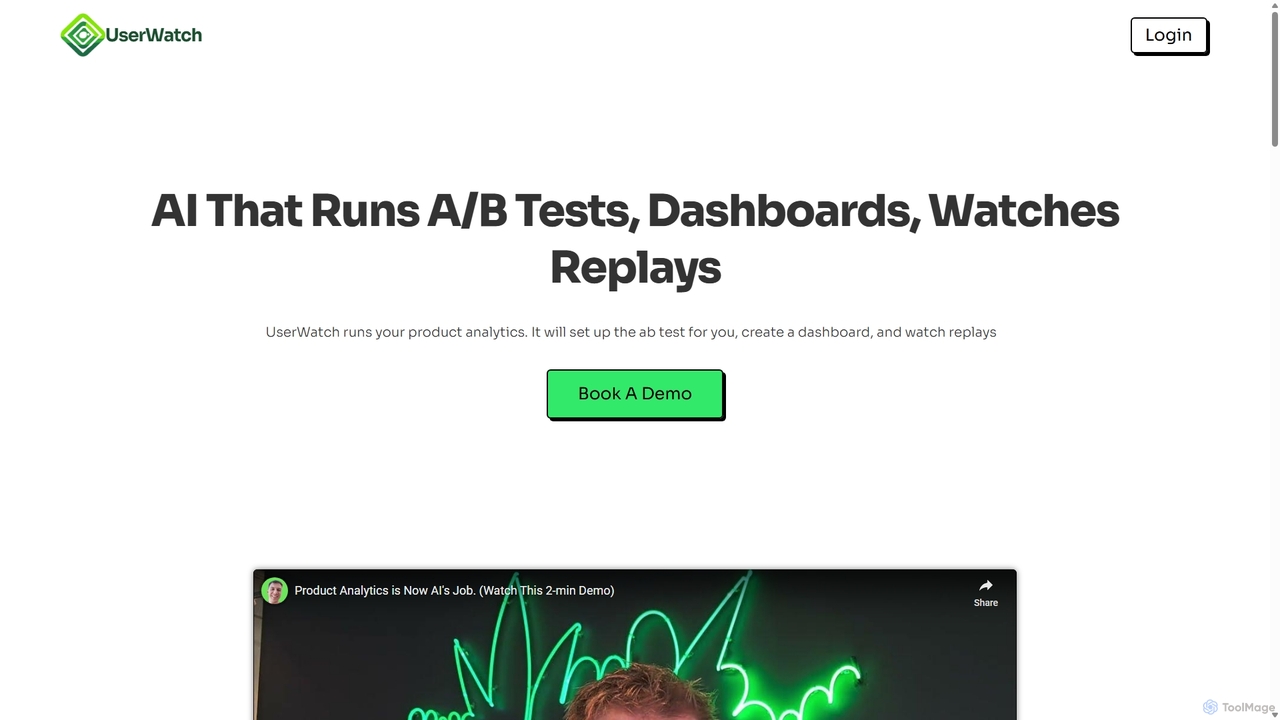
UserWatch is an AI-powered product analyst that automates complex analytics tasks. It runs A/B tests, creates dashboards, and …

2.6K

About User Behavior

User Behavior analysis tools are a class of AI-powered software designed to capture, visualize, and analyze how users interact with websites and applications. These tools utilize techniques like session recording, heatmaps, and click tracking to transform raw interaction data into actionable, qualitative insights. They help businesses understand user journeys, identify friction points, and optimize digital experiences to improve conversion rates and user satisfaction. As a crucial component of business intelligence, these tools provide the 'why' behind the quantitative data seen in traditional analytics.

Core Features

  • Session Replay: Provides video-like recordings of individual user sessions, showing mouse movements, clicks, and scrolling.
  • Heatmaps: Generates visual overlays on pages to show where users click, move their mouse, and how far they scroll.
  • Conversion Funnels: Tracks user progression through key steps (e.g., checkout or signup) to identify where they drop off.
  • AI-Powered Insights: Automatically detects user frustration signals like 'rage clicks', U-turns, and JavaScript errors to surface critical issues.
  • On-site Surveys & Feedback: Collects direct user feedback through targeted polls and surveys within the application or website.

Use Cases

These tools are essential for roles like Product Managers, UX/UI Designers, Marketers, and Conversion Rate Optimization (CRO) specialists. They are widely used in industries such as E-commerce to reduce cart abandonment, SaaS to improve feature adoption and user onboarding, and digital publishing to enhance content engagement.

How to Choose

When selecting a User Behavior tool, consider these factors: data privacy and compliance (e.g., GDPR, CCPA), the performance impact of the tracking script on your site's speed, integration capabilities with other analytics and marketing platforms, and the sophistication of its AI-driven analysis to automatically surface insights without manual review.

User BehaviorUse Cases

1

Optimizing E-commerce Checkout Funnel

An e-commerce product manager notices a high cart abandonment rate at the final checkout step. Using a user behavior tool, they filter for session replays of users who dropped off at this stage. By watching these recordings, they discover a confusing error message related to shipping options is causing frustration. A heatmap of the page also reveals that users are repeatedly clicking on a non-interactive text element, expecting a tooltip. Based on these qualitative insights, the team redesigns the error message to be clearer and makes the text element an interactive pop-up, resulting in a 15% reduction in checkout abandonment.

2

Improving SaaS Feature Adoption

A UX designer for a SaaS platform wants to understand the low engagement with a new, powerful feature. They set up a conversion funnel in their user behavior tool to track the steps from discovering the feature to successfully using it. The data shows a major drop-off after users click the 'Get Started' button. By watching session replays of these users, the designer observes that the interface is overwhelming for first-time users. They then implement a step-by-step interactive tutorial. A follow-up analysis shows a 40% increase in successful feature usage within the first month.

3

Identifying and Fixing UI Bugs with Rage Clicks

A front-end development team receives vague bug reports about a form not submitting. They use their user behavior tool's AI feature to automatically surface sessions containing 'rage clicks'—users clicking rapidly in the same area out of frustration. They quickly find several recordings where users are clicking a disabled 'Submit' button. The recordings show that the button remains disabled because a hidden, optional field fails validation. Without these visual recordings, this subtle bug would have been extremely difficult to reproduce and diagnose. The team fixes the validation logic, resolving a major source of user frustration.

4

Validating A/B Test Results with Qualitative Data

A marketing team runs an A/B test on a landing page. The new variant 'B' shows a 5% higher conversion rate, but the team is unsure why. They segment session recordings by the test variant in their user behavior tool. When watching recordings for variant B, they observe users spending more time engaging with a newly added customer testimonial section before converting. In contrast, users on variant A often scroll past the old testimonial layout. This qualitative insight confirms their hypothesis that social proof was the key driver and provides valuable context beyond the quantitative uplift, informing future page designs.

5

Enhancing Blog Content Strategy with Scroll Maps

A content strategist for a media website wants to improve reader engagement. They use scroll maps to analyze how far readers get through their long-form articles. The maps reveal a consistent drop-off point around the 40% mark, just before a large block of text. They hypothesize that breaking up the content would help. They edit several popular articles to include more subheadings, images, and pull quotes around this drop-off point. A month later, new scroll maps show that the average scroll depth has increased to 70%, indicating that readers are more engaged with the content and more likely to reach the call-to-action at the end.

6

Streamlining New User Onboarding with Funnel Analysis

A mobile app's product team is concerned about high user churn within the first 24 hours. They create an onboarding funnel in their user behavior tool, tracking key activation events like 'Create Profile', 'Upload Photo', and 'Connect Contacts'. The funnel immediately highlights a 60% drop-off at the 'Connect Contacts' step. To understand why, they deploy a targeted, on-site survey that appears only to users who hesitate on that screen. The feedback reveals major privacy concerns. The team responds by making the contact connection step optional and adding clearer text about their data privacy policy. This change improves the onboarding completion rate by 35%.

User BehaviorFrequently Asked Questions