

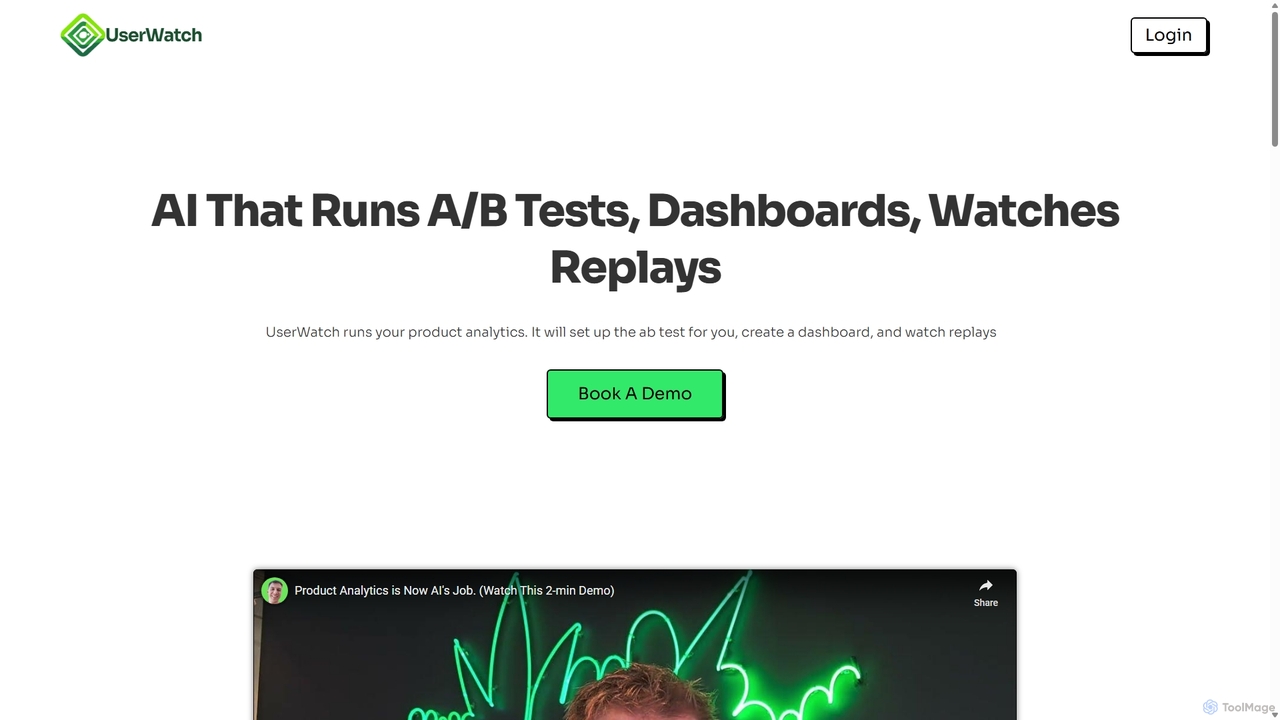
UserWatch Overview
UserWatch is a revolutionary AI-powered platform designed to function as a dedicated product analyst for your team. It streamlines and automates the entire product analytics workflow, from data collection to actionable insights. In a landscape where understanding user behavior is paramount, UserWatch eliminates the tedious, time-consuming tasks of manual analysis, such as sifting through hours of session replays or wrestling with complex dashboard configurations. By leveraging advanced AI, it allows teams to simply ask questions in natural language and receive comprehensive analytics, A/B test setups, and deep user experience (UX) insights in seconds.
The core mission of UserWatch is to bridge the gap between quantitative data and qualitative insights. It doesn't just show you where users drop off in a funnel; it tells you why. By intelligently watching and interpreting user session replays, the AI identifies specific UX issues, bugs, or points of confusion that hinder conversion and retention. This empowers product managers, designers, and developers to make data-informed decisions quickly and efficiently, accelerating the product development lifecycle and driving significant business growth.
How to use UserWatch
Using UserWatch is designed to be intuitive and conversational, replacing complex interfaces with simple text prompts. Here’s a typical workflow:
- Integration: Start by integrating UserWatch into your website or application. This usually involves adding a small code snippet, similar to other analytics tools.
- Prompt the AI: Instead of building reports manually, you simply tell UserWatch what you need. For example, you can type prompts like: "Create a dashboard for our new user activation funnel," or "Set up an A/B test for the new homepage headline with a 50% rollout."
- Automated Setup: The AI instantly processes your request. It identifies the relevant user events, defines cohorts, creates feature flags for A/B tests, and builds the requested dashboards or funnels without any manual configuration.
- Deep Dive Analysis: To understand user friction, you can ask UserWatch to investigate a specific problem area. For instance: "Why are users dropping off at the payment step?" The AI will then analyze relevant session replays, identify common patterns of struggle, and summarize the core reasons for the drop-off.
- Receive Actionable Insights: UserWatch delivers its findings as clear, concise insights. It not only highlights the problems but also suggests specific UX fixes and can even generate Jira tickets with detailed descriptions, ready to be added to your next development sprint.
Core Features of UserWatch
- AI-Powered Dashboards & Funnels: Instantly generate complex dashboards, funnels, and cohort analyses using natural language prompts. The AI automatically finds and uses the relevant events.
- Automated A/B Testing & Feature Flags: Describe the test you want to run, and UserWatch sets up the feature flags, cohorts, and rollout percentages in seconds, eliminating manual setup errors.
- Intelligent Session Replay Analysis: The AI watches session replays for you, identifying the exact moments of user frustration, rage clicks, or confusion that lead to drop-offs, saving you from hours of manual viewing.
- Actionable UX Recommendations: Moves beyond data to provide concrete suggestions for UX improvements. It generates user stories and tickets for developers, directly linking insights to action.
- Revenue Impact Correlation: Helps teams understand how specific UX issues affect key business metrics, allowing for effective prioritization of fixes that will drive revenue and growth.
- Automated Survey Setup: Create and deploy user surveys with simple commands to gather direct qualitative feedback at critical points in the user journey.
Use Cases for UserWatch
UserWatch is versatile and valuable for various roles within a tech company:
- Product Managers: To quickly validate hypotheses, monitor feature adoption, and prioritize backlog items based on data-backed evidence of user pain points and potential revenue impact.
- UX/UI Designers: To gain deep qualitative insights into how users interact with their designs without spending days watching recordings, enabling faster design iteration cycles.
- Marketing & Growth Teams: To optimize conversion funnels, landing pages, and user onboarding flows by quickly identifying and fixing points of friction.
- Software Developers: To receive clear, contextualized bug reports and improvement tickets directly from the AI's analysis, reducing ambiguity and speeding up development.
Advantages of UserWatch
The primary advantage of UserWatch is its ability to act as a force multiplier for product teams. It automates the work of a data analyst, a UX researcher, and a product operations manager, all through one simple interface. Key benefits include:
- Massive Time Savings: Eliminates tens of hours per week previously spent on manual dashboard creation, A/B test setup, and watching session replays.
- Deeper, Faster Insights: The AI can process and find patterns in thousands of user sessions far more efficiently than a human, uncovering insights that might otherwise be missed.
- Democratization of Data: Anyone on the team can get sophisticated product analytics without needing to know SQL or how to use complex analytics software.
- Direct Path from Insight to Action: By generating Jira tickets and concrete recommendations, UserWatch closes the loop between analysis and implementation.
- Improved Conversion & Retention: By continuously identifying and helping fix UX issues, UserWatch helps create a smoother user experience, leading to better activation rates and lower churn.
Pricing and Plans
UserWatch's pricing information is not publicly listed on the website. The primary calls-to-action are "Book a Demo" and "Try For Free," which is typical for B2B SaaS solutions targeting mid-market to enterprise clients. This suggests a customized pricing model based on factors such as website traffic, number of user sessions analyzed, team size, and the specific features required. Interested users are encouraged to contact the sales team through the website to get a personalized quote and a demonstration of the platform's capabilities.
UserWatch Alternatives
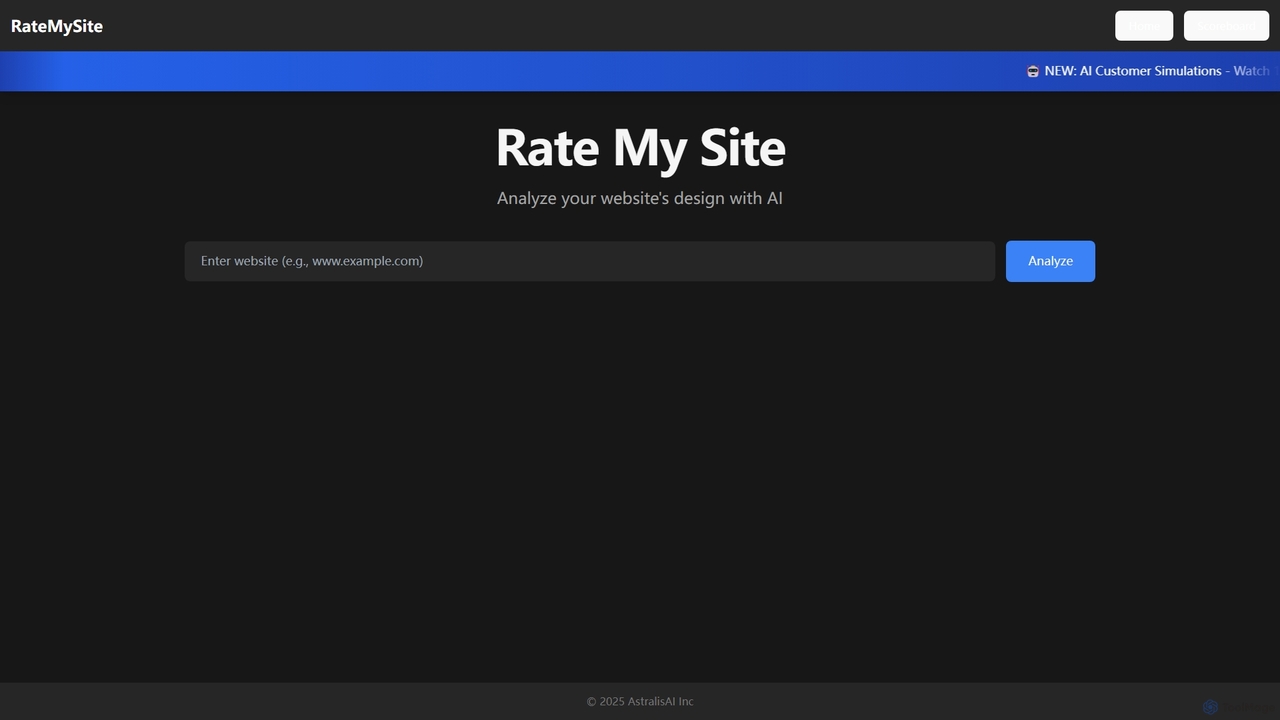
RateMySite
RateMySite is an AI-powered platform that analyzes your website's design and simulates thousands of target customer interactions in real-time. It helps you understand user behavior, identify conversion bottlenecks, and receive actionable feedback to improve your UI/UX and boost sales.
Ux & Ui Analysis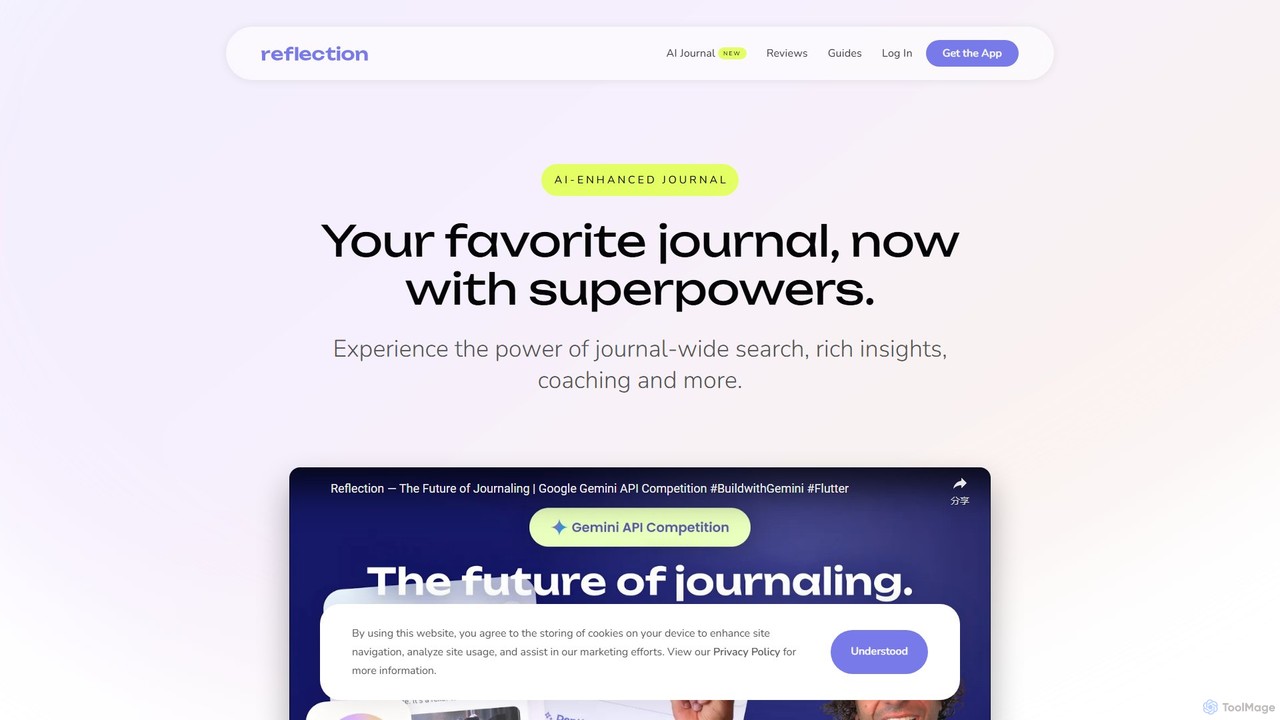
Depth
Depth is an AI Product Manager that automates product analytics, user session analysis, and feedback processing. It delivers actionable insights, UX improvement suggestions, and new feature ideas, helping teams build better products faster by eliminating manual data analysis.
Product Management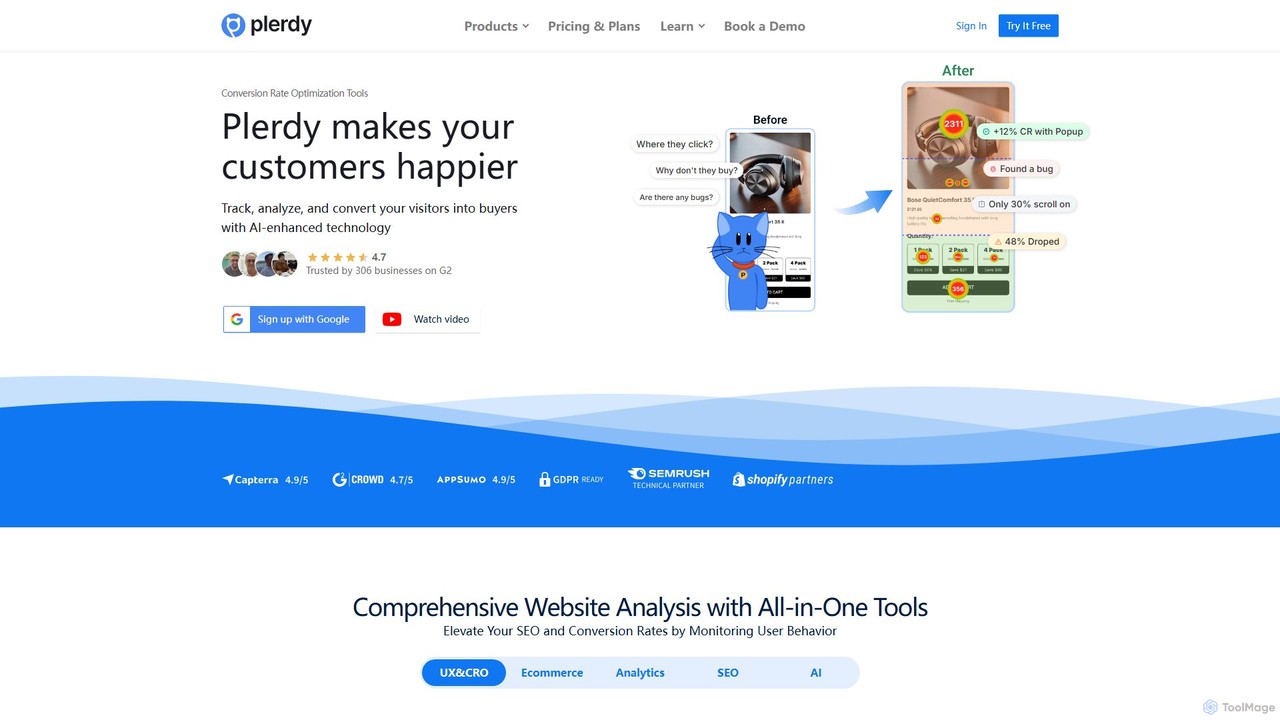
Plerdy
Plerdy is an all-in-one Conversion Rate Optimization (CRO) and SEO platform for websites. It helps businesses increase sales, improve user experience (UX), and enhance search engine rankings through tools like heatmaps, session replays, pop-up forms, and a comprehensive SEO checker.
Conversion Optimization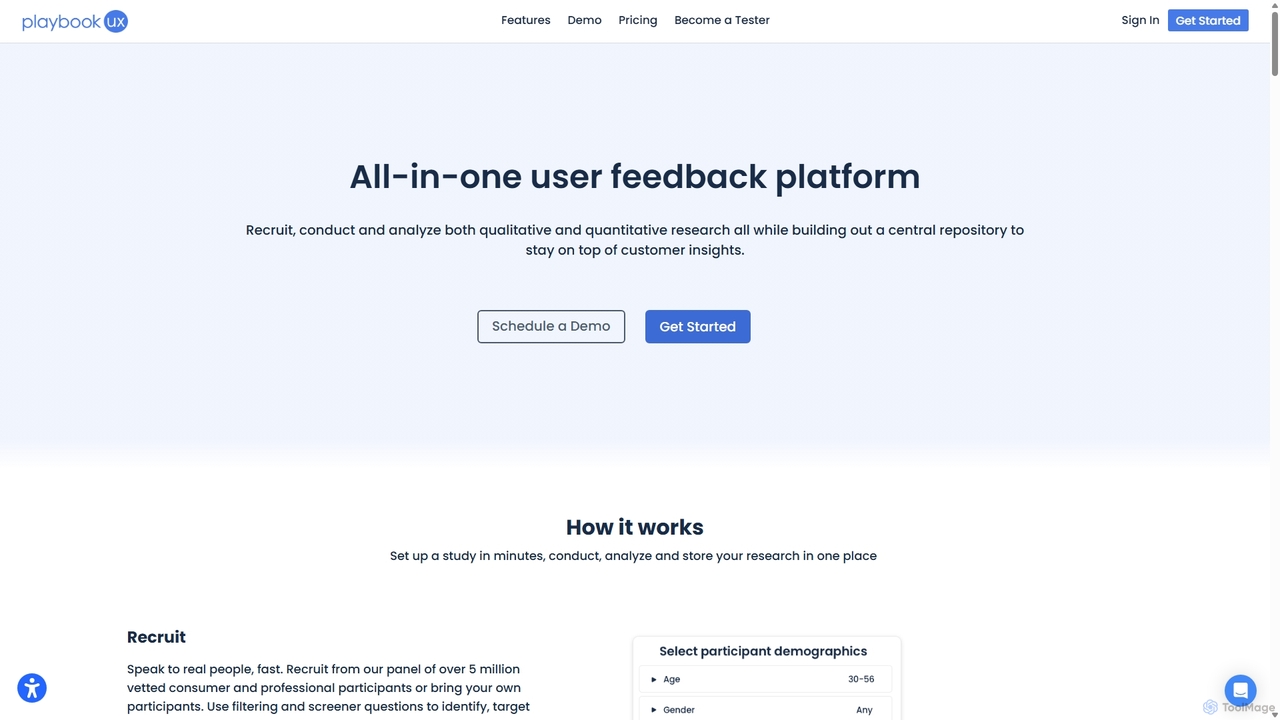
SessionStack
SessionStack is a user behavior analytics platform that helps businesses understand the user journey. It offers session replay, error tracking, and co-browsing to identify bugs, resolve support tickets faster, and optimize the user experience. By watching video-like recordings of user sessions, teams can see exactly what users do, where they get stuck, and why they encounter errors, leading to faster problem resolution and improved product quality.
Session Replay
Context
Context is an AI-powered analytics platform designed to help product teams understand their users. It unifies qualitative feedback from various sources like support tickets, surveys, and reviews, using AI to automatically surface actionable insights, track trends, and inform product decisions.
Data AnalysisUserWatch Categories
UserWatch Jobs
UserWatch Embed Widget
Copy this embed code to place the badge on your blog, article, or product site and send readers directly to this ToolMage detail page.

Related AI tools
SessionStack
SessionStack is a user behavior analytics platform that helps businesses understand the user journey. It offers session replay, error tracking, and co-browsing to identify bugs, resolve support tickets faster, and optimize the user experience. By watching video-like recordings of user sessions, teams can see exactly what users do, where they get stuck, and why they encounter errors, leading to faster problem resolution and improved product quality.
Session ReplayDepth
Depth is an AI Product Manager that automates product analytics, user session analysis, and feedback processing. It delivers actionable insights, UX improvement suggestions, and new feature ideas, helping teams build better products faster by eliminating manual data analysis.
Product Management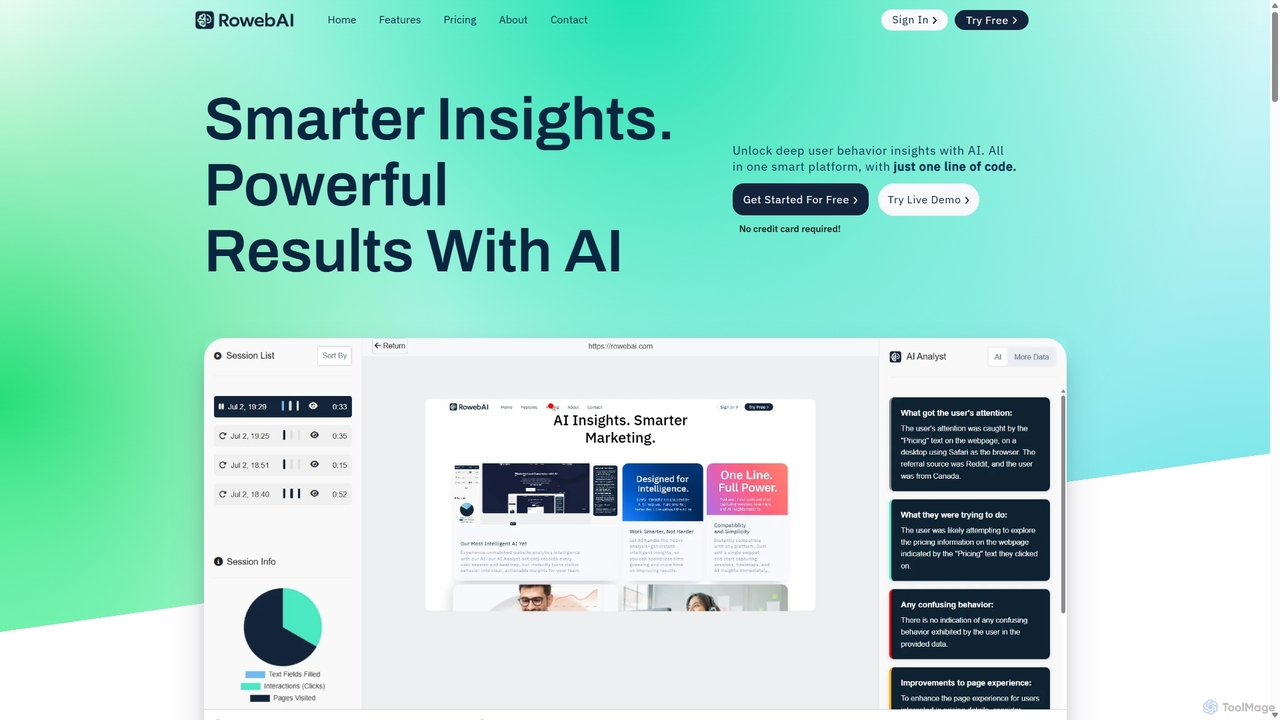
RowebAI
RowebAI is an AI-powered platform that provides deep insights into user behavior through website heatmaps and session recordings. It automatically analyzes visitor interactions, identifies patterns, and generates actionable summaries to help businesses optimize user experience, improve conversion rates, and make data-driven decisions without slowing down their website.
Website Analytics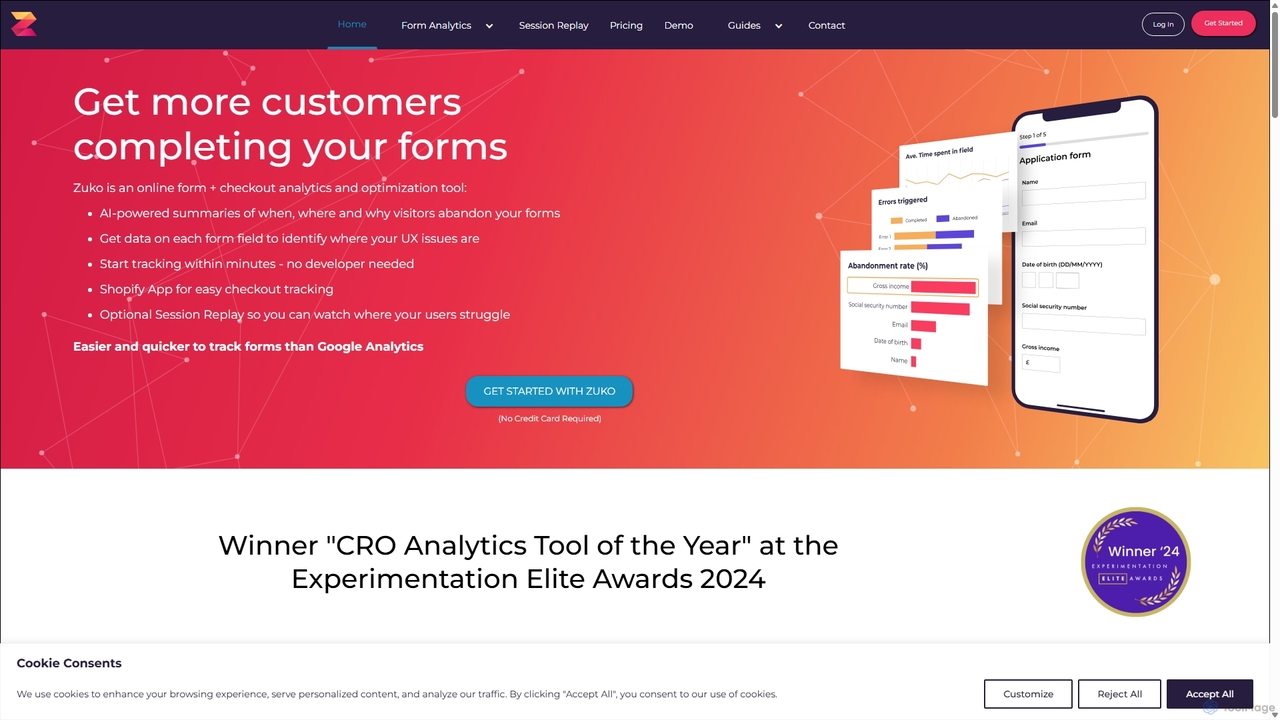
Zuko
Zuko is a powerful form analytics and optimization tool that helps businesses understand user behavior in online forms and checkouts. By tracking detailed interactions like field returns, abandonment rates, and time spent, Zuko provides actionable insights to identify friction points, reduce form abandonment, and ultimately increase conversion rates. It's an essential tool for marketers, UX designers, and product managers looking to optimize their digital journeys.
Conversion Optimization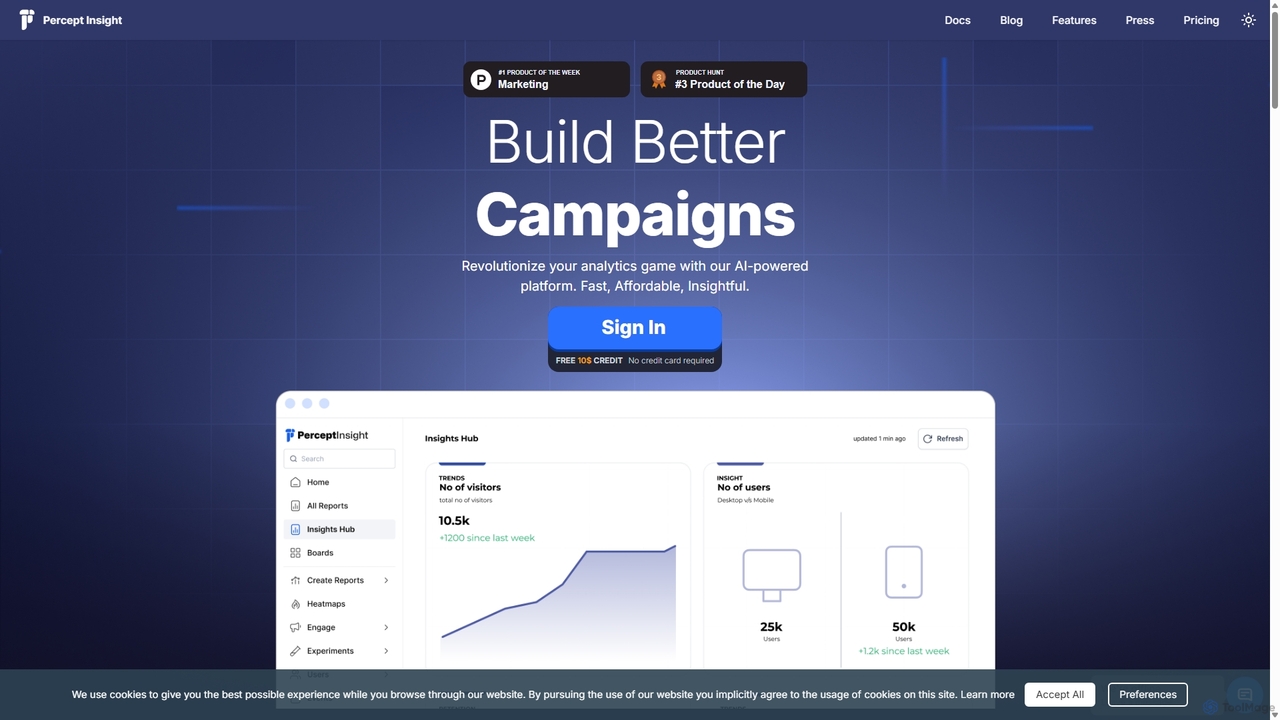
Percept Insight
Percept Insight is an AI-powered, all-in-one analytics and engagement platform for product managers and marketers. It provides deep, real-time insights into user behavior, funnels, and cohorts, enabling data-driven decisions. The platform combines powerful analytics with multi-channel engagement tools (WhatsApp, SMS, email) to improve user retention and conversions, all with a cost-effective, pay-as-you-use pricing model.
Business IntelligenceRateMySite
RateMySite is an AI-powered platform that analyzes your website's design and simulates thousands of target customer interactions in real-time. It helps you understand user behavior, identify conversion bottlenecks, and receive actionable feedback to improve your UI/UX and boost sales.
Ux & Ui Analysis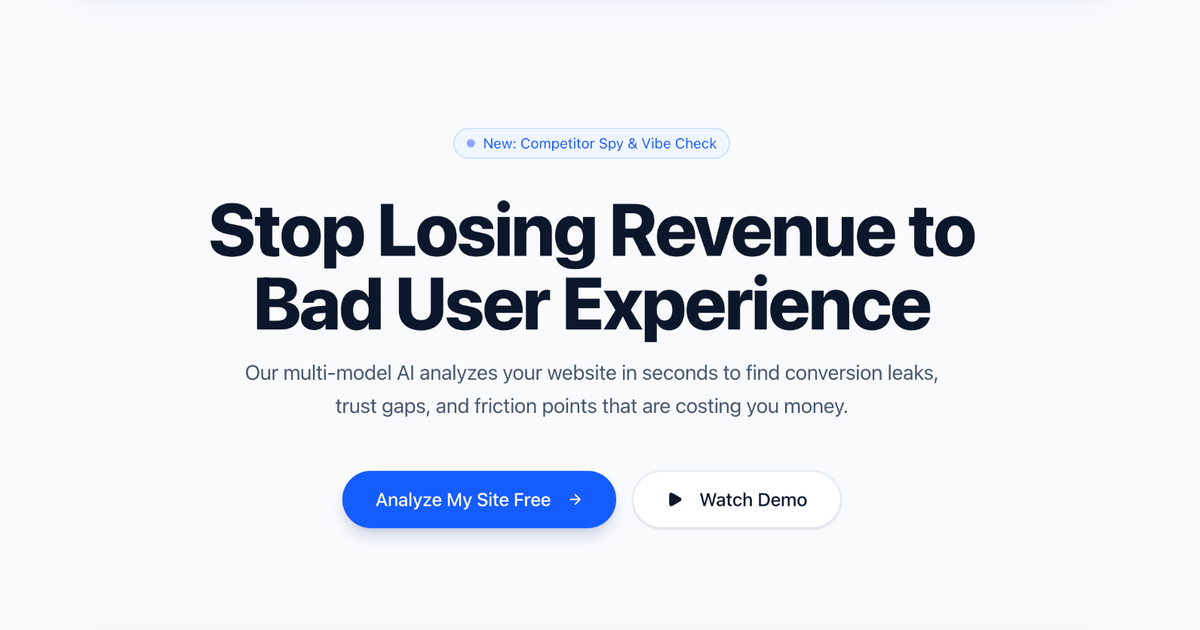
PageSignalPro
PageSignalPro is an AI-powered landing page optimizer that analyzes your website in seconds to identify conversion leaks, trust gaps, and user experience friction points. It quantifies potential revenue loss and provides actionable insights to improve performance.
Auditing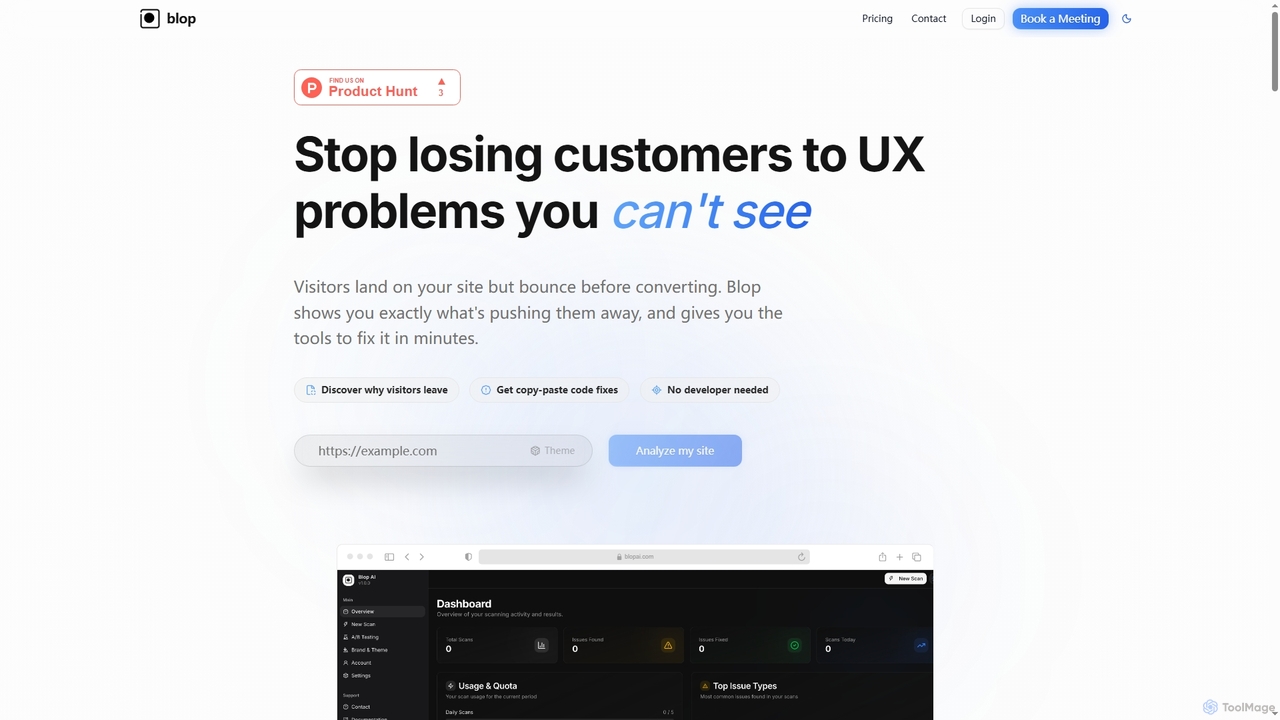
Blopai
Blopai is an AI-powered UX analysis tool that identifies website usability issues, accessibility problems, and design flaws. It provides automated, code-ready fixes and actionable insights to improve conversion rates and user experience in minutes.
Website Analytics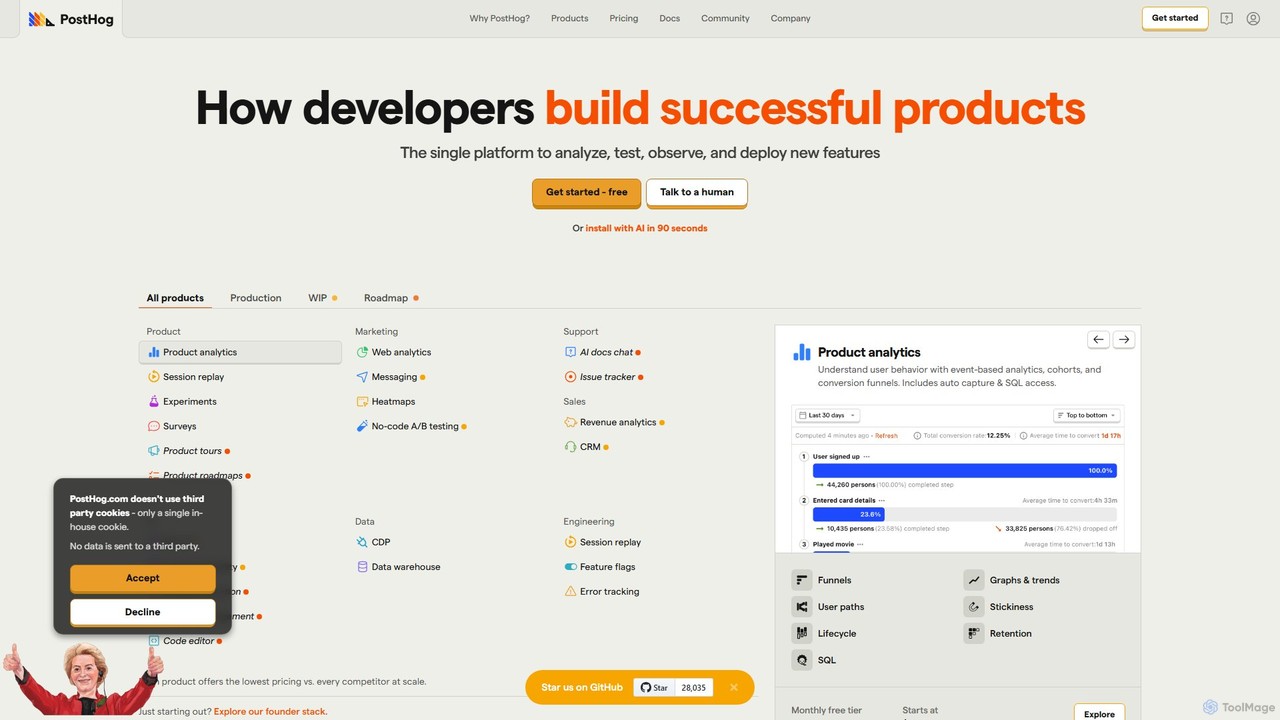
PostHog
PostHog is an all-in-one, open-source product analytics platform for developers. It combines product analytics, session replay, feature flags, and A/B testing into a single tool, eliminating the need for a fragmented data stack. It's designed to help teams understand user behavior and build better products faster.
Customer Data PlatformContext
Context is an AI-powered analytics platform designed to help product teams understand their users. It unifies qualitative feedback from various sources like support tickets, surveys, and reviews, using AI to automatically surface actionable insights, track trends, and inform product decisions.
Data Analysis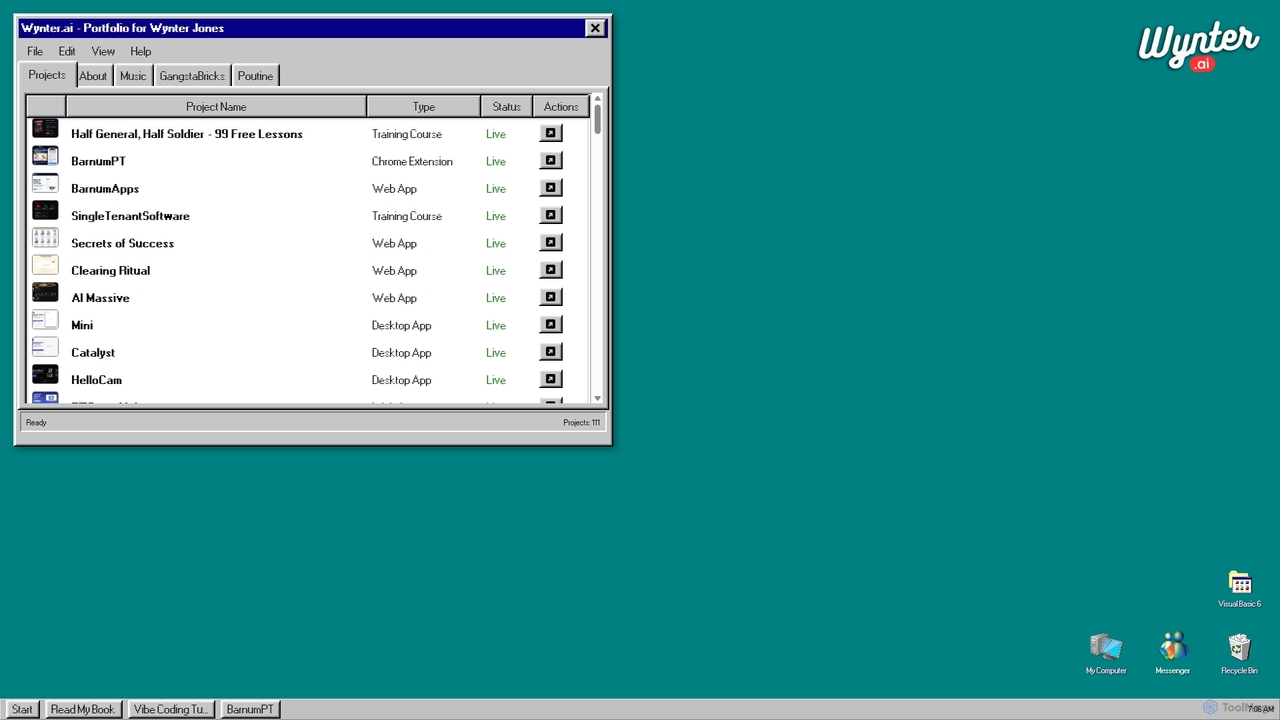
Wynter
Wynter is a B2B message testing and audience research platform. It helps companies get rapid qualitative feedback on their marketing copy, website messaging, and product positioning from their exact target audience.
Customer Research
Roast My Landing Page
Roast My Landing Page is an AI-powered service that delivers brutally honest, actionable feedback to optimize your landing page for higher conversions. Get comprehensive analysis from six AI experts in Marketing, UX, UI, Copywriting, SEO, and Frontend Development in under 5 minutes. Identify problems with pinpoint accuracy and receive clear steps to improve your website's performance and skyrocket your conversions, backed by a money-back guarantee.
Ux
Landing.report
Landing.report is an AI-powered tool that provides comprehensive audits for landing pages, focusing on design, copy, and SEO. It offers instant, real-time feedback and actionable insights to help users increase conversion rates. Through an interactive chat feature, users can ask follow-up questions and even get their landing page "roasted" by AI to identify and fix conversion roadblocks, transforming their website into an effective sales machine.
Content Generation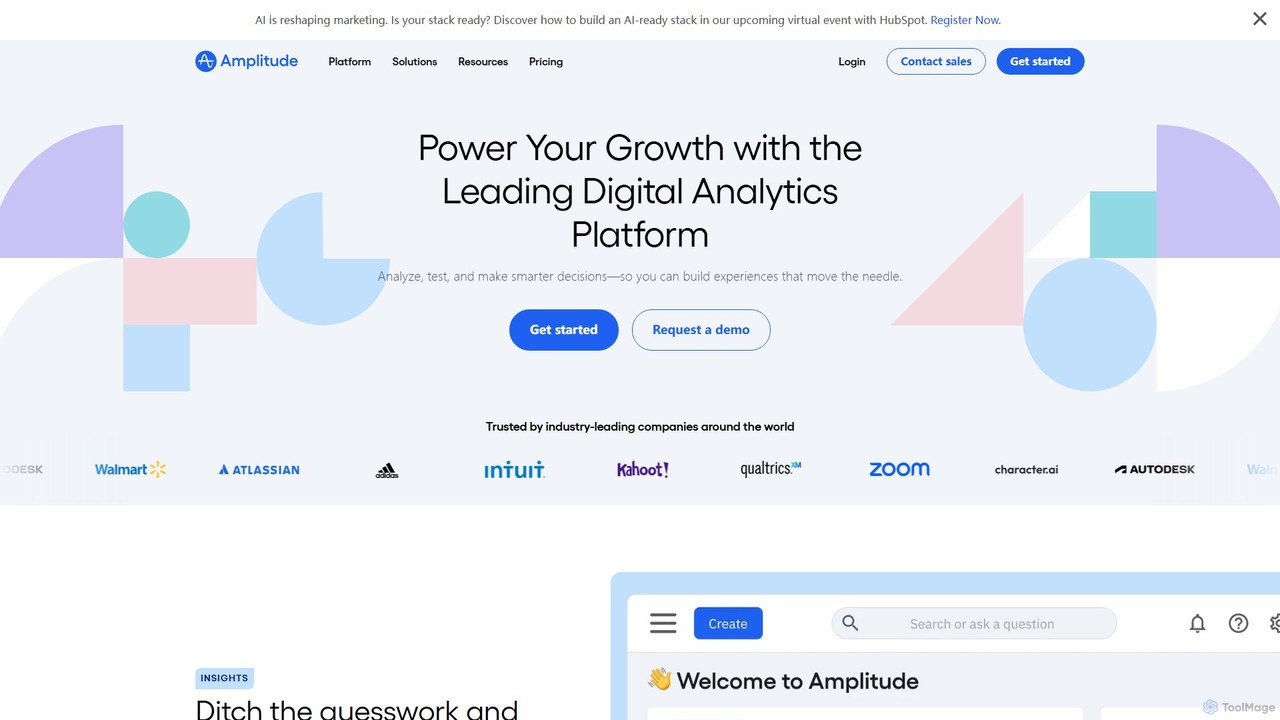
Amplitude
Amplitude is a leading digital analytics platform that uses AI to help businesses understand user behavior, optimize products, and drive growth. It provides a unified solution for product analytics, session replay, A/B testing, and feature management, enabling teams to make data-driven decisions and build better customer experiences.
Analytics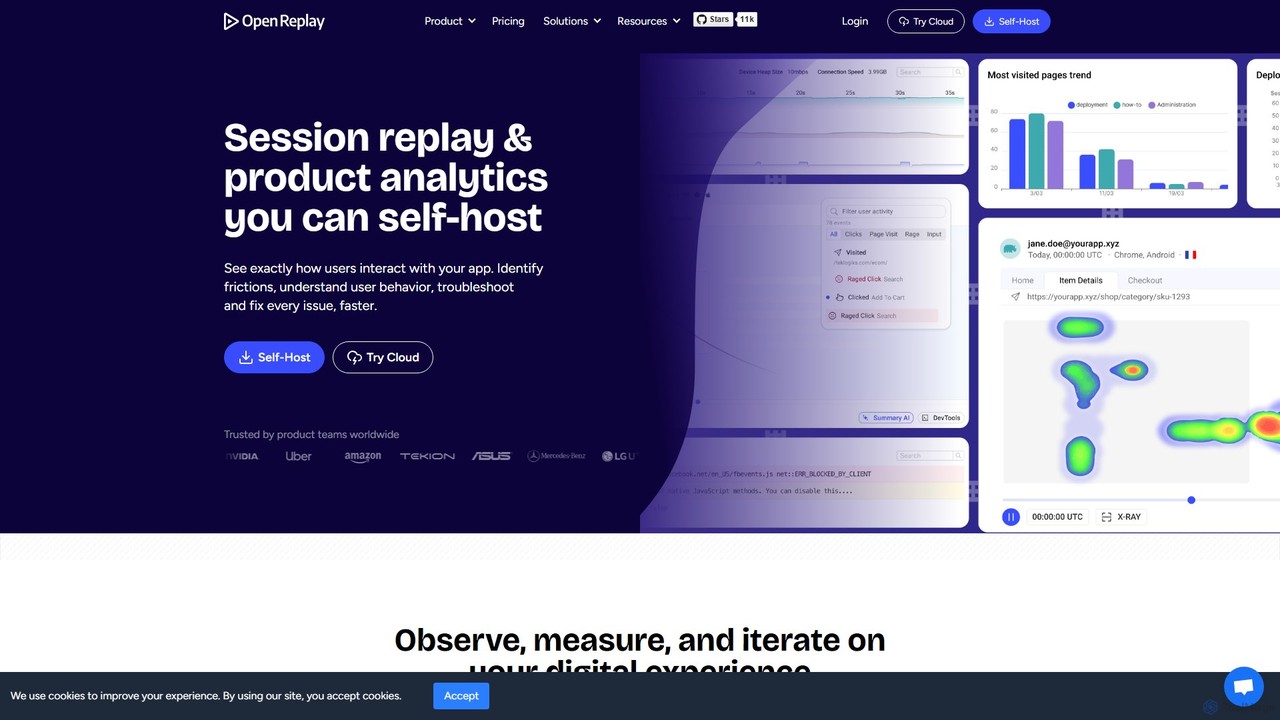
OpenReplay
OpenReplay is a self-hostable, open-source session replay and product analytics suite. It empowers teams to understand user behavior, reproduce bugs faster, and optimize digital experiences. By providing visual context alongside technical data like console logs and network activity, OpenReplay helps engineers, product managers, and support teams identify frictions, improve conversion funnels, and enhance overall product usability while maintaining full control over customer data.
Live Chat
UserWatch Comments (0)
Sign in to comment.
Sign inNo comments yet.