Design Best in category 1 results Ux & Ui Analysis AI Tool

Popular AI tools in the Ux & Ui Analysis field of Design include RateMySite, etc., helping you quickly improve efficiency.

RateMySite

RateMySite

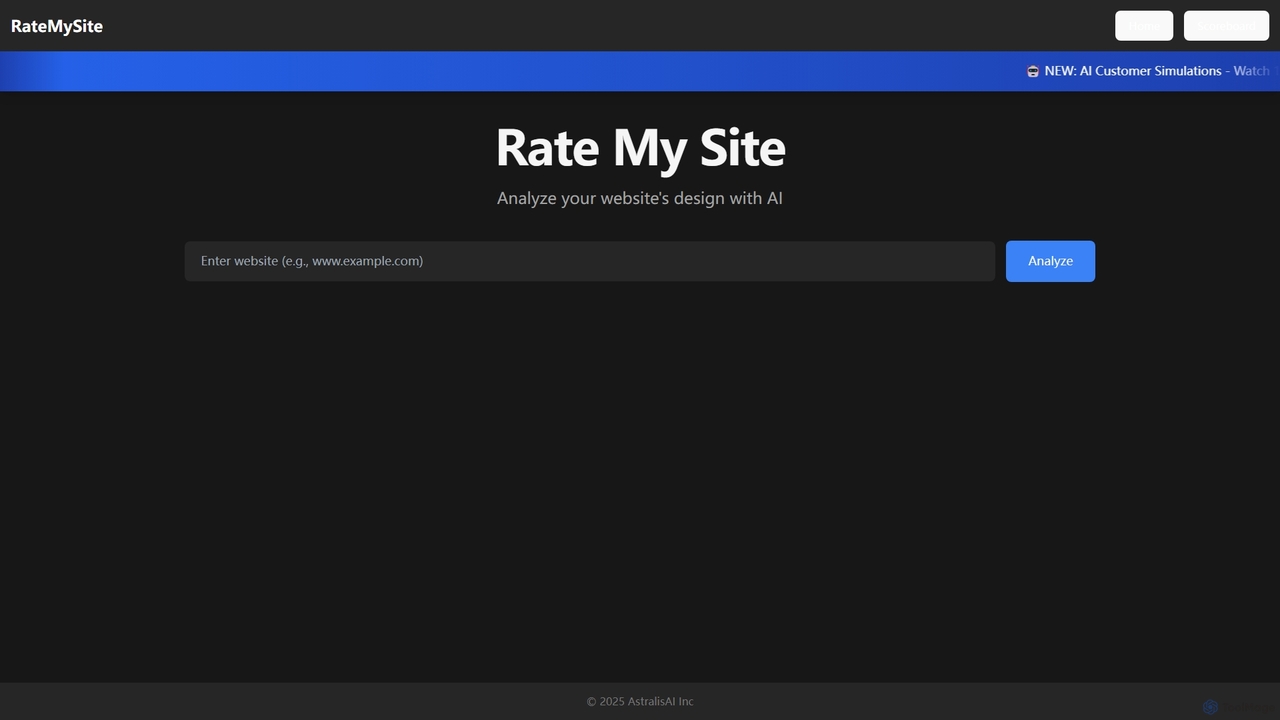
RateMySite is an AI-powered platform that analyzes your website's design and simulates thousands of target customer interactions in …

3.8K

About Ux & Ui Analysis

AI UX & UI Analysis tools are a class of software that leverages artificial intelligence to automatically evaluate user behavior and interface effectiveness. They process vast amounts of interaction data, such as clicks, scrolls, and session recordings, using machine learning to identify patterns and usability issues. These tools provide product teams with actionable, data-driven insights to optimize digital experiences, improve conversion rates, and enhance user satisfaction. Unlike traditional analytics, they uncover the 'why' behind user actions, not just the 'what'.

Core Features

  • AI-Powered Heatmap Analysis: Automatically interprets heatmaps to identify statistically significant user friction points, engagement zones, and dead clicks.
  • Automated Session Replay Insights: Scans thousands of session recordings to flag moments of user struggle, such as rage clicks, error messages, and navigation loops.
  • Predictive Analytics: Forecasts the potential impact of UI changes on user behavior and key metrics before implementation.
  • Quantitative Usability Metrics: Generates objective scores for usability, frustration, and engagement based on behavioral data analysis.
  • User Feedback Sentiment Analysis: Automatically categorizes and analyzes the sentiment of qualitative feedback from surveys and support tickets to identify common themes.

Use Cases

These tools are primarily used by product managers, UX researchers, UI designers, and conversion rate optimization (CRO) specialists. They are essential in industries like e-commerce, SaaS, and finance for continuously improving websites and applications. For instance, an e-commerce site can use them to diagnose checkout funnel drop-offs, while a SaaS company can identify confusing features in their platform.

How to Choose

When selecting a tool, consider its integration capabilities with your existing tech stack (e.g., analytics, A/B testing platforms). Evaluate the depth and accuracy of its AI-driven insights and ensure it complies with data privacy regulations like GDPR and CCPA. Also, assess its scalability to handle your website's traffic volume and whether its pricing model aligns with your budget and team size.

Ux & Ui AnalysisUse Cases

1

Optimizing E-commerce Checkout Funnels

An e-commerce manager notices a high cart abandonment rate. Using an AI UX analysis tool, they analyze session recordings specifically for users who drop off during checkout. The AI automatically flags sessions where users repeatedly click a non-responsive button or struggle with a form field. This reveals a critical bug in the payment gateway integration. By fixing this single issue identified by the AI, the company reduces checkout abandonment by 15% and recovers significant revenue.

2

Prioritizing SaaS Feature Improvements

A product manager for a SaaS platform needs to decide which features to improve in the next quarter. They use an AI analysis tool to process thousands of user feedback comments from surveys and support tickets. The AI performs sentiment analysis and topic modeling, revealing that 'reporting dashboard customization' is the most frequent pain point. Simultaneously, the tool's session replay analysis shows users struggling to apply filters on the current dashboard. This dual insight provides clear, data-backed evidence to prioritize the dashboard redesign, ensuring development efforts address a genuine user need.

3

Validating a Website Redesign Before Launch

A UX design agency is preparing to launch a major website redesign for a client. Before going live, they use an AI tool's predictive analysis feature on the staging site. By uploading the new design, the AI generates predictive attention maps and clarity scores, highlighting areas that might confuse users, such as a poorly placed call-to-action button. Based on this feedback, the designers adjust the button's placement and color. This pre-launch validation helps prevent a drop in conversion rates that might have occurred with the initial, less intuitive design.

4

Automating Usability Test Analysis

A UX researcher conducts unmoderated usability tests where users record their screens and think aloud. Analyzing hours of video footage is time-consuming. By uploading the videos to an AI analysis platform, the researcher gets automated transcripts, sentiment analysis of the user's tone, and a summary of key themes and usability issues mentioned. The AI also flags video segments where users express frustration or confusion, allowing the researcher to jump directly to critical moments. This reduces analysis time from days to hours and ensures no critical insights are missed.

5

Improving Mobile App Onboarding Flow

A mobile app team observes a high drop-off rate during their new user onboarding process. They use an AI tool to analyze touch heatmaps and gesture data from thousands of new user sessions. The AI analysis reveals that a significant number of users are trying to swipe on a non-swipeable element, indicating a design that violates user expectations. The heatmaps also show that the 'Skip Tutorial' button is barely noticed. The team redesigns the confusing element to be swipeable and increases the visibility of the skip button, resulting in a 20% increase in onboarding completion.

6

Identifying Content Engagement Patterns

A content strategist for a large media website wants to understand why some long-form articles perform better than others. They use an AI analysis tool to generate aggregated scroll maps and attention maps for their top articles. The AI identifies that articles with embedded videos and interactive charts halfway down the page have significantly higher scroll depth and engagement. It also highlights that large blocks of uninterrupted text cause a sharp drop-off in reader attention. These insights inform a new content template, leading to a 30% increase in average time on page for new articles.

Ux & Ui AnalysisFrequently Asked Questions