

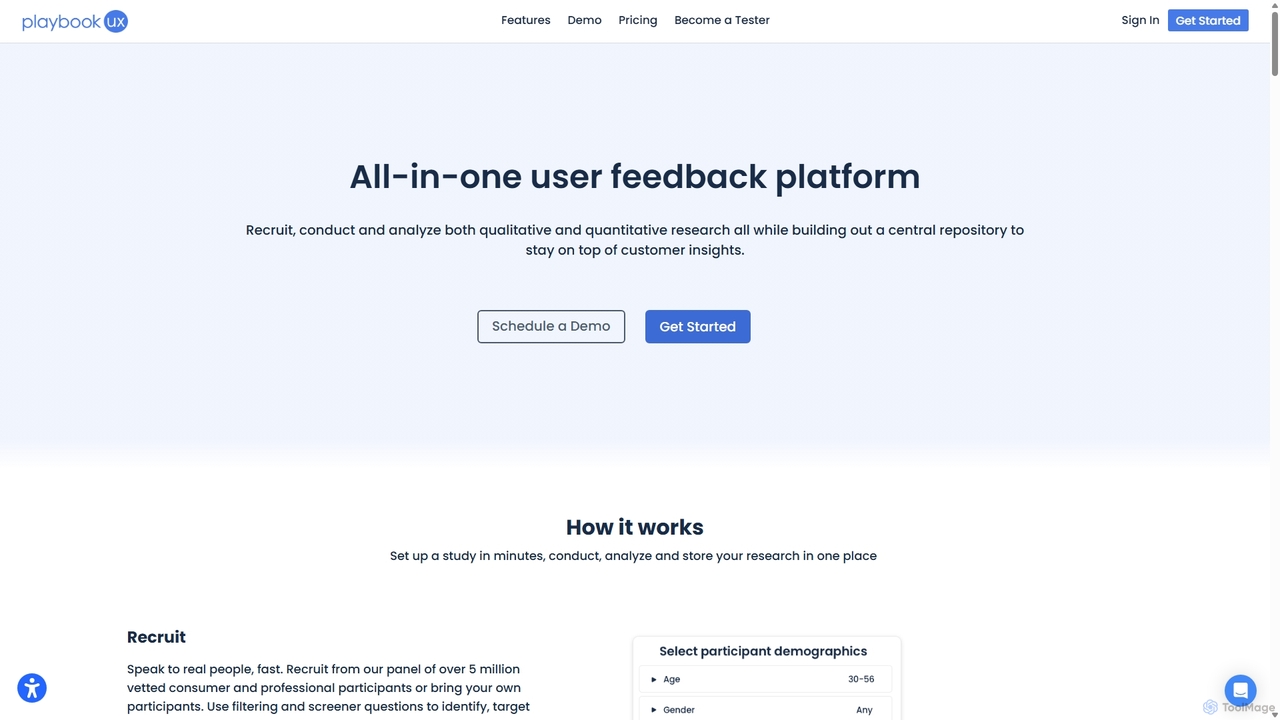
SessionStack Overview
SessionStack is a comprehensive digital experience and user behavior analytics platform designed to provide deep insights into how users interact with your web applications. It empowers developers, product managers, and customer support teams to see their product through the user's eyes. By capturing and replaying user sessions, SessionStack helps organizations identify UX issues, reproduce bugs with full context, and provide real-time assistance, ultimately leading to improved user satisfaction and higher conversion rates.
How to use SessionStack
Getting started with SessionStack is a straightforward process designed for quick integration and immediate value:
- Sign Up & Create a Project: First, create an account on the SessionStack website and set up a new project for the web application you want to monitor.
- Install the Snippet: You will be provided with a small, asynchronous JavaScript snippet. Copy this snippet and paste it into the `` section of your website's HTML. This lightweight script will not impact your site's performance.
- Start Recording: Once the snippet is installed, SessionStack automatically begins recording user sessions. It captures every user interaction, including mouse movements, clicks, scrolls, and form inputs, as well as technical data like console logs and network requests.
- Analyze Sessions: Log in to your SessionStack dashboard to view a list of all recorded sessions. You can filter and search for specific sessions based on user ID, location, device, browser, or custom events you've configured.
- Replay and Debug: Click on any session to watch a pixel-perfect replay. The player interface includes a timeline of events and a developer console showing logs, errors, and network activity exactly as they occurred for the user, making bug reproduction trivial.
- Utilize Co-browsing: For live support scenarios, you can initiate a co-browsing session. This allows your support agent to view the user's screen in real-time, highlight elements, and guide them through complex processes without requiring any downloads or installations from the user's side.
Core Features of SessionStack
- Session Replay: Watch high-fidelity, video-like recordings of user journeys to understand their behavior, identify pain points, and see exactly what led to an error or a support request.
- Error Tracking: Automatically capture and surface JavaScript errors. Each error is linked to the exact session replay, showing the user actions, console logs, and network requests that occurred at the time of the error.
- Co-browsing: Engage with users in real-time by viewing and interacting with their screen. This feature is invaluable for customer support, enabling agents to provide instant, contextual guidance and resolve issues faster.
- User Segmentation and Advanced Filtering: Drill down into your data with powerful filters. Find sessions from users who experienced errors, abandoned a cart, or came from a specific marketing campaign to get targeted insights.
- Conversion Funnels: Define key user flows and funnels within your application to monitor conversion rates and identify the specific steps where users are dropping off.
- Activity Dashboards: Get a high-level overview of user engagement, error trends, and key metrics through customizable dashboards and visualizations.
- Privacy and Security: SessionStack is built with privacy in mind. It offers robust data masking and anonymization features to automatically hide sensitive user information, ensuring compliance with regulations like GDPR and CCPA.
Use Cases for SessionStack
SessionStack is a versatile tool that benefits multiple teams within an organization:
- For Developers: Drastically reduce the time spent on debugging. Instead of trying to reproduce bugs from vague descriptions, developers can watch a replay to see the exact steps, environment, and console state, leading to resolutions that are up to 10 times faster.
- For Product Managers & UX Designers: Gain qualitative insights into how users interact with new features. Identify usability issues, validate design hypotheses, and make data-driven decisions to improve the overall user experience.
- For Customer Support Teams: Revolutionize customer support by eliminating guesswork. With co-browsing and session replays, support agents can instantly see the user's problem and provide accurate, efficient solutions, boosting customer satisfaction and reducing ticket resolution times.
- For QA Engineers: Enhance bug reports by attaching a link to the relevant SessionStack replay. This provides developers with all the context they need to understand and fix the issue without back-and-forth communication.
Advantages of SessionStack
The primary advantage of SessionStack is its ability to provide complete context. It bridges the gap between user feedback and technical data, allowing teams to not only see *what* happened but also understand *why*. This leads to faster bug fixes, a more intuitive user experience, higher conversion rates, and more efficient customer support. Its lightweight implementation and focus on privacy make it a safe and easy-to-adopt solution for businesses of all sizes.
Pricing and Plans
SessionStack offers a flexible pricing structure to suit different needs, including a free plan for small projects. The pricing typically scales based on the number of monthly sessions recorded and the data retention period. Paid plans unlock more advanced features like co-browsing, longer data retention, and priority support. There is usually a free tier that allows for a limited number of sessions per month, making it accessible for startups and individual developers. Business and Enterprise plans offer higher session limits, team collaboration features, and custom integrations to cater to the needs of larger organizations.
Traffic
Latest traffic
Status
Monthly traffic trend
- 2025-9: 150.6K
- 2026-1: 114.0K
- 2026-2: 129.4K
- 2026-3: 149.3K
- 2026-4: 126.2K
- 2026-5: 110.1K
Geography
Top 5 countries / regions
- 🇺🇸United States48.8%
- 🇮🇳India16.2%
- 🇨🇦Canada15.5%
- 🇬🇧United Kingdom12.4%
- 🇰🇪Kenya7.1%
Traffic sources
| Source type | Percentage |
|---|---|
Direct | 76.8% |
Referral | 21.1% |
Email | 2.1% |
Top keywords
| Keyword | Cost per click |
|---|---|
| playbook ux | $0.00 |
| playbookux | $7.94 |
| playbookux do you need to apply | $0.00 |
| playbook ux participant support | $0.00 |
| playbookx | $0.00 |
SessionStack Alternatives
OpenReplay
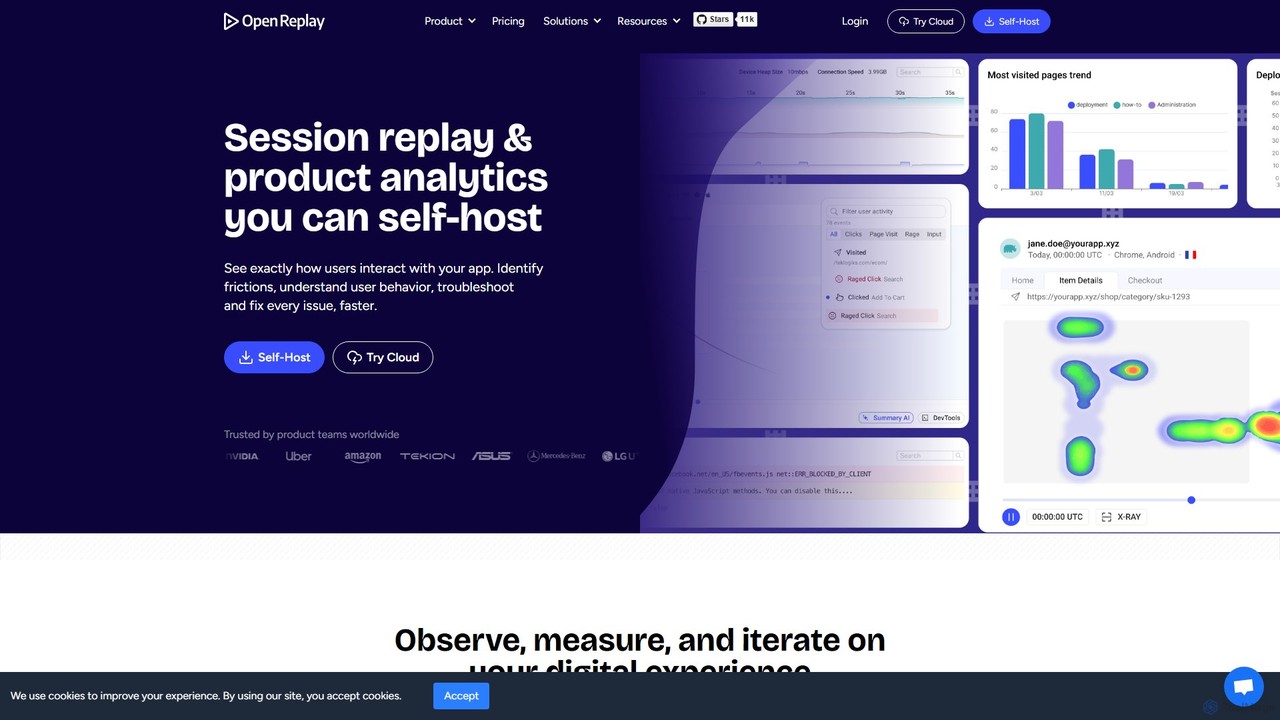
OpenReplay is a self-hostable, open-source session replay and product analytics suite. It empowers teams to understand user behavior, reproduce bugs faster, and optimize digital experiences. By providing visual context alongside technical data like console logs and network activity, OpenReplay helps engineers, product managers, and support teams identify frictions, improve conversion funnels, and enhance overall product usability while maintaining full control over customer data.
Live Chat
Zipy
Zipy is an AI-powered platform combining session replay, error tracking, and user analytics. It helps software teams proactively identify, debug, and resolve user-facing issues, providing complete context with developer tools to enhance digital experiences and accelerate problem-solving.
User Behavior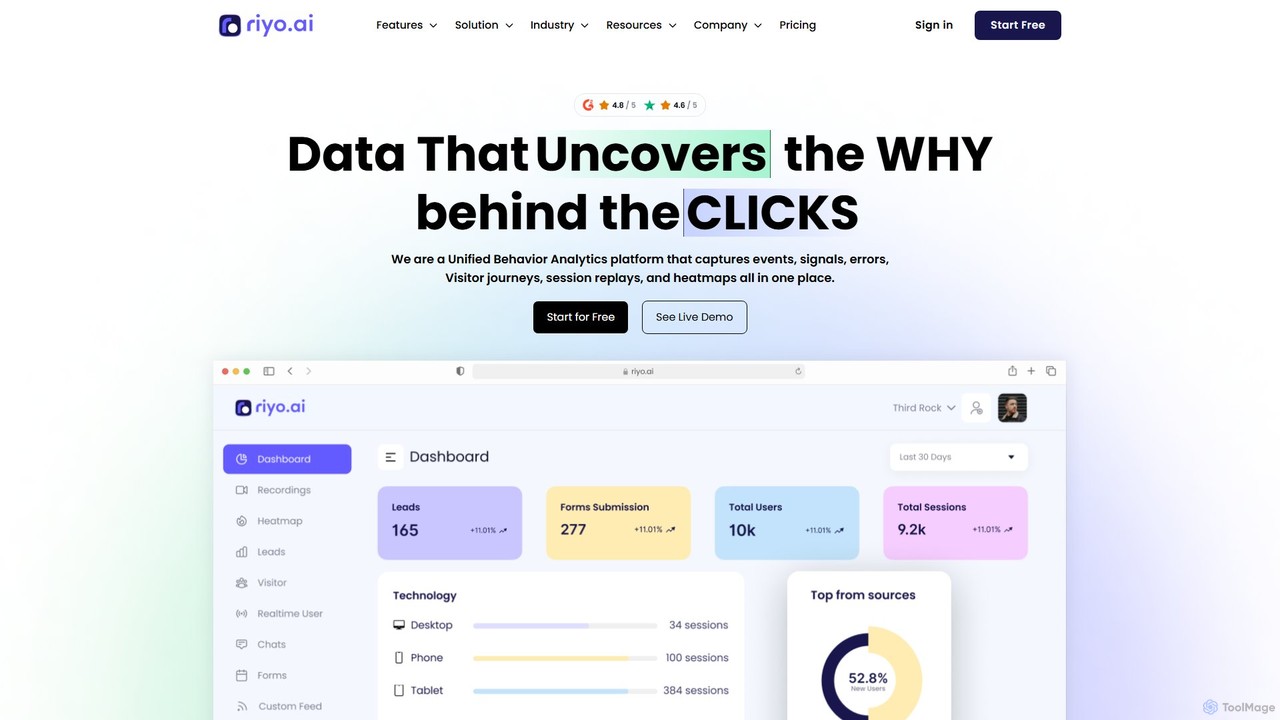
riyo.ai
riyo.ai is a unified behavior analytics platform that combines session replays, heatmaps, error tracking, and product analytics. It helps businesses understand user behavior, optimize the customer journey, and increase conversion rates by revealing the 'why' behind every click.
Behavioral Analytics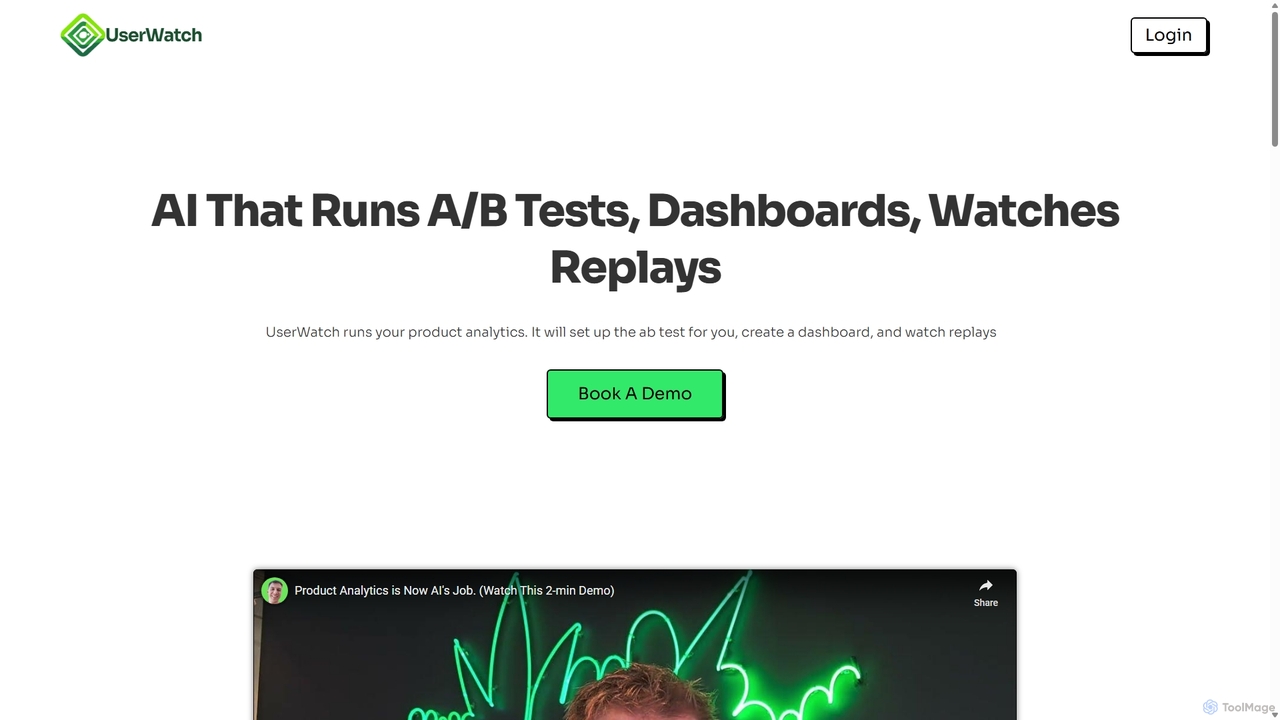
UserWatch
UserWatch is an AI-powered product analyst that automates complex analytics tasks. It runs A/B tests, creates dashboards, and analyzes session replays using simple prompts. This tool helps product teams identify user friction, get actionable UX insights, and directly link improvements to revenue impact, saving hours of manual work.
User Behavior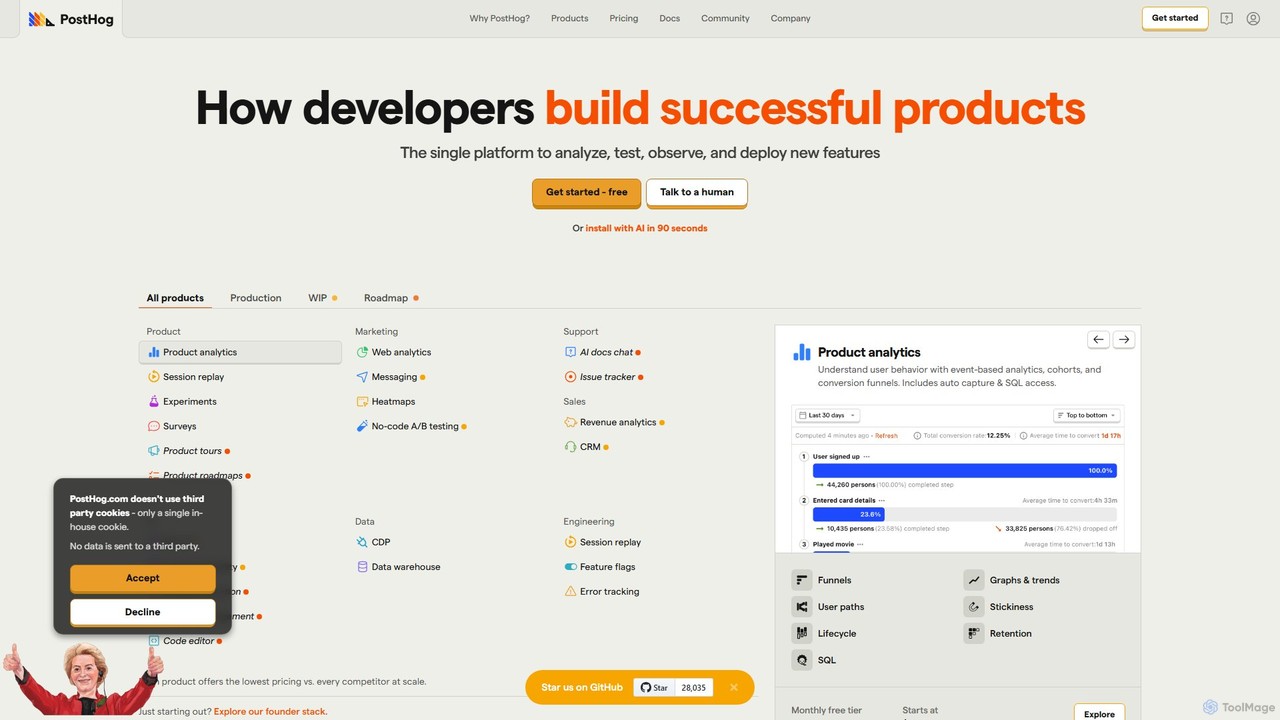
PostHog
PostHog is an all-in-one, open-source product analytics platform for developers. It combines product analytics, session replay, feature flags, and A/B testing into a single tool, eliminating the need for a fragmented data stack. It's designed to help teams understand user behavior and build better products faster.
Customer Data PlatformSessionStack Categories
SessionStack Jobs
SessionStack Embed Widget
Copy this embed code to place the badge on your blog, article, or product site and send readers directly to this ToolMage detail page.

Related AI tools
UserWatch
UserWatch is an AI-powered product analyst that automates complex analytics tasks. It runs A/B tests, creates dashboards, and analyzes session replays using simple prompts. This tool helps product teams identify user friction, get actionable UX insights, and directly link improvements to revenue impact, saving hours of manual work.
User BehaviorZipy
Zipy is an AI-powered platform combining session replay, error tracking, and user analytics. It helps software teams proactively identify, debug, and resolve user-facing issues, providing complete context with developer tools to enhance digital experiences and accelerate problem-solving.
User BehaviorOpenReplay
OpenReplay is a self-hostable, open-source session replay and product analytics suite. It empowers teams to understand user behavior, reproduce bugs faster, and optimize digital experiences. By providing visual context alongside technical data like console logs and network activity, OpenReplay helps engineers, product managers, and support teams identify frictions, improve conversion funnels, and enhance overall product usability while maintaining full control over customer data.
Live Chat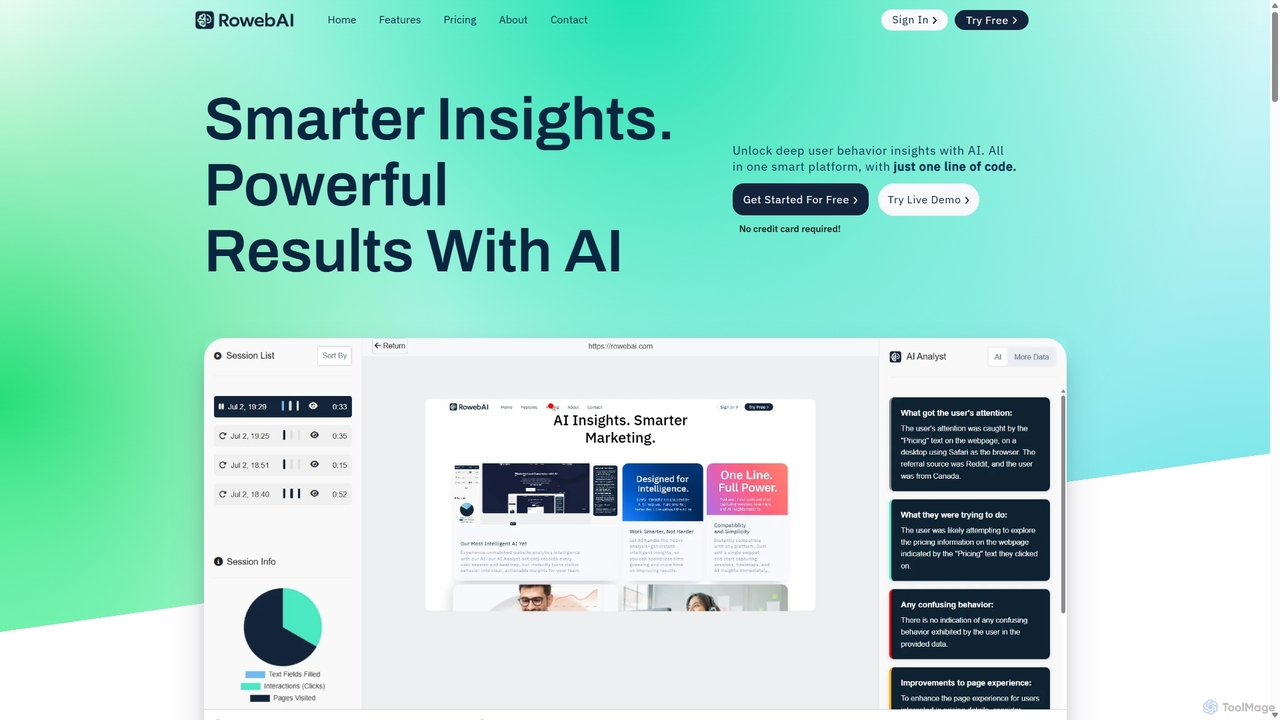
RowebAI
RowebAI is an AI-powered platform that provides deep insights into user behavior through website heatmaps and session recordings. It automatically analyzes visitor interactions, identifies patterns, and generates actionable summaries to help businesses optimize user experience, improve conversion rates, and make data-driven decisions without slowing down their website.
Website Analytics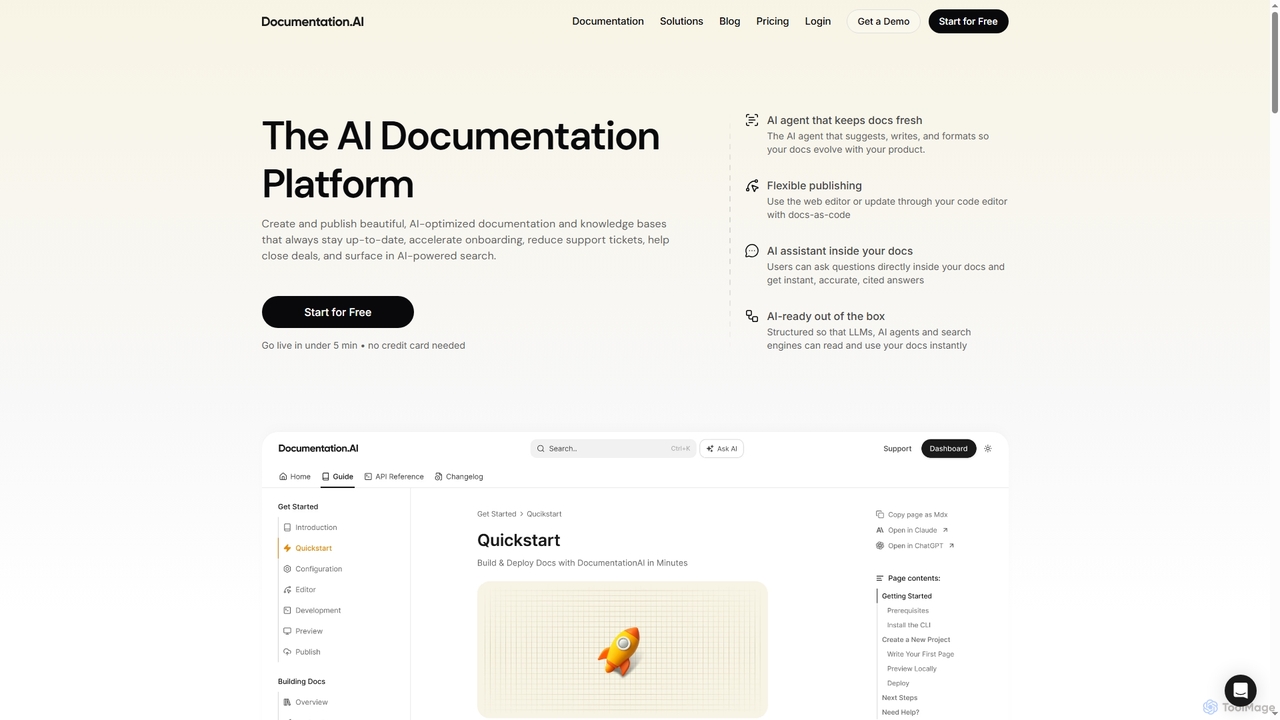
DocumentationAI
DocumentationAI is an AI-powered platform designed to create, publish, and maintain dynamic, up-to-date documentation and knowledge bases. It leverages AI agents to automate content updates, optimize for search engines and large language models, and provide instant, accurate answers to users directly within the documentation, accelerating onboarding and reducing support overhead.
Writing AssistantPostHog
PostHog is an all-in-one, open-source product analytics platform for developers. It combines product analytics, session replay, feature flags, and A/B testing into a single tool, eliminating the need for a fragmented data stack. It's designed to help teams understand user behavior and build better products faster.
Customer Data Platform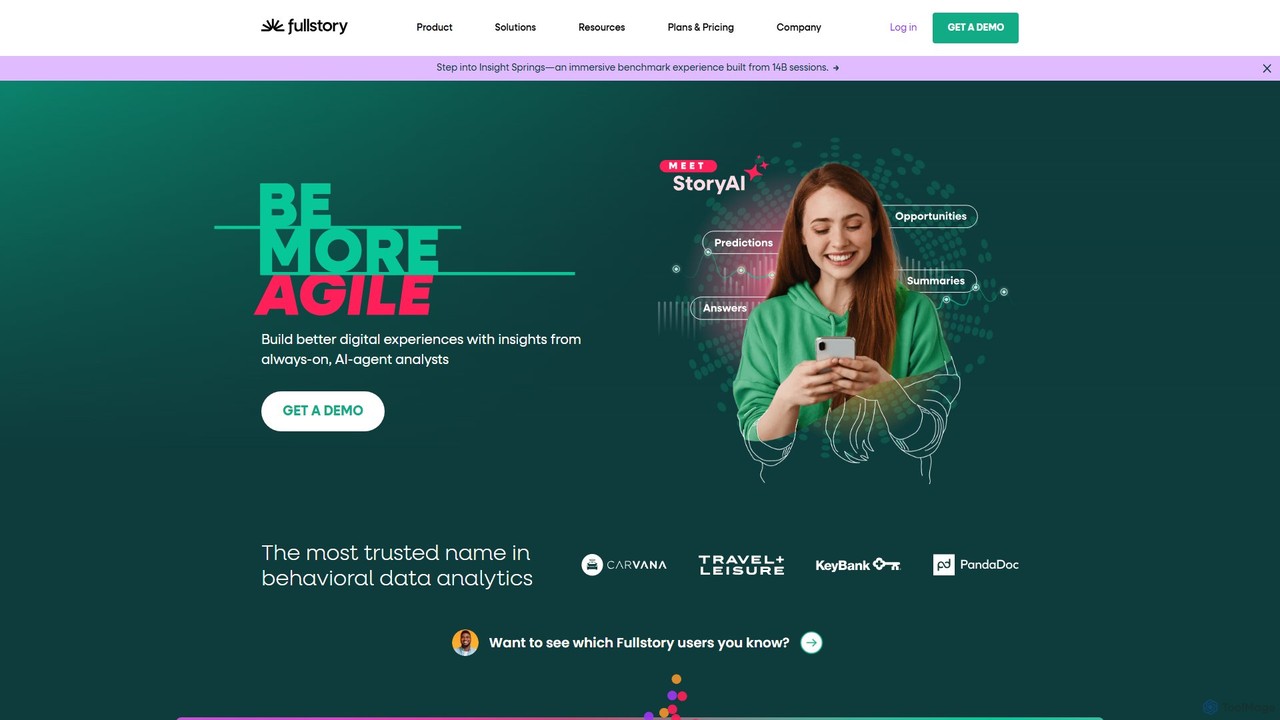
Fullstory
Fullstory is a leading Digital Experience Intelligence (DXI) platform that helps businesses understand and improve their user experience on web and mobile. It captures every click, scroll, and interaction, providing session replays, heatmaps, and AI-powered analytics to identify user friction, uncover bugs, and optimize conversion funnels.
User Behavior Analytics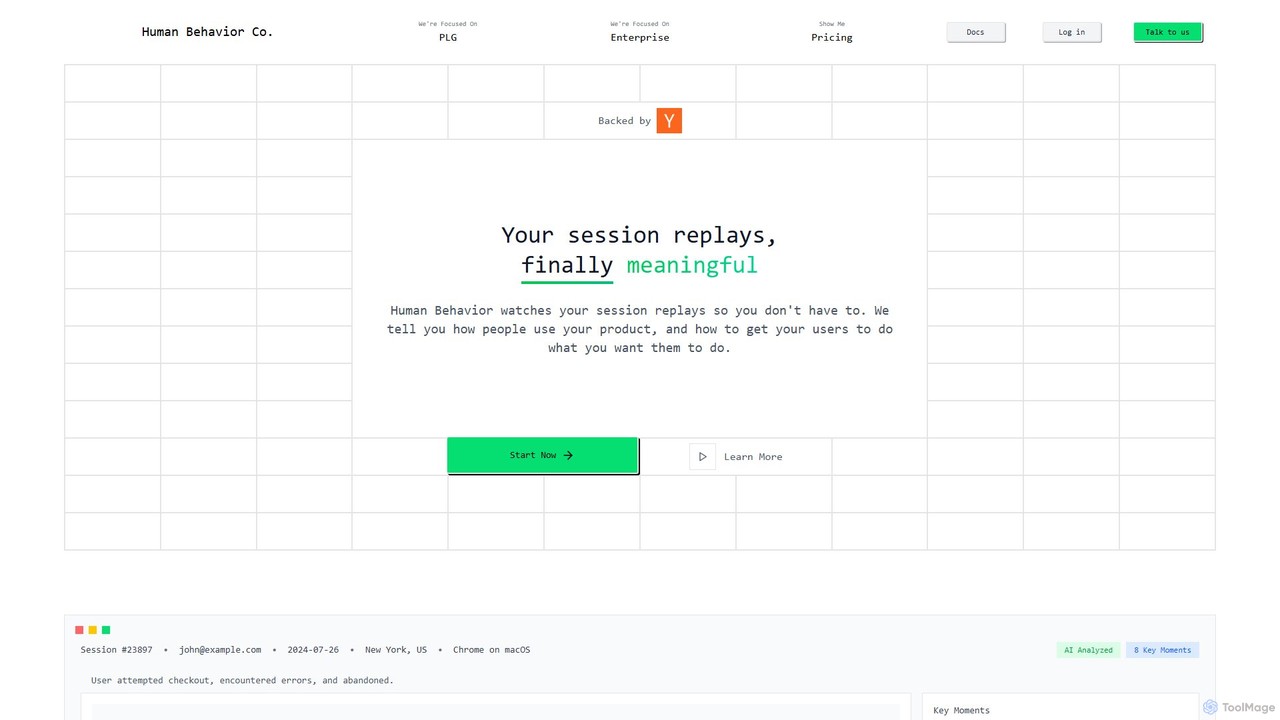
Human Behavior Co. Session Replay
Human Behavior Co. is an AI-powered analytics platform that automatically watches and analyzes user session replays. It identifies key moments, uncovers behavior patterns, and provides actionable insights to help product teams optimize user journeys, improve feature adoption, and reduce churn without manual effort.
User Behavior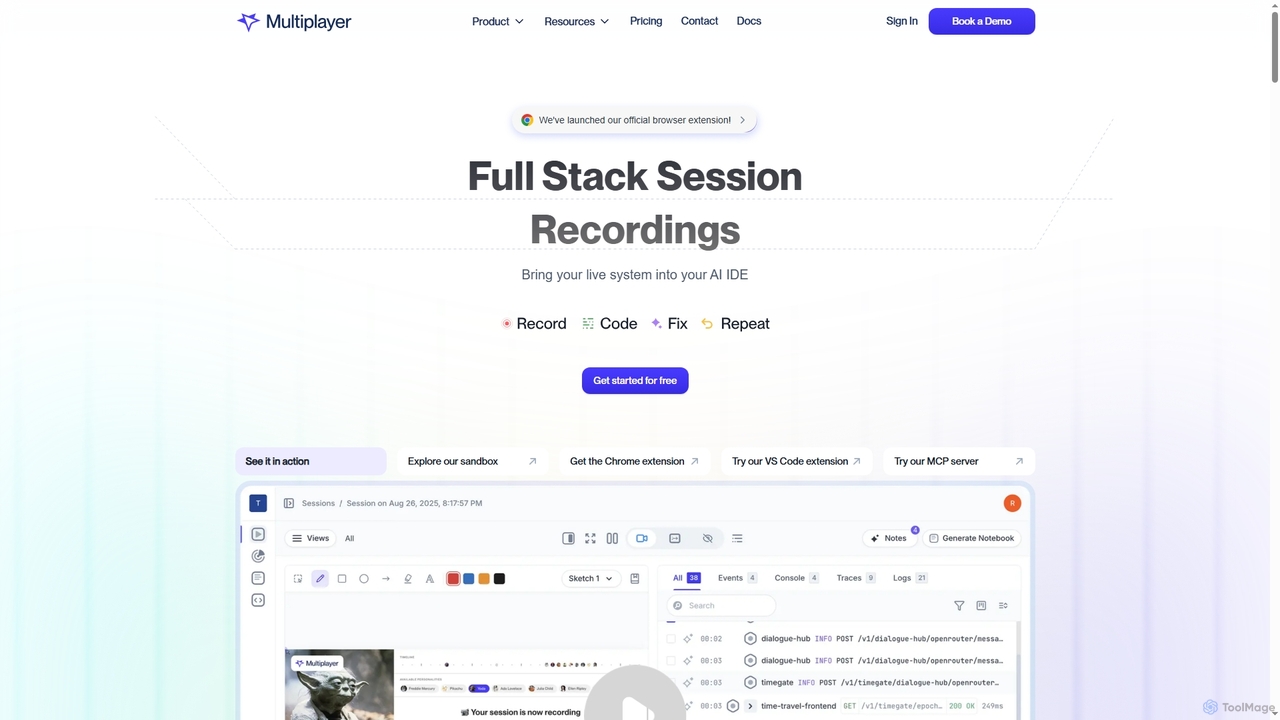
Multiplayer
Multiplayer is a full-stack session recording platform that captures frontend and backend data, providing complete context for debugging, testing, and AI-powered feature development. It integrates seamlessly with AI IDEs and engineering workflows to accelerate problem resolution and build new features with confidence.
Ai Integration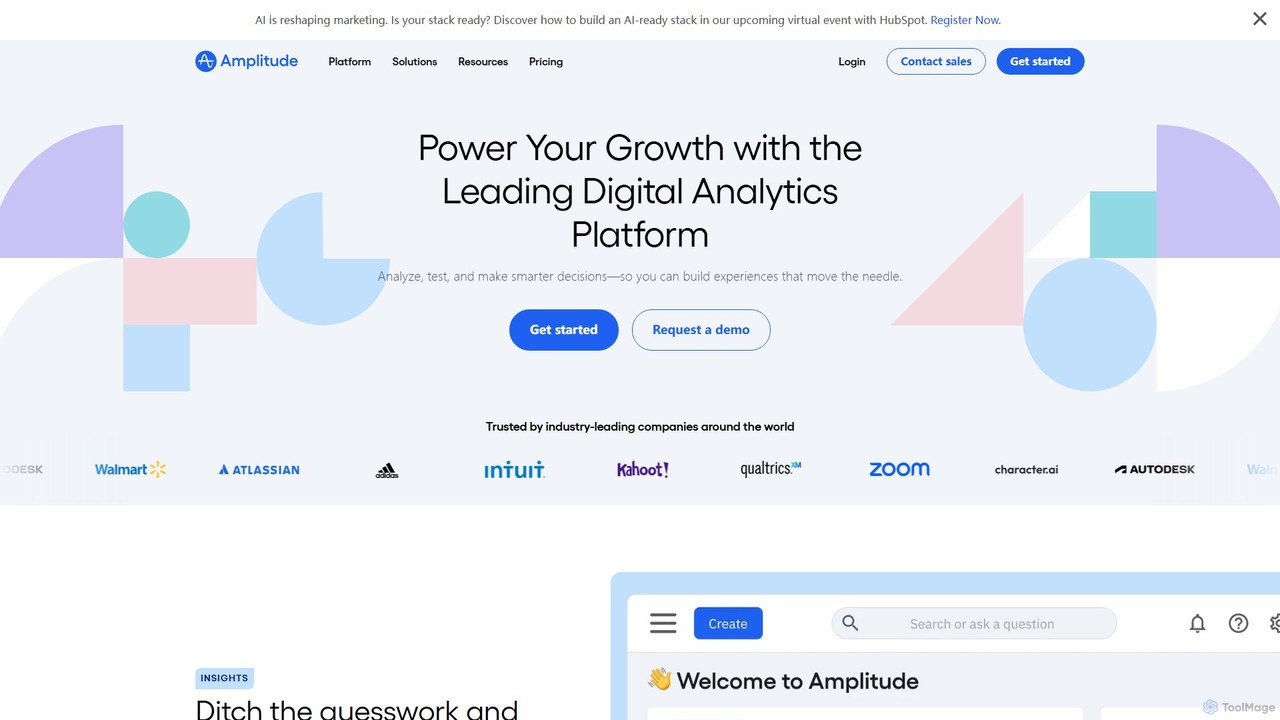
Amplitude
Amplitude is a leading digital analytics platform that uses AI to help businesses understand user behavior, optimize products, and drive growth. It provides a unified solution for product analytics, session replay, A/B testing, and feature management, enabling teams to make data-driven decisions and build better customer experiences.
Analytics
Depth
Depth is an AI Product Manager that automates product analytics, user session analysis, and feedback processing. It delivers actionable insights, UX improvement suggestions, and new feature ideas, helping teams build better products faster by eliminating manual data analysis.
Product Management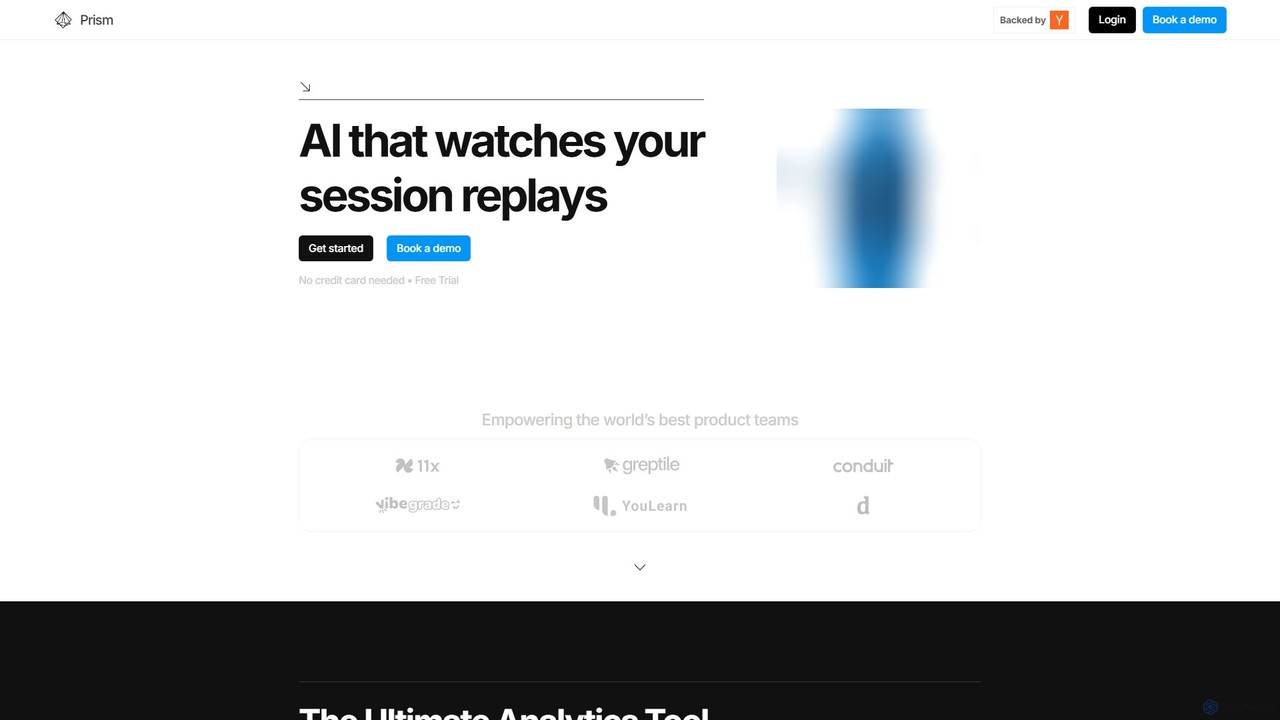
Prism Replay
Prism Replay is an AI-native product analytics platform that automatically watches, summarizes, and analyzes user session replays. It provides actionable insights to help product teams optimize conversions, understand user behavior, and identify friction points without manual effort.
User Behavior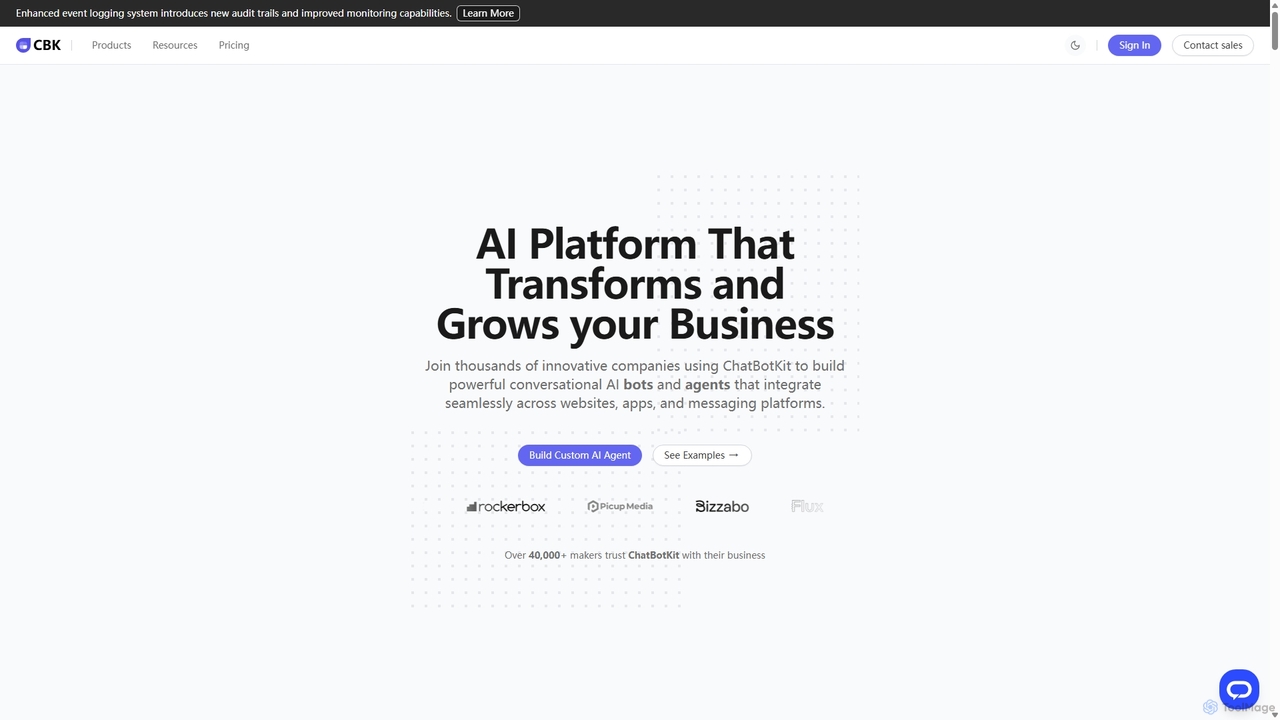
ChatBotKit
ChatBotKit is a comprehensive conversational AI platform for building, deploying, and managing custom AI bots and agents. It offers a suite of modular tools, seamless integrations with websites and messaging apps like Slack and WhatsApp, and intuitive templates for rapid development. Ideal for businesses seeking to enhance customer engagement, automate tasks, and streamline workflows with powerful, customizable AI solutions.
Chatbots
Olvy
Olvy is an AI-powered platform that centralizes and analyzes user feedback from multiple channels. It transforms qualitative data from surveys, reviews, support tickets, and calls into actionable insights, helping product teams make smarter, data-driven decisions and build better products.
Customer Support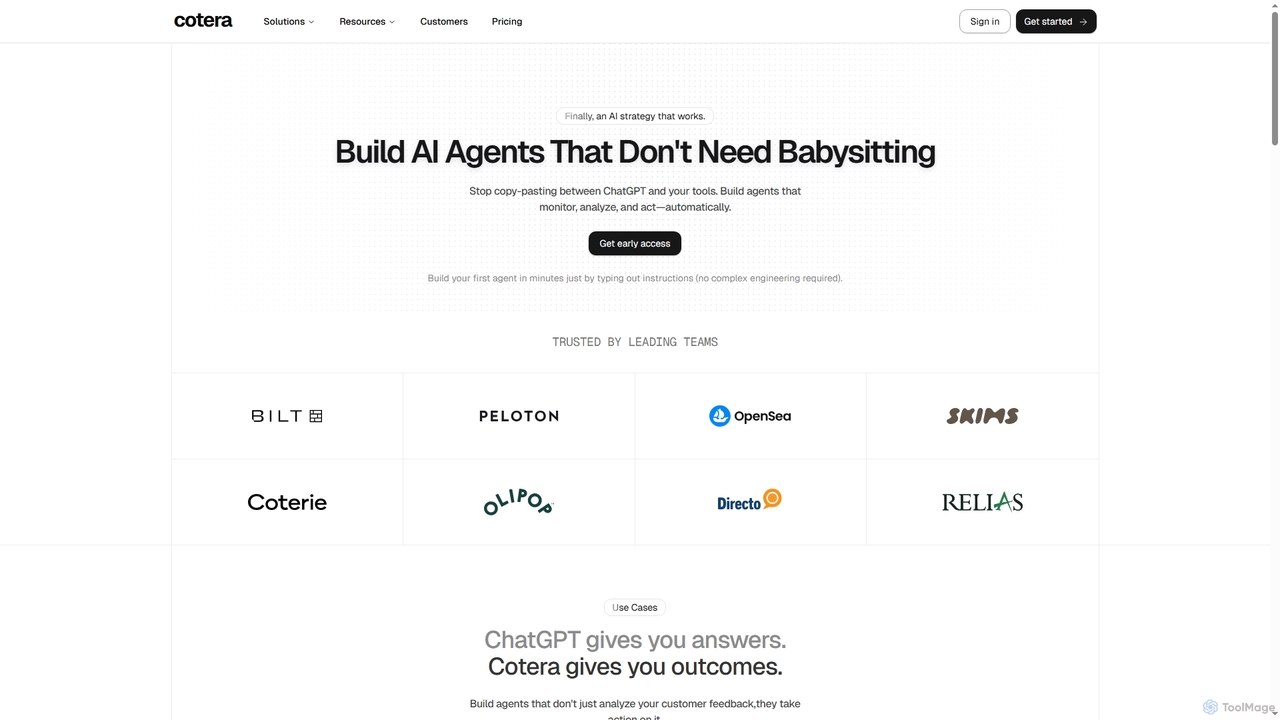
Cotera
Cotera is an AI platform that empowers businesses to build autonomous AI agents capable of monitoring, analyzing, and acting automatically across various operations. It eliminates manual busywork by enabling users to create sophisticated agents with plain English instructions, integrating seamlessly with existing tools and data warehouses.
Support Automation
SessionStack Comments (0)
Sign in to comment.
Sign inNo comments yet.