

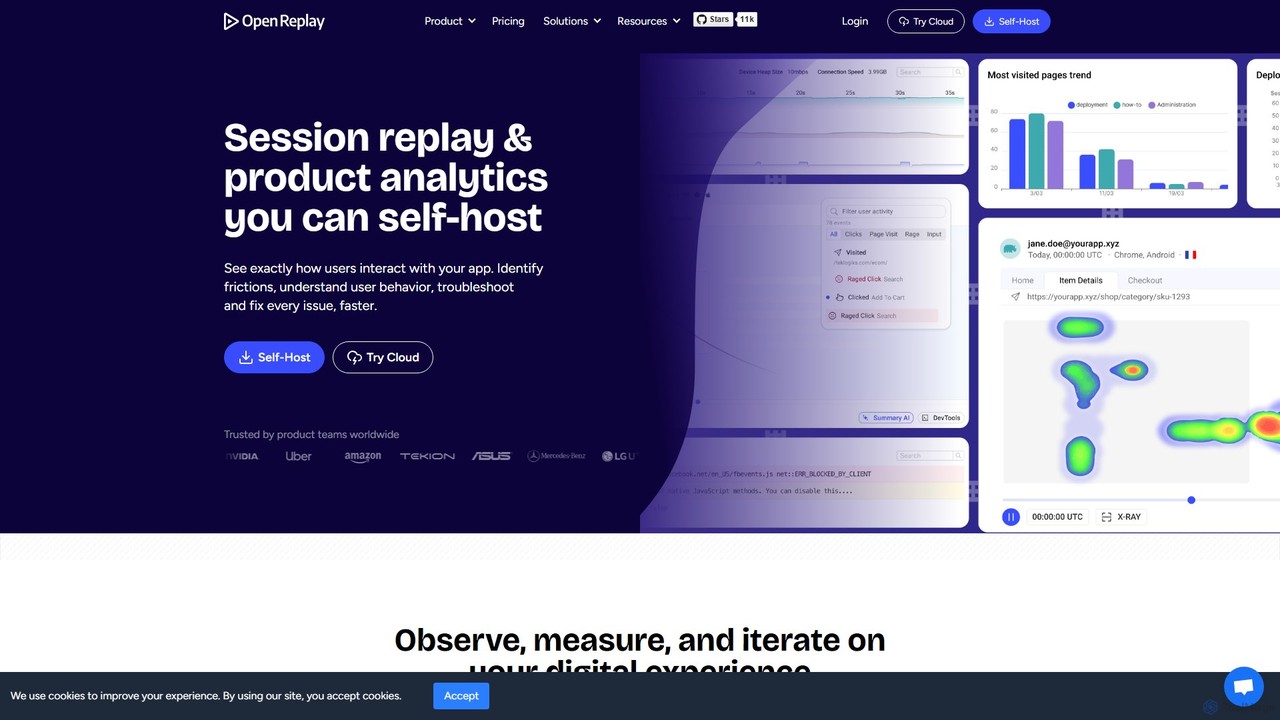
OpenReplay Overview
OpenReplay is a comprehensive, open-source platform designed to help businesses understand and improve their digital user experience. It combines high-fidelity session replay with a powerful suite of product analytics and developer tools. As a self-hostable solution, it offers unparalleled data privacy and control, making it a preferred choice for enterprises in regulated industries. The platform allows you to see exactly how users interact with your web application, capturing every click, navigation, and hesitation to provide a complete picture of the user journey.
By bridging the gap between quantitative analytics and qualitative user feedback, OpenReplay reveals the 'why' behind user actions. It helps teams move beyond metrics to see the real-life struggles and successes users encounter. With its integrated developer tools, it transforms bug reporting and resolution, drastically reducing the time it takes to identify and fix issues. Whether you're looking to enhance product features, streamline customer support, or improve application performance, OpenReplay provides the actionable insights needed to build better products.
How to use OpenReplay
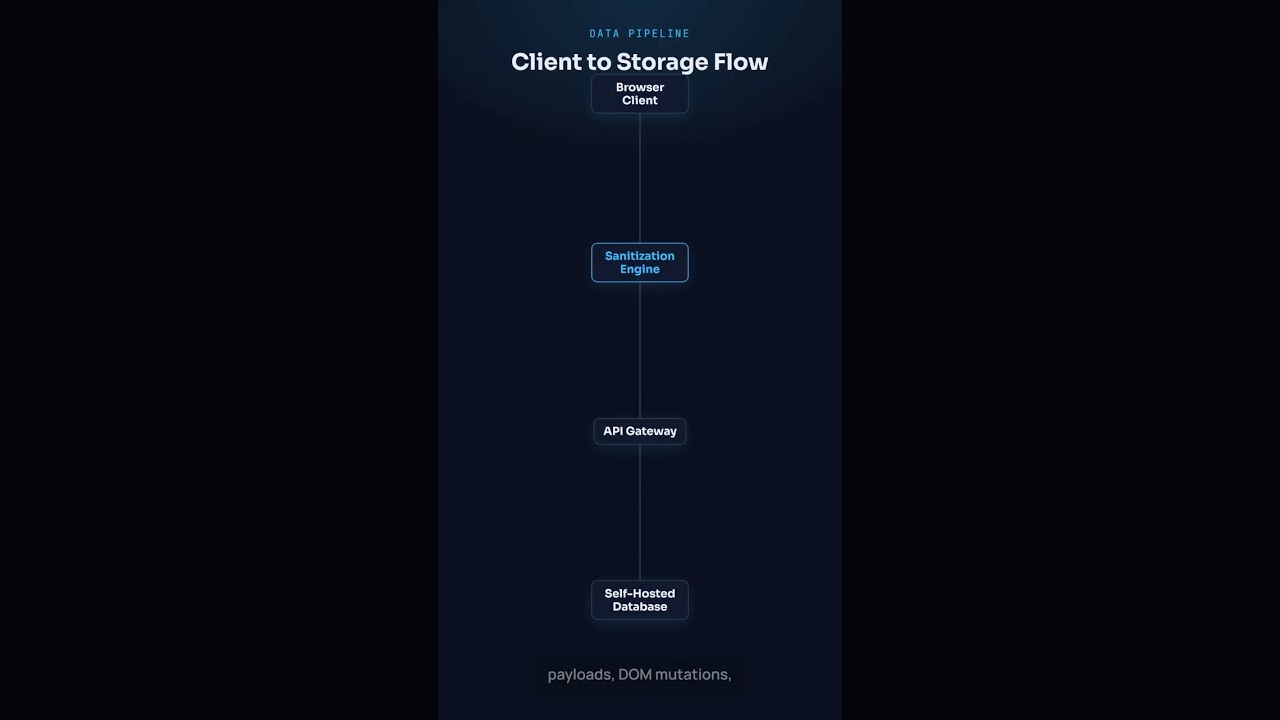
Using OpenReplay involves a straightforward process: 1. **Installation:** Begin by deploying the OpenReplay platform on your own infrastructure or using their cloud service. Then, integrate the lightweight tracking snippet into your web application's code. 2. **Configuration:** Customize the tracker to meet your privacy requirements. You can define which elements to sanitize, mask, or ignore, ensuring no sensitive Personal Identifiable Information (PII) is ever recorded. 3. **Data Capture:** Once integrated, OpenReplay automatically starts recording user sessions. It captures DOM mutations, user interactions (clicks, scrolls), console logs, JavaScript errors, network requests, and performance metrics (Core Web Vitals). 4. **Analysis & Replay:** Log in to the OpenReplay dashboard to access the collected data. You can search and filter sessions based on user ID, events, errors, or metadata. Watch session replays to see exactly what the user experienced. 5. **Insight Generation:** Utilize the product analytics suite to build funnels, analyze user journeys, and view heatmaps to identify trends and drop-off points. For debugging, use the integrated DevTools to inspect the technical context of any issue within the replay.
Core Features of OpenReplay
- Session Replay: High-fidelity visual playback of user sessions, showing exactly how users navigate, click, and interact with your application.
- Developer Tools: An integrated suite that mirrors browser DevTools, showing console logs, JavaScript errors, network activity, application state, and performance metrics directly within the session replay.
- Product Analytics: A comprehensive set of tools including funnels, user journeys, trends, and heatmaps to measure feature adoption, track conversion rates, and identify user behavior patterns.
- Co-Browsing: A real-time assistance feature that allows support agents to co-navigate the app with users, providing live guidance with annotations and remote control without any downloads.
- Self-Hosting & Data Privacy: The ability to deploy the entire platform on your own servers, giving you complete ownership and control over customer data, ensuring compliance with GDPR, CCPA, and HIPAA.
- Performance Monitoring: Tracks key performance indicators like Core Web Vitals, CPU and memory usage, and slow-loading resources to help optimize application performance.
- AI-Powered Summary: Utilizes AI to generate summaries of sessions, highlighting key events and potential user frustrations to speed up analysis.
Use Cases for OpenReplay
OpenReplay is a versatile tool that provides value across different teams: For Engineering Teams: Drastically reduce debugging time. Instead of trying to reproduce bugs from vague user reports, developers can watch the exact session where the error occurred, complete with technical logs, to fix issues in minutes instead of hours. For Product Managers: Gain deep qualitative insights. Understand why users are dropping off in a funnel, see how they interact with new features in the wild, and make data-driven decisions to improve the product roadmap. For UX/UI Designers & Researchers: Observe authentic user behavior to identify usability issues and friction points. Validate design hypotheses with real-world interaction data, complementing traditional user research methods. For Customer Support Teams: Resolve customer issues faster and more effectively. Watch a user's session to understand their problem visually, eliminating back-and-forth communication and providing precise solutions. Use Co-Browsing for proactive, real-time support.
Advantages of OpenReplay
OpenReplay stands out with several key advantages: Complete Data Control: The self-hosting option is a major differentiator, ensuring that sensitive user data never leaves your infrastructure, simplifying security and compliance reviews. Open-Source Transparency: Being open-source provides flexibility, extensibility through plugins, and full transparency into the codebase, fostering trust and community collaboration. All-in-One Solution: It combines session replay, product analytics, and developer-centric debugging tools into a single, integrated platform, reducing the need for multiple disparate tools. Cost-Effective at Scale: With a generous free tier and predictable pricing for self-hosted and cloud options, it offers a scalable solution that can be more cost-effective than competitors, especially for high-traffic applications. Enhanced Collaboration: It provides a common ground for product, engineering, and support teams to understand user issues, fostering better communication and faster iteration cycles.
Pricing and Plans
OpenReplay offers flexible pricing to suit different needs, with both Cloud and Self-Hosted (Dedicated) options:
- Free Plan (Cloud): $0 per month. Includes 1,000 sessions/month, all core features, 2 users, 1 project, and 30-day data retention. No credit card is required.
- Pay-as-you-Go (Cloud): Starts at $5.95 per 1,000 sessions/month. This plan scales with your workload and includes unlimited users and projects with 30-day data retention.
- Dedicated Plan (Self-Hosted): Starts from approximately $0.27 per hour, billed hourly. This plan provides a dedicated cluster on your infrastructure with no limits on recordings, custom data retention, Single Sign-On (SSO), and daily backups. Pricing depends on the required instance size to handle session volume (e.g., an O3 instance for up to 500K sessions/month costs around $800/month).
Traffic
Latest traffic
Status
Monthly traffic trend
- 2025-9: 334.3K
- 2026-1: 353.5K
- 2026-2: 274.3K
- 2026-3: 297.3K
- 2026-4: 298.6K
- 2026-5: 312.9K
Geography
Top 5 countries / regions
- 🇺🇸United States31.8%
- 🇷🇺Russia25.3%
- 🇻🇳Vietnam15.8%
- 🇫🇷France14.5%
- 🇩🇪Germany12.8%
Traffic sources
| Source type | Percentage |
|---|---|
Direct | 70.3% |
Referral | 28.6% |
Email | 1.1% |
Top keywords
| Keyword | Cost per click |
|---|---|
| base64 decode | $1.75 |
| hex to rgb | $0.59 |
| openreplay | $4.33 |
| rgba to hex | $1.53 |
| rgb to hex | $0.80 |
OpenReplay Videos on YouTube

UXCam: Product Analytics
OpenReplay Alternatives
SessionStack
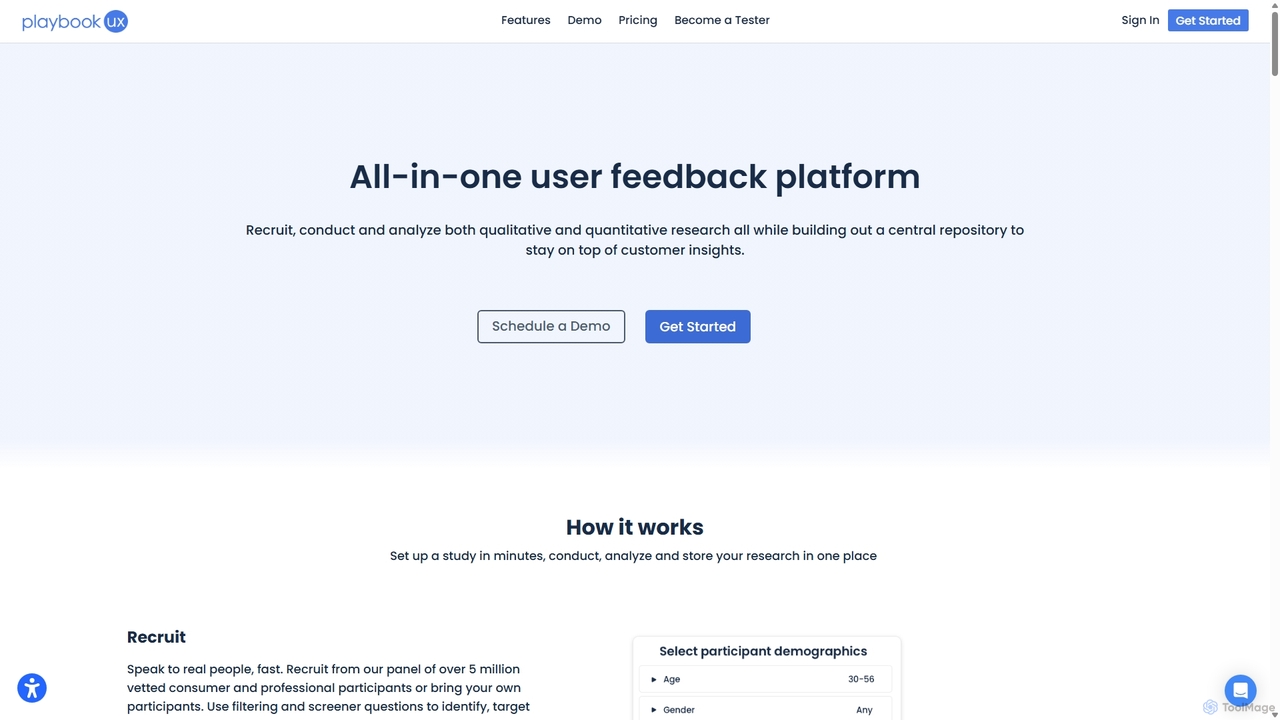
SessionStack is a user behavior analytics platform that helps businesses understand the user journey. It offers session replay, error tracking, and co-browsing to identify bugs, resolve support tickets faster, and optimize the user experience. By watching video-like recordings of user sessions, teams can see exactly what users do, where they get stuck, and why they encounter errors, leading to faster problem resolution and improved product quality.
Session Replay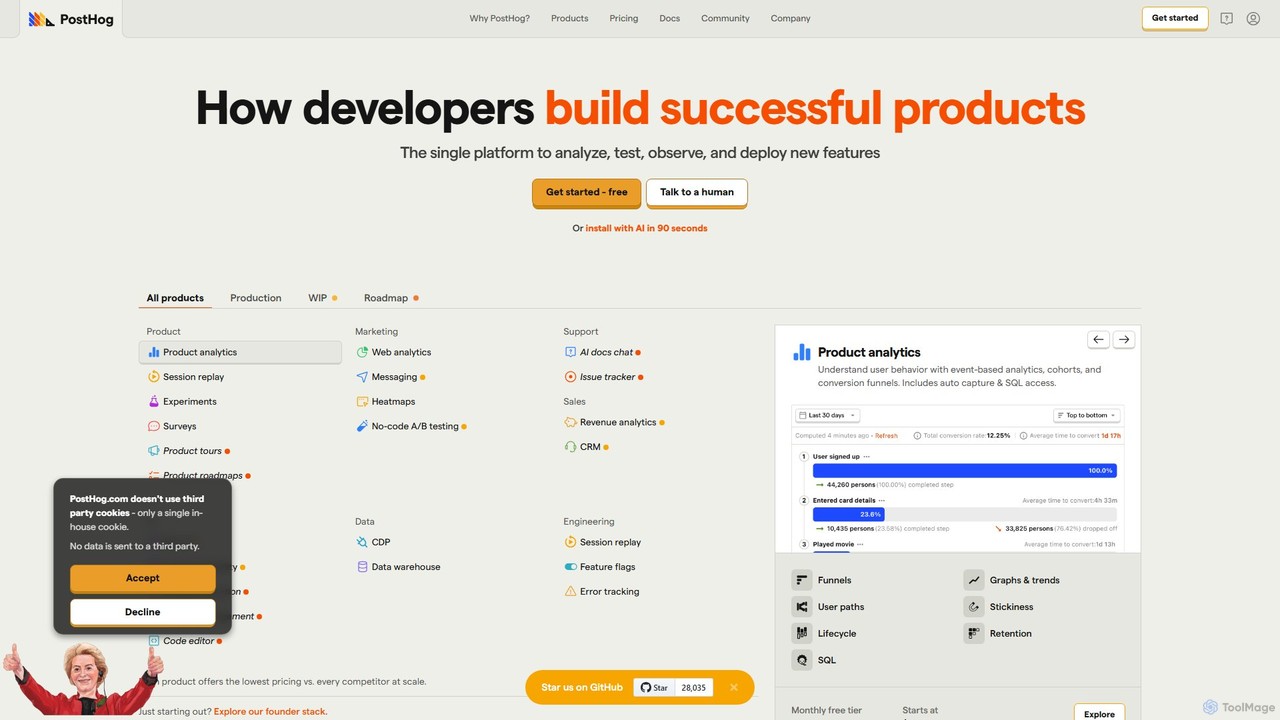
PostHog
PostHog is an all-in-one, open-source product analytics platform for developers. It combines product analytics, session replay, feature flags, and A/B testing into a single tool, eliminating the need for a fragmented data stack. It's designed to help teams understand user behavior and build better products faster.
Customer Data Platform
Zipy
Zipy is an AI-powered platform combining session replay, error tracking, and user analytics. It helps software teams proactively identify, debug, and resolve user-facing issues, providing complete context with developer tools to enhance digital experiences and accelerate problem-solving.
User Behavior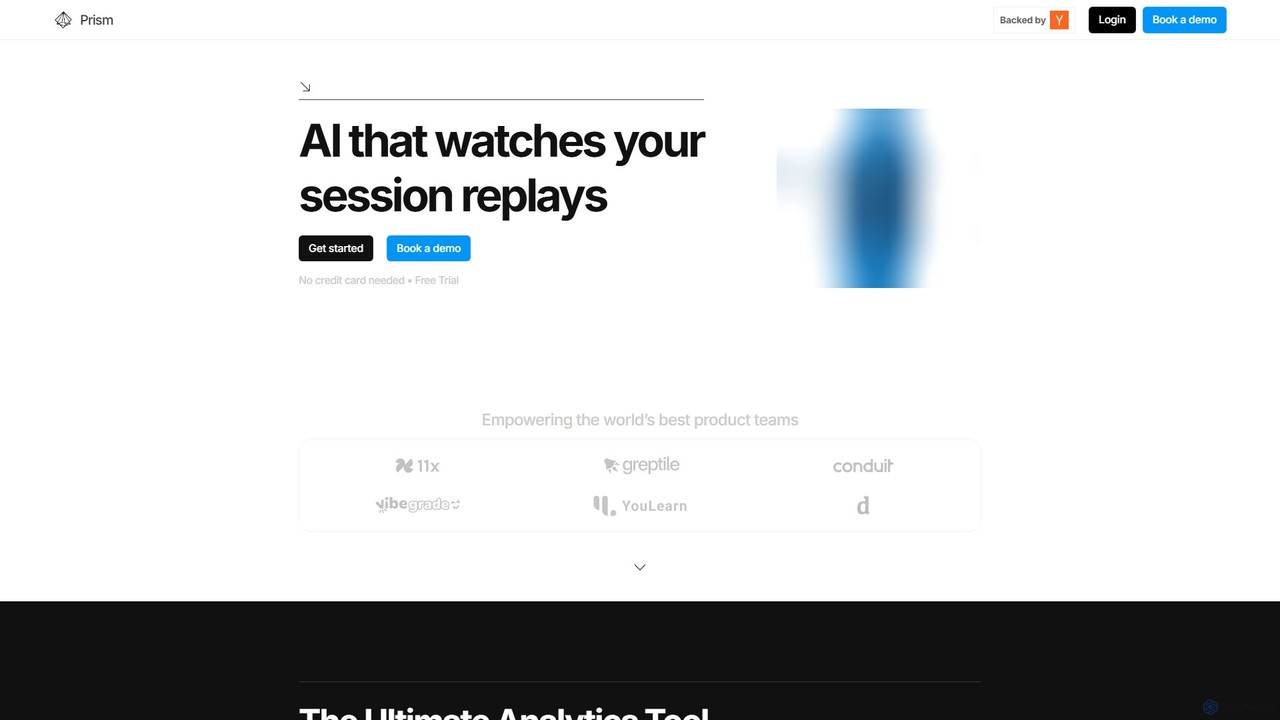
Prism Replay
Prism Replay is an AI-native product analytics platform that automatically watches, summarizes, and analyzes user session replays. It provides actionable insights to help product teams optimize conversions, understand user behavior, and identify friction points without manual effort.
User Behavior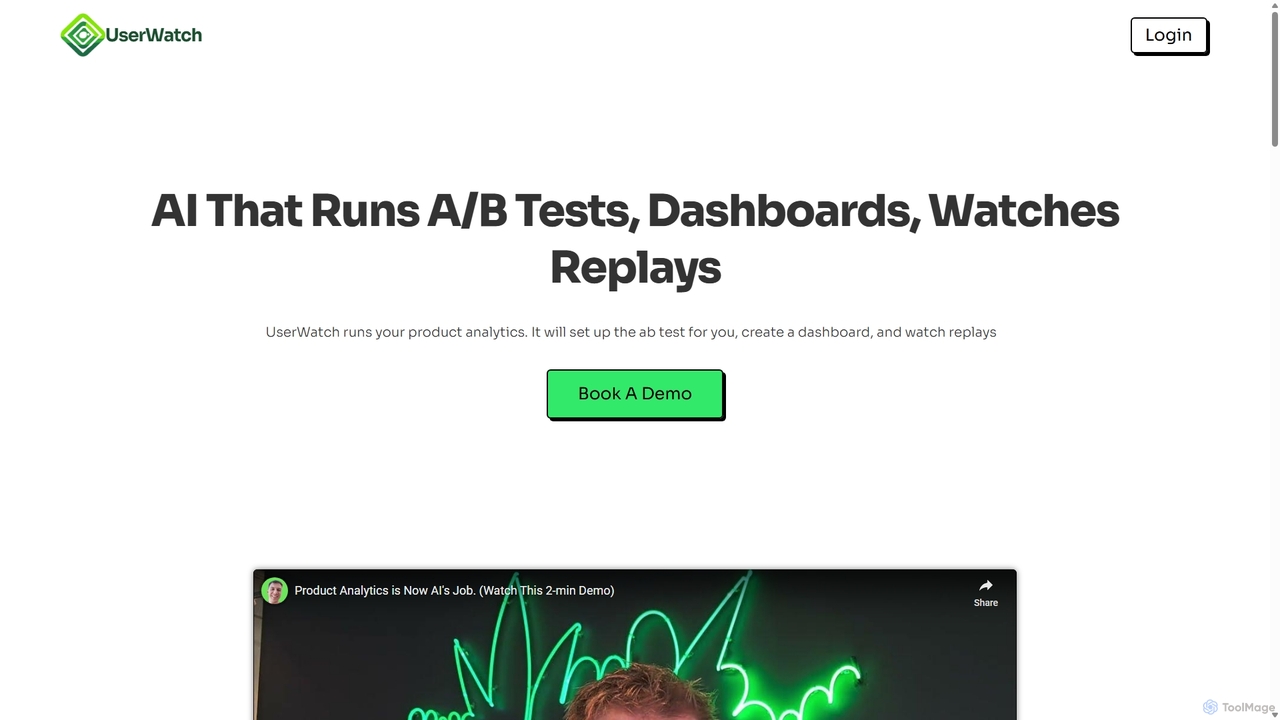
UserWatch
UserWatch is an AI-powered product analyst that automates complex analytics tasks. It runs A/B tests, creates dashboards, and analyzes session replays using simple prompts. This tool helps product teams identify user friction, get actionable UX insights, and directly link improvements to revenue impact, saving hours of manual work.
User BehaviorOpenReplay Categories
OpenReplay Embed Widget
Copy this embed code to place the badge on your blog, article, or product site and send readers directly to this ToolMage detail page.

Related AI tools
SessionStack
SessionStack is a user behavior analytics platform that helps businesses understand the user journey. It offers session replay, error tracking, and co-browsing to identify bugs, resolve support tickets faster, and optimize the user experience. By watching video-like recordings of user sessions, teams can see exactly what users do, where they get stuck, and why they encounter errors, leading to faster problem resolution and improved product quality.
Session Replay
Jyek
Jyek is an AI agent platform that understands objectives, creates execution plans, uses tools, and delivers verifiable results for complex, multi-step tasks.
AutomationPostHog
PostHog is an all-in-one, open-source product analytics platform for developers. It combines product analytics, session replay, feature flags, and A/B testing into a single tool, eliminating the need for a fragmented data stack. It's designed to help teams understand user behavior and build better products faster.
Customer Data PlatformZipy
Zipy is an AI-powered platform combining session replay, error tracking, and user analytics. It helps software teams proactively identify, debug, and resolve user-facing issues, providing complete context with developer tools to enhance digital experiences and accelerate problem-solving.
User BehaviorPrism Replay
Prism Replay is an AI-native product analytics platform that automatically watches, summarizes, and analyzes user session replays. It provides actionable insights to help product teams optimize conversions, understand user behavior, and identify friction points without manual effort.
User BehaviorUserWatch
UserWatch is an AI-powered product analyst that automates complex analytics tasks. It runs A/B tests, creates dashboards, and analyzes session replays using simple prompts. This tool helps product teams identify user friction, get actionable UX insights, and directly link improvements to revenue impact, saving hours of manual work.
User Behavior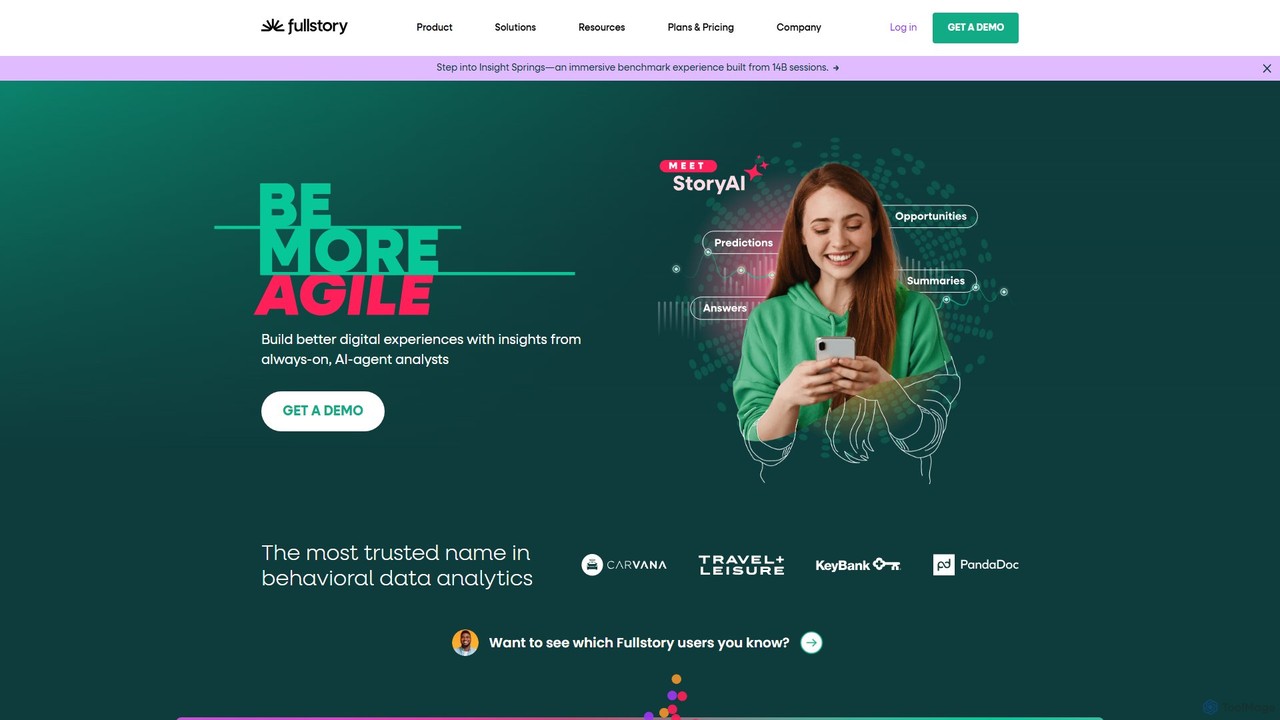
Fullstory
Fullstory is a leading Digital Experience Intelligence (DXI) platform that helps businesses understand and improve their user experience on web and mobile. It captures every click, scroll, and interaction, providing session replays, heatmaps, and AI-powered analytics to identify user friction, uncover bugs, and optimize conversion funnels.
User Behavior Analytics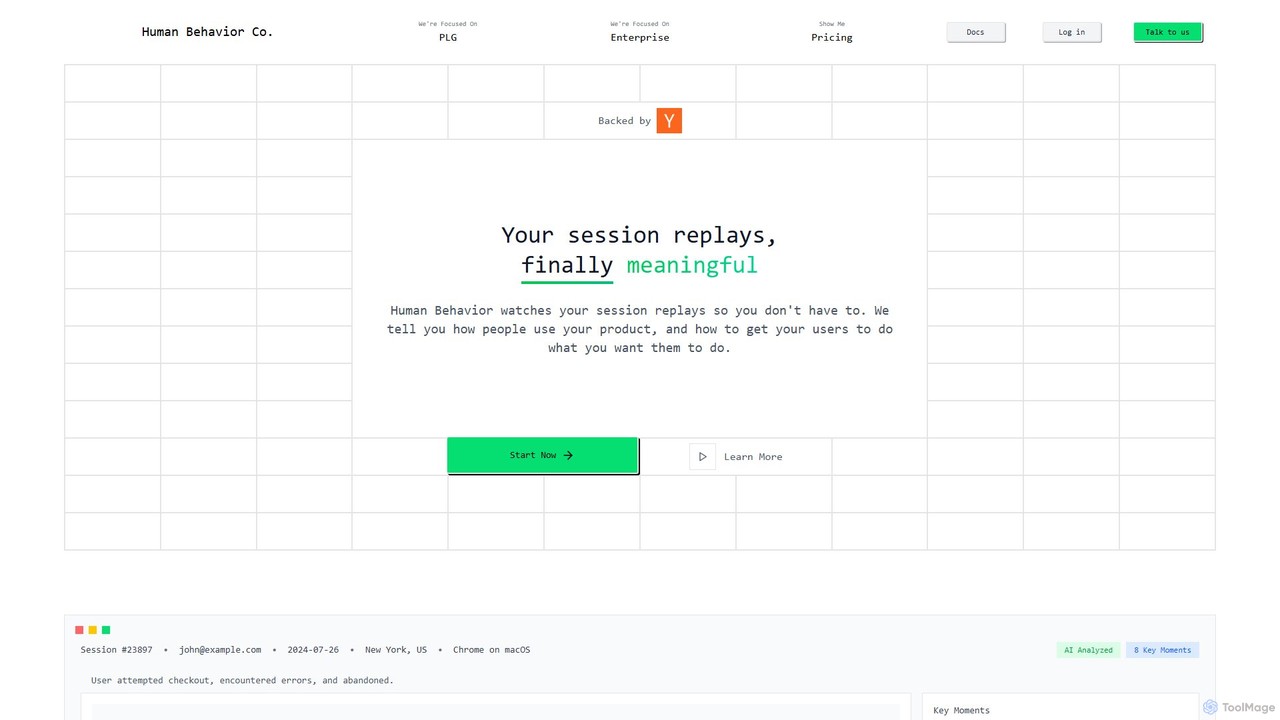
Human Behavior Co. Session Replay
Human Behavior Co. is an AI-powered analytics platform that automatically watches and analyzes user session replays. It identifies key moments, uncovers behavior patterns, and provides actionable insights to help product teams optimize user journeys, improve feature adoption, and reduce churn without manual effort.
User Behavior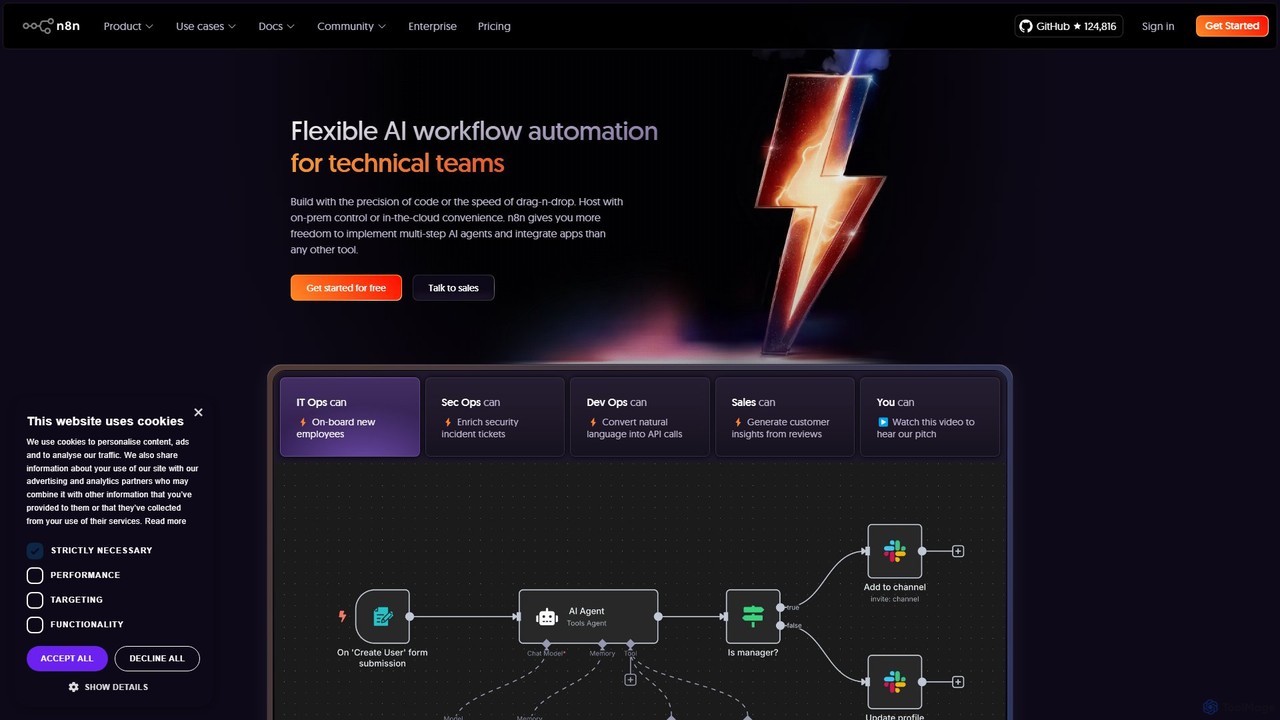
n8n
n8n is a source-available, node-based workflow automation platform designed for both technical and non-technical users. It enables you to connect hundreds of applications and services, including powerful AI models, to automate complex tasks and processes. With options for both cloud hosting and self-hosting, n8n offers unparalleled flexibility, control, and scalability for building everything from simple data syncs to sophisticated AI agents.
Crm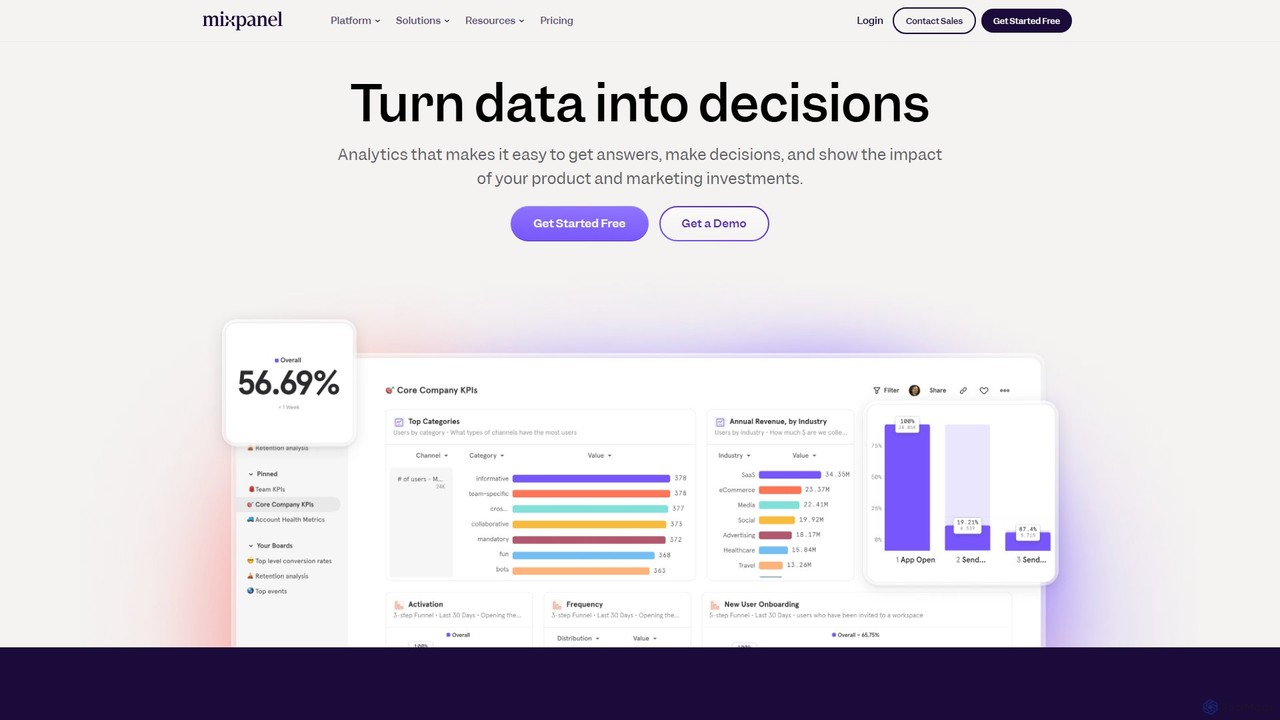
Mixpanel
Mixpanel is a powerful product analytics platform that helps businesses understand user behavior, measure key metrics, and make data-driven decisions. It offers self-serve analytics, session replays, and data integrations to empower teams across product, marketing, and engineering to drive growth and retention.
Analytics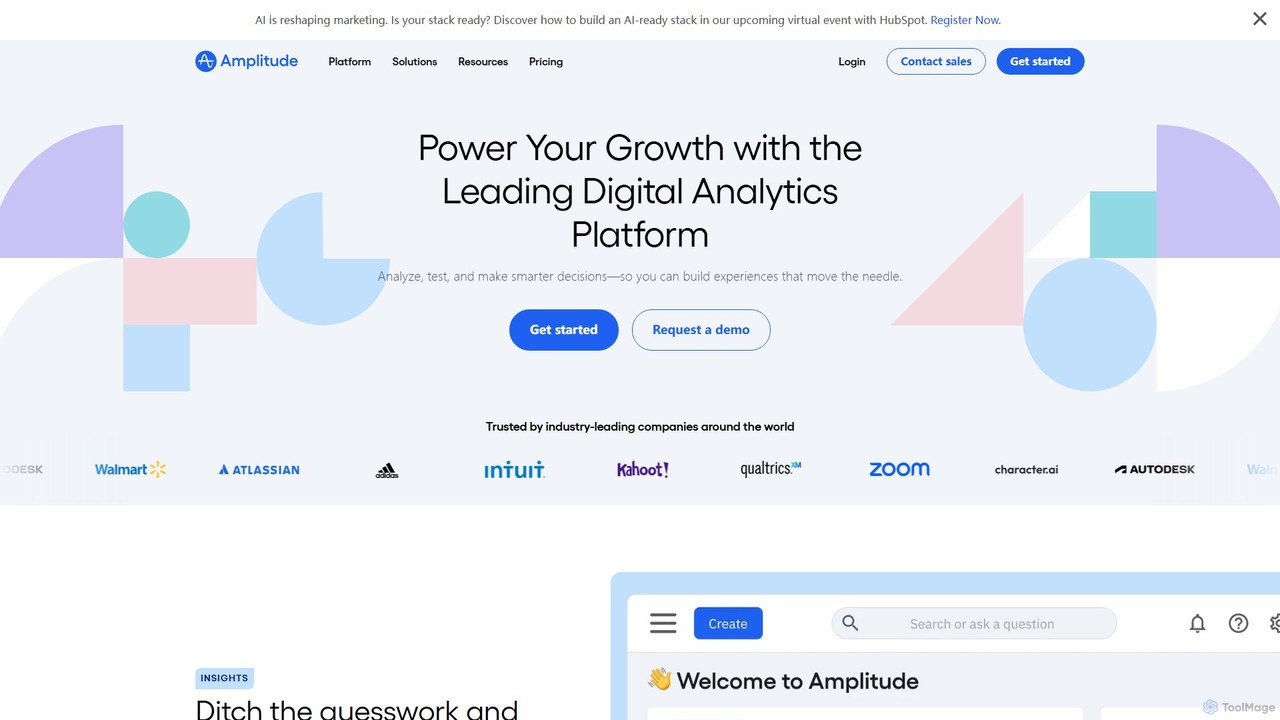
Amplitude
Amplitude is a leading digital analytics platform that uses AI to help businesses understand user behavior, optimize products, and drive growth. It provides a unified solution for product analytics, session replay, A/B testing, and feature management, enabling teams to make data-driven decisions and build better customer experiences.
Analytics
Hotjar
Hotjar is an all-in-one product experience insights platform that reveals the online behavior and voice of your users. Through tools like Heatmaps, Session Recordings, Surveys, and Feedback, it helps you understand what users do on your site and why, enabling you to improve user experience and conversion rates.
User Behavior Analytics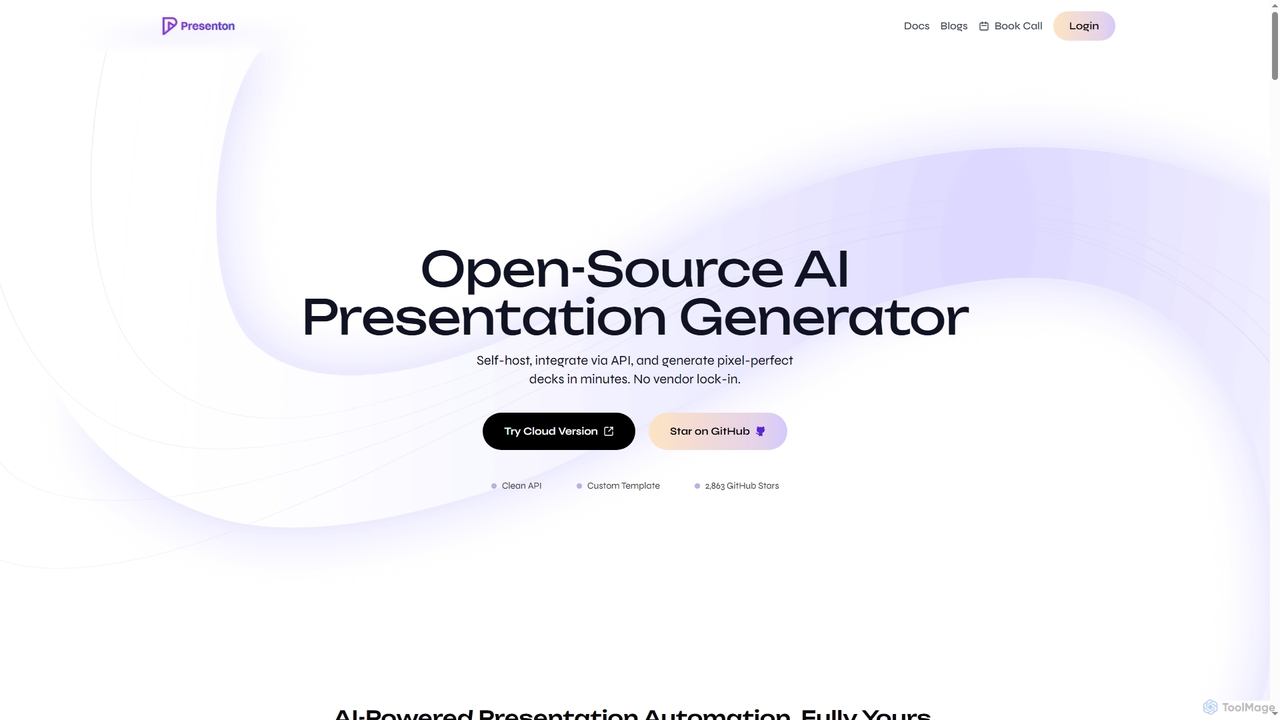
Presenton
Presenton is an open-source AI presentation generator designed for developers and teams. It allows for self-hosting, API integration, and creating pixel-perfect, on-brand presentations from custom templates, ensuring complete control, privacy, and no vendor lock-in.
Automation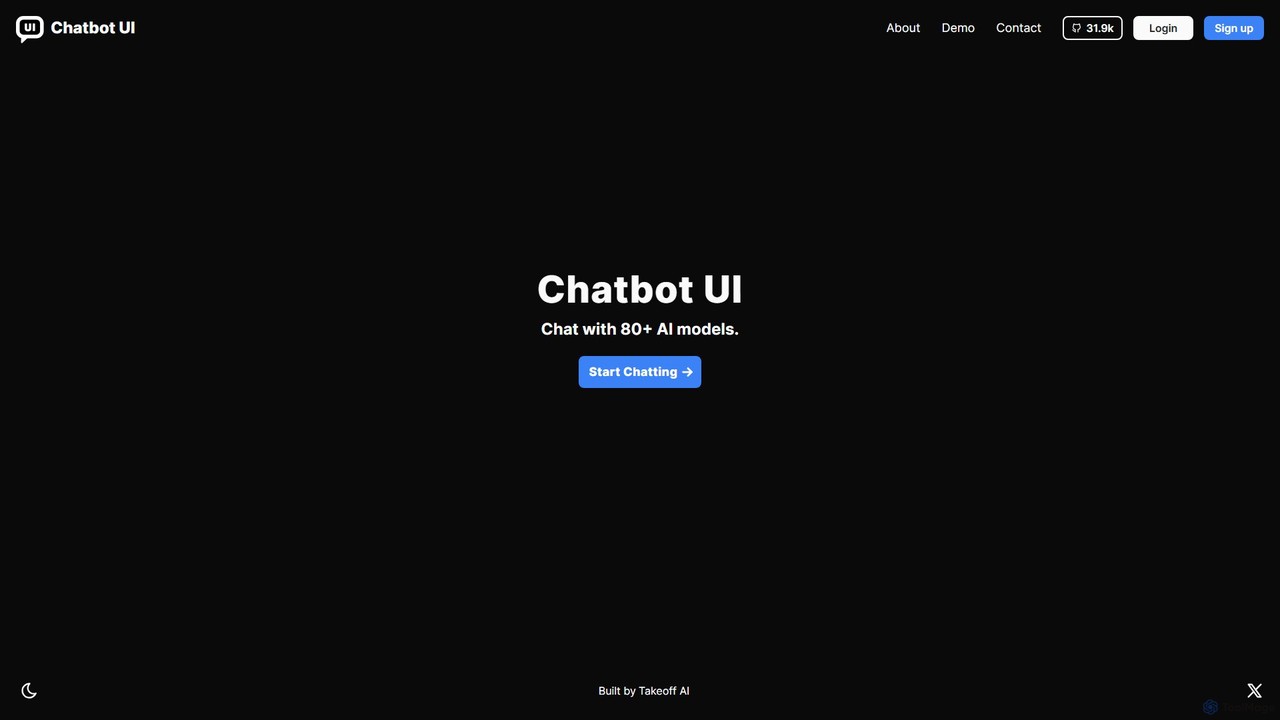
Chatbot UI
Chatbot UI is an open-source chatbot interface that allows you to connect with over 80 AI models, including those from OpenAI, Google, and Anthropic. It offers a self-hostable, customizable alternative to proprietary chat platforms, giving users full control over their data and conversations. Organize chats, create prompts, and seamlessly switch between models in a single, unified workspace.
Api Management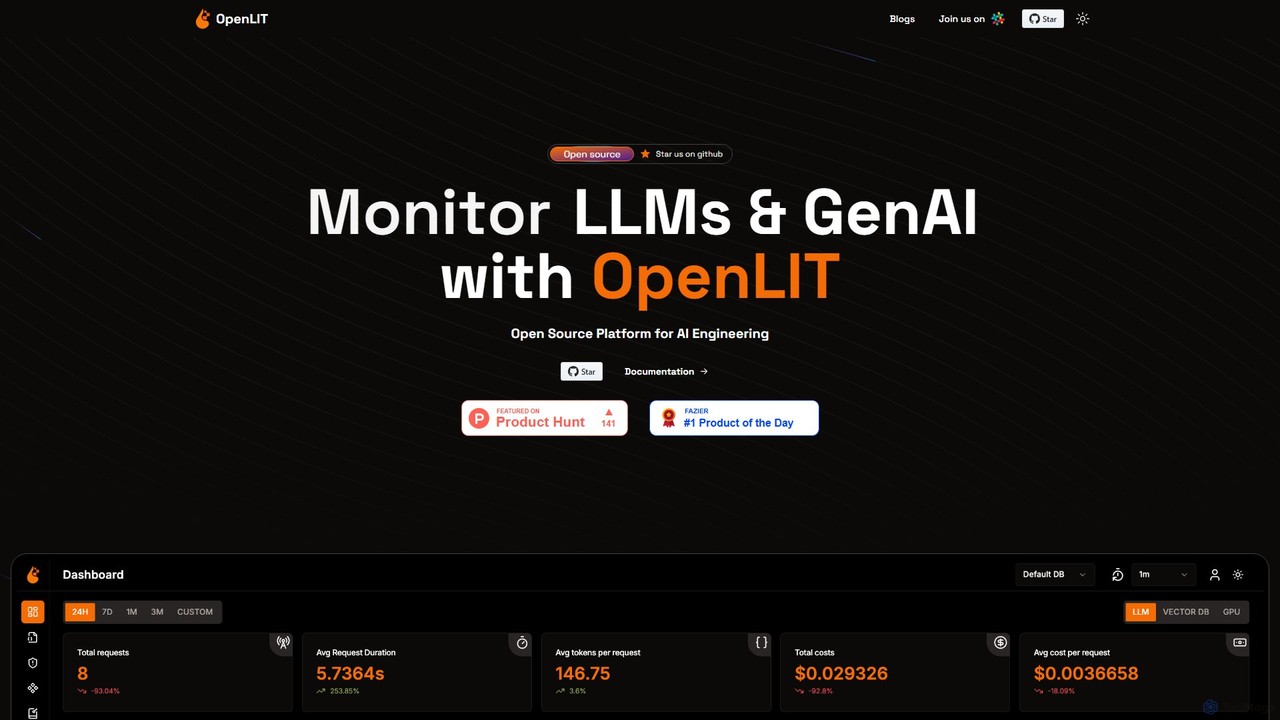
OpenLIT
OpenLIT is an open-source, OpenTelemetry-native observability platform for Generative AI and LLM applications. It simplifies development with tools for request tracing, cost tracking, exception monitoring, and performance analysis. Featuring a centralized prompt repository, a secure vault for secrets, and a playground for comparing LLMs, OpenLIT provides a comprehensive solution for monitoring and scaling AI applications efficiently.
Model Management
OpenReplay Comments (0)
Sign in to comment.
Sign inNo comments yet.