
Prism Replay Overview
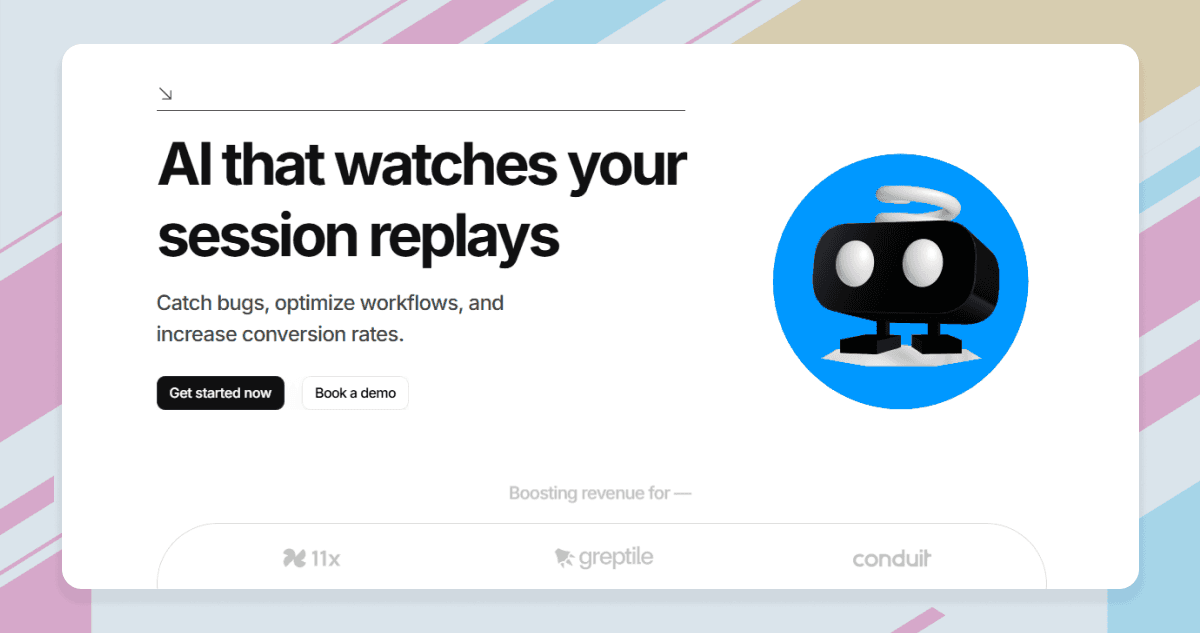
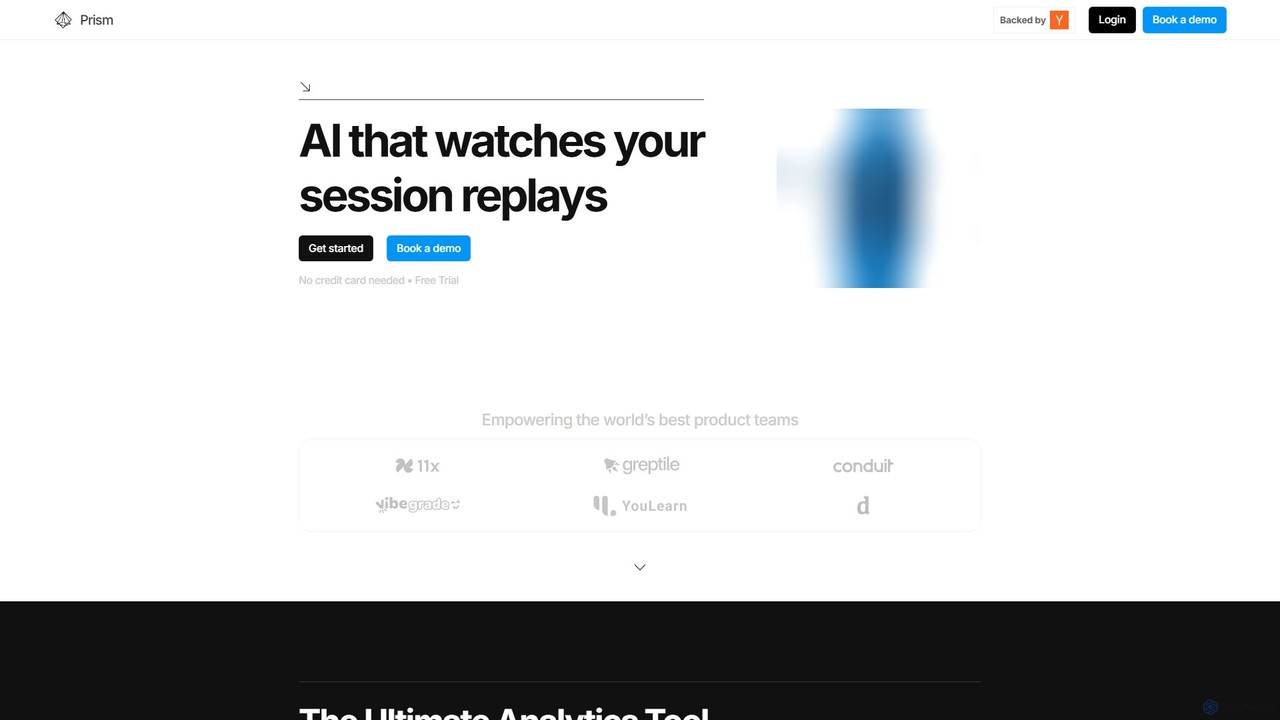
Prism Replay is a cutting-edge, AI-native product analytics platform designed to empower product teams by automating the analysis of user session replays. Instead of manually sifting through hours of recordings, Prism Replay's AI watches, interprets, and summarizes user interactions, delivering concise and actionable insights. This allows teams to stop guessing and start making data-driven decisions to enhance their product, improve user experience, and boost profitability. The platform is built on a lightweight framework, ensuring minimal impact on your site's performance, and can be integrated seamlessly with existing infrastructures like Posthog and Sentry.
How to use Prism Replay
Getting started with Prism Replay is a straightforward, three-step process designed for quick setup and immediate results:
- Sign-up or Book a Call: You can choose a self-serve onboarding path for immediate access or book a call to speak directly with a founder for a guided setup.
- Install Prism: The installation is simple and requires just five lines of code. Alternatively, you can sync Prism Replay with your existing session replay tools, such as Posthog or Sentry, without needing to install another SDK.
- Start Analyzing: Once installed, the platform begins to work automatically. Insights are generated on your dashboard, and you can directly interact with your session replays by asking questions to a personal AI assistant to get specific information instantly.
Core Features of Prism Replay
- AI Session Summaries: Utilizes advanced Visual Language Models (VLMs) to watch session replays and generate human-readable summaries, saving countless hours of manual review.
- Auto-Generated Insights: The AI proactively identifies patterns, anomalies, and key events in user behavior, presenting them as actionable insights.
- Conversational AI Assistant: Chat directly with your session replay data. Ask specific questions like "Why did this user fail to sign up?" or "Show me sessions where users encountered a 404 error" to get immediate answers.
- Seamless Integration: Syncs effortlessly with existing replay infrastructures like Posthog and Sentry, allowing you to add an AI layer without disrupting your current workflow.
- AI-Powered Friction Detection: Automatically pinpoints moments of user frustration, such as rage clicks, dead clicks, and confusing UI navigation, helping you prioritize fixes.
- Lightweight Installation: A simple 5-line code snippet ensures a quick and easy setup with minimal performance overhead.
Use Cases for Prism Replay
Prism Replay is valuable for various teams and objectives:
- Conversion Rate Optimization: Identify and understand drop-off points in critical user flows like sign-up, checkout, or onboarding. Use AI-generated insights to optimize workflows and increase conversions.
- UX/UI Improvement: Gain a deep understanding of how users interact with your product. The AI assistant can highlight areas of confusion or poor design, enabling you to build a more intuitive user experience.
- Bug Triage and Resolution: When a user reports a bug, quickly find and analyze their session to understand the context, reproduce the issue, and provide developers with the necessary information for a fast fix.
- Product Strategy: Analyze user behavior at scale to validate hypotheses, discover new feature opportunities, and understand what your most engaged users love about your product.
Advantages of Prism Replay
Prism Replay offers a significant competitive edge by transforming raw session data into strategic assets. The primary advantage is the massive time savings it provides by automating analysis. Instead of being a reactive process, understanding user behavior becomes proactive, with the AI surfacing critical issues. This allows even small teams to achieve a deep level of user understanding that was previously only possible with dedicated research teams. Its lightweight nature and ability to integrate with existing tools make it a non-disruptive, high-impact addition to any tech stack.
Pricing and Plans
Prism Replay offers a simple and scalable pricing structure designed to adapt to your needs.
- Free Plan: $0 per month. This plan is perfect for startups and small teams. It includes up to 5,000 sessions per month, AI-generated insights, filters and search, chat with session replays, AI-powered friction detection, and 30-day data retention. No credit card is required.
- Usage-Based Plan: Starts at $0.05 per session. This plan is for teams that need more than 5,000 sessions and offers unlimited session capacity. You only pay for what you use, making it a flexible and cost-effective solution for growing companies.
Prism Replay Alternatives

VWO
VWO is an AI-powered digital experience optimization platform that helps businesses understand user behavior, run A/B tests, personalize web and mobile experiences, and roll out new features with confidence. Using tools like heatmaps, session recordings, and the AI-driven VWO Copilot, teams can maximize conversions and deliver tailored user journeys without extensive technical knowledge.
Testing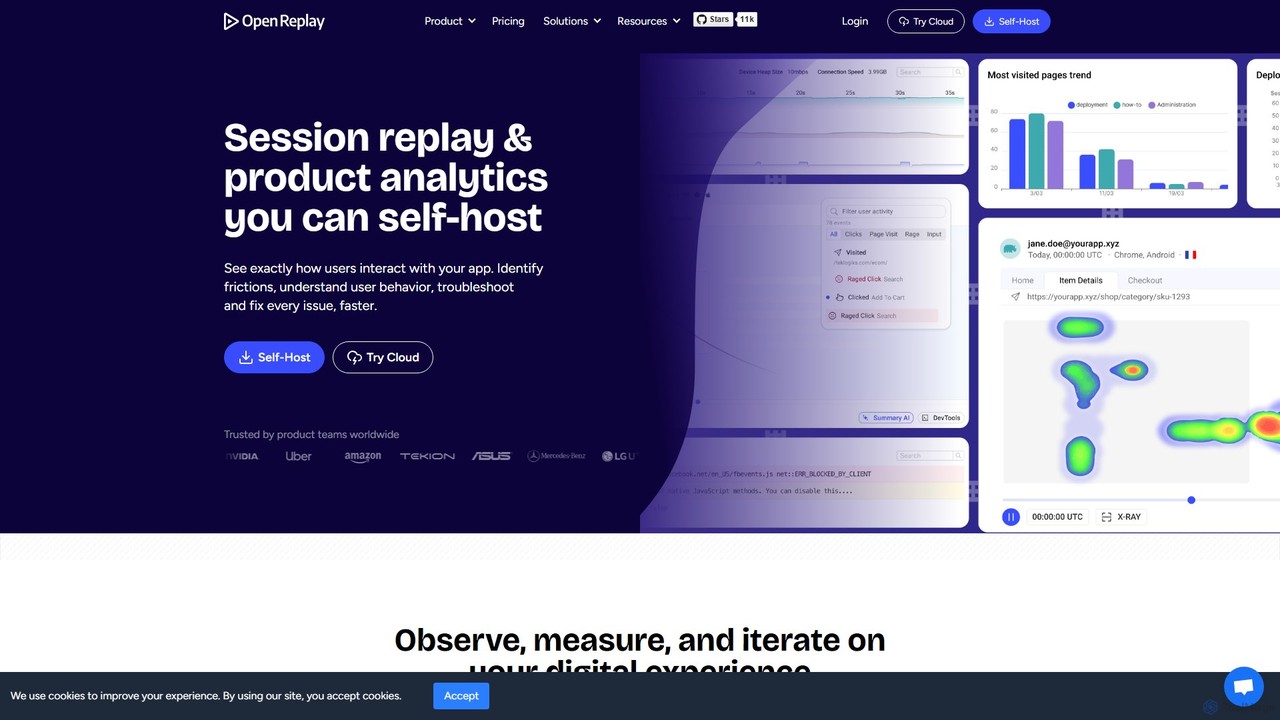
OpenReplay
OpenReplay is a self-hostable, open-source session replay and product analytics suite. It empowers teams to understand user behavior, reproduce bugs faster, and optimize digital experiences. By providing visual context alongside technical data like console logs and network activity, OpenReplay helps engineers, product managers, and support teams identify frictions, improve conversion funnels, and enhance overall product usability while maintaining full control over customer data.
Live Chat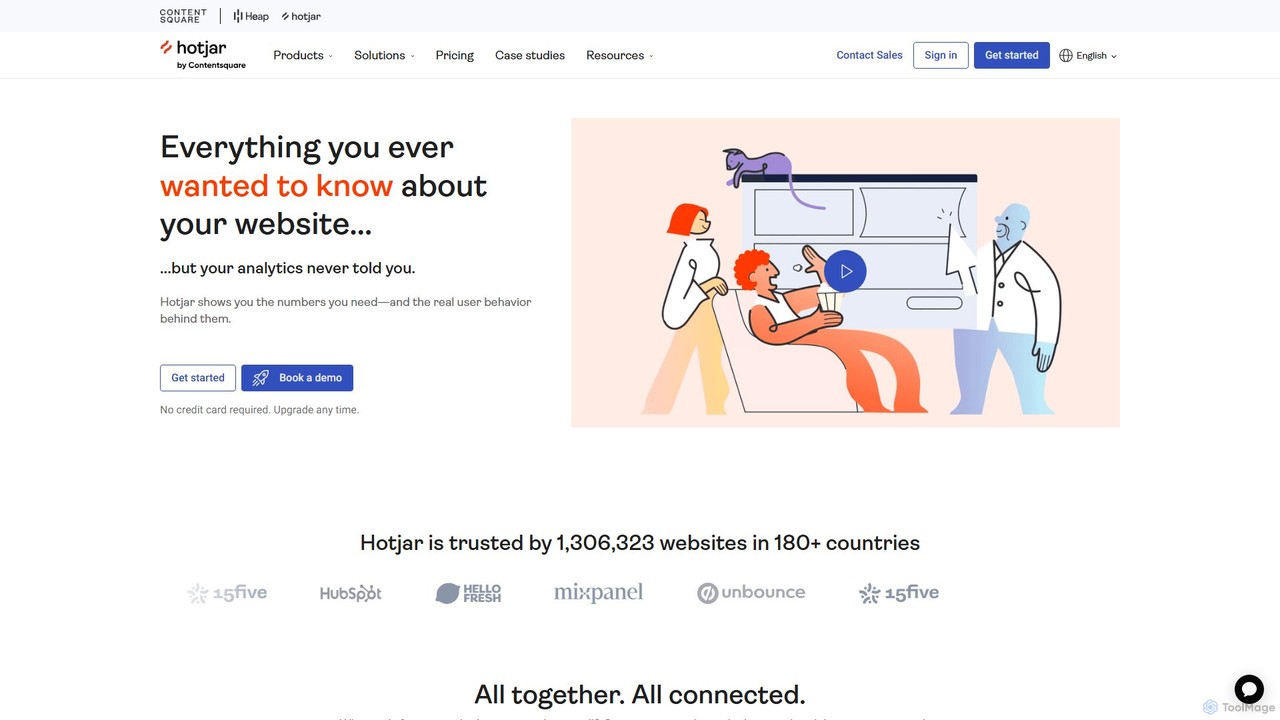
Hotjar
Hotjar is an all-in-one product experience insights platform that reveals the online behavior and voice of your users. Through tools like Heatmaps, Session Recordings, Surveys, and Feedback, it helps you understand what users do on your site and why, enabling you to improve user experience and conversion rates.
User Behavior Analytics
RowebAI
RowebAI is an AI-powered platform that provides deep insights into user behavior through website heatmaps and session recordings. It automatically analyzes visitor interactions, identifies patterns, and generates actionable summaries to help businesses optimize user experience, improve conversion rates, and make data-driven decisions without slowing down their website.
Website Analytics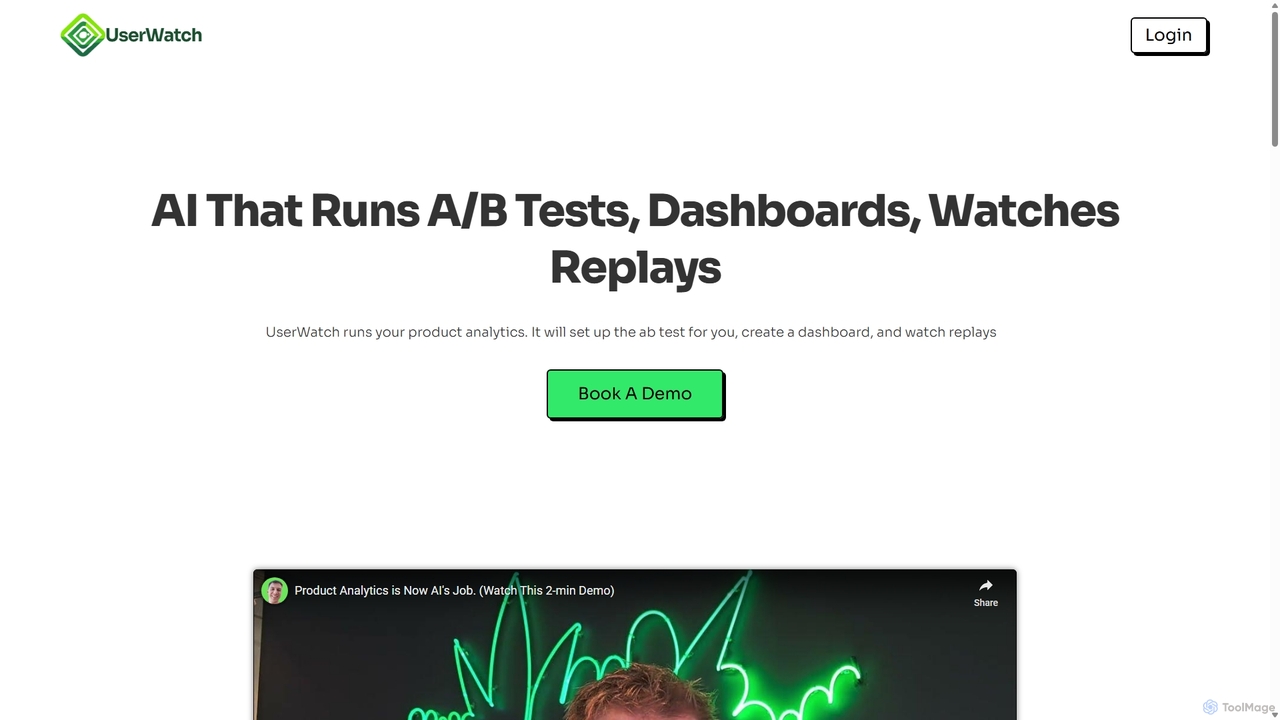
UserWatch
UserWatch is an AI-powered product analyst that automates complex analytics tasks. It runs A/B tests, creates dashboards, and analyzes session replays using simple prompts. This tool helps product teams identify user friction, get actionable UX insights, and directly link improvements to revenue impact, saving hours of manual work.
User BehaviorPrism Replay Categories
Prism Replay Embed Widget
Copy this embed code to place the badge on your blog, article, or product site and send readers directly to this ToolMage detail page.

Related AI tools
OpenReplay
OpenReplay is a self-hostable, open-source session replay and product analytics suite. It empowers teams to understand user behavior, reproduce bugs faster, and optimize digital experiences. By providing visual context alongside technical data like console logs and network activity, OpenReplay helps engineers, product managers, and support teams identify frictions, improve conversion funnels, and enhance overall product usability while maintaining full control over customer data.
Live Chat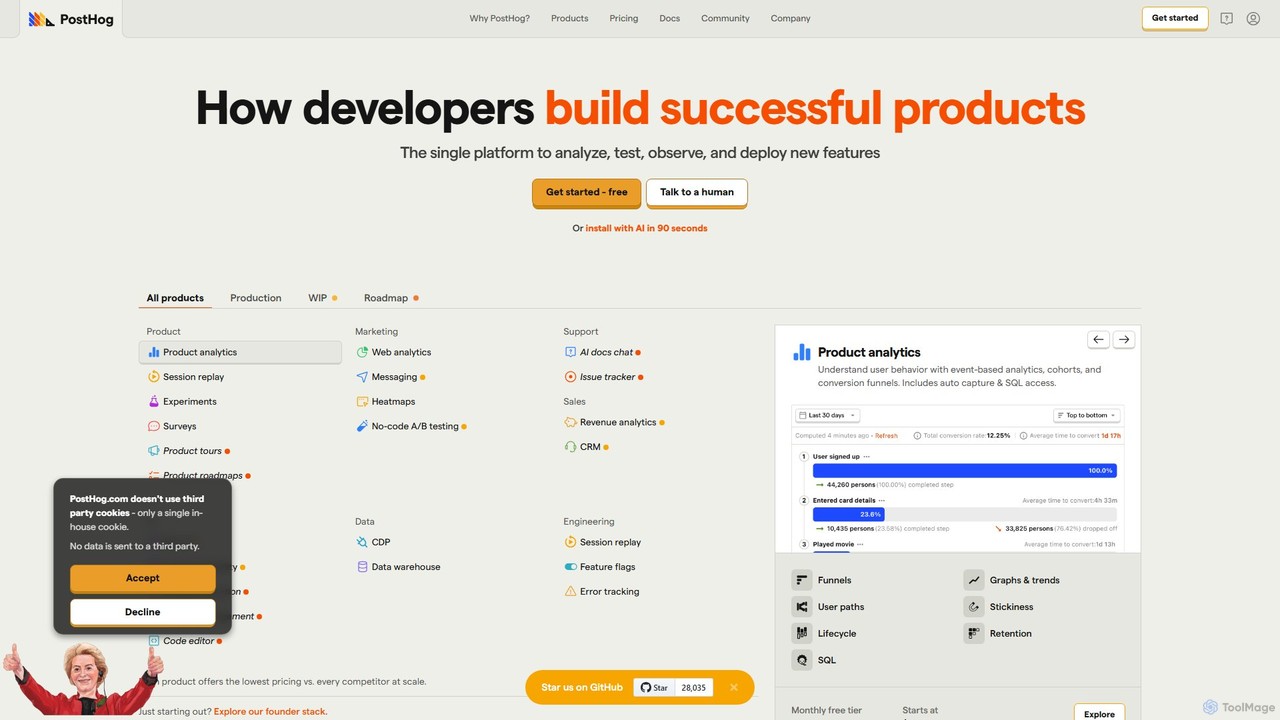
PostHog
PostHog is an all-in-one, open-source product analytics platform for developers. It combines product analytics, session replay, feature flags, and A/B testing into a single tool, eliminating the need for a fragmented data stack. It's designed to help teams understand user behavior and build better products faster.
Customer Data Platform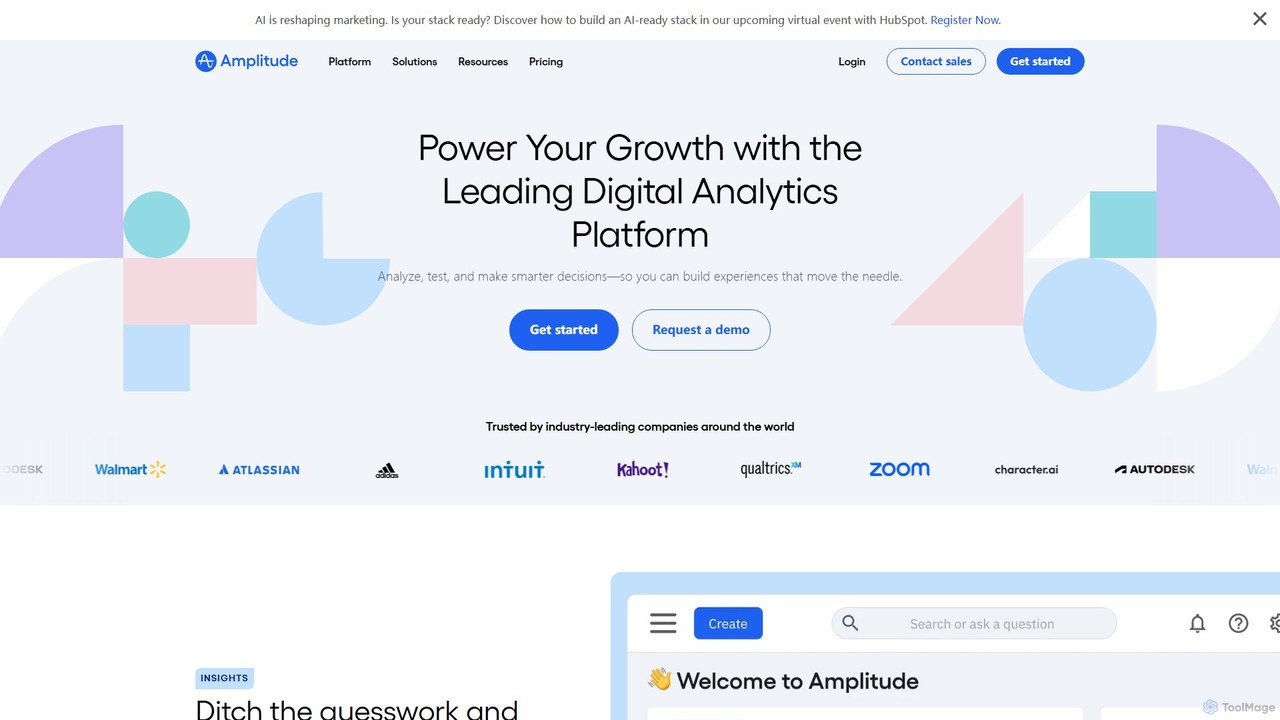
Amplitude
Amplitude is a leading digital analytics platform that uses AI to help businesses understand user behavior, optimize products, and drive growth. It provides a unified solution for product analytics, session replay, A/B testing, and feature management, enabling teams to make data-driven decisions and build better customer experiences.
Analytics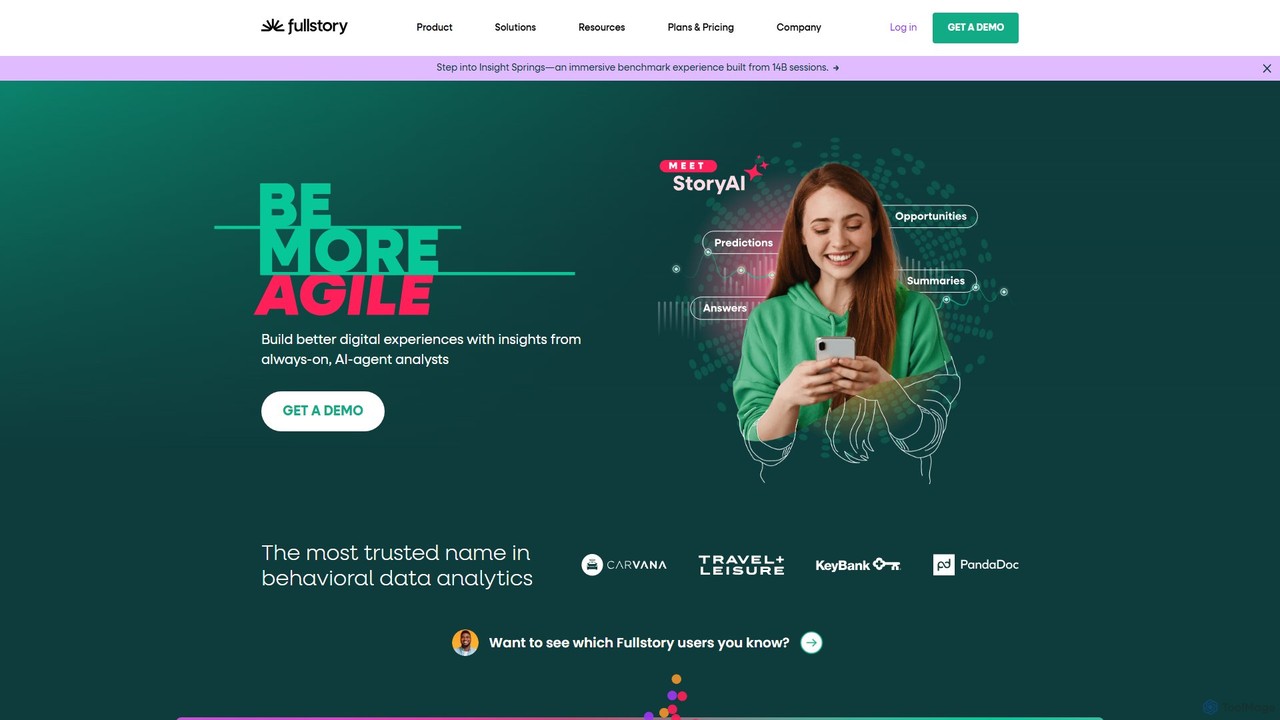
Fullstory
Fullstory is a leading Digital Experience Intelligence (DXI) platform that helps businesses understand and improve their user experience on web and mobile. It captures every click, scroll, and interaction, providing session replays, heatmaps, and AI-powered analytics to identify user friction, uncover bugs, and optimize conversion funnels.
User Behavior Analytics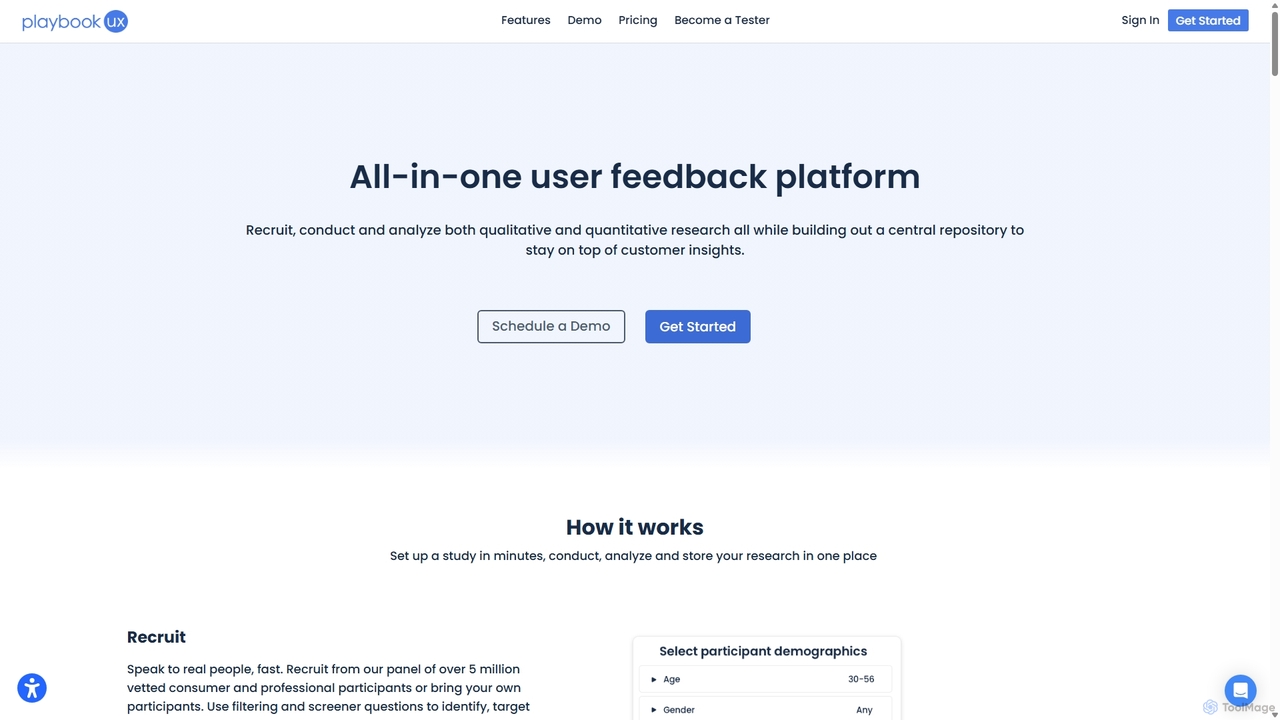
SessionStack
SessionStack is a user behavior analytics platform that helps businesses understand the user journey. It offers session replay, error tracking, and co-browsing to identify bugs, resolve support tickets faster, and optimize the user experience. By watching video-like recordings of user sessions, teams can see exactly what users do, where they get stuck, and why they encounter errors, leading to faster problem resolution and improved product quality.
Session Replay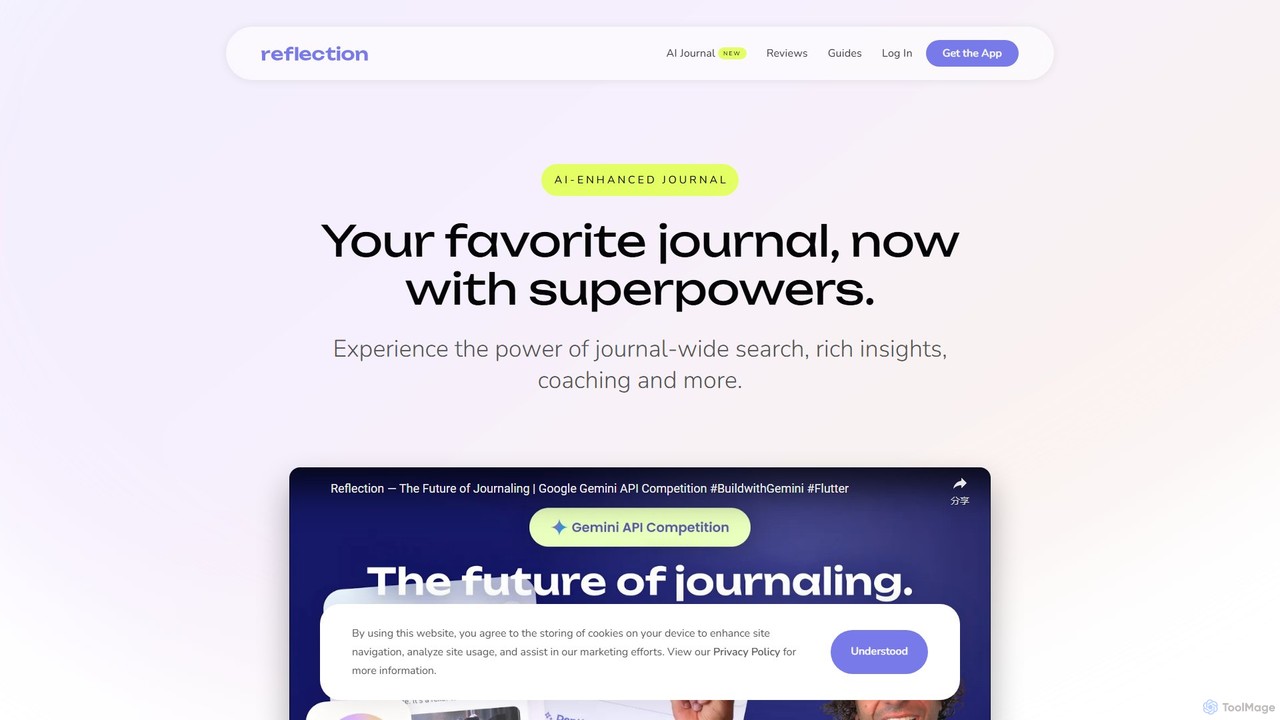
Depth
Depth is an AI Product Manager that automates product analytics, user session analysis, and feedback processing. It delivers actionable insights, UX improvement suggestions, and new feature ideas, helping teams build better products faster by eliminating manual data analysis.
Product Management
UserWise
UserWise is an AI-powered user analytics and feedback platform designed to help businesses understand their customers deeply. It consolidates user behavior data, feedback, and support tickets, using AI to uncover actionable insights, identify friction points, and predict user churn, enabling data-driven product development and enhanced user experience.
User BehaviorHotjar
Hotjar is an all-in-one product experience insights platform that reveals the online behavior and voice of your users. Through tools like Heatmaps, Session Recordings, Surveys, and Feedback, it helps you understand what users do on your site and why, enabling you to improve user experience and conversion rates.
User Behavior AnalyticsRowebAI
RowebAI is an AI-powered platform that provides deep insights into user behavior through website heatmaps and session recordings. It automatically analyzes visitor interactions, identifies patterns, and generates actionable summaries to help businesses optimize user experience, improve conversion rates, and make data-driven decisions without slowing down their website.
Website AnalyticsUserWatch
UserWatch is an AI-powered product analyst that automates complex analytics tasks. It runs A/B tests, creates dashboards, and analyzes session replays using simple prompts. This tool helps product teams identify user friction, get actionable UX insights, and directly link improvements to revenue impact, saving hours of manual work.
User Behavior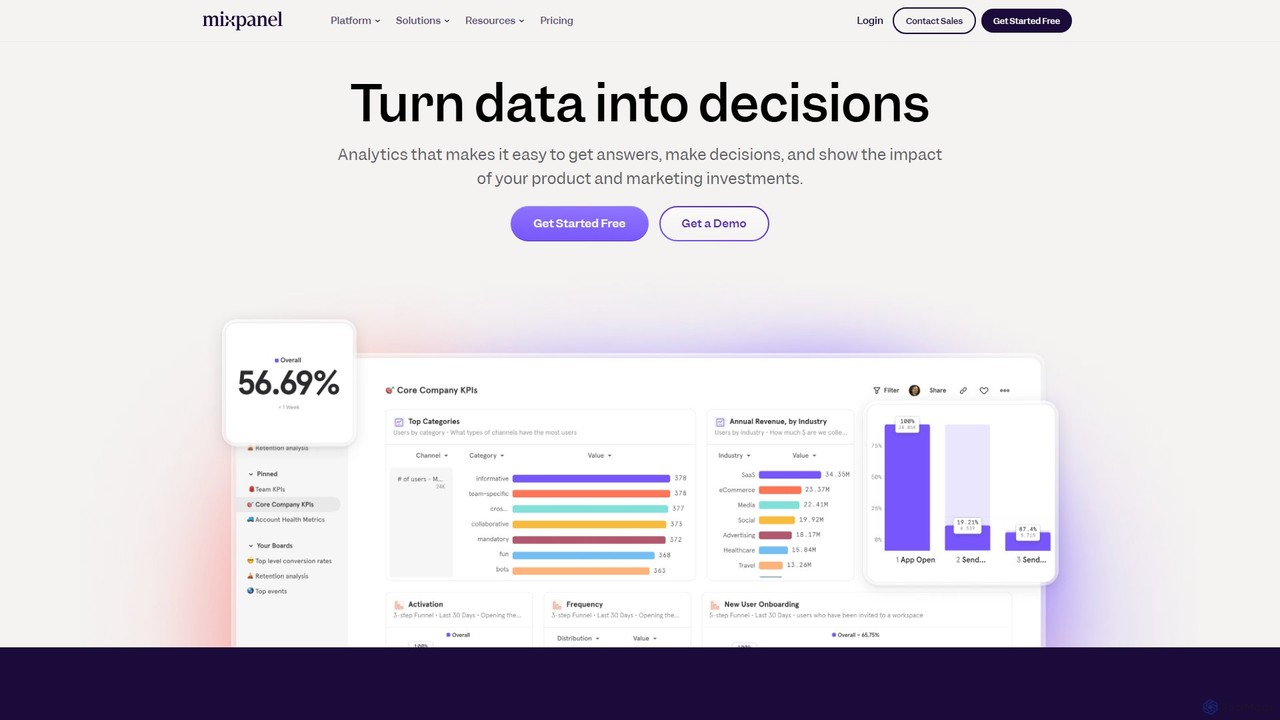
Mixpanel
Mixpanel is a powerful product analytics platform that helps businesses understand user behavior, measure key metrics, and make data-driven decisions. It offers self-serve analytics, session replays, and data integrations to empower teams across product, marketing, and engineering to drive growth and retention.
Analytics
Usermaven
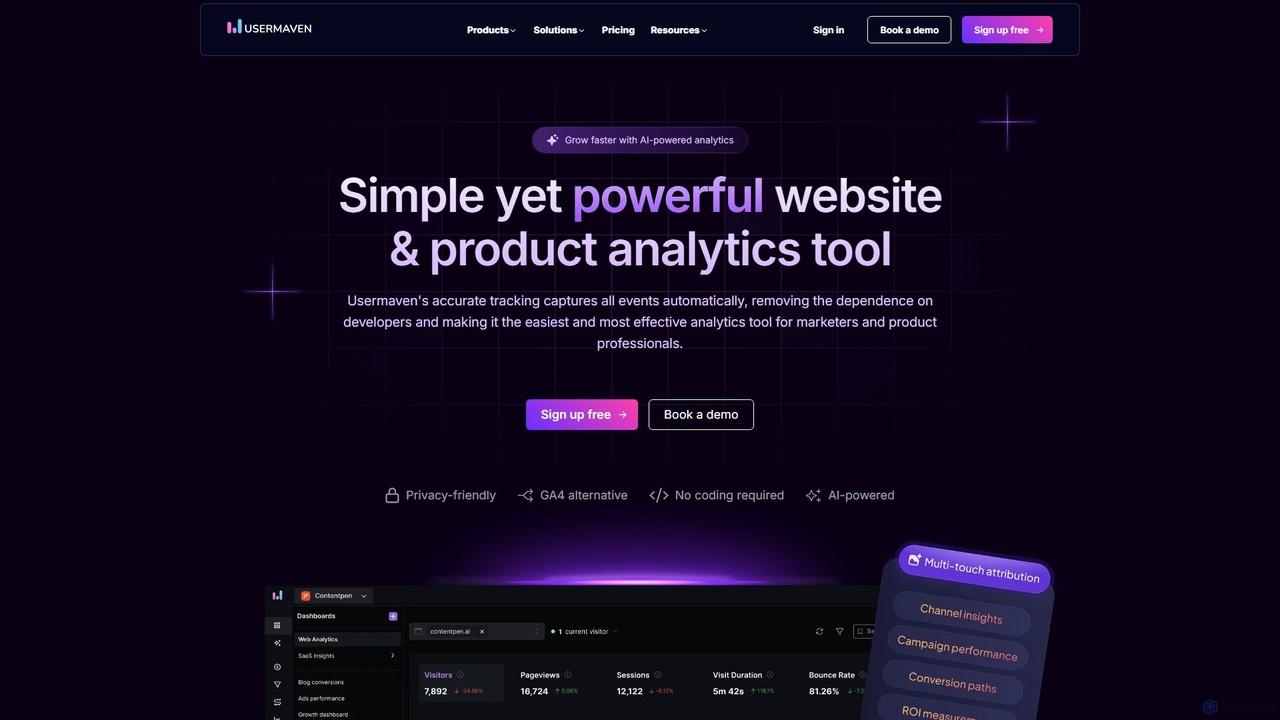
Usermaven is an all-in-one, privacy-friendly analytics and attribution platform. It unifies website and product analytics to provide a complete view of the customer journey, from the first ad click to in-app behavior. As a powerful Google Analytics alternative, it offers cookieless tracking, no-code event capture, and AI-powered insights for SaaS, marketing teams, and agencies.
Web Analytics
Seline
Seline is a privacy-first, lightweight, and user-friendly website and product analytics platform. As a cookieless alternative to Google Analytics, it offers real-time insights through an intuitive dashboard, visitor journey tracking, conversion funnels, and AI-powered chat. Designed for simplicity and performance, Seline helps businesses, SaaS companies, and e-commerce stores understand user behavior without compromising on privacy or site speed. It's GDPR compliant and easy to integrate in minutes.
Product Analytics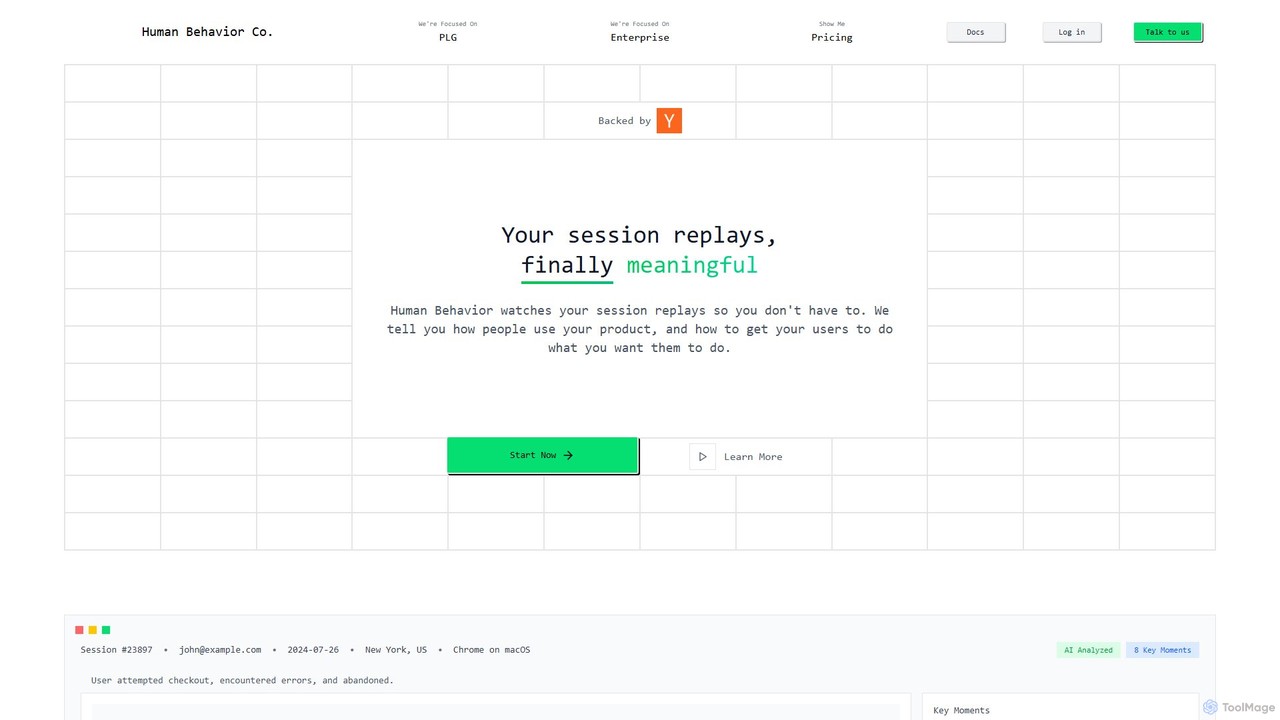
Human Behavior Co. Session Replay
Human Behavior Co. is an AI-powered analytics platform that automatically watches and analyzes user session replays. It identifies key moments, uncovers behavior patterns, and provides actionable insights to help product teams optimize user journeys, improve feature adoption, and reduce churn without manual effort.
User Behavior
Prism Replay Comments (0)
Sign in to comment.
Sign inNo comments yet.