Developer Tools Best in category 1 results User Behavior AI Tool

Popular AI tools in the User Behavior field of Developer Tools include Prism Replay, etc., helping you quickly improve efficiency.

Prism Replay

Prism Replay

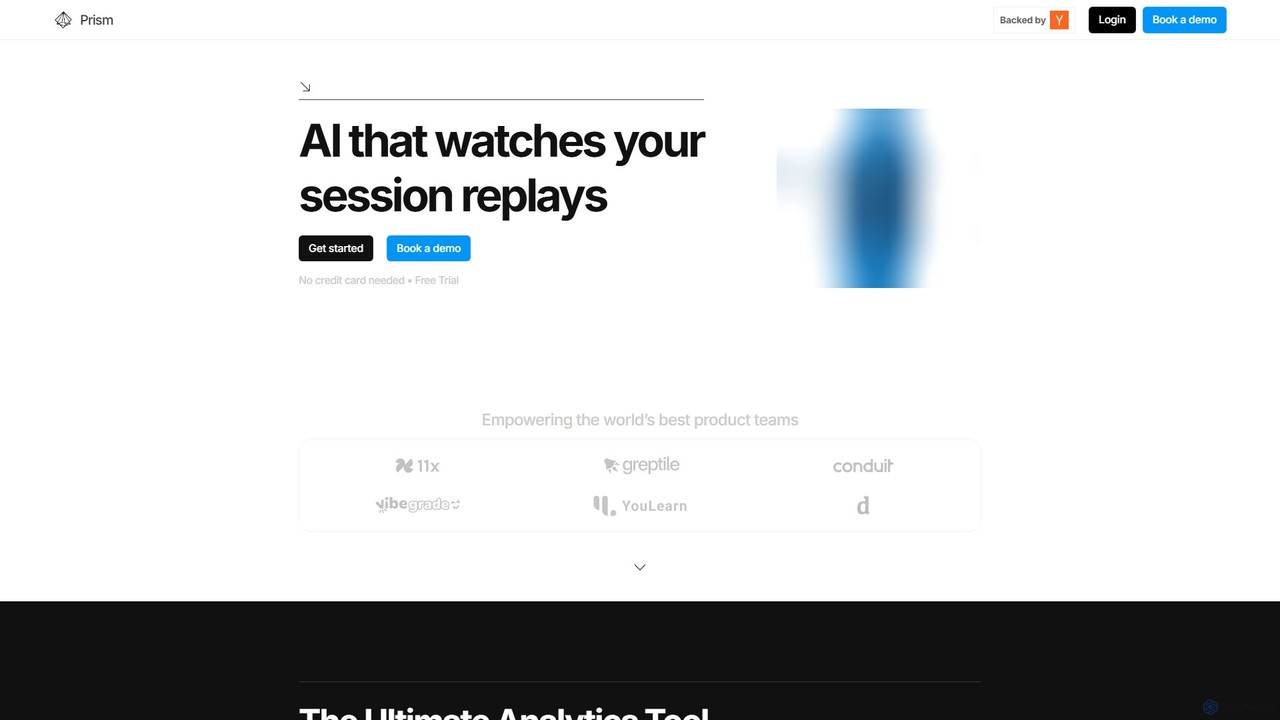
Prism Replay is an AI-native product analytics platform that automatically watches, summarizes, and analyzes user session replays. It …

2.2K

About User Behavior

User Behavior AI tools are specialized platforms that leverage artificial intelligence to analyze how users interact with websites, applications, and software. These tools employ machine learning algorithms to process vast amounts of interaction data, including clicks, scrolls, navigation paths, and session recordings. They provide deep insights into user journeys, identify pain points, reveal engagement patterns, and help optimize conversion funnels. For developers and product teams, understanding user behavior is crucial for making data-driven decisions, enhancing user experience, and proactively addressing issues.

Core Features

  • Session Replay: Record and replay individual user sessions to visualize their exact journey and interactions.
  • Heatmaps: Generate visual representations of user attention, clicks, and scroll depth on specific pages or screens.
  • Funnel Analysis: Track user progression through predefined steps to identify drop-off points and conversion bottlenecks.
  • Anomaly Detection: Automatically flag unusual or unexpected user behaviors that may indicate bugs, fraud, or emerging trends.
  • User Segmentation: Group users based on their behavioral patterns for targeted analysis and personalized experiences.

Applicable Scenarios

These tools are indispensable for product managers, UX designers, and developers seeking to optimize digital products. They are used to pinpoint friction in user flows, validate design changes with real data, and prioritize feature development based on actual user engagement. Furthermore, they assist in debugging by providing visual context to user-reported issues and help marketing teams refine conversion strategies.

How to Choose

When selecting a User Behavior AI tool, consider its data collection breadth (e.g., clicks, forms, network requests), the clarity and depth of its visualization and reporting capabilities (e.g., heatmaps, custom dashboards), and its integration ecosystem with existing analytics or development platforms. Evaluate its scalability for handling your user data volume, ensure robust privacy features for compliance, and assess the sophistication of its AI-driven insights for automated pattern detection.

User BehaviorUse Cases

1

Optimizing User Onboarding Flows

Product managers utilize session replays and funnel analysis to pinpoint specific stages where new users encounter difficulties or abandon the onboarding process. By visualizing user struggles, teams can redesign confusing steps, streamline forms, and introduce clearer guidance, significantly boosting new user activation rates and reducing early churn.

2

Diagnosing Complex Software Bugs

Developers and QA engineers leverage session replays to meticulously review the exact sequence of actions a user took leading up to a reported bug. This visual evidence eliminates guesswork, accelerates bug reproduction, and allows for precise identification of the root cause, drastically reducing the time spent on debugging and improving software stability.

3

Enhancing E-commerce Conversion Rates

E-commerce marketing teams analyze heatmaps and click-stream data on product pages and checkout flows. By understanding which elements attract attention and which are ignored, they can optimize product descriptions, call-to-action placements, and overall page layouts, directly leading to higher conversion rates and increased sales.

4

Identifying UX Friction in Web Applications

UX designers employ behavior analytics to uncover areas of frustration or confusion within web applications. Through detailed interaction maps and user journey analysis, they can identify specific UI elements that cause hesitation or repeated clicks, informing targeted redesigns that improve overall usability and user satisfaction.

5

Proactive Detection of System Anomalies

Site reliability engineers and QA teams use AI-powered anomaly detection to automatically flag unusual user behavior patterns. These could indicate performance degradation, unexpected system errors, or even potential security breaches, enabling proactive intervention before issues escalate and impact a wider user base.

6

Personalizing Digital Content Experiences

Content strategists and marketers segment users based on their past engagement with different content types or features. By understanding these behavioral segments, they can tailor content recommendations, personalize website layouts, or customize notification strategies, leading to higher user engagement and longer session durations.

User BehaviorFrequently Asked Questions