


Hotjar Overview
Hotjar is a comprehensive product experience insights platform designed to help businesses understand their users' behavior and feedback. It goes beyond traditional web analytics by providing visual, qualitative data that explains the 'why' behind the numbers. Trusted by over a million websites, Hotjar consolidates powerful tools into a single, easy-to-use platform, empowering product managers, marketers, UX designers, and researchers to create better user experiences that convert.
The platform's core philosophy is to bridge the gap between what is happening on your website (quantitative data) and why it's happening (qualitative insights). By observing real user interactions and collecting direct feedback, teams can identify pain points, discover optimization opportunities, and make data-driven decisions with confidence.
How to use Hotjar
Getting started with Hotjar is a straightforward process:
- Sign Up & Install: Create a free account and install the Hotjar Tracking Code on your website. This single script is all you need to start collecting data.
- Configure Tools: Choose which Hotjar tools to activate. You can start by setting up Heatmaps for key pages (like the homepage or checkout), enabling Session Recordings to capture user journeys, and creating a Survey to ask visitors about their experience.
- Analyze Insights: Dive into the Hotjar dashboard. View Heatmaps to see where users click, move, and scroll. Watch Session Recordings to see your site through your users' eyes, identifying bugs or points of frustration. Review feedback and survey responses to get direct input.
- Identify Opportunities: Use the collected data to pinpoint issues. For example, a heatmap might show a critical button is being ignored, or a recording might reveal a broken form. Funnels help you see where users drop off in a specific journey.
- Prioritize & Act: Armed with visual evidence and user feedback, you can prioritize changes that will have the most impact. Share clips of recordings or survey results with your team to get buy-in for your proposed improvements.
- Integrate & Enhance: Connect Hotjar with other tools like Google Analytics, Slack, Zapier, or HubSpot to create a more complete picture of your user and streamline your workflows.
Core Features of Hotjar
- Heatmaps (Click, Move, Scroll): Visualize user behavior in aggregate. See where people click, how they move their mouse, and how far they scroll down a page to understand which elements attract attention and which are ignored.
- Session Recordings: Replay anonymized user sessions to see their exact journey, including clicks, mouse movements, and form interactions. It's an invaluable tool for understanding context, reproducing bugs, and experiencing your product as a user does.
- AI for Recordings: Leverage AI to automatically generate summaries of recordings, identify key events, and tag sessions with frustration or engagement scores, saving hours of manual review.
- Surveys & Feedback: Collect qualitative data directly from your users. Use on-site pop-up or embedded surveys, or share surveys via a link. A feedback widget allows users to instantly report their experience on any page.
- Funnels: Define key user flows (e.g., sign-up, checkout) and track how many users complete each step. This helps you identify the biggest drop-off points and focus your optimization efforts.
- Dashboards & Trends: Get a high-level overview of your key metrics in a centralized dashboard. The Trends feature automatically surfaces significant patterns and changes in user behavior over time.
- Hotjar Engage: A dedicated tool to streamline the user interview process. Recruit participants from your user base, schedule interviews, and manage the entire research process in one place.
Use Cases for Hotjar
Hotjar is versatile and can be applied across various functions:
- Conversion Rate Optimization (CRO): Identify and fix issues in your checkout or lead generation funnels to increase conversions.
- UX/UI Design: Gather real-world evidence to inform redesigns, validate new design concepts, and improve overall usability.
- Product Management: Understand how users engage with new features, validate hypotheses, and build a user-centric product roadmap.
- Marketing Campaign Optimization: Analyze the performance of landing pages by seeing how visitors interact with your content and calls-to-action.
- Bug & Issue Identification: Watch recordings of user sessions where an error occurred to quickly understand, replicate, and fix technical problems.
Advantages of Hotjar
The main advantages of using Hotjar include:
- All-in-One Platform: It combines multiple essential tools (analytics, feedback, research) into one subscription, reducing tool fatigue and cost.
- Visual & Actionable Insights: It translates complex user behavior into easy-to-understand visual formats, making it simple to derive actionable insights.
- Empathy Building: By watching real user sessions, teams can build empathy and gain a deeper understanding of their customers' struggles and successes.
- Easy Implementation: A single, lightweight script is all that's needed to get started.
- Privacy-Centric: Hotjar provides robust features for data privacy, including automatic suppression of sensitive data and user consent management.
Pricing and Plans
Hotjar operates on a freemium model, making it accessible to businesses of all sizes. The pricing is typically broken down by product suite (Observe, Ask, Engage) and traffic volume.
- Basic Plan (Free): A generous forever-free plan that includes access to all core tools with certain data limits (e.g., up to 35 daily sessions for Observe). It's perfect for small websites, startups, or for anyone wanting to try the platform.
- Paid Plans (Plus, Business, Scale): As your website traffic and needs grow, you can upgrade to a paid plan. These plans offer higher session limits, advanced features like frustration/engagement scores, more integrations, and dedicated support. Each product suite (Observe, Ask, Engage) has its own pricing tiers, allowing you to create a custom package that fits your specific needs.
Traffic
Latest traffic
Status
Monthly traffic trend
- 2025-9: 1.0M
- 2026-1: 867.0K
- 2026-2: 749.7K
- 2026-3: 861.2K
- 2026-4: 790.3K
- 2026-5: 762.6K
Geography
Top 5 countries / regions
- 🇺🇸United States67.9%
- 🇧🇷Brazil9.4%
- 🇬🇧United Kingdom9.1%
- 🇮🇳India7.4%
- 🇨🇦Canada6.2%
Traffic sources
| Source type | Percentage |
|---|---|
Direct | 80.6% |
Referral | 13.5% |
Email | 6.0% |
Top keywords
| Keyword | Cost per click |
|---|---|
| hot jar | $16.86 |
| hotjar | $4.88 |
| hotjara | $5.99 |
| hotjar login | $4.67 |
| hotjar pricing | $12.98 |
Hotjar Videos on YouTube




Business Solution

LeadFnF

UXCam: Product Analytics

Hotjar Alternatives

RowebAI
RowebAI is an AI-powered platform that provides deep insights into user behavior through website heatmaps and session recordings. It automatically analyzes visitor interactions, identifies patterns, and generates actionable summaries to help businesses optimize user experience, improve conversion rates, and make data-driven decisions without slowing down their website.
Website Analytics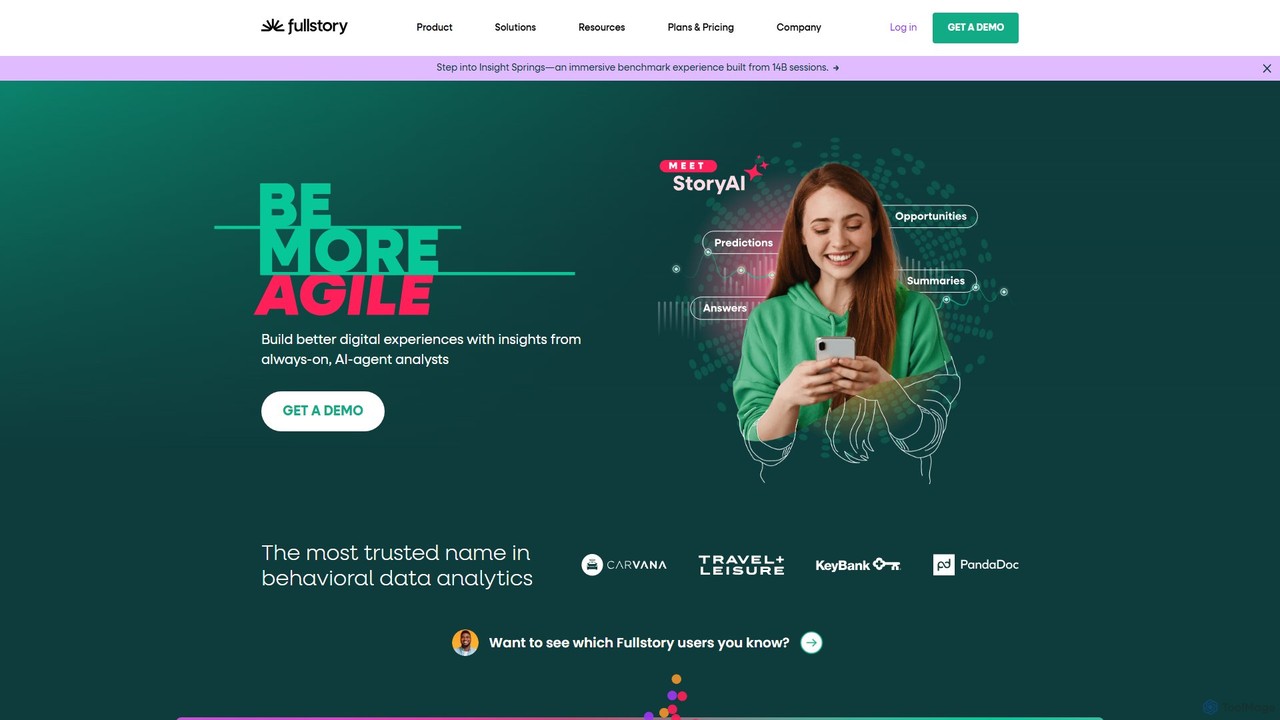
Fullstory
Fullstory is a leading Digital Experience Intelligence (DXI) platform that helps businesses understand and improve their user experience on web and mobile. It captures every click, scroll, and interaction, providing session replays, heatmaps, and AI-powered analytics to identify user friction, uncover bugs, and optimize conversion funnels.
User Behavior Analytics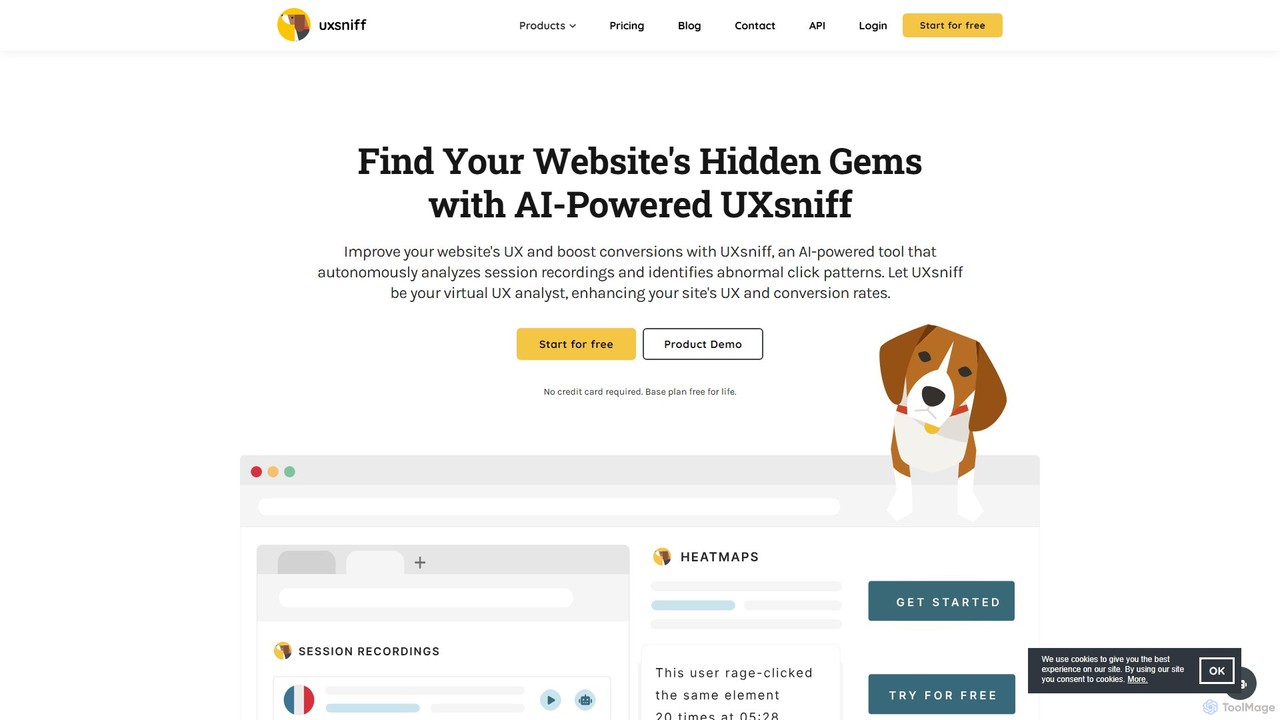
uxsniff
An AI-powered UX analytics platform offering website heatmaps, session recordings with GPT summaries, and automated audits. It helps businesses understand user behavior, identify friction points, and optimize conversion rates.
User Behavior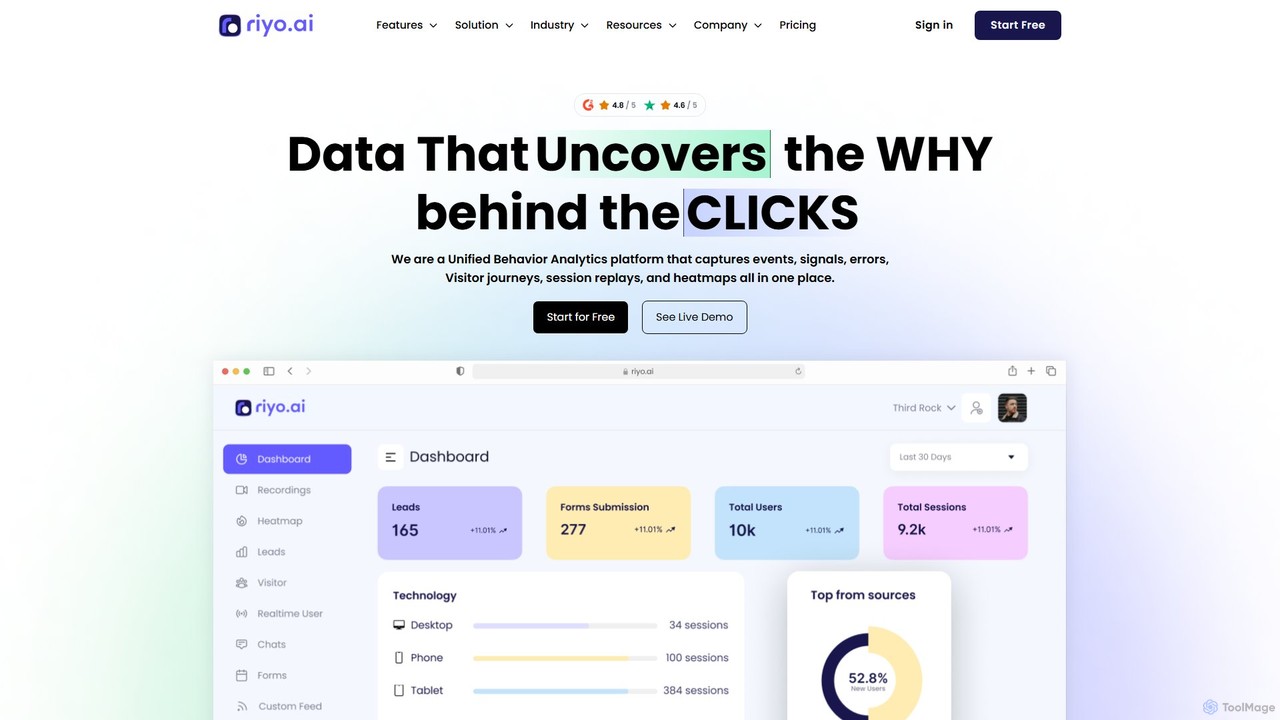
riyo.ai
riyo.ai is a unified behavior analytics platform that combines session replays, heatmaps, error tracking, and product analytics. It helps businesses understand user behavior, optimize the customer journey, and increase conversion rates by revealing the 'why' behind every click.
Behavioral Analytics
Prism Replay
Prism Replay is an AI-native product analytics platform that automatically watches, summarizes, and analyzes user session replays. It provides actionable insights to help product teams optimize conversions, understand user behavior, and identify friction points without manual effort.
User BehaviorHotjar Categories
Hotjar Embed Widget
Copy this embed code to place the badge on your blog, article, or product site and send readers directly to this ToolMage detail page.

Related AI tools
RowebAI
RowebAI is an AI-powered platform that provides deep insights into user behavior through website heatmaps and session recordings. It automatically analyzes visitor interactions, identifies patterns, and generates actionable summaries to help businesses optimize user experience, improve conversion rates, and make data-driven decisions without slowing down their website.
Website AnalyticsFullstory
Fullstory is a leading Digital Experience Intelligence (DXI) platform that helps businesses understand and improve their user experience on web and mobile. It captures every click, scroll, and interaction, providing session replays, heatmaps, and AI-powered analytics to identify user friction, uncover bugs, and optimize conversion funnels.
User Behavior Analyticsuxsniff
An AI-powered UX analytics platform offering website heatmaps, session recordings with GPT summaries, and automated audits. It helps businesses understand user behavior, identify friction points, and optimize conversion rates.
User Behaviorriyo.ai
riyo.ai is a unified behavior analytics platform that combines session replays, heatmaps, error tracking, and product analytics. It helps businesses understand user behavior, optimize the customer journey, and increase conversion rates by revealing the 'why' behind every click.
Behavioral AnalyticsPrism Replay
Prism Replay is an AI-native product analytics platform that automatically watches, summarizes, and analyzes user session replays. It provides actionable insights to help product teams optimize conversions, understand user behavior, and identify friction points without manual effort.
User Behavior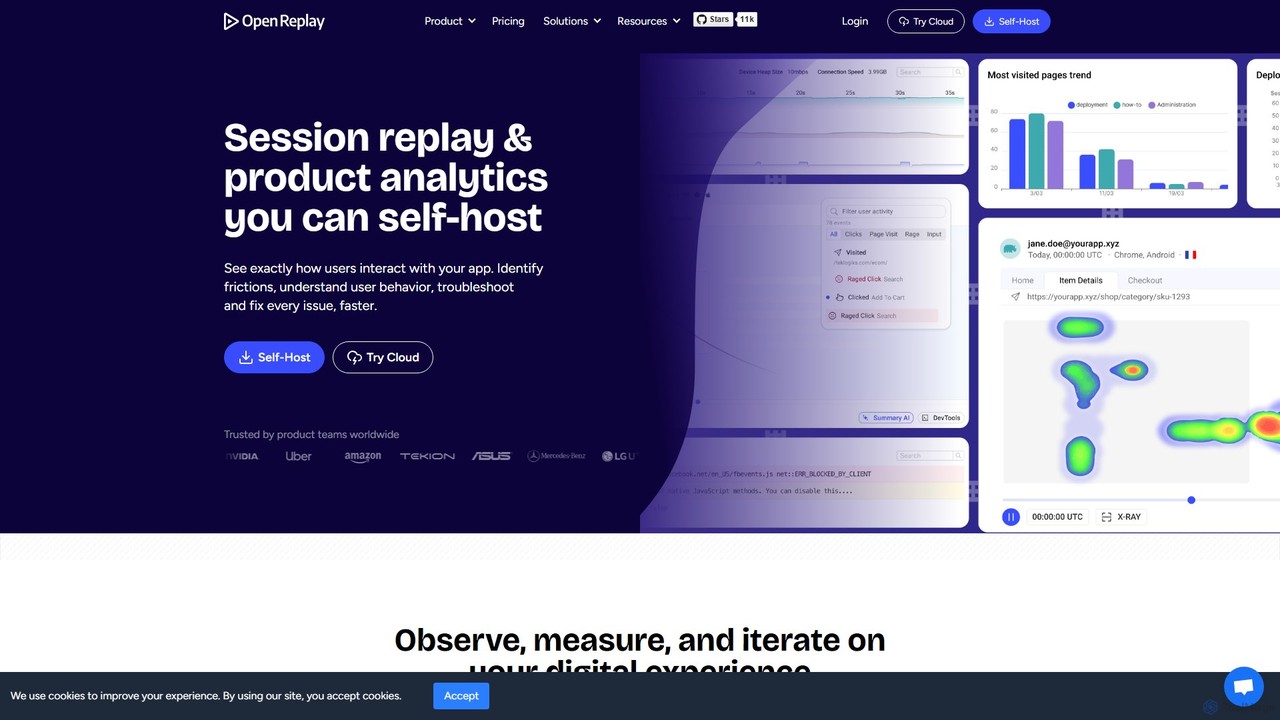
OpenReplay
OpenReplay is a self-hostable, open-source session replay and product analytics suite. It empowers teams to understand user behavior, reproduce bugs faster, and optimize digital experiences. By providing visual context alongside technical data like console logs and network activity, OpenReplay helps engineers, product managers, and support teams identify frictions, improve conversion funnels, and enhance overall product usability while maintaining full control over customer data.
Live Chat
VWO
VWO is an AI-powered digital experience optimization platform that helps businesses understand user behavior, run A/B tests, personalize web and mobile experiences, and roll out new features with confidence. Using tools like heatmaps, session recordings, and the AI-driven VWO Copilot, teams can maximize conversions and deliver tailored user journeys without extensive technical knowledge.
Testing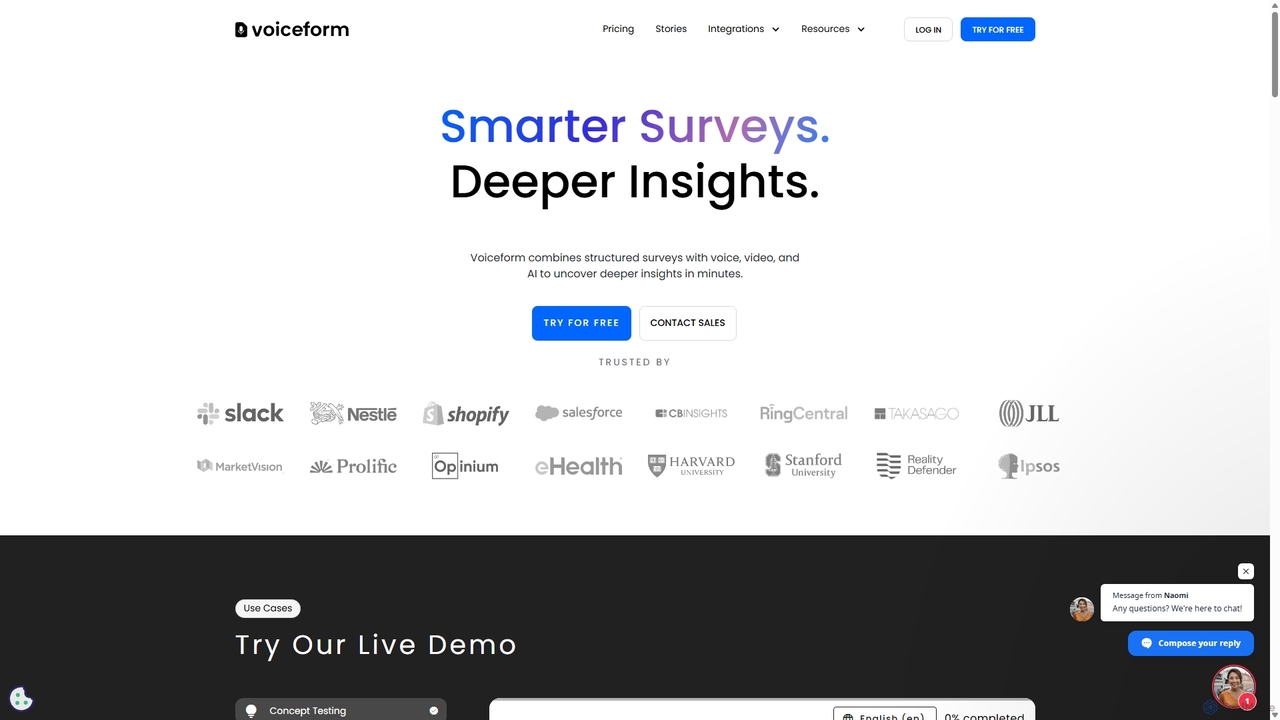
Voiceform
Voiceform is an AI-powered survey platform that captures deeper qualitative insights through voice, video, and text responses. It leverages AI for transcription, translation, sentiment analysis, and dynamic follow-up questions, helping businesses understand their customers more authentically and at scale.
Transcription
Zigpoll
Zigpoll is an AI-powered survey and feedback platform designed to gather fast, actionable insights from customers. It enables businesses, especially in e-commerce, to create engaging micro-surveys with no code, optimize conversion rates, reduce ad waste, and increase customer lifetime value through automated analysis and targeted engagement.
Feedback Management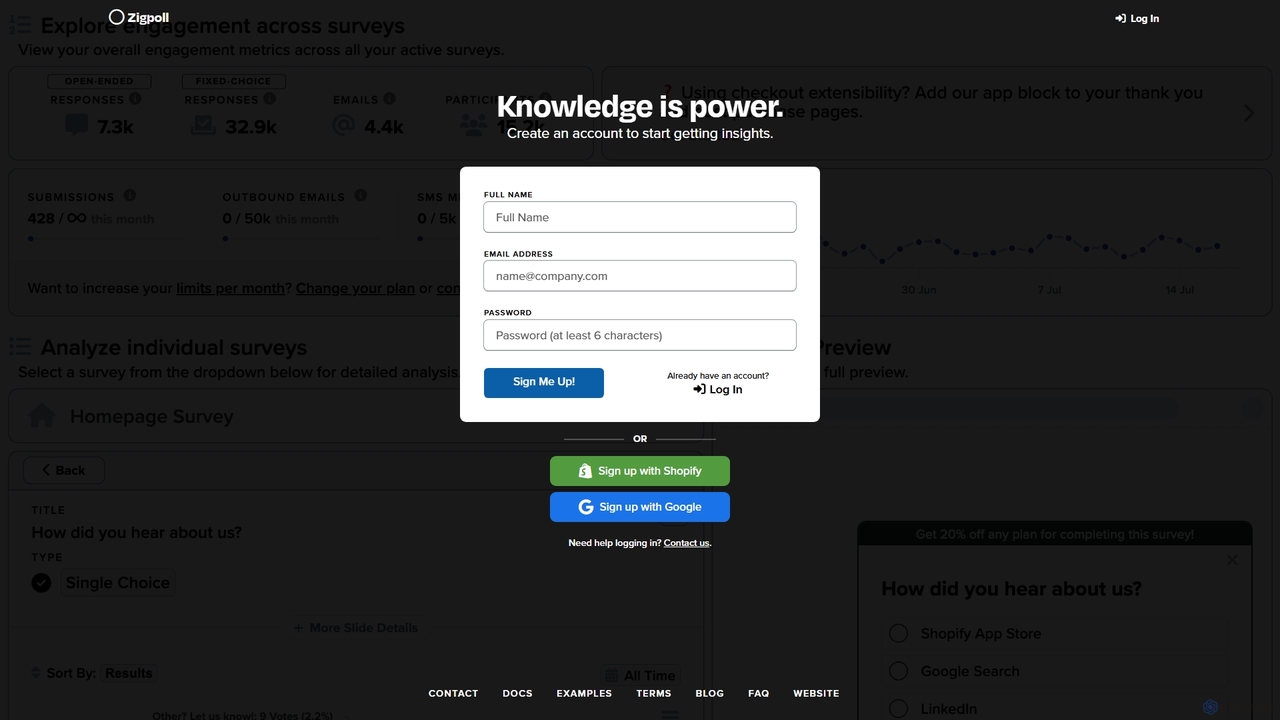
Zigpoll
Zigpoll is an AI-powered survey and feedback platform designed for e-commerce websites, particularly those on Shopify. It enables businesses to create and deploy targeted, on-site polls to capture real-time customer insights, understand user behavior, reduce cart abandonment, and ultimately boost conversion rates and customer satisfaction.
Feedback Management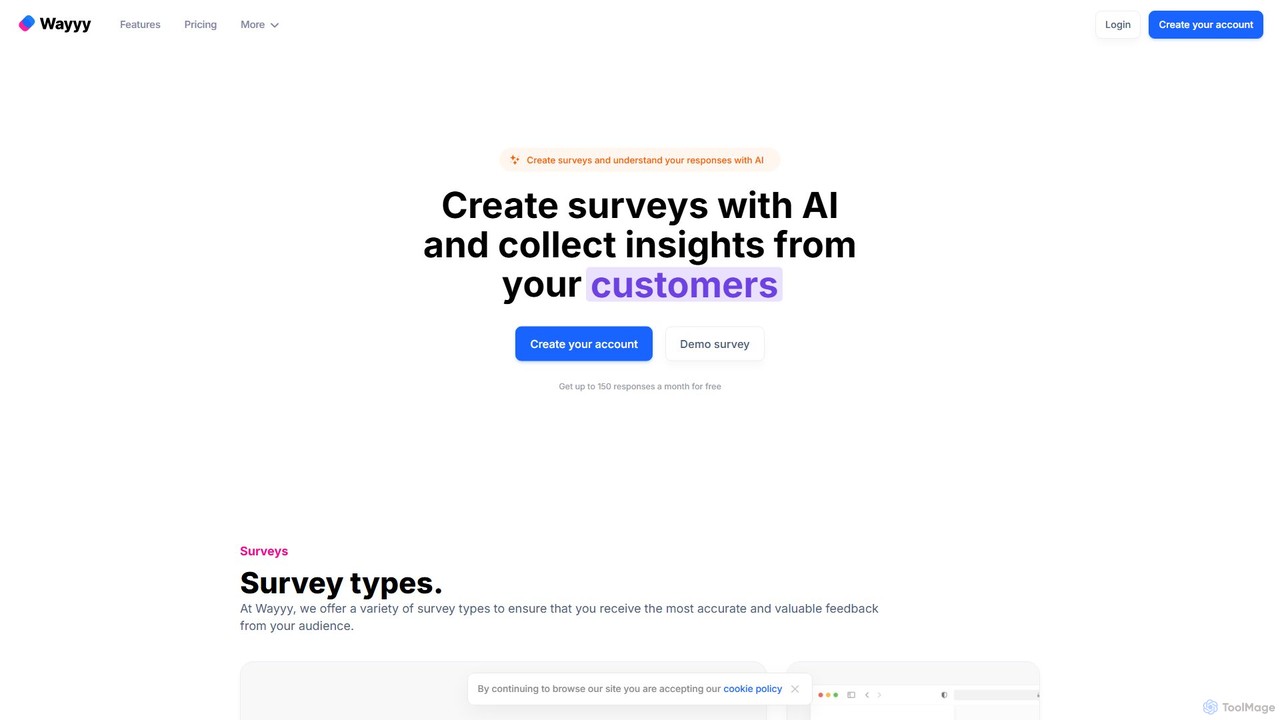
Wayyy
Wayyy is an AI-powered survey platform that enables users to create beautiful, effective surveys in seconds. It uses artificial intelligence to generate survey questions, suggest options, and summarize text responses, providing valuable insights and feedback from any audience. Ideal for businesses, researchers, and teams of all sizes.
Market Research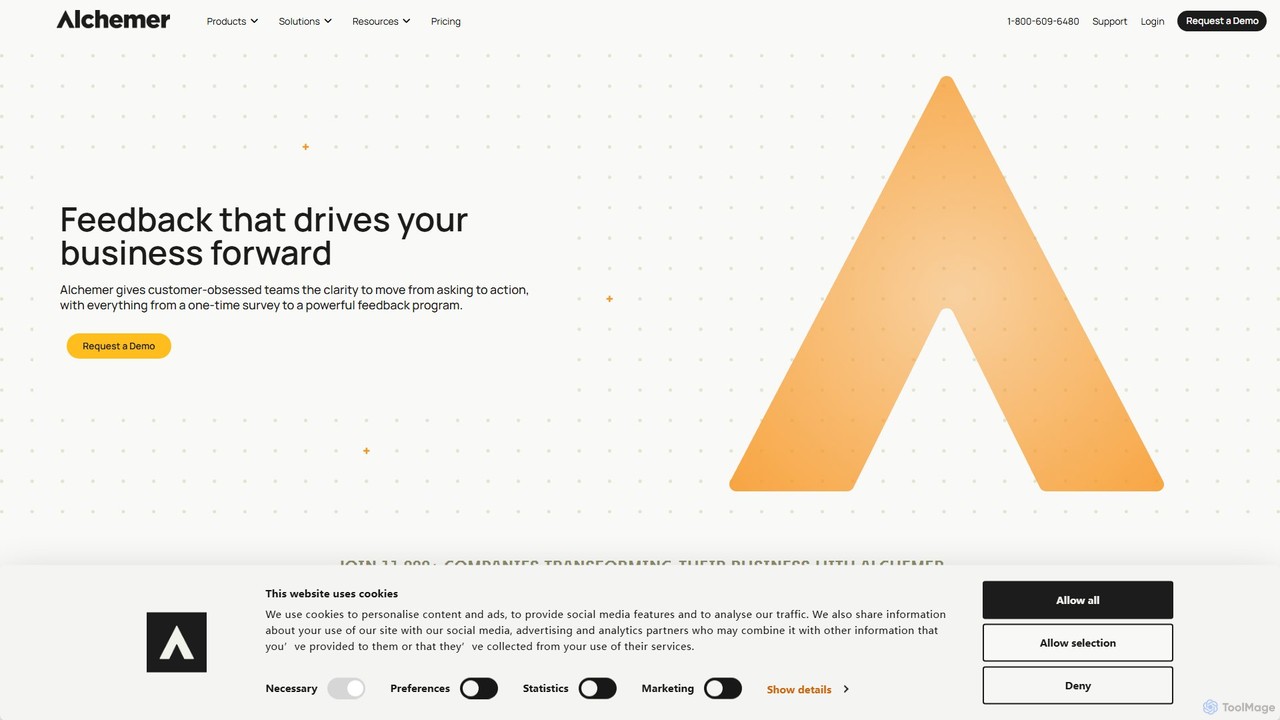
Alchemer
Alchemer is a powerful online survey and feedback management platform that helps businesses collect and analyze customer, market, and employee data. Leveraging AI-powered text analytics, it transforms open-ended feedback into actionable insights. Ideal for customer experience, market research, and employee engagement, Alchemer offers a flexible, scalable, and secure solution for organizations of all sizes to make data-driven decisions.
Feedback Management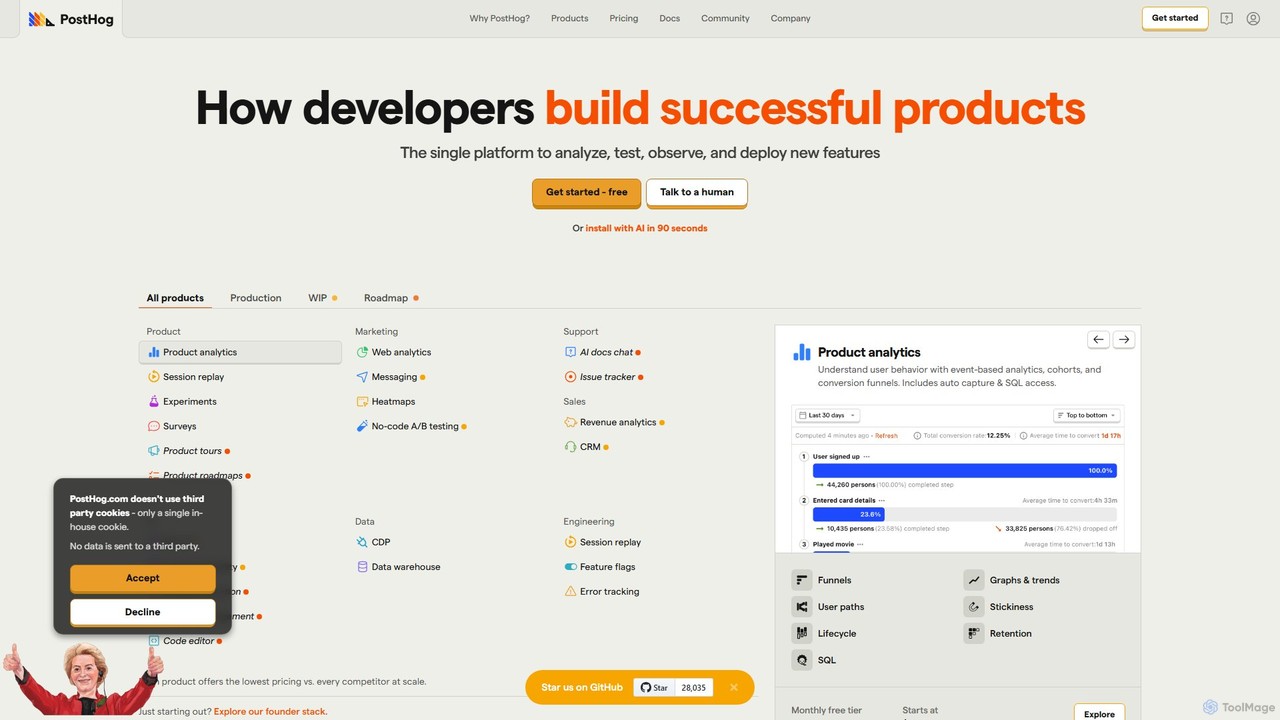
PostHog
PostHog is an all-in-one, open-source product analytics platform for developers. It combines product analytics, session replay, feature flags, and A/B testing into a single tool, eliminating the need for a fragmented data stack. It's designed to help teams understand user behavior and build better products faster.
Customer Data Platform
SurveySparrow
SurveySparrow is an omnichannel experience management platform that transforms feedback collection with engaging, conversational surveys. It leverages AI-powered analytics to turn customer voice into actionable insights, helping businesses enhance customer experience, manage reputation, and drive growth.
Feedback Collection
Mixpanel
Mixpanel is a powerful product analytics platform that helps businesses understand user behavior, measure key metrics, and make data-driven decisions. It offers self-serve analytics, session replays, and data integrations to empower teams across product, marketing, and engineering to drive growth and retention.
Analytics
Hotjar Comments (0)
Sign in to comment.
Sign inNo comments yet.