ToolMage
Sign in

Best 5 Writing Assistant for Ai Assistant

Popular Writing Assistant in Ai Assistant include Spiral, DocumentationAI, HowToWritePRD, WriterCasa, and Gaggio Writer, helping you work more efficiently.

Gaggio Writer
Paid

Gaggio Writer

Gaggio Writer is an AI writing assistant specifically designed for non-fiction authors, enabling them to draft complete books up to 20 times faster. It learns your unique writing style, maintains consistent context across chapters, and generates publish-ready content from your ideas and defined structures.

Writing Assistant
Visits 5.4KFavorites 43Likes 36
DocumentationAI
Freemium

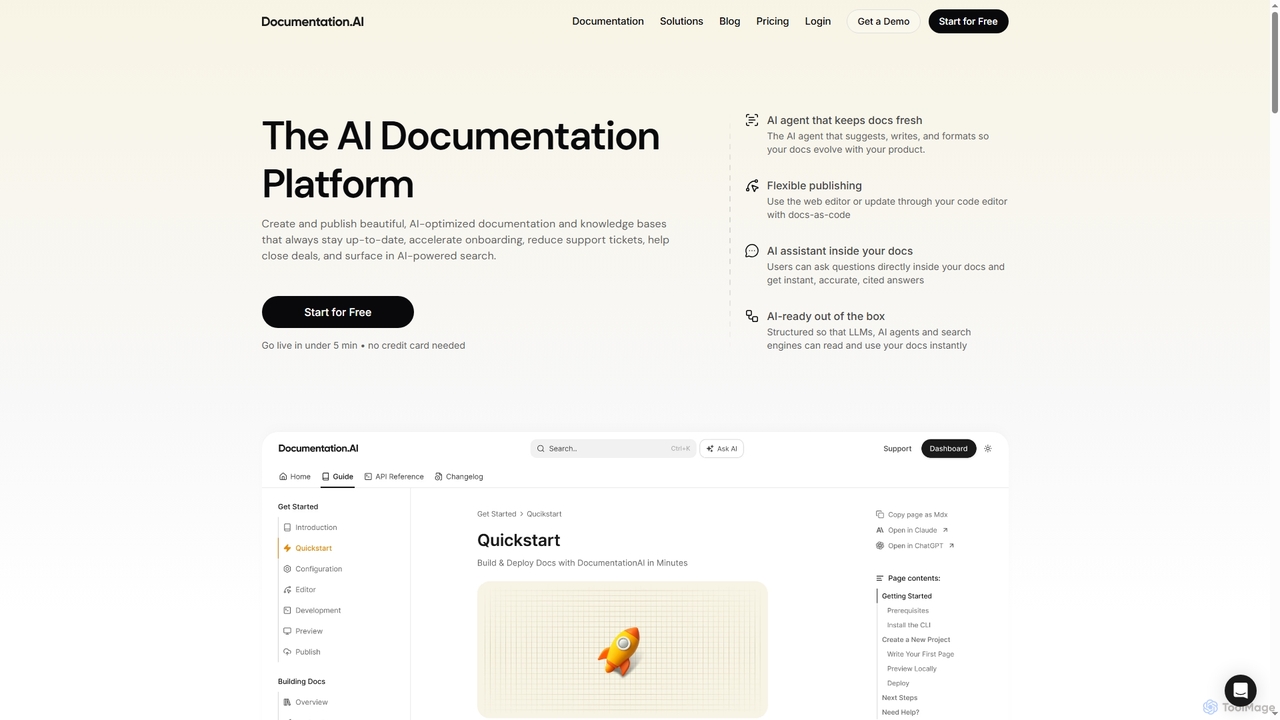
DocumentationAI

DocumentationAI is an AI-powered platform designed to create, publish, and maintain dynamic, up-to-date documentation and knowledge bases. It leverages AI agents to automate content updates, optimize for search engines and large language models, and provide instant, accurate answers to users directly within the documentation, accelerating onboarding and reducing support overhead.

Writing Assistant
Visits 16.2KFavorites 95Likes 86
HowToWritePRD
Free

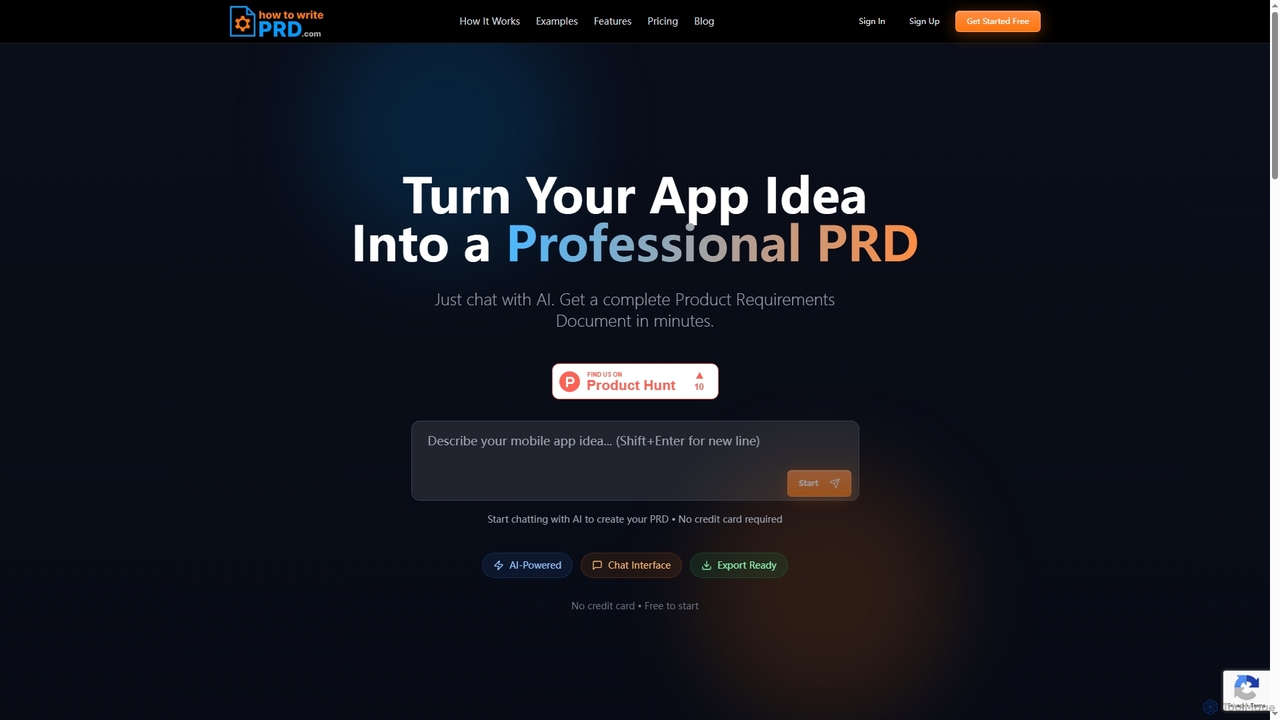
HowToWritePRD

HowToWritePRD is an AI-powered tool that transforms your mobile app ideas into professional Product Requirements Documents (PRDs) in minutes. Engage in natural conversation with AI to define your vision and generate comprehensive documentation, free to start.

Writing Assistant
Visits 7KFavorites 130Likes 124
WriterCasa
Freemium

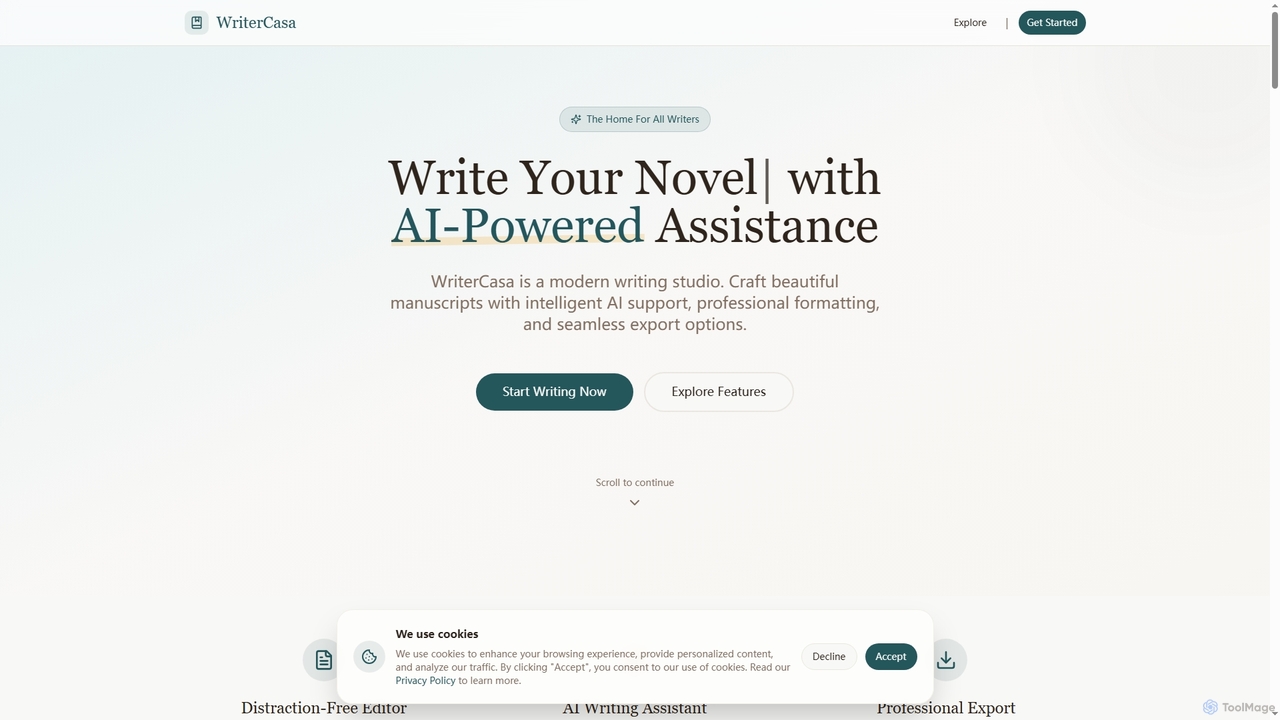
WriterCasa

WriterCasa is an AI-powered book writing studio designed for authors to craft beautiful manuscripts with intelligent assistance. It offers a distraction-free editor, context-aware AI writing suggestions, real-time grammar checking, and professional export options. Additionally, it features an AI Book Cover Studio to design stunning covers in seconds, making it a comprehensive tool for aspiring and established writers.

Writing Assistant
Visits 6.1KFavorites 153Likes 170
Spiral
Paid

Spiral

Spiral is an AI writing partner designed for content creators, marketers, copywriters, and founders. It goes beyond simple text generation by engaging users in an interview process, clarifying their thoughts, and offering multiple writing angles. Spiral ensures high-quality, personal, and factual content by learning user styles and integrating provided context, making it ideal for various short-form and long-form writing tasks.

Writing Assistant
Visits 71.6KFavorites 149Likes 142

About Writing Assistant

Writing Assistant tools are AI-powered applications designed to improve the quality, clarity, and efficiency of written content. They leverage natural language processing (NLP) to analyze text in real-time, offering suggestions for grammar, style, tone, and structure. These tools help users from students to professionals craft more polished and effective documents, emails, and articles. As a specialized type of AI Assistant, they focus specifically on the nuances of language and composition, acting as an intelligent proofreader and style coach.

Core Features

  • Advanced Grammar & Spell Check: Identifies complex grammatical errors, punctuation mistakes, and spelling issues beyond standard checkers.
  • Style & Tone Analysis: Provides suggestions to adjust the writing's tone (e.g., formal, confident, friendly) to match the intended audience.
  • Clarity & Readability Enhancement: Rephrases convoluted sentences, simplifies vocabulary, and improves the overall flow of the text.
  • Plagiarism Detection: Scans documents against a vast database of online content and academic papers to ensure originality.
  • Sentence Rephrasing: Offers alternative ways to structure sentences to improve variety and impact.

Use Cases

Writing Assistants are widely used by content creators, marketers, academics, business professionals, and non-native speakers. For example, a marketing team uses it to maintain a consistent brand voice across all blog posts and social media, while a student relies on it to check an essay for grammatical accuracy and potential plagiarism before submission.

How to Choose

When selecting a Writing Assistant, consider the depth of its linguistic analysis, its integration capabilities with your workflow (e.g., browser extensions, desktop apps), the range of languages supported, and whether its features (like plagiarism checking or team style guides) align with your specific needs. Evaluate the balance between free features and the value offered by premium subscriptions.

Writing Assistant use cases

1

Polishing Business Emails and Reports

A project manager needs to send a critical progress report to stakeholders. The report contains complex data and must be clear, professional, and persuasive. Using a Writing Assistant, the manager checks the document for grammatical accuracy and ensures a confident, formal tone. The tool suggests simplifying several long sentences for better readability and flags industry jargon that might confuse non-technical stakeholders. The result is a polished, easy-to-understand report that effectively communicates project status and strengthens stakeholder confidence, all completed in 20% less time than manual proofreading.

2

Crafting High-Quality Marketing Content

A content marketer is tasked with writing a series of blog posts to drive organic traffic. To ensure the content ranks well and engages readers, they use a Writing Assistant. The tool helps optimize for readability, suggests stronger verbs, and ensures the tone is aligned with the brand's voice. It also includes a plagiarism checker, giving the marketer confidence that all content is original. This process helps them produce high-quality, SEO-friendly articles more consistently, leading to a measurable increase in reader engagement and time on page.

3

Academic Writing and Plagiarism Checking

A university student is finalizing their thesis. The document must adhere to strict academic standards for clarity, citation, and originality. The student uses a Writing Assistant to perform a final check. The tool identifies awkward phrasing and suggests more formal academic language. Its most critical function is the plagiarism checker, which scans the thesis against millions of academic sources, highlighting passages that need proper citation or rephrasing. This gives the student peace of mind, ensuring their work is both polished and academically honest before submission.

4

Improving English for Non-Native Speakers

An employee whose first language is not English works in a multinational corporation. They often feel unsure about the natural phrasing of their emails. They use a Writing Assistant daily to check their communication. The tool not only corrects grammatical mistakes but also offers suggestions for more idiomatic expressions and appropriate tone. The sentence rephrasing feature is particularly helpful, showing them multiple ways to convey the same idea. Over time, this not only improves the quality of their emails but also serves as a practical learning tool, boosting their confidence in professional English writing.

5

Streamlining the Creative Writing Process

A novelist is in the editing phase of their manuscript. While they want to maintain their unique creative voice, they need help identifying repetitive phrasing and improving sentence flow. They use a Writing Assistant with customizable settings to focus on style rather than strict grammar rules. The tool highlights overused words and suggests alternatives, identifies passive voice constructions that weaken the prose, and analyzes sentence length variation. This allows the author to polish their work efficiently, creating a more engaging and professional-quality manuscript without sacrificing their artistic style.

6

Maintaining Team-Wide Writing Consistency

A large company needs to ensure all external communications, from support tickets to marketing copy, adhere to a specific brand style guide. They implement a Writing Assistant with team features. The administrator sets up a custom style guide within the tool, defining rules for brand terminology, tone, and formatting. Now, when any team member writes, the assistant automatically flags deviations from these guidelines in real-time. This automates the enforcement of brand consistency, reduces the burden on editors, and ensures every piece of communication accurately reflects the company's professional image.

Writing Assistant FAQ

What is an AI Writing Assistant?

An AI Writing Assistant is a software tool that uses artificial intelligence, particularly natural language processing (NLP), to help users improve their writing in real-time. It functions as an advanced proofreader and style coach, going beyond basic spell check to offer suggestions on grammar, punctuation, clarity, tone, and style. These tools can be integrated into browsers, word processors, and other applications to provide contextual feedback as you type, helping to make writing more accurate, clear, and effective.

How to choose the right Writing Assistant?

Choosing the right Writing Assistant depends on your specific needs. Consider these factors:

  • Core Features: Do you need basic grammar and spell check, or advanced features like tone analysis, plagiarism detection, and style suggestions?
  • Integrations: Ensure the tool works where you write. Look for browser extensions (for email and social media), plugins for Google Docs or Microsoft Word, and desktop apps.
  • User Interface: A good assistant provides clear, non-intrusive suggestions that are easy to accept or reject without disrupting your workflow.
  • Pricing: Evaluate the free version's limitations against the benefits of a paid subscription. For professional or academic use, premium features are often worth the investment.
What's the difference between a Writing Assistant and an AI Content Generator?

The key difference lies in their primary function: improvement versus creation. A Writing Assistant acts as an editor or coach, analyzing and improving text that a human has already written. Its goal is to enhance clarity, correctness, and style. In contrast, an AI Content Generator acts as an author, creating new text from scratch based on a user's prompt or instructions. You use a writing assistant to polish your own work, while you use a content generator to create the initial draft or the entire piece of content for you.

Can a Writing Assistant replace a human editor?

A Writing Assistant is a powerful supplement to, but not a complete replacement for, a human editor. It excels at catching objective errors like grammar, spelling, and punctuation with high accuracy and speed. However, a human editor provides a deeper level of understanding regarding context, narrative structure, audience nuance, and creative voice. For professional publications, academic papers, or important business documents, the best approach is to use a writing assistant for a first-pass edit to clean up the text, followed by a review from a human editor for more substantive feedback.

Who can benefit from using a Writing Assistant?

A wide range of individuals and teams can benefit from a Writing Assistant. Key users include:

  • Students and Academics: To improve essays and research papers, check for plagiarism, and ensure adherence to academic standards.
  • Professionals: To write clear, error-free emails, reports, and presentations that enhance their professional image.
  • Marketers and Content Creators: To produce engaging, SEO-friendly content consistently and maintain brand voice.
  • Non-Native Speakers: To improve language fluency, learn idiomatic expressions, and gain confidence in their written communication.
  • Authors and Bloggers: To polish manuscripts and articles by improving flow, style, and readability.