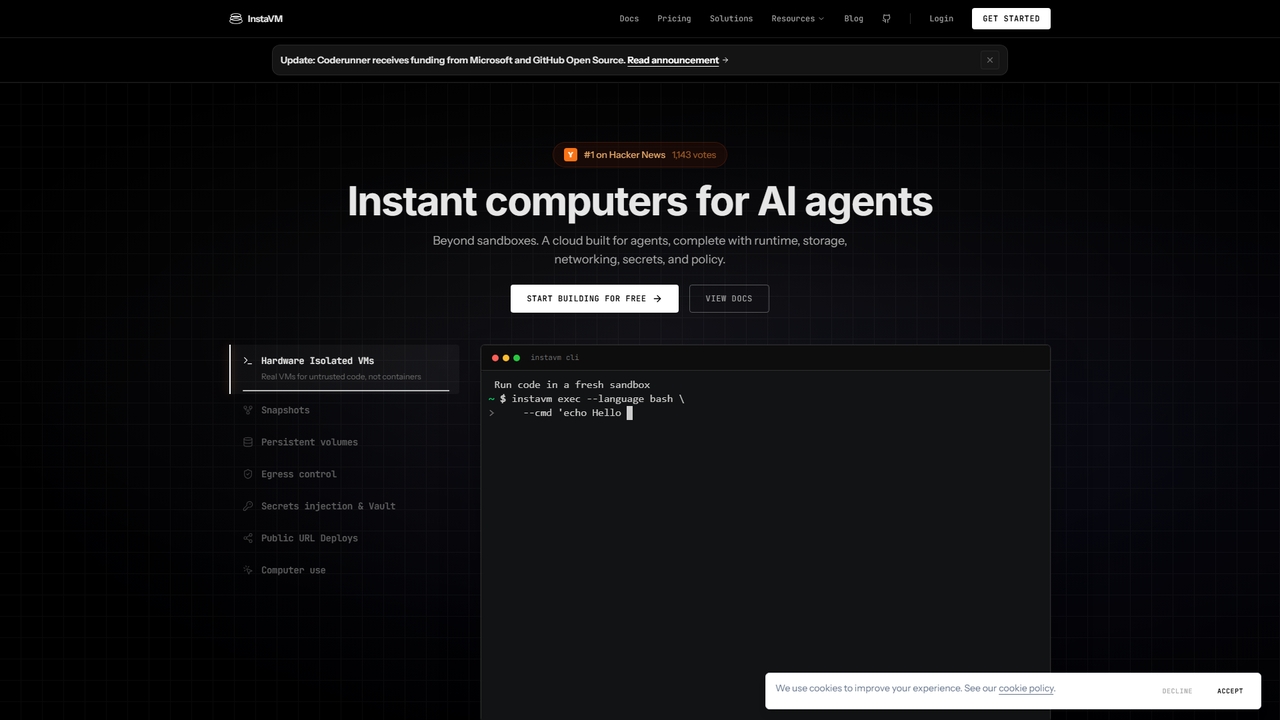
Virtual Machines (VMs) are software-based emulations of physical computers that operate as distinct, isolated environments on a host server. They function by using a hypervisor to abstract hardware resources like CPU, memory, and storage, allowing multiple, disparate operating systems to run concurrently on a single physical machine. This technology is fundamental to modern cloud computing, providing exceptional flexibility for deploying applications, testing software in sandboxed environments, and optimizing hardware utilization. VMs offer the key advantage of complete system isolation, ensuring that processes within one VM do not affect others.
Core Features
- Full OS Emulation: Run complete, unmodified operating systems, including Windows, Linux, and macOS, in an isolated environment.
- Hardware Abstraction: Virtualize physical hardware components (CPU, RAM, storage, networking) for flexible resource allocation.
- Strong Isolation: Each VM operates as a self-contained unit, providing robust security and stability by preventing interference between applications.
- Snapshots and Migration: Capture the entire state of a VM at a specific moment for easy backup, rollback, or live migration to another physical host with minimal downtime.
Use Cases
Virtual Machines are widely used by developers for creating isolated and reproducible development and testing environments, preventing dependency conflicts. System administrators and DevOps engineers use VMs to host web servers, databases, and other applications, enabling efficient server consolidation and resource scaling. They are also crucial for running legacy applications on modern hardware and for cybersecurity professionals creating secure sandboxes to analyze potentially malicious software.
How to Choose
When selecting a Virtual Machine solution, first assess your performance requirements, including CPU cores, RAM, and storage type (e.g., SSD for speed). Consider the specific operating systems you need to run and ensure they are supported. Evaluate the platform's management tools, scalability options, and automation capabilities (API access). Finally, compare pricing models, such as pay-as-you-go versus reserved instances, to find the most cost-effective option for your workload.