Communication Best in category 1 results Keyboard AI Tool

Popular AI tools in the Keyboard field of Communication include Auri, etc., helping you quickly improve efficiency.

Auri

Auri

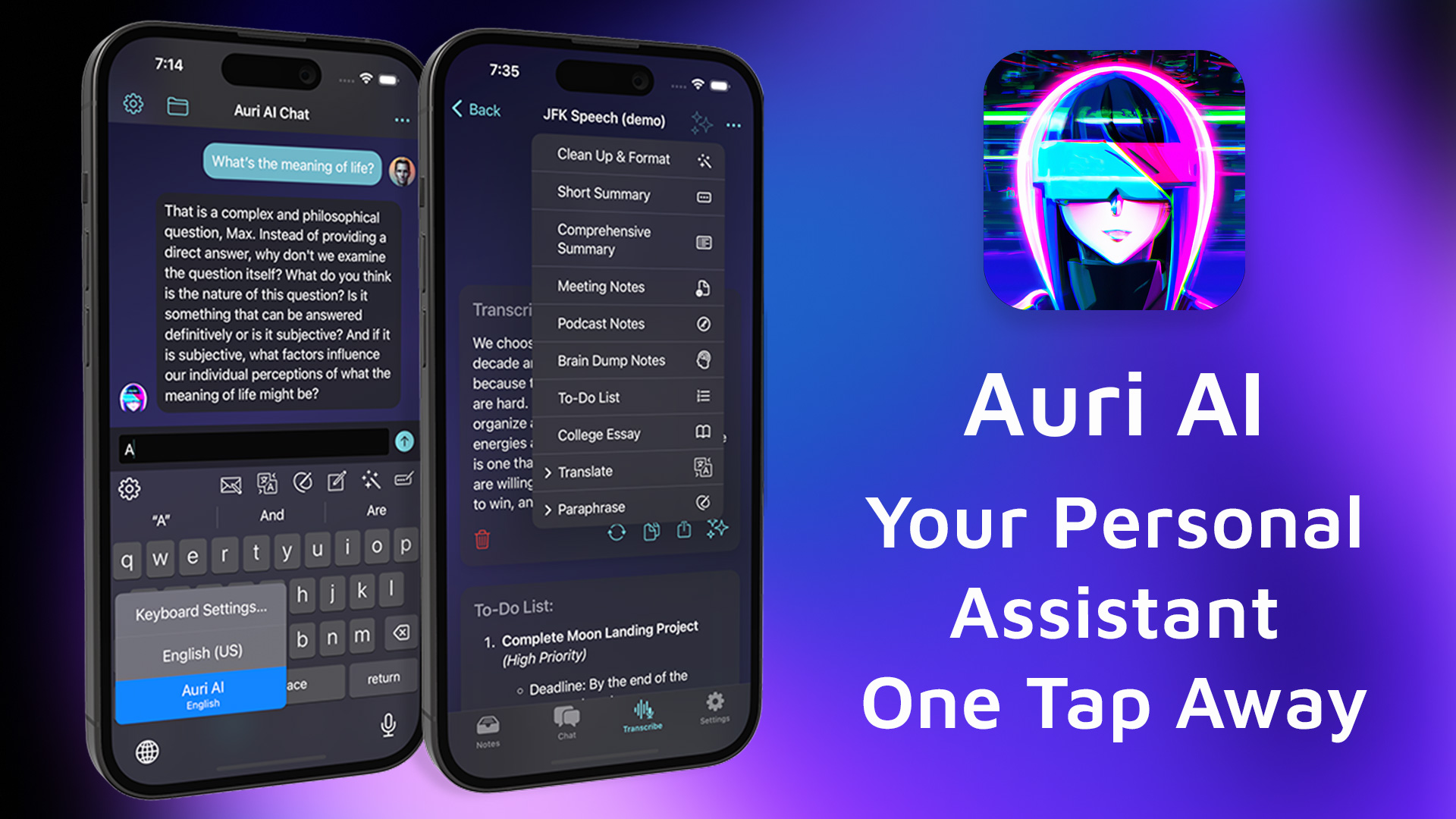
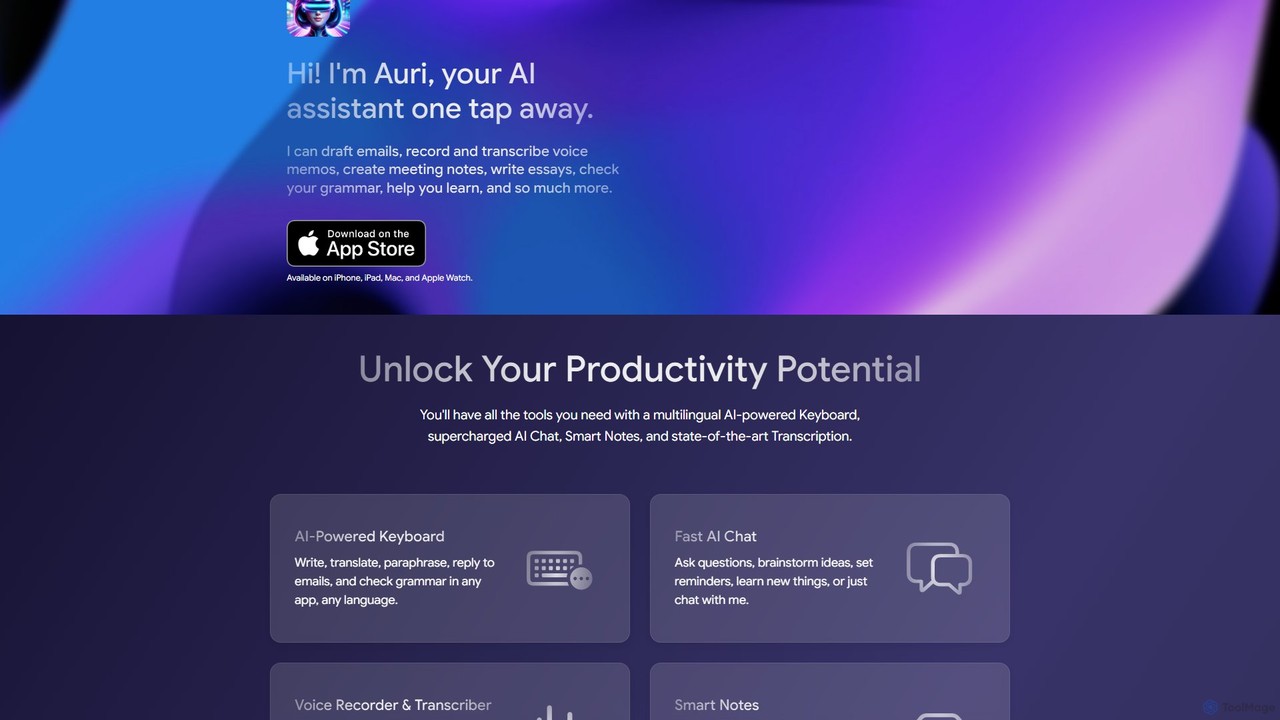
Auri is an all-in-one AI assistant integrated into a keyboard for Apple devices. It enhances your writing, checks …

6.4K

About Keyboard

AI Keyboard tools are advanced software input methods enhanced with artificial intelligence. Leveraging natural language processing and machine learning, these tools predict text, correct grammar, and offer smart suggestions in real-time. Their primary goal is to accelerate text input, significantly improve writing quality, and personalize the communication experience across various digital platforms. They adapt to a user's unique vocabulary and writing style over time, making digital communication more efficient and accurate.

Core Features

  • Intelligent Prediction & Completion: Predicts next words, phrases, or even full sentences based on context.
  • Advanced Grammar & Spell Check: Provides real-time correction for complex grammatical errors and spelling mistakes.
  • Contextual Smart Replies: Suggests relevant responses or phrases based on the ongoing conversation.
  • Real-time Multi-language Translation: Translates typed or spoken text instantly, facilitating cross-lingual communication.
  • Personalized Learning & Adaptation: Learns user's vocabulary, style, and preferences to offer a customized input experience.

Applicable Scenarios

AI Keyboard tools are invaluable for anyone who frequently engages in digital communication. They streamline daily messaging and email drafting by offering quick replies and reducing input time. Professionals can leverage them for drafting documents, ensuring grammatical accuracy and boosting writing efficiency. Furthermore, these tools break down language barriers in multilingual interactions through instant translation capabilities.

How to Choose

When selecting an AI Keyboard tool, consider the depth of its AI functionalities, such as the accuracy of predictions and correction capabilities. Evaluate its personalized learning ability to adapt to your unique input habits. Check for multi-platform compatibility with your frequently used operating systems and applications. Finally, scrutinize its privacy and data security policies, understanding how your input data is handled.

KeyboardUse Cases

1

Efficient Customer Email Responses

Sales and customer service professionals utilize smart reply suggestions from AI Keyboard tools to process a high volume of emails quickly. By leveraging context-aware suggestions, they can maintain consistent communication quality, reduce response times, and handle more inquiries daily, significantly boosting their productivity and customer satisfaction.

2

Seamless Multilingual Business Communication

International business professionals use real-time translation features embedded in AI Keyboards to communicate effortlessly across language barriers. This enables them to draft emails, messages, and documents in their native language, which are then instantly translated for recipients, facilitating global collaborations and expanding market reach without needing external translation tools.

3

Accelerated Content Creation for Writers

Bloggers, copywriters, and content creators leverage predictive text and advanced grammar checks from AI Keyboards to speed up article drafting. These tools help minimize errors, suggest stylistic improvements, and refine their writing style, allowing them to produce high-quality content more efficiently and focus on creative ideas rather than tedious corrections.

4

Developer Code and Command Assistance

Programmers and developers benefit from intelligent code snippet suggestions and command auto-completion provided by specialized AI Keyboards. These tools integrate with development environments, significantly improving coding efficiency, reducing syntax errors, and accelerating the overall software development lifecycle by offering relevant suggestions based on context and common coding patterns.

5

Academic Writing and Report Drafting

Students and researchers use advanced grammar and spell-checking features of AI Keyboards to ensure the accuracy and professionalism of their essays, theses, and reports. These tools help identify and correct complex linguistic errors, improve sentence structure, and maintain a consistent academic tone, ensuring their work meets high academic standards and is free from preventable mistakes.

6

Dynamic Social Media Interaction

Everyday users enhance their social media engagement with emoji/GIF predictions and smart phrase suggestions from AI Keyboards. These features make interactions more expressive, timely, and engaging across platforms like Instagram, X (formerly Twitter), and messaging apps, allowing users to quickly convey emotions and respond creatively without extensive typing.

KeyboardFrequently Asked Questions