ToolMage
Sign in

Best 1 Developers AI tools for Community

Popular Developers AI tools in Community include NotClass, helping you work more efficiently.

NotClass
Free

NotClass

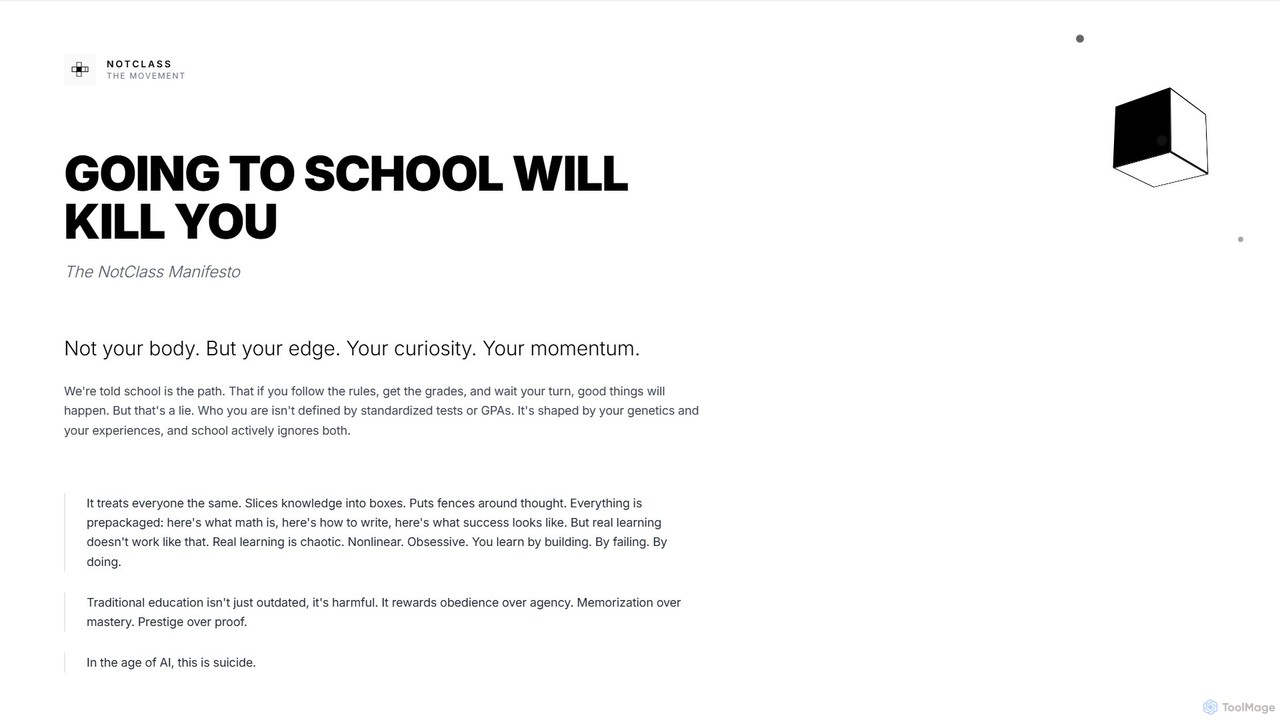
NotClass is an educational philosophy and a global movement for builders, developers, and creators who believe in learning by doing. It rejects traditional academic structures in favor of project-based learning, practical skill acquisition, and building a portfolio of real-world work. It's a community united by a shared mindset of self-reliance and execution.

Developers
Visits 3.5KFavorites 126Likes 117

About Developers

AI Developer Communities are specialized online platforms where developers, researchers, and engineers connect to build, share, and discuss AI technologies. These hubs are built around code repositories, model sharing, and in-depth technical discussions, distinguishing them from general community forums. They serve as critical infrastructure for collaborative problem-solving, accessing pre-trained models, and accelerating the development lifecycle of AI applications. For developers, these communities are essential for staying current with rapidly evolving frameworks and techniques.

Core Features

  • Model & Dataset Hubs: Centralized repositories for discovering, sharing, and versioning pre-trained models and datasets.
  • Code Repositories & Collaboration: Integrated tools for version control (like Git) and collaborative coding on AI projects.
  • Technical Q&A Forums: Dedicated spaces for asking complex questions about algorithms, frameworks, and implementation bugs.
  • API & SDK Documentation: Access to official documentation, tutorials, and code examples for integrating AI services.

Applicable Scenarios

These communities are indispensable for Machine Learning Engineers, Data Scientists, and AI Researchers who need to collaborate on code, fine-tune models, or solve specific technical challenges. They are also vital for software developers integrating AI functionalities into applications, providing them with the necessary resources and peer support to work with complex APIs and libraries.

Selection Criteria

When choosing a community, evaluate its primary focus (e.g., Natural Language Processing, Computer Vision), the activity level and expertise of its members, the quality and breadth of its shared models and datasets, and its integration with standard development tools and platforms like GitHub or Jupyter.

Featured tool rankings

Developers use cases

1

Troubleshooting a Machine Learning Model Bug

A Machine Learning Engineer is training a computer vision model and encounters a persistent 'vanishing gradient' problem that standard debugging methods can't solve. Instead of spending days on trial and error, they post a detailed question in a developer community. They include the relevant code snippet, model architecture, and error logs. Within hours, experienced members provide several potential solutions, including suggestions for changing the activation function and adjusting the learning rate, one of which resolves the issue and saves significant development time.

2

Finding a Pre-trained Model for a Project

A startup developer is tasked with building a prototype for a text summarization feature. Instead of training a large language model from scratch, which is resource-intensive, she browses a model hub within an AI developer community. She filters models by task, license type (open-source), and popularity. She finds a well-documented, lightweight summarization model, tests it directly in the platform's interface, and then uses the provided code snippets to integrate it into her application, delivering the prototype weeks ahead of schedule.

3

Collaborating on an Open-Source AI Project

A distributed team of AI researchers wants to create a new open-source library for ethical AI auditing. They use a developer community platform to host their code repository. The platform's features allow them to manage contributions through pull requests, track issues and feature requests, and host discussions about the library's architecture. This centralized hub enables seamless collaboration across different time zones, attracting more contributors from the community and accelerating the project's development and adoption.

4

Learning a New AI Framework

A software developer with a background in web development wants to transition into AI. She decides to learn TensorFlow. Instead of just reading the official documentation, she joins its developer community. She follows step-by-step tutorials shared by experts, clones beginner-friendly projects to understand practical applications, and asks questions in the forums when she gets stuck. This combination of structured content and community support allows her to build a functional image classification app within a month, a process that would have taken much longer in isolation.

5

Staying Updated on AI Research Papers

An AI researcher needs to stay on the cutting edge of Natural Language Processing (NLP) advancements. They join a developer community focused on NLP research. Here, members actively share and discuss the latest papers from conferences like NeurIPS and ACL. More importantly, developers often share open-source implementations of the models described in these papers. This allows the researcher to not only read the theory but also to run the code, test the models, and understand the practical implications of the new research far more quickly.

6

Getting API Integration Support

A developer is integrating a third-party AI service for voice transcription into their mobile app. They encounter an authentication error that isn't covered in the official API documentation. Instead of filing a generic support ticket, they post their issue in the service's official developer community. They provide their code context and the exact error message. A support engineer from the company, along with other experienced developers, quickly identifies a misconfigured header in their API request, providing a direct solution and a link to a relevant example in the community knowledge base.

Developers FAQ

What are AI Developer Communities?

AI Developer Communities are online platforms specifically for individuals who build with AI technology, such as developers, engineers, and researchers. Unlike general tech forums, they focus on the practical aspects of AI development. Key features often include shared repositories for code and machine learning models, specialized technical forums for deep Q&A, and collaborative project management tools. They are essential ecosystems for sharing knowledge, solving complex coding problems, and accessing reusable AI components like pre-trained models.

How do I choose the right AI Developer Community?

To choose the right community, consider these factors:

  • Technology Focus: Does the community specialize in your area of interest, such as NLP, Computer Vision, or a specific framework like PyTorch or TensorFlow?
  • Resource Quality: Evaluate the quality and variety of shared resources like pre-trained models, datasets, and code repositories. An active and well-maintained hub is a good sign.
  • Member Expertise & Activity: Look for a community with active, knowledgeable members who provide helpful and timely responses. Check the recency and depth of discussions in their forums.
  • Platform Integration: Consider how well the platform integrates with your existing workflow and tools, such as GitHub, Jupyter Notebooks, or cloud services.
What's the difference between an AI Developer Community and a forum like Stack Overflow?

The main difference lies in their focus and resources. Stack Overflow is a general Q&A platform for a wide range of programming topics, focusing on specific, answerable questions. AI Developer Communities are more holistic ecosystems. While they have Q&A sections, they also provide integrated tools and resources crucial for AI development, such as:

  • Direct access to shareable, pre-trained models and datasets.
  • Integrated code repositories for collaborative projects.
  • Spaces for open-ended discussions about research papers and new techniques, not just specific code problems.

In short, Stack Overflow helps you fix a bug, while an AI Developer Community helps you build an entire project.

What key resources can I find in an AI Developer Community?

AI Developer Communities offer a rich set of resources tailored for AI development. Key resources typically include:

  • Pre-trained Models: A vast library of models for various tasks (e.g., image recognition, text generation) that you can use directly or fine-tune.
  • Datasets: Curated datasets for training and benchmarking your own models.
  • Code Repositories: Open-source projects, code snippets, and tutorials that demonstrate best practices and practical implementations.
  • Technical Documentation & Articles: In-depth guides, API references, and articles explaining complex concepts and new research.
  • Peer Support: Access to a network of experienced developers and researchers for troubleshooting and knowledge sharing.
Who should join an AI Developer Community?

AI Developer Communities are valuable for a wide range of technical professionals. You should consider joining if you are a:

  • Machine Learning Engineer or Data Scientist: To collaborate on models, find datasets, and solve complex algorithmic challenges.
  • Software Developer: To learn how to integrate AI models and APIs into your applications and get support for specific libraries.
  • AI Researcher or Academic: To share research, discuss new papers, and find open-source implementations of cutting-edge models.
  • Student or Aspiring Developer: To learn from experts, follow tutorials, and build a portfolio of practical AI projects.