ToolMage
Sign in

Best 1 Gaming AI tools for Community

Popular Gaming AI tools in Community include bloxfruitsvalues.io, helping you work more efficiently.

bloxfruitsvalues.io
Free

bloxfruitsvalues.io

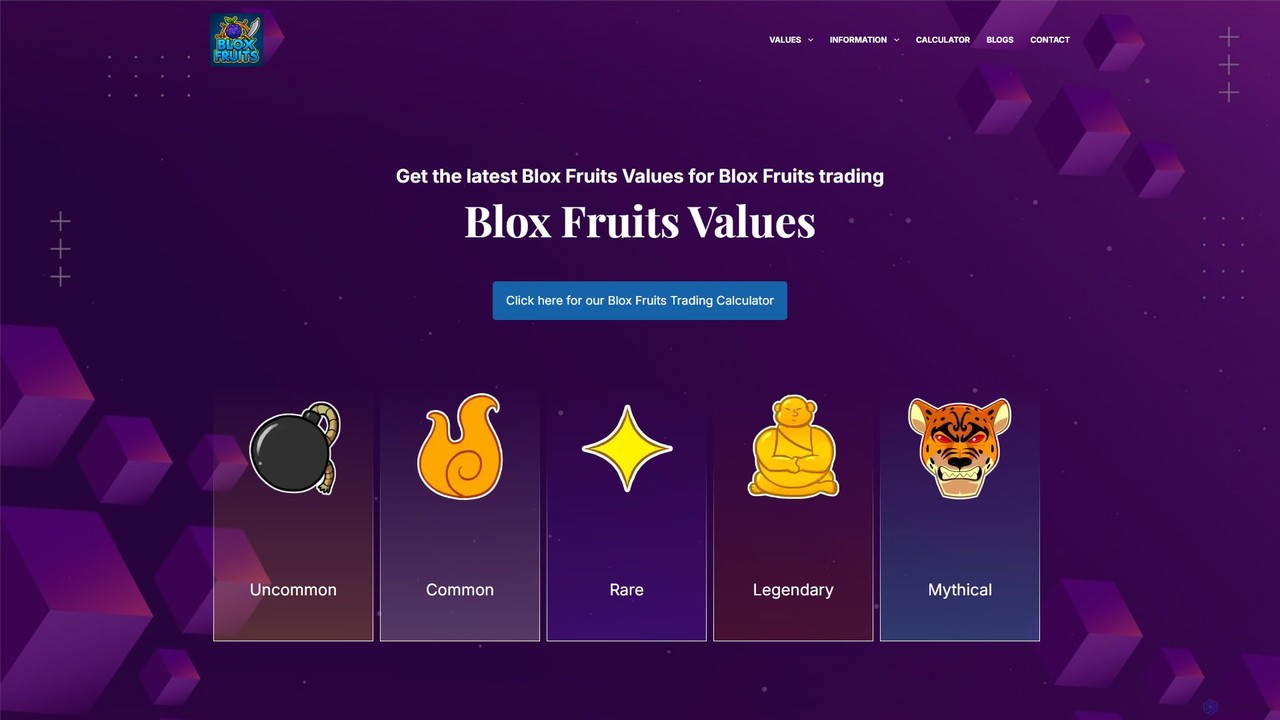
An essential online resource for Blox Fruits players, providing accurate, up-to-date values for in-game items like fruits, game passes, and weapons. Features a powerful trading calculator to ensure fair trades and prevent scams, along with real-time market trend analysis to help players make informed decisions.

Gaming
Visits 5.4KFavorites 115Likes 110

About Gaming

AI Gaming tools are a specialized class of software that leverages artificial intelligence to create, enhance, and manage interactive game experiences. These tools utilize machine learning models, procedural generation algorithms, and neural networks to automate complex tasks in game development and enrich gameplay. They empower developers to build more dynamic worlds, create intelligent non-player characters (NPCs), and generate vast amounts of content efficiently. This technology significantly accelerates prototyping and production cycles while enabling new forms of player engagement.

Core Features

  • Procedural Content Generation (PCG): Automatically creates game levels, maps, textures, and other assets based on rules and parameters.
  • Intelligent NPC Behavior: Develops non-player characters with dynamic, adaptive, and believable actions and dialogue.
  • Game Analytics & Balancing: Analyzes player data to identify patterns, balance game mechanics, and predict player behavior.
  • AI-Assisted Asset Creation: Generates 2D/3D models, sound effects, and music, accelerating the creative workflow.
  • Automated Game Testing: Deploys AI agents to play through games, discover bugs, and test for exploits automatically.

Use Cases

AI Gaming tools are primarily used by game development studios of all sizes, from indie developers to AAA companies. They are applied in creating open-world RPGs, complex strategy games, and endlessly replayable roguelikes. Game designers use them for rapid prototyping of levels, while artists leverage them to generate asset variations, and QA teams use them to ensure game stability.

How to Choose

When selecting an AI Gaming tool, consider its integration with your game engine (e.g., Unity, Unreal Engine). Evaluate the specific function you need, such as world generation, NPC logic, or asset creation. Assess the tool's learning curve and whether it requires coding knowledge. Finally, compare pricing models, from one-time purchases to subscription-based services, to fit your project's budget.

Gaming use cases

1

Generate Dynamic NPC Dialogue for RPGs

An indie RPG developer is creating an open-world game with hundreds of NPCs. Manually writing unique, branching dialogue for each character is time-consuming and often results in repetitive interactions. By using an AI Gaming tool with a large language model, the developer can set personality traits, backstories, and quest-related knowledge for each NPC. The AI then generates dynamic, context-aware dialogue in real-time based on player actions, time of day, or world events. This creates a more immersive and believable world, encouraging player exploration and interaction without requiring thousands of hours of manual writing.

2

Accelerate Level Design with Procedural Generation

A small game studio is developing a roguelike game where each playthrough needs to offer a unique map. Designing hundreds of level variations by hand is not feasible for their team size. They use an AI-powered procedural content generation (PCG) tool. By defining a set of rules, such as room types, enemy placements, and treasure distribution, the tool can generate an infinite number of unique, playable levels. This allows the team to focus on core gameplay mechanics and art style, while the AI handles the creation of diverse and replayable content, significantly reducing development time and increasing the game's value.

3

Create Game-Ready Textures from Text Prompts

A 3D artist working on a fantasy game needs a wide variety of textures, such as cobblestone paths, mossy bark, and enchanted metal. Creating each one from scratch is a meticulous process. The artist uses an AI texture generator specifically trained for game assets. By inputting descriptive prompts like "seamless medieval cobblestone, wet, with small weeds," the AI generates multiple high-resolution, tileable texture maps (including diffuse, normal, and roughness maps). This allows the artist to rapidly prototype and iterate on environment aesthetics, saving days of work and ensuring a consistent visual style across the game world.

4

Automate Game Balancing and QA Testing

A development team for a competitive multiplayer game needs to ensure that all characters and strategies are well-balanced before launch. Manually playtesting every possible matchup is impossible. They deploy an AI testing tool that simulates thousands of matches per hour using AI agents. These agents learn and adapt, exploring different strategies to find exploits or overpowered combinations. The tool provides detailed analytics on win rates, ability usage, and match duration, allowing the designers to make data-driven adjustments to game balance. This process identifies critical issues that human testers might miss and drastically shortens the balancing phase.

5

Design Intelligent and Adaptive Enemy AI

In a stealth-action game, predictable enemy patrol routes can make the gameplay feel stale. A game designer uses an AI behavior tree tool to create more sophisticated enemy AI. Instead of simple loops, the AI can react to sounds, investigate disturbances, coordinate with other guards, and change patrol patterns based on the player's perceived threat level. The designer can visually script complex behaviors like flanking maneuvers or calling for reinforcements without writing extensive code. This results in a more challenging and dynamic gameplay experience where players must constantly adapt their tactics to outsmart the intelligent opponents.

6

Personalize Player Experiences in Live-Service Games

The operator of a large-scale live-service game wants to improve player retention. They integrate an AI analytics tool that monitors player behavior in real-time. The system identifies different player archetypes (e.g., explorers, achievers, socializers). Based on this, the game can dynamically adjust its content. An 'explorer' might receive hints about hidden areas, while an 'achiever' is presented with a challenging new quest line. The AI can also predict churn risk and trigger targeted in-game events or offers to re-engage players. This level of personalization makes each player feel valued and understood, leading to longer engagement and a healthier game community.

Gaming FAQ

What are AI Gaming tools?

AI Gaming tools are software applications that use artificial intelligence to assist in or automate aspects of game creation and gameplay. They range from generating game assets like textures and models to creating intelligent NPC behaviors and procedurally generating entire game worlds. The primary goal of these tools is to enhance developer creativity, accelerate production pipelines, and create more dynamic and engaging experiences for players.

How do I choose the right AI Gaming tool?

Choosing the right tool depends on your specific needs. Consider the following factors:

  • Functionality: Do you need procedural world generation, NPC behavior logic, asset creation, or game balancing analytics? Select a tool specialized for your task.
  • Engine Integration: Ensure the tool is compatible with your game engine, such as Unity, Unreal Engine, or Godot. Look for plugins or APIs that simplify integration.
  • Ease of Use: Evaluate the learning curve. Some tools offer user-friendly visual interfaces, while others require advanced programming skills.
  • Cost: Compare pricing models. Options can range from free open-source tools to expensive enterprise-level subscriptions. Choose one that fits your budget.
Can AI tools replace game developers and artists?

AI tools are not intended to replace human creativity but to augment it. They act as powerful assistants, automating repetitive and time-consuming tasks, which allows developers and artists to focus on higher-level creative decisions. For example, an AI can generate hundreds of asset variations, but an artist's vision is still required to select, refine, and integrate them into a cohesive game world. Similarly, AI can generate level layouts, but a designer is needed to ensure they are fun and engaging. These tools change the workflow, but human expertise remains central to game creation.

What is the difference between AI Gaming tools and general AI Art Generators?

While both use AI to create visuals, AI Gaming tools are highly specialized for game development workflows. The key differences are:

  • Output Format: Gaming tools often generate game-ready assets like tileable textures, sprite sheets, normal maps, and 3D models, which general art generators typically do not.
  • Integration: Many AI Gaming tools are designed to integrate directly with game engines like Unity or Unreal, streamlining the asset pipeline.
  • Training Data: They are often trained on datasets specific to game art styles, leading to more consistent and usable results for game environments and characters.
  • Functionality: AI Gaming tools extend beyond art to include logic, such as NPC behavior, level design, and game analytics.
What are the main benefits of using AI in game development?

Using AI in game development offers several significant benefits. It dramatically speeds up content creation through procedural generation and AI-assisted art, reducing development time and costs. AI enables the creation of more complex and believable game worlds with intelligent NPCs and dynamic systems, leading to a more immersive player experience. Furthermore, AI-powered analytics and testing can help developers balance gameplay more effectively and identify bugs that might otherwise be missed, resulting in a higher-quality final product.