ToolMage
Sign in

Best 1 Image Annotation AI tools for Computer Vision

Popular Image Annotation AI tools in Computer Vision include OneNine, helping you work more efficiently.

OneNine

OneNine

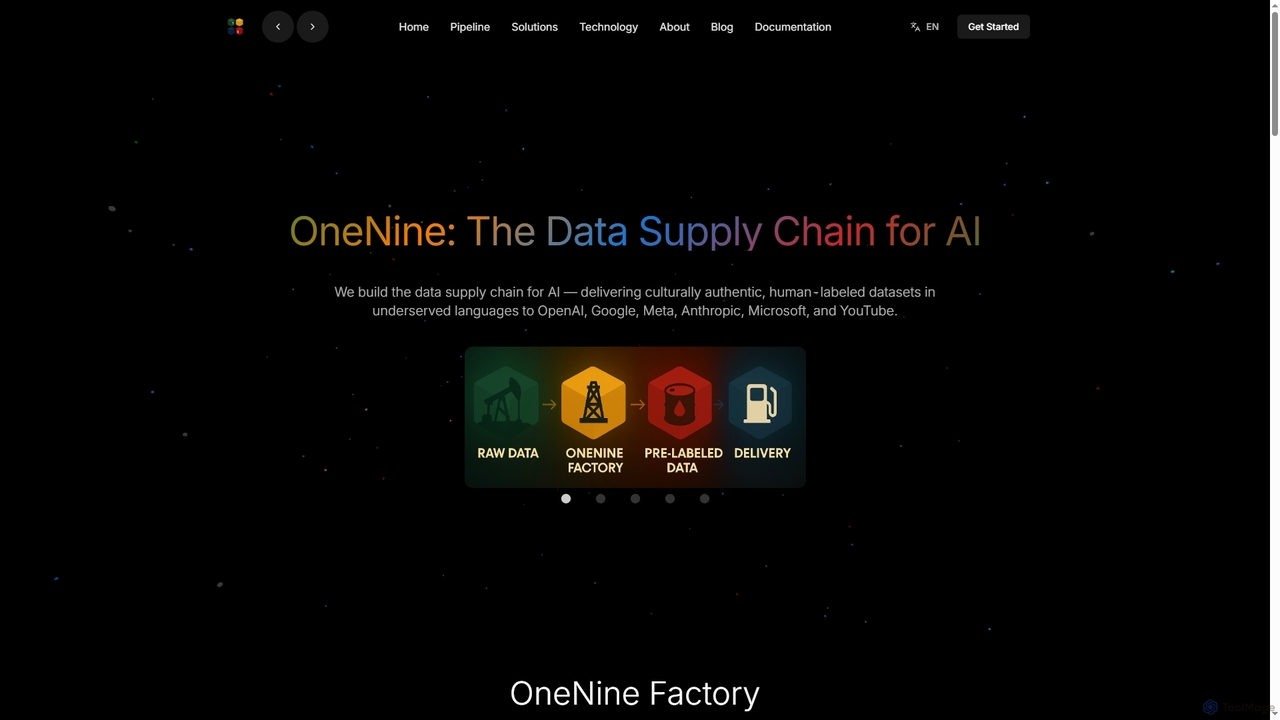
OneNine is the data supply chain for AI, specializing in delivering high-quality, culturally authentic, human-labeled datasets in underserved languages to leading AI companies. It bridges the linguistic gap, enabling more inclusive and accurate AI models globally.

Training Data
Visits 3.6KFavorites 125Likes 122

About Image Annotation

Image Annotation tools are specialized AI-powered platforms designed to label and categorize visual data, a foundational step for training robust computer vision models. These tools enable users to add metadata to images, such as bounding boxes, polygons, keypoints, or semantic segmentation masks, precisely defining objects, features, or regions of interest. By transforming raw visual information into structured, machine-readable formats, image annotation is indispensable for developing AI applications ranging from autonomous vehicles to medical diagnostics.

Core Features

  • Bounding Box Annotation: Drawing rectangular frames around objects to define their location and class.
  • Polygon & Segmentation Annotation: Creating precise, pixel-level outlines of irregular objects for detailed analysis.
  • Keypoint Annotation: Marking specific points on objects, often used for pose estimation or facial recognition.
  • Semantic Segmentation: Assigning a class label to every pixel in an image, providing a dense understanding of the scene.
  • Object Tracking Annotation: Labeling and tracking objects across multiple frames in a video sequence.

Applicable Scenarios

Image annotation is critical across various sectors. In autonomous driving, it's used to label vehicles, pedestrians, and road signs for perception systems. Healthcare leverages it for annotating medical scans to train AI for disease detection. Retail and e-commerce utilize it for product recognition, inventory management, and visual search capabilities.

How to Choose

When selecting an image annotation tool, consider the types of annotation required (e.g., bounding box, polygon, keypoint), the scalability for large datasets, and the quality control features. Evaluate collaboration capabilities for team projects, integration options with existing ML pipelines, and the pricing model. User interface intuitiveness and support for various image formats are also crucial factors.

Featured tool rankings

Image Annotation use cases

1

Training Autonomous Driving Systems

Automotive engineers and AI researchers use image annotation to label vast datasets of street scenes. This involves meticulously outlining vehicles, pedestrians, traffic signs, and lane markings with bounding boxes and semantic segmentation. The high-quality annotated data is then fed into deep learning models, enabling self-driving cars to accurately perceive and react to their environment, significantly enhancing safety and reliability.

2

Enhancing Medical Image Diagnosis

Medical professionals and AI developers utilize image annotation to highlight anomalies in medical scans like X-rays, MRIs, and CT scans. By precisely marking tumors, lesions, or other pathological features using polygon or segmentation tools, they create training data for AI models. These models can then assist radiologists and doctors in early disease detection, improving diagnostic accuracy and patient outcomes.

3

Automating Retail Inventory Management

Retailers and e-commerce platforms employ image annotation to identify and categorize products on shelves or in warehouses. Data annotators draw bounding boxes around individual items, labeling them with product names and SKUs. This annotated data trains computer vision systems to automatically monitor stock levels, ensure planogram compliance, and facilitate visual search, streamlining operations and reducing manual effort.

4

Developing Agricultural Crop Monitoring AI

Agricultural scientists and agritech companies use image annotation on drone or satellite imagery of fields. They label areas affected by pests, diseases, or nutrient deficiencies, often using polygon annotation for precise boundaries. This data trains AI models to detect and classify crop health issues early, allowing farmers to apply targeted treatments, optimize resource use, and improve yields.

5

Powering Industrial Quality Control

Manufacturing engineers and quality assurance teams apply image annotation to identify defects in manufactured goods. Using tools to mark cracks, scratches, misalignments, or missing components on product images, they build datasets for automated inspection systems. This enables AI-powered cameras to rapidly detect flaws on production lines, ensuring consistent product quality and reducing waste.

6

Analyzing Sports Performance & Player Tracking

Sports analysts and biomechanics researchers use image annotation to track athletes and objects in video footage. By annotating keypoints on players' bodies or drawing bounding boxes around balls across multiple frames, they generate data for AI models. These models can then analyze player movements, tactics, and ball trajectories, providing insights for coaching, strategy development, and injury prevention.

Image Annotation FAQ

What is Image Annotation?

Image annotation is the process of labeling or tagging images with specific metadata to make them understandable for machine learning models. This involves drawing shapes like bounding boxes, polygons, or keypoints around objects of interest and assigning descriptive labels. It's a fundamental step in preparing visual data for training computer vision AI, enabling tasks such as object detection, image classification, and semantic segmentation.

Why is Image Annotation crucial for AI development?

Image annotation is crucial because AI models, particularly in computer vision, learn by identifying patterns in vast amounts of labeled data. Without accurately annotated images, these models cannot effectively distinguish between different objects, understand their context, or perform tasks like object detection or image segmentation reliably. High-quality annotations directly translate to more accurate, robust, and reliable AI systems.

How does Image Annotation differ from Image Recognition?

Image Annotation and Image Recognition are distinct but related processes. Image Annotation is the human-driven or tool-assisted process of adding labels to images to create training data. Image Recognition, on the other hand, is the task performed by an AI model that has been trained on annotated data; it involves the model automatically identifying and classifying objects or patterns within new, unseen images. Annotation is the input, recognition is the output.

What are the common types of Image Annotation?

Common types of image annotation include: Bounding Box Annotation, where rectangular boxes are drawn around objects; Polygon Annotation, for precise outlining of irregular shapes; Keypoint Annotation, used to mark specific points on objects (e.g., joints, facial features); and Semantic Segmentation, which involves classifying every pixel in an image to delineate objects and their boundaries at a granular level. Each type serves different computer vision tasks.

Who typically uses Image Annotation tools?

Image annotation tools are primarily used by AI and Machine Learning engineers, data scientists, computer vision researchers, and data annotators. Industries such as autonomous driving, healthcare, retail, security, and agriculture heavily rely on these tools to prepare their visual datasets. Any organization or individual developing or improving AI models that process visual information will utilize image annotation.