Computer Vision Best in category 3 results Image Recognition AI Tool

Popular AI tools in the Image Recognition field of Computer Vision include Rekor、Ocular AI、QuickCount, etc., helping you quickly improve efficiency.

QuickCount

QuickCount

An AI-powered computer vision tool designed for instantly and accurately counting various objects from images. Ideal for inventory, …

3.8K
Ocular AI

Ocular AI

Ocular AI is an end-to-end platform for the multimodal AI era, enabling teams to ingest, curate, search, and …

7.0K
Rekor

Rekor

Rekor is an AI-powered roadway intelligence platform that collects, connects, and organizes global mobility data. It provides actionable …

21.1K

About Image Recognition

Image Recognition tools are a class of AI that automatically identify and categorize objects, people, places, text, and actions within digital images. These tools leverage deep learning models, primarily Convolutional Neural Networks (CNNs), to analyze visual data and assign relevant labels. Their primary value lies in transforming unstructured image data into structured, searchable information, enabling large-scale visual analysis and automation. As a core component of Computer Vision, Image Recognition focuses specifically on understanding and classifying the content of an image.

Core Features

  • Object & Scene Classification: Identifies the main subject (e.g., 'car', 'dog') and the overall context (e.g., 'beach', 'city street') of an image.
  • Facial Recognition: Detects and identifies human faces, often used for verification, tagging, or security purposes.
  • Optical Character Recognition (OCR): Extracts printed or handwritten text from images, converting it into machine-readable text data.
  • Brand & Logo Detection: Recognizes specific corporate logos or branded products within a visual scene.
  • Attribute Detection: Identifies specific characteristics of an object, such as color, material, or type (e.g., 'red t-shirt').

Use Cases

Image Recognition is widely applied across various industries. In e-commerce, it powers visual search and automatic product tagging. Social media platforms use it for content moderation and photo organization. In healthcare, it assists in analyzing medical scans like X-rays and MRIs. Other common applications include security surveillance, autonomous vehicle systems, and digital asset management.

How to Choose

When selecting an Image Recognition tool, consider several factors. Evaluate its accuracy and precision for your specific use case. Assess the breadth of its recognition categories and whether it supports custom model training. For developers, the quality of API documentation, response time, and scalability are critical. Finally, analyze the pricing model—whether it's based on per-call, subscription, or a tiered system—to ensure it aligns with your budget and usage volume.

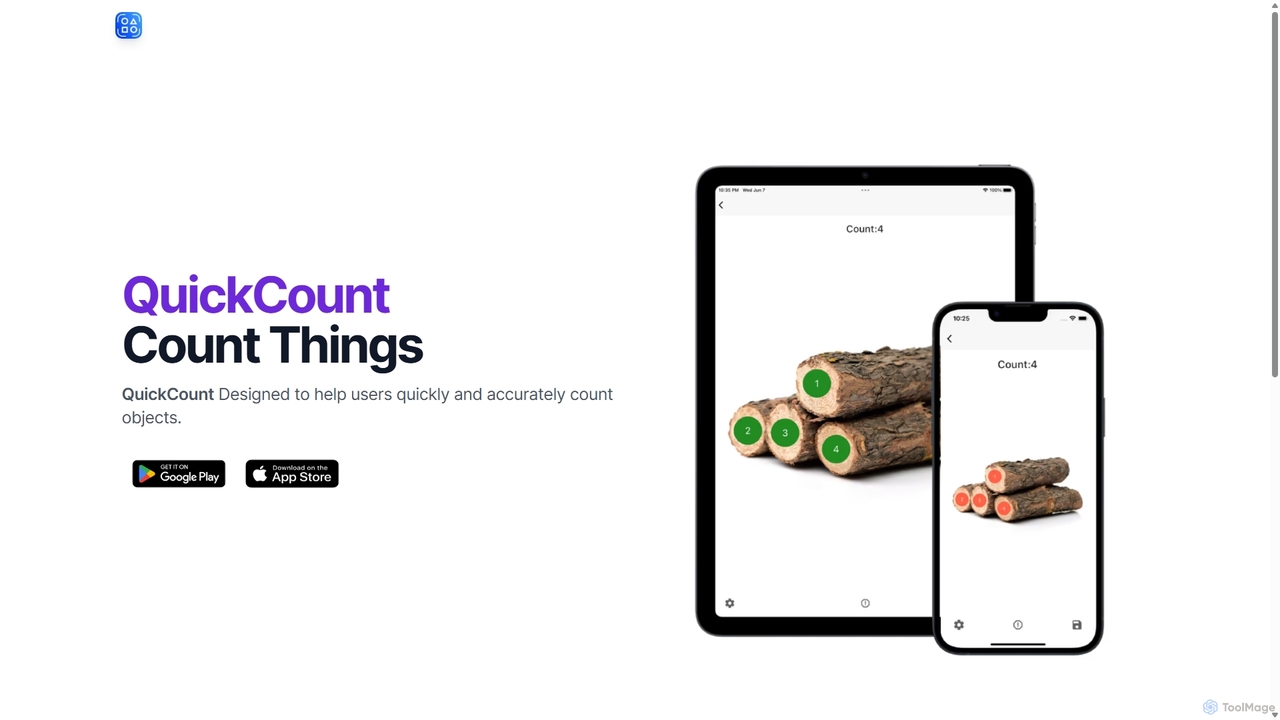
Image RecognitionUse Cases

1

Automated Product Tagging for E-commerce

An e-commerce manager needs to improve product discoverability across a catalog of thousands of items. By integrating an image recognition API, every new product image is automatically scanned. The tool identifies attributes like 'long-sleeve shirt', 'blue', 'cotton', and 'floral pattern', and generates these as searchable tags. This process eliminates hours of manual data entry, reduces human error, and significantly enhances the customer's ability to find specific products through filtered search.

2

Social Media Content Moderation

A social media platform needs to enforce its community guidelines by identifying and removing inappropriate content at scale. They use an image recognition service to analyze every user-uploaded image in real-time. The AI is trained to detect specific categories such as violence, adult content, and hate symbols. When a potential violation is detected, the image is automatically flagged for review by a human moderator or removed, ensuring a safer online environment and reducing the moderation team's workload.

3

Organizing a Digital Asset Library

A corporate marketing team manages a library with tens of thousands of photos from events, campaigns, and product shoots. Finding a specific image is time-consuming. By using an image recognition tool, the entire library is processed and automatically tagged with keywords related to objects, people, text (like banners), and brand logos present in each photo. Now, a marketer can simply search for 'CEO speaking at 2023 conference' or 'red logo on building' to instantly retrieve relevant images, saving significant time and improving workflow efficiency.

4

Digitizing Invoices with OCR

An accounting department receives hundreds of paper invoices weekly, requiring manual data entry into their financial software. They implement an image recognition tool with Optical Character Recognition (OCR) capabilities. Staff now scan the invoices, and the software automatically extracts key information such as invoice number, vendor name, date, and total amount. This data is then populated directly into the accounting system, drastically reducing manual labor, minimizing data entry errors, and accelerating the payment processing cycle.

5

Facial Recognition for Secure Access

A technology company wants to enhance its office security beyond traditional key cards. They install a system at the main entrance that uses facial recognition. Employees register their faces in the system once. Upon arrival, a camera captures their face, the AI verifies their identity against the authorized database in milliseconds, and unlocks the door. This provides a seamless, touchless entry experience, improves security by preventing unauthorized access from lost or stolen cards, and creates a log of who entered and when.

6

Analyzing Customer Behavior in Retail

A retail chain uses cameras and image recognition to understand in-store customer behavior. The system anonymously identifies foot traffic patterns, tracks which aisles are most popular, and measures dwell time in front of specific product displays. This data provides valuable insights into store layout effectiveness and product placement. Management can then make data-driven decisions to optimize the store design, improve product visibility, and ultimately enhance the shopping experience and increase sales, all while respecting customer privacy.

Image RecognitionFrequently Asked Questions