

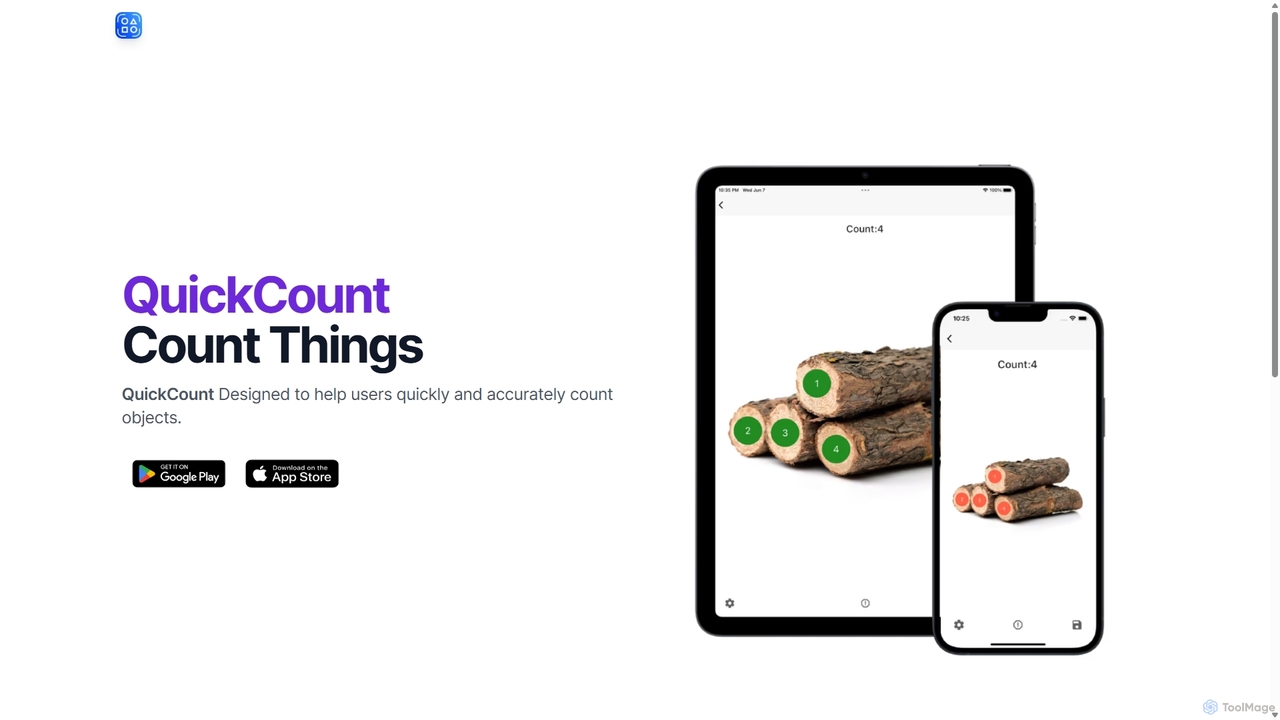
QuickCount Overview
QuickCount is a cutting-edge AI tool that leverages advanced computer vision technology to provide fast, accurate, and effortless object counting. Designed for professionals across various industries, this application transforms the tedious and error-prone task of manual counting into a seamless digital process. By simply using a photo, users can count hundreds of objects in a matter of seconds, significantly boosting productivity and ensuring data accuracy. Whether you're managing warehouse inventory, assessing construction materials, estimating crop yields, or analyzing lab samples, QuickCount offers a reliable and efficient solution.
The platform is built with simplicity in mind, featuring an intuitive interface that requires no technical expertise. It supports a growing library of object types, and the development team is continuously expanding its capabilities to cater to more diverse use cases. The ability to save and share statistical results makes it easy to document findings, collaborate with teams, and maintain accurate records for audits or analysis.
How to use QuickCount
Using QuickCount is a straightforward, three-step process designed for maximum efficiency:
- Capture or Upload an Image: Open the application and either take a new photo of the objects you need to count using your device's camera or upload an existing image from your gallery. For best results, ensure the image is clear and well-lit, with objects distinctly visible.
- Select Object Type and Count: The AI will automatically process the image. Depending on the version, you may need to select the type of object you wish to count from a predefined list. The AI then instantly identifies and highlights each instance of the specified object, displaying a total count on the screen.
- Save and Share Results: Once the count is complete, you can review the results. The application allows you to save the annotated image or export the count data. This file can be easily shared with colleagues, stored for records, or used in reports.
Core Features of QuickCount
- Instant AI-Powered Counting: Utilizes sophisticated computer vision algorithms to count hundreds of objects in a single image within seconds.
- High Accuracy: Drastically reduces the human error associated with manual counting, providing consistent and reliable results every time.
- Multiple Object Support: Capable of identifying and counting a wide variety of objects, with continuous updates to expand its recognition library for different industries.
- User-Friendly Interface: Designed for simplicity and ease of use, allowing anyone to perform complex counting tasks without prior training.
- Result Export and Sharing: Easily save your counting results as annotated images or data files, and share them via email or other platforms for seamless collaboration and record-keeping.
- Cloud Synchronization (Pro Feature): Save your count history and access it from any device, ensuring your data is always secure and available.
Use Cases for QuickCount
QuickCount is a versatile tool applicable in numerous professional fields:
- Inventory and Warehouse Management: Quickly count boxes, bottles, cans, or other stock items on shelves or pallets, streamlining stock-taking and audits.
- Construction and Engineering: Count building materials on-site, such as pipes, bricks, rebar, or structural components, to manage resources and verify deliveries.
- Agriculture: Estimate crop yields by counting fruits on trees, plants in a field, or livestock in a pen from a photo or drone imagery.
- Manufacturing: Perform quality control checks by counting finished products, components on an assembly line, or defects.
- Scientific Research: Accelerate data collection by counting cells under a microscope, bacterial colonies in a petri dish, or other biological samples.
- Retail Management: Conduct quick inventory checks of merchandise on display without manual handling.
Advantages of QuickCount
By automating the counting process, QuickCount offers significant advantages:
- Time Efficiency: Reduces counting time from hours to seconds, freeing up valuable human resources for more critical tasks.
- Cost Reduction: Lowers operational costs by minimizing the labor required for manual inventory and asset tracking.
- Enhanced Accuracy: Eliminates guesswork and manual errors, leading to more reliable data for decision-making, planning, and financial reporting.
- Improved Safety: Allows for counting materials in hard-to-reach or hazardous areas without physical intervention.
- Digital Record-Keeping: Creates an easily accessible digital trail of counts, simplifying audits and historical analysis.
Pricing and Plans
While specific pricing is not detailed on the website, QuickCount is expected to operate on a freemium model, providing options for different levels of usage:
- Free Plan: Ideal for individuals or small-scale use, offering a limited number of counts per month with access to basic object categories.
- Professional Plan: Aimed at professionals and businesses with regular counting needs, this plan would offer a higher count limit, access to a wider range of object categories, and priority customer support.
- Enterprise Plan: A custom solution for large organizations, potentially including unlimited counts, API access for integration with existing systems (like ERP or WMS), custom object model training, and dedicated support.
For detailed and up-to-date pricing information, users are encouraged to contact the support team at [email protected].
Traffic
Latest traffic
Status
Monthly traffic trend
- 2025-9: 1.8K
- 2026-1: 1.7K
- 2026-2: 1.4K
- 2026-3: 1.0K
- 2026-4: 1.4K
- 2026-5: 1.9K
Geography
Top 5 countries / regions
- 🇺🇸United States43.6%
- 🇩🇪Germany33.1%
- 🇹🇷Türkiye17.1%
- 🇹🇭Thailand6.1%
Top keywords
| Keyword | Cost per click |
|---|---|
| auto counting object online | $0.00 |
| count items | $0.00 |
| count things | $0.00 |
| countthings | $0.00 |
| quick counter | $0.00 |
QuickCount Alternatives

standardretail
standardretail is an AI-powered platform for e-commerce and retail businesses. It leverages machine learning to optimize inventory management, forecast sales trends, analyze customer behavior, and automate personalized marketing campaigns. The tool helps retailers streamline operations, reduce costs, and increase revenue by providing data-driven insights and actionable recommendations.
Inventory Management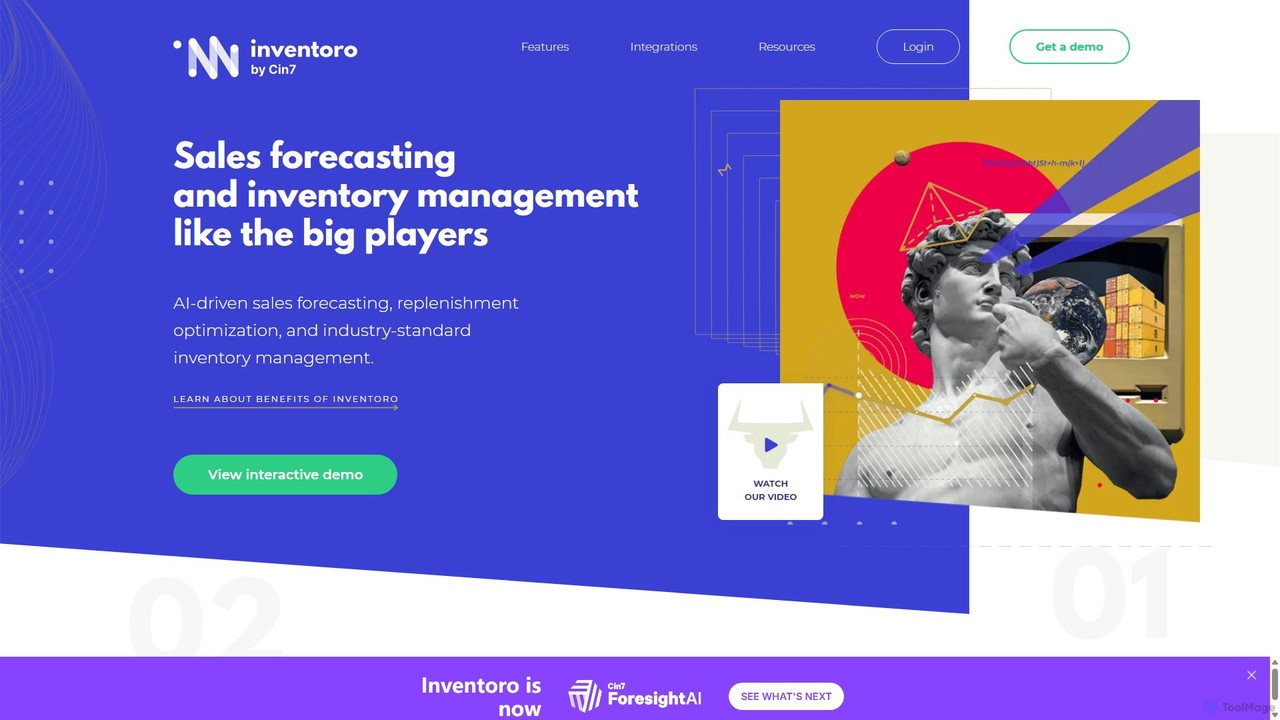
Inventoro
Inventoro is an AI-powered inventory management platform designed for SMEs. It provides smart sales forecasting and replenishment optimization to help businesses reduce inventory, increase revenue, and improve product availability. By analyzing historical sales data, Inventoro automates ordering processes, saving time and freeing up cash flow for growth.
Inventory Management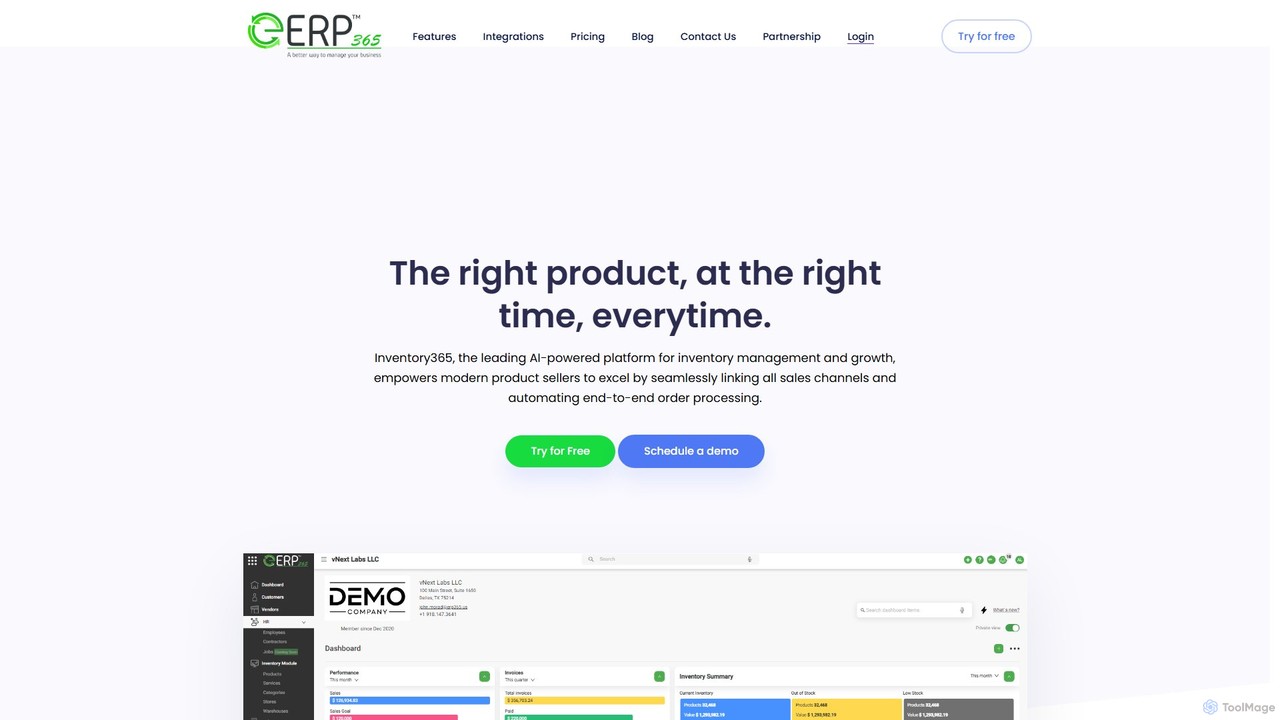
Inventory365
Inventory365 is a leading AI-powered inventory management platform for modern e-commerce and retail businesses. It centralizes operations by integrating all sales channels like Shopify and Amazon into a single dashboard. The system automates end-to-end order processing, provides real-time inventory visibility, and uses machine learning for accurate demand forecasting to prevent stockouts, optimize stock levels, and increase profitability.
E Commerce
Logistify
Logistify is an AI-powered assistant designed for supply chain and logistics managers. It deploys specialized AI agents to automate the entire lead-to-cash cycle, from demand forecasting and lead generation to sales order entry, inventory management, and procurement. By integrating seamlessly with existing ERP, WMS, and IMS systems, Logistify eliminates manual data entry, reduces errors, and frees up teams to focus on strategic growth.
Supply Chain Management
Moondream
Moondream is a powerful, open-source visual language model (VLM) that is incredibly lightweight and fast. With a tiny 1GB footprint, it runs anywhere from edge devices to laptops. It allows developers to understand images through simple text prompts for tasks like captioning, object detection, OCR, and visual Q&A, without needing complex training or heavy infrastructure. It's designed for simplicity, versatility, and affordability.
Language ModelsQuickCount Categories
QuickCount Jobs
QuickCount Embed Widget
Copy this embed code to place the badge on your blog, article, or product site and send readers directly to this ToolMage detail page.

Related AI tools
Logistify
Logistify is an AI-powered assistant designed for supply chain and logistics managers. It deploys specialized AI agents to automate the entire lead-to-cash cycle, from demand forecasting and lead generation to sales order entry, inventory management, and procurement. By integrating seamlessly with existing ERP, WMS, and IMS systems, Logistify eliminates manual data entry, reduces errors, and frees up teams to focus on strategic growth.
Supply Chain Management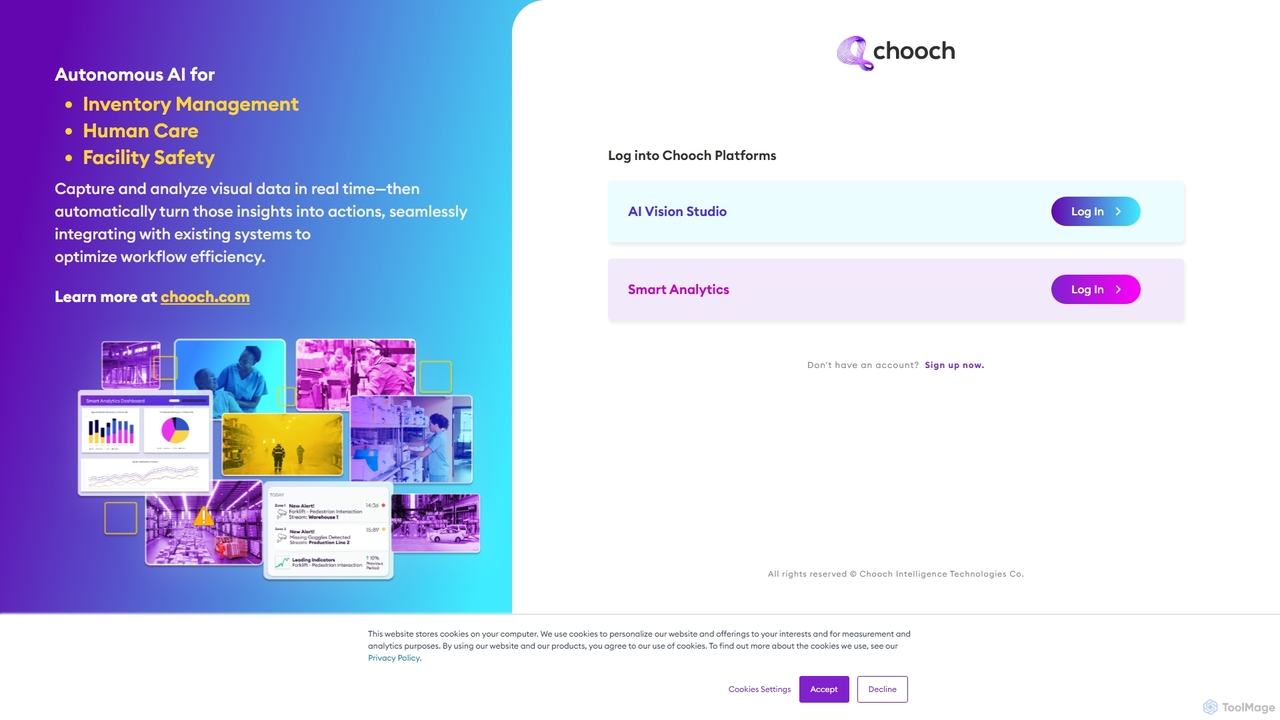
Chooch
Chooch is an advanced AI computer vision platform that enables real-time analysis of visual data from any camera source. It specializes in autonomous solutions for inventory management, facility safety, and human care. The platform allows users to build, train, and deploy custom AI models to detect objects, actions, and anomalies, seamlessly integrating with existing systems to automate workflows and enhance operational efficiency.
Workflow AutomationMoondream
Moondream is a powerful, open-source visual language model (VLM) that is incredibly lightweight and fast. With a tiny 1GB footprint, it runs anywhere from edge devices to laptops. It allows developers to understand images through simple text prompts for tasks like captioning, object detection, OCR, and visual Q&A, without needing complex training or heavy infrastructure. It's designed for simplicity, versatility, and affordability.
Language Models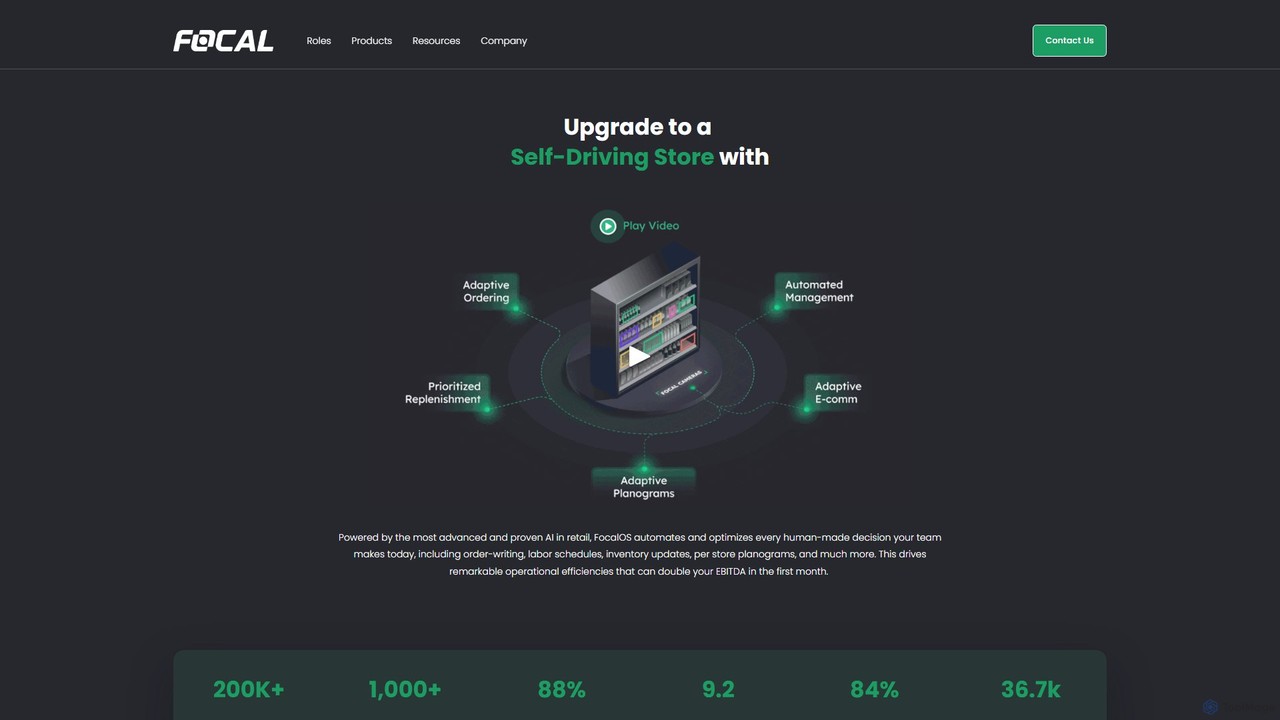
Focal Systems
Focal Systems provides FocalOS, an AI-powered operating system that transforms physical retail stores into "Self-Driving Stores." By using computer vision cameras to digitize shelves hourly, it automates and optimizes inventory management, ordering, labor scheduling, and more. This leads to significant increases in operational efficiency, a dramatic reduction in food waste, and a substantial boost in EBITDA for retailers.
Retail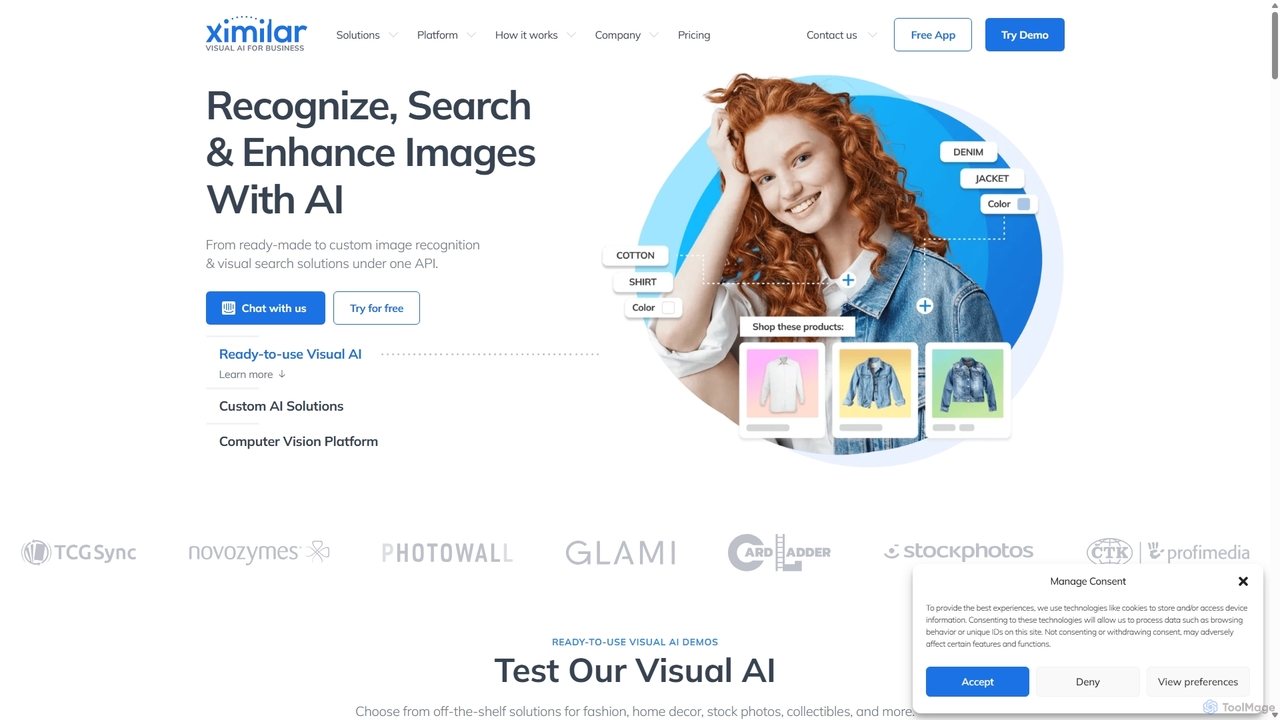
Ximilar
Ximilar is a comprehensive visual AI platform offering advanced image recognition, visual search, and object detection solutions through a single API. It empowers businesses to build and deploy custom computer vision models without coding, catering to industries like e-commerce, fashion, collectibles, and stock photography.
Image Recognition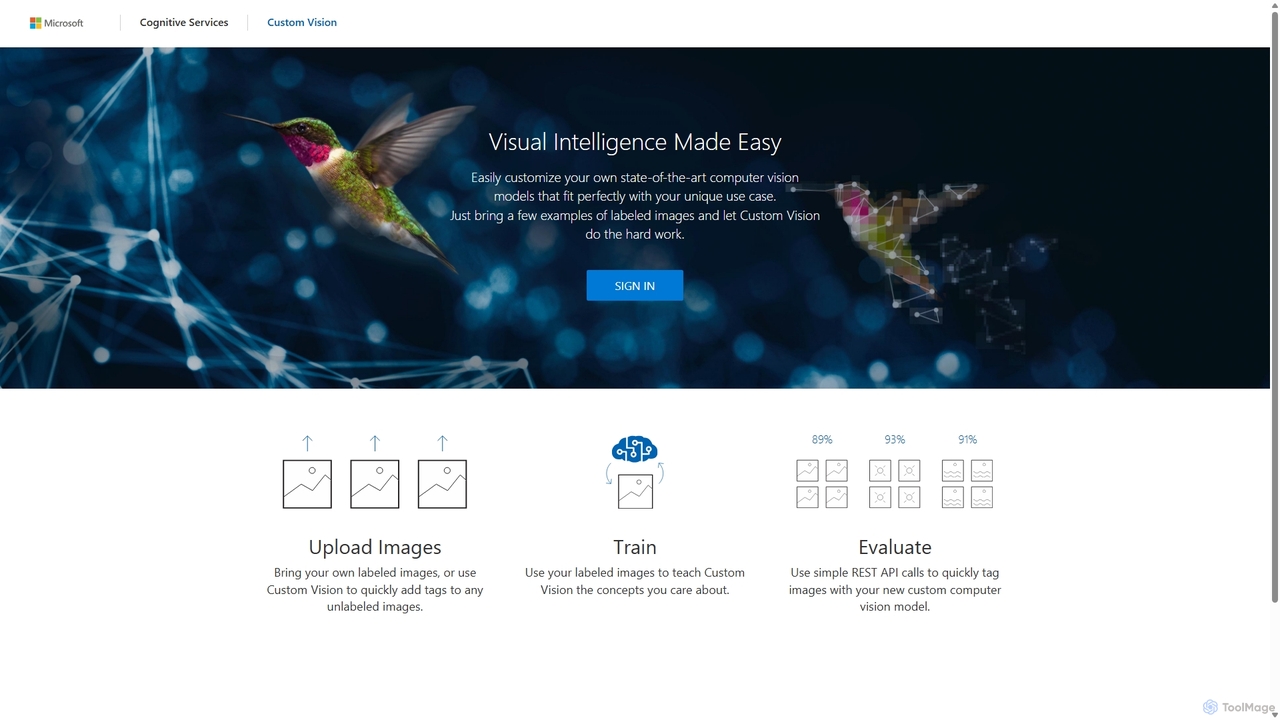
Custom Vision
An AI service from Microsoft Azure that allows you to build, deploy, and improve your own custom image classifiers and object detectors. Easily create state-of-the-art computer vision models tailored to your specific needs with a user-friendly interface and a powerful REST API, no deep machine learning expertise required.
Machine Learning
Dimestore
Dimestore is a modern, all-in-one store management solution for retailers and business owners. It streamlines operations by integrating sales processing, real-time inventory tracking, staff management, customer data, and expense reporting into a single, easy-to-use platform. Designed for efficiency, it offers powerful analytics and supports thermal printing, with an upcoming AI-powered assistant to further enhance productivity.
Retail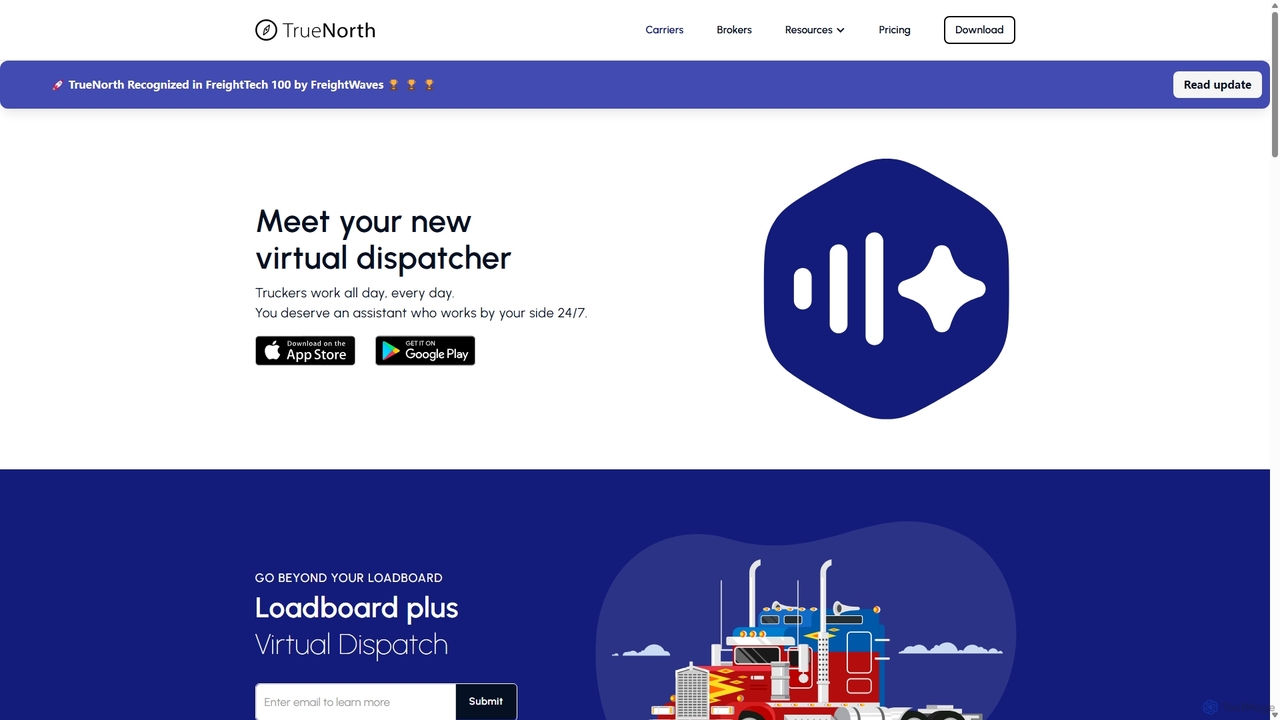
TrueNorth
TrueNorth is an AI-powered operating system for the trucking industry, featuring an intelligent loadboard and virtual dispatch service. It connects carriers with exclusive, high-paying loads and helps brokers cover freight faster by automating carrier outreach and matching. It's designed to optimize profitability and efficiency for both owner-operators and freight brokers.
Operations Management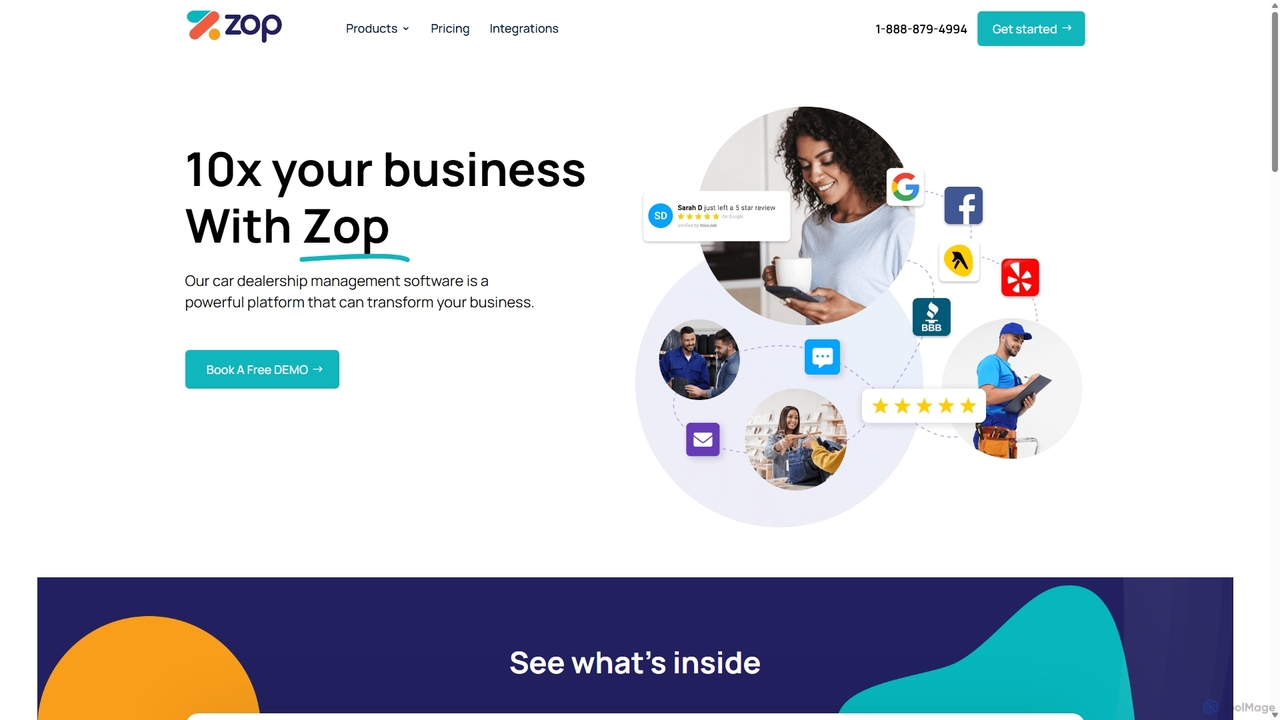
Zopmedia
Zopmedia is an all-in-one software platform for car dealerships, providing an end-to-end solution for managing inventory, sales, marketing, and customer relationships. It integrates a website builder, a powerful Dealership Management System (DMS), CRM, inventory syndication, and social media automation to streamline operations, increase visibility, and drive business growth for auto dealers.
Dealership Management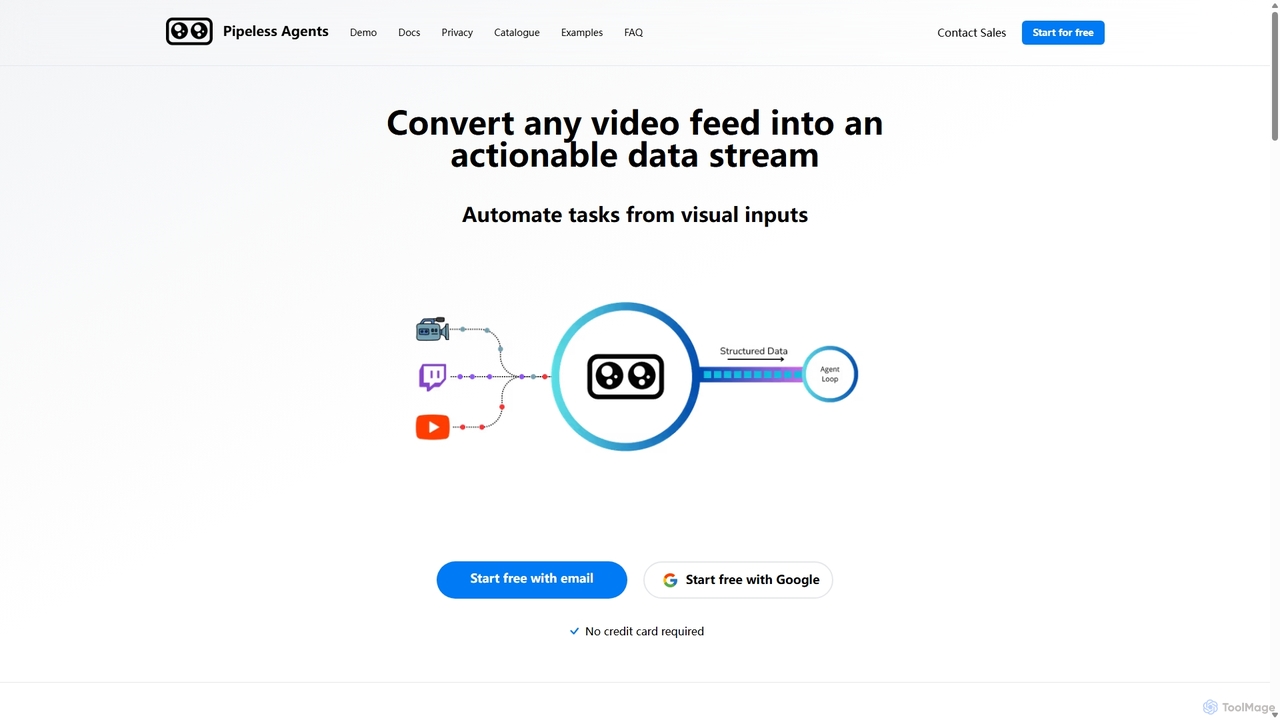
Pipeless Agents
Pipeless Agents is a serverless platform for Vision AI that transforms any video feed into a structured, actionable data stream. It enables developers and businesses to automate tasks based on visual inputs with minimal code. The platform offers pre-built agents for common use cases like security monitoring, retail analytics, and industrial safety, while also providing the flexibility to build custom solutions. It emphasizes privacy with features like real-time processing, end-to-end encryption, and on-premise deployment options.
Computer Vision
DefinedCrowd
DefinedCrowd is a leading provider of high-quality AI training data. It leverages a global crowd to collect, annotate, and enrich data for machine learning models, specializing in speech, NLP, and computer vision. It offers a fully managed service to help companies build robust and unbiased AI applications at scale.
Machine Learning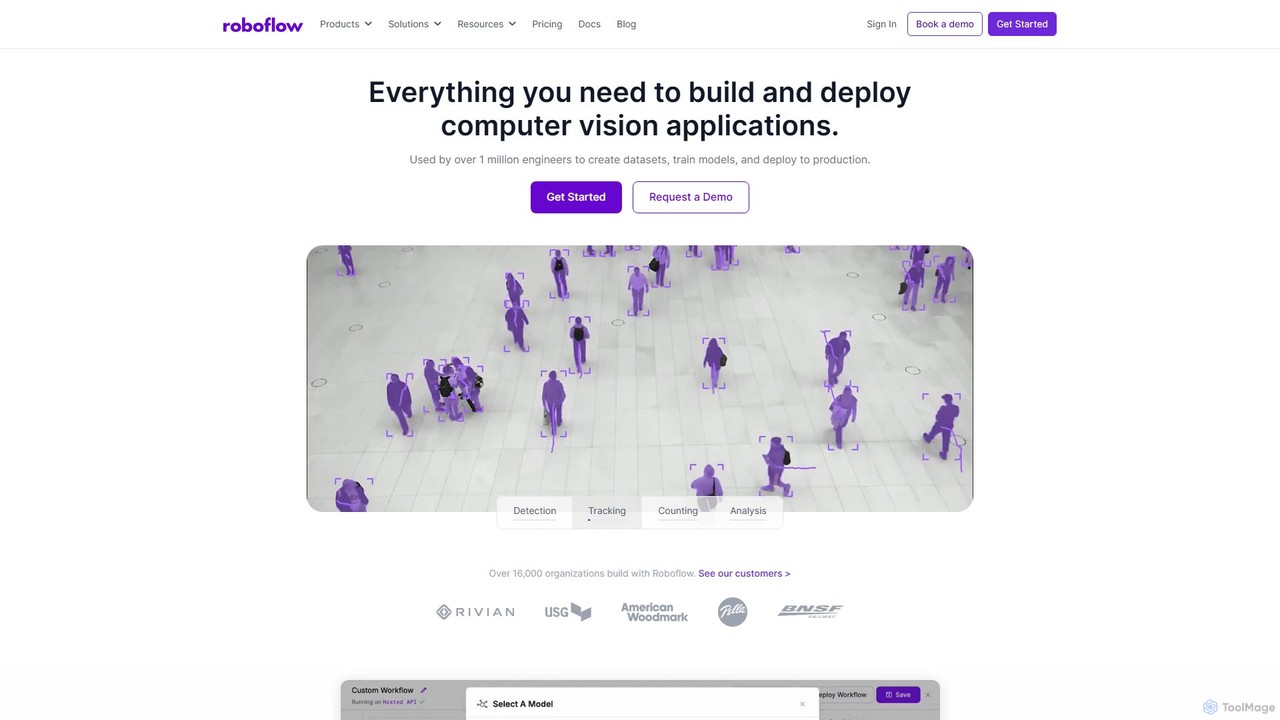
Roboflow
Roboflow is an end-to-end computer vision platform for developers and enterprises. It provides a comprehensive suite of tools to build, train, and deploy computer vision models at scale. From dataset creation and collaborative labeling to one-click model training and deployment to cloud or edge devices, Roboflow streamlines the entire MLOps lifecycle for vision AI, empowering over a million engineers to give their software the sense of sight.
Data Labeling
Ultralytics
Ultralytics is a leading Vision AI company, creators of the world-renowned YOLO (You Only Look Once) models. They provide a comprehensive ecosystem, including the open-source YOLOv8 framework and the Ultralytics HUB, a no-code platform for training and deploying AI models.
Machine Learning
Flexport
Flexport is a technology-driven logistics and supply chain platform that digitizes global trade. It offers a unified, cloud-based solution for managing the entire supply chain, from factory to customer door. Services include ocean and air freight, trucking, customs brokerage, and fulfillment, all powered by a platform that provides real-time visibility, data analytics, and collaboration tools to optimize logistics.
Supply Chain Management
Playment
Playment is an enterprise-grade data solutions platform, now part of TELUS International. It specializes in providing high-quality, human-annotated data for training and validating AI and machine learning models. Leveraging a global community of over one million contributors, Playment offers services like data collection, annotation, and validation for computer vision, NLP, and generative AI, ensuring speed, scale, and precision for ambitious AI projects.
Model Training
QuickCount Comments (0)
Sign in to comment.
Sign inNo comments yet.