ToolMage
Sign in

Best 11 Computer Vision AI tools for Developer Tools

Popular Computer Vision AI tools in Developer Tools include Roboflow, Moondream, Visage Technologies, Tryolabs, RSIP Vision, VisionLabs, Bethge Lab, ezML, Segment Anything, and Syntaccx, helping you work more efficiently.

Syntaccx
Freemium

Syntaccx

An all-in-one, no-code computer vision platform that generates synthetic training data from CAD/3D models. It enables users to create, train, and deploy robust AI vision models in minutes, significantly reducing costs and development time without requiring deep expertise.

Modeling
Visits 6.4KFavorites 167Likes 155
Pipeless Agents
Freemium

Pipeless Agents

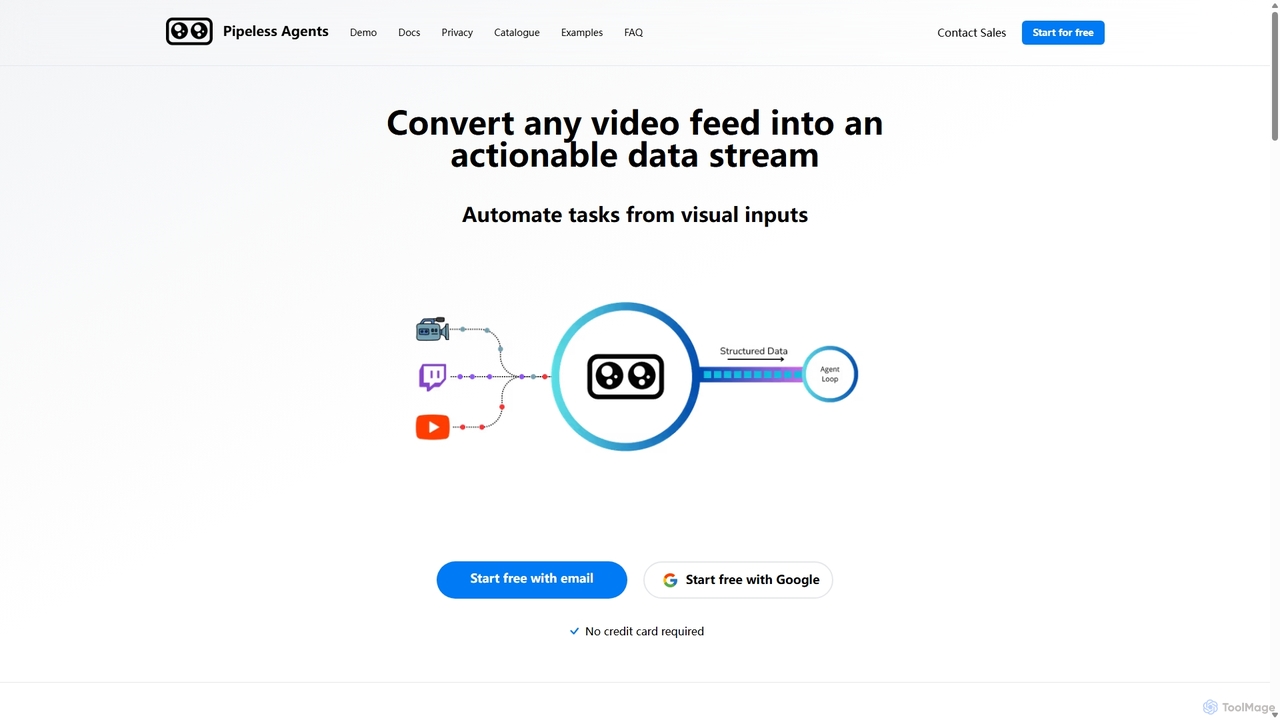
Pipeless Agents is a serverless platform for Vision AI that transforms any video feed into a structured, actionable data stream. It enables developers and businesses to automate tasks based on visual inputs with minimal code. The platform offers pre-built agents for common use cases like security monitoring, retail analytics, and industrial safety, while also providing the flexibility to build custom solutions. It emphasizes privacy with features like real-time processing, end-to-end encryption, and on-premise deployment options.

Computer Vision
Visits 6.4KFavorites 144Likes 131
VisionLabs

VisionLabs

VisionLabs is a world-leading developer of enterprise-grade computer vision and machine learning solutions. Specializing in face, object, and vehicle recognition, their platform offers top-ranked algorithms for industries like finance, security, transport, and retail. Key products include LUNA PLATFORM for comprehensive recognition and LUNA ID for mobile biometric verification.

Platform
Visits 14.8KFavorites 155Likes 130
Tryolabs

Tryolabs

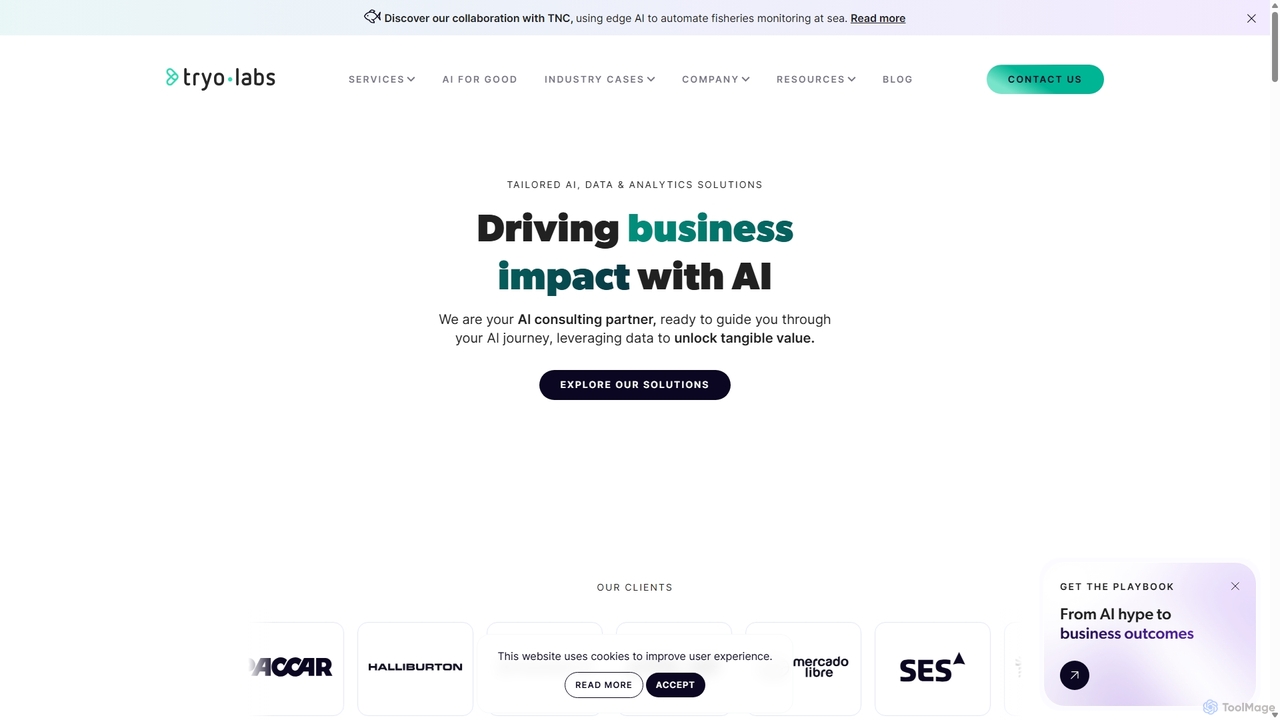
Tryolabs is a premier AI and Machine Learning consulting firm that partners with businesses to create custom, high-impact solutions. Since 2009, they have specialized in data engineering, video analytics, predictive modeling, and MLOps, transforming complex data into tangible business value and competitive advantages for leading enterprises.

Consulting
Visits 22.6KFavorites 143Likes 131
Segment Anything
Free

Segment Anything

Segment Anything (SAM) is a groundbreaking AI model from Meta AI for image segmentation. It can identify and "cut out" any object in any image with a single click or prompt. Featuring zero-shot generalization, SAM understands objects without prior specific training, making it incredibly versatile for researchers, developers, and creators in computer vision, image editing, and data annotation.

Data Annotation
Visits 6.5KFavorites 153Likes 154
Moondream
Freemium

Moondream

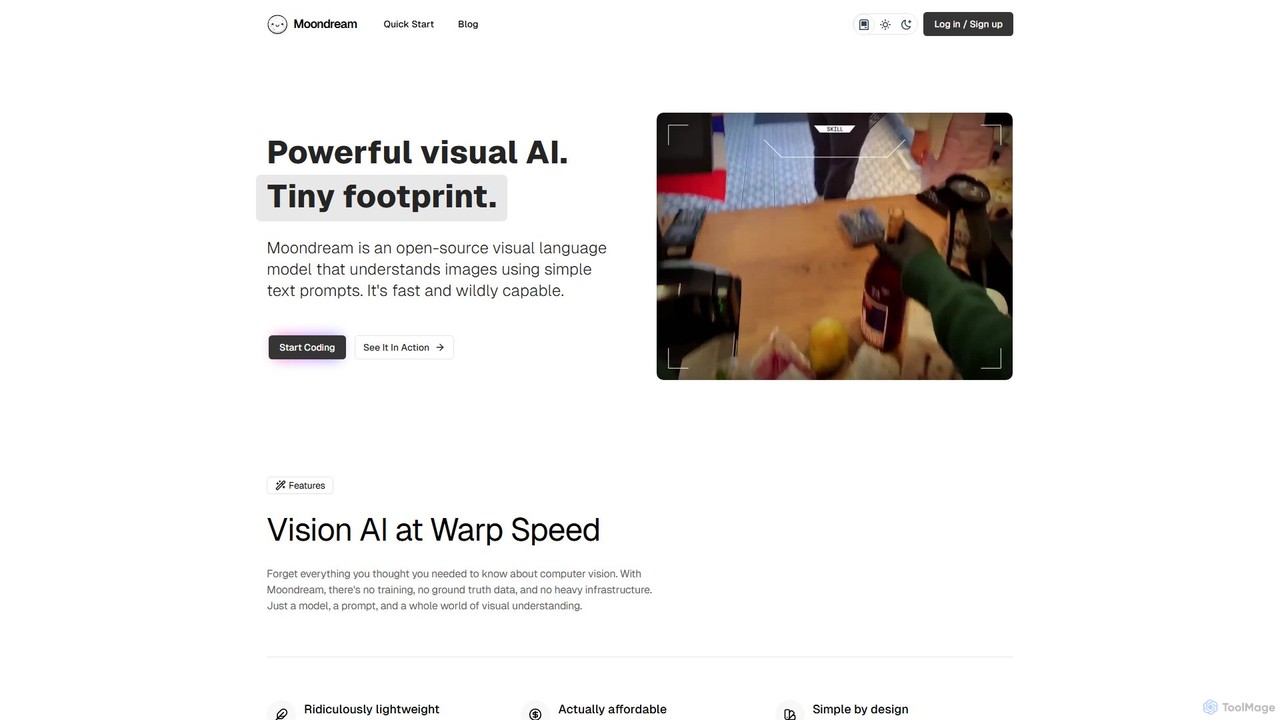
Moondream is a powerful, open-source visual language model (VLM) that is incredibly lightweight and fast. With a tiny 1GB footprint, it runs anywhere from edge devices to laptops. It allows developers to understand images through simple text prompts for tasks like captioning, object detection, OCR, and visual Q&A, without needing complex training or heavy infrastructure. It's designed for simplicity, versatility, and affordability.

Language Models
Visits 78.1KFavorites 154Likes 159
Bethge Lab
Free

Bethge Lab

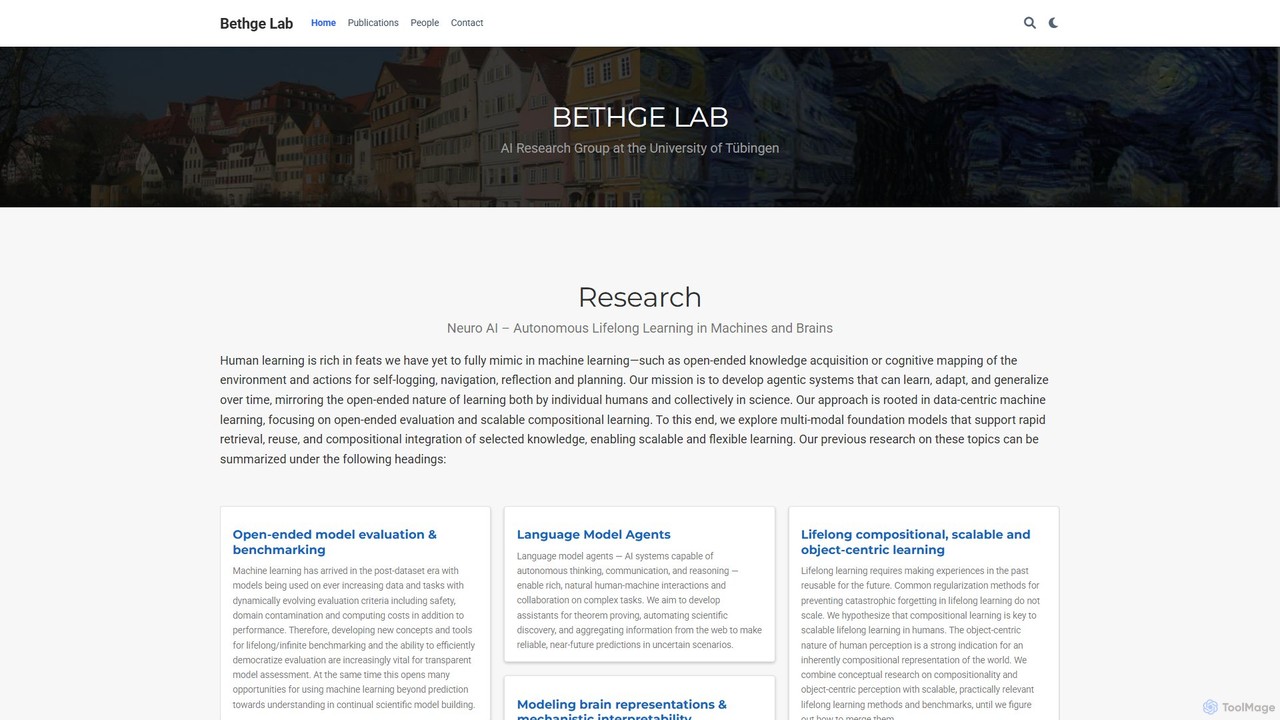
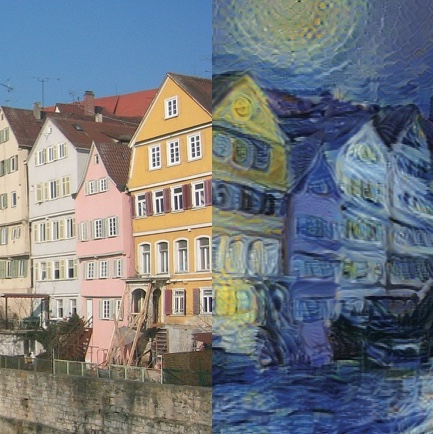
Bethge Lab is a leading AI research group at the University of Tübingen, focusing on the intersection of computational neuroscience and machine learning. It aims to develop agentic AI systems capable of autonomous, lifelong learning by drawing inspiration from the human brain. The lab produces open-source models, datasets, and pioneering research.

Datasets
Visits 10KFavorites 135Likes 129
ezML
Paid

ezML

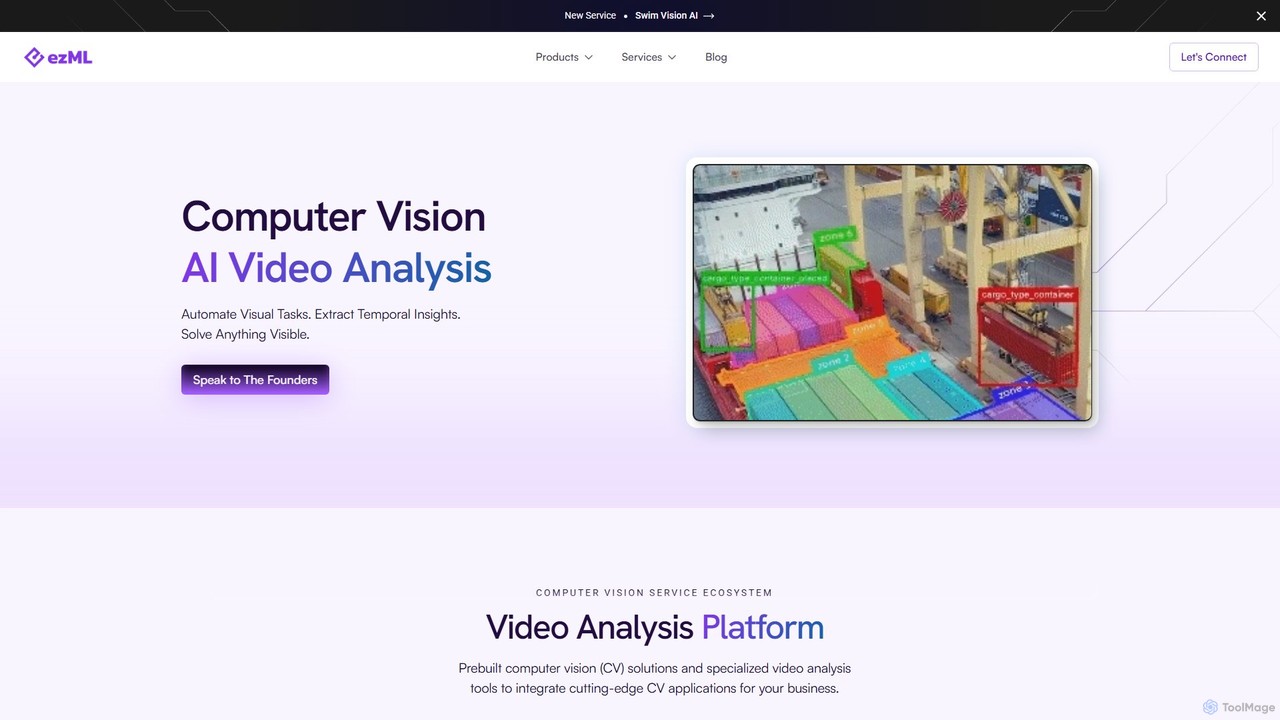
ezML is an enterprise-grade computer vision platform specializing in advanced video analysis. It offers a suite of tools including pre-built models, multi-modal search, synthetic data generation, and custom CV solutions. With a strong focus on sports analytics, like its Swim Vision AI, ezML helps businesses automate visual tasks, extract deep insights from video data, and deploy high-performance, scalable CV applications.

Data Generation
Visits 8.5KFavorites 129Likes 142
Visage Technologies
Paid

Visage Technologies

Visage Technologies provides advanced, high-performance computer vision solutions, specializing in face tracking, analysis, and recognition SDKs. With over 20 years of expertise, they offer custom AI development and edge AI optimization for industries like automotive, security, retail, and healthcare.

Sdk & Api
Visits 66.1KFavorites 161Likes 153
RSIP Vision

RSIP Vision

RSIP Vision is a world-class leader in providing custom AI and computer vision R&D solutions for medical imaging. With over 25 years of experience, they partner with medical device companies to develop innovative, clinically-proven software for diagnostics, surgical guidance, and image analysis across various medical fields.

Image Analysis
Visits 16.2KFavorites 145Likes 130
Roboflow
Freemium

Roboflow

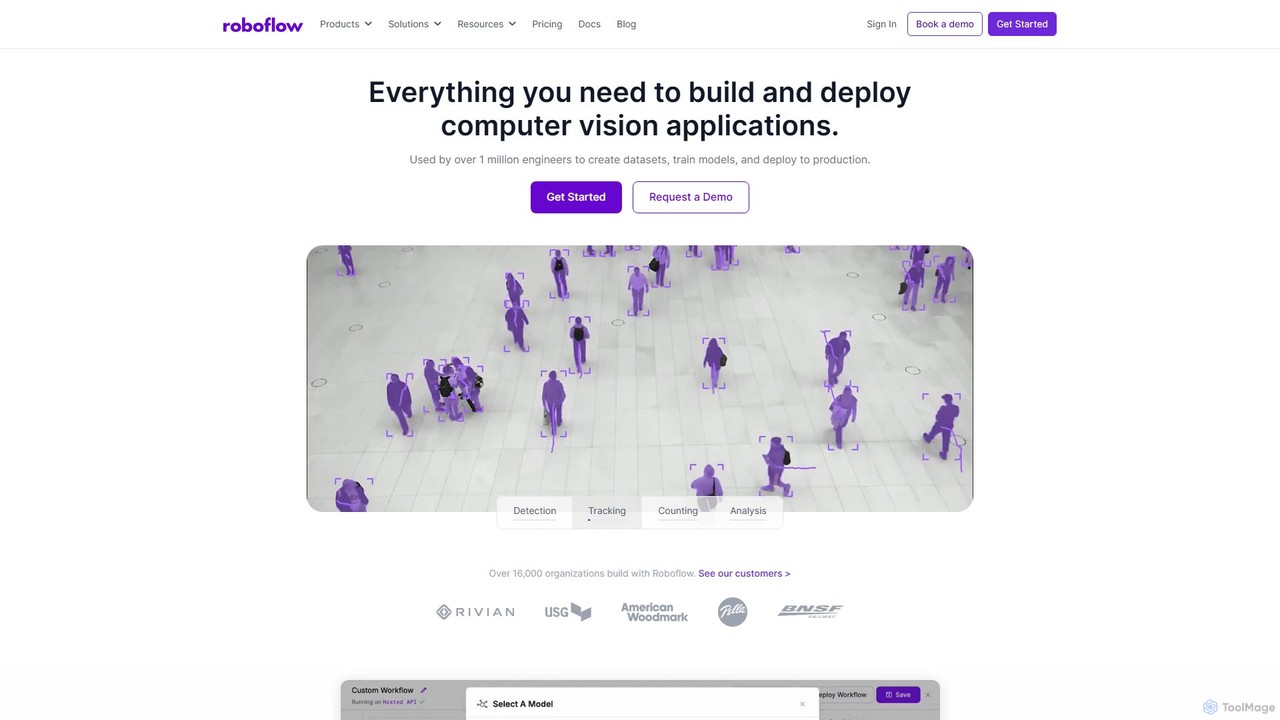
Roboflow is an end-to-end computer vision platform for developers and enterprises. It provides a comprehensive suite of tools to build, train, and deploy computer vision models at scale. From dataset creation and collaborative labeling to one-click model training and deployment to cloud or edge devices, Roboflow streamlines the entire MLOps lifecycle for vision AI, empowering over a million engineers to give their software the sense of sight.

Data Labeling
Visits 1.4MFavorites 146Likes 154

About Computer Vision

Computer Vision tools are AI-powered platforms and APIs that enable computers to interpret and understand visual information from images and videos. These tools leverage advanced machine learning algorithms to perform tasks such as object detection, facial recognition, and scene understanding. They provide developers with the capabilities to automate visual data analysis, extract meaningful insights, and build intelligent applications that interact with the physical world.

Core Features

  • Object Detection: Identifies and locates specific objects within an image or video frame.
  • Image Recognition: Classifies images based on their content, recognizing scenes, objects, and activities.
  • Facial Recognition: Detects and identifies human faces, often used for authentication or demographic analysis.
  • Optical Character Recognition (OCR): Extracts text from images, converting scanned documents or photos into editable data.
  • Semantic Segmentation: Divides an image into segments, assigning a class label to each pixel for detailed scene understanding.

Applicable Scenarios

Computer Vision tools are crucial for industries requiring automated visual inspection, content analysis, and intelligent automation. They are widely used in manufacturing for quality control, in retail for inventory management and customer analytics, and in healthcare for diagnostic assistance and medical image analysis.

How to Choose

When selecting a Computer Vision tool, consider its accuracy and robustness across diverse datasets, the flexibility and ease of integration via APIs or SDKs, scalability to handle large volumes of data, and the specific features offered (e.g., real-time processing, custom model training). Evaluate pricing models and community support for long-term viability.

Featured tool rankings

Computer Vision use cases

1

Automated Quality Control in Manufacturing

Manufacturing engineers deploy Computer Vision tools on production lines to automatically inspect products for defects, anomalies, or missing components. By analyzing high-speed camera feeds, the system can identify imperfections with greater consistency and speed than human inspectors, reducing errors and ensuring product quality before items leave the factory.

2

Retail Shelf Monitoring and Inventory Management

Retail store managers and merchandisers utilize Computer Vision to monitor product placement, stock levels, and planogram compliance on shelves in real-time. Cameras capture shelf images, and CV algorithms identify out-of-stock items, misplaced products, or incorrect pricing, enabling rapid restocking and optimizing store operations without manual checks.

3

Medical Image Analysis for Diagnostics

Healthcare professionals and researchers integrate Computer Vision tools to assist in the analysis of medical images such as X-rays, MRIs, and CT scans. These tools can highlight suspicious areas, detect early signs of diseases like tumors or lesions, and quantify changes over time, providing valuable support for faster and more accurate diagnoses.

4

Enhancing Autonomous Vehicle Perception

Automotive developers and engineers use Computer Vision to power the perception systems of autonomous vehicles. CV algorithms process real-time video streams from vehicle cameras to detect and classify other vehicles, pedestrians, traffic signs, and lane markings, enabling safe navigation and decision-making in complex driving environments.

5

Security and Surveillance Anomaly Detection

Security personnel and system integrators implement Computer Vision for advanced surveillance systems that automatically detect unusual activities or security breaches. The tools can identify unauthorized access, abandoned objects, or aggressive behavior patterns in live video feeds, triggering alerts and improving response times in public spaces or restricted areas.

6

Automated Content Moderation for Platforms

Online platform administrators and content teams leverage Computer Vision to automatically identify and flag inappropriate, harmful, or policy-violating content in user-generated images and videos. This significantly scales content moderation efforts, helping to maintain a safe and compliant online environment by reducing the need for extensive manual review.

Computer Vision FAQ

What are Computer Vision tools?

Computer Vision tools are AI-driven software and services that enable computers to "see," process, and understand visual data from images and videos. They utilize machine learning models to perform tasks like object detection, image classification, and facial recognition, transforming raw visual input into actionable insights. These tools are essential for automating visual tasks and building intelligent systems that interact with the real world.

How do Computer Vision tools differ from general AI image processing tools?

While both involve images, Computer Vision tools specifically focus on understanding and interpreting the content within images and videos, extracting semantic meaning (e.g., "this is a cat," "this person is smiling"). General AI image processing tools might focus on manipulation, enhancement, or stylistic changes without necessarily understanding the underlying content. Computer Vision goes beyond pixel-level operations to cognitive interpretation.

What are the main capabilities of Computer Vision tools?

The main capabilities include Object Detection (identifying and locating objects), Image Recognition (classifying entire images), Facial Recognition (identifying faces), Optical Character Recognition (OCR) (extracting text), Semantic Segmentation (pixel-level classification), and Pose Estimation (identifying human body keypoints). These functions allow for a wide range of applications from security to automation.

Who benefits most from using Computer Vision tools?

Developers, data scientists, and businesses across various sectors benefit significantly. Industries like manufacturing (for quality control), retail (for inventory and analytics), healthcare (for diagnostics), automotive (for autonomous driving), and security (for surveillance) leverage these tools to automate visual tasks, gain insights from visual data, and create innovative, intelligent products and services.

How can I choose the right Computer Vision tool for my project?

To choose the right tool, consider several factors: Accuracy and Performance (how well it performs on your specific data), API/SDK Integration (ease of integrating into your existing systems), Scalability (can it handle your data volume and growth?), Feature Set (does it offer the specific CV tasks you need?), and Cost-effectiveness (balancing features with budget). Also, evaluate the availability of pre-trained models versus the need for custom training.