ToolMage
Sign in

Best 1 Video Generation AI tools for Computer Vision

Popular Video Generation AI tools in Computer Vision include Seed, helping you work more efficiently.

Seed

Seed

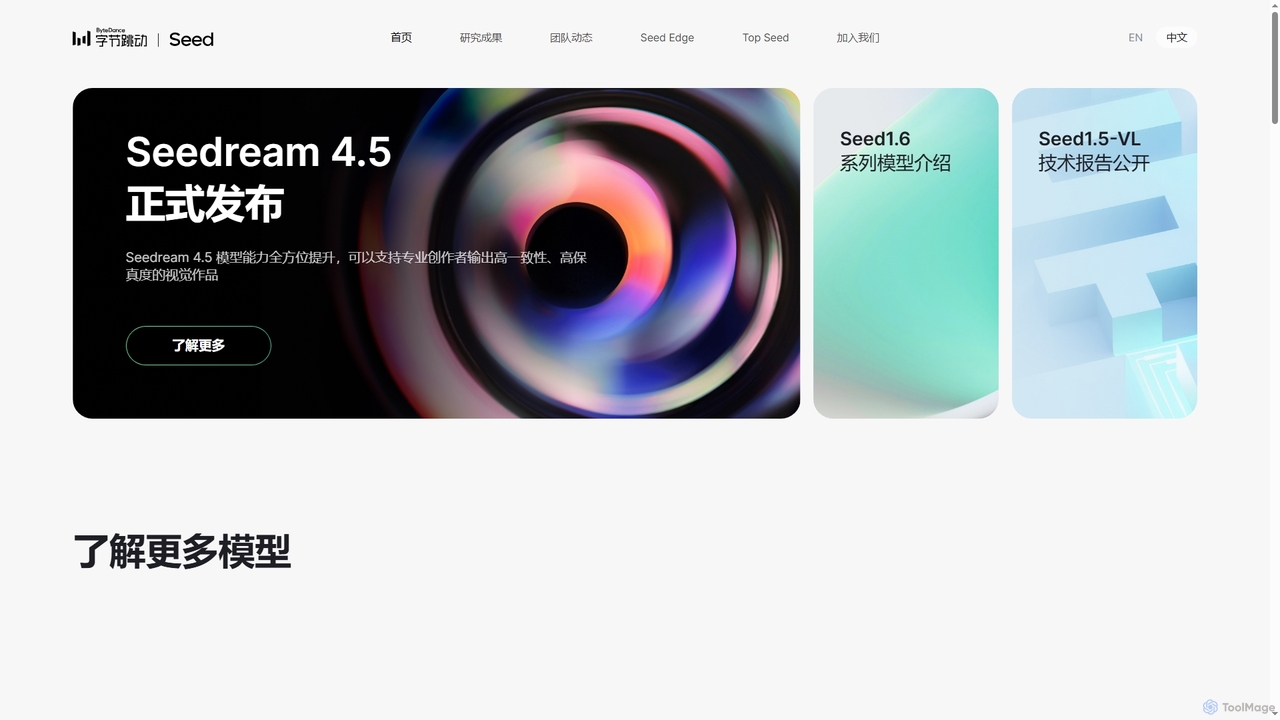
Seed is ByteDance's advanced AI research initiative focused on building general artificial intelligence. They develop foundational models across various domains including multimodal, vision, speech, robotics, and LLMs, driving innovation in both academic research and real-world applications.

Foundational Models
Visits 885.5KFavorites 120Likes 123

About Video Generation

Video Generation tools are AI-powered platforms that automatically create video content from various inputs like text, images, or audio. Leveraging advanced generative AI models, these tools transform descriptions into dynamic visual narratives, significantly streamlining the video production process. They empower creators, marketers, and businesses to produce high-quality, engaging videos with unprecedented speed and efficiency, democratizing access to complex video creation.

Core Features

  • Text-to-Video: Generates video clips or full scenes directly from written prompts and scripts.
  • Image-to-Video: Animates static images, adding motion, camera movements, and effects to bring them to life.
  • Audio-to-Video: Synthesizes visuals that synchronize with spoken words or music, often featuring AI-generated avatars.
  • Style Transfer & Customization: Applies specific artistic styles, brand guidelines, or character models to generated video content.
  • Scene & Environment Generation: Creates diverse backgrounds, settings, and virtual environments for video narratives.

Applicable Scenarios

Video generation tools are invaluable for content creators needing to produce large volumes of video quickly, marketers seeking to personalize campaigns, and educators developing engaging learning materials. They are particularly useful for generating explainer videos, social media ads, product showcases, and virtual presentations without extensive manual effort or specialized equipment.

How to Choose

When selecting a video generation tool, consider the range of input types it supports (text, image, audio), the quality and realism of the generated output, and the level of customization offered. Evaluate rendering speed, available video styles, integration capabilities with other platforms, and the pricing model to ensure it aligns with your project requirements and budget.

Video Generation use cases

1

Generate Marketing & Advertising Videos

Marketing teams can leverage AI video generation tools to quickly create diverse video ads for various platforms. By inputting product descriptions, key selling points, and target audience data, they can generate multiple versions of promotional videos, A/B test different creatives, and personalize content for specific demographics, significantly reducing production costs and time compared to traditional methods.

2

Create Engaging Social Media Content

Social media managers can use video generation AI to produce short, dynamic clips for platforms like TikTok, Instagram Reels, and YouTube Shorts. From trending memes to quick tutorials, these tools allow for rapid content iteration, enabling creators to stay relevant and engage audiences without needing complex editing software or a dedicated video production team, thus maintaining a consistent online presence.

3

Produce E-learning and Training Videos

Educators and corporate trainers can utilize AI video generators to create engaging e-learning modules and training materials. By simply inputting lesson plans or training scripts, they can generate animated explainer videos, interactive tutorials, or simulated scenarios with AI presenters, making complex topics more accessible and improving knowledge retention for students and employees.

4

Rapid Prototyping for Game Development

Game developers can utilize AI video generation for rapid prototyping of cutscenes, environmental animations, or character movements. Instead of spending extensive time on manual animation, they can generate placeholder videos from text descriptions or concept art, allowing for quicker iteration on game narratives, visual styles, and user experience before committing to final production assets.

5

Personalized Video Communication

Businesses can create highly personalized video messages for customer service, sales outreach, or internal communications. By integrating with CRM systems, AI video generators can insert specific customer names, product preferences, or unique data into a pre-designed video template, delivering a more engaging and impactful message than generic text or email, thereby enhancing customer relationships and conversion rates.

6

Automate News Summaries and Reports

Media organizations and content aggregators can use AI video generation to automate the creation of news summaries, financial reports, or sports highlights. By feeding raw text articles or data, these tools can generate short video clips with AI narrators and relevant visuals, providing quick, digestible updates to audiences across various platforms, thereby increasing content output and reach.

Video Generation FAQ

What are AI Video Generation tools?

AI Video Generation tools are software platforms that use artificial intelligence to create new video content automatically. They can transform various inputs, such as text descriptions, static images, or audio files, into dynamic video clips or full-length productions. These tools significantly reduce the need for manual editing, animation skills, and extensive equipment, making video creation more accessible and efficient for a wide range of users.

How do AI video generators create videos?

AI video generators typically operate using advanced machine learning models, primarily generative adversarial networks (GANs) or diffusion models. Users provide inputs such as text prompts, images, or audio. The AI then processes these inputs, generating corresponding visual elements, animating them, and synthesizing coherent video sequences. Some tools also employ natural language processing (NLP) to understand text commands and computer vision techniques to analyze input images for realistic animation.

What are the main benefits of using AI video generation tools?

The primary benefits of AI video generation tools include significant time and cost savings in video production. They enable rapid content creation, allowing users to generate videos in minutes rather than hours or days. These tools also lower the technical barrier, making professional-quality video accessible to individuals without specialized editing skills or expensive equipment. Furthermore, they facilitate content scalability and personalization, allowing for the easy creation of multiple video variations for different audiences or platforms.

How does AI Video Generation differ from traditional video editing?

AI Video Generation fundamentally differs from traditional video editing in its core function: creation versus manipulation. Traditional video editing involves arranging, cutting, and enhancing existing video footage, requiring manual effort and specialized skills to achieve a desired outcome. AI video generation, on the other hand, synthesizes entirely new video content from non-video inputs (like text or images), automating much of the creative process. It generates visuals from scratch, rather than merely modifying pre-existing ones, offering a paradigm shift in content production.

How to choose the best AI video generation tool?

To choose the best AI video generation tool, consider your specific needs. Evaluate the quality and realism of the generated videos, as some tools produce more lifelike outputs than others. Check the range of input options (text, image, audio) and the customization features available, such as style transfer, avatar creation, or scene control. Assess the rendering speed, ease of use, and integration capabilities with other software. Finally, compare pricing models, output resolutions, and usage limits to find a tool that aligns with your budget and project requirements.