Content Creation Best in category 2 results Automation AI Tool

Popular AI tools in the Automation field of Content Creation include ReelUGC、Vitsi, etc., helping you quickly improve efficiency.

ReelUGC

ReelUGC

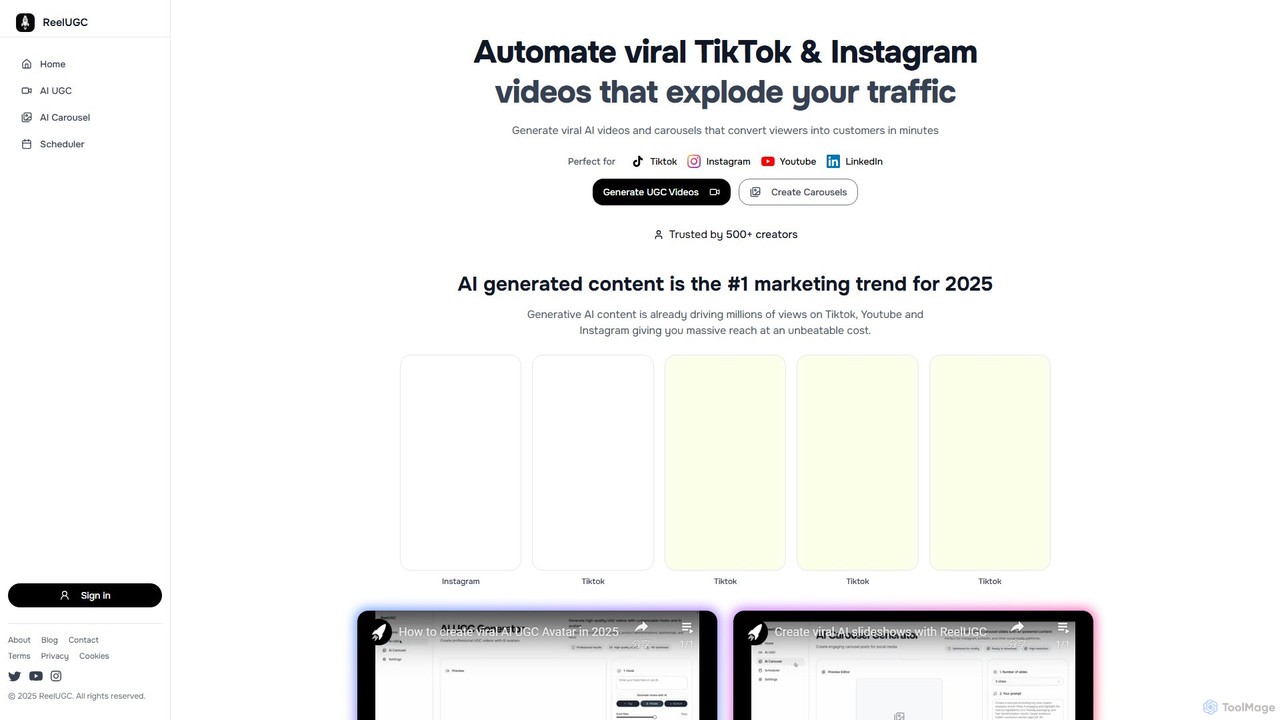
ReelUGC is an AI-powered marketing automation platform that generates viral User-Generated Content (UGC) style videos and carousels for …

2.7K
Vitsi

Vitsi

Vitsi is an AI-powered video generation platform that transforms text, articles, or scripts into engaging, ready-to-share videos in …

2.7K

About Automation

Automation tools for content creation are platforms that connect different applications to streamline and execute repetitive tasks in your workflow. They operate on the principle of triggers and actions, allowing you to build automated sequences without writing any code. This enables creators and marketers to automatically share new blog posts to social media, sync subscriber data between platforms, or manage content approval processes. By handling these manual, time-consuming tasks, these tools free up valuable time for strategic planning and creative work.

Core Features

  • Workflow Builder: Visually design multi-step automations that connect various apps and services using triggers and actions.
  • App Integration Library: Access a wide range of pre-built connectors for popular content creation tools, social media platforms, CRMs, and communication apps.
  • Content Scheduling & Distribution: Automatically publish or share content across multiple channels based on a predefined schedule or event triggers.
  • Conditional Logic: Create intelligent workflows with "if/then" rules that execute different actions based on specific conditions or data inputs.
  • Data Synchronization: Ensure consistency by automatically updating information between different tools, such as syncing new leads from a form to an email list and a CRM.

Use Cases

These tools are widely used by content marketers, social media managers, bloggers, and marketing agencies. For example, a marketer can set up a workflow to automatically transcribe a new podcast episode, create a draft blog post from the transcript, and schedule social media promotional clips. Another common use is automating the distribution of a new YouTube video to a newsletter, a community Slack channel, and a LinkedIn page simultaneously.

How to Choose

When selecting an automation tool, first consider its integration capabilities—ensure it connects with the apps central to your workflow. Evaluate the complexity of workflows it can handle; some are better for simple two-step connections, while others support intricate, multi-path logic. Also, examine the pricing model, which is often based on the number of tasks or operations per month, and assess the user interface for ease of use, especially if you have no coding experience.

AutomationUse Cases

1

Automated Social Media Content Distribution

A content marketer for a B2B tech company needs to ensure every new blog post gets maximum visibility. They use an automation tool to create a workflow that triggers whenever a new article is published in their WordPress CMS. The workflow automatically shortens the URL, pulls the post's title and featured image, and then schedules a series of unique posts across LinkedIn, Twitter, and Facebook over the following five days. This eliminates the manual effort of logging into each platform and ensures a consistent promotional cadence for every piece of content.

2

Cross-Platform Content Repurposing

A podcaster wants to efficiently repurpose their weekly audio episodes into multiple content formats. They set up an automation that monitors their podcast hosting service for new episodes. Once a new file is detected, the workflow sends the audio to an AI transcription service. The returned transcript is then used to automatically create a new draft in their blogging platform and simultaneously sends key quotes from the transcript to a design tool to generate social media graphics. This transforms a single audio recording into a blog post and several social assets with minimal manual intervention.

3

Automated Email Newsletter Generation

A solo blogger running a popular cooking blog wants to keep their audience engaged without spending hours compiling weekly newsletters. They connect their blog's RSS feed to an automation platform. The tool is configured to run every Friday morning, checking the RSS feed for new posts from the past week. It then automatically compiles the titles, summaries, and images into a pre-designed email template in Mailchimp and sends it to their subscriber list. This ensures timely and consistent communication with their readers, driving traffic back to the blog.

4

Managing User-Generated Content (UGC)

A social media manager for a fashion brand runs a campaign encouraging customers to post photos using a specific hashtag. To streamline collection, they build an automation that monitors Instagram and Twitter for this hashtag. Whenever a new public post is detected, the tool saves the image URL, post text, and user handle to a dedicated Google Sheet. It also sends a notification to a Slack channel for the marketing team to review the content for potential feature on their official channels. This automates the discovery and curation process for valuable UGC.

5

Lead Nurturing with Content Sequences

A digital marketing agency needs to nurture new leads who download an e-book from their website. They create an automated workflow that starts when a new entry is submitted to their website's form. The lead's contact information is instantly added to their CRM and simultaneously enrolled in a specific email sequence. The sequence automatically sends a series of five educational emails over two weeks, each sharing relevant blog posts and case studies, guiding the lead through the sales funnel without any manual email sending.

6

Automated Content Performance Reporting

A marketing analyst is responsible for compiling a weekly report on content performance, a task that involves manually pulling data from multiple sources. They set up an automation to run every Monday at 9 AM. The workflow connects to Google Analytics, YouTube Studio, and their email marketing platform's API. It extracts key metrics like page views, video watch time, and email open rates, then compiles all the data into a structured report in a Google Sheet and posts a summary with a link to the report in the team's Slack channel. This saves several hours of repetitive data collection each week.

AutomationFrequently Asked Questions