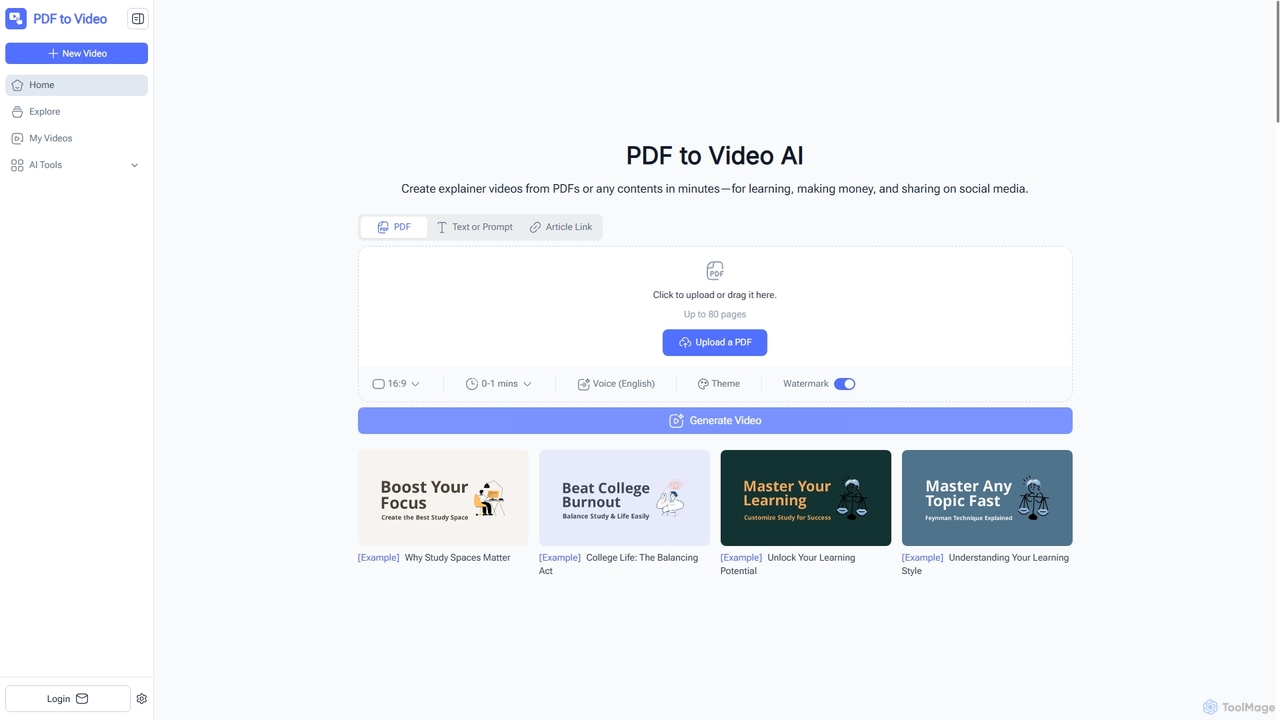
Document Conversion tools are AI-powered solutions designed to transform documents between various formats, often involving the extraction and restructuring of content. These tools leverage advanced AI, including Optical Character Recognition (OCR) and Natural Language Processing (NLP), to accurately interpret document structures, content, and intent. They streamline workflows by automating the complex process of format shifting, data extraction, and content repurposing, making information more accessible and editable. Within the broader Content Creation category, these tools enable creators to efficiently adapt existing materials for new projects or platforms.
Core Features
- Format Transformation: Convert documents like PDFs to editable Word, Excel, or PowerPoint files, and images to text.
- Data Extraction: Accurately identify and extract specific data points, tables, or fields from unstructured documents.
- Optical Character Recognition (OCR): Convert scanned documents, images, or handwritten notes into machine-readable and editable text.
- Layout Preservation: Maintain the original formatting, structure, and visual integrity of documents during conversion.
- Batch Processing: Efficiently convert multiple documents simultaneously, saving significant time and effort.
Applicable Scenarios
These tools are invaluable for professionals across various sectors. Legal teams use them to convert scanned contracts into searchable, editable documents for review. Educators transform image-based lecture notes or historical texts into editable formats for accessibility. Businesses leverage them to extract critical data from invoices, reports, or forms, automating data entry and analysis processes.
How to Choose
When selecting a Document Conversion tool, prioritize its AI accuracy, especially for OCR and data extraction, to ensure data integrity. Evaluate the range of supported input and output formats to match your specific needs. Consider batch processing capabilities for high-volume tasks and robust security features for handling sensitive information. Finally, assess its integration options with existing workflows and overall ease of use.