

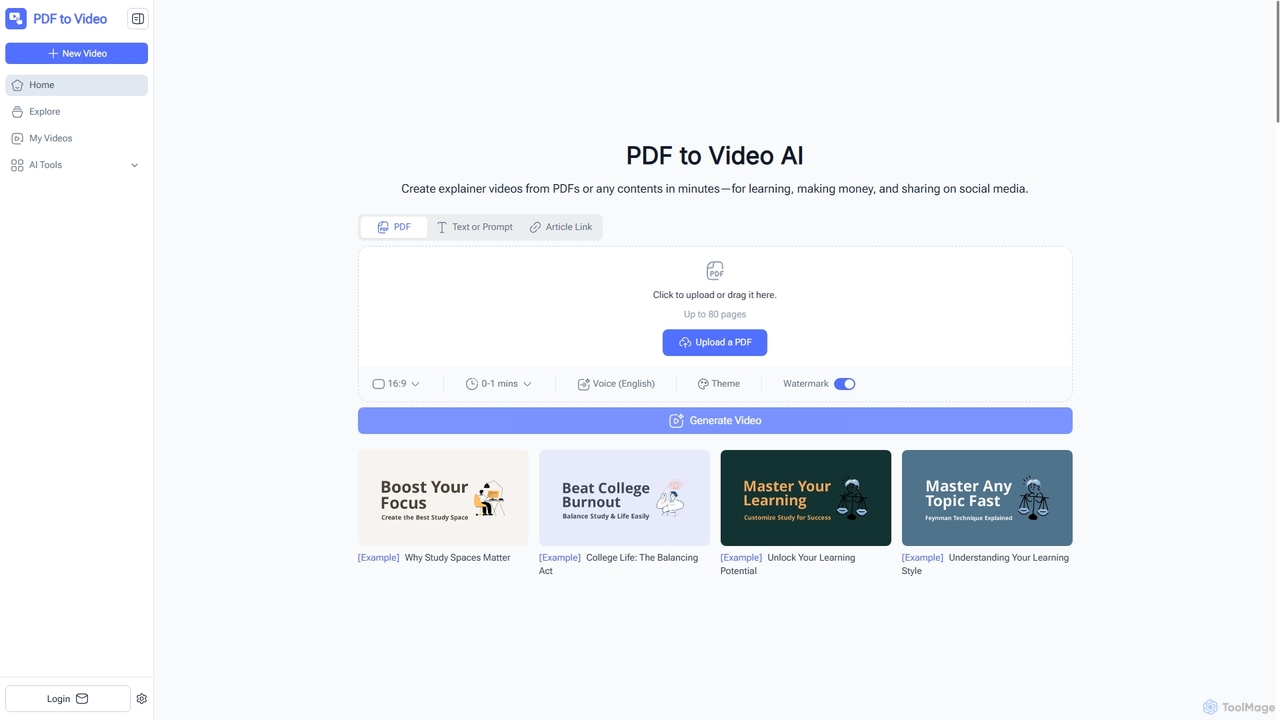
PDF to Video Overview
PDF to Video is an innovative AI-powered online platform that transforms static PDF documents, text, or article links into dynamic, professional-quality explainer videos. This tool is designed to make information more engaging and accessible, whether for educational purposes, business presentations, marketing campaigns, or social media sharing. By leveraging advanced artificial intelligence, PDF to Video automates the complex process of video production, allowing users to create compelling visual content with animations and narration in minutes, without requiring any prior video editing experience.
How to use PDF to Video
Using PDF to Video is straightforward and intuitive. First, navigate to the website and upload your PDF document by dragging and dropping it or selecting it from your device. Alternatively, you can input text, a prompt, or an article link. The platform supports PDFs up to 80 pages. Once your content is uploaded, the AI engine analyzes the text, images, and layout to generate a ready-to-edit video, complete with scenes, animations, and AI-generated narration. Before finalizing, you can customize aspects like the video ratio (e.g., 16:9), theme color, and add a custom cover image. After making any desired quick edits, you can instantly download your final video in MP4 format or share it online.
Core Features of PDF to Video
- AI-Powered Content Analysis: Automatically analyzes PDF content, text, or article links to create video scenes.
- Automated Video Generation: Produces engaging videos with animations, visuals, and transitions.
- AI-Generated Voiceovers: Supports narration in multiple languages, with English explicitly available.
- Customizable Output: Adjust video ratio (16:9), theme colors, and add custom cover images.
- No Sign-Up Required: Start creating videos instantly without needing an account.
- MP4 Export: Download videos in a widely compatible MP4 format.
- Support for Large Documents: Processes PDFs up to 80 pages.
- Fast Conversion: Generates videos typically within minutes, with durations up to 15 minutes.
- Commercial Use Allowed: Videos can be used for personal, educational, or commercial purposes.
Use Cases for PDF to Video
PDF to Video is a versatile tool beneficial for a wide range of users and applications. Educators and trainers can convert lesson plans, manuals, and study notes into interactive video content, making learning more engaging for students. Business professionals and marketers can transform reports, proposals, product brochures, and marketing campaigns into concise, impactful explainer videos for presentations or social media. Content creators can quickly repurpose blog posts and guides into video format to expand their audience reach. Students can turn their notes and projects into clear, animated study aids. Nonprofits can create compelling awareness campaigns, and consultants can present complex strategies in an easily digestible visual format, enhancing communication and saving significant time and resources.
Advantages of PDF to Video
The primary advantages of PDF to Video lie in its efficiency, accessibility, and professional output. Its AI-powered conversion saves users countless hours of manual editing, automatically transforming static documents into dynamic videos. The tool is completely free to use online and requires no sign-up, making it incredibly accessible for anyone needing quick video content. Users don't need any video editing experience to achieve professional-quality results that look as if they were made by an experienced editor. The ability to customize voiceovers, timing, and design elements allows for a personalized touch, while the fast conversion process ensures videos are ready to share in minutes. It simplifies the process of communicating complex ideas, making them clearer, more memorable, and easier to disseminate across various platforms.
PDF to Video FAQ
Traffic
Latest traffic
Status
Monthly traffic trend
- 2026-1: 15.7K
- 2026-2: 15.5K
- 2026-3: 17.9K
- 2026-4: 12.8K
- 2026-5: 16.0K
Geography
Top 5 countries / regions
- 🇳🇬Nigeria23.7%
- 🇺🇸United States21.6%
- 🇧🇷Brazil20.7%
- 🇮🇳India19.4%
- 🇮🇩Indonesia14.6%
Traffic sources
| Source type | Percentage |
|---|---|
Direct | 85.0% |
Referral | 12.4% |
Email | 2.5% |
Top keywords
| Keyword | Cost per click |
|---|---|
| pdf to video | $0.25 |
| pdf to video ai | $2.84 |
| pdftovideo ai | $0.00 |
| pdftovideo.ai | $0.00 |
| x-pilot (ai pdf to video): | $0.00 |
PDF to Video Alternatives
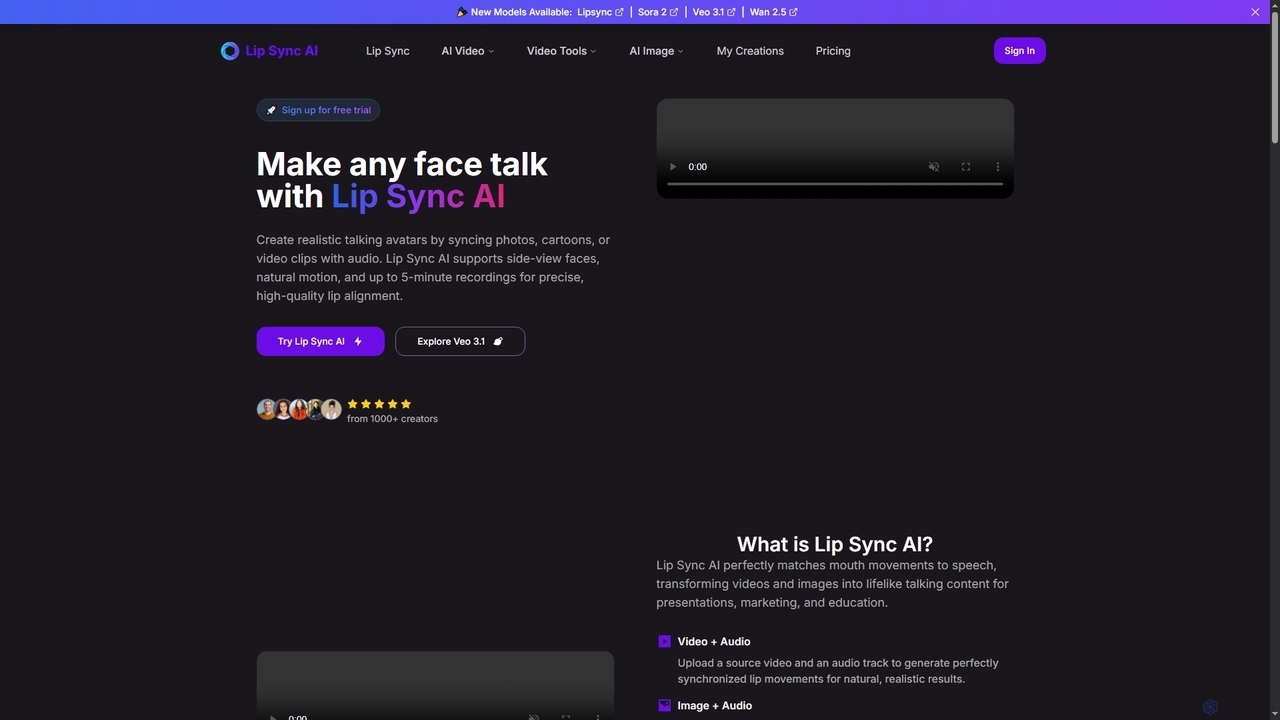
Lipsync AI
Lipsync AI is an advanced online AI tool that transforms images and videos into realistic talking avatars. It precisely synchronizes lip movements with any audio, supporting human and non-human characters for diverse content creation needs.
3D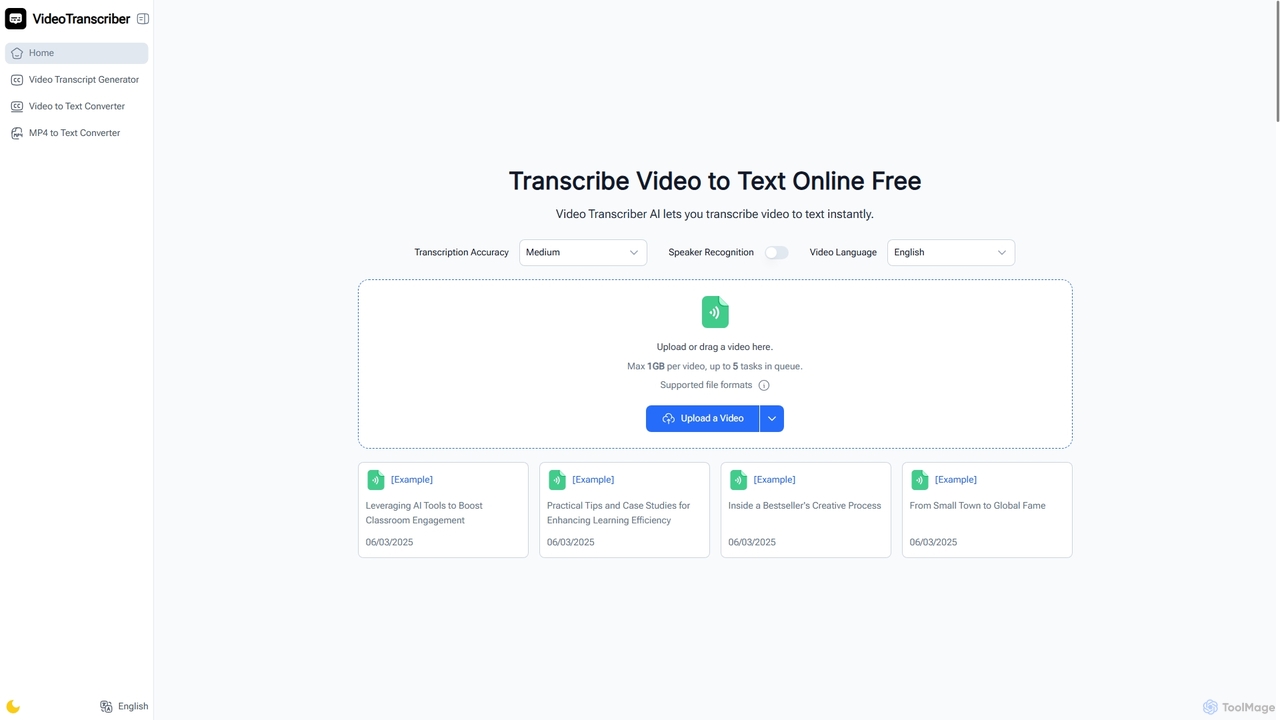
Video Transcriber AI
Video Transcriber AI is a free online tool that instantly converts video content into accurate, readable text. It supports various formats like MP4, YouTube links, and Zoom recordings, making it ideal for students, professionals, and content creators to quickly get transcripts without any sign-up.
Meeting Tools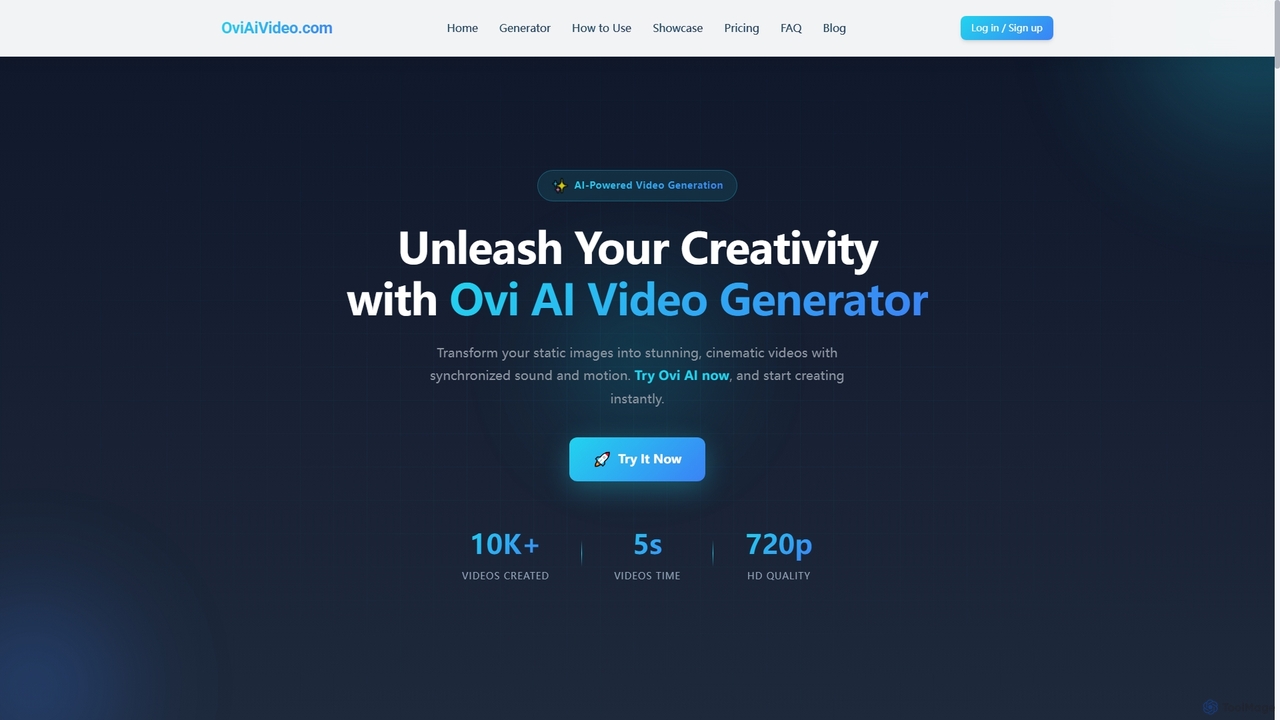
Ovi AI
Ovi AI is an advanced AI video generator that transforms static images and text prompts into captivating 5-second cinematic videos with synchronized audio and realistic motion. Ideal for creators, marketers, and educators, it enables rapid production of high-quality, short-form content for social media, ads, and presentations, all without requiring prior video editing experience.
3D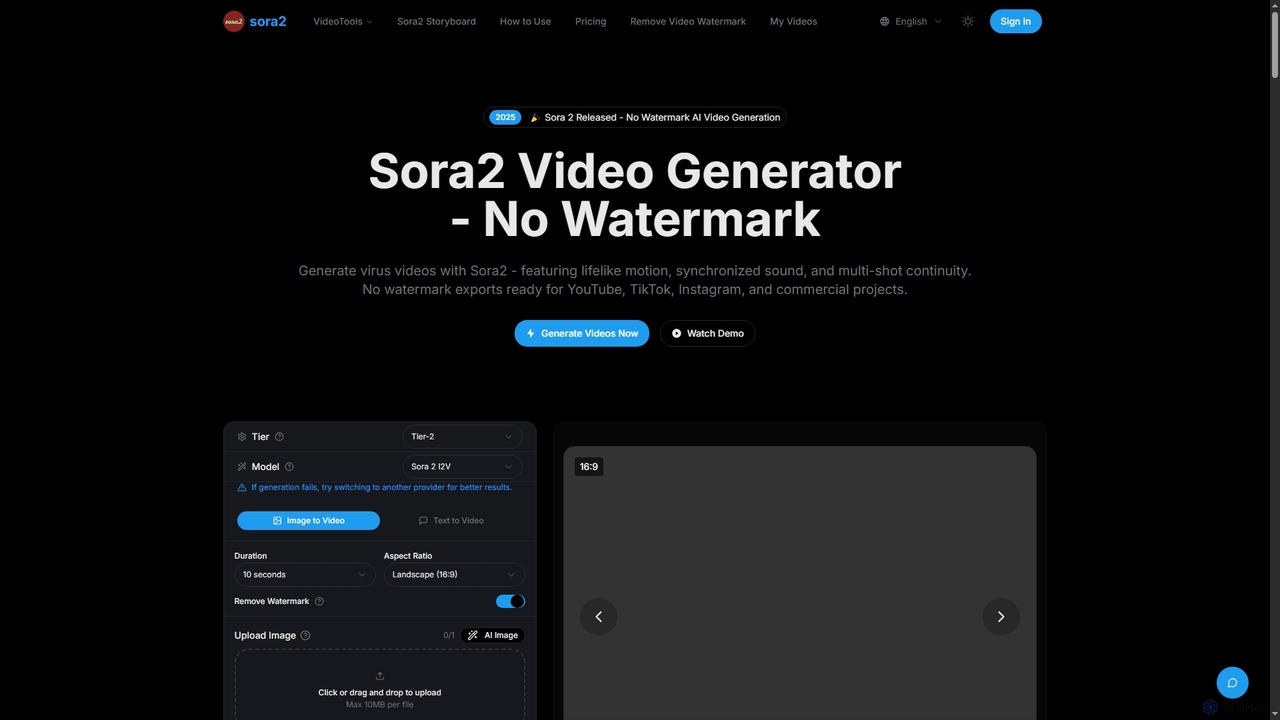
Sora2 Video Generator
Sora2 Video Generator is an advanced AI tool for creating professional videos from text prompts and images. It features breakthrough physics simulation, synchronized audio, and multi-shot continuity, enabling users to generate high-quality, watermark-free videos for social media, marketing, and cinematic projects.
3D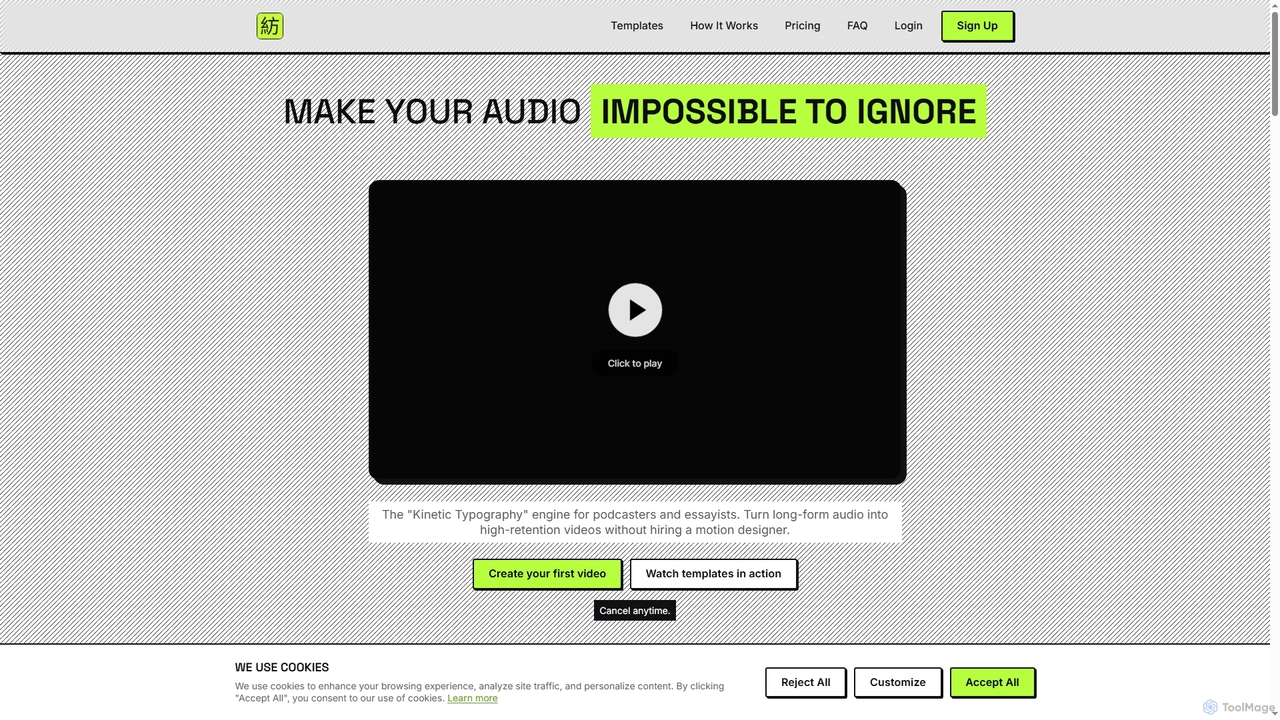
Hypnotype
Hypnotype is an AI-powered tool that transforms long-form audio content, such as podcasts and voiceovers, into engaging, high-retention visual videos using kinetic typography. It automates the creation of professional-looking video essays and sales letters, eliminating the need for complex editing skills or motion designers.
3DPDF to Video Categories
PDF to Video Jobs
PDF to Video Embed Widget
Copy this embed code to place the badge on your blog, article, or product site and send readers directly to this ToolMage detail page.

Related AI tools
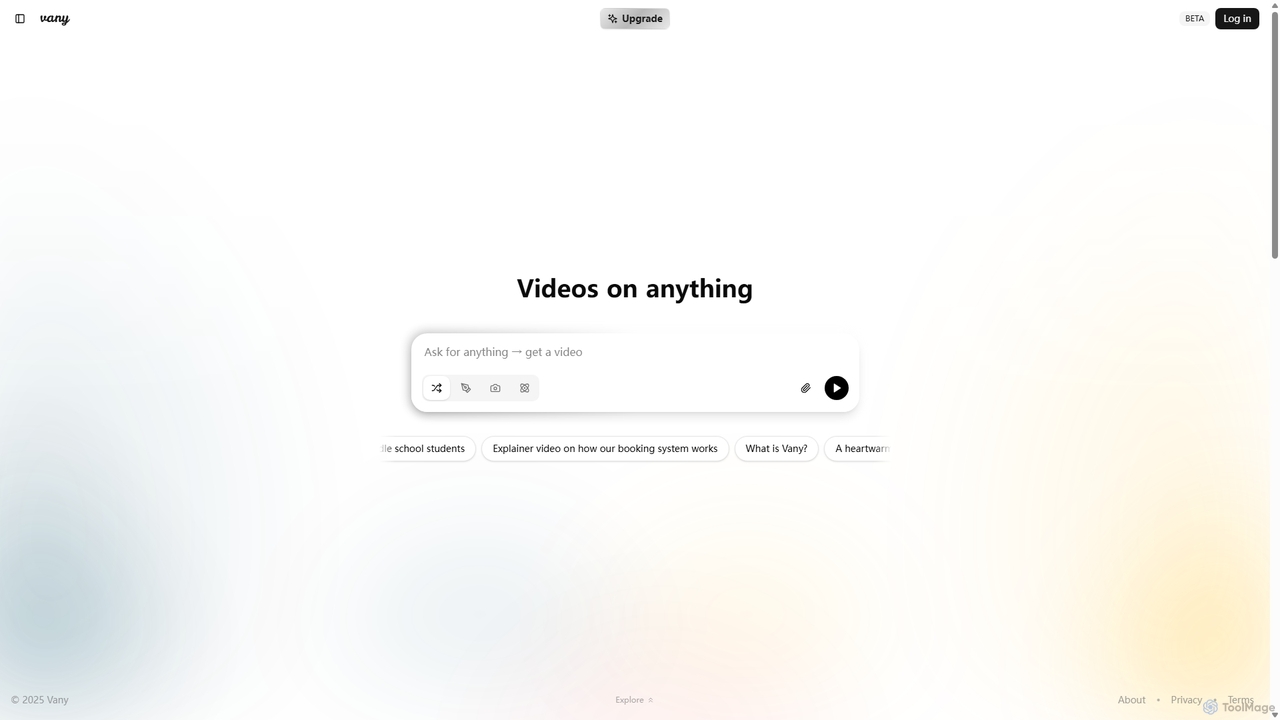
Vany
Vany is an AI-powered video creation platform that transforms any text prompt, idea, or topic into a short, engaging video in seconds. It requires no video editing skills, making visual storytelling accessible to everyone. Ideal for creating educational content, explainers, stories, and marketing materials effortlessly.
Learning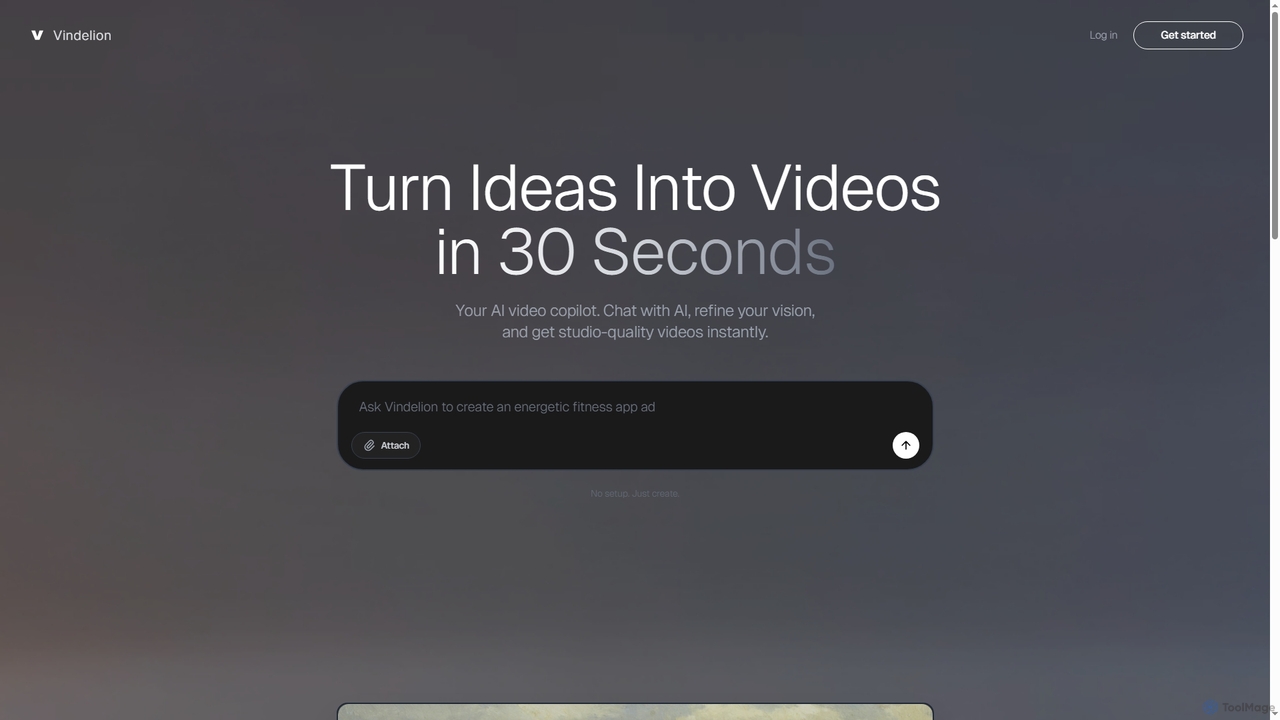
Vindelion
Vindelion is an AI video copilot that transforms ideas into studio-quality videos in seconds. It uses a conversational interface to guide users, especially beginners, through the creative process, from refining concepts to generating final videos for marketing, education, and social media.
E LearningOvi AI
Ovi AI is an advanced AI video generator that transforms static images and text prompts into captivating 5-second cinematic videos with synchronized audio and realistic motion. Ideal for creators, marketers, and educators, it enables rapid production of high-quality, short-form content for social media, ads, and presentations, all without requiring prior video editing experience.
3DLipsync AI
Lipsync AI is an advanced online AI tool that transforms images and videos into realistic talking avatars. It precisely synchronizes lip movements with any audio, supporting human and non-human characters for diverse content creation needs.
3D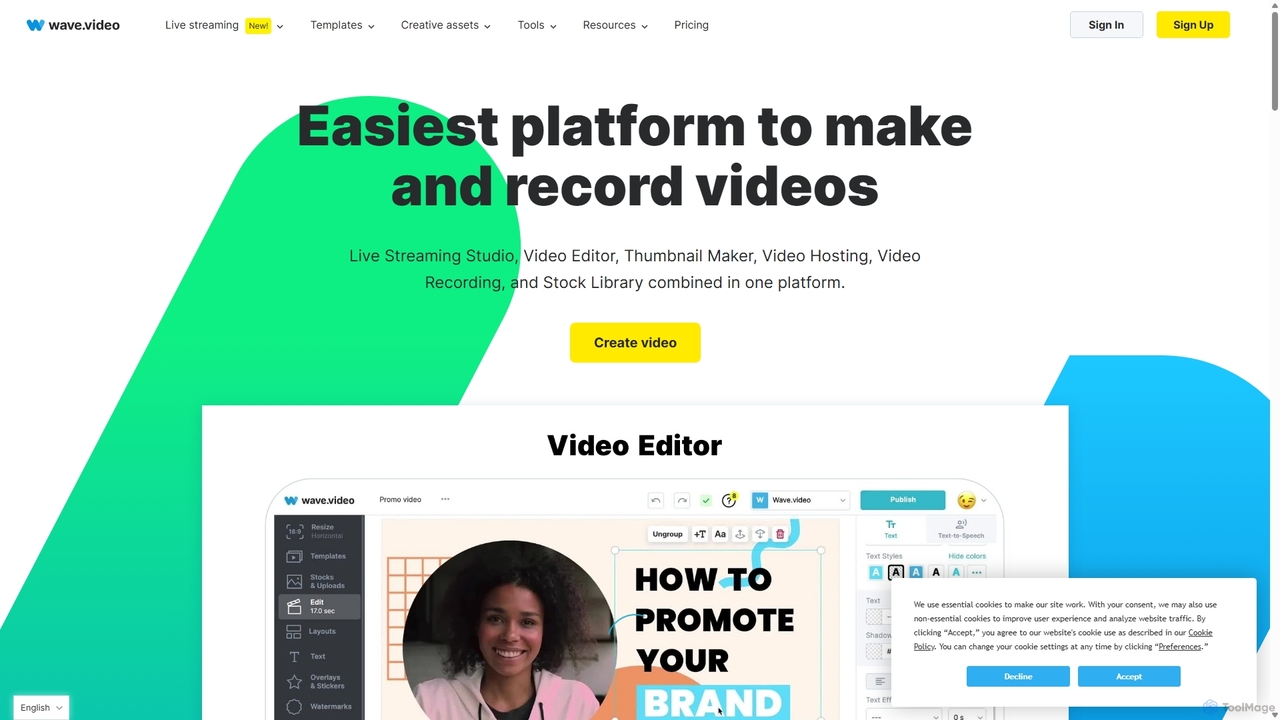
Wave.video
Wave.video is an all-in-one video marketing platform that empowers businesses and creators to easily edit, record, multi-stream, and host videos. It combines a powerful online video editor, a live streaming studio, a thumbnail maker, secure video hosting, and a vast stock library into a single, user-friendly interface. Ideal for marketers and content creators of any skill level looking to produce professional-quality videos that drive engagement and results.
Video Generation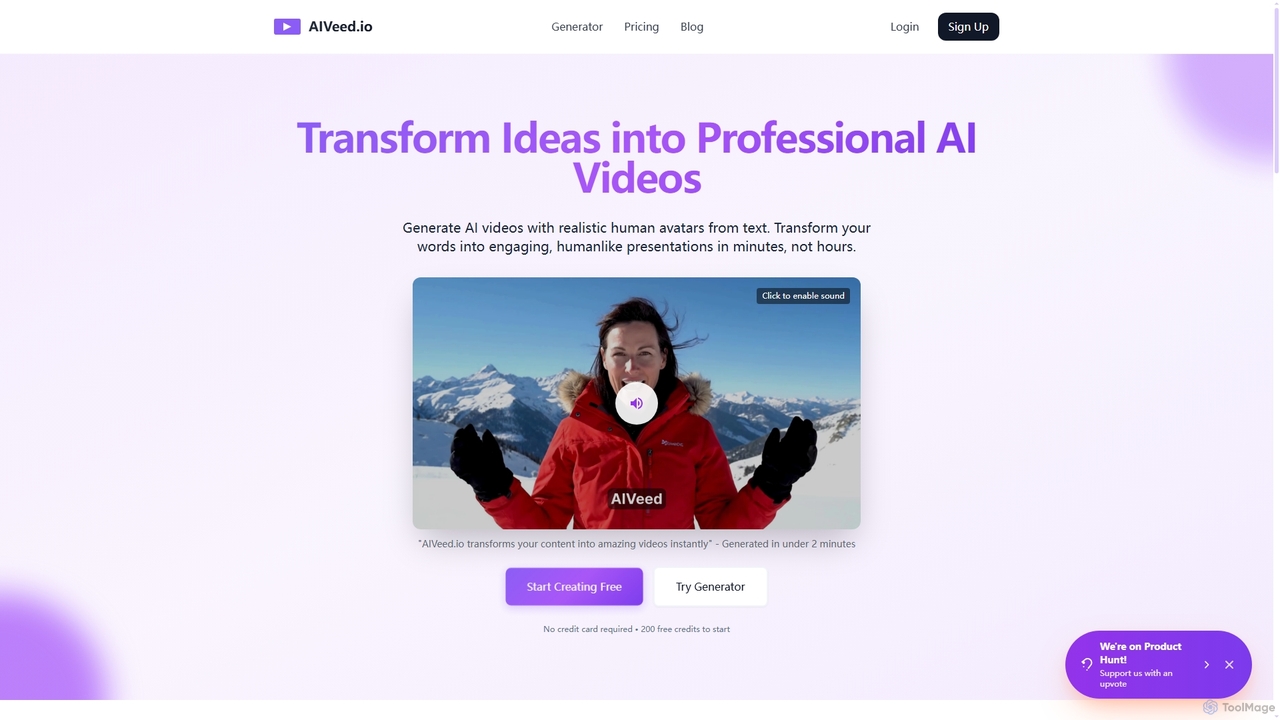
Aiveed
Aiveed is an AI-powered video generator that transforms text into professional videos featuring realistic human avatars. Create engaging marketing content, educational materials, and social media videos in minutes without any technical expertise. It offers a simple, fast, and cost-effective solution for high-quality video production.
Explainer Videos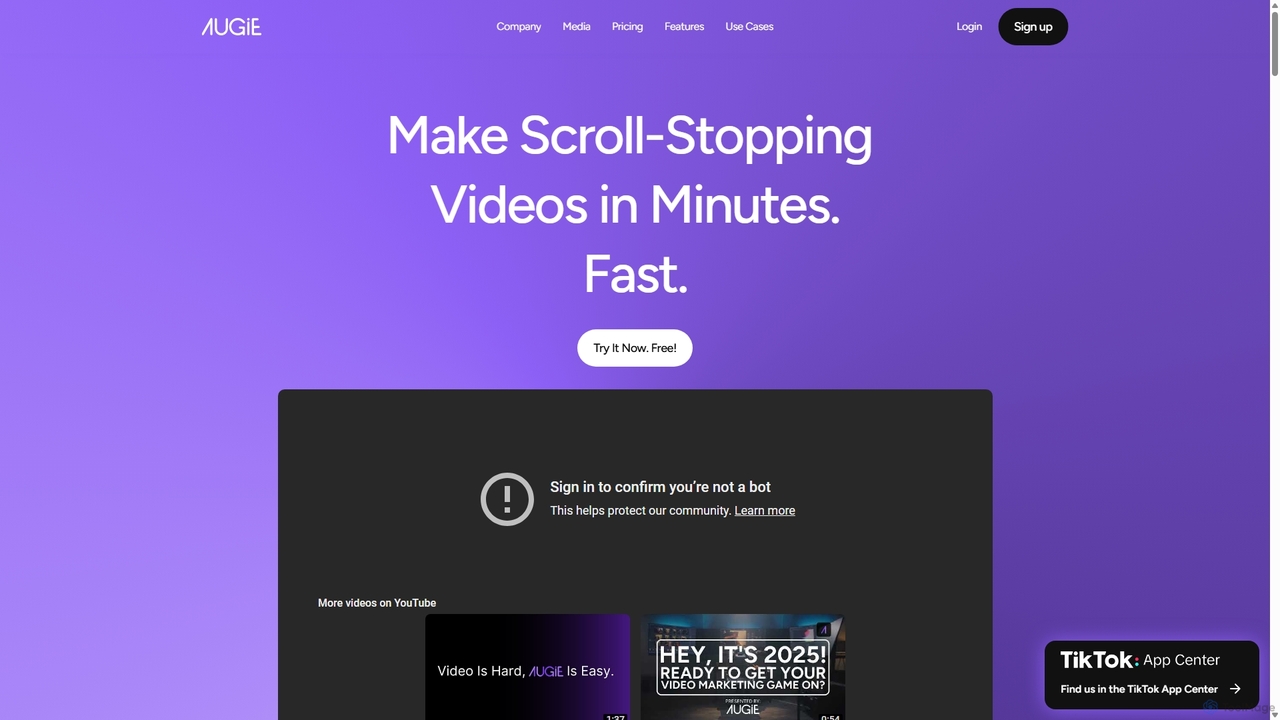
Augie
Augie is an AI-powered video studio designed for creators, marketers, and brands to effortlessly transform long-form content like podcasts and streams into engaging, short-form social videos. It automates the editing process, identifies key moments, and provides a vast library of stock media and AI-generated content to create professional-quality videos for TikTok, Reels, and YouTube Shorts in minutes, with no complex editing skills required.
Social Media MarketingVideo Transcriber AI
Video Transcriber AI is a free online tool that instantly converts video content into accurate, readable text. It supports various formats like MP4, YouTube links, and Zoom recordings, making it ideal for students, professionals, and content creators to quickly get transcripts without any sign-up.
Meeting Tools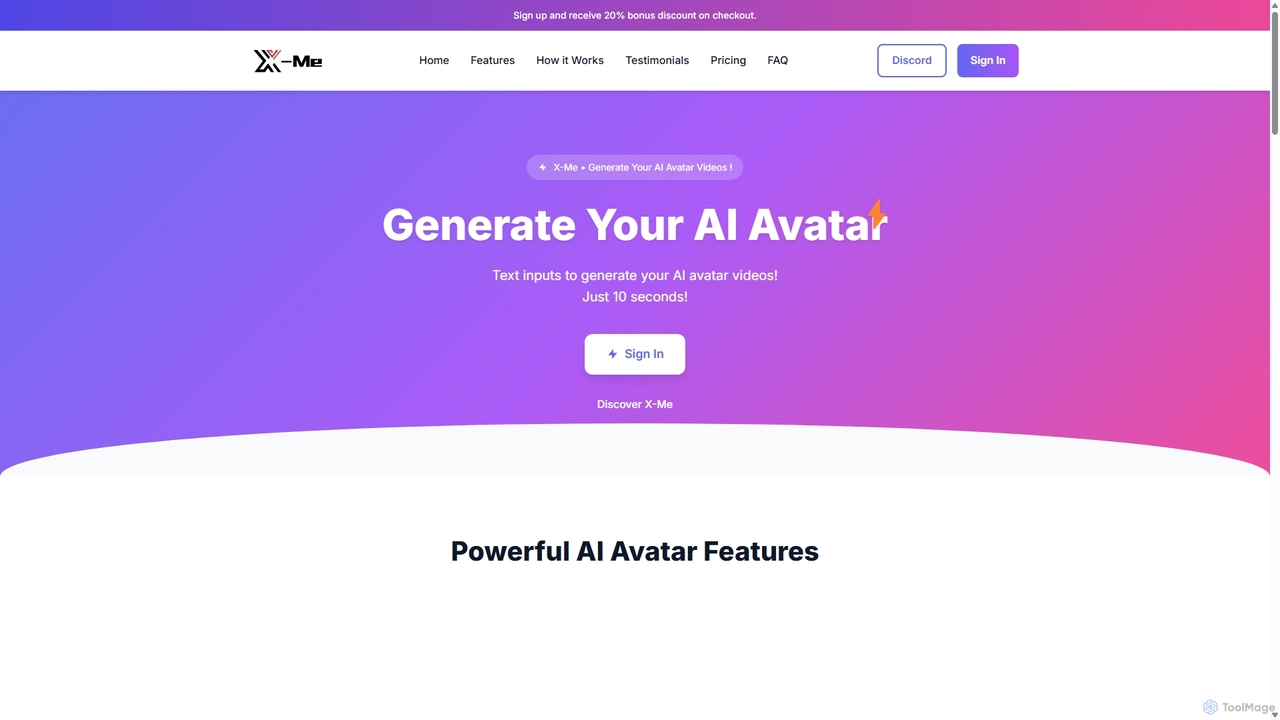
X-Me
X-Me is an AI-powered video creation platform that generates stunning, realistic AI avatar videos from text in just 10 seconds. It supports over 20 languages with natural lip-syncing, offers customizable avatars, and provides HD video output. Ideal for marketing, education, and business communications, X-Me streamlines video production, enabling users to create engaging content quickly and efficiently without needing cameras or actors.
E Learning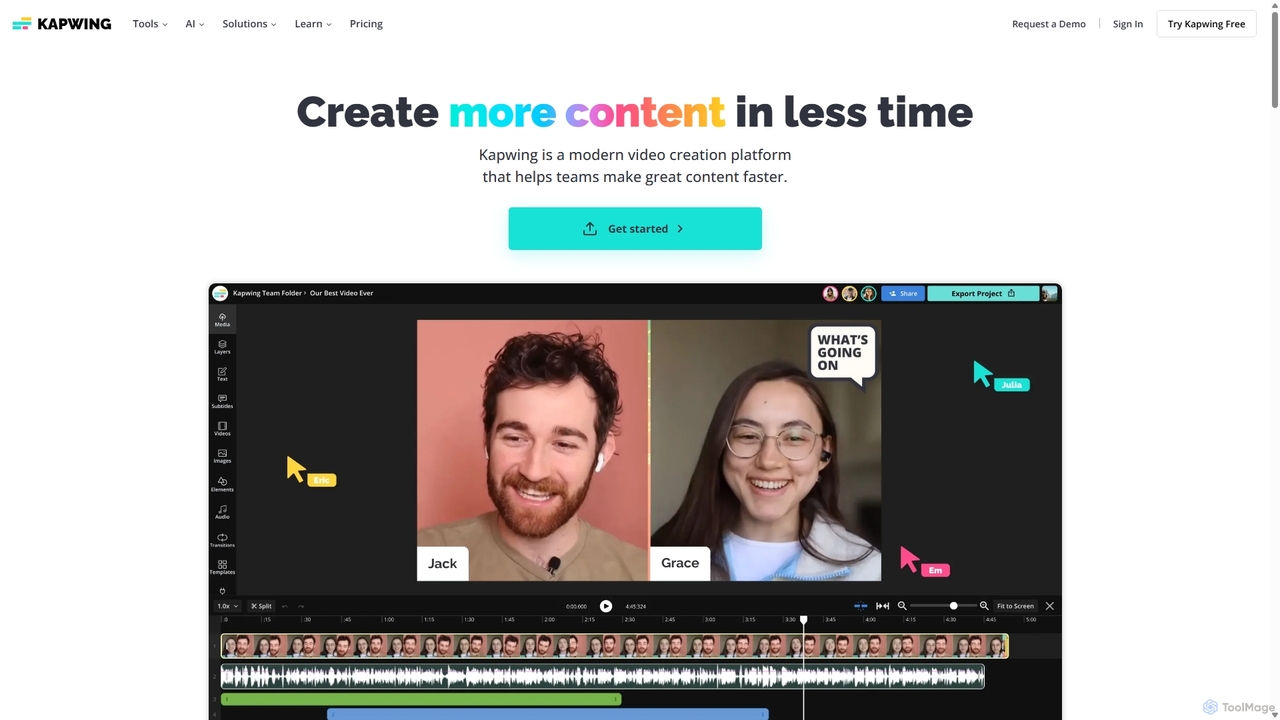
Kapwing
Kapwing is an AI-powered online video editor designed for teams and creators to produce high-quality content faster. It combines a full suite of editing tools with intelligent AI features like text-to-video, automatic subtitling, and background removal in a collaborative, browser-based platform, making video creation accessible to everyone.
Video Marketing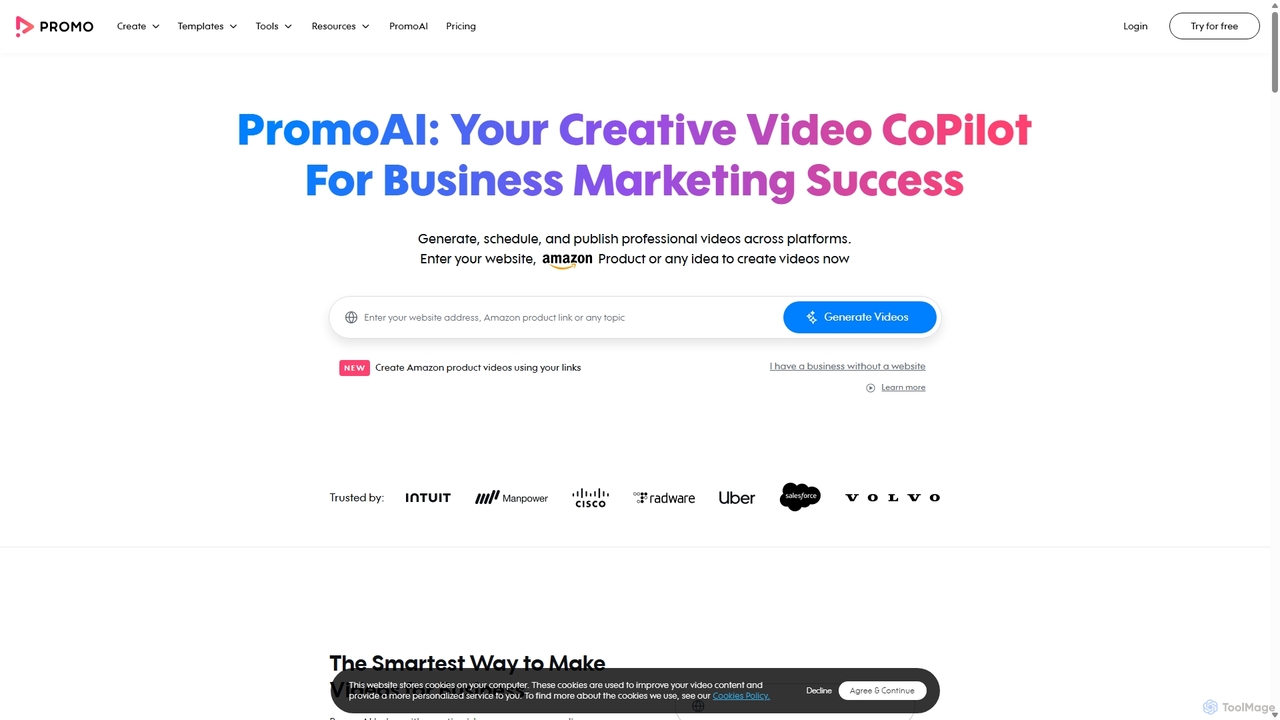
Promo.com
Promo.com is an AI-powered video creation platform designed for businesses and agencies. It features an AI Creative CoPilot that generates professional videos from simple inputs like a website URL or product link. With access to over 275 million premium stock assets from Getty Images and iStock, customizable templates, and an intuitive editor, users can create, schedule, and publish high-quality marketing videos in minutes without any prior editing skills.
Video Marketing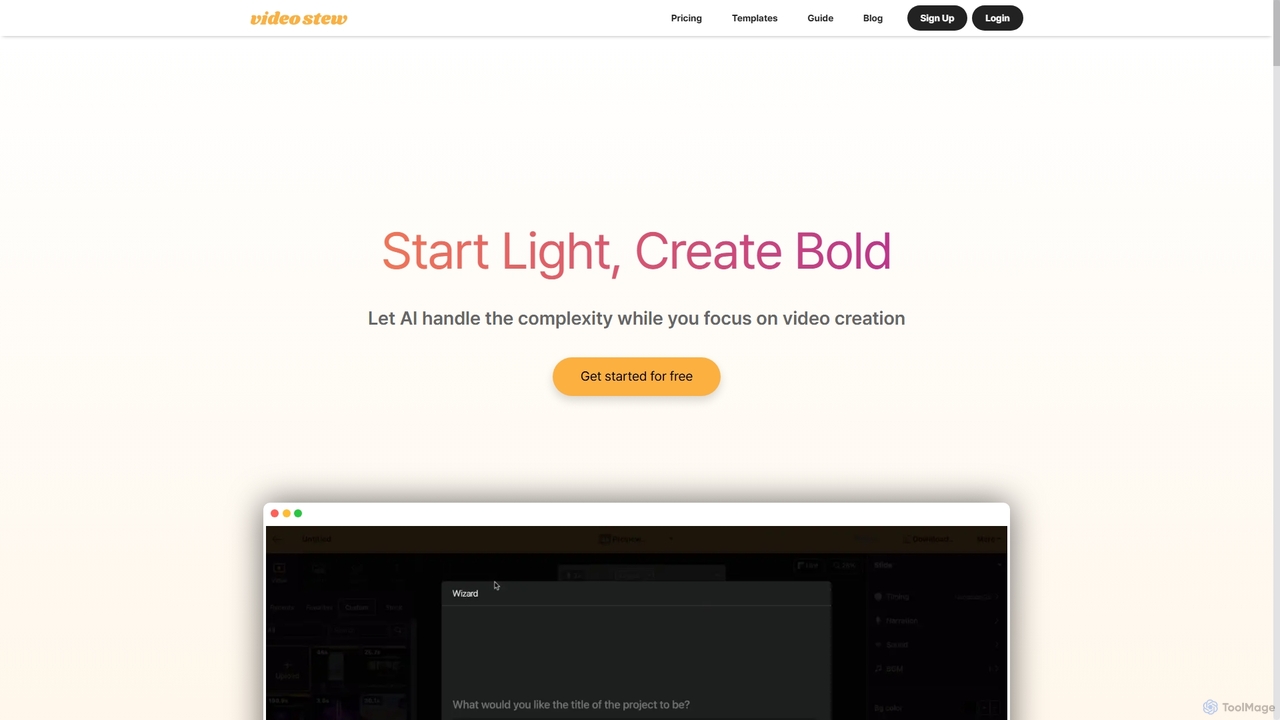
VideoStew
VideoStew is an AI-powered online video editor that simplifies video creation. Generate video drafts from text, URLs, or voice in minutes. It offers a vast library of copyright-free assets, AI voices, auto-captions, and team collaboration features, making professional video production accessible to everyone, anywhere, on any device.
Video Marketing
Vidboard.ai
Vidboard.ai is a powerful AI video generator that transforms text, documents, and web links into professional videos. Featuring 100+ AI avatars, 125+ languages, and custom avatar creation, it enables users to produce high-quality content for marketing, training, and social media without any editing skills.
Video Marketing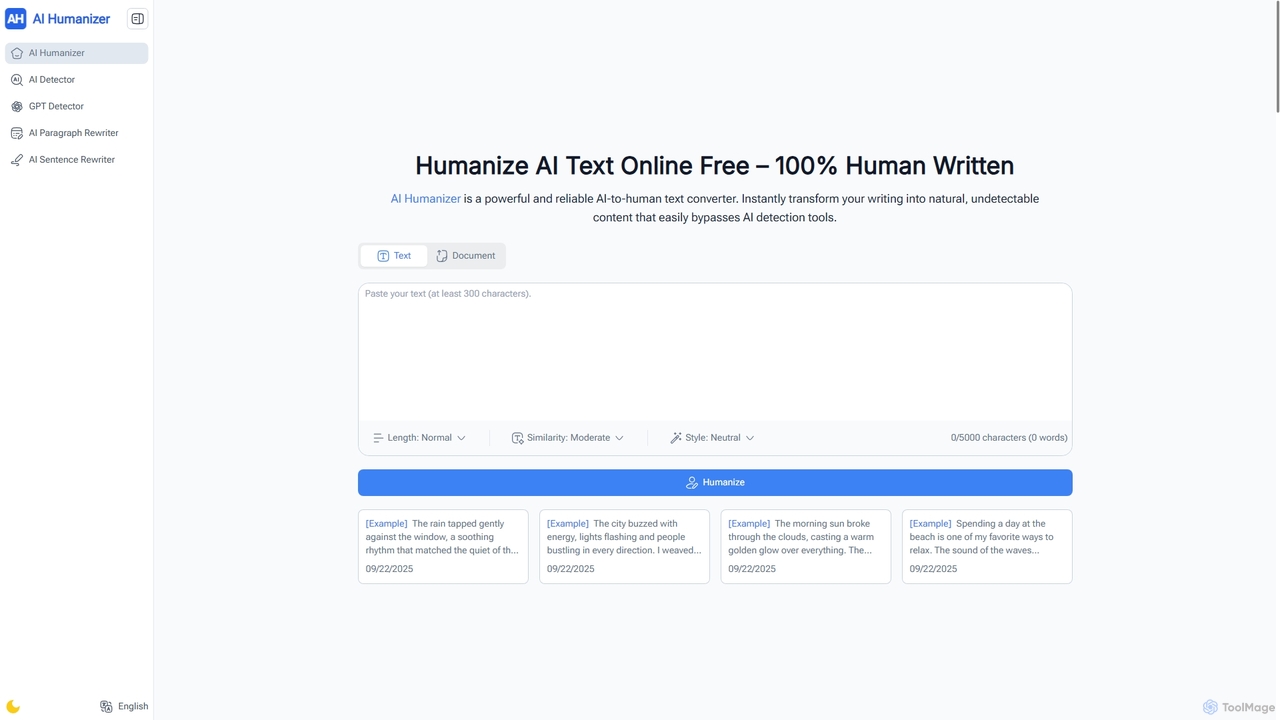
AI Humanizer
AI Humanizer is a comprehensive online platform offering a suite of free tools to transform AI-generated text into natural, human-like content, accurately detect AI writing, and rewrite sentences or paragraphs in various styles. It helps users bypass AI detection, enhance readability, and maintain authenticity across academic, professional, and creative writing, all without requiring any sign-up or hidden fees.
Ai Detection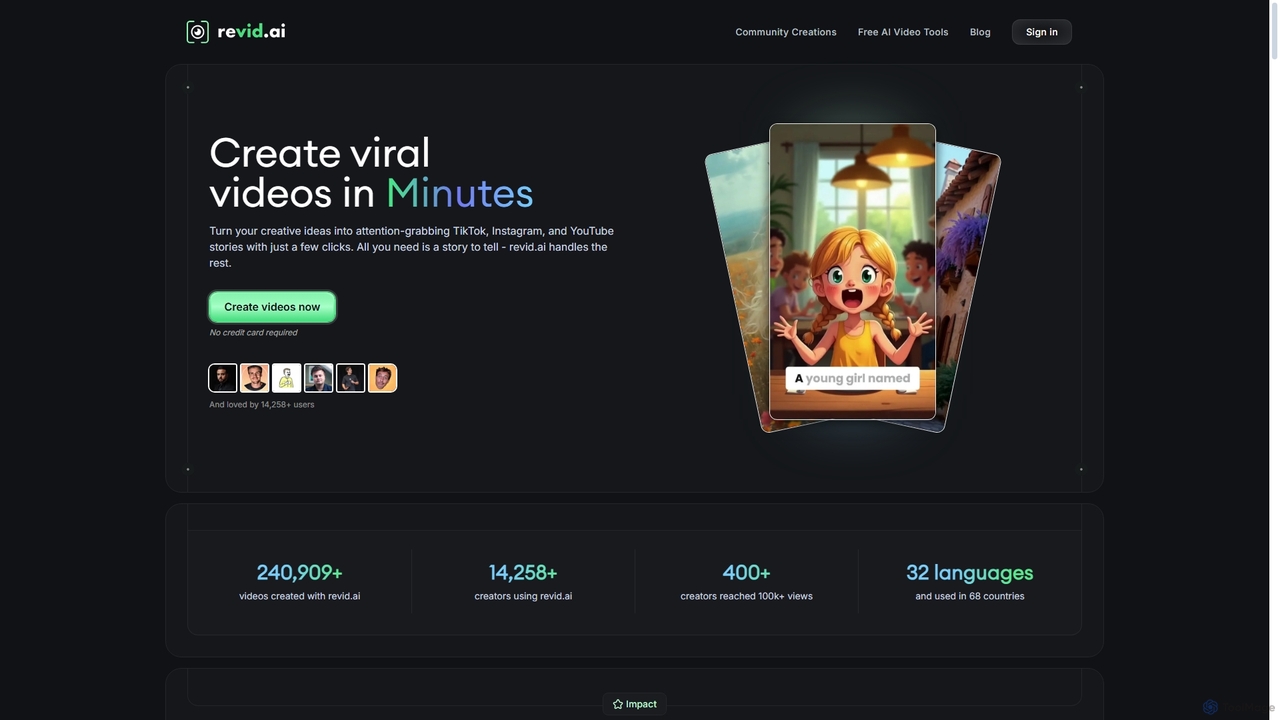
Revid AI
Revid AI is a powerful AI video generator designed to create viral short-form videos for platforms like TikTok, Instagram, and YouTube in minutes. It transforms your ideas, text, links, or existing content into engaging videos, complete with AI-generated scripts, realistic voiceovers, dynamic visuals, and automated captions. It's the ultimate tool for content creators and marketers looking to save time and boost engagement without needing any video editing skills.
Video Marketing
PDF to Video Comments (0)
Sign in to comment.
Sign inNo comments yet.