Content Creation Best in category 1 results Mockup Generator AI Tool

Popular AI tools in the Mockup Generator field of Content Creation include easycomment, etc., helping you quickly improve efficiency.

easycomment

easycomment

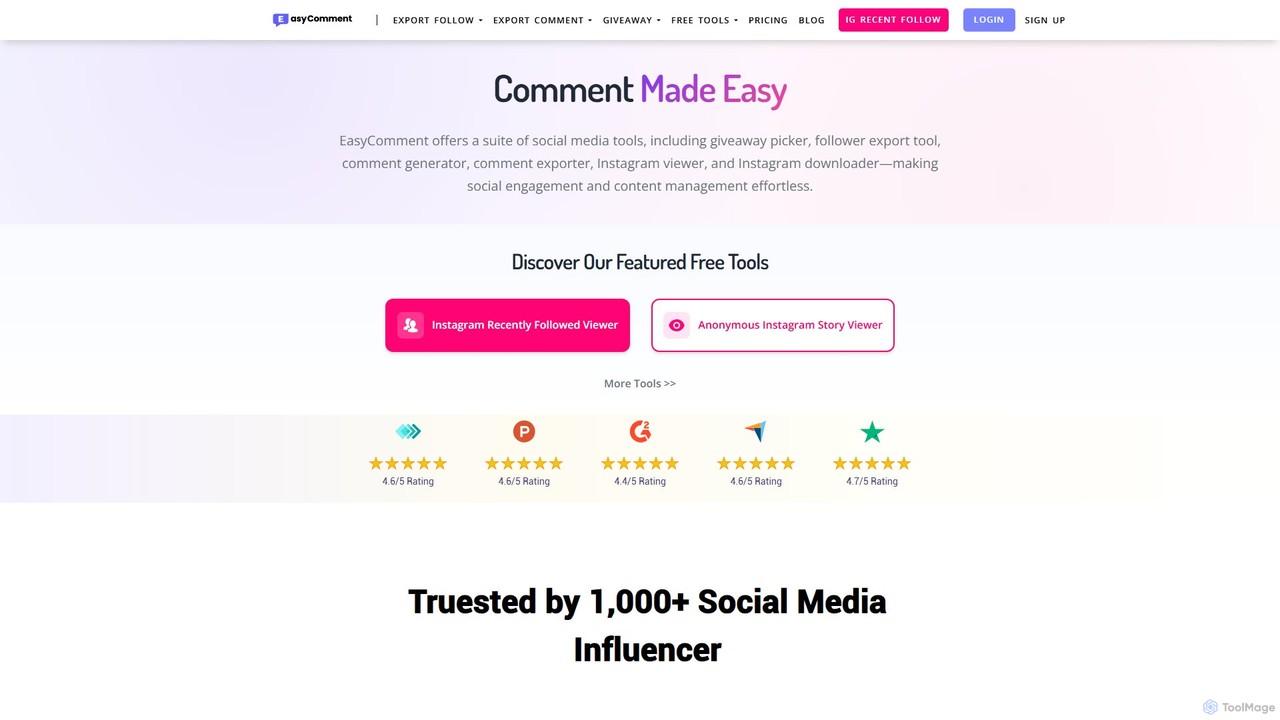
EasyComment is a comprehensive suite of social media tools designed to streamline engagement and content management. It features …

1.8M

About Mockup Generator

AI Mockup Generators are specialized tools that automatically place your digital designs onto high-quality, photorealistic images of objects and devices. They leverage vast libraries of pre-made templates—from smartphones and laptops to apparel and packaging—and use AI-powered rendering to create convincing visual presentations. This allows designers, marketers, and entrepreneurs to showcase their work in a real-world context without the need for expensive photoshoots or complex manual editing in software like Photoshop. These tools are a key part of the content creation toolkit for visualizing concepts and creating professional marketing assets.

Core Features

  • Extensive Template Library: Access to a wide variety of high-resolution mockups, including electronic devices, print materials, apparel, and environmental scenes.
  • Realistic Rendering Engine: Automatically adjusts lighting, shadows, and perspective to seamlessly integrate your design into the template for a natural look.
  • Customization Options: Ability to change background colors, adjust object positions, add custom effects, and modify scene elements.
  • AI Scene Creation: Some advanced tools can generate unique backgrounds or entire scenes based on text descriptions to place your mockup in a specific context.
  • Batch Processing: Apply a single design to multiple mockup templates simultaneously to quickly generate a full set of marketing visuals.

Use Cases

Mockup Generators are widely used by UI/UX designers to present app and website interfaces on device screens. E-commerce businesses, particularly in the print-on-demand sector, use them to create product images for apparel and merchandise. Marketers and graphic designers also rely on these tools to visualize branding on various assets like business cards, billboards, and social media posts.

How to Choose

When selecting a Mockup Generator, first consider the diversity and quality of its template library to ensure it meets your specific needs. Evaluate the customization flexibility, including control over shadows, lighting, and backgrounds. Assess the ease of use of the interface and the quality of the final export options (e.g., resolution and file formats). Finally, compare pricing models, whether subscription-based or pay-per-use, to find one that aligns with your budget and usage frequency.

Mockup GeneratorUse Cases

1

Showcasing App & Website UI Designs

UI/UX designers and front-end developers frequently use mockup generators to present their work professionally. Instead of showing static screenshots, they can upload their interface designs into templates of iPhones, MacBooks, or Android devices. The tool automatically fits the design to the screen with realistic glare and perspective. This creates compelling visuals for client presentations, Dribbble shots, or portfolio websites, helping stakeholders visualize the final product in a real-world context and saving hours of manual work in Photoshop.

2

Creating E-commerce Product Images

For print-on-demand (POD) sellers and apparel brands, mockup generators are essential. A seller can upload a single graphic design and instantly apply it to hundreds of product templates, such as t-shirts, hoodies, mugs, and phone cases in various colors and sizes. This process generates a complete, professional-looking product catalog without needing physical inventory, a photographer, or a studio. It dramatically reduces costs and time-to-market, allowing sellers to test new designs with minimal risk and investment.

3

Visualizing Brand Identity Systems

Graphic designers and branding agencies use mockup generators to bring a brand identity to life. After designing a logo, they can quickly showcase it across a range of applications like business cards, letterheads, storefront signage, and merchandise. Presenting a logo in these real-world contexts is far more impactful than showing it on a flat white background. This helps clients better understand the brand's potential and makes the approval process smoother, as they can see a tangible representation of the entire branding system.

4

Designing Social Media Marketing Content

Social media managers and digital marketers leverage mockup generators to create eye-catching content quickly. They can place a new ad creative, a customer testimonial, or a promotional message onto a mockup of a billboard, a laptop screen in a cafe, or a smartphone held by a person. This contextualizes the message and makes it more relatable and engaging than a simple text or graphic post. It allows for rapid content creation and A/B testing of different visual concepts to see what resonates best with the audience, without needing a design team for every post.

5

Generating Realistic Book Cover Mockups

Authors and publishers rely on mockup generators to market their books effectively. By uploading a 2D flat cover design, they can instantly generate a variety of 3D mockups, including hardcover books, paperbacks, and e-readers. These realistic images are crucial for use on Amazon product pages, author websites, social media promotions, and email newsletters. It provides potential readers with a tangible sense of the book, increasing its perceived value and encouraging sales, all without the expense and logistics of a professional photoshoot for every title.

6

Prototyping Packaging Designs

Product designers and consumer packaged goods (CPG) brands use mockup generators to visualize packaging concepts. Before committing to an expensive print run, a designer can upload their label or box art to a mockup of a bottle, jar, box, or pouch. This allows the team and stakeholders to see how the design wraps around the product and appears in a 3D space. It's a cost-effective way to iterate on designs, check for alignment issues, and get feedback on the visual appeal of the packaging before it goes into mass production.

Mockup GeneratorFrequently Asked Questions