ToolMage
Sign in

Best 1 Outline Generation AI tools for Content Creation

Popular Outline Generation AI tools in Content Creation include Contextminds, helping you work more efficiently.

Contextminds
Freemium

Contextminds

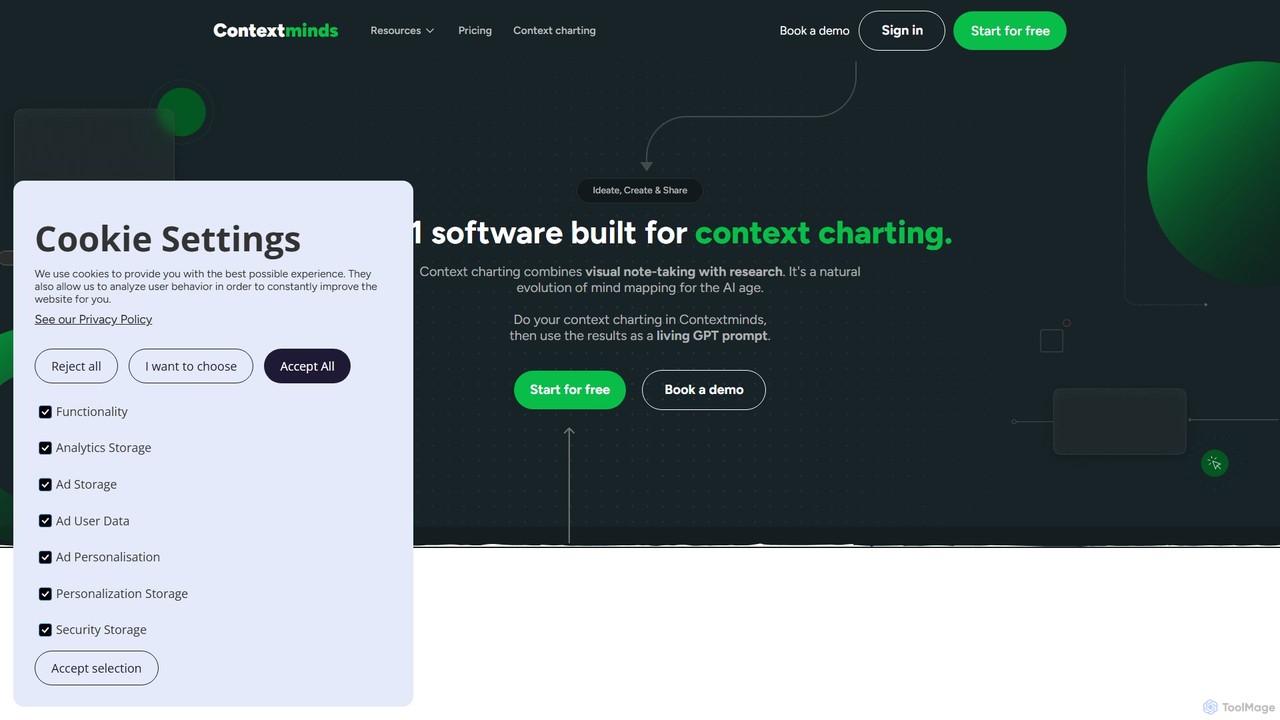
Contextminds is an AI-powered visual research and content planning tool. It uses the 'context charting' method to help users brainstorm, organize ideas, discover related topics and keywords, and build comprehensive content outlines on an infinite visual canvas.

Outline Generation
Visits 14.6KFavorites 122Likes 118

About Outline Generation

Outline Generation tools are AI-powered utilities that create structured frameworks for written or spoken content. By analyzing a topic or set of keywords, these tools use natural language processing to identify key themes, sub-topics, and logical sequences, organizing them into a hierarchical outline. This process provides a clear roadmap for content creation, helping to overcome writer's block, ensure comprehensive topic coverage, and establish a coherent narrative flow from the start. They are a crucial first step in the content creation workflow, focusing specifically on planning and structure before the actual writing begins.

Core Features

  • Hierarchical Structuring: Generates multi-level outlines with main headings (H1, H2) and sub-points, creating a logical content hierarchy.
  • Topic Analysis: Analyzes a core topic to suggest relevant sections, talking points, and questions to address.
  • Customizable Depth: Allows users to specify the desired level of detail, from a simple high-level structure to a comprehensive, detailed plan.
  • Keyword Integration: Suggests and incorporates relevant keywords into the outline's headings and sub-points for SEO purposes.
  • Export Options: Enables exporting the generated outline to various formats like text, Markdown, or directly to writing applications.

Use Cases

These tools are widely used by content marketers for structuring blog posts and articles, students and academics for planning essays and research papers, and business professionals for preparing reports and presentations. For example, a YouTuber can use it to map out a video script, or an author can use it to organize chapters for a book, ensuring all key points are covered logically.

How to Choose

When selecting an Outline Generation tool, consider the quality and relevance of the generated structures for your niche. Evaluate the level of customization available—can you adjust the outline's depth and complexity? Check for integrations with your existing writing software, such as Google Docs or Notion. Also, assess the input flexibility; some tools can generate outlines from a simple phrase, while others can analyze existing content or URLs for more context.

Outline Generation use cases

1

Structuring Long-Form Blog Posts

A content marketer needs to create a comprehensive guide on 'Sustainable Urban Farming'. Instead of starting from a blank page, they input the topic into an AI Outline Generation tool. The tool returns a detailed, multi-level outline including sections for an introduction, 'What is Urban Farming?', 'Benefits of Sustainability', 'Key Techniques (e.g., Hydroponics, Vertical Farming)', 'Case Studies', and a 'Conclusion'. This structured framework saves hours of research and planning, ensures all critical aspects are covered, and provides a logical flow for the writer to follow, resulting in a well-organized and SEO-friendly article.

2

Planning Academic Research Papers

A university student is tasked with writing a research paper on 'The Psychological Effects of Social Media on Adolescents'. Feeling overwhelmed by the scope, the student uses an outline generator. They input their thesis statement and key research questions. The AI generates a standard academic structure: 1. Abstract, 2. Introduction (including problem statement and hypothesis), 3. Literature Review, 4. Methodology, 5. Results, 6. Discussion, and 7. Conclusion. It even suggests sub-points for the literature review, such as 'Impact on Self-Esteem' and 'Correlation with Anxiety'. This provides a clear, actionable plan, making the daunting task of writing the paper manageable and structured.

3

Developing a Video Script Framework

A YouTuber plans to create an educational video titled 'A Beginner's Guide to Investing'. To ensure the content is easy to follow, they use an AI outliner. The tool generates a script structure with key segments: a hook for the introduction, a section explaining basic concepts (stocks, bonds), a step-by-step guide on how to start, a segment on common mistakes to avoid, and a call-to-action for the conclusion. This outline acts as a storyboard, helping the creator organize their talking points, plan visuals for each segment, and maintain a consistent pace, ultimately leading to a more engaging and professional video.

4

Preparing Business Reports and Presentations

A project manager needs to present a quarterly project review to stakeholders. They use an AI outline generator to structure the presentation. By inputting the project name and key performance indicators, the tool creates a logical flow: 1. Executive Summary, 2. Project Goals vs. Achievements, 3. Budget Analysis, 4. Challenges and Solutions Implemented, 5. Next Quarter's Roadmap, and 6. Q&A. This ensures the presentation is comprehensive, professional, and easy for stakeholders to digest. It also serves as a checklist, preventing the manager from forgetting crucial data points during the high-pressure presentation.

5

Designing an Online Course Curriculum

An online educator wants to create a new course on 'Digital Marketing Fundamentals'. To organize the vast amount of information, they use an AI outline generator. They input the course title and target audience. The AI proposes a curriculum broken down into modules, such as 'Module 1: Introduction to Digital Marketing', 'Module 2: SEO Basics', 'Module 3: Social Media Marketing', and 'Module 4: Email Campaigns'. Within each module, it suggests specific lesson topics, like 'On-Page vs. Off-Page SEO' or 'Creating a Content Calendar'. This provides a solid foundation for the course, ensuring a logical progression of learning and helping the educator to plan video lessons, quizzes, and assignments efficiently.

6

Organizing Chapters for a Non-Fiction Book

An author is writing a book about the history of artificial intelligence. The topic is complex, with many interconnected events and figures. To create a coherent narrative, the author uses an outline generator. They input the book's central theme. The AI suggests a chronological structure, breaking the history into key eras: 'The Early Years (1950s-70s)', 'The AI Winter', 'The Rise of Machine Learning (1990s-2000s)', and 'The Deep Learning Revolution'. For each chapter (era), it proposes sub-sections on key algorithms, influential researchers, and landmark achievements. This high-level map allows the author to tackle the book one section at a time without losing sight of the overall structure.

Outline Generation FAQ

What is an AI Outline Generation tool?

An AI Outline Generation tool is a software application that automatically creates a structured, hierarchical framework for a piece of content. By providing a topic, keyword, or a brief description, the tool uses AI to generate a logical sequence of headings, subheadings, and bullet points. It's designed to be the first step in the content creation process, helping users organize their thoughts, ensure comprehensive coverage of a topic, and build a solid foundation before writing begins. These tools are distinct from full AI writers as they focus solely on structure, not on generating prose.

How to choose the right Outline Generation tool?

Choosing the right tool depends on your specific needs. Consider the following factors:

  • Output Quality: Does the tool generate logical, relevant, and comprehensive outlines for your subject matter? Test it with a few topics from your niche.
  • Customization: Can you control the depth, complexity, and length of the outline? Look for options to add or remove sections easily.
  • Input Flexibility: Does it work well with simple keywords, or can it process more complex inputs like a full paragraph or a URL to an existing article?
  • Integrations and Exporting: Check if it can export to formats you use (like Markdown, DOCX) or integrate with your writing tools (like Google Docs, Notion, or WordPress).
What's the difference between an Outline Generator and an AI Writer?

The key difference lies in their function and output. An Outline Generator is a planning tool. Its sole purpose is to create the structure or skeleton of a document—the headings, subheadings, and key points. It helps you organize your thoughts before you start writing. An AI Writer, on the other hand, is a drafting tool. It takes a prompt or an outline and generates the full prose, writing paragraphs and sentences for you. In a typical workflow, you would use an outline generator first to create the structure, and then you might use an AI writer to help flesh out the content within that structure.

What are the key benefits of using an AI Outline Generator?

Using an AI Outline Generator offers several key advantages for content creators. Firstly, it significantly speeds up the planning process, saving valuable time that would otherwise be spent on brainstorming and manual structuring. Secondly, it helps overcome writer's block by providing a starting point and a clear path forward. Thirdly, it ensures comprehensive coverage by suggesting sub-topics and angles you might not have considered, leading to more thorough and valuable content. Finally, it promotes logical flow and coherence, resulting in a final piece that is well-organized and easy for the audience to follow.

Who can benefit from using Outline Generation tools?

A wide range of individuals and professionals can benefit from these tools. This includes:

  • Content Marketers and Bloggers: To quickly structure articles, guides, and listicles, ensuring they are comprehensive and SEO-friendly.
  • Students and Academics: For planning essays, research papers, and dissertations, ensuring a logical argument flow.
  • Authors and Writers: To organize chapters and plot points for both fiction and non-fiction books.
  • Business Professionals: For creating structured reports, presentations, and project plans that are clear and concise.
  • YouTubers and Podcasters: To map out episode scripts and talking points, leading to more organized and engaging content.