Content Creation Best in category 1 results Sound Design AI Tool

Popular AI tools in the Sound Design field of Content Creation include Suno AI, etc., helping you quickly improve efficiency.

Suno AI

Suno AI

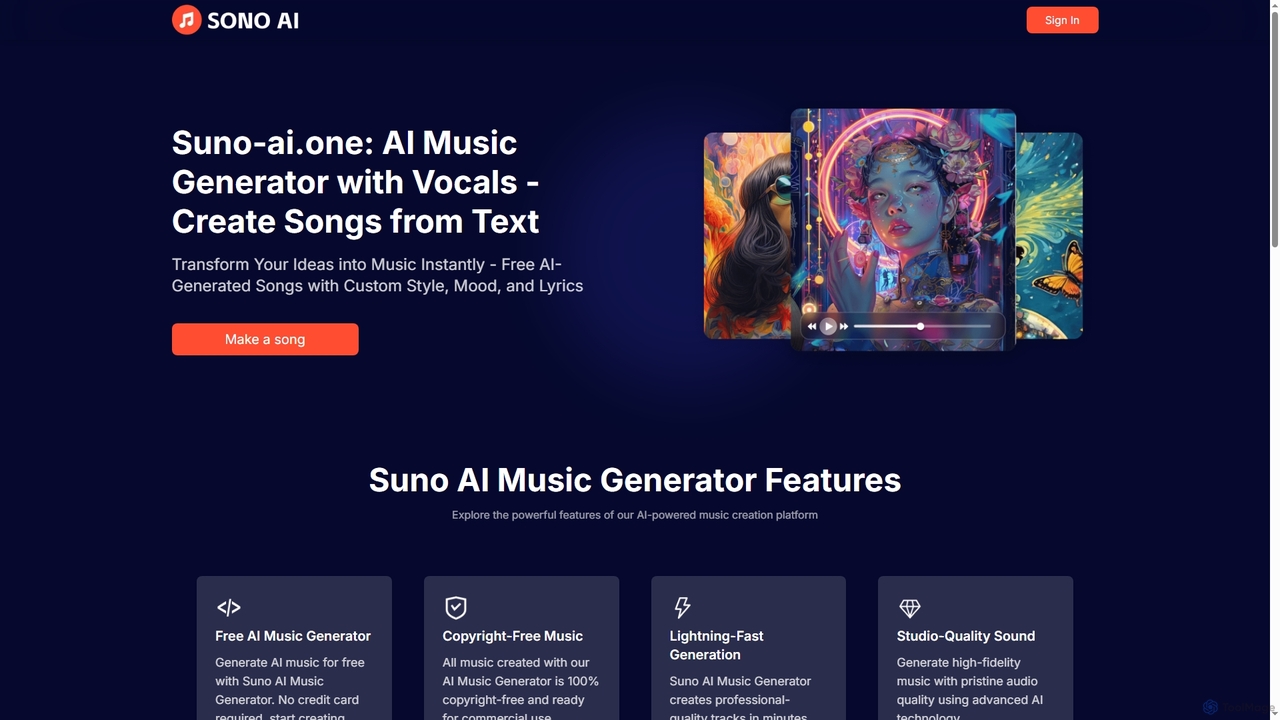
Suno AI is a powerful AI music generator that transforms text prompts into original, studio-quality songs with vocals. …

5.4K

About Sound Design

AI Sound Design tools are a class of software that leverages artificial intelligence to generate, modify, and synthesize unique audio effects and soundscapes. These tools utilize generative models and neural synthesis to create entirely new sounds from text prompts or to transform existing audio into complex textures. This enables creators in film, gaming, and music to produce custom sound effects, ambient noises, and Foley that precisely match their creative vision, moving beyond the limitations of traditional sample libraries. The primary advantage is the ability to craft highly specific and infinitely variable audio assets on demand.

Core Features

  • Text-to-Sound Generation: Create complex sound effects and ambiences from simple text descriptions.
  • Sound Morphing & Synthesis: Blend the characteristics of multiple audio files to create new, hybrid sounds.
  • Automated Foley Creation: Generate synchronized sound effects like footsteps or object impacts by analyzing video content.
  • Context-Aware Ambiance: Produce dynamic, non-repetitive background soundscapes that adapt to scenes or parameters.
  • Voice & Timbre Transformation: Alter the characteristics of a sound or voice to create unique sonic identities.

Use Cases

AI Sound Design tools are primarily used in industries requiring bespoke audio content. In game development, they generate procedural audio for dynamic environments and unique creature sounds. For film and video post-production, they create specific sound effects for sci-fi elements or fantasy settings. Music producers use them to design novel synth patches and textural layers that define their sonic signature.

How to Choose

When selecting an AI Sound Design tool, first evaluate the quality and realism of its audio output. Consider its workflow integration, such as VST or AAX plugin support for your Digital Audio Workstation (DAW). Assess the level of creative control and parameter tweaking available after generation. Finally, compare the input methods supported—whether it's text, audio, video, or a combination—to ensure it fits your creative process.

Sound DesignUse Cases

1

Creating Custom Sound Effects for a Sci-Fi Film

A sound designer on an independent sci-fi film needs a unique vocalization for an alien creature. Instead of layering generic animal sounds, they use an AI tool. By inputting text prompts like 'guttural, wet, clicking roar with a metallic echo,' the AI generates several distinct variations. The designer can then fine-tune parameters like resonance and decay to perfect the sound. This process delivers a highly original and fitting sound effect in minutes, saving hours of manual synthesis and sourcing from limited sound libraries.

2

Generating Dynamic Ambiance for Game Environments

A game developer is creating a procedural fantasy world and needs an adaptive ambient soundscape. Using an AI sound design tool, they define parameters for a forest environment, such as wind intensity, creature density, and time of day. The AI generates a continuous, non-repeating audio stream that realistically shifts—wind howls louder during a storm, and nocturnal creature sounds emerge at night. This creates a deeply immersive player experience without the need to manually script hundreds of audio cues or use repetitive sound loops.

3

Designing Unique Textures for Electronic Music

An electronic music producer wants to create a signature sound for a new track. They use an AI sound morphing tool, feeding it two distinct sources: a recording of a crackling fire and a simple sine wave synth pad. The AI analyzes the timbral and rhythmic qualities of both inputs and generates a new, evolving textural element that combines the warmth and randomness of the fire with the tonal purity of the synth. This hybrid sound becomes a unique atmospheric layer in the track, something that would be difficult and time-consuming to create with traditional synthesis methods.

4

Automating Foley for Podcast Productions

A producer of a narrative podcast needs to add realistic sound effects to a scene where a character walks through a rainy city street. Instead of manually searching for, editing, and placing individual sounds for footsteps, rain, and traffic, they use an AI Foley tool. They upload the voice-over track and provide a script or scene description. The AI analyzes the context and timing, automatically generating and layering appropriate sounds—footsteps on wet pavement, varying rain intensity, and distant car horns—perfectly synchronized with the narration.

5

Prototyping Unique UI Interaction Sounds

A UX/UI designer for a new mobile app wants to avoid generic, overused notification and button-click sounds. They use a text-to-sound AI tool to rapidly prototype a suite of branded audio cues. By entering prompts like 'a soft, glassy tap,' 'a quick, bubbly confirmation,' or 'a subtle, warm notification chime,' they can generate dozens of options in minutes. This allows the design team to quickly test different sonic identities with users and select a unique, cohesive set of sounds that enhances the app's brand experience without needing an audio engineer for early-stage mockups.

6

Crafting Positional Audio for VR Experiences

A VR developer is building an immersive simulation of a bustling marketplace. To achieve realism, they need complex, positional audio. Using an AI sound design tool, they generate multi-layered soundscapes for different zones of the market—the chatter of crowds, the clanging from a blacksmith, and merchants hawking their wares. The AI not only generates these sounds but also helps in placing them within the 3D audio space. This ensures that as the user moves and turns their head, the sounds react realistically, creating a believable and deeply engaging virtual environment.

Sound DesignFrequently Asked Questions