ToolMage
Sign in

Best 1 Sound Effects AI tools for Content Creation

Popular Sound Effects AI tools in Content Creation include Clip, helping you work more efficiently.

Clip
Freemium

Clip

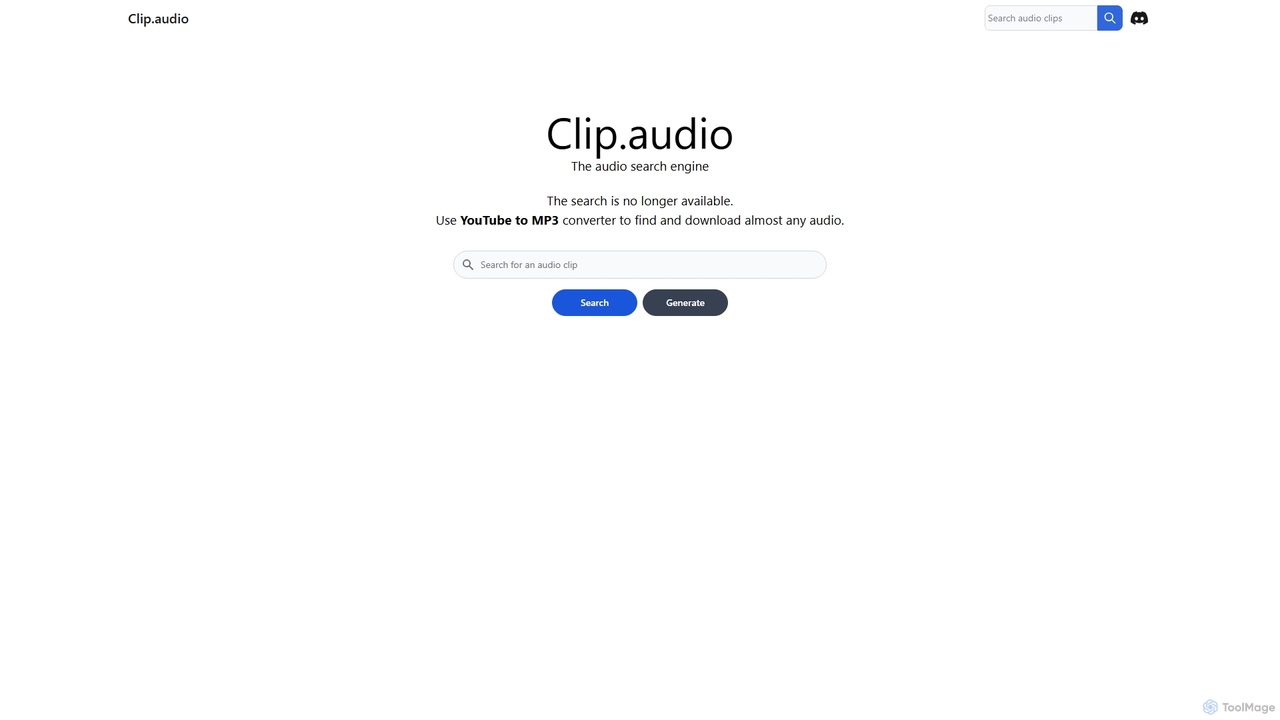
Clip is an advanced AI-powered audio search engine designed for creators. It enables users to find the perfect sound effects, music clips, and audio samples using natural language queries, sound similarity searches, and detailed filtering, streamlining the creative workflow.

Search
Visits 5.4KFavorites 131Likes 111

About Sound Effects

AI Sound Effects generators are tools that use artificial intelligence to create unique, high-quality sound effects from text descriptions. These tools leverage generative audio models to synthesize a vast range of sounds, from realistic environmental noises to futuristic sci-fi effects, based on user prompts. This empowers creators in video production, game development, and podcasting to produce custom audio on demand, bypassing the limitations of traditional, pre-recorded sound libraries. The technology allows for rapid iteration and the creation of highly specific sounds that perfectly match a creative vision.

Core Features

  • Text-to-Sound Generation: Creates audio clips directly from descriptive text prompts like "a heavy wooden door creaking open slowly".
  • Sound Variation: Generates multiple unique variations of a sound from a single prompt, providing diverse options for any scene.
  • Audio Style Transfer: Applies the acoustic characteristics of one sound to another, enabling creative sound design possibilities.
  • Ambient Soundscape Creation: Produces complex background audio environments, such as a bustling city or a serene forest, from a simple description.
  • Foley and UI Sound Synthesis: Generates specific action-based sounds (Foley) or user interface clicks and notifications for apps and games.

Applicable Scenarios

These tools are invaluable for game developers designing immersive worlds, filmmakers and video editors needing custom audio for scenes, and podcasters creating engaging soundscapes. They are also used by UX/UI designers to craft unique notification sounds for applications and by animators who require perfectly synchronized audio for their motion graphics.

Selection Criteria

When choosing an AI Sound Effects tool, evaluate the audio quality and realism of the generated sounds. Assess the AI's ability to understand nuanced and complex text prompts accurately. Consider the range of customization options available, such as duration, intensity, and style. Finally, carefully review the licensing terms to ensure the generated sounds are royalty-free for your intended commercial or personal use.

Sound Effects use cases

1

Designing Custom Sounds for Indie Games

An indie game developer is creating a fantasy RPG and needs a unique sound for a magical creature that doesn't exist in standard sound libraries. Instead of spending hours searching or hiring a sound designer, they use an AI Sound Effects tool. They input a detailed prompt like "a small, crystalline creature emitting a soft, melodic chirp with a faint echo." The AI generates several variations in seconds. The developer can then select the one that best fits the creature's design, ensuring a unique and immersive audio experience for players while saving significant time and budget.

2

Creating Immersive Podcast Soundscapes

A true-crime podcast producer wants to enhance storytelling by creating a specific atmosphere for an episode set in the 1940s. They need background audio of a "rainy night in New York City, with the distant sound of a saxophone from a jazz club and occasional passing cars on wet streets." Using an AI generator, they can create this complex soundscape with a single text prompt. This allows them to produce a highly immersive and professional-sounding episode without the high cost of licensing multiple sound tracks or the difficulty of mixing them manually.

3

Rapid Foley Generation for Animation

An animator is working on a short cartoon with a tight deadline. They need various Foley sounds, such as footsteps on different surfaces, objects falling, and comical squeaks. Manually recording or finding each specific sound is time-consuming. By using an AI Sound Effects tool, the animator can generate these sounds instantly. They can type "cartoon character slipping on a banana peel" or "light footsteps on a gravel path" and get synchronized audio clips. This process dramatically speeds up the post-production workflow, allowing the animator to focus more on the visual elements.

4

Crafting Unique UI/UX Notification Sounds

A UX designer for a new productivity app wants to create a set of unique, non-intrusive notification sounds that align with the app's minimalist brand identity. Standard system sounds are too generic. Using an AI sound generator, the designer can experiment with prompts like "a soft, glassy tap," "a gentle, short chime," or "a subtle, ascending digital notification." This allows for the creation of a cohesive and branded audio experience for the app's users, enhancing usability and brand recognition without needing audio engineering skills.

5

Generating Sci-Fi Effects for Short Films

A filmmaker is producing a low-budget sci-fi short film and needs a variety of futuristic sounds, such as spaceship engines, laser blasts, and alien communication signals. Sourcing these from libraries can be expensive and may not offer the exact sound needed. The filmmaker uses an AI tool to generate these effects by describing them in detail: "the low hum of a large starship's ion engine powering up" or "a high-pitched, crackling energy weapon firing." This provides complete creative control and delivers unique, high-quality sound effects that elevate the film's production value without breaking the budget.

6

Prototyping Audio for VR/AR Experiences

A developer building a VR training simulation needs to quickly prototype spatial audio cues. For example, they need the sound of a specific machine malfunctioning, which changes based on the user's proximity. Instead of commissioning custom sounds for a prototype, the developer uses an AI generator to create placeholder audio. They can generate sounds like "electrical sparking from a control panel" or "a low-frequency hydraulic hiss." This allows for rapid testing of the audio experience and interaction design, enabling faster iteration cycles before investing in final, high-fidelity sound assets.

Sound Effects FAQ

What are AI Sound Effects tools?

AI Sound Effects tools are applications that use generative artificial intelligence to create new, original sound effects from text prompts. Unlike traditional sound libraries that offer a fixed collection of pre-recorded audio, these tools synthesize sounds on demand. Users can describe a sound in detail (e.g., "a robot footstep on a metal floor in a large hall"), and the AI will generate a corresponding audio clip. This technology is primarily used by game developers, filmmakers, and content creators who need highly specific or unique sounds.

How do AI Sound Effects generators differ from traditional sound libraries?

The key difference lies in creation versus collection. Traditional sound libraries contain a finite, curated collection of pre-recorded sounds that you search and download. AI Sound Effects generators create entirely new sounds from scratch based on your text input. Key differences include:

  • Uniqueness: AI generates unique sounds every time, while libraries offer the same files to everyone.
  • Specificity: With AI, you can request highly specific and complex sounds that may not exist in any library.
  • Workflow: AI tools offer a creative, iterative process, whereas libraries involve a search-and-find workflow.
  • Cost: AI tools often use a subscription or credit-based model for generation, while libraries might involve subscriptions or per-file purchases.

Are AI-generated sound effects royalty-free?

Generally, yes. Most AI Sound Effects services are designed for creators and offer commercial, royalty-free licenses for the sounds you generate on their platform. This means you can typically use them in your projects (videos, games, podcasts) without paying additional fees per use. However, it is crucial to read the specific terms of service for each tool. Some may have restrictions on reselling the raw sound files or using them to train other AI models. Always verify the licensing agreement before using generated sounds in a commercial project.

How to choose the right AI Sound Effects tool?

Choosing the right tool depends on your specific needs. Consider these factors:

  • Audio Quality: Listen to samples. Does the tool produce high-fidelity, realistic, and artifact-free sounds?
  • Prompt Comprehension: Test how well the AI understands complex and nuanced descriptions. Can it handle abstract concepts?
  • Control and Customization: Look for features that allow you to adjust parameters like duration, intensity, variation, or style after generation.
  • Speed and Usability: The interface should be intuitive, and the generation speed should fit your workflow.
  • Licensing and Pricing: Ensure the license fits your use case (commercial or personal) and that the pricing model (subscription, credits) offers good value.

Who are the primary users of AI Sound Effects tools?

AI Sound Effects tools are used by a wide range of creative professionals and hobbyists. The primary users include:

  • Game Developers: For creating unique sounds for characters, environments, and actions in indie and large-scale games.
  • Filmmakers and Video Editors: To produce custom Foley, ambient soundscapes, and special effects for films, commercials, and online content.
  • Podcasters and Audio Producers: For enhancing storytelling with immersive background noises and custom sound effects.
  • Animators and Motion Designers: To quickly generate audio that syncs perfectly with visual animations.
  • UX/UI Designers: For crafting unique and branded notification sounds for applications and websites.