ToolMage
Sign in

Best 5 Text To Speech AI tools for Content Creation

Popular Text To Speech AI tools in Content Creation include BeyondWords, inpodcast, Podcustom, Voicera, and clonemyvoice.io, helping you work more efficiently.

Podcustom
Freemium

Podcustom

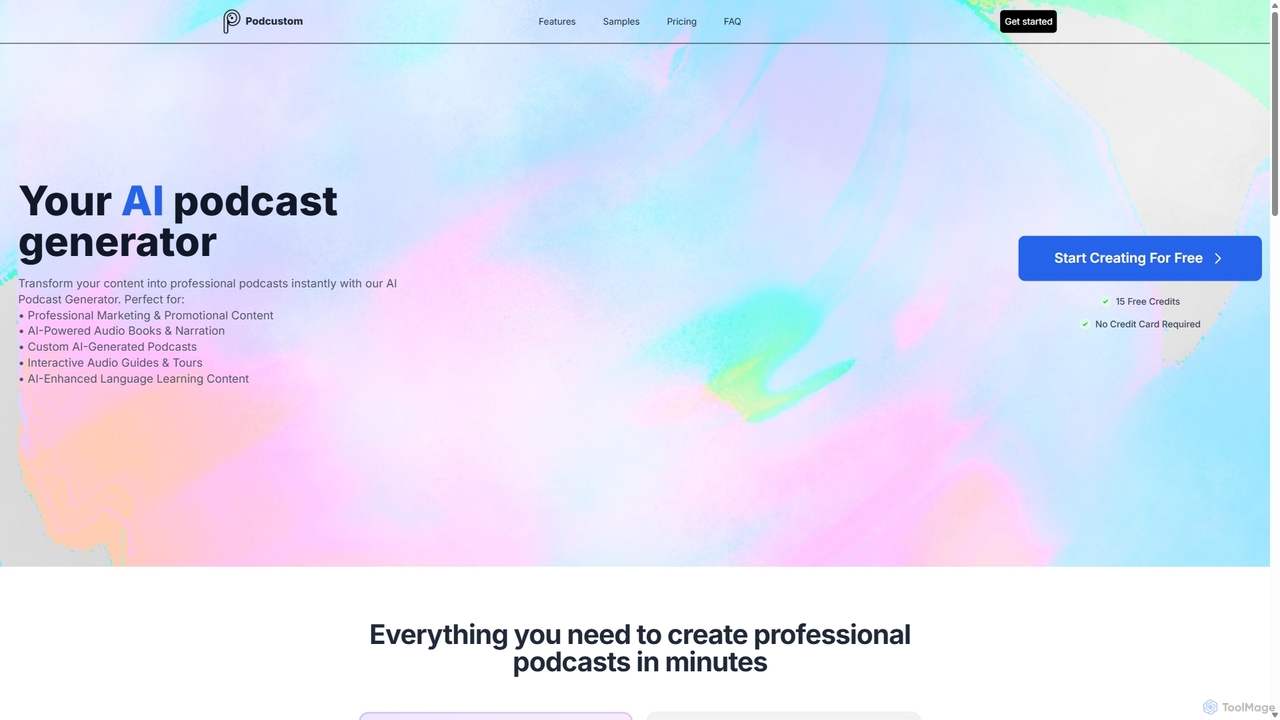
Podcustom is an AI-powered podcast generator that instantly transforms various content formats—such as URLs, documents, or text prompts—into professional-quality podcasts. It offers premium AI voices, multilingual support, and easy RSS distribution, making it ideal for marketers, educators, and content creators to produce engaging audio content in minutes.

Podcast Generation
Visits 7.7KFavorites 141Likes 133
Voicera
Freemium

Voicera

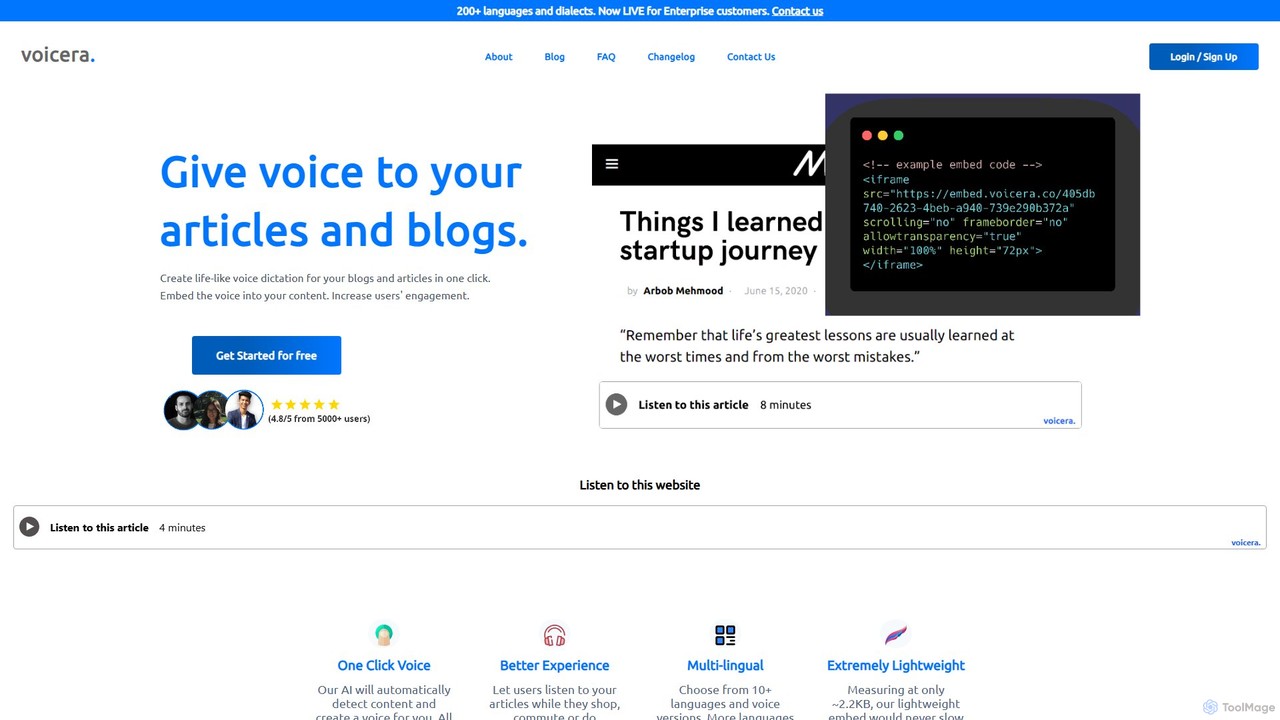
Voicera is an AI-powered platform that converts articles and blog posts into life-like audio with a single click. It allows content creators to embed a lightweight audio player on their websites, increasing user engagement, improving accessibility for visually impaired users, and expanding audience reach. Supporting over 200 languages and dialects for enterprise users, Voicera offers a simple, pay-as-you-go pricing model to make content audible.

Voice Generation
Visits 7.5KFavorites 135Likes 118
clonemyvoice.io
Paid

clonemyvoice.io

An AI-powered voice cloning service that generates realistic, high-quality English voiceovers from a short audio sample. Ideal for long-form content like podcasts, audiobooks, and presentations, it can clone a voice from any language to produce a natural-sounding English voice with a British or American accent. The service is fast, affordable, and prioritizes user data privacy.

Voice Cloning
Visits 6.7KFavorites 104Likes 121
inpodcast
Freemium

inpodcast

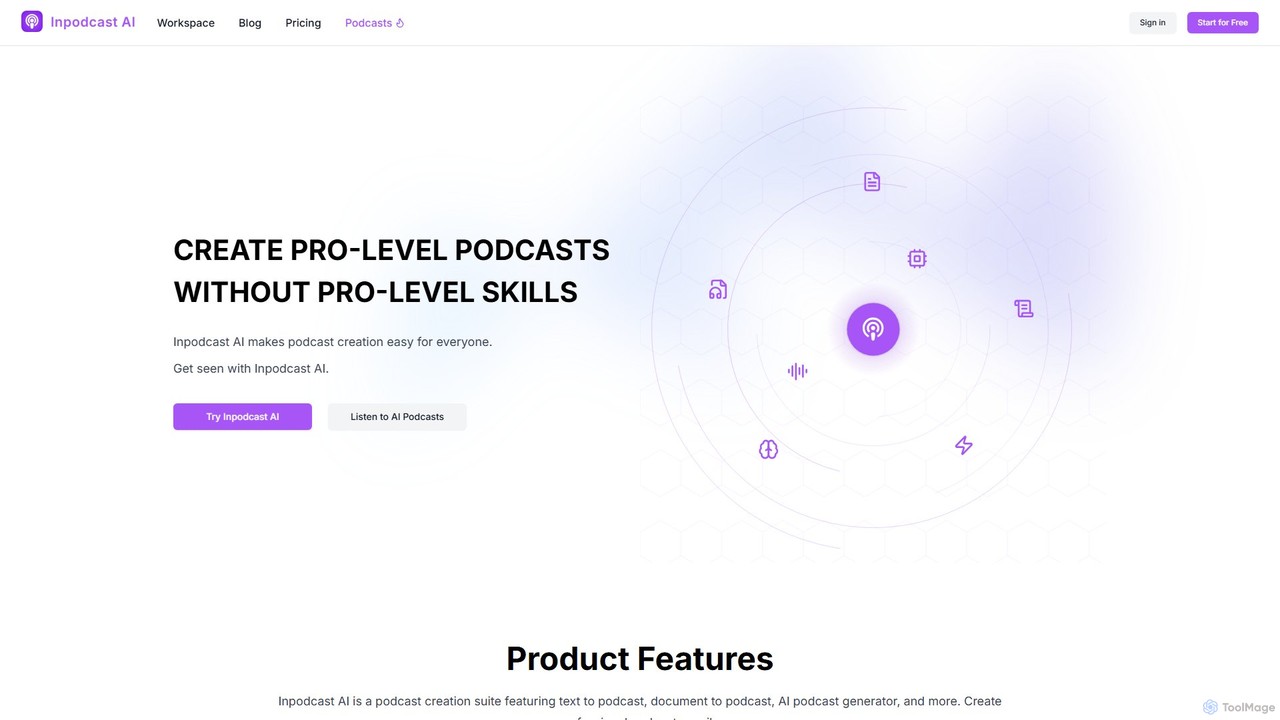
inpodcast is an AI-powered podcast generator that effortlessly transforms documents, scripts, and text into professional-quality podcasts. With support for over 70 languages, a library of 100+ natural-sounding AI voices, and an intuitive interface, it enables creators, educators, and businesses to produce engaging audio content without any technical skills or expensive equipment. Simply upload your content, customize the voice and style, and generate a ready-to-share podcast in minutes.

Podcast Generation
Visits 8.8KFavorites 143Likes 158
BeyondWords
Freemium

BeyondWords

BeyondWords is an all-in-one AI audio CMS for publishers and content creators. It converts written content into high-quality, lifelike audio using advanced text-to-speech, voice cloning, and a vast voice library. It features a customizable player, detailed analytics, and monetization options to boost audience engagement and create new revenue streams.

Text To Speech
Visits 43.9KFavorites 149Likes 146

About Text To Speech

Text To Speech (TTS) tools are AI-powered applications that convert written text into spoken audio. Leveraging advanced natural language processing and deep learning, these tools generate human-like voices across various languages, accents, and emotional styles. They provide an efficient and accessible way to create high-quality audio content, transforming written material into engaging auditory experiences. This technology is a vital component of modern content creation, enabling diverse applications from accessibility features to multimedia production.

Core Features

  • Natural Voice Synthesis: Generates highly realistic, human-like speech with natural intonation and rhythm.
  • Multi-language & Accent Support: Offers a wide range of languages and regional accents to cater to global audiences.
  • Voice Customization: Allows adjustment of pitch, speed, volume, and emotional tone, often with SSML (Speech Synthesis Markup Language) for fine-grained control.
  • API Integration: Provides developer-friendly APIs for seamless integration into existing applications, websites, and systems.
  • Batch Processing: Enables efficient conversion of large volumes of text into audio files simultaneously.

Use Cases

Content creators use TTS for generating voiceovers for videos, podcasts, and audiobooks, saving time and resources compared to human narration. Businesses deploy TTS in customer service for interactive voice response (IVR) systems and voice-enabled chatbots, ensuring consistent brand voice. Educators utilize TTS to create accessible e-learning materials and provide pronunciation guides for language learners.

How to Choose

When selecting a Text To Speech tool, prioritize voice quality and naturalness, as this directly impacts user engagement. Evaluate the breadth of language and accent support to match your target audience. Consider customization options like SSML for precise control over speech nuances. Assess the pricing model, which can vary by character count or subscription, and check for robust API integration if you need to embed TTS into your applications.

Text To Speech use cases

1

Creating Engaging Video Voiceovers

Video producers and marketers use TTS to generate professional voiceovers for explainer videos, product demonstrations, and social media content. By inputing scripts, they can quickly produce consistent, high-quality audio in various voices and languages, significantly reducing production time and costs associated with hiring voice actors.

2

Developing Accessible E-learning Materials

Educational institutions and content developers leverage TTS to convert textbooks, lecture notes, and online course content into audio formats. This enhances accessibility for students with visual impairments or learning disabilities, and provides an alternative learning modality for all, making educational resources more inclusive and flexible.

3

Automating Customer Service IVR Systems

Businesses integrate TTS into their Interactive Voice Response (IVR) systems to provide dynamic, real-time audio responses to customer queries. Instead of pre-recording every possible phrase, TTS allows the system to generate answers on the fly from text databases, ensuring up-to-date information and a personalized, efficient customer service experience.

4

Producing Audiobooks and Podcasts Efficiently

Independent authors and podcasters utilize TTS to transform written manuscripts and blog posts into audiobooks or podcast episodes. This enables rapid content production without the need for recording studios or professional narrators, allowing creators to reach a wider audience through auditory channels with minimal overhead.

5

Enhancing In-Game Character Dialogue

Game developers employ TTS to generate dialogue for non-player characters (NPCs) or for prototyping game narratives. This allows for quick iteration on scripts and character voices, providing a cost-effective solution for adding extensive spoken content and enhancing immersion, especially during early development phases.

6

Generating Multilingual Marketing Content

Global marketing teams use TTS to localize advertising campaigns, promotional messages, and product descriptions into multiple languages. By converting text into native-sounding speech, they can effectively communicate with diverse international audiences, ensuring brand consistency and cultural relevance across different markets.

Text To Speech FAQ

What are Text To Speech (TTS) tools?

Text To Speech (TTS) tools are AI-powered applications that convert written text into spoken audio. They leverage advanced algorithms to synthesize human-like voices, allowing users to transform any text document, script, or digital content into an auditory experience. Core characteristics include natural voice generation, support for multiple languages and accents, and customization options for speech parameters like pitch and speed.

How do I choose the right Text To Speech tool for my needs?

When selecting a Text To Speech tool, consider several key factors. First, evaluate the quality and naturalness of the voices offered, as this is crucial for user engagement. Second, check the range of supported languages and accents to match your target audience. Third, assess customization capabilities, such as SSML support for fine-tuning pronunciation and emotional tone. Finally, compare pricing models, integration options (like APIs), and the overall ease of use to ensure it aligns with your project requirements and budget.

What are the main benefits of using Text To Speech technology?

Text To Speech technology offers numerous benefits, including enhanced accessibility for individuals with visual impairments or reading difficulties, making content more inclusive. It significantly boosts efficiency by automating audio content creation, saving time and resources compared to manual recording. TTS ensures consistent voice branding across all audio materials and enables rapid localization of content into multiple languages, expanding global reach. It's also a cost-effective solution for producing high volumes of audio content.

Can Text To Speech voices sound truly natural and human-like?

Yes, modern Text To Speech technology, particularly those utilizing neural networks and deep learning (often referred to as Neural TTS), can produce remarkably natural and human-like voices. These advanced models are trained on vast datasets of human speech, allowing them to capture subtle nuances in intonation, rhythm, and emotional expression. While some older or simpler TTS systems might sound robotic, leading-edge AI-powered tools are capable of generating highly expressive and engaging speech that is often indistinguishable from human narration.

What is the difference between Text To Speech and Voice Cloning?

Text To Speech (TTS) converts any written text into spoken audio using a pre-defined or synthesized voice. The goal is to generate speech from text. Voice Cloning, on the other hand, is a more advanced technique that aims to replicate a specific person's voice. It requires a sample of the target voice and then uses AI to generate new speech in that exact voice, often from text input. While TTS focuses on generating speech, voice cloning focuses on generating speech in a particular voice identity. Some advanced TTS tools may offer voice customization features that border on light cloning, but true voice cloning is about replicating a unique voiceprint.