ToolMage
Sign in

Best 3 Video Tools for Content Creation

Popular Video Tools in Content Creation include transcribethis, CreatorChat, and Sora Watermark Remover, helping you work more efficiently.

CreatorChat
Freemium

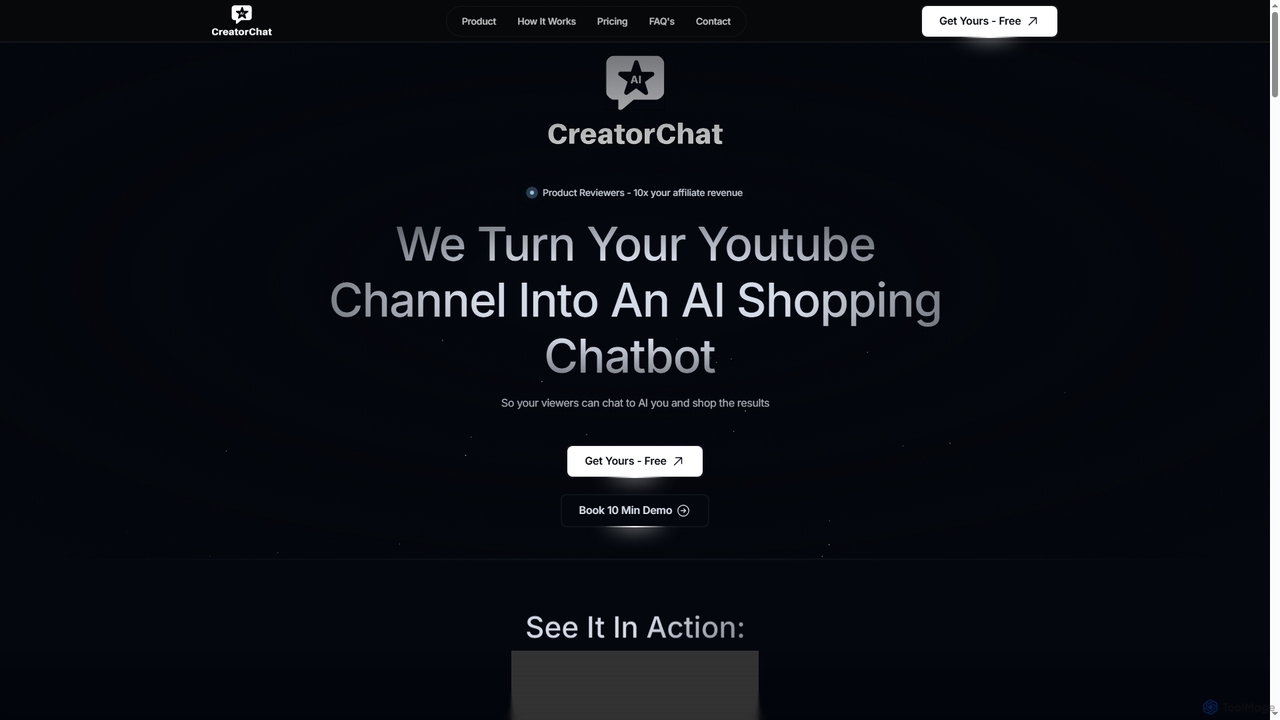
CreatorChat

CreatorChat transforms YouTube channels and other social media content into intelligent AI shopping chatbots. It empowers product reviewers and content creators to significantly boost affiliate revenue by offering viewers a personalized, interactive shopping experience, guiding them to the best products and prices directly from their content.

Video Tools
Visits 5.7KFavorites 122Likes 129
Sora Watermark Remover
Paid

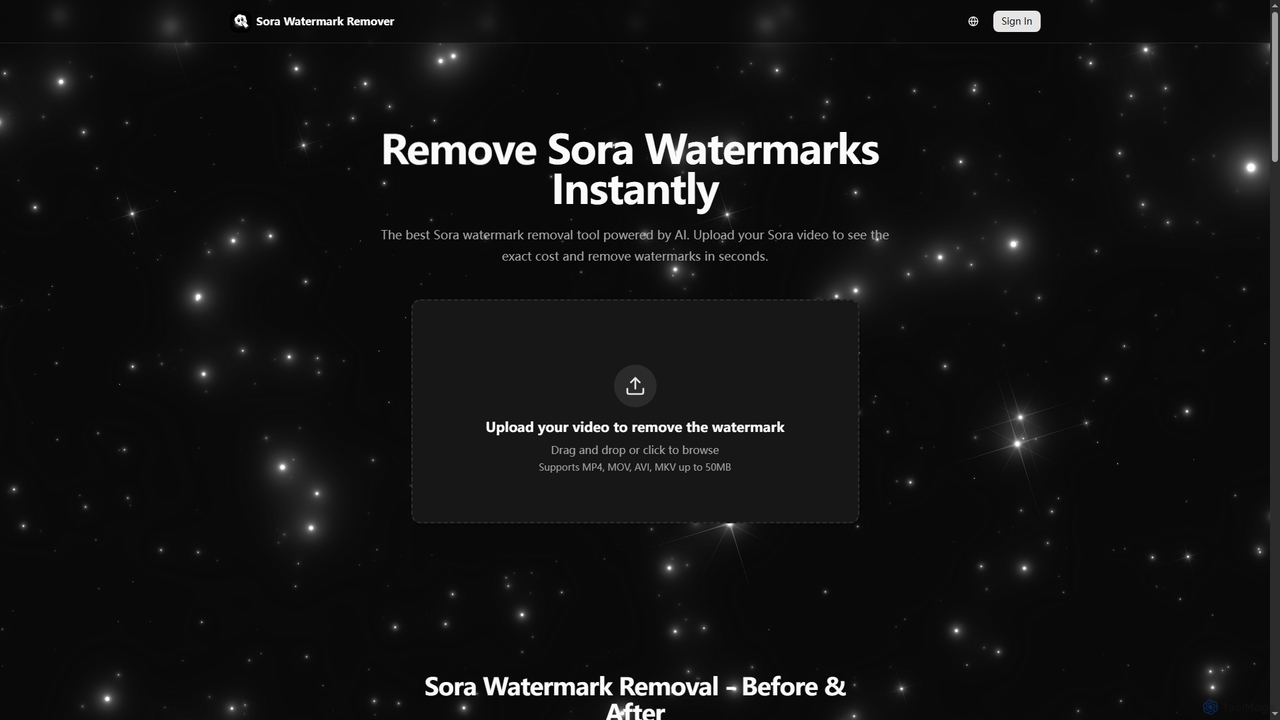
Sora Watermark Remover

Sora Watermark Remover is an AI-powered online tool designed to instantly remove watermarks from Sora AI-generated videos. It offers fast, secure, and high-quality processing, allowing creators and professionals to produce clean, watermark-free video content without subscriptions.

3D
Visits 4.9KFavorites 131Likes 132
transcribethis
Freemium

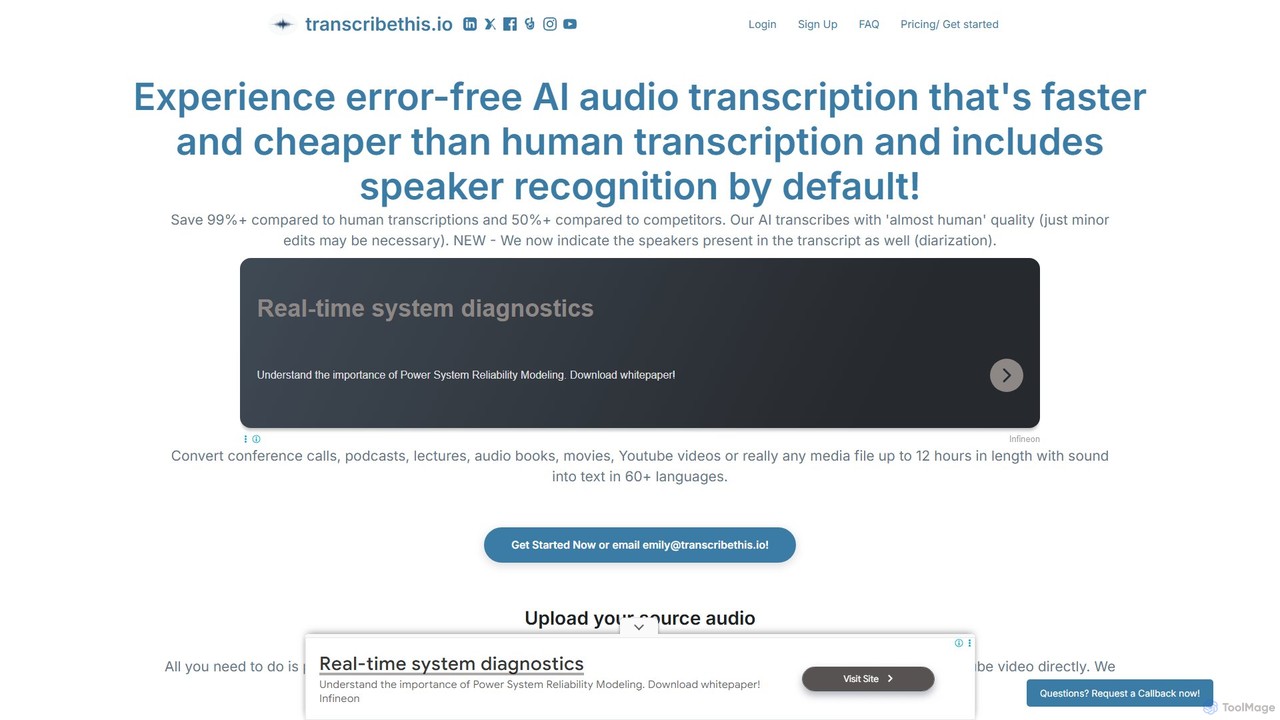
transcribethis

An advanced AI-powered transcription service that converts audio and video to text with high accuracy. It supports over 60 languages, automatically identifies different speakers (diarization), and offers a faster, more affordable alternative to manual transcription. With robust privacy features, it's ideal for professionals, content creators, and researchers.

Speech To Text
Visits 7.8KFavorites 131Likes 132

About Video Tools

Video Tools are AI-powered applications designed to streamline and enhance every stage of video production, from initial concept to final delivery. Leveraging advanced machine learning algorithms, these tools automate complex tasks like script generation, footage analysis, editing, voiceovers, and visual effects. They empower content creators, marketers, and businesses to produce high-quality video content more efficiently, reducing manual effort and opening new creative possibilities.

Core Features

  • Automated Editing: AI analyzes footage, identifies key moments, and suggests cuts, transitions, and music synchronization.
  • Script & Storyboard Generation: AI assists in writing video scripts, generating story ideas, and even creating visual storyboards from text.
  • AI Voiceovers & Dubbing: Generate natural-sounding voiceovers in multiple languages or automatically dub existing audio tracks.
  • Visual Effects & Enhancement: Apply AI-driven filters, upscaling, background removal, object tracking, and stylistic transformations to video footage.
  • Content Summarization & Clipping: Automatically identify and extract highlights or create short-form clips from longer videos for social media.

Use Cases

Video Tools are indispensable for digital marketers creating engaging ad campaigns, content creators producing daily vlogs or tutorials, and businesses developing training materials or product demos. They significantly accelerate the production workflow, allowing for rapid iteration and customization of video assets across various platforms.

How to Choose

When selecting AI Video Tools, consider the specific production stage you need to optimize (e.g., pre-production, editing, post-production), the range of AI features offered (e.g., voice generation, visual effects, automated editing), integration capabilities with existing software, and the pricing model. Evaluate the quality of AI output and the learning curve for your team.

Video Tools use cases

1

Generate Engaging Social Media Videos Automatically

Social media managers can use AI video tools to quickly transform blog posts, articles, or short text prompts into dynamic video clips suitable for platforms like TikTok, Instagram Reels, or YouTube Shorts. The AI selects relevant stock footage, adds background music, generates voiceovers, and applies captions, drastically reducing the time spent on content creation and enabling consistent posting schedules.

2

Create Personalized Video Marketing at Scale

Marketing teams can leverage AI video tools to generate thousands of personalized video messages for individual customers or segmented audiences. By integrating with CRM data, the AI can dynamically insert customer names, specific product recommendations, or tailored offers into video templates, enhancing engagement and conversion rates for email marketing or sales outreach.

3

Streamline E-learning Video Production

E-learning developers and corporate trainers can utilize AI video tools to convert text-based training manuals or presentations into engaging video lessons. The AI can generate animated explainers, create virtual presenters, and add interactive elements, making complex topics more accessible and improving learner retention without requiring extensive video editing expertise.

4

Produce Product Demos and Explainer Videos Quickly

Product managers and sales teams can use AI video tools to rapidly create professional product demonstrations or explainer videos. By inputting product features and benefits, the AI can generate scripts, select appropriate visuals, and produce a polished video that clearly communicates value propositions, accelerating sales cycles and improving customer understanding.

5

Localize Videos for Global Audiences

Global businesses and content distributors can employ AI video tools for efficient localization. These tools automatically translate video scripts, generate natural-sounding voiceovers or subtitles in multiple languages, and even lip-sync the audio to the on-screen speaker. This significantly reduces the cost and time associated with reaching diverse international markets.

6

Summarize Long Videos for Quick Consumption

Journalists, researchers, and content curators can use AI video tools to automatically analyze lengthy interviews, webinars, or news broadcasts and generate concise video summaries or highlight reels. The AI identifies key topics, speakers, and important moments, allowing for rapid content digestion and the creation of short, shareable clips for news updates or research purposes.

Video Tools FAQ

What are AI Video Tools?

AI Video Tools are software applications that use artificial intelligence and machine learning to automate, assist, or enhance various aspects of video creation and editing. They can perform tasks like generating scripts, editing footage, creating voiceovers, applying visual effects, and summarizing content, significantly speeding up the video production workflow and enabling new creative possibilities.

How do AI Video Tools differ from traditional video editing software?

Traditional video editing software relies heavily on manual input and skill for every cut, effect, and transition. AI Video Tools, while often integrating with traditional editors, automate many of these tasks. For example, AI can automatically identify optimal cuts, generate entire scripts from text, or create voiceovers, whereas traditional software requires manual execution of each step. AI tools focus on efficiency and intelligent automation, while traditional tools offer granular manual control.

What are the main benefits of using AI for video production?

The primary benefits include significant time and cost savings by automating repetitive tasks, increased efficiency in content creation, and the ability to scale video production. AI also lowers the barrier to entry for non-professionals, enables advanced features like personalized video generation and multilingual dubbing, and fosters new creative approaches by suggesting edits or generating content ideas.

Can AI Video Tools generate entire videos from text?

Yes, many advanced AI Video Tools can generate complete videos from text prompts or scripts. Users can input text, and the AI will select relevant stock footage or images, generate voiceovers, add background music, and even apply basic animations and transitions to create a coherent video. While the quality can vary, these tools are rapidly improving and are ideal for quick content generation, explainer videos, or social media clips.

How to choose the best AI Video Tool for my needs?

To choose the best AI Video Tool, first identify your primary use case: are you focused on scriptwriting, automated editing, voiceovers, or visual effects? Consider the tool's ease of use, the quality and customization options of its AI-generated output, its integration capabilities with other platforms, and your budget. Look for tools that offer a good balance of features relevant to your specific workflow and creative goals.