ToolMage
Sign in

Best 3 Visual Storytelling AI tools for Content Creation

Popular Visual Storytelling AI tools in Content Creation include Sora2Video, Questas, and Banana Editor, helping you work more efficiently.

Questas
Freemium

Questas

Questas is an innovative AI-powered platform designed to create immersive, interactive choose-your-own-adventure stories. It features an intuitive visual editor for building complex branching narratives, enhanced with AI-generated images and videos, making storytelling accessible to everyone without coding or design skills.

Visual Storytelling
Visits 5.5KFavorites 126Likes 138
Sora2Video
Freemium

Sora2Video

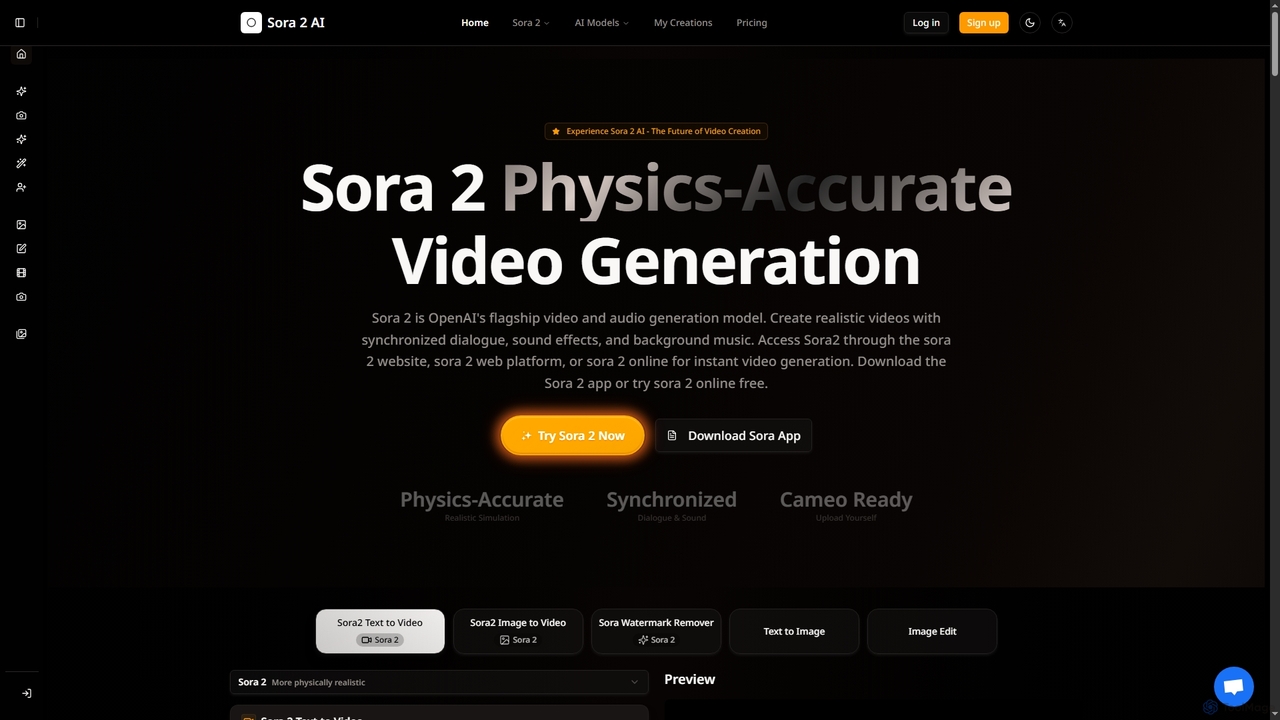
Sora2Video is OpenAI's advanced AI video generation model, creating physics-accurate videos with synchronized audio, realistic simulations, and a revolutionary cameo feature. It transforms text and images into high-quality cinematic or anime-style content, accessible via web or iOS app.

3D
Visits 6.2KFavorites 139Likes 123
Banana Editor
Freemium

Banana Editor

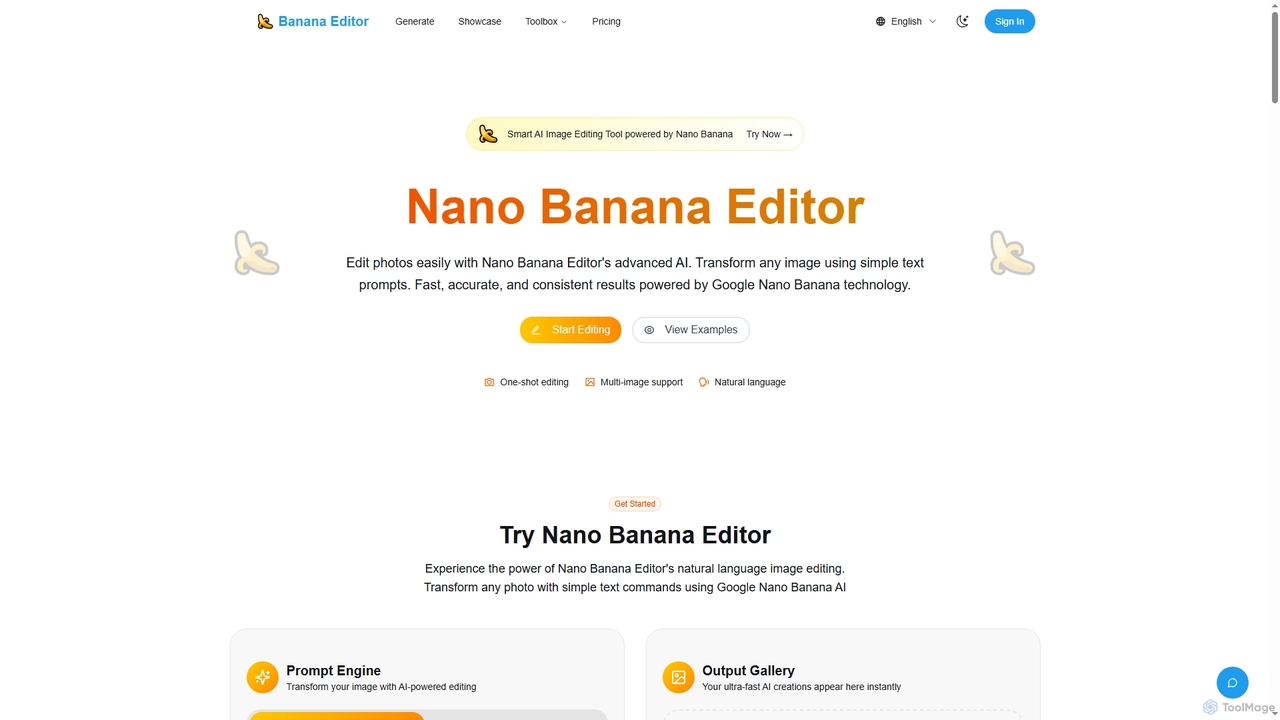
Banana Editor is an advanced AI image editing tool powered by Google Nano Banana technology. It allows users to transform and enhance photos using simple natural language text prompts, ensuring fast, accurate, and consistent results for various creative and commercial applications.

Visual Storytelling
Visits 5.4KFavorites 135Likes 111

About Visual Storytelling

Visual Storytelling tools are AI-powered platforms designed to create compelling narratives by sequencing various visual elements. These tools utilize generative AI to transform text prompts, scripts, or data into a structured flow of images, video clips, animations, and text overlays. They excel at building coherent stories for marketing, education, or entertainment, making complex information more engaging and understandable. This approach moves beyond single-asset creation to focus on the art of narrative construction.

Core Features

  • Storyboard Generation: Automatically creates a sequence of visual scenes from a script or text description, outlining the narrative flow.
  • Multi-Modal Integration: Combines AI-generated images, video clips, voiceovers, and text into a unified presentation.
  • Style Consistency: Maintains a consistent artistic style, color palette, and character design across all visual elements of the story.
  • Automated Pacing and Transitions: Intelligently suggests or applies transitions and pacing to enhance the emotional impact and clarity of the narrative.
  • Interactive Elements: Allows for the inclusion of clickable buttons, polls, or branching paths to create engaging, non-linear stories.

Use Cases

These tools are highly effective for marketing teams creating social media campaigns and product explainers. Educators and corporate trainers use them to develop engaging e-learning modules and instructional content. Content creators, such as comic artists and animators, leverage them to accelerate their production workflow for webtoons or short films.

How to Choose

When selecting a Visual Storytelling tool, evaluate the range of output formats (e.g., video, interactive web page, GIF). Assess the quality and diversity of the AI-generated assets and the level of customization available. Consider its ease of use for non-designers and its ability to integrate with existing media libraries or content platforms. Finally, review the pricing model based on your project volume and feature requirements.

Visual Storytelling use cases

1

Generate Marketing Campaign Storyboards

A marketing manager needs to pitch a new video ad campaign concept to stakeholders. Instead of manually creating slides, they input the campaign brief and key messages into a visual storytelling tool. The AI generates a complete storyboard with multiple scenes, suggests character designs, visual styles (e.g., 'cinematic' or 'animated'), and adds placeholder text for dialogue and calls-to-action. This allows the team to visualize the final ad in minutes, facilitating faster feedback and iteration cycles before production begins.

2

Create Engaging Educational Modules

An educator wants to create an interactive lesson on ancient history. They provide the AI tool with a text outline of key events and figures. The tool transforms this into a visual narrative, generating images of historical scenes, maps, and character portraits in a consistent style. It can also create a short animated video summarizing a specific battle or event. By adding interactive quizzes at the end of each section, the educator builds a highly engaging e-learning module that improves student comprehension and retention compared to traditional text-based materials.

3

Automate Social Media Story Creation

A content creator wants to repurpose a long-form blog post into a series of Instagram Stories. They paste the article's URL or text into a visual storytelling tool. The AI analyzes the content, extracts key points, and generates a multi-panel story. Each panel features a concise text summary paired with a relevant, AI-generated image or short video clip. The tool ensures the branding (colors and fonts) is consistent across all panels, allowing the creator to produce a week's worth of engaging story content in under an hour.

4

Develop Rapid Prototypes for Animated Shorts

An independent animator has an idea for a short film but lacks the resources for extensive pre-production. They input their script into a visual storytelling tool. The AI generates a full animatic, a sequence of still images timed to a scratch audio track, complete with suggested camera movements and character poses. This allows the animator to quickly test the story's pacing and visual flow, identify narrative weaknesses, and present a compelling proof-of-concept to potential collaborators or funders, all without drawing a single frame by hand.

5

Craft Interactive Corporate Training Materials

A corporate trainer needs to create a new onboarding module about company culture. They use a visual storytelling tool to build an interactive presentation. The tool helps generate scenarios with consistent characters representing employees. The trainer adds branching paths where new hires must make decisions, with the story unfolding differently based on their choices. This transforms a passive presentation into an active learning experience, improving engagement and making the company's values more memorable for new employees.

6

Visualize Data for Compelling Reports

A data analyst needs to present quarterly findings to a non-technical audience. Instead of using standard charts, they use a visual storytelling tool to weave the data into a narrative. They input key metrics and insights, and the AI generates a sequence of animated infographics and visuals that explain the 'story' behind the numbers—what caused a sales dip, how a marketing initiative led to growth, and future projections. This narrative approach makes the data report more persuasive and easier for executives to understand and act upon.

Visual Storytelling FAQ

What are AI Visual Storytelling tools?

AI Visual Storytelling tools are applications that use artificial intelligence to create a narrative sequence from various media types. Unlike tools that generate single images or videos, these platforms focus on structuring a story by combining text, images, video clips, and audio into a coherent flow. They automate tasks like creating storyboards from scripts, maintaining style consistency across scenes, and generating visual assets that match the narrative's tone.

How do Visual Storytelling tools differ from AI Video Generators?

The main difference lies in their focus. An AI Video Generator's primary goal is to produce a single, linear video file from a prompt. A Visual Storytelling tool is broader; its goal is to structure a narrative, which might result in a video, an interactive presentation, a comic strip, or a storyboard. Visual Storytelling tools emphasize sequence, pacing, and the relationship between different media elements, whereas video generators focus on rendering motion, effects, and audio into one final output.

Who are the primary users of Visual Storytelling tools?

These tools serve a diverse range of users who need to communicate ideas visually and effectively. Key user groups include:

  • Marketers: For creating ad campaigns, social media stories, and product demos.
  • Educators and Trainers: For developing engaging e-learning courses and instructional materials.
  • Content Creators: For producing webcomics, animated shorts, and video essays.
  • Business Professionals: For crafting persuasive presentations, data reports, and brand narratives.

Essentially, anyone who needs to tell a story visually without deep technical skills in graphic design or video editing can benefit.

What key features should I look for in a Visual Storytelling tool?

When choosing a tool, prioritize features that align with your project goals. Look for:

  • Output Formats: Ensure it can export to your required formats, such as MP4 video, interactive HTML5, GIF, or PDF.
  • Asset Generation Quality: Evaluate the quality and style variety of the AI-generated images, characters, and video clips.
  • Customization and Control: Check how much control you have over editing scenes, characters, text, and timing.
  • Template Library: A good selection of pre-built templates for different use cases (e.g., marketing, education) can significantly speed up your workflow.
  • Collaboration Features: If you work in a team, look for features like shared workspaces, commenting, and version control.
Can these tools create interactive stories?

Yes, many advanced visual storytelling tools support the creation of interactive content. This goes beyond linear videos and allows you to build experiences where the audience can participate. Common interactive features include:

  • Branching Narratives: Viewers can make choices that lead to different story paths and outcomes.
  • Clickable Hotspots: You can add clickable areas on images or videos that reveal more information, link to websites, or trigger an action.
  • Quizzes and Polls: These can be embedded directly into the narrative to test comprehension or gather audience feedback.

This capability makes them particularly useful for creating engaging training materials, educational content, and interactive marketing campaigns.