Hona
Hona is a client communication portal software designed specifically for law firms. It automates client updates, provides a …
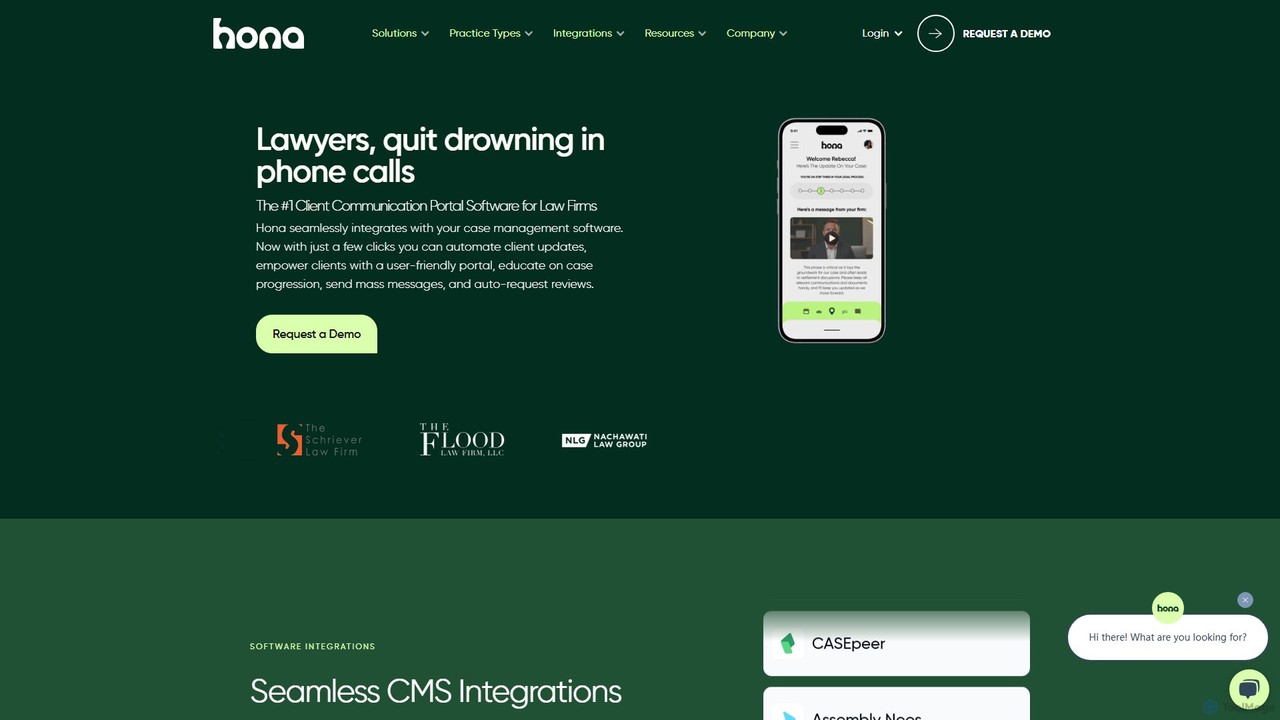
Hona is a client communication portal software designed specifically for law firms. It automates client updates, provides a secure portal for case tracking, and integrates seamlessly with major case management systems like Clio and CASEpeer. By streamlining communication, Hona helps lawyers reduce administrative workload, enhance client trust and transparency, and improve overall firm efficiency and reputation.
About Client Portal
Client Portal tools are AI-enhanced platforms that provide a secure, centralized online hub for businesses to interact with their clients. These tools leverage AI to streamline information access, facilitate secure communication, and enable self-service, significantly enhancing transparency and client satisfaction within the broader customer support ecosystem. They allow clients to independently access project updates, shared documents, invoices, and communicate directly with their service providers, fostering stronger relationships and reducing the need for direct support interactions.
Core Features
- Secure Document Sharing: Clients can securely upload, download, and review project-related documents and files.
- Project & Task Tracking: Provides real-time visibility into project progress, milestones, and assigned tasks.
- Integrated Communication: Offers secure messaging, chat, or ticketing systems for direct client-provider interaction.
- Billing & Invoice Management: Allows clients to view, download, and sometimes pay invoices directly within the portal.
- Custom Branding & Access Control: Businesses can brand the portal to match their identity and manage client permissions.
Applicable Scenarios
Professional service firms like marketing agencies, legal practices, and consulting groups use client portals to share confidential documents, track project progress, and manage client communications efficiently. SaaS companies can offer portals for account management, support ticket tracking, and knowledge base access. Freelancers and small businesses benefit from streamlined client onboarding and ongoing project collaboration.
How to Choose
When selecting a client portal tool, prioritize robust security features for data protection and compliance. Evaluate its integration capabilities with existing CRM, project management, or accounting software. Consider the level of customization available for branding and user permissions. Assess ease of use for both clients and internal teams, and ensure it offers essential features like document sharing, communication, and project tracking that align with your specific service delivery model.

Client PortalUse Cases
Streamline Project Collaboration for Agencies
A marketing agency uses a client portal to centralize all project-related communications, files, and progress updates. Account managers upload campaign assets, share performance reports, and track client feedback directly within the portal. Clients can log in at any time to review deliverables, approve content, and see real-time campaign analytics, reducing email clutter and ensuring everyone is aligned on project status and next steps.
Secure Document Exchange for Legal Firms
A law firm utilizes a client portal to securely exchange sensitive legal documents, contracts, and case updates with clients. Instead of relying on email, clients can upload required paperwork, access court filings, and review legal advice in a compliant, encrypted environment. This ensures data privacy, maintains an organized audit trail, and provides clients with immediate access to critical information.
Automate Client Onboarding for Consultants
A business consultant employs a client portal to automate the onboarding process for new clients. The portal hosts welcome packets, initial questionnaires, service agreements, and payment setup forms. New clients can complete all necessary steps independently, upload required documents, and schedule their initial consultation through the portal, significantly reducing administrative overhead and accelerating the start of engagements.
Centralize Support & Account Management for SaaS
A SaaS company provides a client portal where customers can manage their subscriptions, access product documentation, submit support tickets, and view their billing history. This self-service hub empowers users to find answers to common questions, track the status of their support requests, and update their account details without needing to contact customer service directly, improving efficiency and user satisfaction.
Enhance Transparency in Financial Services
Financial advisors use client portals to offer clients a secure view of their investment portfolios, financial plans, and transaction history. Clients can access personalized reports, review statements, and communicate with their advisor through encrypted channels. This enhances transparency, builds trust, and allows clients to stay informed about their financial health and progress towards goals.
Manage Property Information for Real Estate
A real estate agency implements a client portal for buyers and sellers. Buyers can view property listings, schedule showings, and access relevant documents like disclosures and contracts. Sellers can track showing feedback, review offers, and monitor the sales process. This centralizes information, simplifies communication, and provides a clear overview of the transaction for all parties involved.