Customer Support Best in category 2 results Documentation AI Tool

Popular AI tools in the Documentation field of Customer Support include guidde、Hexus, etc., helping you quickly improve efficiency.

Hexus

Hexus

Hexus is an AI-powered platform that enables teams to create, centralize, and optimize product content like interactive demos, …

2.6K
guidde

guidde

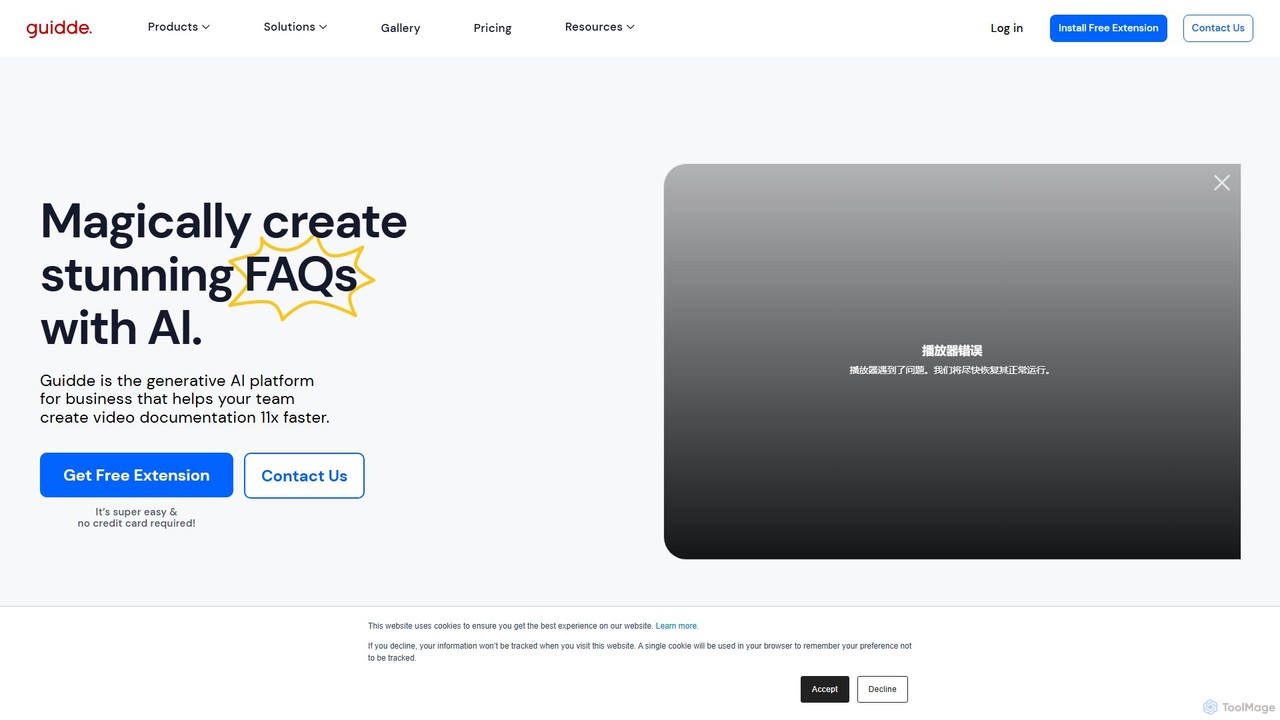
guidde is a generative AI platform that revolutionizes video documentation. It enables businesses to create professional how-to guides …

343.7K

About Documentation

AI Documentation tools are a specialized category within customer support solutions that leverage artificial intelligence to streamline the creation, management, and delivery of informational content. These tools are built upon advanced NLP, machine learning, and generative AI models, enabling them to automate the drafting of articles, organize complex information, and provide intelligent search capabilities. Their primary value lies in enhancing self-service options for customers and empowering internal teams with readily accessible, accurate knowledge, thereby reducing support load and improving user experience.

Core Features

  • Automated Content Generation: Automatically drafts articles, FAQs, and guides from raw data, notes, or existing content using generative AI.
  • Intelligent Search & Retrieval: Provides semantic search capabilities, allowing users to find relevant information quickly even with natural language queries.
  • Knowledge Base Management: Centralizes, organizes, and updates documentation, ensuring consistency and version control across all content.
  • Multi-language Support: Automatically translates and localizes documentation, making it accessible to a global audience.
  • Content Personalization: Delivers tailored documentation based on user roles, product usage, or specific queries, enhancing relevance.

Use Cases

AI documentation tools are essential for organizations that need to manage vast amounts of information efficiently and provide instant answers. Software companies use them to generate API documentation and user guides, while customer service departments deploy them to build comprehensive self-service portals. Technical writing teams leverage these tools to maintain up-to-date product manuals and internal wikis, ensuring all stakeholders have access to the latest information.

How to Choose

When selecting an AI documentation tool, consider its content generation capabilities, including the quality and accuracy of AI-drafted content. Evaluate its integration with existing customer support platforms and CRM systems for seamless workflows. Scalability is crucial for growing knowledge bases, as is the ease of use for content creators and end-users. Finally, assess its intelligent search features and multi-language support to meet diverse user needs.

DocumentationUse Cases

1

Automating Knowledge Base Article Creation

For customer support managers, AI documentation tools can significantly reduce the time and effort required to populate a knowledge base. By feeding the AI raw product specifications, common customer queries, or support ticket data, the system can automatically draft comprehensive articles, FAQs, and troubleshooting guides. This ensures a consistently updated and extensive self-service portal, empowering customers to find answers independently and reducing the volume of incoming support requests.

2

Generating Technical Documentation from Code

Software development teams and technical writers can utilize AI documentation tools to automatically generate and maintain API documentation, code comments, and developer guides. By integrating with version control systems and code repositories, the AI can analyze codebases, identify functions, parameters, and dependencies, then generate accurate and up-to-date technical specifications. This eliminates manual documentation efforts, ensures consistency, and accelerates the onboarding of new developers.

3

Creating User Manuals for New Products

Product teams launching new hardware or software can leverage AI documentation tools to rapidly produce detailed user manuals and onboarding guides. Inputting product features, usage scenarios, and design specifications allows the AI to structure and write clear, concise instructions. This accelerates time-to-market by streamlining the documentation process, ensuring users have immediate access to comprehensive guides upon product release.

4

Translating and Localizing Global Content

For international businesses, AI documentation tools offer robust multi-language support, enabling the automatic translation and localization of all documentation. This ensures that customers worldwide can access support content in their native language, improving user experience and global customer satisfaction. The AI maintains contextual accuracy and cultural nuances, making the translated content feel natural and reliable.

5

Maintaining Up-to-Date Internal Wikis and SOPs

Internal operations teams and HR departments can use AI documentation tools to keep internal wikis, standard operating procedures (SOPs), and training materials current. As company policies or processes evolve, the AI can automatically update relevant sections, cross-reference information, and notify stakeholders of changes. This ensures employees always have access to the most accurate and latest internal knowledge, fostering efficiency and compliance.

6

Personalizing Support Content for Specific Users

Customer success teams can deploy AI documentation tools to deliver highly personalized support content. Based on a user's product usage history, subscription level, or previous interactions, the AI can dynamically recommend or present documentation articles most relevant to their specific needs. This proactive approach enhances the user experience, reduces frustration, and guides users more effectively through complex features or troubleshooting steps.

DocumentationFrequently Asked Questions