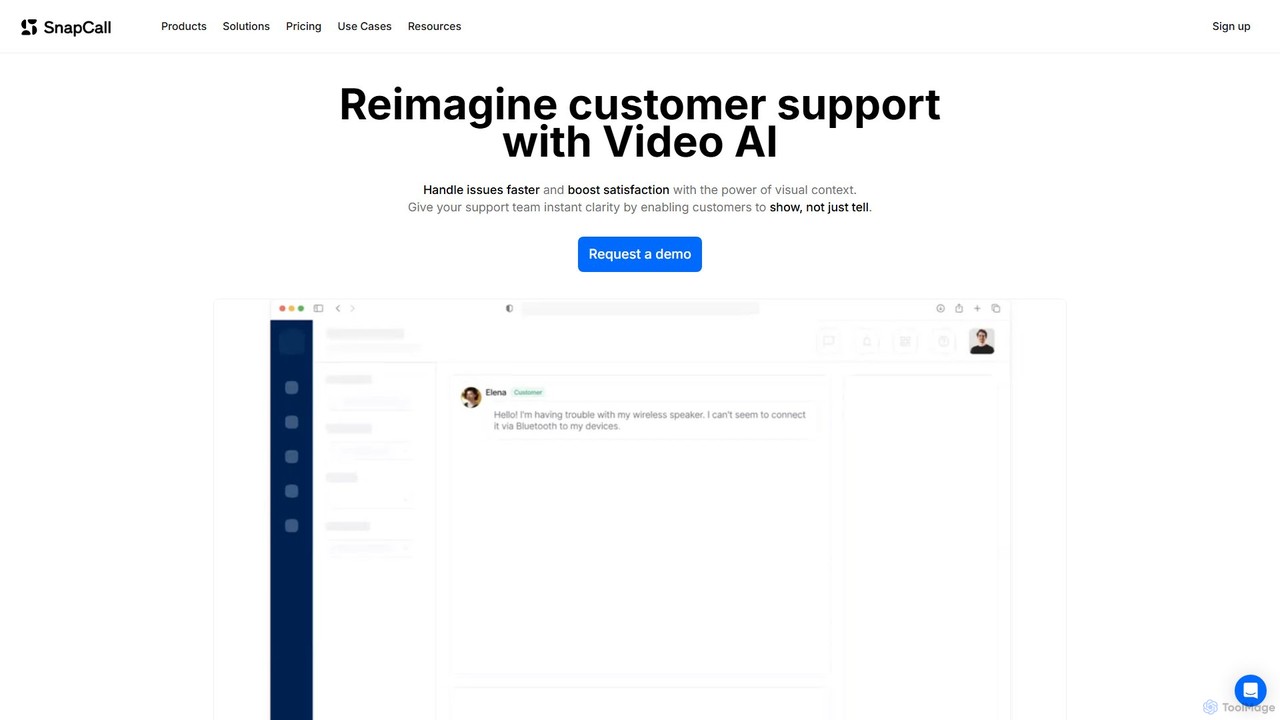
Video Support tools are AI-powered solutions specifically designed to elevate customer service and technical assistance through rich visual communication. These platforms leverage advanced artificial intelligence to facilitate real-time, interactive video calls, offering visual guidance and streamlined troubleshooting. By enabling support agents to see exactly what customers see, often augmented with intelligent overlays, these tools bridge the communication gap inherent in purely audio or text-based interactions. Integrating cutting-edge features like augmented reality (AR) annotations, AI-powered object recognition, and guided workflows, AI video support significantly improves problem resolution rates, drastically reduces service times, and profoundly enhances the overall customer experience, particularly for complex issues that demand visual context within the broader Customer Support ecosystem.
Core Features
- Real-time Visual Assistance: Facilitates live, two-way video communication, allowing agents to provide immediate visual guidance and observe customer environments directly for efficient problem diagnosis.
- Augmented Reality (AR) Annotations: Empowers agents to draw, highlight, or place digital markers and instructions directly onto the customer's live video feed or physical surroundings, making complex steps easy to follow.
- AI-powered Object Recognition: Automatically identifies products, components, error messages, or specific parts shown on video, instantly providing agents with relevant product manuals, troubleshooting guides, or knowledge base articles.
- Collaborative Screen Sharing: Enables agents to view and, with permission, interact with the customer's device screen, offering direct assistance for software-related issues or application setup.
- Session Recording & Analysis: Records entire video interactions for quality assurance, agent training, compliance, and identifying recurring issues to inform product improvements and FAQ development.
- Intelligent Guided Workflows: Presents agents with dynamic, step-by-step visual guides or prompts, powered by AI, that adapt based on the customer's live video feed and identified problem, ensuring consistent and effective support.
Use Cases
AI Video Support tools are indispensable across various sectors that demand hands-on assistance or visual diagnostics. In technical support, for electronics, home appliances, and IT, agents can visually guide users through intricate setup processes, complex repairs, or software troubleshooting, reducing the need for costly on-site visits. Field service teams utilize these tools for remote inspections, expert consultations, and pre-diagnosis, significantly cutting down dispatch costs and improving first-time fix rates. Furthermore, in healthcare, remote patient monitoring and guidance for medical device usage can be greatly enhanced, while retailers can offer personalized product demonstrations and styling advice, creating a more engaging customer journey.
How to Choose
When selecting an AI Video Support tool, prioritize its integration capabilities with your existing CRM, helpdesk, and knowledge management systems to ensure seamless data flow and agent workflows. Evaluate the robustness and accuracy of its augmented reality (AR) annotation features and AI object recognition, as these are critical for effective visual guidance. Consider the scalability of the platform to accommodate fluctuating call volumes and future growth, alongside its data security and compliance certifications, especially for sensitive industries. Finally, assess the ease of use for both agents and customers, the availability of comprehensive analytics, and the overall total cost of ownership, including pricing models and agent training requirements, to align with your operational budget and strategic goals.