
Kairo
Kairo is an AI-powered desktop assistant for macOS that integrates seamlessly into your workflow, eliminating the need to …
Kairo is an AI-powered desktop assistant for macOS that integrates seamlessly into your workflow, eliminating the need to switch applications for AI tasks. It offers smart text transformation, visual analysis of screenshots, and deep analysis of files directly from any app using simple keyboard shortcuts.
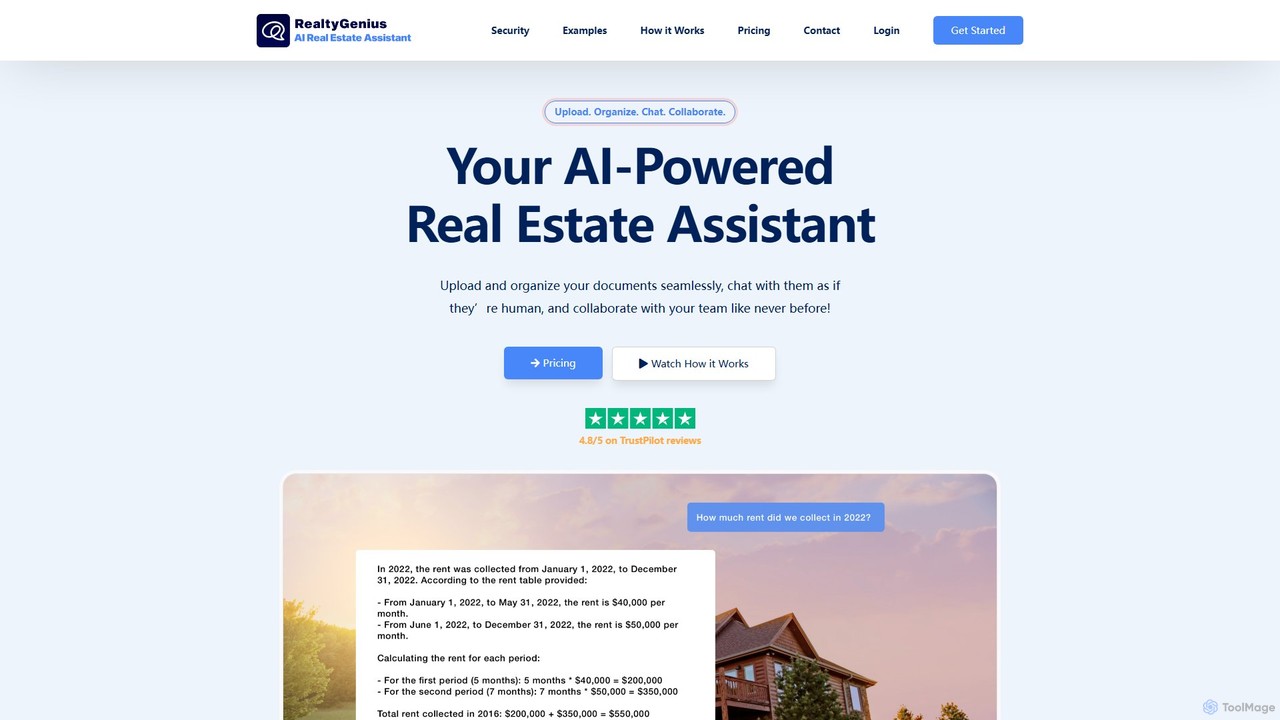
RealtyGenius.AI
RealtyGenius.AI is an AI-powered assistant for the real estate industry. It allows users to upload, organize, and interact …
RealtyGenius.AI is an AI-powered assistant for the real estate industry. It allows users to upload, organize, and interact with complex documents like leases, mortgages, and appraisals through a conversational chat interface. This secure platform streamlines document management, enhances team collaboration, and provides instant, accurate answers to complex questions, saving time and reducing errors for real estate professionals.
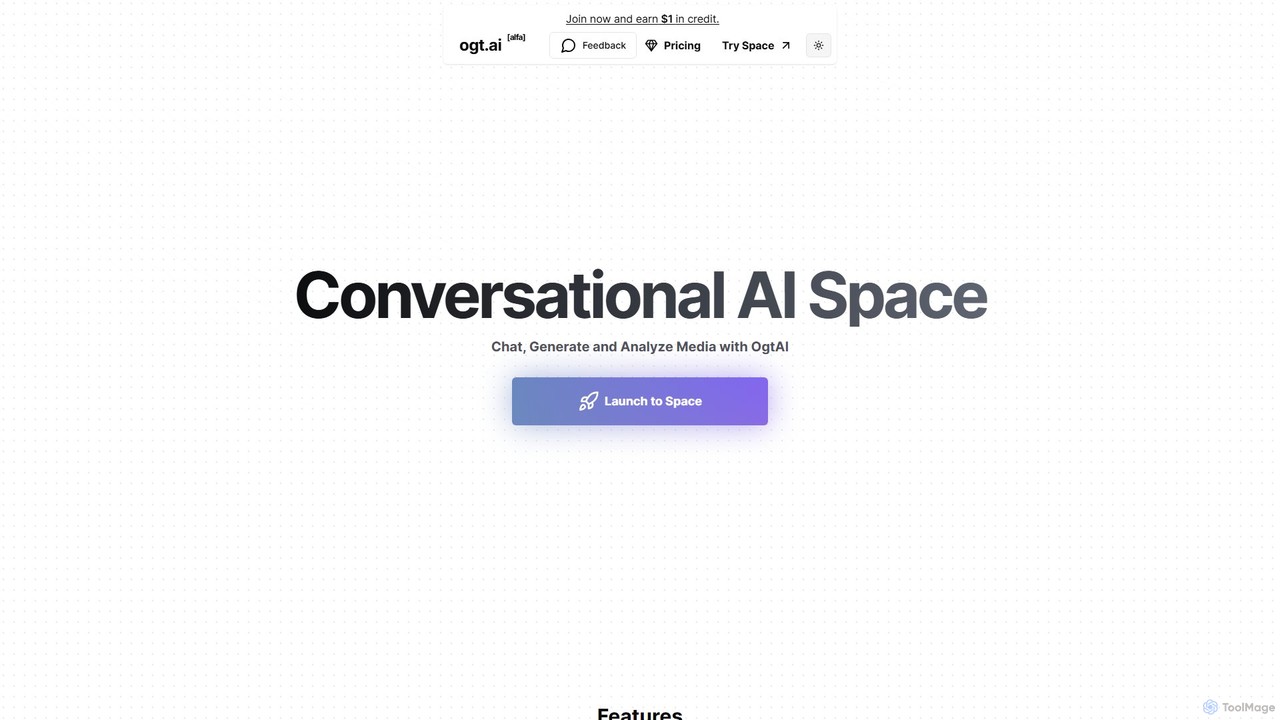
Ogt.ai
Ogt.ai is an all-in-one conversational AI platform that allows you to chat, generate, and analyze various media formats. …
Ogt.ai is an all-in-one conversational AI platform that allows you to chat, generate, and analyze various media formats. Interact with YouTube videos, webpages, documents (PDF, DOCX), and audio/video files. It also features a powerful AI image generator and a browser extension for real-time data access, making it a versatile tool for research, content creation, and data analysis.

Cogram
Cogram is an AI-powered platform specifically designed for the Architecture, Engineering, and Construction (AEC) industry. It acts as …
Cogram is an AI-powered platform specifically designed for the Architecture, Engineering, and Construction (AEC) industry. It acts as a central knowledge base, allowing architects, builders, and engineers to instantly find answers from vast project documentation, automate reporting, and analyze complex data. By connecting to all project files, Cogram helps teams reduce time spent on information retrieval, mitigate risks, and improve project outcomes.
About Document Analysis
Document Analysis tools are AI-powered solutions designed to extract, interpret, and organize valuable information from various types of documents. Leveraging advanced natural language processing (NLP), computer vision, and machine learning, these tools automate the processing of unstructured and semi-structured data, transforming raw text and images into actionable insights. This specialized area within data analysis significantly enhances efficiency and accuracy in handling large volumes of textual content, enabling better decision-making and operational streamlining.
Core Features
- Information Extraction: Automatically identifies and extracts specific data points like names, dates, amounts, and key phrases from documents.
- Text Summarization: Generates concise summaries of lengthy documents, highlighting main ideas and critical information.
- Sentiment Analysis: Determines the emotional tone (positive, negative, neutral) expressed within textual content in documents.
- Document Classification: Categorizes documents into predefined types (e.g., invoices, contracts, reports) based on their content and structure.
- Optical Character Recognition (OCR): Converts scanned images of text, handwritten or printed, into machine-readable text for further analysis.
Use Cases
Document Analysis tools are crucial for organizations dealing with extensive textual data, from legal firms and financial institutions to healthcare providers and customer service centers. They automate tedious manual tasks, accelerate information retrieval, and provide deeper insights from vast document repositories, supporting compliance, risk management, and strategic planning.
How to Choose
When selecting a Document Analysis tool, consider its accuracy in information extraction, support for various document formats (PDF, images, handwritten), scalability for processing large volumes, integration capabilities with existing systems, and compliance with data privacy regulations. Evaluate the tool's ability to handle specific industry jargon and its customization options for unique document types.
Document AnalysisUse Cases
Automating Invoice Data Extraction
Finance departments use document analysis tools to automatically extract vendor names, invoice numbers, line items, and total amounts from incoming invoices. This eliminates manual data entry, reduces errors, and accelerates payment processing, saving hours of administrative work daily.
Expediting Legal Contract Review
Legal professionals leverage these tools to quickly identify key clauses, obligations, and potential risks within large volumes of legal contracts. The AI can flag non-compliant terms or missing information, significantly speeding up due diligence and ensuring regulatory adherence.
Analyzing Customer Feedback from Surveys
Marketing and product teams utilize document analysis to process open-ended responses from customer surveys, emails, and reviews. Tools can identify common themes, sentiment, and emerging issues, providing actionable insights to improve products and services.
Summarizing Academic Research Papers
Researchers and academics employ document analysis to generate concise summaries of lengthy scientific articles and journals. This helps them quickly grasp the core findings and methodologies, accelerating literature reviews and knowledge acquisition.
Interpreting Patient Medical Records
Healthcare providers use these tools to extract critical patient information, diagnoses, and treatment plans from unstructured clinical notes and medical reports. This aids in faster patient intake, accurate billing, and comprehensive health data management while maintaining privacy.
Streamlining Real Estate Document Processing
Real estate agencies apply document analysis to automatically extract property details, lease terms, and applicant information from various forms like rental applications and property deeds. This reduces manual processing time, minimizes errors, and speeds up transactions.