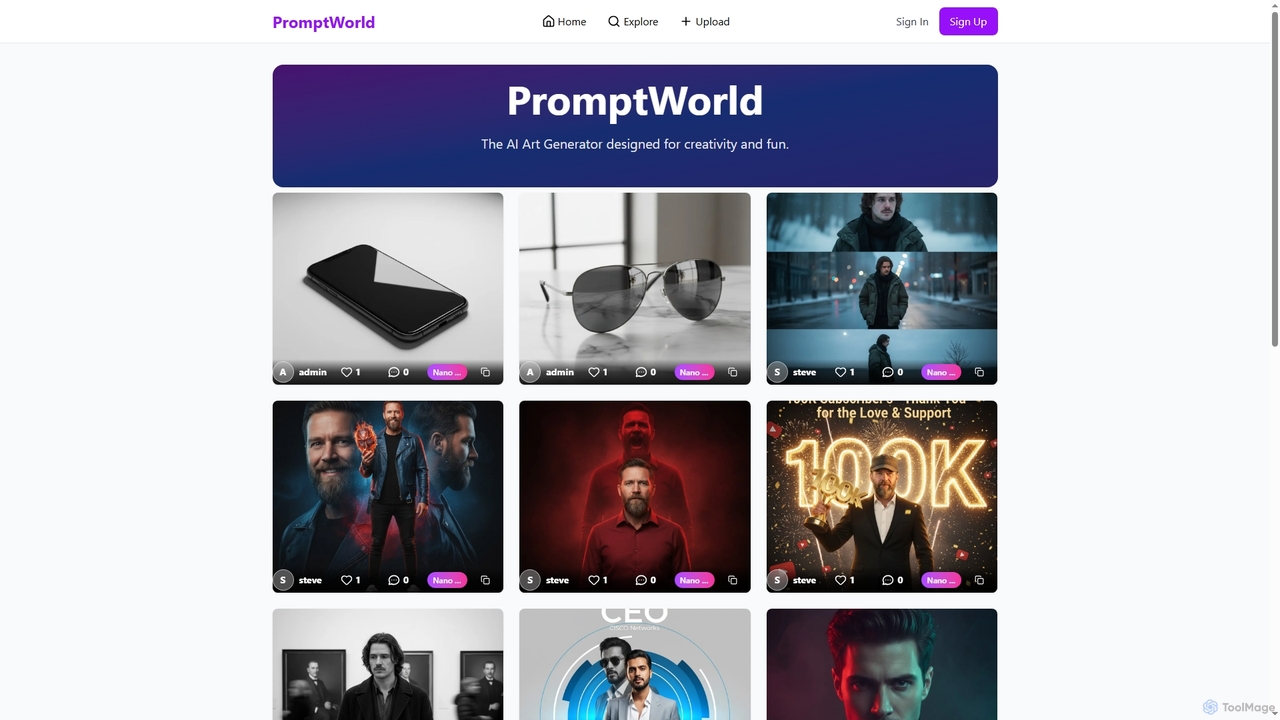
Gallery AI tools are intelligent platforms designed to manage, organize, and enhance visual assets using artificial intelligence, serving as a crucial component within the broader design ecosystem. These tools leverage advanced AI algorithms for automatic tagging, smart search, and sophisticated content curation, significantly streamlining the handling of vast visual libraries. They empower designers, marketers, and content creators to efficiently discover, utilize, and even generate visual content, acting as a central, intelligent hub for all visual resources. This integration of AI transforms static asset collections into dynamic, searchable, and highly accessible visual databases, accelerating creative workflows and fostering innovation.
Core Features
- Intelligent Tagging & Semantic Search: Automatically categorizes and tags visual assets with highly relevant keywords and concepts, enabling users to perform precise semantic searches beyond simple file names or manual tags.
- AI-Powered Content Curation & Recommendation: Utilizes AI to analyze project context, user preferences, and stylistic attributes, suggesting highly relevant images, designs, or artistic inspirations to accelerate creative decision-making.
- Centralized Visual Asset Management: Provides a robust, scalable system for storing, previewing, and organizing diverse visual formats, including high-resolution images, videos, 3D models, and vector graphics, ensuring easy access and version control.
- Creative Enhancement & Style Transfer: Offers AI-driven functionalities such as applying artistic styles, upscaling image resolution without quality loss, intelligent background removal, and color correction, directly within the gallery environment.
- Seamless Collaboration & Version Control: Facilitates efficient team collaboration by tracking changes to assets, managing different versions, and enabling seamless sharing, commenting, and feedback loops among team members.
Applicable Scenarios
AI Gallery tools are indispensable for professionals who manage extensive visual content and require efficient access and organization. Graphic designers utilize these platforms to meticulously manage project-specific assets, ensuring quick retrieval of brand elements, mockups, and final designs across various iterations. Marketing teams leverage AI galleries to rapidly find campaign-specific visuals, ensuring brand consistency and accelerating content creation. Digital artists and illustrators discover new styles and inspirations through AI-curated collections, pushing creative boundaries. Furthermore, these tools are vital for e-commerce platforms managing vast product image libraries and for media companies organizing video and image archives.
How to Choose
When selecting an AI Gallery tool, prioritize the depth and accuracy of its AI capabilities, particularly in automatic tagging, semantic search, and intelligent recommendation algorithms. Evaluate the breadth of supported asset types, ensuring it handles all your required formats, from standard images to complex 3D models. Crucially, assess its integration potential with your existing design software (e.g., Adobe Creative Suite) and content management systems. Consider the scalability of its storage capacity and performance for growing asset libraries, alongside robust collaboration features for team-based projects. Finally, a user-friendly interface and strong security protocols are essential for efficient and safe asset management.