Image Editor
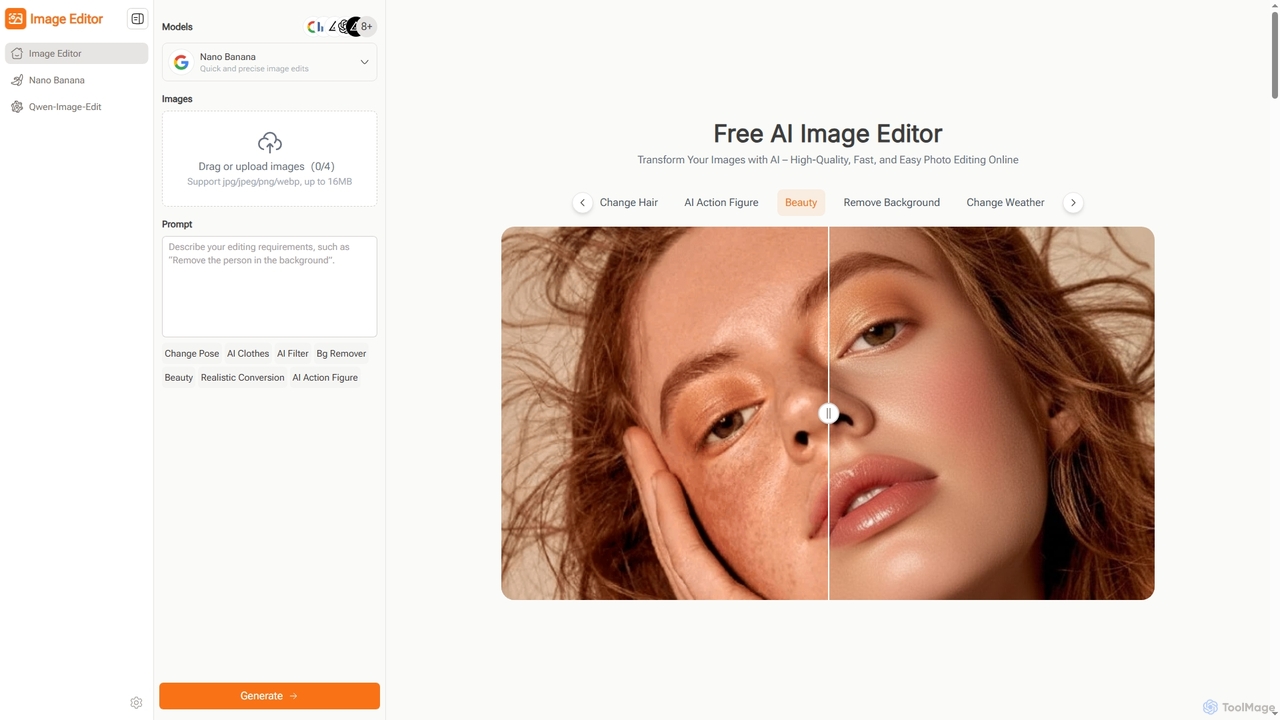
Image Editor is a free, AI-powered online tool designed for quick and high-quality photo editing. It allows users …
Image Editor is a free, AI-powered online tool designed for quick and high-quality photo editing. It allows users to transform images using natural language prompts, offering features like background removal, pose adjustment, style transfer, and multi-image blending without requiring sign-up or complex software.
About Generative Visuals
Generative Visuals are AI-powered tools that automatically create new images, videos, 3D models, and other visual content from textual descriptions, sketches, or existing data. These tools leverage advanced deep learning models, such as Generative Adversarial Networks (GANs) and Diffusion Models, to interpret prompts and synthesize unique, high-quality visual assets. They empower designers, marketers, and artists to rapidly prototype ideas, explore diverse styles, and produce vast amounts of creative content with unprecedented speed and scale, significantly expanding the possibilities within the broader design landscape.
Core Features
- Text-to-Image Generation: Transform descriptive text prompts into detailed and imaginative visual artworks or realistic images.
- Style Transfer: Apply the artistic style of one image to the content of another, creating unique blended visuals.
- Image-to-Image Translation: Convert images from one domain to another, such as sketches to photorealistic renders or day to night scenes.
- Video & 3D Generation: Synthesize short video clips or basic 3D models from text prompts or existing visual inputs.
- Variations & Iterations: Generate multiple stylistic or compositional variations of an initial visual concept for rapid exploration.
Use Cases
Generative Visuals tools are indispensable for creative professionals across various industries. Graphic designers use them to quickly generate mood boards and concept art, while marketing teams leverage them for creating diverse ad creatives and social media content. Game developers can rapidly prototype character designs and environmental assets, and architects can visualize different design options for their projects.
How to Choose
When selecting a Generative Visuals tool, consider the specific type of content you need to generate (images, video, 3D), the quality and resolution of the output, and the ease of use of the prompting interface. Evaluate the available style controls, customization options, and integration capabilities with your existing design workflows. Pricing models, community support, and the ability to fine-tune models with custom data are also crucial factors.

Generative VisualsUse Cases
Rapidly Generate Marketing Ad Creatives
Marketing professionals can input product descriptions and target audience demographics to instantly generate dozens of unique ad banners, social media posts, and promotional images. This allows for A/B testing different visual concepts without extensive manual design work, significantly accelerating campaign launches and optimizing visual engagement.
Design Game Character Concepts and Assets
Game artists and designers can use generative tools to quickly visualize character concepts, environmental textures, and prop designs. By providing text prompts or basic sketches, they can explore countless stylistic variations and iterations, streamlining the initial ideation phase and reducing the time spent on concept art development.
Create Unique Illustrations for Content Creation
Content creators, bloggers, and publishers can generate bespoke illustrations and featured images for articles, blog posts, and presentations. Instead of relying on stock photos or commissioning artists, they can describe their desired visual, ensuring unique and contextually relevant imagery that enhances storytelling and reader engagement.
Visualize Architectural and Interior Design Concepts
Architects and interior designers can leverage generative visuals to quickly render different design options for spaces, facades, or furniture. By inputting floor plans or basic 3D models and descriptive text, they can explore various material palettes, lighting conditions, and aesthetic styles, aiding client presentations and design iterations.
Develop Fashion Design Prototypes and Mood Boards
Fashion designers can use these tools to generate new garment patterns, textile designs, or entire outfit concepts based on themes, colors, or historical styles. This enables rapid prototyping of collections, creation of diverse mood boards, and visualization of design ideas before committing to physical samples, fostering innovation and efficiency.
Enhance E-commerce Product Visuals with Variations
E-commerce businesses can generate multiple lifestyle images, background variations, or contextual scenes for their product listings. By providing a product image and a descriptive prompt, they can create diverse visual narratives around their products, improving product presentation and potentially increasing conversion rates without costly photoshoots.