Wand
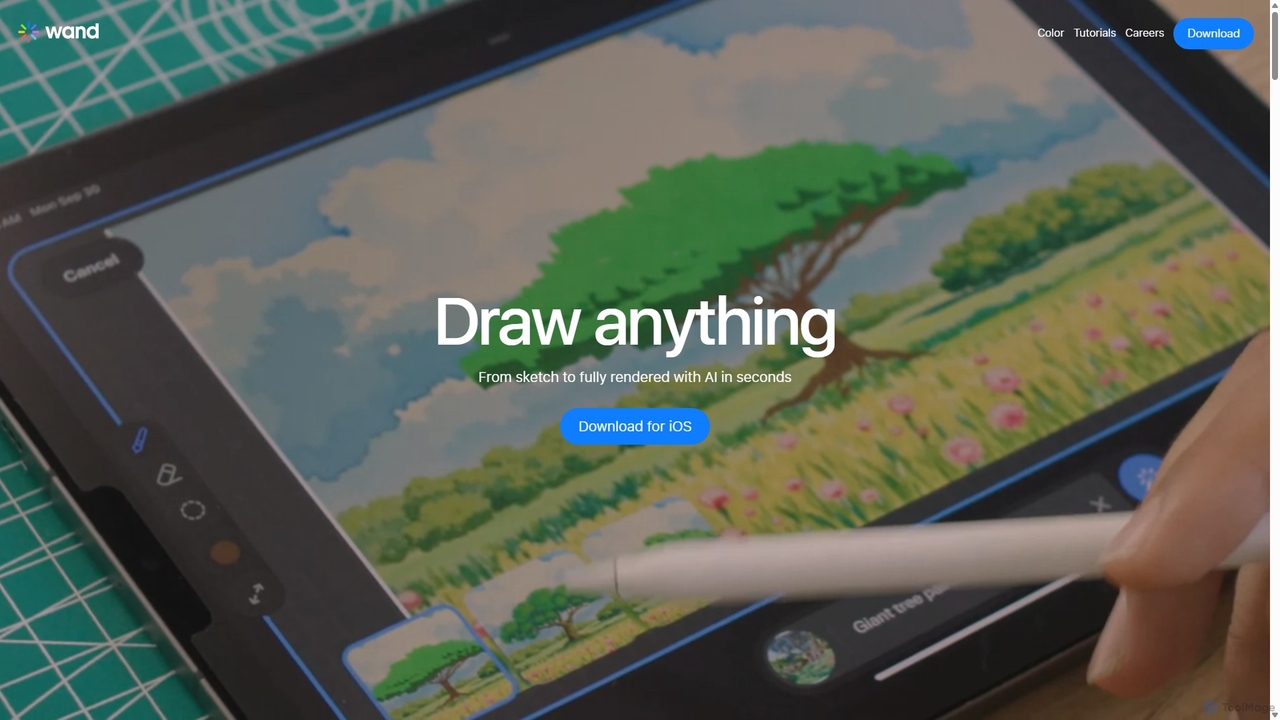
Wand is a revolutionary AI-powered art studio for iPhone and iPad. It seamlessly blends your drawing skills with …
Wand is a revolutionary AI-powered art studio for iPhone and iPad. It seamlessly blends your drawing skills with powerful AI features like a custom brush engine, preloaded style libraries, and instant coloring. Designed for artists, designers, and students, Wand accelerates the creative process, allowing you to explore new techniques, refine details with precision, and produce professional-quality artwork faster than ever before.
Clip Studio Paint
Clip Studio Paint is the all-in-one digital creation software for illustration, comics, manga, and animation. Loved by over …
Clip Studio Paint is the all-in-one digital creation software for illustration, comics, manga, and animation. Loved by over 35 million artists, from beginners to professionals, it offers a natural drawing feel, powerful vector tools, 3D model integration, and a vast library of customizable brushes and assets to bring any creative vision to life.
Muse Pro
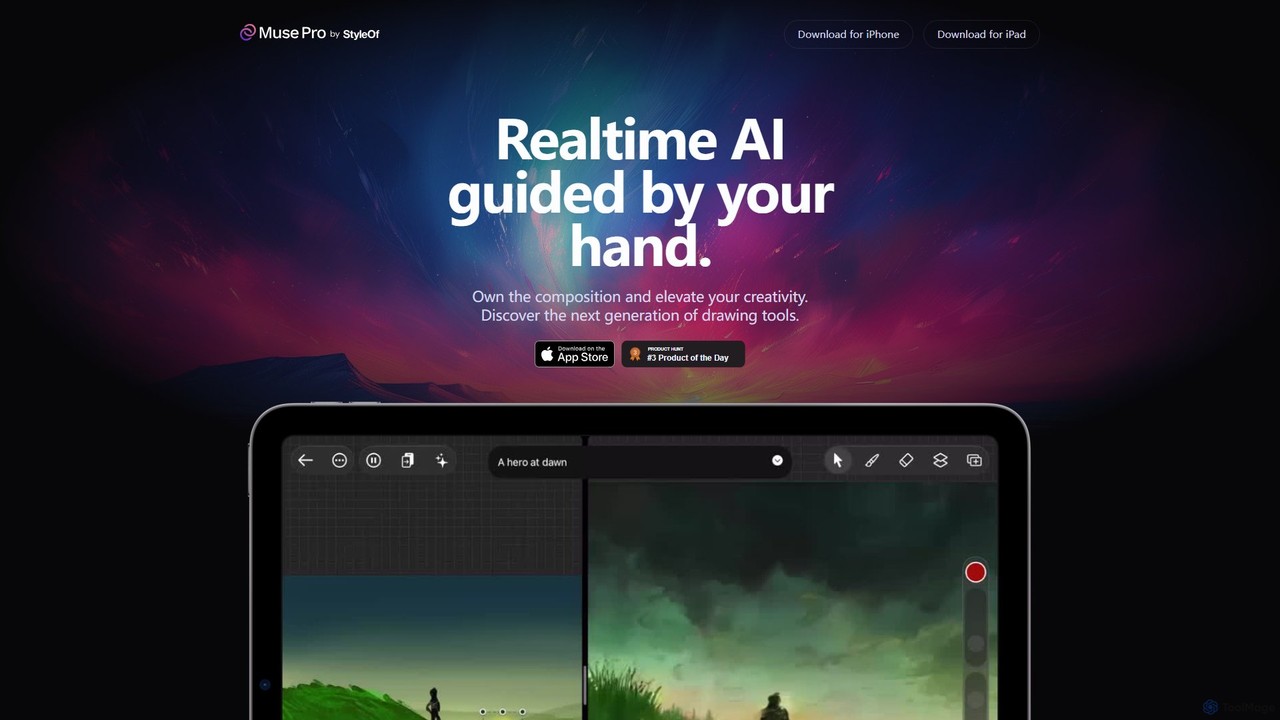
Muse Pro is a revolutionary iPad drawing app that merges your creative strokes with real-time AI assistance. Guided …
Muse Pro is a revolutionary iPad drawing app that merges your creative strokes with real-time AI assistance. Guided by your hand and text prompts, it allows artists to co-create stunning visuals, explore endless variations, and enhance their work with powerful, intuitive tools. It's the next generation of digital art, where you are always in control of the composition.
Doodlemorph AI
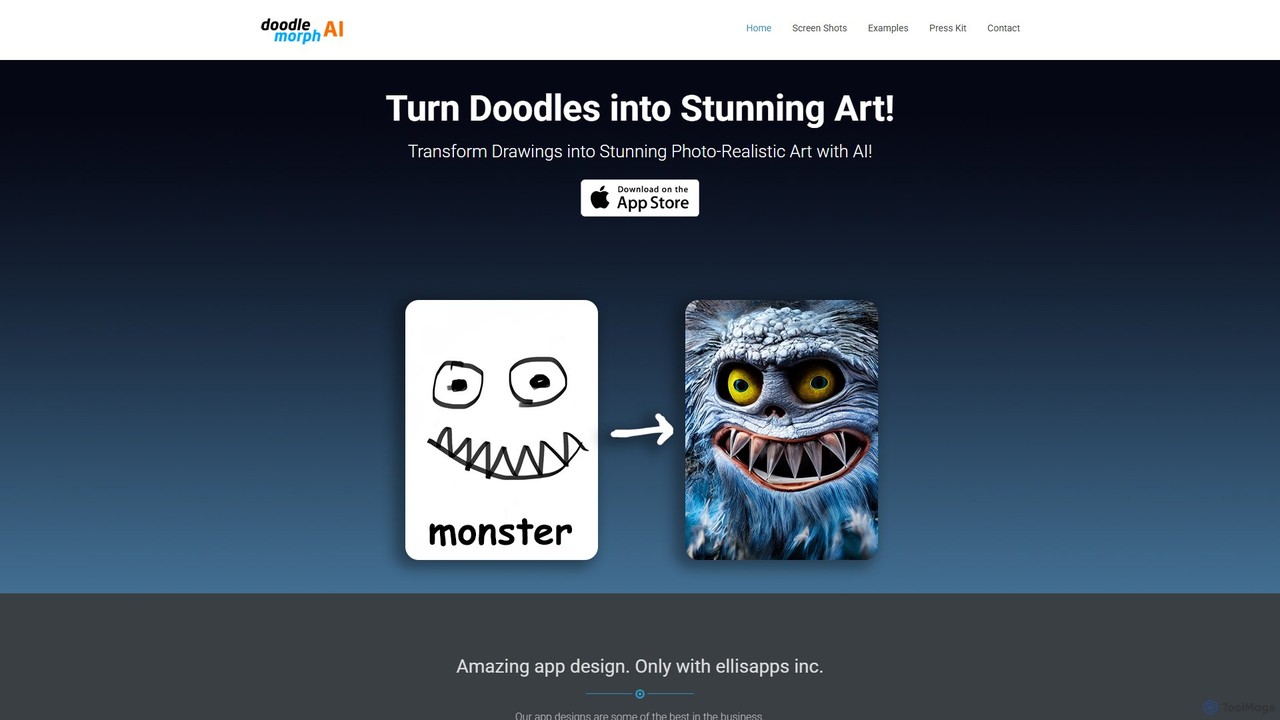
Doodlemorph AI is a mobile app that transforms your simple doodles and sketches into stunning, photo-realistic, or stylized …
Doodlemorph AI is a mobile app that transforms your simple doodles and sketches into stunning, photo-realistic, or stylized works of art using advanced AI. Unleash your creativity by turning rough ideas into detailed masterpieces in seconds, with various artistic styles.
About Illustration
AI Illustration tools are a specialized category of software that uses generative AI to create artistic, non-photorealistic visuals. These tools leverage advanced models trained on vast datasets of artwork to translate text prompts, sketches, or existing images into unique illustrations in various styles. They empower users to produce high-quality graphics for digital media, print, and product design, significantly accelerating the creative workflow. Unlike general image generators, AI illustration tools focus on specific artistic aesthetics like vector art, cartoons, watercolors, and sketches.
Core Features
- Style-Specific Generation: Creates illustrations in distinct artistic styles such as anime, comic book, flat design, or isometric.
- Text-to-Illustration: Translates detailed text descriptions into complex and coherent illustrative scenes or characters.
- Sketch-to-Illustration: Transforms rough digital or scanned sketches into clean, colored, and polished final artwork.
- Vector Graphic Output: Generates scalable vector graphics (SVG) that can be resized without loss of quality, ideal for logos and UI elements.
- Character Consistency: Maintains the appearance and style of a character across multiple generated images for storytelling.
Use Cases
These tools are widely used by graphic designers, marketers, content creators, and game developers. For instance, a marketing team can quickly generate custom spot illustrations for a blog post or social media campaign. Indie game developers use them to prototype character designs and environment concepts, while authors can visualize scenes for book covers and children's stories without needing advanced drawing skills.
How to Choose
When selecting an AI Illustration tool, consider the range of available art styles and whether they match your brand's aesthetic. Evaluate the output format; choose tools that generate vector graphics (SVG) for design work requiring scalability. Assess the level of control offered, such as the ability to refine compositions, adjust colors, and use negative prompts. Finally, consider its integration capabilities with existing design software like Adobe Illustrator or Figma to ensure a smooth workflow.
IllustrationUse Cases
Creating Custom Blog Post Illustrations
A content marketer needs unique visuals for a series of blog posts to increase reader engagement. Instead of using generic stock photos, they use an AI Illustration tool. By inputting key concepts from each article as text prompts, such as 'a friendly robot helping a person with data analysis, flat illustration style,' the tool generates several on-brand illustrations in minutes. This allows the marketer to maintain a consistent and professional visual identity across their content, saving significant time and budget compared to hiring a freelance illustrator.
Prototyping Game Character Concepts
An indie game developer is in the early stages of designing a new fantasy game. To quickly explore visual ideas for the main character, they use an AI Illustration tool. They input descriptions like 'female elf rogue with glowing daggers, anime concept art style' and generate dozens of variations. This process helps the developer rapidly iterate on character designs, test different aesthetics, and create a mood board for the art team, all before committing resources to detailed 3D modeling. It accelerates the pre-production phase and fosters creative exploration.
Generating Vector Icons for a Mobile App
A UI/UX designer is building a new mobile application and needs a set of unique, consistent icons for the navigation bar. Using an AI Illustration tool that specializes in vector graphics, they input prompts like 'simple line icon of a house for home screen, minimalist style, SVG format'. The tool generates several vector options that can be immediately downloaded as SVG files. The designer can then easily edit the colors and line weights in a vector editor like Figma or Illustrator to perfectly match the app's design system, ensuring crisp, scalable icons on all screen sizes.
Visualizing Scenes for a Children's Book
An author writing a children's book has clear ideas for the story's scenes but lacks drawing skills. They use an AI Illustration tool with a whimsical, storybook style. By describing a scene, such as 'a small, brave mouse wearing a red scarf standing on a giant mushroom, watercolor style,' they can generate multiple visual interpretations. This helps the author create a compelling pitch for publishers, provide a clear visual guide for a professional illustrator, or even self-publish with unique, AI-generated artwork, making the storytelling process more accessible.
Creating Storyboards for an Animated Short
An animator is planning a short animated film and needs to quickly create a storyboard to visualize the sequence of shots. They use an AI Illustration tool to generate key frames for each scene. By inputting descriptions of the action, character positions, and camera angles (e.g., 'wide shot of a robot waving goodbye on a rainy street, cinematic, comic book style'), they can produce a full storyboard in a fraction of the time it would take to draw by hand. This allows for rapid adjustments to the narrative flow and composition before starting the labor-intensive animation process.
Designing Custom T-Shirt Graphics
A small e-commerce business owner wants to sell t-shirts with unique, artistic designs. Without a design background, hiring an artist for each idea is costly. They turn to an AI Illustration tool to bring their concepts to life. By using prompts like 'a majestic wolf howling at a geometric moon, line art style, black and white', they can generate a variety of print-ready designs. This enables them to test different product ideas quickly, create a diverse catalog of original merchandise, and launch new products without significant upfront design costs.