
Plurana
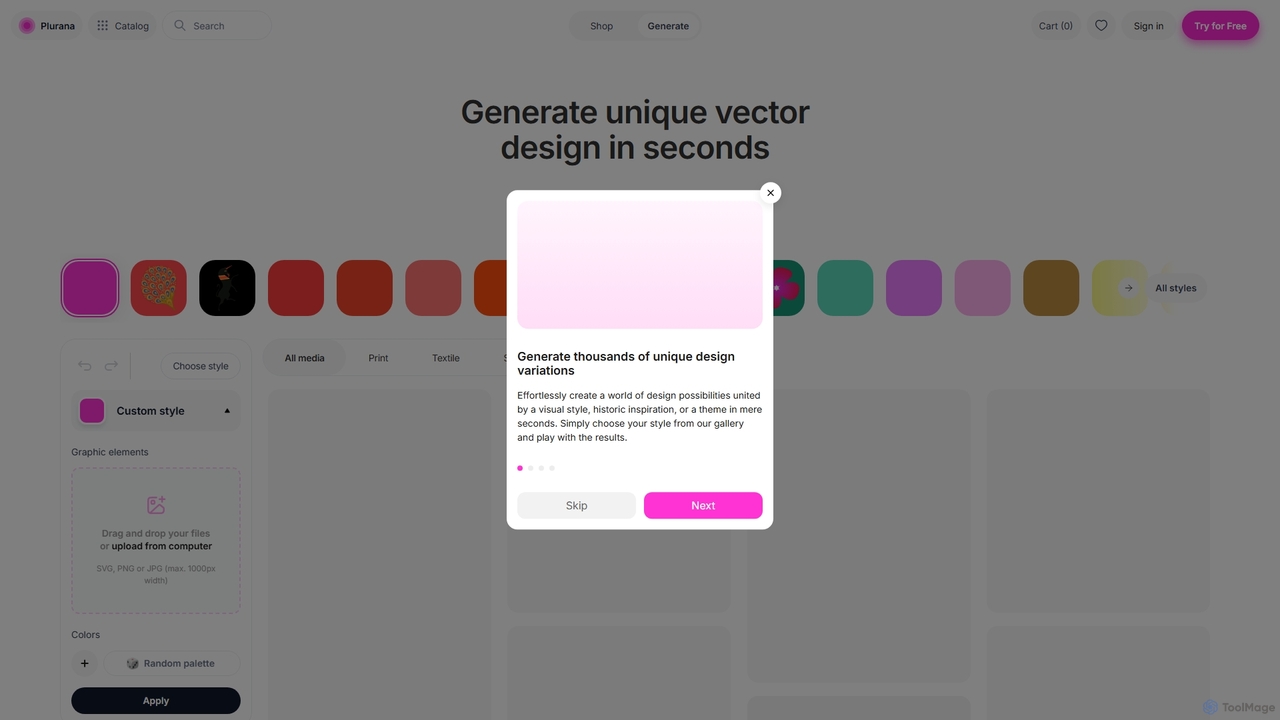
Plurana is an AI-powered platform that generates unique, editable vector designs and patterns in seconds. Ideal for graphic …
Plurana is an AI-powered platform that generates unique, editable vector designs and patterns in seconds. Ideal for graphic designers, artists, and creators, it offers a vast library of styles and assets to kickstart creativity for print, textiles, and digital media.
About Vector Illustration
AI Vector Illustration tools are a class of software that uses artificial intelligence to generate scalable graphics from text prompts or images. These tools create images using mathematical paths and points, not pixels, which ensures they can be resized to any dimension without losing quality. This capability is essential for creating crisp, clean graphics for everything from small icons to large billboards. They streamline the design process by automating the creation of logos, icons, and complex illustrations, offering a powerful alternative to manual vector drawing.
Core Features
- Text-to-Vector Generation: Create complex and editable vector graphics directly from simple text descriptions.
- Image-to-Vector Conversion: Automatically trace and convert raster images (like JPEGs) into clean, scalable vector formats (SVG).
- Style Consistency Control: Apply and maintain a consistent visual style, including line weight and color palettes, across a set of generated icons or illustrations.
- Editable SVG Output: Export designs as standard SVG files, allowing for full editing of paths, nodes, and colors in professional design software.
Use Cases
These tools are widely used by graphic designers for rapid logo and icon prototyping, marketers for creating scalable brand assets for campaigns, and UI/UX designers for generating consistent icon sets for applications and websites. They are also valuable for businesses needing to convert low-resolution logos into high-quality vector formats for print and merchandise.
How to Choose
When selecting a tool, evaluate the quality and cleanliness of the generated vector paths. Check for essential export options like SVG, AI, and EPS. Assess the built-in editing capabilities for post-generation refinement. Finally, consider its integration with your existing design workflow, such as plugins for Figma or Adobe Illustrator.
Vector IllustrationUse Cases
Rapid Logo and Icon Prototyping
A graphic designer working for a startup needs to generate multiple logo concepts quickly. By inputting prompts like 'minimalist geometric fox logo for a tech company,' the AI tool produces dozens of unique, scalable vector options in minutes. This process, which would typically take hours of manual sketching and refinement, is drastically accelerated. The designer can then select the most promising concepts, export them as SVG files, and perform final adjustments in Adobe Illustrator, presenting a wide range of high-quality options to the client in a fraction of the time.
Creating Scalable Marketing Illustrations
A marketing team needs custom illustrations for a multi-channel campaign, including social media posts, a website landing page, and a large printed banner. Using an AI vector tool, they generate a core illustration with a prompt like 'team collaborating on a project, flat design style, brand colors.' The resulting SVG graphic can be scaled infinitely. It can be used as a small icon on the website and enlarged to cover an entire trade show banner without any pixelation or loss of quality, ensuring brand consistency and saving significant time and budget compared to commissioning separate assets for each format.
Generating Consistent UI/UX Icon Sets
A UI/UX designer is tasked with creating a set of 50 unique icons for a new mobile app, all of which must share a consistent visual style. Instead of drawing each one manually, the designer uses an AI tool. They generate a primary icon, such as a 'user profile line icon,' and then use the tool's style-lock feature to generate the remaining 49 icons (e.g., for settings, home, search) with the same line weight, corner radius, and aesthetic. This ensures perfect uniformity across the entire set and reduces the creation time from days to just a few hours, allowing for faster iteration on the app's design system.
Converting Raster Logos to Vector Format
A print shop receives an order to print t-shirts for a local business, but the client only has their logo as a low-resolution JPEG file. This file is unsuitable for high-quality printing. Instead of manually retracing the logo, which is time-consuming and requires skill, an employee uses an AI vector tool's image-to-vector feature. They upload the JPEG, and the AI automatically traces the image, converting it into a clean, editable SVG file in seconds. After a few minor touch-ups, the logo is print-ready, saving hours of labor and ensuring a crisp, professional result on the final merchandise.
Designing Custom Merchandise Graphics
An independent artist wants to launch a print-on-demand store selling t-shirts and mugs with unique designs. Lacking advanced digital drawing skills, they use an AI vector illustration tool to bring their ideas to life. They input creative prompts like 'cyberpunk cat wearing sunglasses, line art style' or 'art nouveau floral pattern.' The AI generates intricate, original vector graphics that are immediately ready for printing processes. This allows the artist to create a large and diverse product catalog quickly, test different design concepts without a large time investment, and focus on marketing their store.
Automating Infographic Element Creation
A data analyst needs to create a compelling infographic to present their findings. Instead of relying on generic, overused stock icons, they use an AI vector tool to generate custom elements that perfectly match the data. For a report on renewable energy, they can prompt for 'vector icon of a wind turbine' or 'stylized solar panel illustration.' This allows for the rapid creation of a library of bespoke, thematically consistent visual aids. The final infographic is more engaging and professional, effectively communicating complex information while maintaining a unique visual identity.